UPLIFT DESK KIT011 Ultimate Wire Management Kit Instruction Manual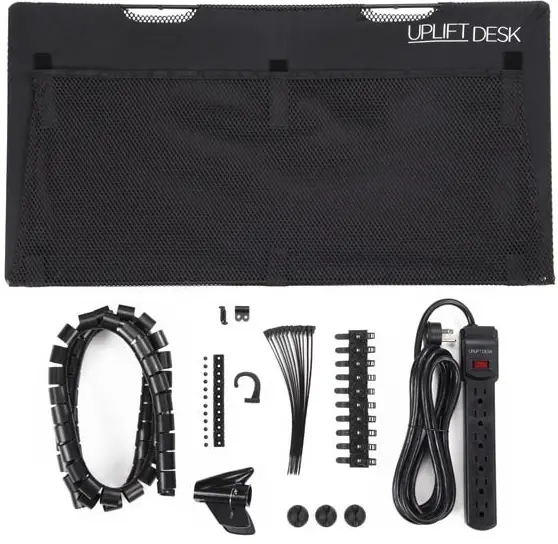
Package Contents
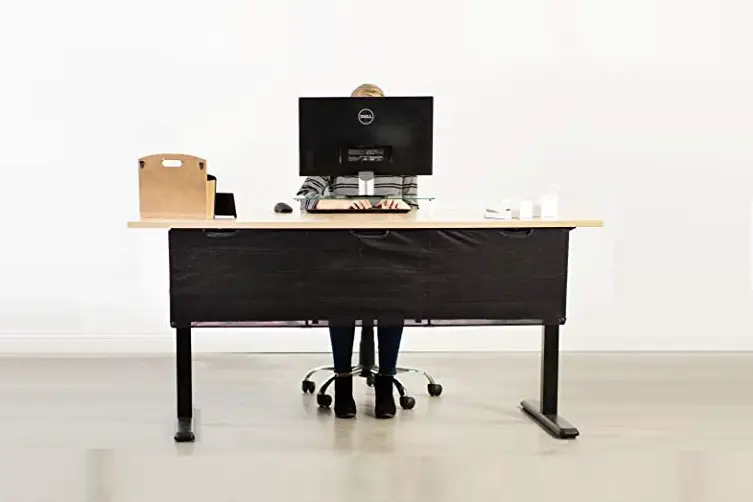
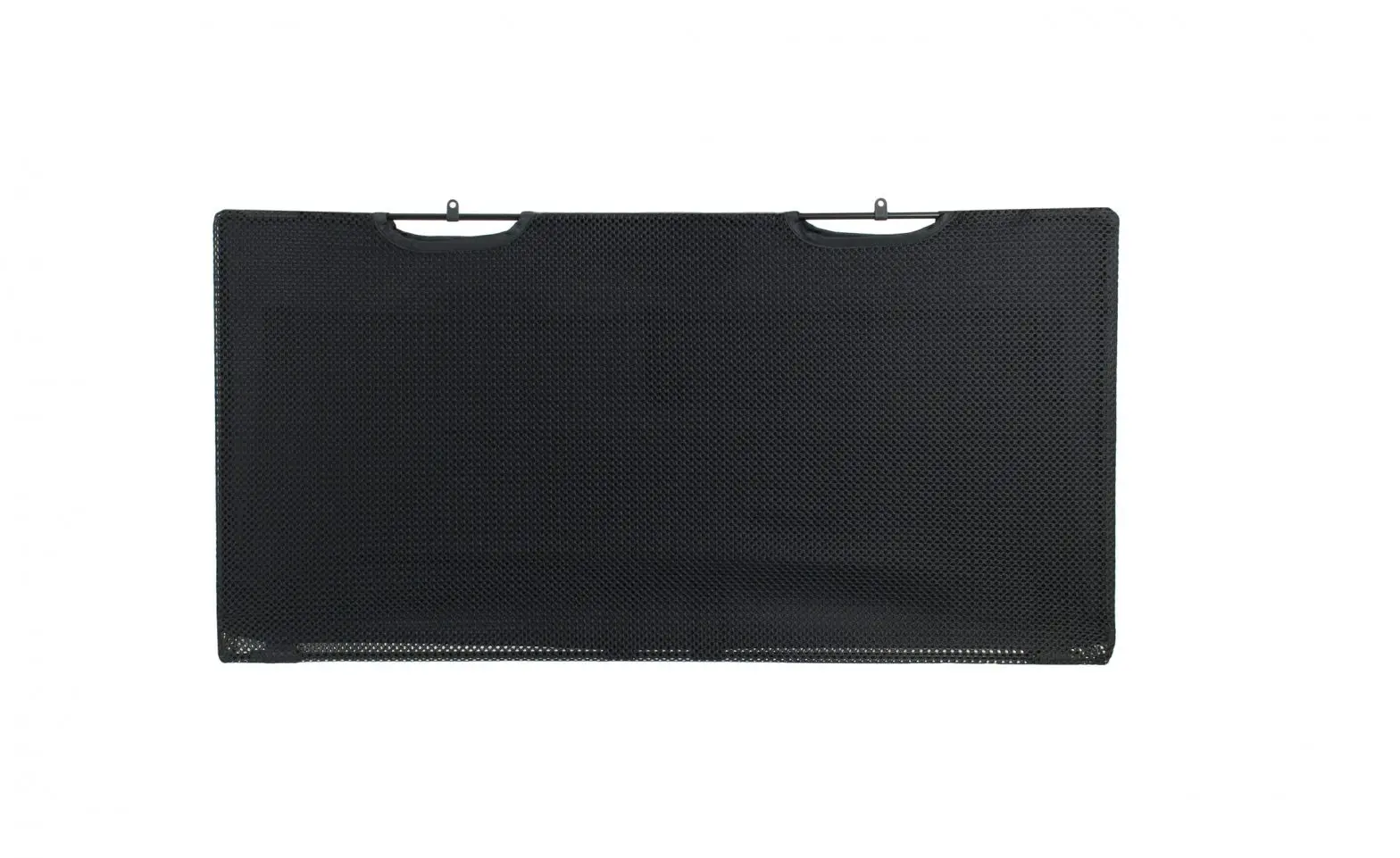
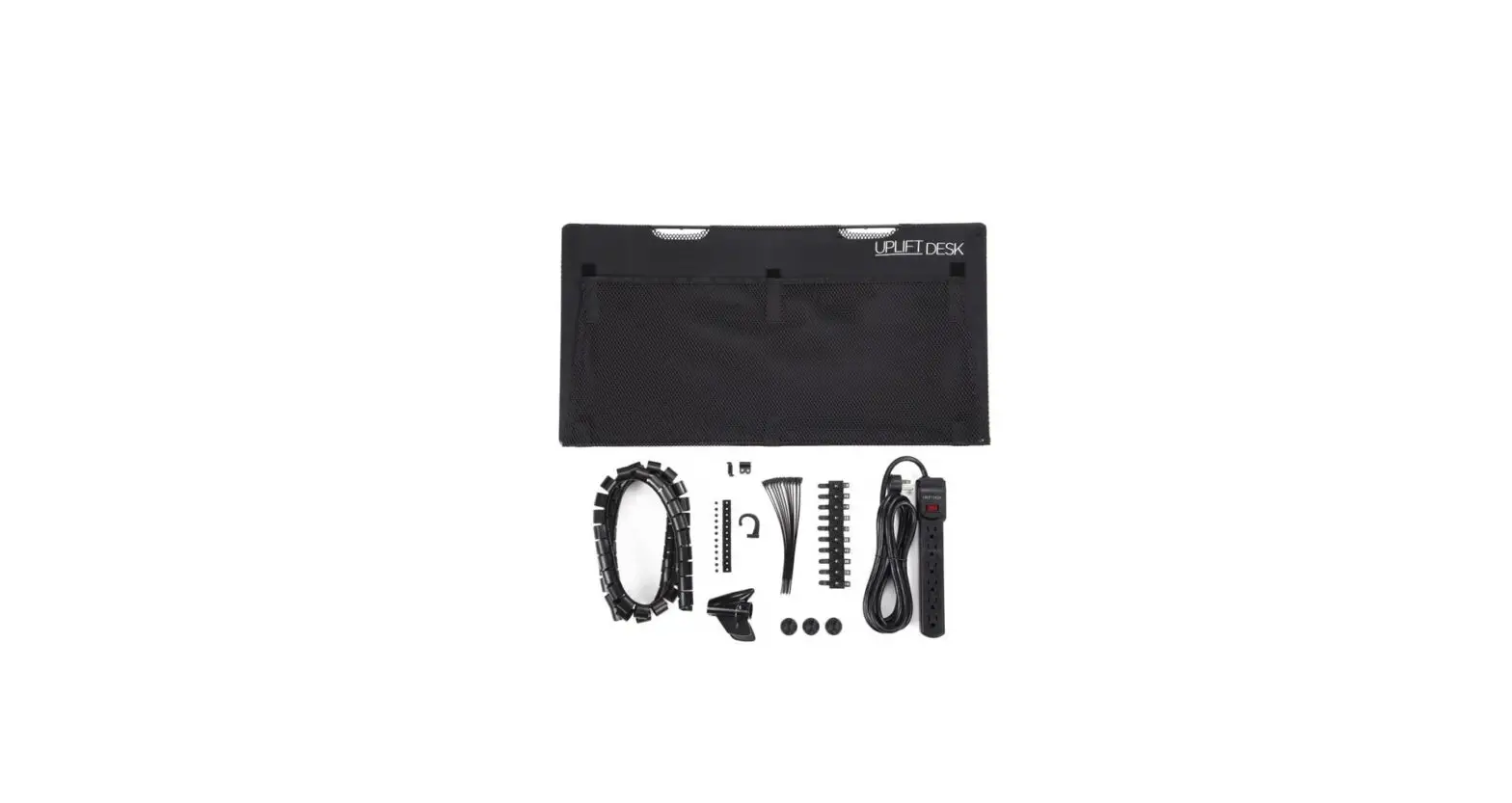
- Modesty Panel (available in six widths: 29’’, 42’’, 48’’, 60’’, 72’’, 80’’)
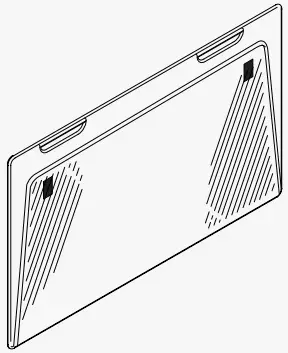
- Mounting clips (qty 2 or 3 depending on panel size)

- 1/2’’ Screws (qty 2 or 3 depending on panel size)
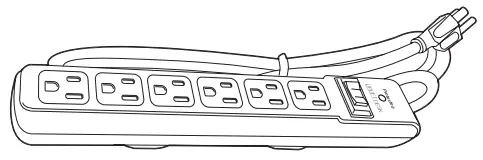
- Surge protector
- #4×3/8’’ screws (qty. 22)

- Screw-in cable mounts (qty. 12)
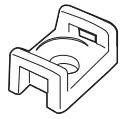
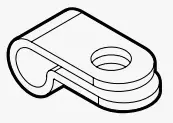
- Cable management clips (qty. 3)
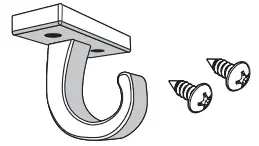
- Accessory hook (w/ 2 screws)
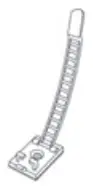
- Adhesive cable mounts (qty. 10)
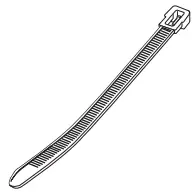
- Reusable cable ties (qty. 12)
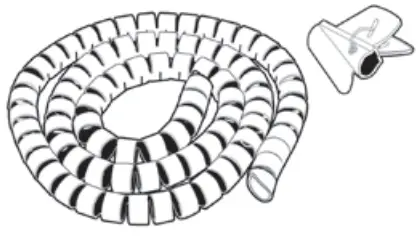
- Cable organizer (w/ wire funnel)
Surge protector
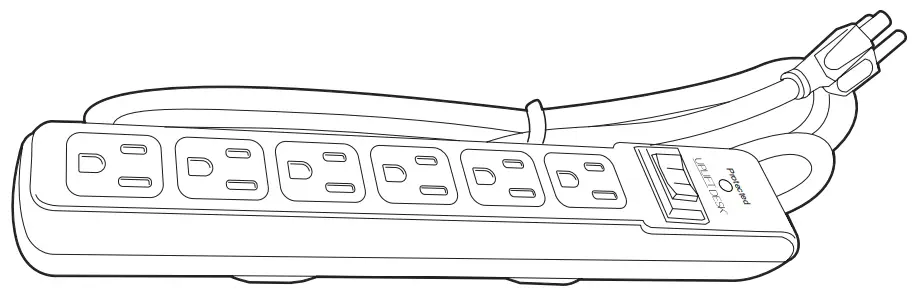
The Surge protector comes with a 15’ cord and 6 outlets. Plug your devices into the Surge protector and as a final step, plug the Surge protector into the wall.
The Surge Protector is equipped with an LED near the power switch. The LED is marked as “Protected” and indicates that the surge protector is protecting your equipment against surges of electricity. If this light goes out, your equipment is no longer protected and the surge protector needs to be replaced.
 Warning: Do not plug into wall outlet while routing wires; you will plug into the wall as the last step. If you need to reroute wires, always unplug outlet strip from the wall first to eliminate electrocution risk during routing.
Adhesive cable mounts
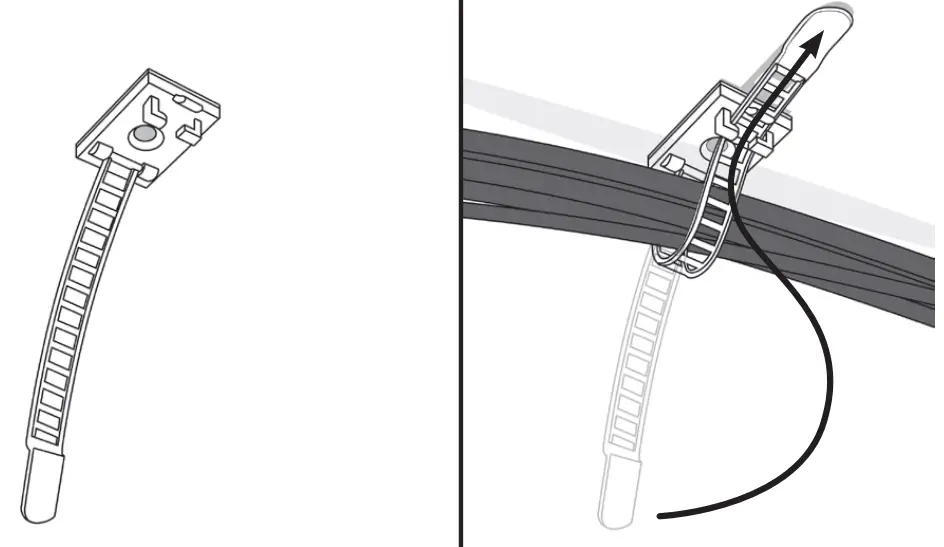
Adhesive Cable Mounts can be used anywhere and installed quickly. Use in areas with high wire concentration or low hanging wires. Curl the tie around your wires, and feed the flat end of the tie through the prongs at its base. Pull to tighten, but remember to leave slack for mouse wires and other devices that require movement. Ties can be reopned and closed again for rerouting wires. If the mounts aren’t sticking to the desktop they can be attached be attached using the included screws, or stick them to the metal frame of your UPLIFT Desk.
Screw-in cable mounts & Reusable cable ties
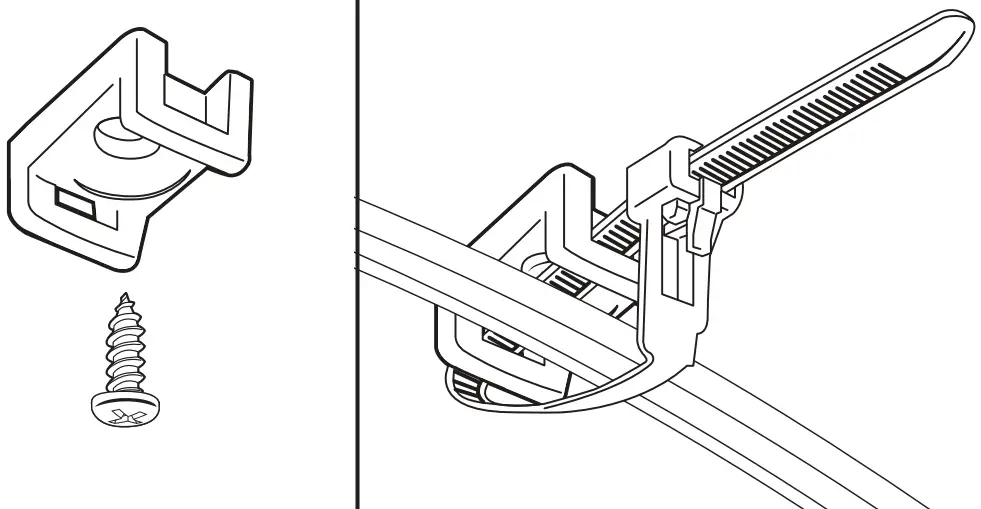
Use the Screw-in cable mounts & Reusable cable ties for a stronger hold than the Adhesive cable mounts. To drill pilot holes, use a drill with a 1/8” bit and drill no more than 1/2’’ deep. Use the included screws to secure the cable mounts to the desktop. The Reusable cable ties can be re-opened/ closed so wired devices can be removed or replaced. Remember to leave slack for mouse wires and other devices that require movement.
Cable management clips
Keep frequently used cable ends like chargers handy and ready for use with these self-adhesive clips. Just peel the sticker off the back and stick it on the edge of your desk where you keep your cords.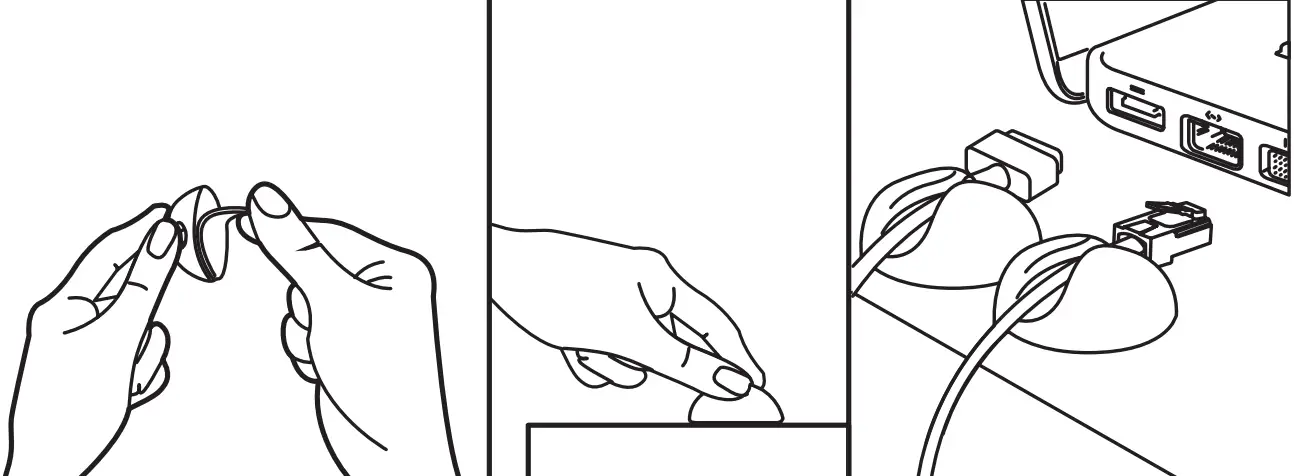
Cable organizer & Wire funnel
The Cable organizer is used to consolidate and protect wires going from your desk to the wall outlet. To insert wires, open the wire funnel and close it around your wires (figure 1). Use the rounded point of the wire funnel to slide through either end of the Cable organizer (figure 2), and pull it along the length. The cable organizer will close behind the wire funnel as it passes through (figure 3). When you’ve pulled the wire funnel through the end of the Cable organizer, open it to release the wires.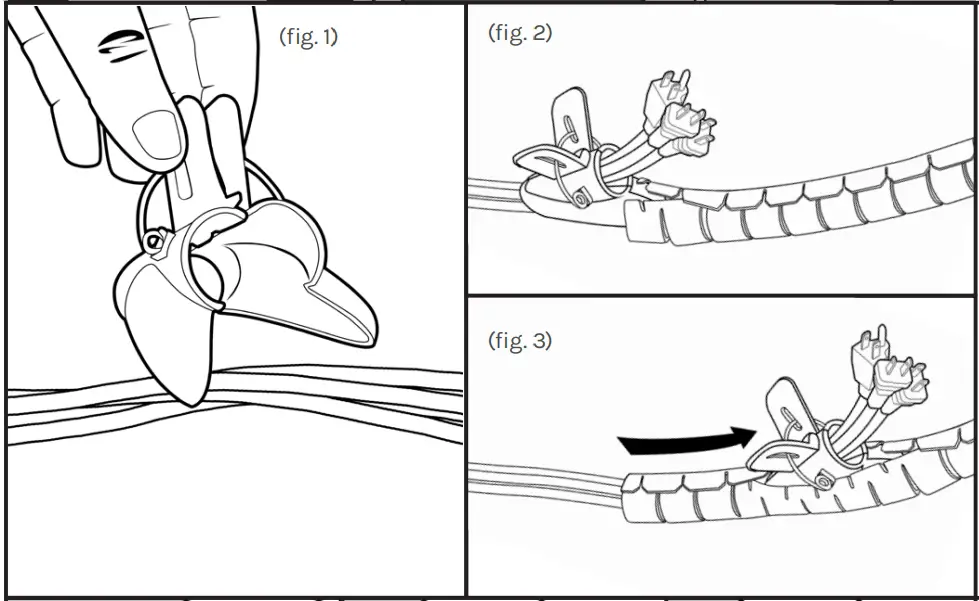
Accessory hook
The UPLIFT Accessory hook is perfect for keeping small hangable items like headphones, bags, or keys organized and within easy reach. Position the hook under your desk in a place that will be convenient and use the included screws to fasten under your desk.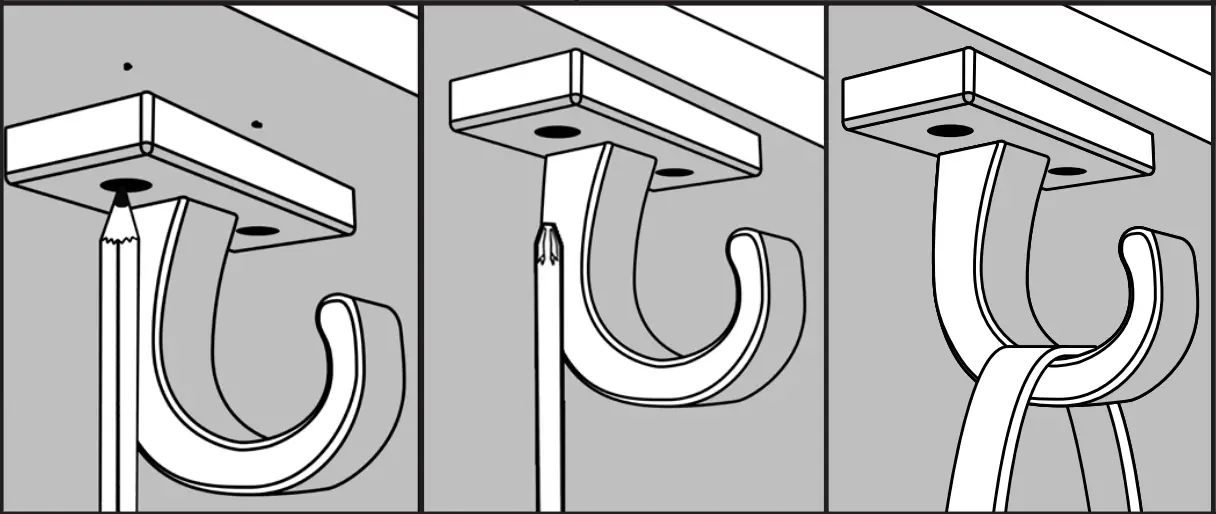
Support
© UPLIFT Desk
800-349-3839
[email protected]
upliftdesk.com

 UPLIFT Desk | Office Furniture that Benefits You