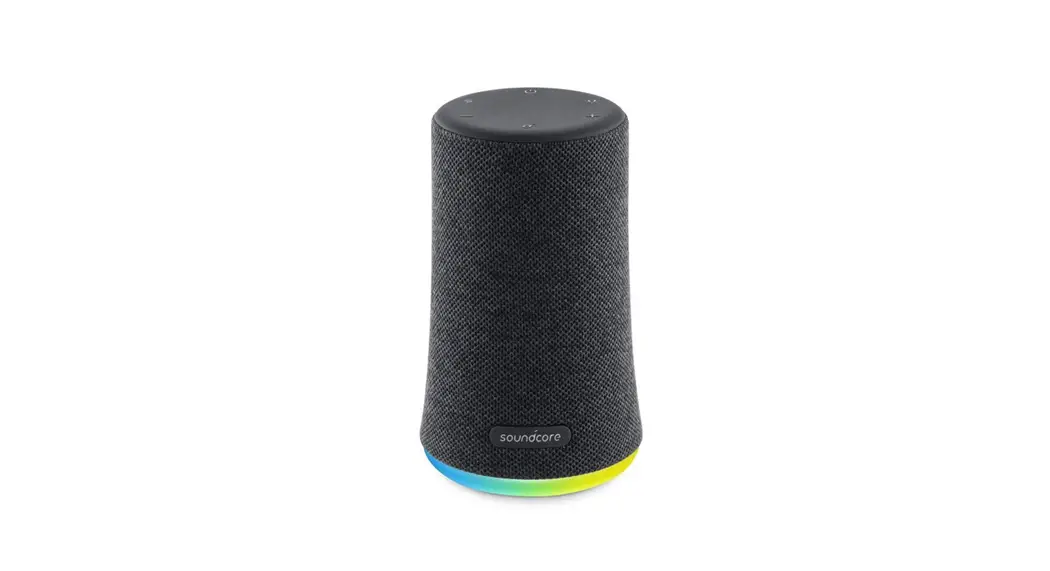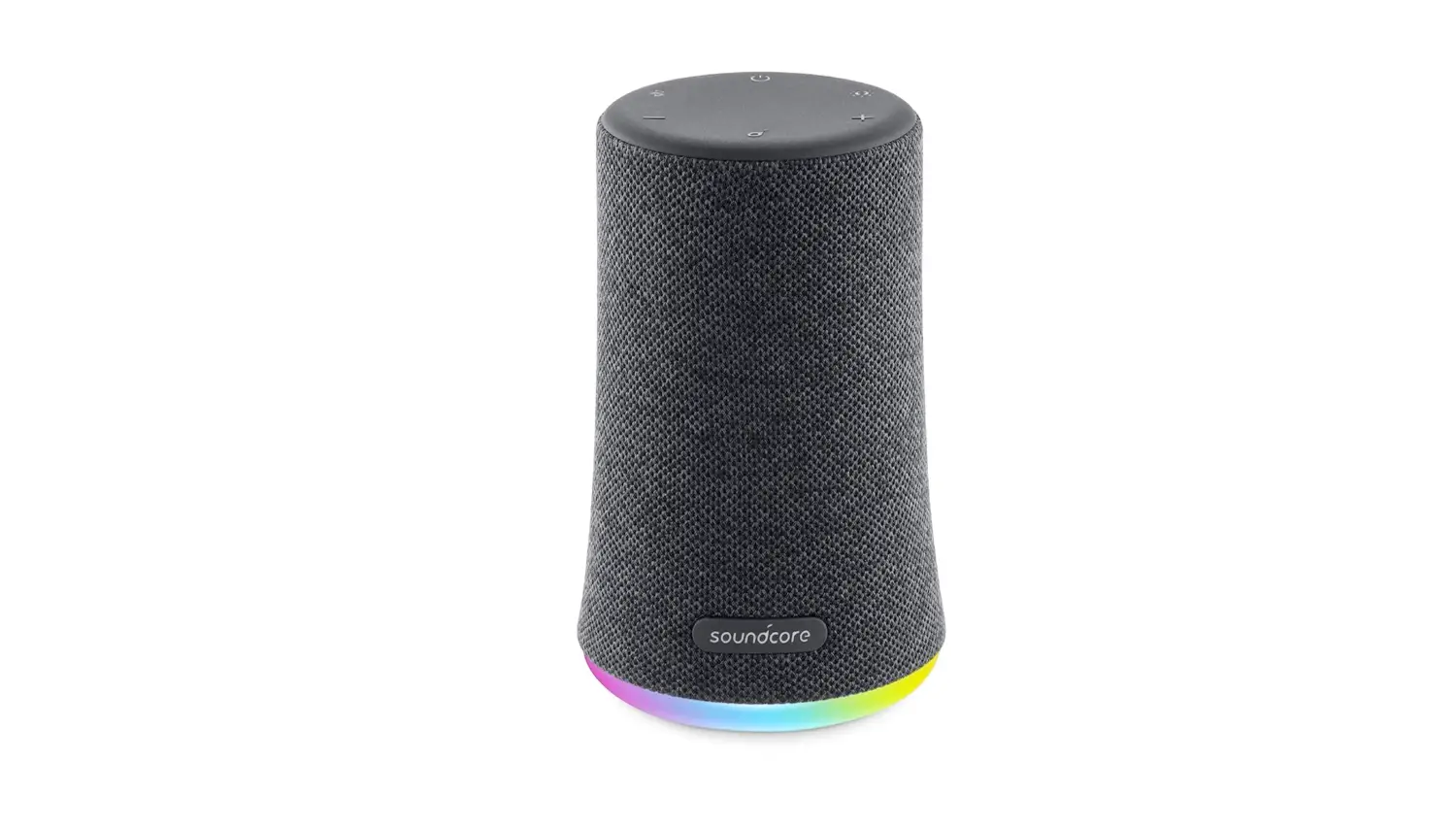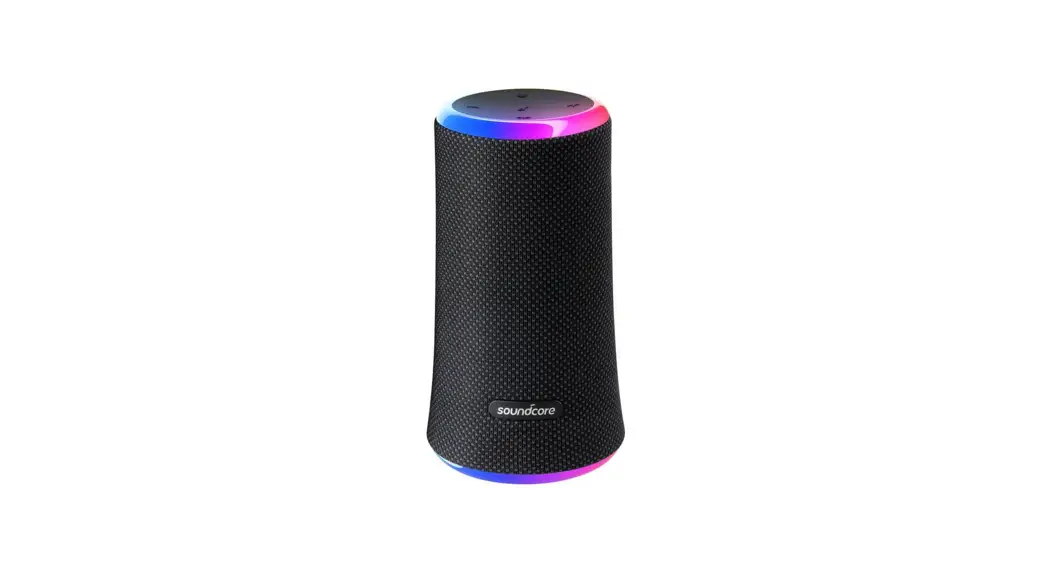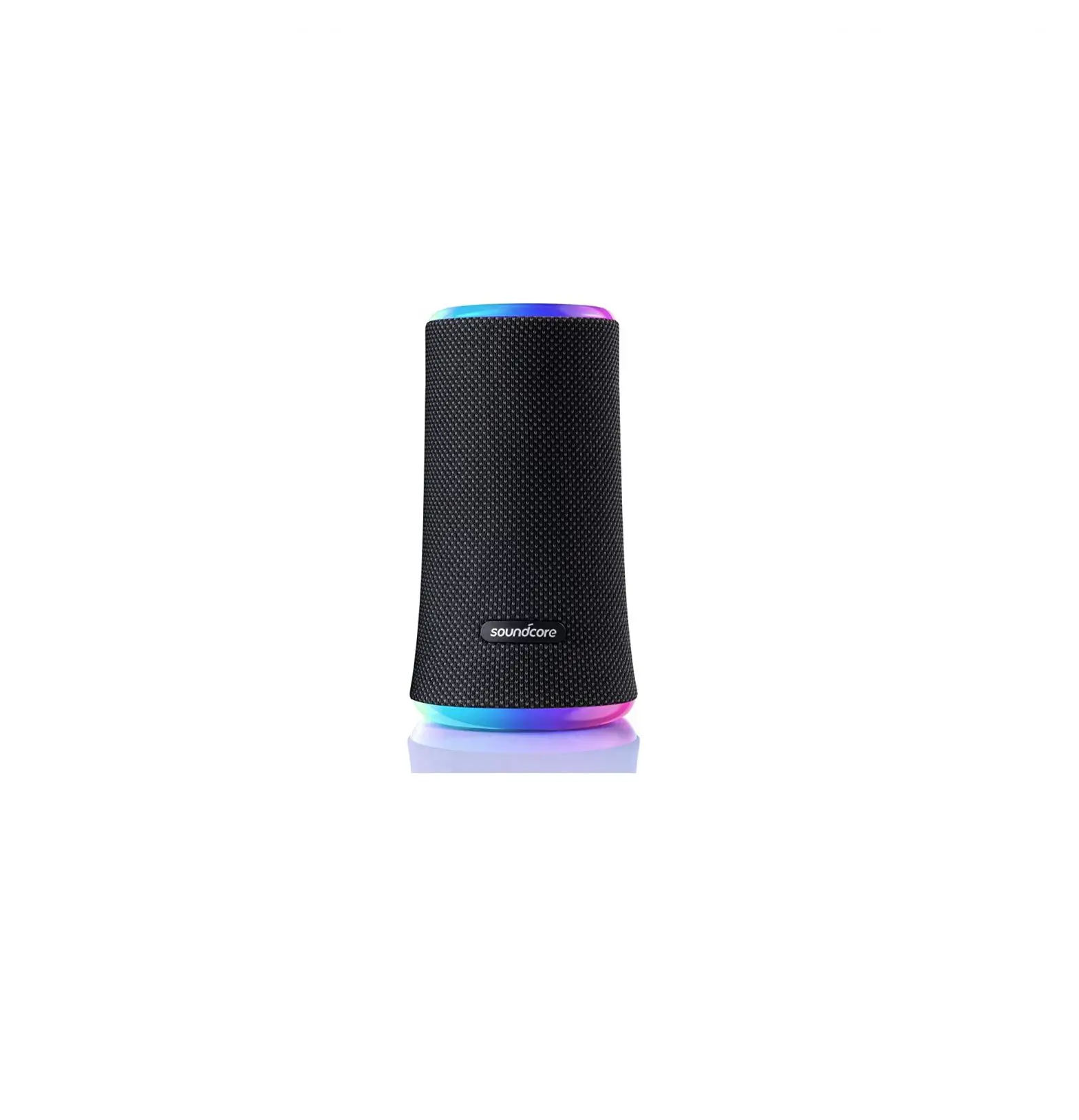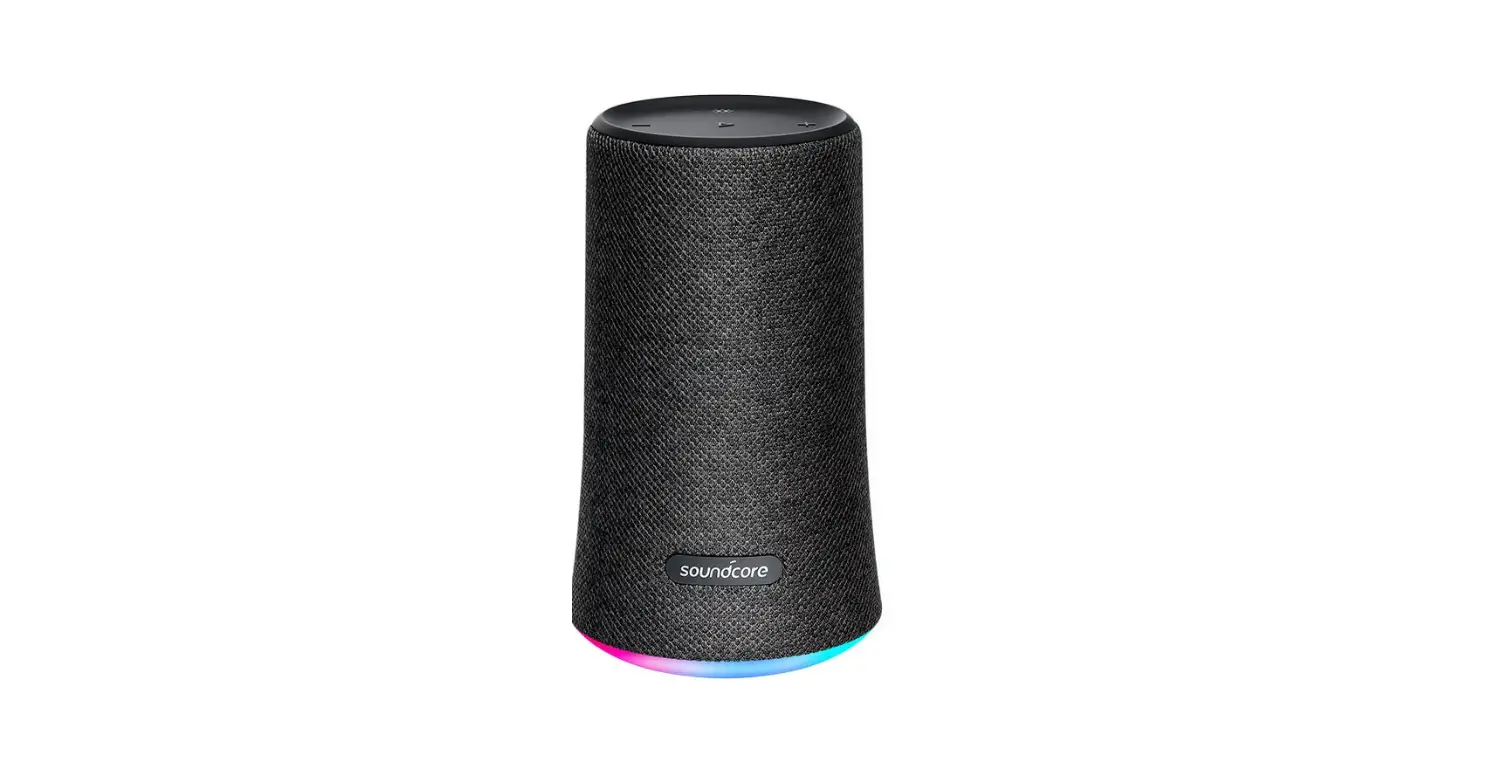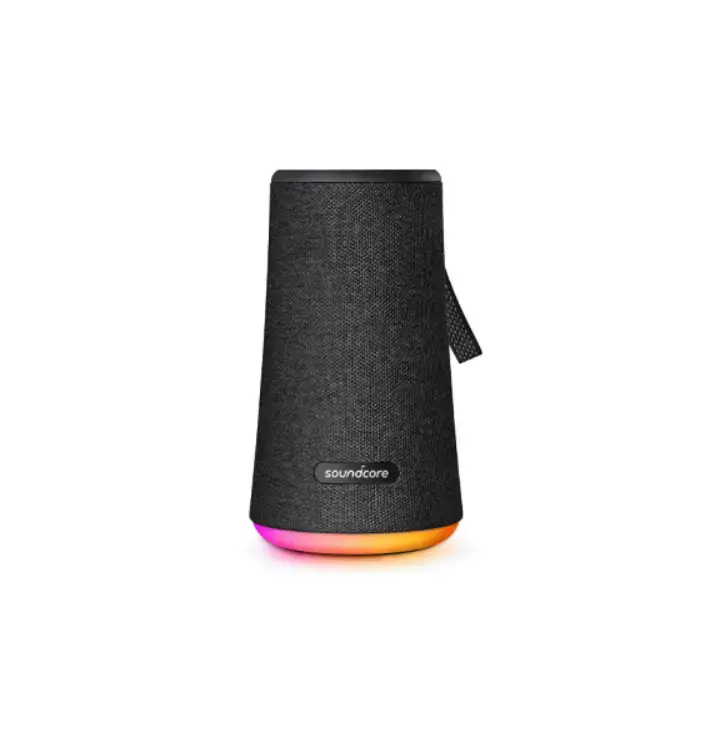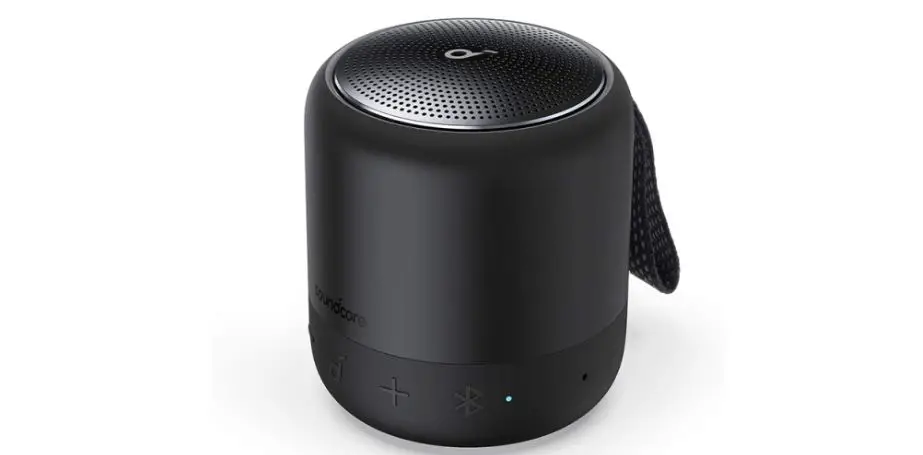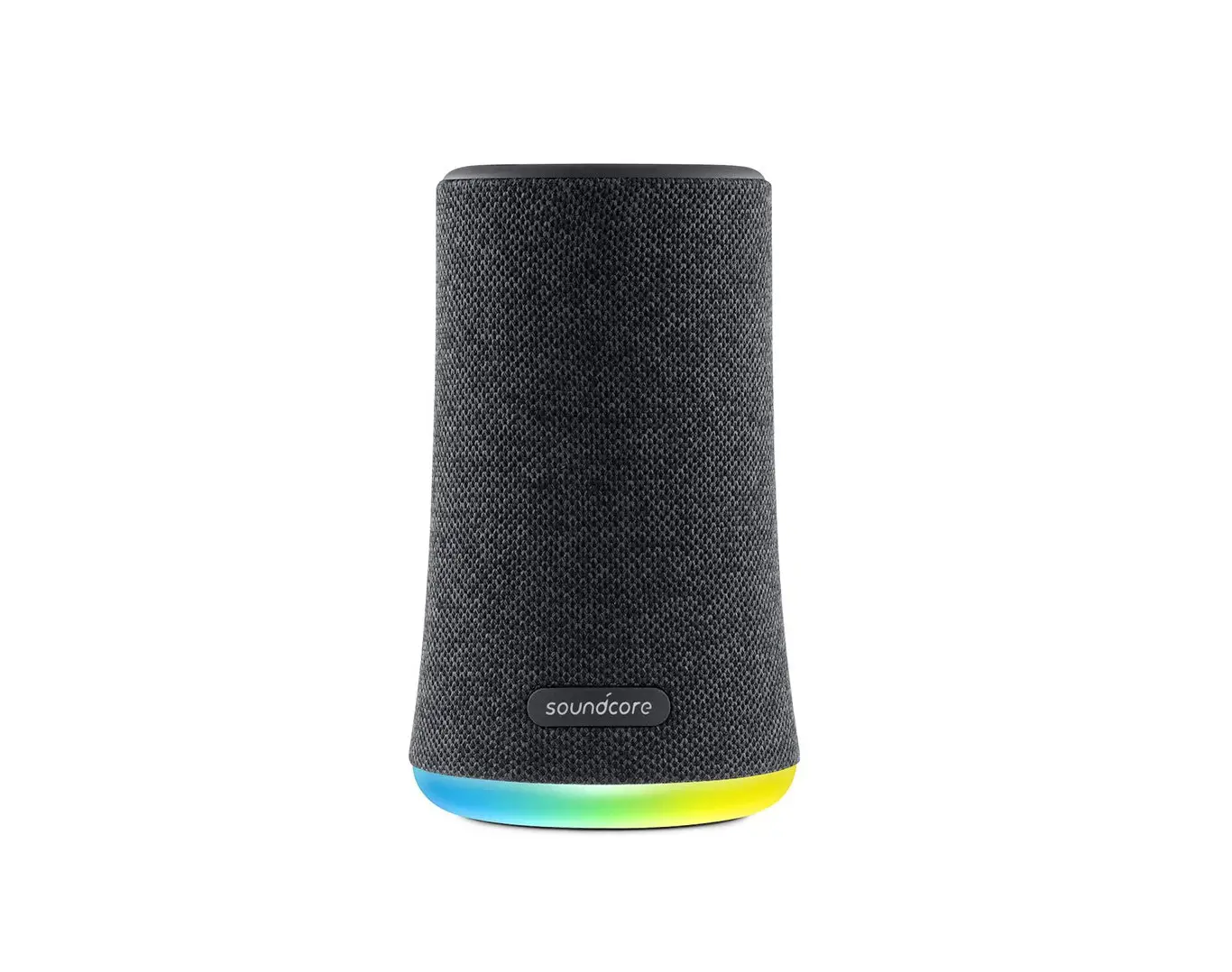
soundcore Flare Mini A3167 User Manual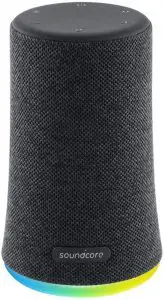
Safety Instructions
- Avoid dropping.
- Do not disassemble.
- Soundcore Flare Mini can be immersed in water up to 1m for up to 30 minutes.
- Avoid extreme temperatures.
- Do not use the device outdoors during thunderstorms.
- Use original or certified cables.
- Do not use any corrosive cleaner/oil to clean.
- Do not expose batteries to high heat as direct sunlight, fire and Etc.
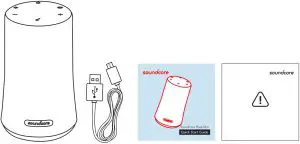
What’s Included
At a Glance
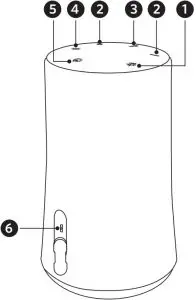
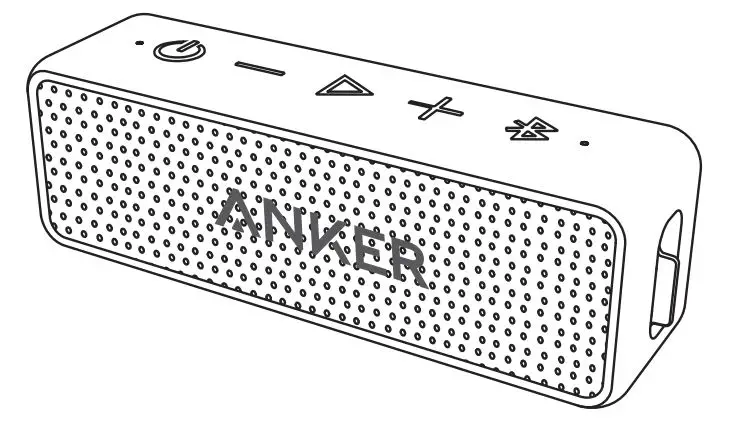
- Bluetooth Button
- Volume + and – Buttons
- Multi-function Button
- Light Effects Button
- Power Button
- micro USB Port
Using Your Soundcore Flare Mini
Turn On / Of
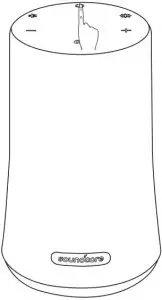
- ON: Press
- OFF: Press and hold for 2 seconds
Bluetooth mode
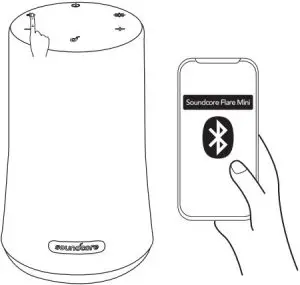
 Flashing Blue: Bluetooth Pairing Mode
 Solid Blue: Connected to a device
 Enter True Wireless: Stereo Pairing Mode / Disconnect True Wireless Stereo
 Slow Flashing: White True Wireless Stereo Pairing Mode
 Solid White: Connected to True Wireless Stereo
 Flashing Blue: Bluetooth Pairing Mode
 Solid Blue: Connected to a device
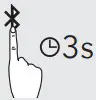 Enter True Wireless: Stereo Pairing Mode / Disconnect True Wireless Stereo
 Slow Flashing: White True Wireless Stereo Pairing Mode
 Solid White: Connected to True Wireless Stereo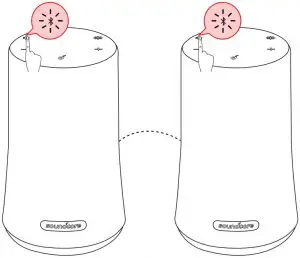
 With True Wireless Stereo technology, you can pair your Soundcore Flare Mini with another Bluetooth speaker to explore the best sound effects with left and right sound channels separated on both speakers.
 Play / Pause
 Play Next Song
- Play Previous Song
- Answer Call / End Call
 Reject Call / Switch between a call on hold and an active call
- End current call and answer incoming call / End current call and switch to call on hold
- Switch audio source between Speaker and Phone
- Activate Siri / Other Voice Control Software
 Volume Up / Down
- Solid White: On a Call
- Flashing White: Incoming Call
 Press and hold for 2 seconds to turn Light Effects Off
 Press to turn Light Effects On
- Press once to switch between Light Effect modes
 Play / Pause
 Play Next Song
 Play Previous Song
 Reject Call / Switch between a call on hold and an active call
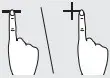 Volume Up / Down
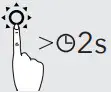 Press and hold for 2 seconds to turn Light Effects Off
 Press to turn Light Effects On
 When turned on, Soundcore Flare Mini will automatically connect to the last connected device if available. If not, press the Bluetooth pairing button to activate pairing mode.
To pair a different device, press the Bluetooth button to re-enter pairing mode. Then repeat the pairing steps.
Having connection problems? Remove Soundcore Flare Mini from your device’s Bluetooth history and ensure it’s less than 3 feet away. Then try pairing again. To get the best sound quality, make sure there is a clear line of sight between the connected device and your speaker.
Charging your Soundcore Flare Mini
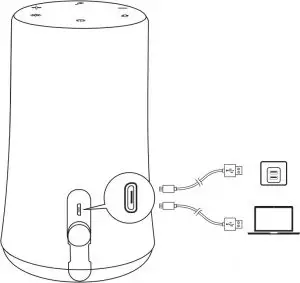
- Slow Flashing: Red Low Battery
- Solid Red: Charging
- Off Fully Charged
Use the included USB cable to charge your Soundcore Flare Mini and make sure it is fully charged before its first use.
Disconnect your speaker from the charger when fully charged. Do not charge your speaker for extended periods.
When not in use, store your speaker in a cool place.
Specifications
Specifications are subject to change without notice.
- Input: 5 V
 1 A
1 A - Audio output: 5 W x 2
- Battery capacity: 2600 mAh
- Charging time: 3.5 hours
- Play time (varies by volume level and music content): 12 hours
- Size: 141 x 86 x 72 mm
- Weight (without packaging): 480 g / 16.9 oz
- Bluetooth version: V4.2
- Range: 20 m / 66 f
 1 A
1 ADeclaration of Conformity
Hereby, Anker Innovations Limited declares that the radio equipment type A3167 is in compliance with Directive 2014/53/EU. The full text of the EU declaration of conformity is available at the following internet address: www.soundcore.com
- Bluetooth Maximum output power: 2.0dBm
- Frequency band: 2.4G band (2.4000GHz-2.4835GHz)
Anker Innovations Limited
Room 1318-19, Hollywood Plaza, 610 Nathan Road, Mongkok, Kowloon, Hong Kong
Customer Service
 24-month limited warranty
 Lifetime technical support

 +1 (800) 988 7973 (US) Mon-Fri 9:00 – 17:00 (PT)
+44 (0) 1604 936200 (UK) Mon-Fri 6:00 – 11:00 (GMT)
FAQs
For FAQs and more information, please visit:

@SoundcoreAudio

@soundcoreaudio

@soundcoreaudio

 Soundcore EN
 soundcore Headphones & Speakers - Hear it, Feel it - soundcore US