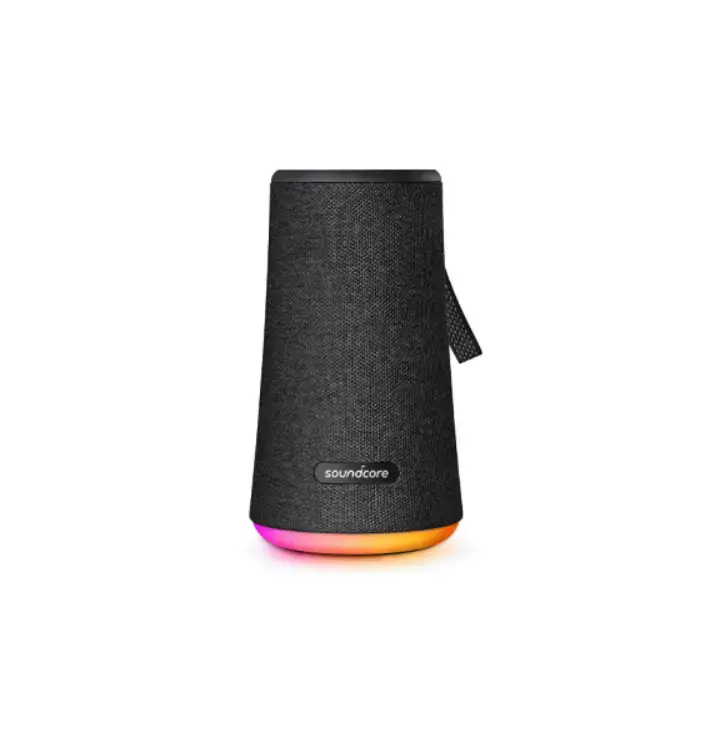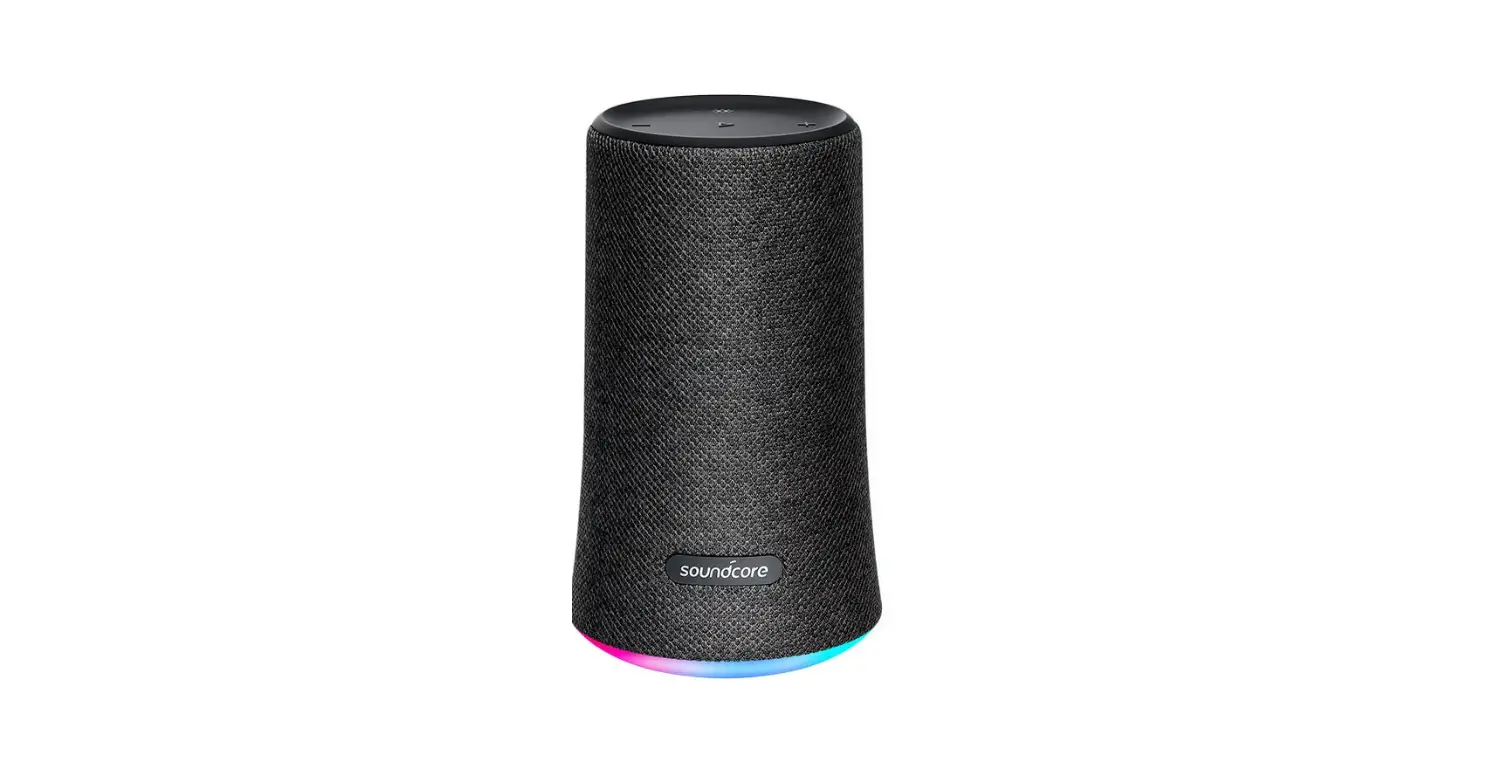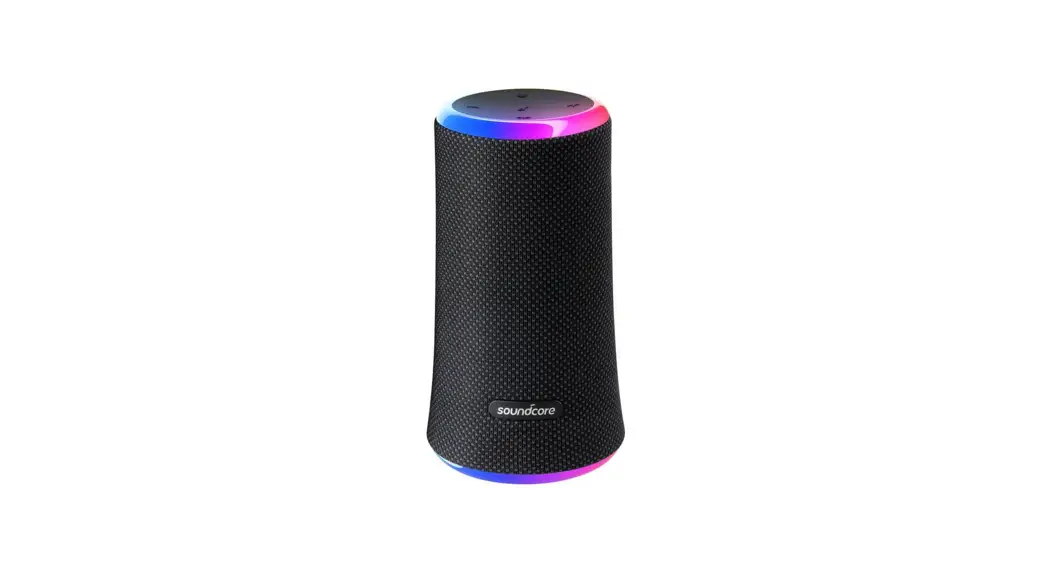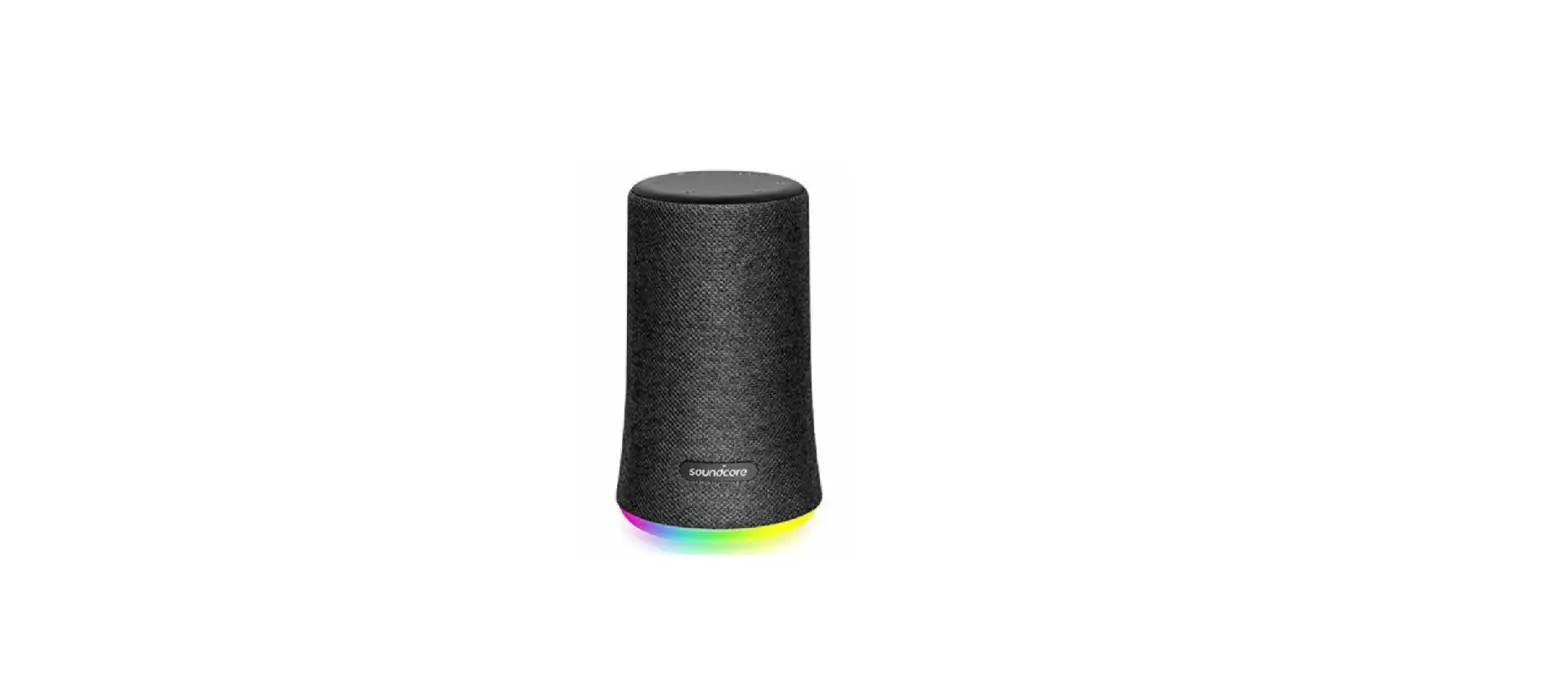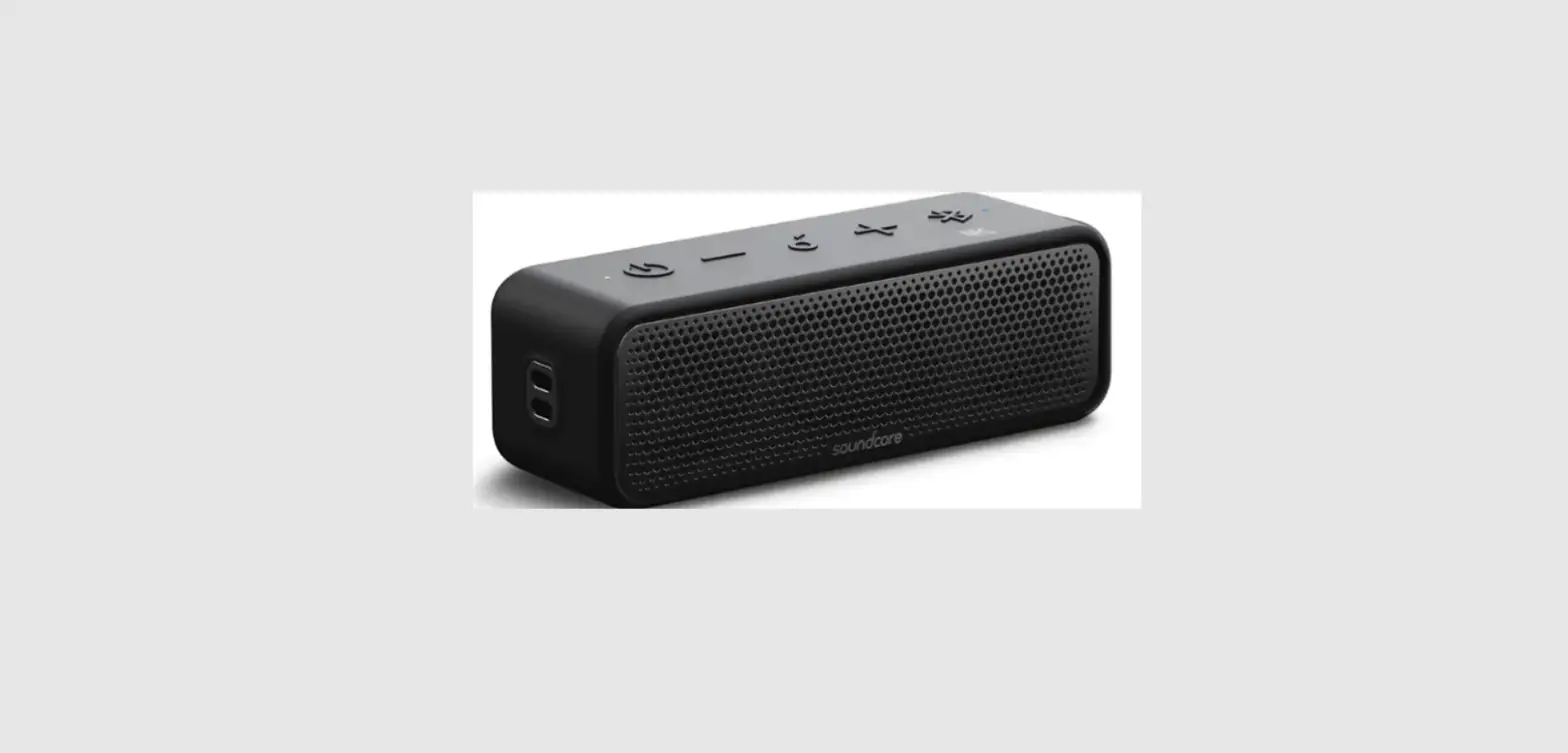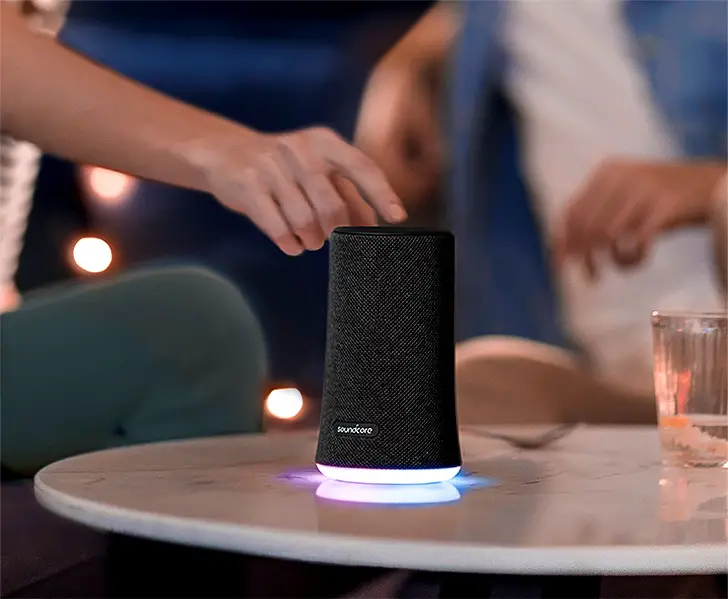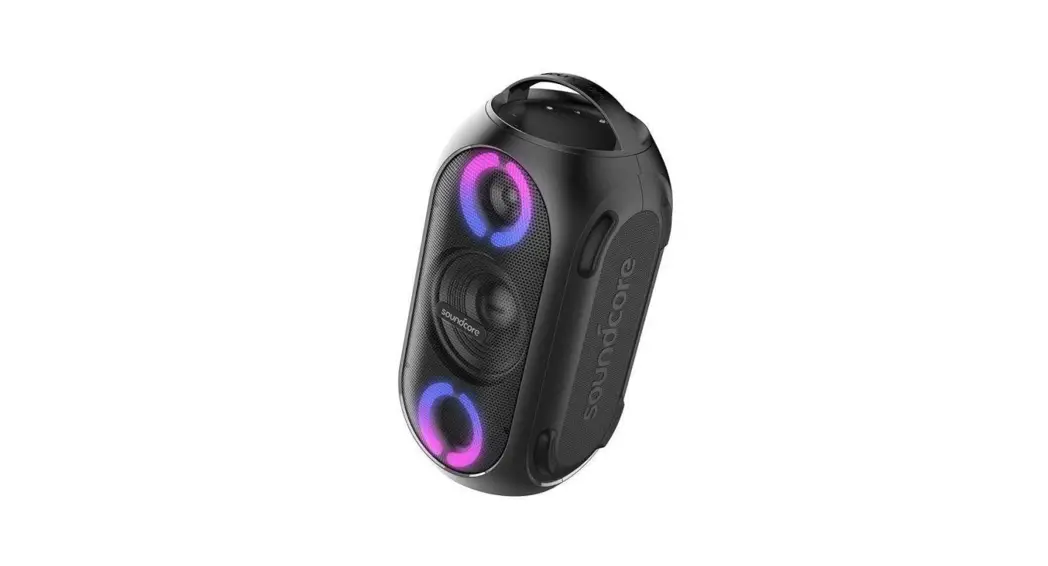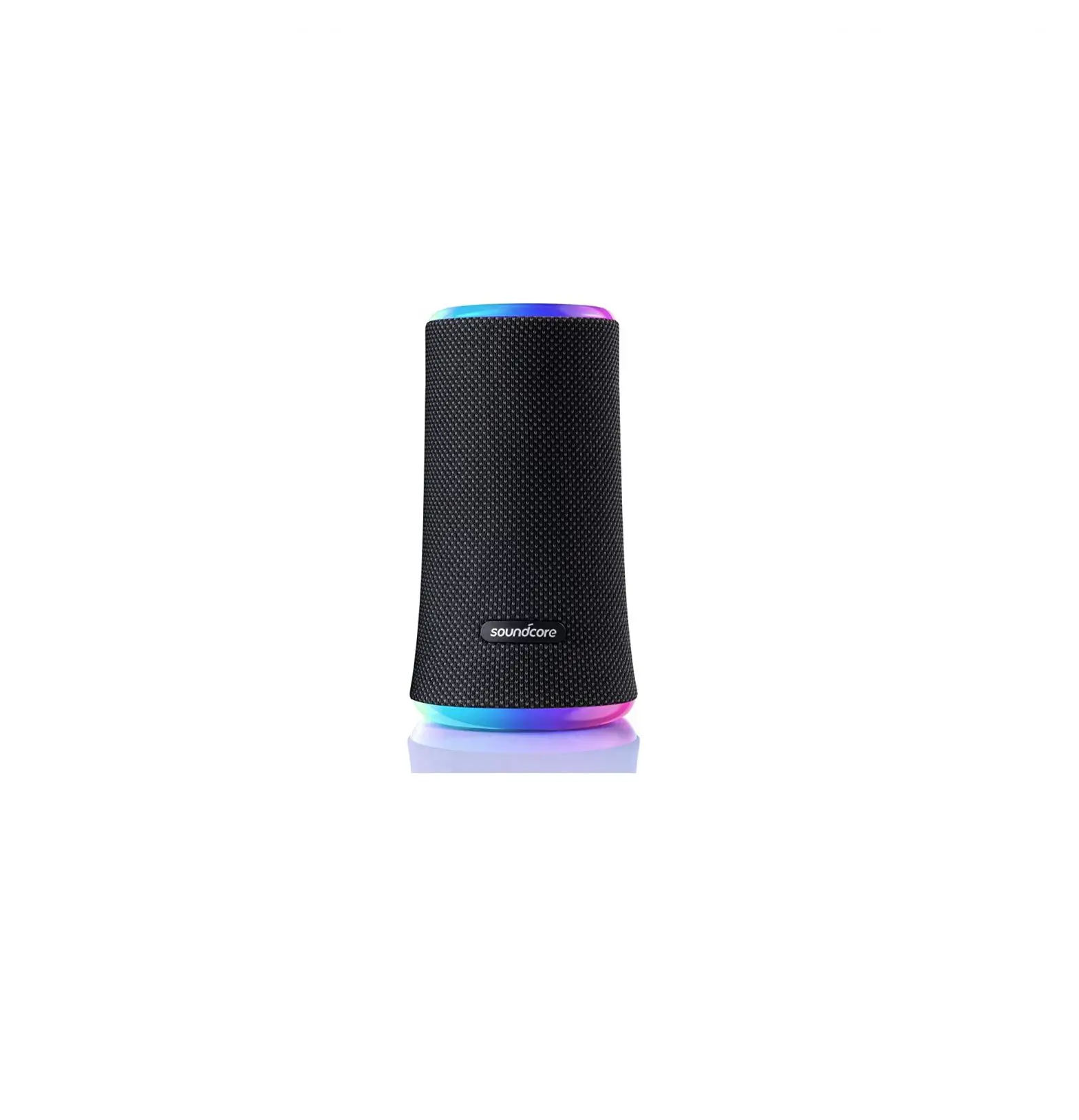
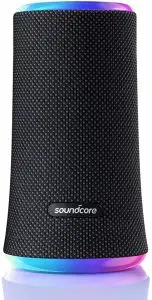
soundcore Flare 2 Bluetooth Speaker
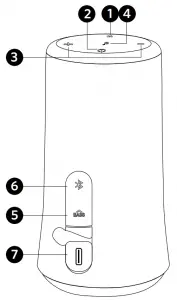
At a Glance
- Light mode button
- Power button
- Volume buttons ( – / +) 7 USB-C charging port
- Multi-function button
- Bass Boost button
- Bluetooth & PartyCast button

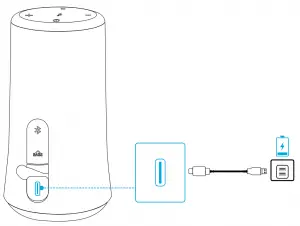
Charging
|
Powering On/Off
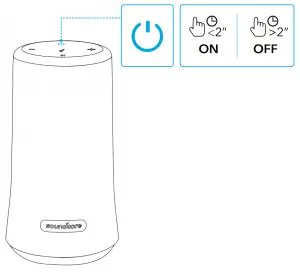
| Power on |  | Press |
| Power off | | Press and hold for 2 seconds |
Bluetooth Pairing
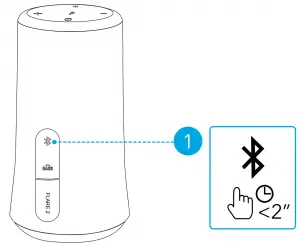
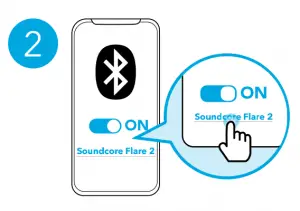
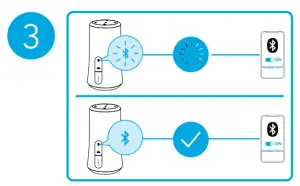
 | Press | Enter Bluetooth pairing mode |
 | Flashing blue | Bluetooth pairing |
 | Steady blue | Bluetooth connected |
|
PartyCast Mode
Set up one Flare 2 as the primary speaker and connect it with more than 100+ secondary Flare 2 speakers to control audio and all the light modes. Set up the primary speaker:
- Connect one Flare 2 speaker to your phone or other devices via Bluetooth. When successfully connected, the Bluetooth LED will turn blue.
- Press and hold the Bluetooth button on this Flare 2 for 3 seconds until you hear a sound and the Bluetooth LED flashes white to indicate this Flare 2 is the primary speaker.
- The Bluetooth LED on the primary speaker will keep flashing white.
Connect with secondary speakers:
- Make sure the secondary speakers aren’t connected to any Bluetooth devices.
- Press the Bluetooth button to disconnect Flare 2 from a device, the Bluetooth LED will flash blue.

- Press the Bluetooth button for 3 seconds until you hear a sound and the Bluetooth LED flashes white to indicate the secondary speaker is in connection mode.

- When successfully connected, the Bluetooth LED on the primary speaker will continue flashing white, while on the secondary speakers will turn white.
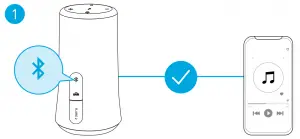
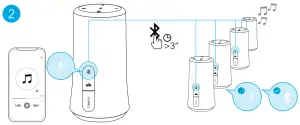
When PartyCast mode is successfully entered:
- You can power off, adjust the volume, or switch light modes for all speakers by controlling the primary speaker only;
- You can power off or switch light modes for each secondary speaker individually;
- You can’t adjust the volume for each secondary speaker individually;
- To exit the PartyCast mode, press the Bluetooth button on either speaker for 3 seconds until the Bluetooth LED flashes blue.
 | ||
| Play/Pause |  | Press |
| Next track | 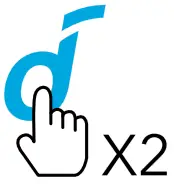 | Press twice |
| Previous track | 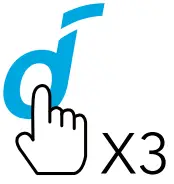 | Press thrice |
| Bass Boost on/off | 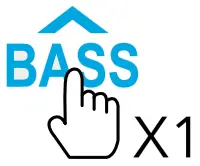 | Press |
| Volume up/down | 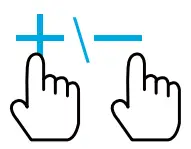 | Press |
 | ||
| Answer/End a call | 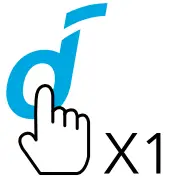 | Press |
| Reject a call | 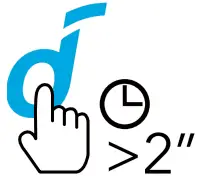 | Press and hold for 2 seconds |
 | ||
| Activate Siri or other voice assistant software | 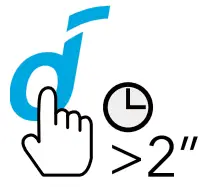 | Press and hold for 2 seconds |
Light Modes
 Download the Soundcore App to check all available light modes. Download the Soundcore App to check all available light modes. |
| Turn on / Switch light modes | 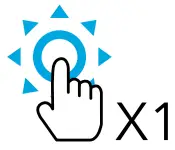 | Press |
| Turn off | 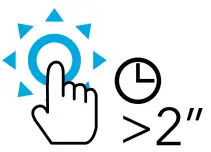 | Press and hold for 2 seconds |
Soundcore App
Download the Soundcore App for light modes, EQ settings, firmware updates and more.

Specifications
| Specifications are subject to change without notice. |
| Input | 5 V  2 A 2 A |
| Rated output power | 2 x 10 W |
| Battery capacity | 2600 mAh, 7.4 V |
| Charging time | 3.5 hours |
| Playtime (varies by volume level and content) | 12 hours |
| Frequency response | 50 Hz – 20 kHz |
| Bluetooth version | V 5.0 |
| Bluetooth range | 20 m / 66 ft |

References
 soundcore Headphones & Speakers - Hear it, Feel it - soundcore US
-
soundcore Headphones & Speakers - Hear it, Feel it - soundcore US
 Anker (アンカー) Japan公式サイト – Anker Japan公式サイト
-
soundcore Headphones & Speakers - Hear it, Feel it - soundcore US
-
soundcore Headphones & Speakers - Hear it, Feel it - soundcore US
-
FCC OET Authorization Search
-
soundcore Headphones & Speakers - Hear it, Feel it - soundcore US
 soundcore Headphones & Speakers - Hear it, Feel it - soundcore US
 Anker (アンカー) Japan公式サイト – Anker Japan公式サイト
 soundcore Headphones & Speakers - Hear it, Feel it - soundcore US
 FCC OET Authorization Search