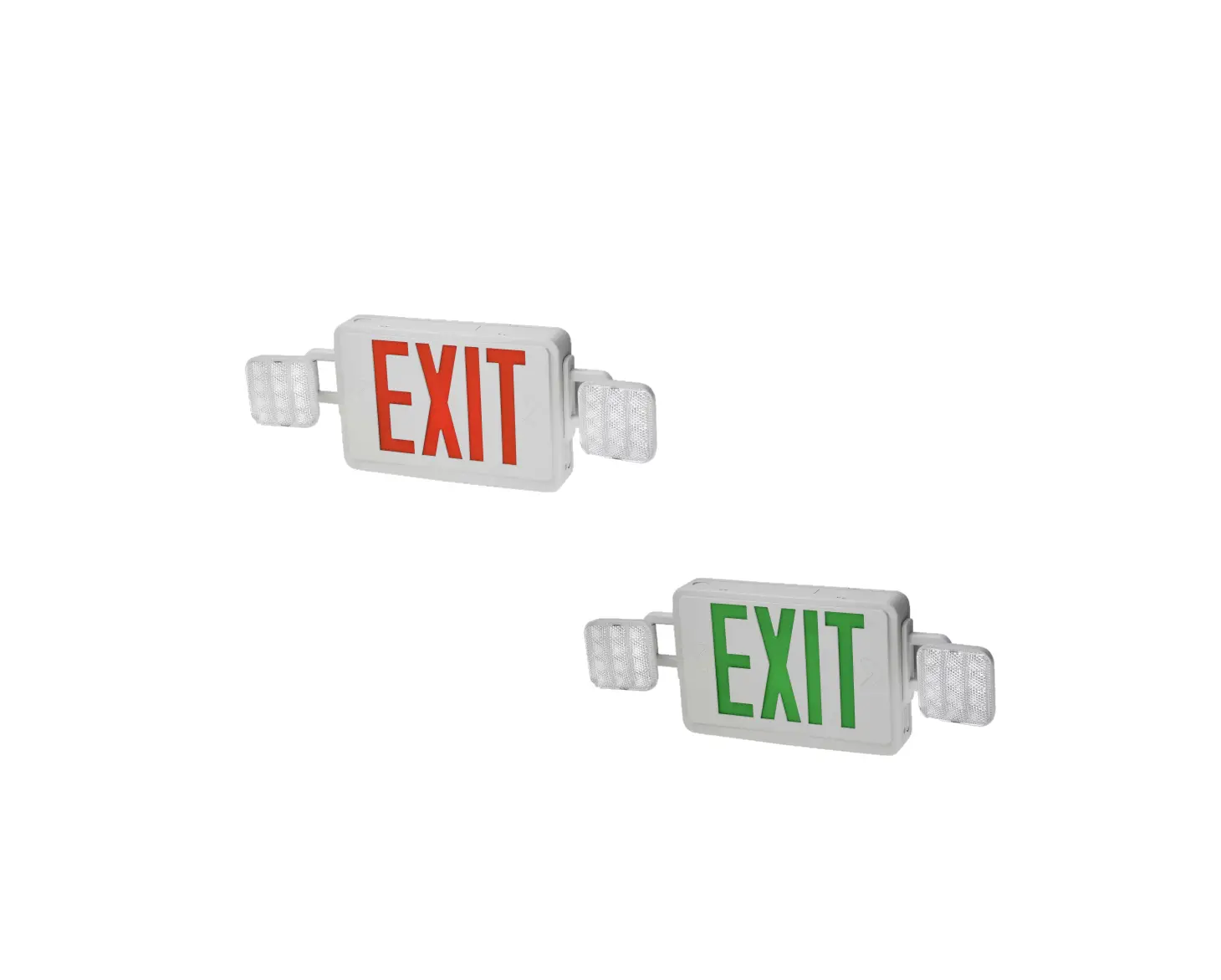
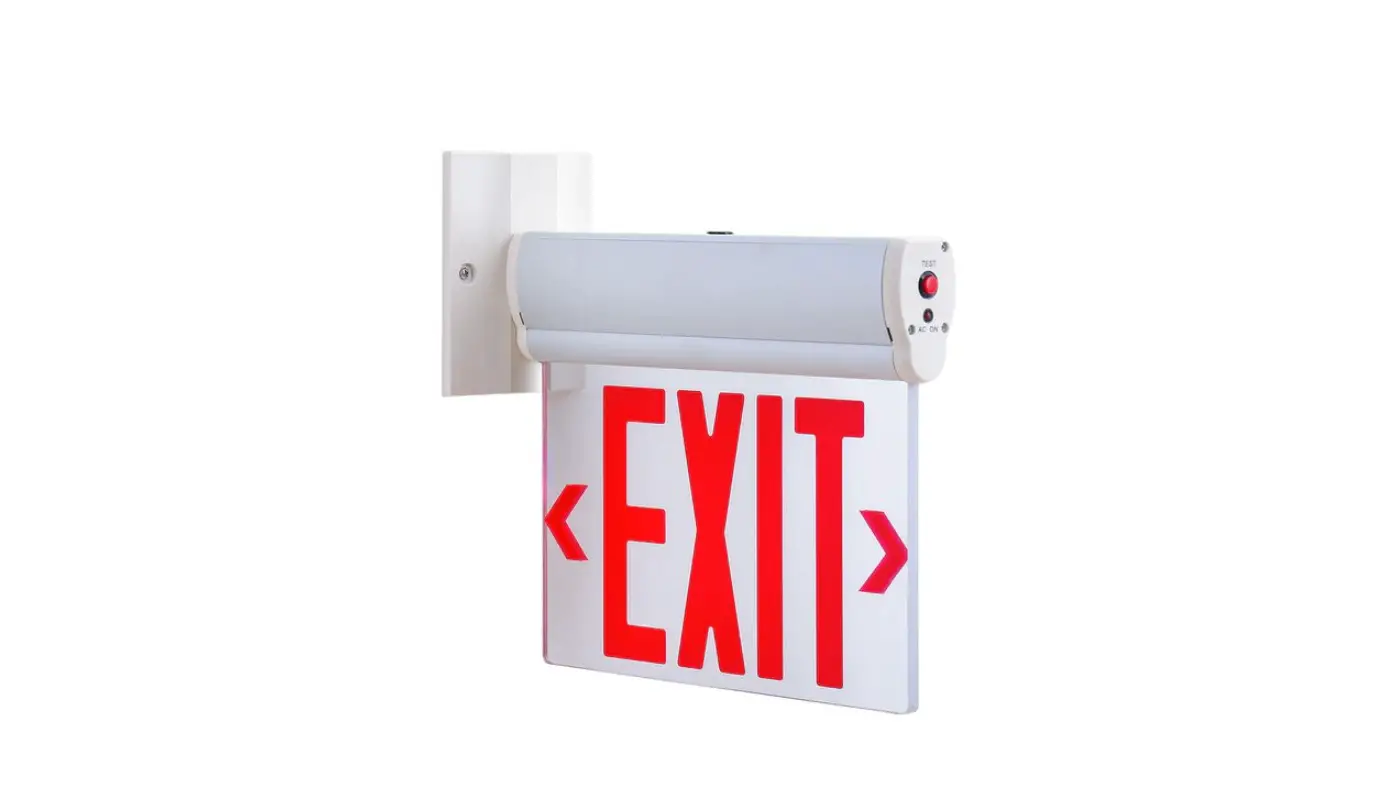
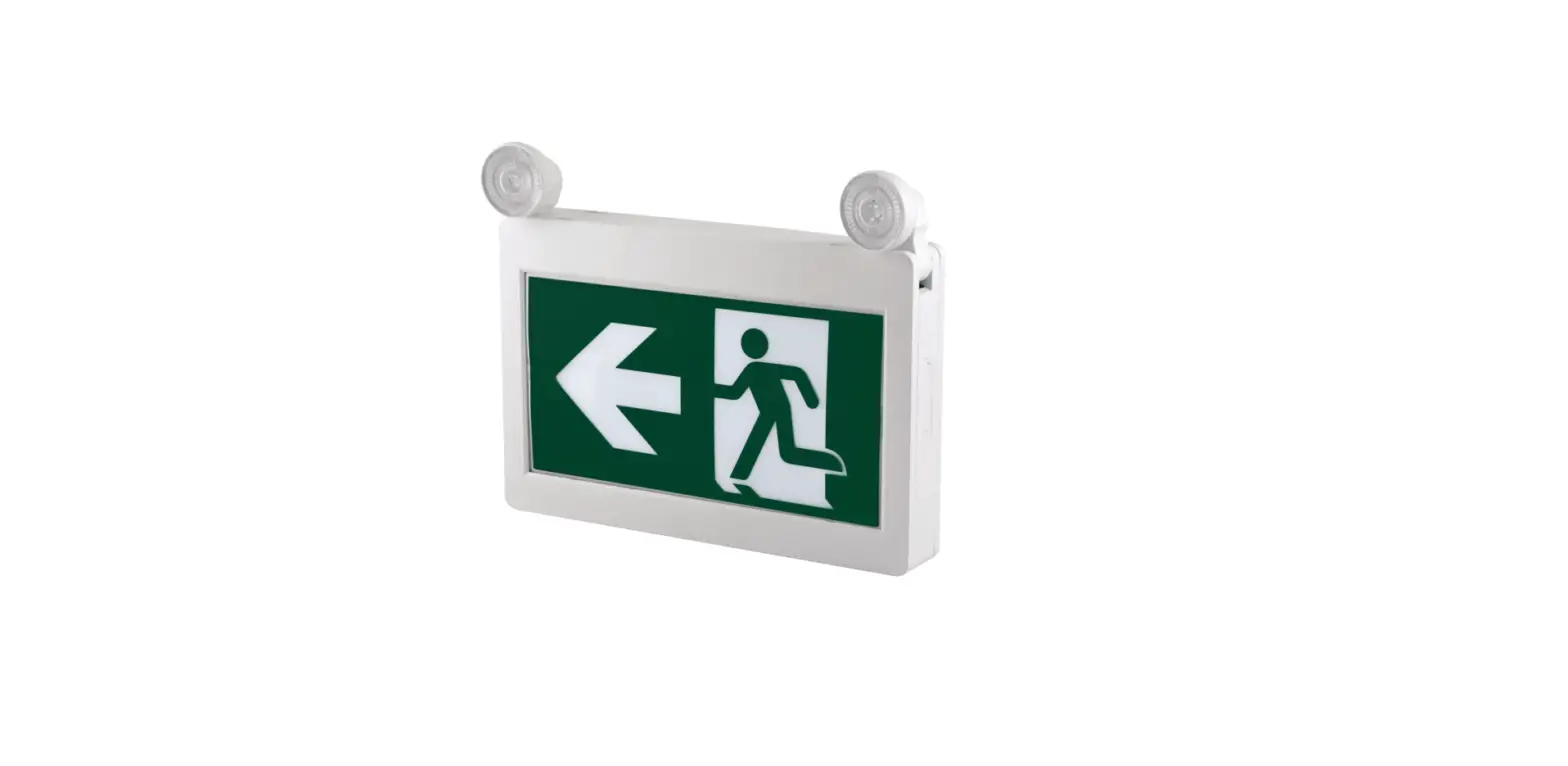
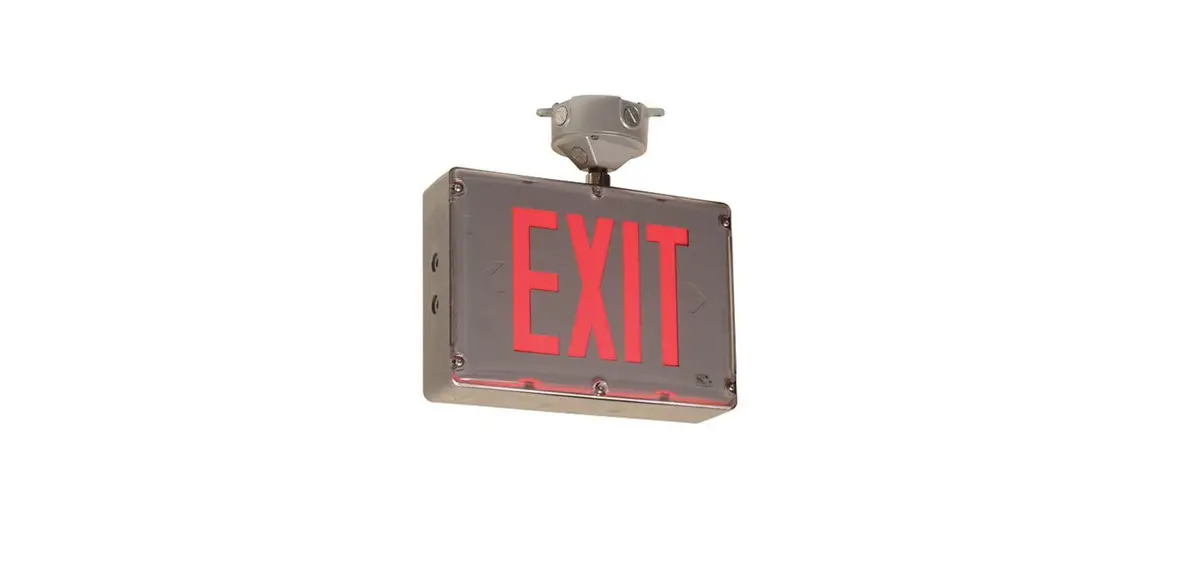
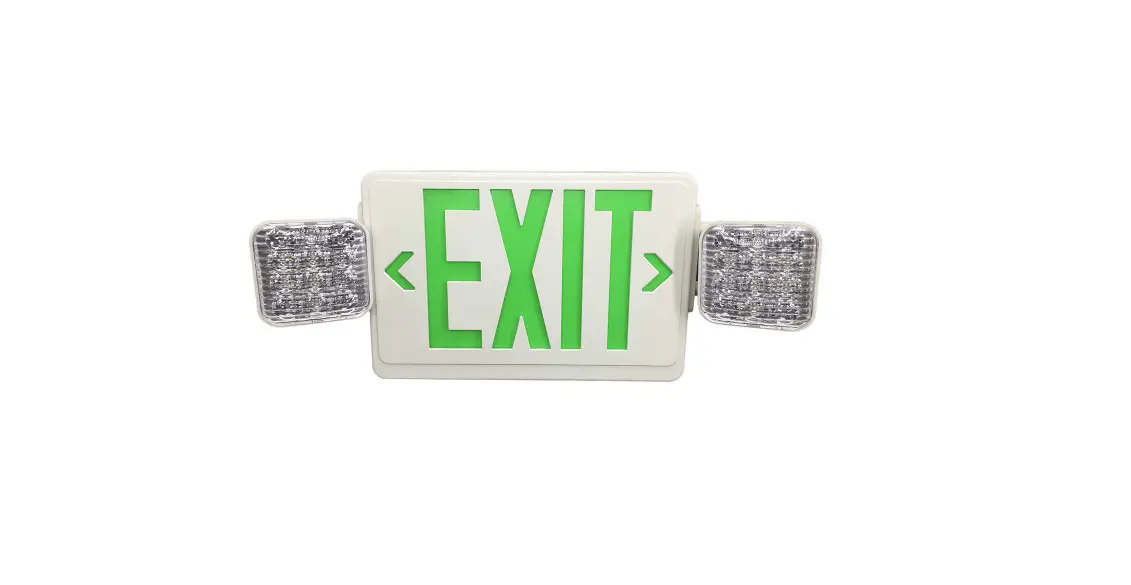
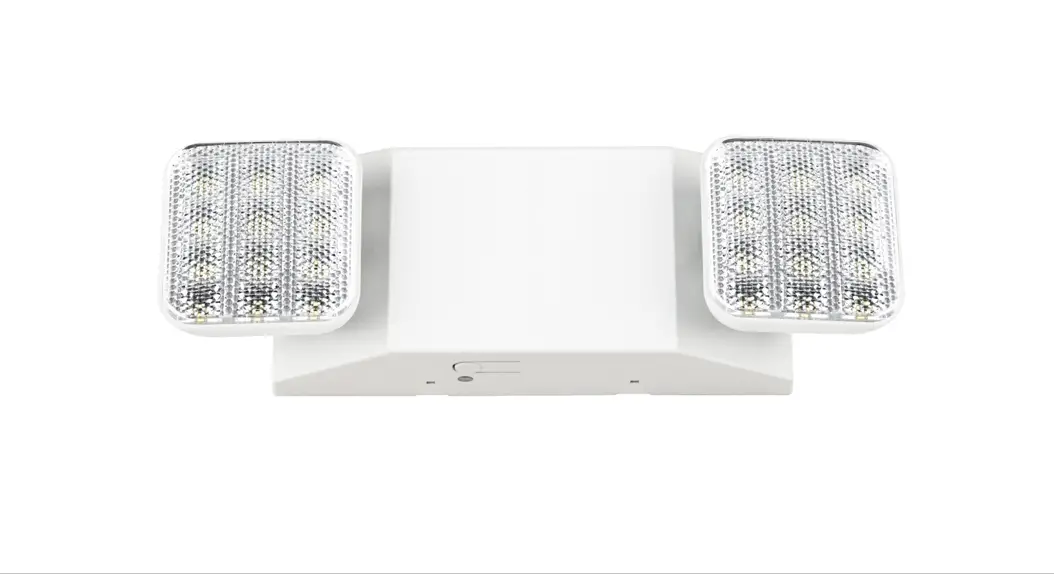
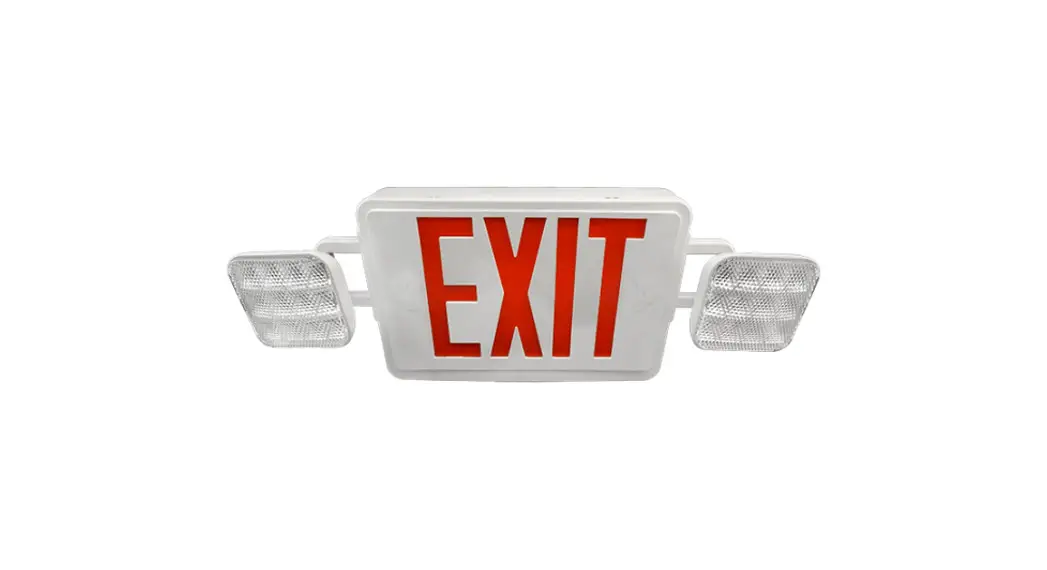
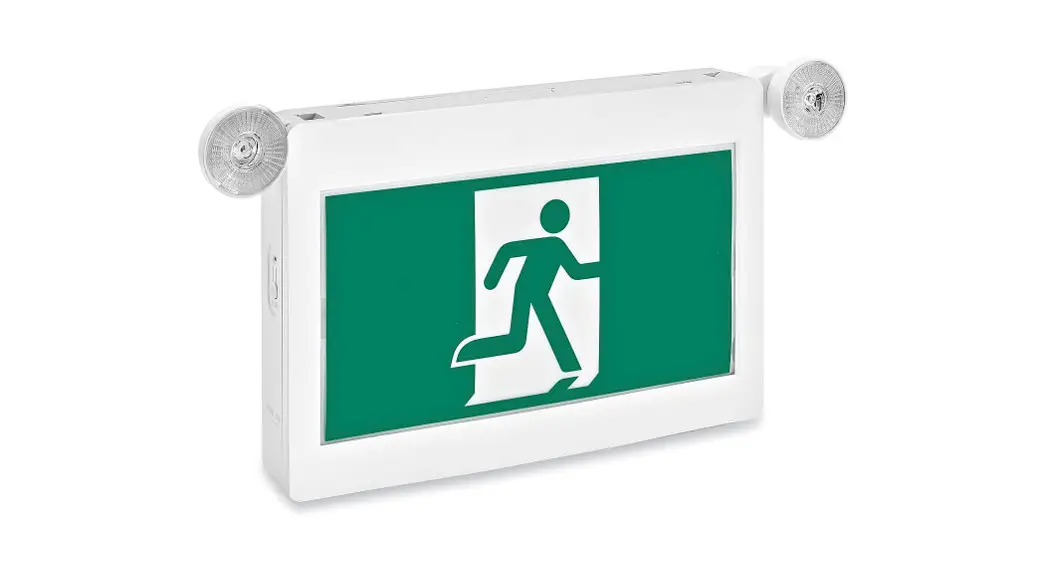
JLECE2BCW LED Emergency Exit Sign and Light Combo
Product Information: LED Emergency Exit Sign & Light
Combo
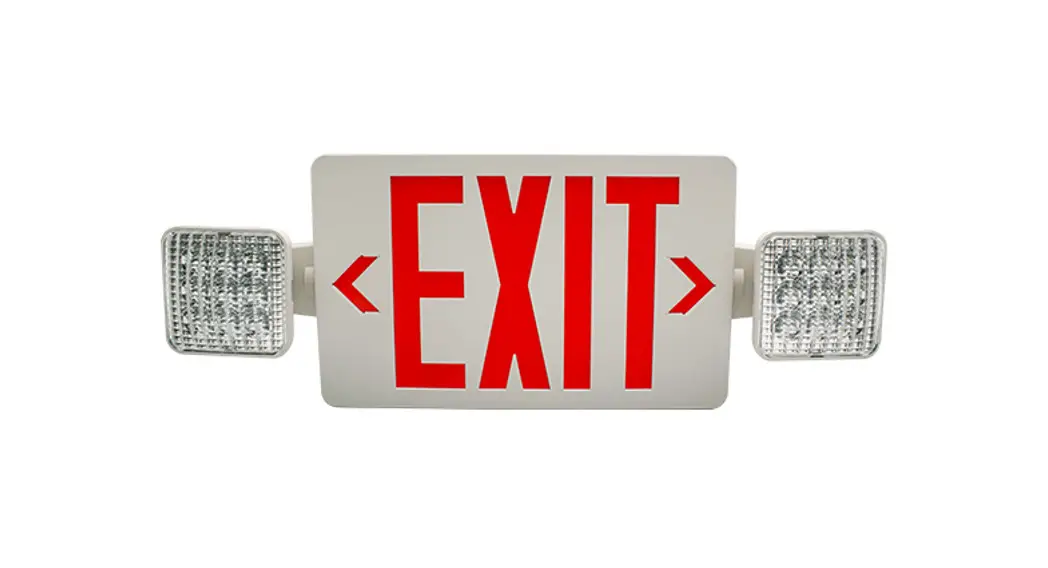
The LED Emergency Exit Sign & Light Combo is a safety device
designed to provide illumination and guidance in emergency
situations. It is equipped with both red and green illumination
options and a battery backup system for uninterrupted
operation.
Warnings and Precautions:
- Failure to follow the instructions and warnings may result in
death, serious injury, or significant property damage. - Never connect to, disconnect from, or service the equipment
while it is energized to avoid the risk of electric shock. - Ensure that combustible materials are kept away from hot parts
as the lamps can become hot. - Follow the lamp manufacturer’s warnings, recommendations, and
restrictions on lamp operation and maintenance. - The battery in this unit may not be fully charged initially.
Allow the battery to charge for at least 24 hours after connecting
electricity before normal operation.
Product Usage Instructions:
- Checking Battery Backup:
To check if the battery is functioning properly, press the TEST
button. The lamps on the unit should turn on. Refer to the
OPERATION BATTERY BACK UP section for more testing
information. - Changing Lens:
Remove or re-insert the red or green lens from/to the faceplate as
needed. Follow the instructions illustrated in Fig.A. - Securing the Green Lens:
Secure the green lens to the faceplate by following the steps shown
in Fig.B. - Selecting Illumination Color:
Toggle the switchable button to choose between red or green
illumination as desired. Refer to Fig.C for the location of the
switchable button. - Installation:
If relocating the lamp head to the top of the housing is required,
follow these steps:- Remove the mounting hole plug located on the side of the
housing. - Snap the lamp head that was removed from the side of the
housing into the mounting hole plug located on the top of the
housing. - Route the lamp head wires through the housing channels and make
connections on the lamp PCB.
- Remove the mounting hole plug located on the side of the
- Operation (Battery Backup):
To operate the unit using battery backup, follow these steps:- Apply AC power to the unit.
- Connect the battery to the PCBA. The LED indicator will be
RED. - After the battery has been left to charge for 24 hours, test
the unit by pushing the switch. The LED indicator turns OFF, and
the LED board stays ON. - When the switch is released, the LED indicator turns back to
RED, and the LED board stays ON.
For more detailed information and troubleshooting, refer to the
LED STATUS INDICATOR KEY and consult the product manual available
at www.example.com/manual.
LED Emergency Exit Sign & Light Combo
Installation Guide
WARNING: FAILURE TO FOLLOW THESE INSTRUCTIONS AND WARNINGS MAY RESULT IN DEATH, SERIOUS INJURY OR SIGNIFICANT PROPERTY DAMAGE. For your protection, read and follow these warnings and instructions carefully before installing or maintaining this equipment. These instructions do not attempt to cover all installation and maintenance situations.
WARNING: RISK OF ELECTRIC SHOCK- NEVER CONNECT TO, DISCONNECT FROM. OR SERVICE WHILE EQUIPMENT IS ENERGIZED.
WARNING: RISK OF FIRE. Lamps are hot. Keep combustible material away from hot parts. Observe lamp manufacture’ s warnings,recommendations and restrictions on lamp operation and maintenance. Make sure lamps are correctly installed.
CAUTION: The battery in this unit may not be fully charged. After electricity is connected to unit, let battery charge for at least 24 hours, then normal operation of this unit should take effect. To check, press the TEST button. The lamps on the unit should turn on.(Refer to OPERATION BATTERY BACK UP for more testing information)
IMPORTANT SAFEGUARDS: When using electrical equipment, basic safety precautions should always be followed, including the following: · Do not use outdoors. Suitable for use in 0°C-40°C (32°F-104°F) indoor damp locations.
· Consult local building code for approved wiring and installation.
· Disconnect AC power before servicing and installation.
· Do not mount near gas or electric heaters.
· Do not use this equipment for anything other than its intended use.
· The use of accessory equipment not recommended by the manufacturer will void product listing and warranty and may cause an unsafe condition.
· Any service on this equipment should be performed by qualified personnel only.
· Equipment should be mounted in locations and at heights where it will not be subject to tampering by unauthorized personnel. · Use caution when servicing batteries. · Cap unused wires with enclosed wire nuts or other approved method. · Make sure wire terminations are secure and leads are properly tucked in appropriate wire channels. NOTE: Max mounting height is10 ft to achieve at least1ft- candle of illuminance in emergency mode.
oJoJ
FLEXIBLE CONDUIT ONLY
RED PLASTIC PIECE
/
GREEN PLASTIC PIECE
Remove or re-insert the ren lens from/to face plate.
Fig.A
Secure the green lens to face plate.
Fig.B
Toggle the switchable button to choose red or green illumination.
Fig.C
NOTE: EXIT ships standard RED. Refer to Toggle Switch section for GREEN LED configuration. INSTALLATION INSTRUCTIONS (back mount): 1. Remove EXIT stencil faceplate from housing. Remove RED lens from faceplate(see fig.A). Set aside. 2. Drill or knock out appropriate knockouts on back plate to fit junction box mounting points. 3. Drill or knock out center hole in back plate for EXIT supply wire leads. 4. Route EXIT supply wires through center hole of the back plate and make wiring connection. For 120V, use black and white wires. For 277V, use red and white wires. WARNING: Properly insulate the unused lead with a wire nut ( provided) or other approved means. 5. Secure back plate to junction box(hardware not included) 6. Remove knockout chevron(s) on faceplate, re- insert RED lens to faceplate(see fig.A) (or GREEN if applicable, see fig.B). Secure EXITstencil faceplate back onto housing. 7. Toggle the switchable to select GREEN if applicable(see fig.C). 8. Connect battery only after continuous AC power can be provided to the unit. 9. Apply continuous AC power and press “TEST” button to check operation.(See operation battery back- up for testing procedures)
INSTALLATION INSTRUCTIONS (top mount): 1. Remove EXIT stencil faceplate from housing. Remove RED lens from faceplate(see fig.A). Set aside. 2. Place screws(provided) in holes on the canopy. 3. Remove the mounting hole plug located on the top of the housing. 4. Route EXIT supply wires through mounting hole in top of the housing. Route EXIT supply wires through mounting canopy. Dress wirescarefully through housing. 5. Route wires from junction box through metal mounting plate. Secure mounting plate to junction box(hardware not included). 6. Make wiring connection. For 120V, use black and white wires. For 277V, use red and white wires. WARNING: Properly insulate the unused lead with a wire nut(provided) or other approved means. 7. Push wire connections through middle metal plate and into the J-Box. 8. Secure the canopy to the steel mounting plate with screws installed in step 2. 9. Remove knockout chevron(s)on faceplate, as needed.Re- insert RED lens to faceplate(see fig.A)(or GREEN if applicable, see fig.B). Secure EXIT stencil faceplate back onto housing. 10. Toggle the switchable to select GREEN if applicable(see fig.C). 11. Connect battery only after continuous AC power can be provided to the unit. 12. Apply continuous AC power and press “TEST” button to check operation.(See operation battery back- up for testing procedures)
INSTALLATION INSTRUCTIONS (side mount): 1. Remove EXIT stencil faceplate from housing. Remove RED lens from faceplate(see fig.A). Set aside. 2. Place screws(provided) in holes on the canopy. 3. Remove the lamp head from the housing on the desired mounting position. Disconnect the lamp head wires from the lamp pc board.Set lamp head aside. 4. Route EXIT supply wire through mounting hole in side of the housing where the lamp head was removed. Route EXIT supply wirethrough mounting canopy. Dress wires carefully through housing. 5. Route wires from junction box through metal mounting plate. Secure mounting plate to junction box(hardware not included). 6. Make wiring connection. For 120V, use black and white wires. For 277V, use red and white wires. WARNING: Properly insulatethe unused lead with a wire nut(provided) or other approved means. 7. Push wire connections through middle metal plate and into the J-Box. 8. Secure the canopy to the steel mounting plate with screws installed in step 2. 9. Remove proper chevron(s) on faceplate, re- insert RED lens to faceplate, see fig.A.(or GREEN if applicable, see fig.B). Secure EXITstencil faceplate back onto housing. 10. Toggle the switchable to select GREEN if applicable(see fig.C). 11. Connect battery only after continuous AC power can be provided to the unit. 12. Apply continuous AC power and press “TEST” button to check operation.(See operation battery back- up for testing procedures).
INSTALLATION (relocation of lamp head to top of housing): 1. Remove the mounting hole plug located on the of the housing. 2. Snap lamp head that was removed from the side of the housing into the mounting hole plug located on the top of the housing. 3. Route lamp head wires through! housing channels and make connection on the lamp pc board.
OPERATION (battery backup): 1. Apply AC power to the unit. Connect the battery to the PCBA. The LED indicator will be RED. 2. After the battery has been left to charge for 24 hours, test the unit by pushing the switch. The LED indicator turns OFF and the LED board stays ON. 3. When the switch is released, the LED indicator turns back to RED and LED board stays ON.
LED STATUS INDICATOR KEY AND:
5PMM’SFF ] 8FCXXXSFWPMWFMFEDPN] &NBJMJOGP!SFWPMWFMFEDPN
 Commercial LED Lighting | Shop Commercial & Industrial LED Lighting Online - Revolve LED