NI 9155 Reconfigurable Embedded Chassis with Integrated MXI-Express
Product Information:
The NI 9155 is a reconfigurable embedded chassis with integrated
MXI-Express (x1). It is designed for use in industrial locations
and is suitable for use in Class I, Division 2, Groups A, B, C, D,
T4 hazardous locations; Class I, Zone 2, AEx nA IIC T4 and Ex nA
IIC T4 hazardous locations; and nonhazardous locations only. The
product is equipped with safety protection features to ensure user
safety.
Safety Guidelines:
- Do not operate the NI 9155 in a manner not specified in the
user manual. Product misuse can result in a hazard. If the product
is damaged, return it to NI for repair. - When installing the NI 9155 in a potentially explosive
environment, follow the provided guidelines to avoid serious injury
or death. - Do not disconnect the power supply wires and connectors from
the controller unless power has been switched off. - Do not disconnect I/O-side wires or connectors unless power has
been switched off or the area is known to be nonhazardous. - Do not remove modules unless power has been switched off or the
area is known to be nonhazardous. - Substitution of components may impair suitability for Class I,
Division 2. - For Division 2 and Zone 2 applications, install the system in
an enclosure rated to at least IP54 as defined by IEC/EN
60079-15.
Special Conditions for Hazardous Locations Use in Europe and
Internationally:
- Transient disturbances should not exceed 140% of the rated
voltage. - The system should only be used in an area of not more than
Pollution Degree 2, as defined in IEC/EN 60664-1. - The system should be mounted in an ATEX/IECEx-certified
enclosure with a minimum ingress protection rating of at least IP54
as defined in IEC/EN 60079-15. - The enclosure must have a door or cover accessible only by the
use of a tool.
Electromagnetic Compatibility Guidelines:
The product complies with the regulatory requirements and limits
for electromagnetic compatibility (EMC) stated in the product
specifications. When using the product, follow the instructions in
the product documentation to minimize interference with radio and
television reception and prevent performance degradation. Any
changes or modifications to the product not approved by National
Instruments may void your authority to operate it under your local
regulatory rules.
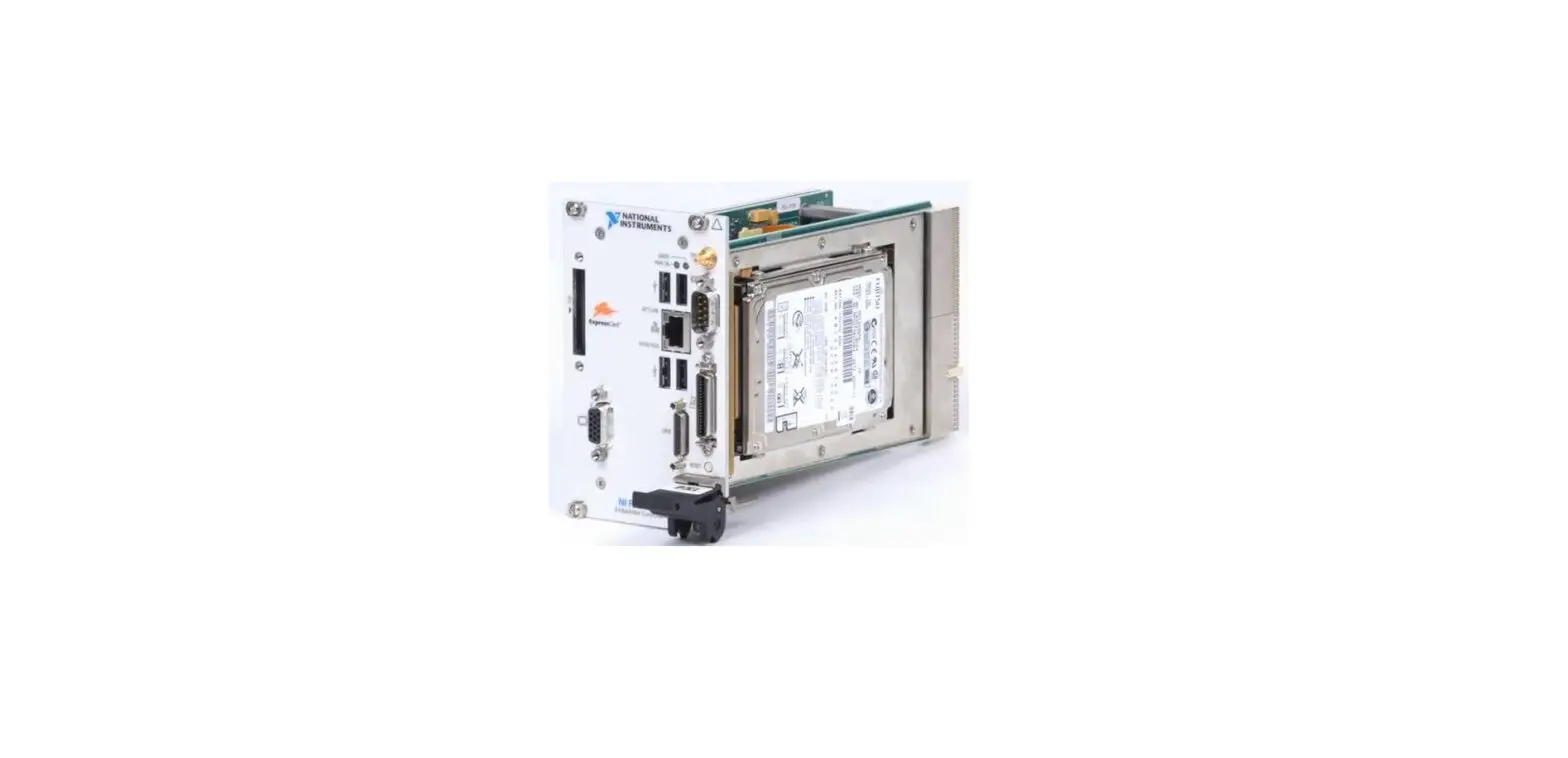
PXI-8196
GETTING STARTED GUIDE
NI 9155
Reconfigurable Embedded Chassis with Integrated MXI-Express (x1)
This document describes how to begin using the NI 9155.
MXNI-EIxp9re1s5s 5RIO
PUUUOSSSWEEERRRENUUUFFFRSSSOPPPEEEGGGFRRRAAAP123FFFGPPPAGGGAAAAP123P
LINK
LINK
I92N-53PW0UVMT AX
UPSTREAM DOWNSTREAM DO NOT SEPARATE CABLES WHEN ENERGIZED IN HAZARDOUS LOCATIONS
Safety Guidelines
Caution Do not operate the NI 9155 in a manner not specified in this document. Product misuse can result in a hazard. You can compromise the safety protection built into the product if the product is damaged in any way. If the product is damaged, return it to NI for repair.
Safety Guidelines for Hazardous Locations
The NI 9155 is suitable for use in Class I, Division 2, Groups A, B, C, D, T4 hazardous locations; Class I, Zone 2, AEx nA IIC T4 and Ex nA IIC T4 hazardous locations; and nonhazardous locations only. Follow these guidelines if you are installing the NI 9155 in a potentially explosive environment. Not following these guidelines may result in serious injury or death.
Caution Do not disconnect the power supply wires and connectors from the controller unless power has been switched off.
Caution Do not disconnect I/O-side wires or connectors unless power has been switched off or the area is known to be nonhazardous.
Caution Do not remove modules unless power has been switched off or the area is known to be nonhazardous.
Caution Substitution of components may impair suitability for Class I, Division 2.
Caution For Division 2 and Zone 2 applications, install the system in an enclosure rated to at least IP54 as defined by IEC/EN 60079-15.
Special Conditions for Hazardous Locations Use in Europe and Internationally
The NI 9155 has been evaluated as Ex nA IIC T4 Gc equipment under DEMKO 12 ATEX 1202658X and is IECEx UL 14.0089X certified. Each device is marked II 3G and is suitable for use in Zone 2 hazardous locations, in ambient temperatures of 0 °C Ta 55 °C.
Caution You must make sure that transient disturbances do not exceed 140% of the rated voltage.
Caution The system shall only be used in an area of not more than Pollution Degree 2, as defined in IEC/EN 60664-1.
Caution The system shall be mounted in an ATEX/IECEx-certified enclosure with a minimum ingress protection rating of at least IP54 as defined in IEC/EN 60079-15.
Caution The enclosure must have a door or cover accessible only by the use of a tool.
Electromagnetic Compatibility Guidelines
This product was tested and complies with the regulatory requirements and limits for electromagnetic compatibility (EMC) stated in the product specifications. These requirements and limits provide reasonable protection against harmful interference when the product is operated in the intended operational electromagnetic environment.
This product is intended for use in industrial locations. However, harmful interference may occur in some installations, when the product is connected to a peripheral device or test object, or if the product is used in residential or commercial areas. To minimize interference with radio and television reception and prevent unacceptable performance degradation, install and use this product in strict accordance with the instructions in the product documentation.
Furthermore, any changes or modifications to the product not expressly approved by National Instruments could void your authority to operate it under your local regulatory rules.
2 | ni.com | NI 9155 Getting Started Guide
Caution To ensure the specified EMC performance, operate this product only with shielded cables and accessories.
Special Conditions for Marine Applications
Some products are Lloyd’s Register (LR) Type Approved for marine (shipboard) applications. To verify Lloyd’s Register certification for a product, visit ni.com/certification and search for the LR certificate, or look for the Lloyd’s Register mark on the product.
Caution In order to meet the EMC requirements for marine applications, install the product in a shielded enclosure with shielded and/or filtered power and input/output ports. In addition, take precautions when designing, selecting, and installing measurement probes and cables to ensure that the desired EMC performance is attained.
Preparing the Environment
Ensure that the environment in which you are using the NI 9155 meets the following specifications.
Operating temperature (IEC 60068-2-1, IEC 60068-2-2) Operating humidity (IEC 60068-2-56) Pollution Degree Maximum altitude
0 °C to 55 °C
10% RH to 90% RH, noncondensing 2 2,000 m
Indoor use only.
Note Refer to the device specifications on ni.com/manuals for complete specifications.
What You Need to Install the NI 9155
· NI 9155 reconfigurable embedded chassis with integrated MXI-Express (x1) · One of the following MXI-Express (x1) host systems:
PXI system with MXI-Express device installed PC with MXI-Express PCI or PCIe device installed NI Industrial Controller NI cRIO-9081/9082 integrated system
Note The NI 9155 requires a host system with a PCI Express clock that complies with the PCI Express Specification. The NI 9155 may not be compatible with systems using noncompliant clocks, particularly clocks with peak frequencies higher than 100 MHz. For more information about PCI Express clock
NI 9155 Getting Started Guide | © National Instruments | 3
compatibility with the NI 9155, go to ni.com/info and enter the Info Code 915xclock. · C Series I/O modules · MXI-Express (x1) cable(s) up to 7 m long · DIN rail mount kit (for DIN rail mounting only) · Panel mount kit (for panel mounting only) · Two M4 or number 8 panhead screws (for mounting the chassis without one of the listed mounting kits) · Number 2 Phillips screwdriver · Power supply · MXI-Express (x1) Series User Manual
Note Visit ni.com/info and enter the Info Code rdsoftwareversion to determine which software you need to use the NI 9155.
Installing C Series Modules
The following figure shows the mechanical dimensions of C Series I/O modules.
Figure 1. C Series I/O Module, Front and Side View with Dimensions
88.1 mm (3.47 in.)
70.7 mm (2.78 in.)
22.9 mm (0.90 in.)
Complete the following steps to install a C Series I/O module in the chassis.
1. Make sure that no I/O-side power is connected to the I/O module. If the system is in a nonhazardous location, the chassis power can be on when you install I/O modules.
2. Align the I/O module with an I/O module slot in the chassis. The module slots are labeled 1 to 8, left to right.
4 | ni.com | NI 9155 Getting Started Guide
Figure 2. Installing an I/O Module in the Chassis
MXNI-EIxp9re1s5s 5RIO
1 2
1. Insertion Groove 2. Latch
3. Squeeze the latches and insert the I/O module into the module slot. 4. Press firmly on the connector side of the I/O module until the latches lock the I/O module
into place. 5. Repeat these steps to install additional I/O modules.
Removing C Series Modules
Complete the following steps to remove a C Series I/O module from the chassis. 1. Make sure that no I/O-side power is connected to the I/O module. If the system is in a
nonhazardous location, the chassis power can be on when you remove I/O modules. 2. Squeeze the latches on both sides of the module and pull the module out of the chassis.
Connecting the NI 9155 to Ground
You must connect the NI 9155 grounding terminal to the grounding electrode system of the facility.
What to Use · Ring lug · Wire, 2.05 mm2 (12 AWG) or larger · Screwdriver, Phillips #2
NI 9155 Getting Started Guide | © National Instruments | 5
What to Do Complete the following steps to ground the NI 9155. 1. Attach the ring lug to the wire. 2. Remove the grounding screw from the grounding terminal on the NI 9155. 3. Attach the ring lug to the grounding terminal. 4. Tighten the grounding screw to 0.5 N · m (4.4 lb · in.) of torque. 5. Attach the other end of the wire to the grounding electrode system of your facility using a
method that is appropriate for your application.
Caution If you use shielded cabling to connect to a C Series module with a plastic connector, you must attach the cable shield to the chassis grounding terminal using 1.3 mm diameter (16 AWG) or larger wire. Attach a ring lug to the wire and attach the wire to the chassis grounding terminal. Solder the other end of the wire to the cable shield. Use shorter wire for better EMC performance.
For more information about ground connections, visit ni.com/info and enter the Info Code emcground.
Connecting One or More NI 9155 Chassis to the MXI-Express Host System or a Target
Complete the following steps to connect one or more NI 9155 chassis to a MXI-Express host system or a target. 1. Make sure the MXI-Express host system is set up and configured as described in the
MXI-Express (x1) Series User Manual. 2. If the MXI-Express host system is powered up, power it down. 3. If the NI 9155 is powered up, power it down. 4. Use a MXI-Express (x1) cable to connect the MXI-Express host system to the Upstream
port of the first NI 9155 in the chain. 5. Use a MXI-Express (x1) cable to connect the Downstream port of the first NI 9155 to the
Upstream port of the next NI 9155 in the chain.
Note The maximum number of NI 9155 chassis in a chain depends on the system configuration. For example, a PXI system with an NI PXI-8196 controller can support four chassis per chain. Different types of systems may support more or fewer chassis per chain. For more information about how different system configurations can affect the maximum number of chassis in a chain, go to ni.com/info and enter the Info Code 915xchain. 6. Power up all of the connected NI 9155 chassis. 7. Power up the MXI-Express host system.
Note Refer to the MXI-Express (x1) Series User Manual for connectivity options and supported host devices.
6 | ni.com | NI 9155 Getting Started Guide
Caution All connected NI 9155 chassis must have power connected before the host system is powered up. The BIOS and OS of the host system must detect all bus segments on the chassis side in order to configure the PCI hierarchy. Powering connected chassis up or down while the host system is running can cause system hangs and data corruption.
Caution Do not remove MXI-Express (x1) cables while power is connected. Doing so can cause hangs or application errors. If a cable becomes unplugged, plug it back in and reboot.
Wiring Power to the Chassis
The NI 9155 requires an external power supply that meets the specifications. The NI 9155 filters and regulates the supplied power and provides power for all of the I/O modules. You must connect a power supply to at least one pair of V and C terminals. Optionally, you can connect a second power supply to the other pair of V and C terminals. The chassis draws power from the power supply with the higher voltage. The NI 9155 has one layer of reversevoltage protection. Complete the following steps to connect a power supply to the chassis. 1. Connect the positive lead of the power supply to the V1 or V2 terminal of the
COMBICON connector shipped with the NI 9155. 2. Connect the negative lead of the power supply to one of the C terminals of the
COMBICON connector. 3. Optionally you can connect the positive lead of another power supply to the other V
terminal and the negative lead to one of the C terminals. 4. Install the COMBICON connector on the front panel of the NI 9155.
Caution To ensure the specified EMC performance, do not connect the power input to a DC mains supply or to any supply requiring a connecting cable longer than 3 m (10 ft). A DC mains supply is a local DC electricity supply network in the infrastructure of a certain site or building.
Note The chassis draws power from either V1 or V2 depending on which terminal has a higher voltage. It does not draw power from both terminals. The chassis switches between V1 and V2 without affecting operation.
Note If you prefer for the chassis to draw power from one power supply, you must ensure that the voltage of that power supply, measured at the chassis power connector, is at least 500 mV higher than the voltage of the other power supply.
Caution The C terminals are internally connected to each other. If you use two power supplies, make sure that they share a common ground.
Caution The C terminals are internally connected to the body of the chassis to prevent a faulty ground connection from causing the chassis ground to float. If you reverse the input voltage, the positive input voltage is connected directly to the chassis. The chassis has built-in reversed-voltage protection, but reversed
NI 9155 Getting Started Guide | © National Instruments | 7
voltage can damage connected peripherals if the chassis ground is not reliably connected to earth ground.
Caution Do not tighten or loosen the terminal screws on the power connector while the power connector is plugged into the chassis or while the power supply is on.
Chassis Powerup Options
The following table lists the reset options available for the NI 9155. These options determine how the chassis behaves when it is powered on in various conditions. Use the RIO Device Setup utility to select reset options. Access the RIO Device Setup utility by selecting Start»All Programs»National Instruments»NI-RIO»RIO Device Setup.
Table 1. Chassis Powerup Options
Powerup Option
Behavior
Do Not Autoload VI
Does not load the FPGA bit stream from flash memory.
Autoload VI on device powerup Loads the FPGA bit stream from flash memory to the FPGA when the chassis powers on.
If you want the NI 9155 to autoload and run a VI at powerup, you must also configure the VI to autoload before you compile it. For more information about autoloading VIs, refer to the LabVIEW FPGA Module Help.
Checking MXI-Express LINK LEDs for Status
After powering on the chassis and host system, check the MXI-Express LINK LEDs to ensure that all connected systems are linked and communicating properly. The MXI-Express LINK LEDs of the NI 9155 indicate the following:
Table 2. NI 9155 MXI-Express LINK LED Indications
LINK LED Appearance
Meaning
Off Solid yellow Solid green Blinking yellow
Chassis power is off. Link is not established. Link is established. PCI Express clock is incompatible with NI 9155
Note For information about PCI Express clock compatibility with the NI 9155, go to ni.com/info and enter the Info Code 915xclock.
8 | ni.com | NI 9155 Getting Started Guide
Powering Down the MXI-Express System
Always power down the host system before powering down any connected NI 9155 chassis. When the host system is powered down, the order in which the NI 9155 chassis are powered down is not important.
Where to Go Next
HARDWARE
SOFTWARE
APPLICATION
NI 9155 Specifications ni.com/manuals
NI 9155 User Manual ni.com/manuals
C Series Getting Started Guides ni.com/manuals
Configuring a Project NI-RIO Help
Learn LabVIEW Basics ni.com/gettingstarted
CompactRIO Examples NI Example Finder
NI CompactRIO Developer’s Guide ni.com/compactriodevguide
CompactRIO Sample Projects LabVIEW » Create Project
Software Support ni.com/info » swsupport
SUPPORT
Support ni.com/support
Services ni.com/services
NI Community ni.com/community
Worldwide Support and Services
The NI website is your complete resource for technical support. At ni.com/support, you have access to everything from troubleshooting and application development self-help resources to email and phone assistance from NI Application Engineers. Visit ni.com/services for NI Factory Installation Services, repairs, extended warranty, and other services. Visit ni.com/register to register your NI product. Product registration facilitates technical support and ensures that you receive important information updates from NI. A Declaration of Conformity (DoC) is our claim of compliance with the Council of the European Communities using the manufacturer’s declaration of conformity. This system
NI 9155 Getting Started Guide | © National Instruments | 9
affords the user protection for electromagnetic compatibility (EMC) and product safety. You can obtain the DoC for your product by visiting ni.com/certification. If your product supports calibration, you can obtain the calibration certificate for your product at ni.com/calibration. NI corporate headquarters is located at 11500 North Mopac Expressway, Austin, Texas, 78759-3504. NI also has offices located around the world. For telephone support in the United States, create your service request at ni.com/support or dial 1 866 ASK MYNI (275 6964). For telephone support outside the United States, visit the Worldwide Offices section of ni.com/ niglobal to access the branch office websites, which provide up-to-date contact information, support phone numbers, email addresses, and current events.
Refer to the NI Trademarks and Logo Guidelines at ni.com/trademarks for information on NI trademarks. Other product and company names mentioned herein are trademarks or trade names of their respective companies. For patents covering NI products/technology, refer to the appropriate location: Help»Patents in your software, the patents.txt file on your media, or the National Instruments Patent Notice at ni.com/patents. You can find information about end-user license agreements (EULAs) and third-party legal notices in the readme file for your NI product. Refer to the Export Compliance Information at ni.com/ legal/export-compliance for the NI global trade compliance policy and how to obtain relevant HTS codes, ECCNs, and other import/export data. NI MAKES NO EXPRESS OR IMPLIED WARRANTIES AS TO THE ACCURACY OF THE INFORMATION CONTAINED HEREIN AND SHALL NOT BE LIABLE FOR ANY ERRORS. U.S. Government Customers: The data contained in this manual was developed at private expense and is subject to the applicable limited rights and restricted data rights as set forth in FAR 52.227-14, DFAR 252.227-7014, and DFAR 252.227-7015. © 2012–2016 National Instruments. All rights reserved. 375994D-01 Apr16
References
 Engineer Ambitiously - NI
-
Engineer Ambitiously - NI
-
Calibration Services - NI
-
Product Certifications - NI
-
NI Community - National Instruments
-
LabVIEW for CompactRIO Developer's Guide - NI
-
NI Learning Center - NI
-
Using Info Codes - NI
-
Product Documentation - NI
-
National Instruments Patents - NI
-
Log In - National Instruments
-
NI Services - NI
-
Support - NI
-
NI Trademarks and Logo Guidelines - NI
-
Calibration Services - NI
-
Product Certifications - NI
-
Using Info Codes - NI
-
Product Documentation - NI
-
Contact Us - NI
-
Log In - National Instruments
-
NI Services - NI
-
Support - NI
 PXI-8196 National Instruments PXI Controller | Apex Waves
 Engineer Ambitiously - NI
 Calibration Services - NI
 PXI-8196 National Instruments PXI Controller | Apex Waves