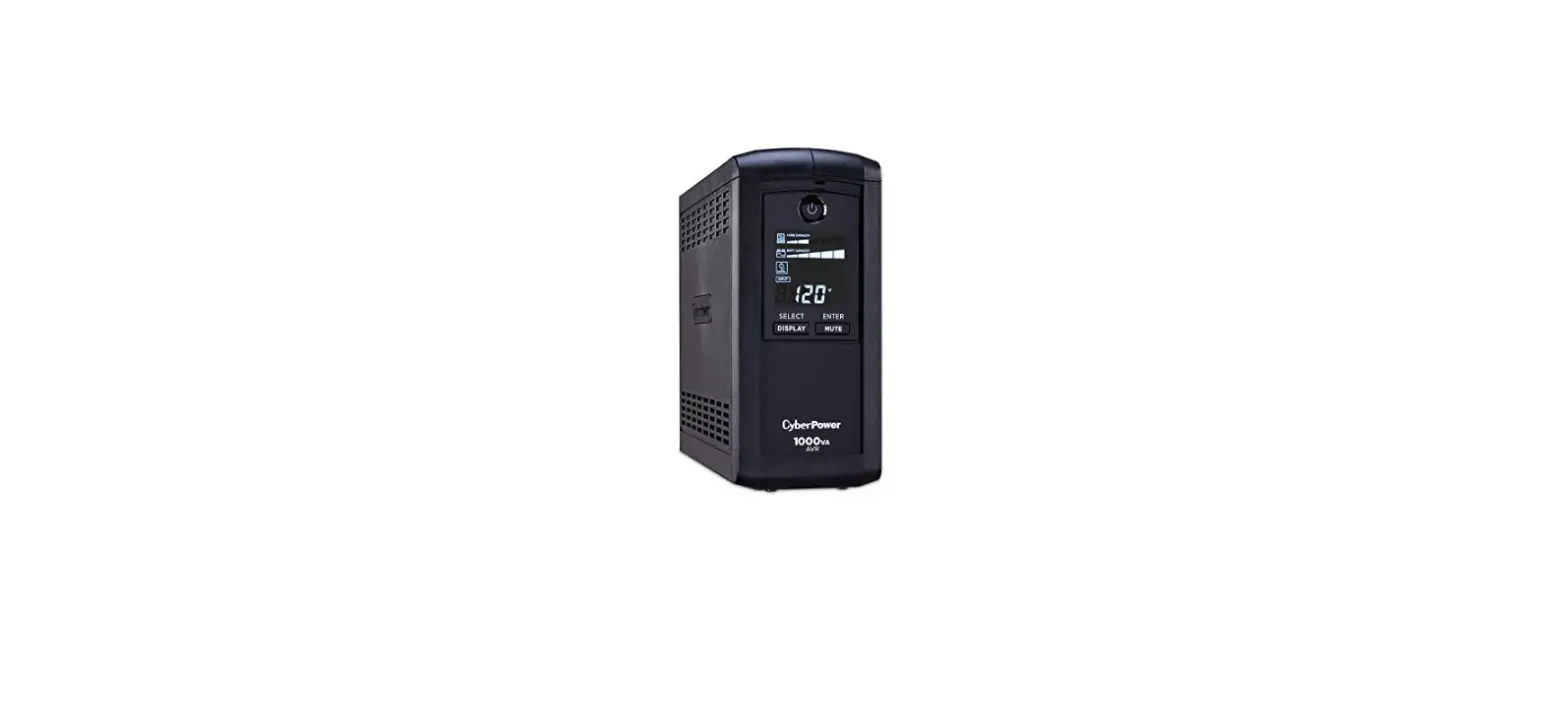
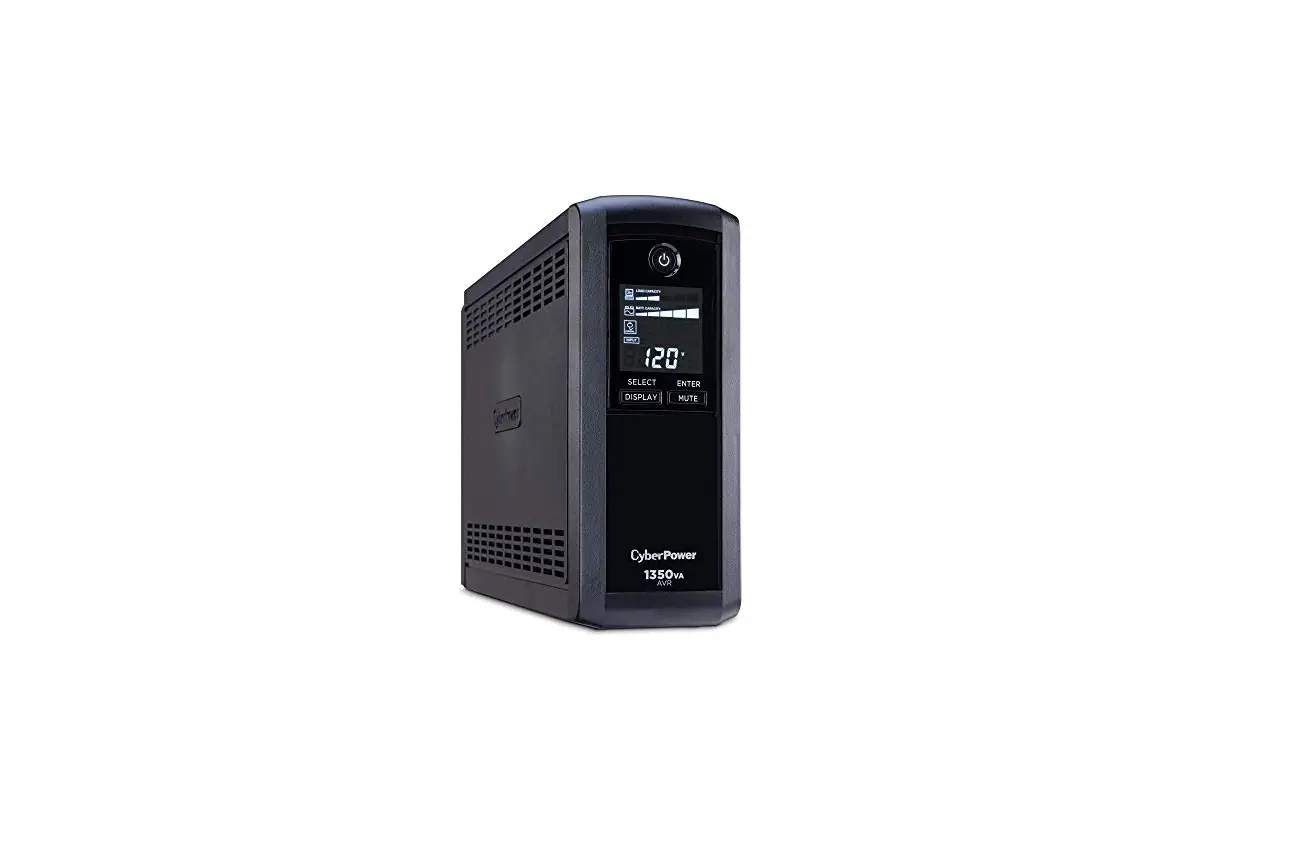
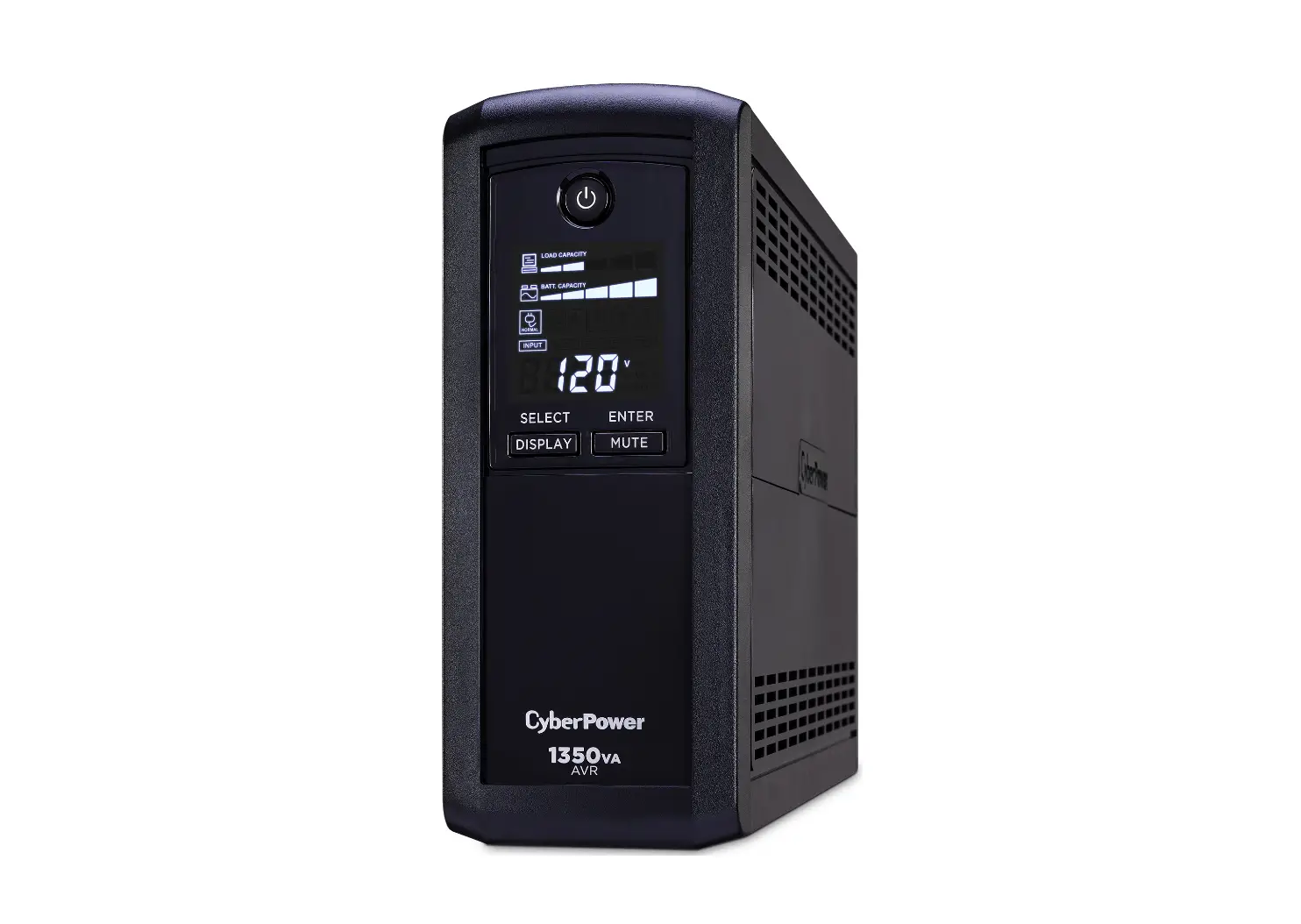
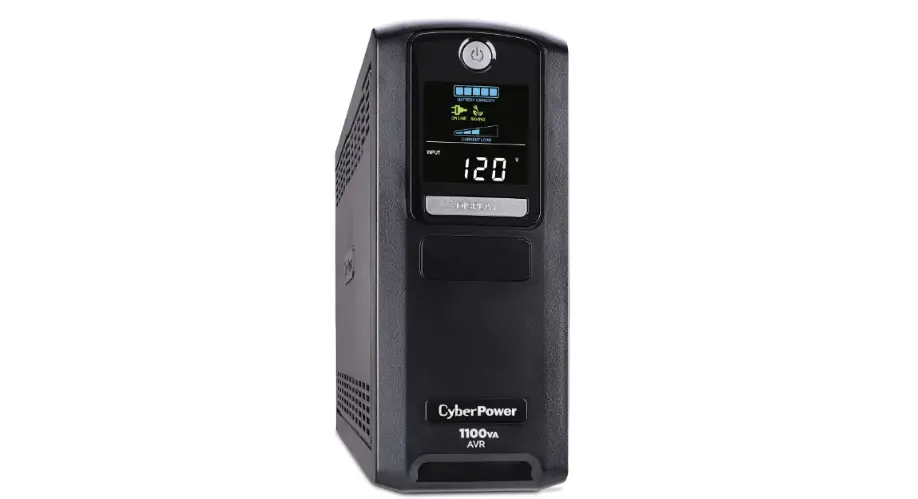
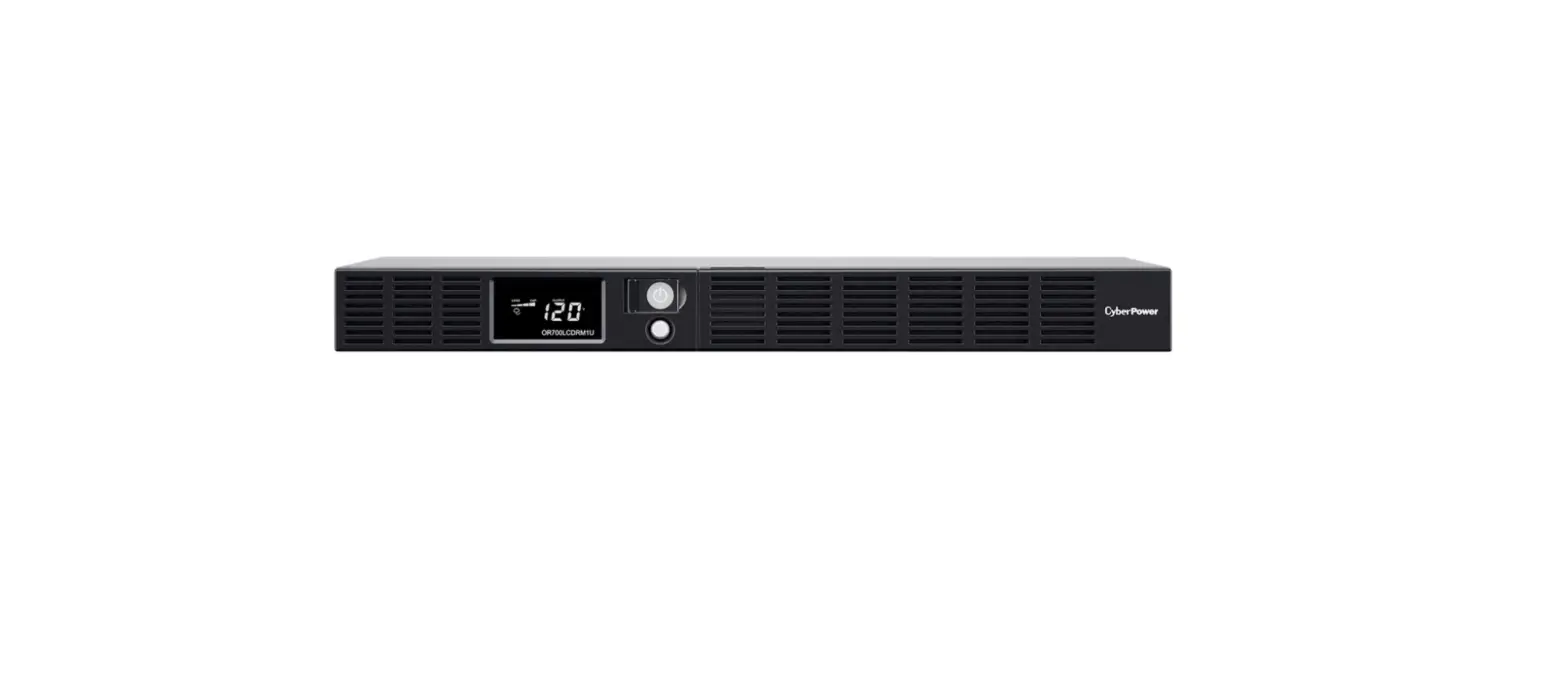
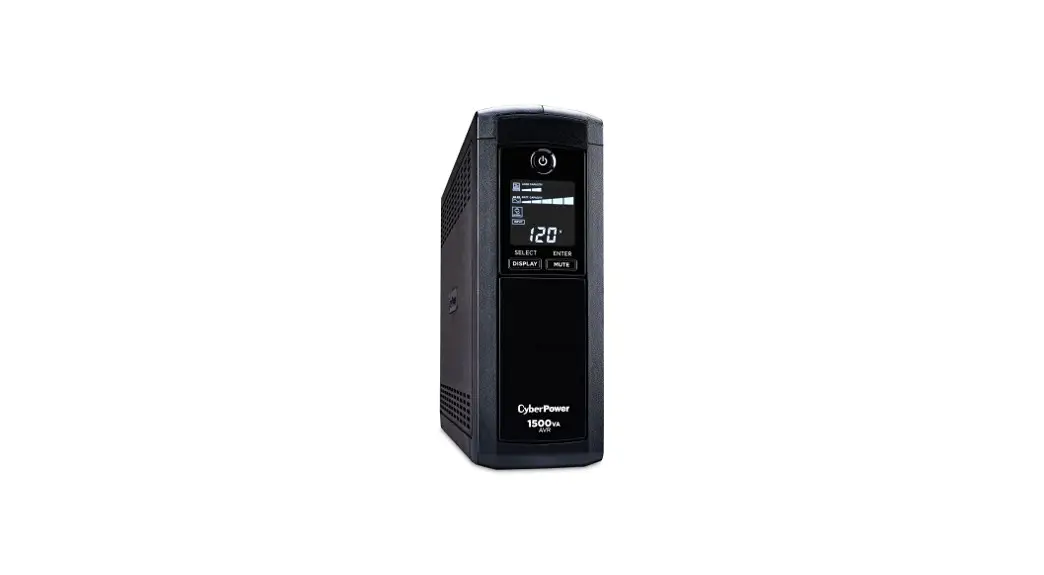
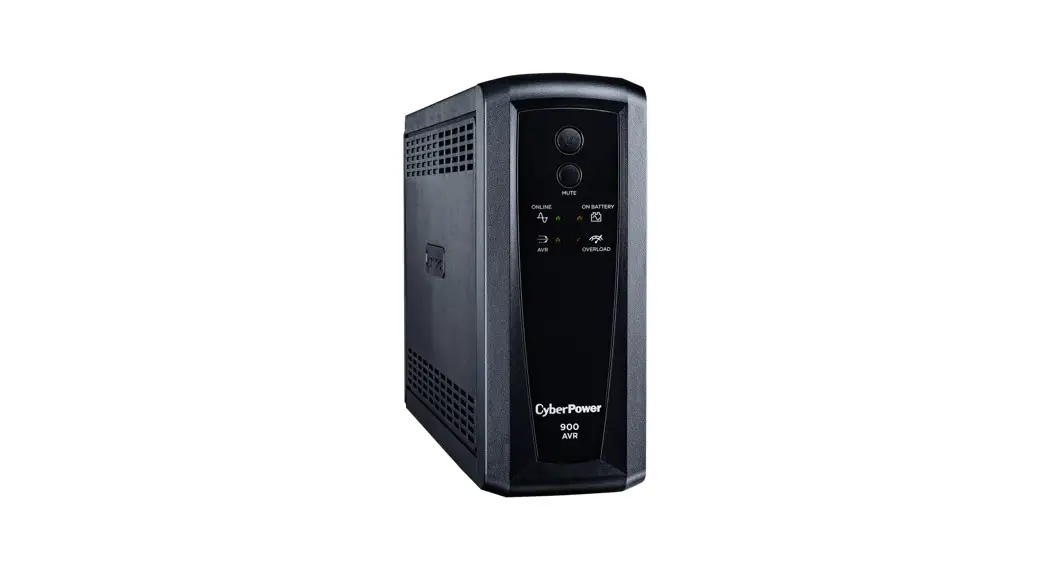
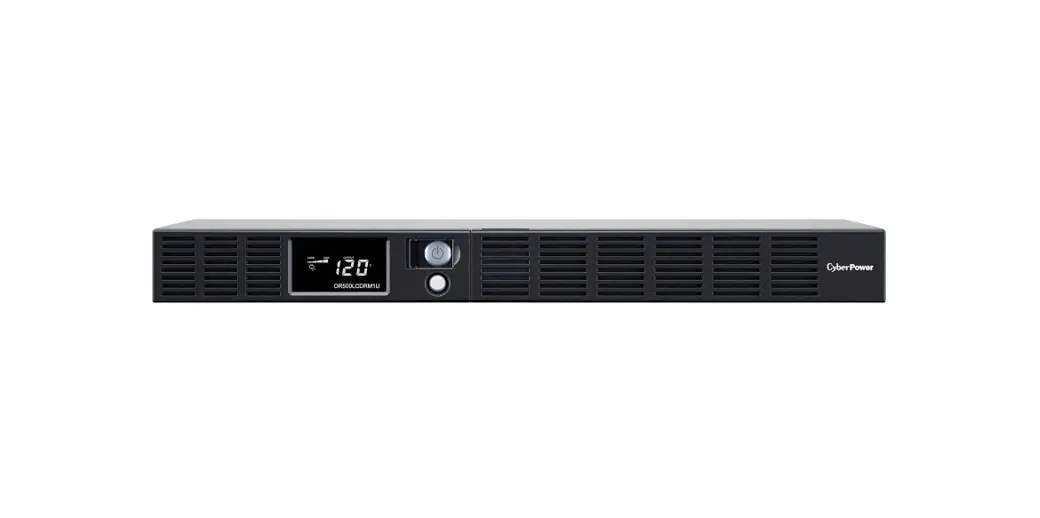
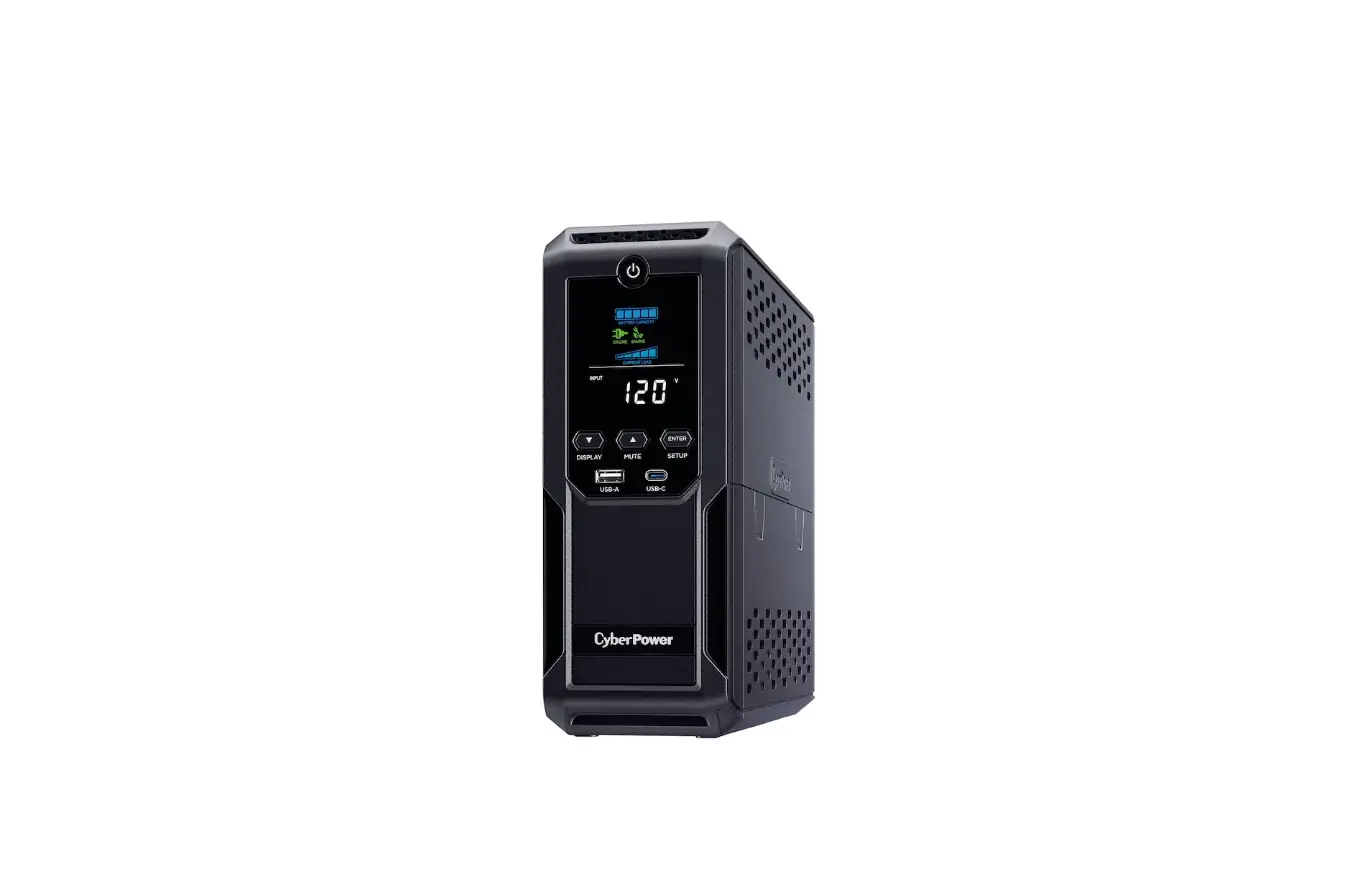
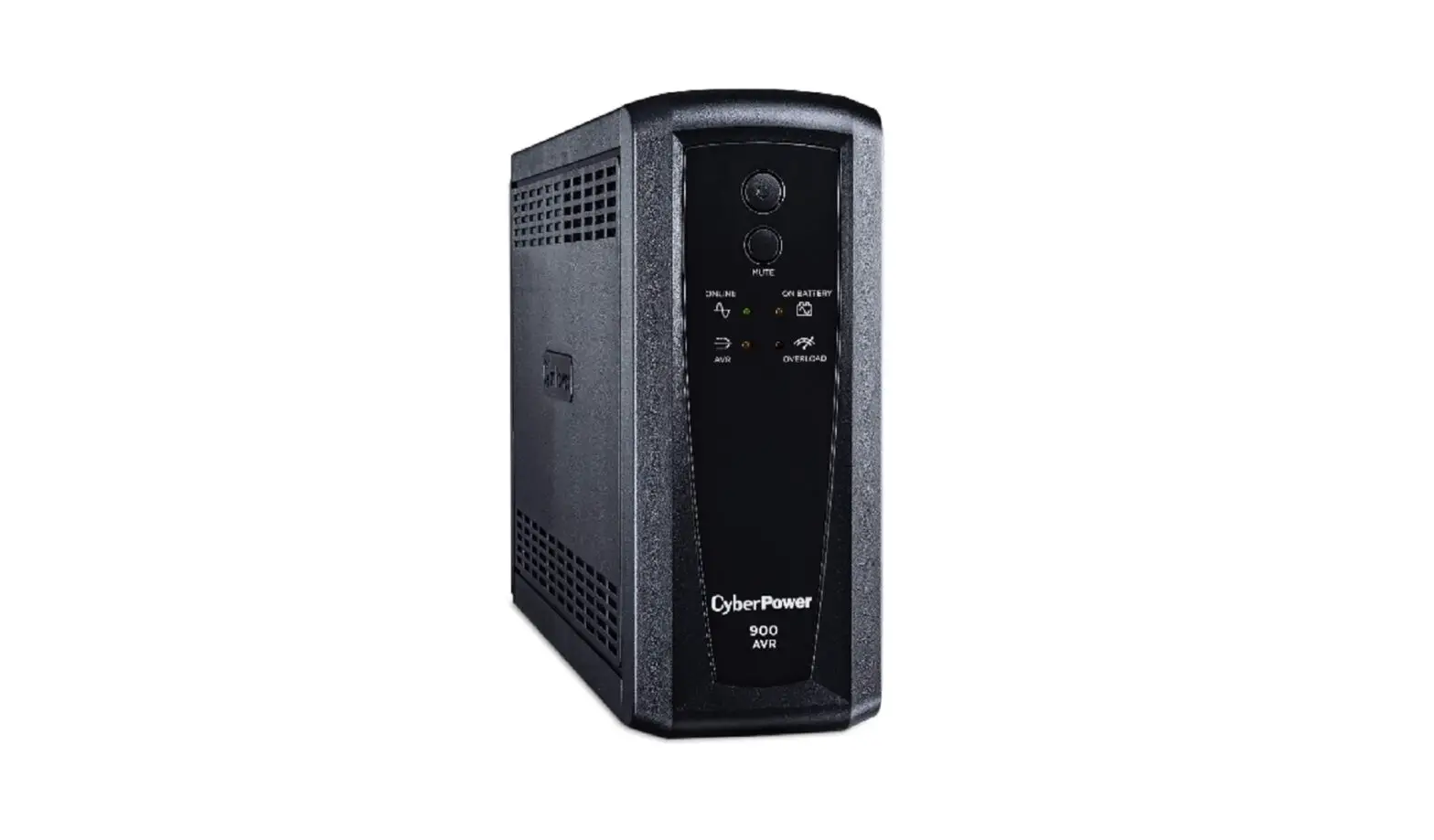
CP1500AVRL Intelligent LCD UPS Series
Product Information:
The CP1500AVRL is a UPS (Uninterruptible Power Supply) system
manufactured by CyberPower Systems. It is designed to provide
reliable power protection, operation, and performance for your
electronic devices. The UPS features automatic voltage regulation,
surge protection, and battery backup capabilities to safeguard your
equipment during power outages and voltage fluctuations. The unit
has a capacity of 1500VA/900W and offers 1500 Joules of surge
protection.
Key Features:
- Unsurpassed power protection and performance
- Long-lasting battery backup during power outages
- Maintenance-free batteries
- Automatic Voltage Regulation (AVR) for consistent and safe
power levels - 1500 Joules of surge protection
- Software to save open files and shut down your computer during
power loss
Product Registration:
Registering your CP1500AVRL product is highly recommended. It
certifies your product’s warranty, confirms your ownership in case
of loss or theft, and entitles you to free technical support. To
register your product, visit www.cyberpowersystems.com/registration.
Product Usage Instructions:
1. Determining Power Requirements:
Before connecting your equipment, ensure that the total power
consumption does not exceed the rated capacity of the UPS
(1500VA/900W for CP1500AVRL). To prevent overload conditions, it is
advised that the load on the battery outlets does not exceed 80% of
the unit’s capacity.
2. Unpacking and Initial Charging:
- Unpack the UPS and its accessories.
- Prioritize charging the UPS battery for at least 8 hours to
maximize its capacity. The UPS has an auto-charge feature that
activates when it is plugged into an AC outlet, regardless of
whether the UPS is turned on or off. - Note: The UPS has a safety feature that prevents it from
powering on during shipment. To turn on the UPS for the first time,
ensure it is connected to AC power.
3. Hardware Installation:
- Ensure the UPS unit is turned off and unplugged.
- Connect your computer, monitor, and other peripherals requiring
battery backup to the battery-powered outlets provided. Do not
connect large electrical devices such as laser printers, paper
shredders, copiers, space heaters, vacuums, or sump pumps to the
Battery and Surge Protected Outlets, as they may overload and
damage the UPS.
Following these instructions will help you properly install and
utilize the CP1500AVRL UPS system for optimal power protection and
performance.
CP1500AVRL
User’s Manual
PRODUCT REGISTRATION
K01-0000860-00
Thank you for purchasing a CyberPower product. Please take a few minutes to register your product at: www.cyberpowersystems.com/ registration. Registration certifies your product’s warranty, confirms your ownership in the event of a product loss or theft and entitles you to free technical support. Register your product now to receive the benefits of CyberPower ownership.
IMPORTANT SAFETY INSTRUCTIONS
(SAVE THESE INSTRUCTIONS)
This Manual Contains Important Instructions that should be followed during Installation and Maintenance of the UPS and batteries. CAUTION! To prevent the risk of fire or electric shock, install in a temperature and humidity controlled indoor area free of conductive contaminants. (Please see specifications for acceptable temperature and humidity range). CAUTION! To reduce the risk of electric shock, do not remove the cover except to service the battery. Turn off and unplug the unit before servicing the batteries. There are no user serviceable parts inside except for the battery. CAUTION! Hazardous live parts inside can be energized by the battery even when the AC input power is disconnected. CAUTION! The UPS must be connected to an AC power outlet with fuse or circuit breaker protection. Do not plug into an outlet that is not grounded. If you need to de-energize this equipment, turn off and unplug the unit. CAUTION! To avoid electric shock, turn off the unit and unplug it from the AC power source before servicing the battery. CAUTION! To reduce the risk of fire, connect only to a circuit provided with 20 amperes maximum branch circuit over current protection in accordance with the National Electric Code, ANSI/NFPA 70. DO NOT USE FOR MEDICAL OR LIFE SUPPORT EQUIPMENT! CyberPower Systems does not sell products for life support or medical applications. DO NOT use in any circumstance that would affect the operation and safety of life support equipment, medical applications, or patient care. DO NOT USE WITH OR NEAR AQUARIUMS! To reduce the risk of fire or electric shock, do not use with or near an aquarium. Condensation from the aquarium can cause the unit to short out. DO NOT USE THE UPS ON ANY TRANSPORTATION! To reduce the risk of fire or electric shock, do not use the unit on any transportation such as airplanes or ships. The effect of shock or vibration caused during transit and the damp environment can cause the unit to short out.
INSTALLING YOUR UPS SYSTEM
INTRODUCTION
Thank you for selecting a CyberPower Systems UPS product. This UPS is designed to provide unsurpassed power protection, operation and performance during the lifetime of the product.
UNPACKING
Inspect the UPS upon receipt. The box should contain the following: (a) UPS (b) User’s manual (c) USB A+B type cable *PowerPanel® Personal software is available on our website. Please visit www.cyberpowersystems.com and go to the Software Section for free download.
OVERVIEW
The CP1500AVRL provides complete power protection from utility power that is not always consistent. The CP1500AVRL features 1500 Joules of surge protection. The unit provides long lasting battery backup during power outages with maintenance free batteries. The CP1500AVRL ensures consistent power to your computer system and includes software that will automatically save your open files and shutdown your computer system during a utility power loss.
AUTOMATIC VOLTAGE REGULATOR
The CP1500AVRL stabilizes inconsistent utility power voltage to nominal levels that are safe for equipment. Inconsistent incoming utility power may be damaging to important data files and hardware, but with Automatic Voltage Regulation (AVR), damaging voltage levels are corrected to safe levels. AVR automatically increases low utility power or decreases high utility power to a consistent and safe 110/120 volts.
HOW TO DETERMINE THE POWER REQUIREMENTS OF YOUR EQUIPMENT
1. Ensure that the equipment plugged into the outlet does not exceed the UPS’s rated capacity (1500VA/900W for CP1500AVRL). If the rated capacity of the unit is exceeded, an overload condition may occur and cause the UPS to shut down or the circuit breaker to trip.
2. There are many factors that can affect the amount of power that your computer system will require. It is suggested that the load placed on the battery outlets not exceed 80% of the unit’s capacity.
HARDWARE INSTALLATION GUIDE
1. Your new UPS may be used immediately upon receipt. However, after receiving a new UPS, to ensure the battery’s maximum charge capacity, it is recommended that you charge the battery for at least 8 hours. Your UPS is equipped with an auto-charge feature. When the UPS is plugged into an AC outlet, the battery will automatically charge whether the UPS is turned on or off.
2. Note: This UPS is designed with a safety feature to keep the system from being turned on during shipment. The first time you turn the UPS on, you will need to have it connected to AC power or it will not power up.
3. With the UPS unit turned off and unplugged, connect your computer, monitor, and any other peripherals requiring battery backup into the battery power supplied outlets. DO NOT plug a laser printer, paper shredder, copier, space heater, vacuum, sump pump or other large electrical devices into the “Battery and Surge Protected Outlets”. The power demands of these devices may overload and damage the UPS.
4. Plug the UPS into a 2 pole, 3 wire grounded receptacle (wall outlet). Make sure the wall branch outlet is protected by a fuse or circuit breaker and does not service equipment with large electrical demands (e.g. air conditioner, copier, etc.). The warranty prohibits the use of extension cords, outlet strips, and surge strips.
5. Press the power switch to turn the unit on. The Power On indicator light will illuminate and the unit will “beep”. If an overload is detected, an audible alarm will sound and the unit will emit one long beep. To correct this, turn the UPS off and unplug at least one piece of equipment from the battery power supplied outlets. Make sure the circuit breaker is depressed and then turn the UPS on.
6. To maintain optimal battery charge, leave the UPS plugged into an AC outlet at all times. 7. To store the UPS for an extended period, cover it and store with the battery fully charged. While in storage, recharge the battery every three
months to ensure battery life. 8. Ensure the wall outlet and UPS are located near the equipment being attached for proper accessibility.
DESCRIPTION
BASIC OPERATION
9
USB
IN
SERIAL
8 1
10
OUT
2
W IRINGFAULT
7
3
11
11
6
4
5
1 Power Switch Used as the master on/off switch for equipment connected to the battery power supplied outlets.
2 MUTE button The button can be used to mute battery mode alerts and to set up the sensitivity. For more information, please refer to the” Function Setup Guide” section. Pressing the button will turn off / on the battery mode alarm, including on battery / low battery warnings. To turn the alarm off, press the MUTE button. You will hear two short beeps when the alarm is turned off. To turn the alarm back on, press the MUTE button. You will hear a short beep when the alarm is turned on.
3 LED Indicators The LEDs indicators show the UPS status, including On Line / On Battery / AVR and Overload.
4 Battery and Surge Protected Outlets The UPS has five battery powered/surge suppression outlets for connected equipment to ensure temporary uninterrupted operation of your equipment during a power failure. (DO NOT plug a laser printer, paper shredder, copier, space heater, vacuum, sump pump or other large electrical devices into the “Battery and Surge Protected Outlets”. The power demands of these devices may overload and damage the unit.)
5 Full-Time Surge Protection Outlets The UPS has five surge suppression outlets.
6 Circuit Breaker Located on the back of the UPS, the circuit breaker serves to provide overload and fault protection.
7 Wiring Fault Indicator (red) This LED indicator will illuminate to warn the user that a wiring problem exists, such as bad ground, missing ground or reversed wiring. If this is illuminated, disconnect all electrical equipment from the outlet and have an electrician verify the outlet is properly wired. The UPS will not provide surge protection without being plugged into a grounded and properly wired wall outlet.
8 Serial/USB Ports to PC The USB port allows connection and communication between the USB port on the computer and the UPS unit.
9 Coax/Cable/DSS Surge Protection The Coax/Cable/DSS protection ports will protect any cable modem, CATV converter, or DSS receiver.
10 Communication Protection Ports Communication protection ports, bi-directional, will protect a 10/100/1000 Ethernet connection (RJ45).
11 Outlets Designed for AC Adapters The unit has two outlets spaced to allow AC power adapter blocks to be plugged into the UPS without blocking adjacent outlets.
REPLACING THE BATTERY
Replacement of batteries located in an OPERATOR ACCESS AREA. 1. When replacing batteries, replace with the same number of the following battery: CyberPower / RB1290X2 for CP1500AVRL. 2. CAUTION! Risk of Energy Hazard, 24 V, maximum 9 Ampere-hour battery for CP1500AVRL. Before replacing batteries, remove conductive jewelry such as chains, wrist watches, and rings. High energy conducted through these materials could cause severe burns. 3. CAUTION! Do not dispose of batteries in a fire. The batteries may explode. 4. CAUTION! Do not open or mutilate batteries. Released material is harmful to the skin and eyes. It may be toxic. 5. CAUTION: A battery can present a risk of electrical shock and high short circuit current. The following precautions should be observed when working on batteries: 1) Remove watches rings, or other metal objects. 2) Use tools with insulated handles.
CAUTION – RISK OF EXPLOSION IF BATTERY IS REPLACED BY AN INCORRECT TYPE. DISPOSE OF USED BATTERIES ACCORDING TO LOCAL REGULATIONS.
BATTERY REPLACEMENT PROCEDURE: 1. Turn off and unplug all connected equipment. 2. Turn the UPS off and unplug it from the AC power source. 3. Turn the UPS on its side. 4. Remove two retaining screws located on the bottom of the UPS. 5. Slide the battery compartment cover completely off of the unit. 6. Remove the battery which is located on the right side from the compartment. 7. Disconnect the battery wires from the right side of the battery. 8. Slide the remaining battery from left to right and remove it from the compartment. 9. Disconnect the battery wires from the remaining battery. 10. Install the “left side” replacement battery by connecting the yellow wire (+) to the red connector from the battery and the black wire (-) to
the black connector from the battery. Place the battery into the left side of the compartment. 11. Install the “right side” replacement battery by connecting the red wire (+) to the red connector from the battery and yellow wire (-) to the
black connector from the battery. Place the battery into the right side of the compartment. Note: Only new batteries should be used for replacement and both batteries should be replaced at the same time to insure maximum life span. 12. Slide back the battery compartment cover and tighten the retaining screws. 13. Recharge the UPS for 8-16 hours to fully charge the battery.
1
2
3
4
5
6
7
(+)Red (-)Black
8
(-)Black (+)Red
Yellow Wire to (+)Red Connector Black Wire to (-)Black Connector
Red Wire to (+)Red Connector Yellow Wire to (-)Black Connector
REMINDER: Batteries are considered HAZARDOUS WASTE and must be disposed of properly. Most retailers that sell lead-acid batteries collect used batteries for recycling, as required by local regulations.
DEFINITIONS FOR ILLUMINATED LED INDICATORS
On Line On Off
Off
On Battery
Off
Flashes while
beeping Flashes
while beeping
AVR Off Off
Off
On/Off
Off/On
Off
On/Off
Off/On
Off
On/Off
Off/On
Off
Overload Off Off Off
On
Off Off
Alarm Off
Beep twice every 30 seconds
Rapid Beeping every 1/2 second
Constant tone
Constant tone
Beep every 2 seconds
CONDITION
Normal
Utility FailureThe UPS is providing power to battery protected outlets from its battery. Utility Failure – The UPS is providing battery power. Rapid beeping indicates the unit will run out of power shortly. Overload Fault – Occurs when connected equipment exceeds the listed capacity of the UPS. Turn the UPS off, unplug at least one piece of equipment from battery outlets, wait 10 seconds, reset the circuit breaker and turn the unit on. Short FaultUnplug at least one piece of equipment from battery outlets and turn the UPS on again. UPS Fault Contact CyberPower Systems for support.
Charger Fault – Contact CyberPower Systems for support.
FUNCTION SETUP GUIDE SENSITIVITY SETUP
In line mode, the AC input voltage may not be stable all the time, to prevent the connected equipment from damage caused by the
unexpected voltage fluctuations, please adjust the sensitivity of the unit by the steps as follows: 1. Please make sure that the UPS is in LINE MODE.
2. To Enter the Sensitivity Setup mode, press the MUTE Button for 6 seconds until all indicators flash rapidly.
3. The unit will show the current sensitivity setting, as shown in the following table.
4. To select Low Sensitivity setting: shortly press MUTE button until one red indicator flashes.
5. To select Medium Sensitivity setting, shortly press the MUTE button until red and yellow indicators flash.
6. To select High Sensitivity setting, shortly press the MUTE button until green, yellow and red indicators flash.
7. To set up a level of sensitivity, hold down the MUTE button until the green indicator (the first one) illuminates.
8. Once in setup mode, if there is no action within 7 seconds, the unit will exit setup mode without changing any settings.
Indicators Illuminate
1 (Red)
Sensitivity Low
Description
If the connected equipment can tolerate more power events (example: unstable power often associated with stormy weather), select Low Sensitivity and the UPS will go to Battery Mode less often.
2 (Yellow, Red)
Medium (Default)
The UPS will go to Battery Mode if the power is unstable.
3 (Green, Yellow, Red)
High
If the connected equipment is more sensitive to power events, select High Sensitivity and the UPS will go to Battery Mode more often.
TROUBLESHOOTING
Problem
Possible Cause
Solution
Circuit breaker button is projecting from the back of the unit.
Circuit breaker has tripped due to an overload.
Turn the UPS off and unplug at least one piece of equipment. Wait 10 seconds, reset the circuit breaker by depressing the button, and then turn the UPS on.
The UPS does not perform expected runtime.
Battery not fully charged.
Battery is worn out.
The on/off switch is designed to prevent damage from rapidly turning it off and on.
Recharge the battery by leaving the UPS plugged in.
Please contact CyberPower Systems about replacement batteries. Turn the UPS off. Wait 10 seconds, and then turn the UPS on.
The UPS will not turn on.
The unit is not connected to an AC outlet. The battery is worn out.
The unit must be connected to a 120V 60Hz outlet.
Please contact CyberPower Systems about replacement batteries.
PowerPanel® Personal software is inactive (all icons are gray).
Mechanical problem.
The USB / serial cable is not connected. The USB / serial cable is connected to the wrong port. The unit is not providing battery power.
Please contact CyberPower Systems.
Connect the USB / serial cable to the UPS unit and an open USB / serial port on the back of the computer. You must use the cable that came with the unit.
Check the back of the computer for an additional USB / serial port. Move the cable to this port.
Shutdown your computer and turn the UPS off. Wait 10 seconds and turn the UPS back on. This should reset the unit.
Additional troubleshooting information can be found under “Support” at www.cyberpowersystems.com
TECHNICAL SPECIFICATIONS
Serial Model Capacity Nominal Input Voltage Input Frequency On-Battery Output Voltage Max. Load for UPS Outlets (5 Outlets) Max. Load for Full-Time Surge Protection outlets (10 Outlets) On-Battery Output Wave Form Operating Temperature Operating Relative Humidity Size (W x H x D) Net Weight Battery Type Typical Battery Recharge Time Typical Battery Life
CP1500AVRL CP1500AVRTa 1500VA / 900W
120V 60 Hz ± 3 Hz 120Vac ± 5% 1500VA / 900W
12.5 Amp Simulated Sine Wave + 32°F to 104° F / 0° C to 40° C 0 to 95% non-condensing 3.9″ x 9.8″ x 13.7″ (99 x 249 x 348 mm)
24.1lbs / 10.91kg CyberPower / RB1290X2 8 hours to 90% capacity from total discharge 3 to 6 years, depending on number of discharge/recharge cycles
Recommended Battery
Sealed Maintenance Free Lead Acid Battery
Safety Approvals
UL1778(UPS), cUL107., FCC/DoC Class B
*Runtime based on testing fully-charged, new batteries at normal operating conditions. Runtime curve is approximate and varies based on battery age, level of charge at test, environment, and other variables.
SYSTEM FUNCTIONAL BLOCK DIAGRAM
Input
EMI Filter
Surge Suppressor
AVR
Output
Normal Mode Battery Mode
Charger AC/DC
Inverter
Battery
CYBERPOWER GREENPOWER UPSTM TECHNOLOGY
Advanced Energy-Saving Patented Bypass Technology
CyberPower’s patented GreenPower UPSTM with Bypass Technology reduces UPS energy costs by up to 75% compared to conventional UPS models. Even when utility power is normal, conventional UPS models constantly pass power through a transformer. By contrast, under normal conditions the advanced circuitry of a GreenPower UPSTM bypasses the transformer. As a result, the power efficiency is significantly increased while decreasing waste heat, using less energy, and reducing energy costs. When an abnormal power condition occurs, the GreenPower UPSTM automatically runs power through its transformer to regulate voltage and provide “safe” power. Since utility power is normal over 88% of the time, the GreenPower UPSTM operates primarily in its efficient bypass mode.The GreenPower UPSTM is also manufactured in accordance with the Restriction on Hazardous Substances (RoHS) directive making it one of the most environmentally-friendly on the market today.
FCC Compliance Statement
FCC Compliance Statement This device complies with part 15 of the FCC rules. Operation is subject to the following two conditions: (1) this device may not cause harmful interference, and (2) this device must accept any interference received, including interference that may cause undesired operation. Note: This equipment has been tested and found to comply with the limits for a Class B digital device, pursuant to part 15 of the FCC Rules. These limits are designed to provide reasonable protection against harmful interference in a residential installation. This equipment generates, uses, and can radiate radio frequency energy and, if not installed and used in accordance with the instructions, may cause harmful interference to radio communications. However, there is no guarantee that interference will not occur in a particular installation. If this equipment does cause harmful interference to radio or television reception, which can be determined by turning the equipment off and on, the user is encouraged to try to correct the interference by one or more of the following measures: – Reorient or relocate the receiving antenna. – Increase the separation between the equipment and receiver. – Connect the equipment to an outlet on a circuit different from that to which the receiver is connected. – Consult the dealer or an experienced radio/TV technician for help” Warning: Changes or modifications not expressly approved by the party responsible for compliance could void the user’s authority to operate the equipment. Canadian Compliance Statement: CAN ICES-3 (B)/NMB-3(B)
Limited Warranty and Connected Equipment Guarantee
TERMS AND CONDITIONS OF THE CYBERPOWER LIMITED WARRANTY Please read the following terms and conditions carefully before using CyberPower products (the “CPS Product”). By using the CPS product, you agree to be bound by the terms of this Limited Warranty (collectively the “Warranty”). IF YOU DO NOT AGREE TO THE WARRANTY TERMS AND CONDITIONS, YOU MUST RETURN THE PRODUCT BEFORE USING, AND OBTAIN A FULL REFUND. THIS WARRANTY GIVES YOU SPECIFIC LEGAL RIGHTS, AND YOU MAY ALSO HAVE OTHER RIGHTS THAT VARY FROM ONE PLACE TO ANOTHER. YOUR ACCEPTANCE OF THIS WARRANTY MAY MODIFY OR WAIVE ANY OTHER RIGHTS YOU HAVE.
Cyber Power Systems (USA), Inc. (“CyberPower”) provides this Limited Warranty.
WARRANTY COVERAGE
The warranty covers only the original purchaser and ends when the original purchaser no longer owns the CPS product. The warranty
covers defects in materials and workmanship in the CPS Product under normal use and to perform as designed, after correct installation
and under the operating conditions described in the User’s Manual. Proof of purchase (receipt and / or invoice) is required for warranty
coverage.
The warranty period varies according to the type of product purchased. Please check our website at www.cyberpowersystems.com for
additional information on the applicable product.
For warranty claims:
Teléfonos:
E.E.U.U.
(877) 297-6937
Latinoamérica y el Caribe
(800) 279-6580
Or write to us at: Cyber Power Systems (USA), Inc. 4241 12th Ave. E., Suite 400 Shakopee, MN 55379
2. To replace the CPS Product, CyberPower will replace, at no additional cost, any CPS Product or Equipment at its sole discretion; Through the network of distributors, wholesalers and representatives of CyberPower; And / or directly from the factory to the end user. CyberPower, in its sole discretion, may replace the defective or damaged CPS Product with a new or reconditioned product, without prior notice.
3. CyberPower covers shipping costs when CPS products are shipped to the end user. In the case of Latin America and the Caribbean, CyberPower may choose to ship the replacement unit to the export agent or end-user load agent in the United States at no additional cost. The record importer (customer) is responsible for complying with all applicable US Export Laws and requirements, as well as your specific country import process. CyberPower may require the customer to return the warranty unit to a local dealer, or back to CyberPower, or to destroy and / or dispose of a damaged unit locally. The customer covers shipping costs only if necessary and is required to return the CPS product to CyberPower. 4. In the event that CyberPower determines that a warranty unit can not be replaced by an equal or equivalent product, CyberPower may reimburse the end user for the purchase price of the product, including taxes, up to a maximum of the suggested MSRP, plus applicable taxes. The refund can be processed in US dollars converted into local currency at the time of purchase. The end user must provide valid receipts and purchase documentation for an approved channel to validate the claim.
5. MEXICO – Cyber Power Systems (USA), Inc., under the CyberPower brand, markets products that are designed and marketed for use primarily in the United States. CyberPower may provide a Connected Equipment Guarantee (CEG) for certain products. THE CONNECTED EQUIPMENT GUARANTEE IS ONLY VALID FOR PRODUCTS INSTALLED IN THE UNITED STATES, AND IS NOT VALID IN OTHER COUNTRIES, UNLESS SPECIFIED. Any reference to Connected Equipment Guarantee in documentation, packaging, or warranty is only valid for equipment installed in the United States. Products marketed or otherwise installed in Mexico are only covered by a manufacturer’s Guarantee Policy and are not covered by a connected equipment warranty.
Cyber Power Systems S.A. Of C.V. (CyberPower): Provides a limited warranty, depending on the product model, from the date of purchase in all its parts and labor, against any manufacturing defect, under the following CONDITIONS:
To make this guarantee effective, you must present this policy stamped by the establishment that sold it and / or the original invoice, without violating the seal of warranty, together with the product at the place of purchase or at the address: Aniceto Ortega #634 Col.Del Valle Centro, Del. Benito Juárez, C.P. 03100 México, CDMX Tel: (0155) 4622-8654
Return transportation costs, once repaired and resulting from their compliance, will be covered by CyberPower. The repair time, in no case, will be more than 30 days from the date the equipment is received at the Service Center. At the end of this warranty, spare parts, parts and accessories for this product can be purchased directly from CyberPower.
THIS WARRANTY SHALL NOT BE EFFECTIVE IN THE FOLLOWING CASES: If the equipment has been used in conditions other than normal. If the equipment has not been operated following the instructions in the instruction manual. If the equipment has been modified, opened or repaired by unauthorized personnel.
CyberPower product registration facilitates the management of warranty claims and also allows notifications of product enhancements, updates and other announcements. We suggest you create a user account on the CyberPower page according to the instructions given here:
Please contact our technical support department for installation assistance, technical support and general product questions.
Teléfonos: E.E.U.U. Latinoamérica y el Caribe
(877) 297-6937 (800) 279-6580
Email: Latinoamérica y el Caribe
This Guarantee does not cover any: Software that has been corrupted or needs to be replaced due to product failure or any data lost as a result of failure, or restoring data or records, or reinstalling software; Use, misuse, modification, performance or storage outside the environmental limits of the CPS product, or equipment connected to it, nor for damage while in transit or in storage. Products that should not be used with the CPS Product, such as laser printers, aquarium appliances, medical or life support devices, etc.; Defects or damages due to: accidents, fires, floods, lightning, vandalism, acts of God, neglect, abuse or misuse among others: in shipping, storage, installation, application, and operation or maintenance not in With industry-standard recommendations and practices. System batteries and all other peripheral products and accessories not supplied by CyberPower (including components and software) or the installation, operation, maintenance or service of such accessories; And, the reimbursement of labor, pressure washing, access, removal, installation, employee expenses, or any other expenses you may incur in connection with the repair or replacement of the product, the accessories supplied with the product: cables, user manual, CD, etc.; Any product that the serial number printed and attached to the product has been: removed, disfigured, changed, altered, or manipulated.
The only and exclusive remedies of the client are those provided by this Guarantee. TO THE EXTENT PERMITTED BY LAW, THIS WARRANTY AND THE ESTABLISHED REMEDIES ARE EXCLUSIVE AND REPLACE ALL OTHER WARRANTIES, REMEDIES, AND CONDITIONS; WHETHER ORAL, WRITTEN, STATUTORY, EXPRESS OR IMPLIED. CYBERPOWER DISCLAIMS ALL STATUTORY AND IMPLIED WARRANTIES; INCLUDING WITHOUT LIMITATION, WARRANTIES OF MERCHANTABILITY AND FITNESS FOR A PARTICULAR PURPOSE AND WARRANTIES AGAINST HIDDEN OR LATENT DEFECTS, TO THE EXTENT PERMITTED BY LAW. CYBERPOWER LIMITS THE DURATION AND THE RESOURCES OF SUCH WARRANTIES TO THE DURATION OF THIS LIMITED WARRANTY AND, AT CYBERPOWER’S OPTION, THE REPAIR OR REPLACEMENT SERVICES DESCRIBED ABOVE. SOME STATES (COUNTRIES AND PROVINCES) DO NOT ALLOW LIMITATIONS AS TO THE TIME WHICH CAN LAST AN IMPLIED WARRANTY (OR CONDITION), SO THE ABOVE LIMITED LIMITATION MAY NOT APPLY TO YOU.
Regardless of the basis on which you are entitled to claim damages against CyberPower; IN NO EVENT SHALL CYBERPOWER BE LIABLE TO YOU FOR INJURY OR DAMAGE CAUSED TO BUSINESS, PROFITABILITY, RESULTS, REVENUE, TRADEMARK, GOOD FAITH, OR FOR ANY SPECIAL, CONSEQUENTIAL, INCIDENTAL OR CONSEQUENTIAL DAMAGES, EVEN IF YOU HAVE BEEN ADVISED OF THE RISK AND POSSIBILITY OF SUCH DAMAGES.
In addition, the product and the equipment connected to it must have been used properly in a suitable, appropriate environment and in accordance with any license, the instructions in the brochure or warnings provided with the product, and the equipment connected to it. Without limiting the foregoing:
1. This Warranty is not valid unless the CPS Product and connected equipment are connected to properly grounded outlets (including compliance with the electrical and safety codes of the most recent electrical code) without the use of adapters or other connectors of any kind. 2. The CPS product must be connected directly to the power source and equipment directly connected to the CPS product. 3. The product must be directly connected to the CPS Product; Must not be connected “in series” with extension cables, another product or device similar to the CPS product, surge suppressor or power supply: this type of installation voids the warranty. 4. The CPS product and the connected equipment must have been used correctly in a suitable environment and in accordance with any applicable license, instruction manual and manufacturer’s warnings. 5. The CPS Product must have been used at all times within the limitations in the voltage capacity of the CPS Product. 6. The product is not for use in high risk activities or connected to aquariums. The product is not intended for use in hazardous environments requiring fail-safe operation, or for any circumstance where failure of the product could lead directly to death, personal injury, or serious physical or material damage affecting the operation or The safety of any medical or life support device (collectively, “High Risk Activities”). CyberPower expressly disclaims any express or implied warranty of fitness for high risk or aquarium activities. Such use is improper and voids this warranty.
Cyber Power Systems (USA), Inc. 4241 12th Ave E., Suite 400 Shakopee, MN 55379
Teléfonos: E.E.U.U. Latinoamérica y el Caribe
(877) 297-6937 (800) 279-6580
Email: Latinoamérica y el Caribe
Sales:
 CyberPower UPS Systems, Battery Backup, PDUs, USB Surge Protectors