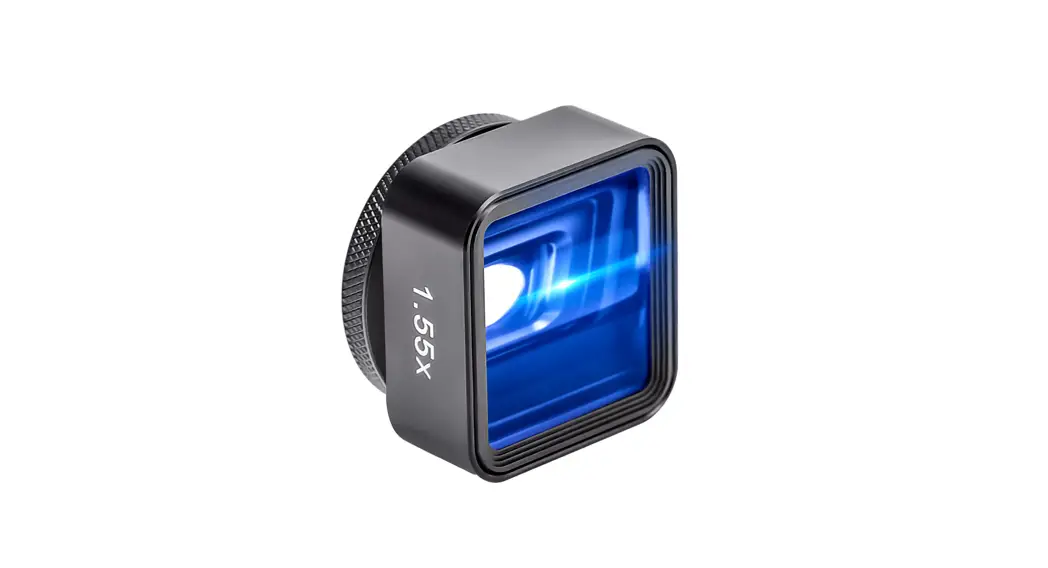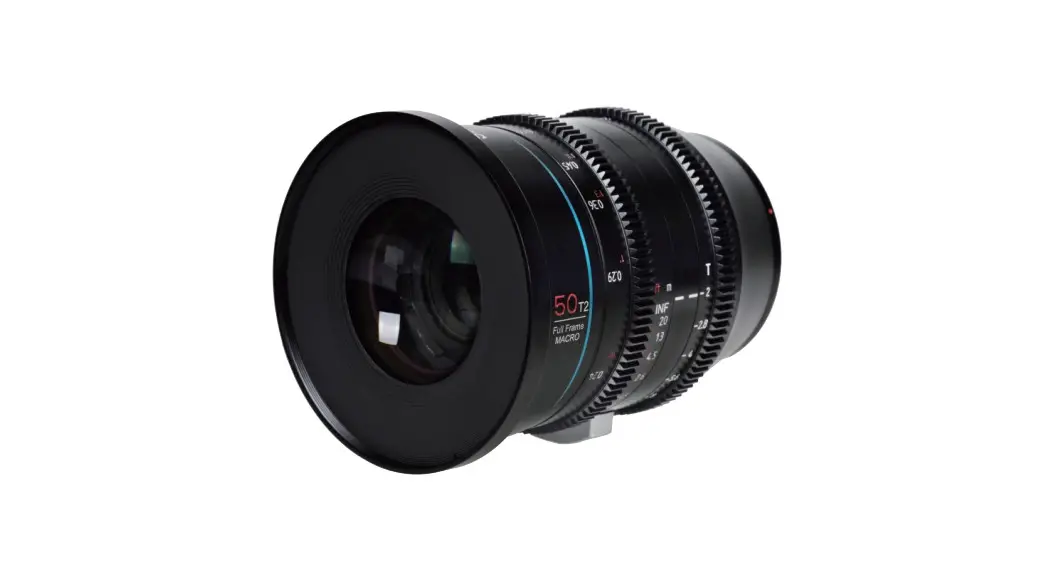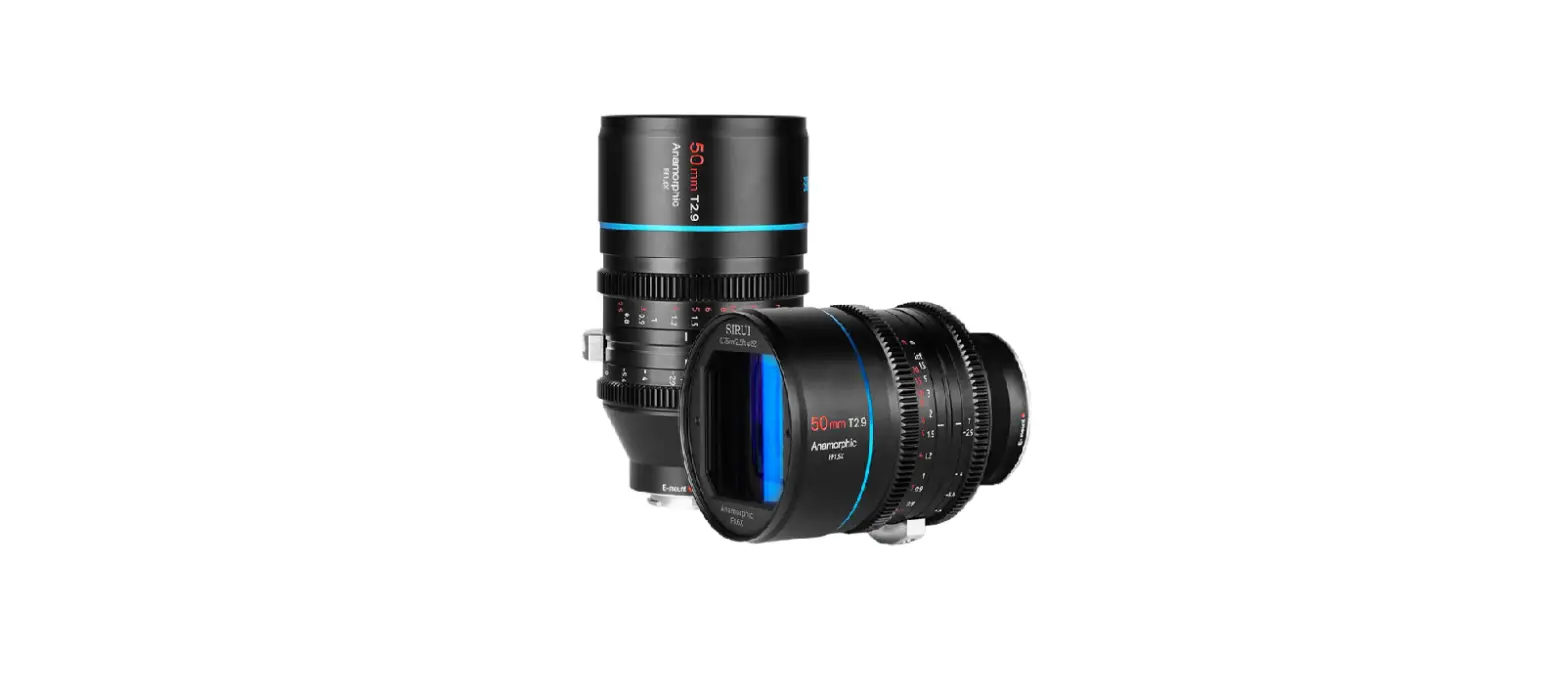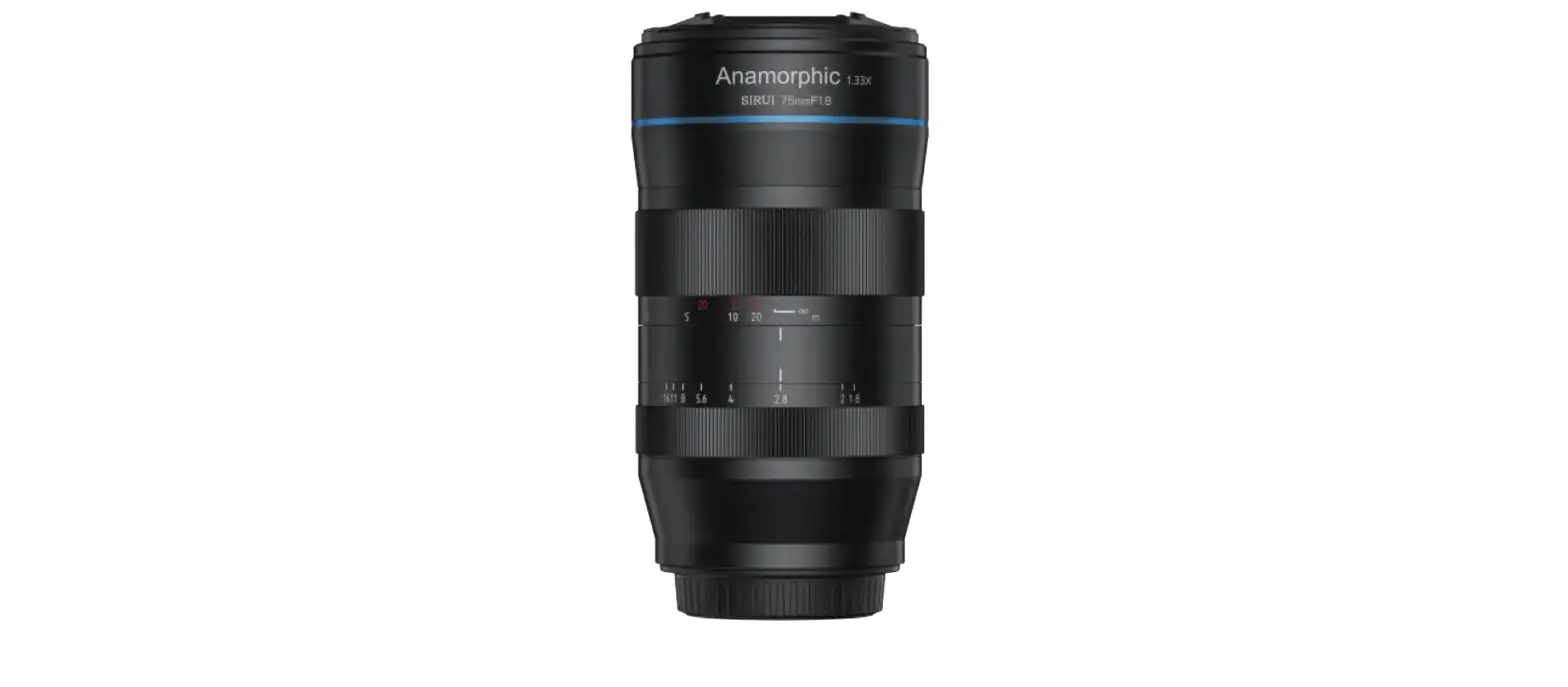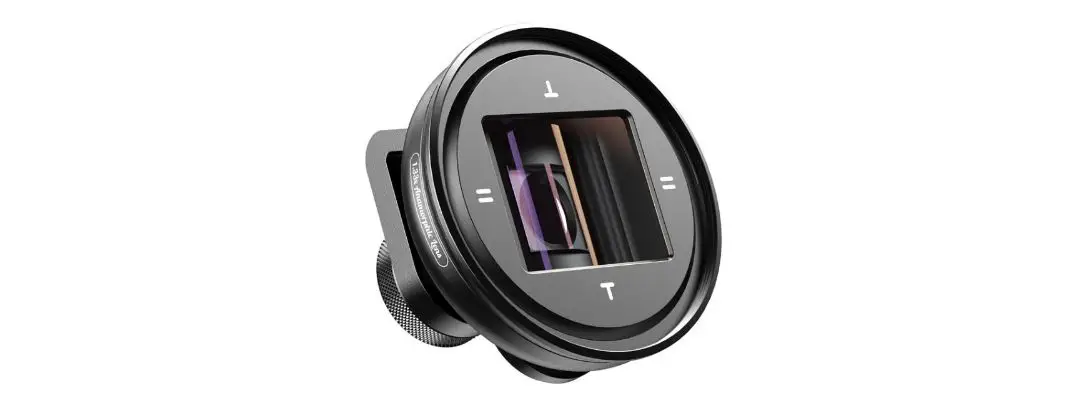
APL 1.33X Anamorphic Lens 17mm Universal
Clip User Manual
User Manual
The product user guide contains product features, how to use, and the operating procedure. Read the user manual carefully to get the best experience and avoid unnecessary damage. Keep this manual for future reference. If you have any questions or comments about the device, please contact the customer line.

 +44 (0)203 514 4411
Importer Alza.cz a.s., Jankovcova 1522/53, Holešovice, 170 00 Praha 7, www.alza.cz
Please read and keep instructions carefully to ensure proper functions of your new lens.
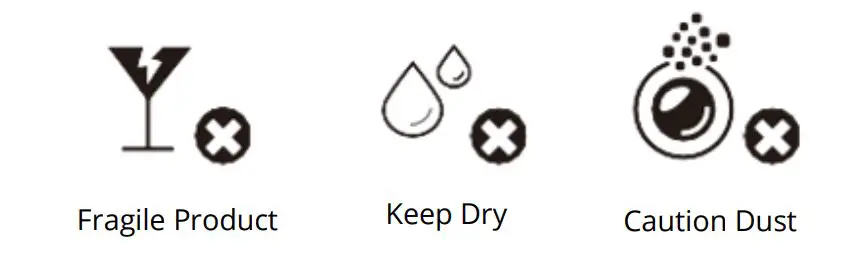
Precautions for use
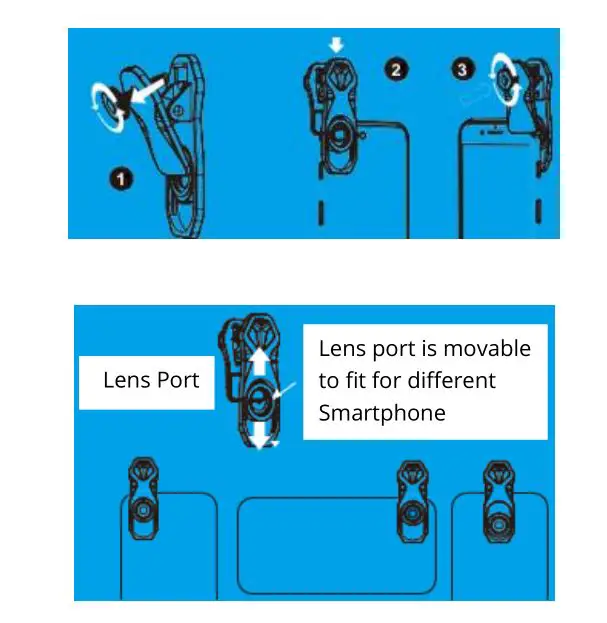
2 Way for Telephoto Clip Instructions
Please read the clip installation method according to you choose clip.
Plastic Clip Instructions
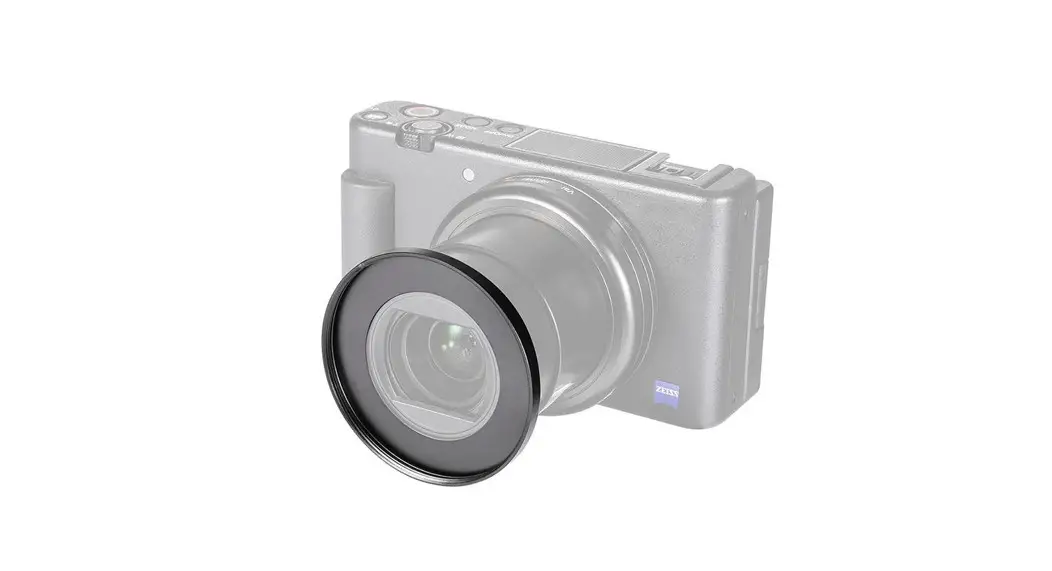
Adjust the clip and screw it onto your phone camera, keep the clip aligned with your phone camera and tighten the back screw to clamp the phone.
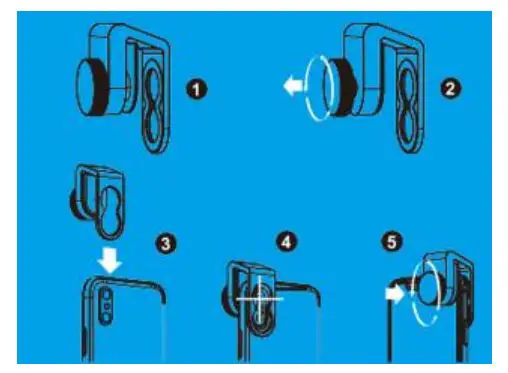
Metal Clip Instructions
Adjust the clip and screw it onto your phone camera, keep the clip aligned with your phone camera and tighten the back and screw the hardware to squeezed clip with your phone.
Filter Instructions
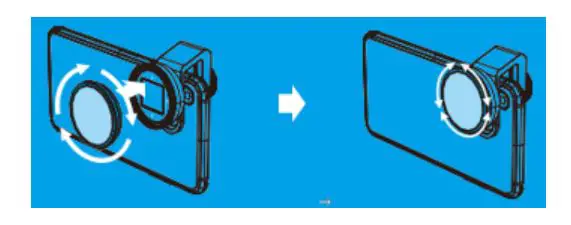
Screw lens into clip in clockwise and rotate the front of lens by adjust to horizontal direction and then you can start to make shooting.
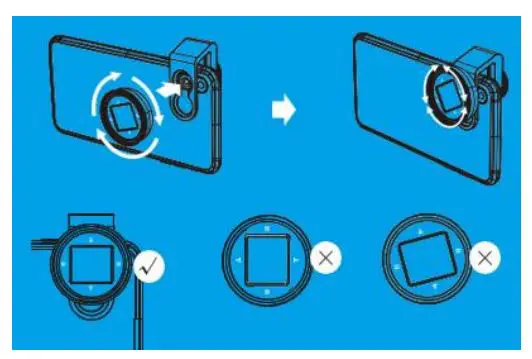
Note: Keep the lens horizontal regardless of whether the clip is horizontal or
Note: Please read these instructions if your choose our 52mm Filters Screw the filter into the ring, and look at the changes of screen when rotating the filters until to get the satisfying images.
How to Film with Our Lens
You can make your film in two ways
– Shoot your footage directly from your smartphone and then edit them later on your computer via Adobe Premiere or Videostudio to create the widescreen look.
Please follow the instructions when you open the FilMic Pro APP.
This is a simple instruction for FilMic Pro
- First choose the Settings icon“
 ”and choose “Hardware
  ” icon on the popup menu, and choose right button of “Moondog Anamorphic Lens” on the popup menu to open the wide screen mode.
 ”and choose “Hardware
  ” icon on the popup menu, and choose right button of “Moondog Anamorphic Lens” on the popup menu to open the wide screen mode.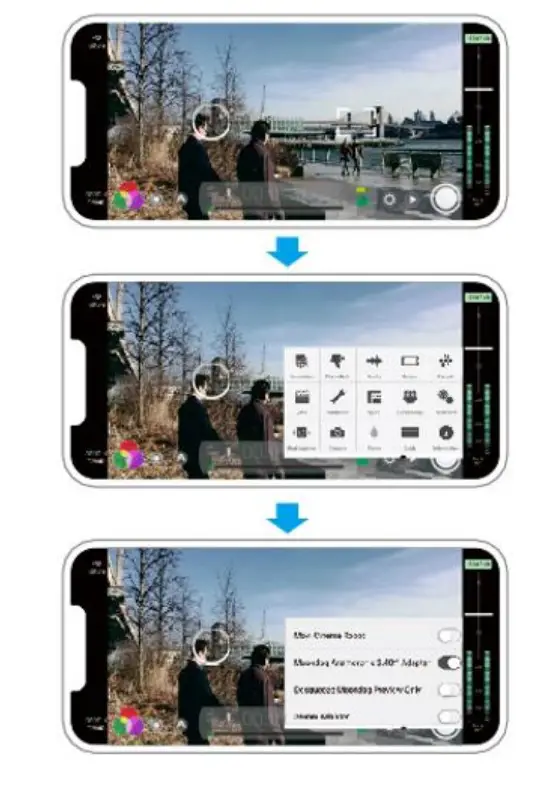
- Then return to the main menu and select “Resolution
 ” please select “2.39: 1” widescreen ratio after the menu pops up. Then tap around the menu to close the menu window
 ” please select “2.39: 1” widescreen ratio after the menu pops up. Then tap around the menu to close the menu window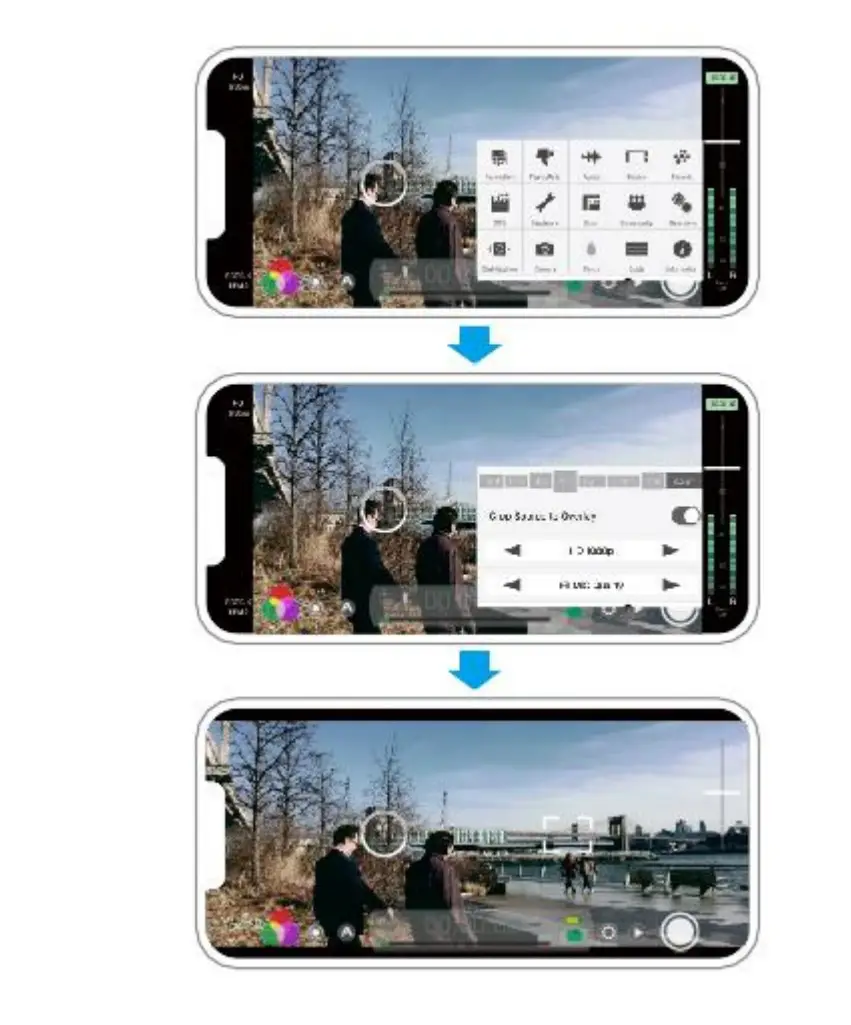
Frequently Asked Questions
Q: How to achieve an Anamorphic Lens Flare on your Phone?
A: Please reference the light source as follows:
– For large bokeh-Esque flares, shoot directly centre into a light source. The stronger the light source, the more glare effect obviously. If the light source is filtered, the glare is not obvious, and the light is blurred.
– Great for dawn & sunset.
Q: Why the pictures & video shot by this lens is distorted?
A: The reason is that the lens of 1.33X anamorphic lens is essentially different from a standard spherical lens. It can make wide scenes compressed and refracted into the standard version, which explain the distorted image is normal.
Q: About clarity?
A: Since the lens belong to special good effect, the photo surroundings will be blurred which cannot keep the original
Q: Why the flashlight stopped working when lens is used?
A: This is because lens diameter is bigger than mobile phone camera. When you put lens on mobile phone camera, it will
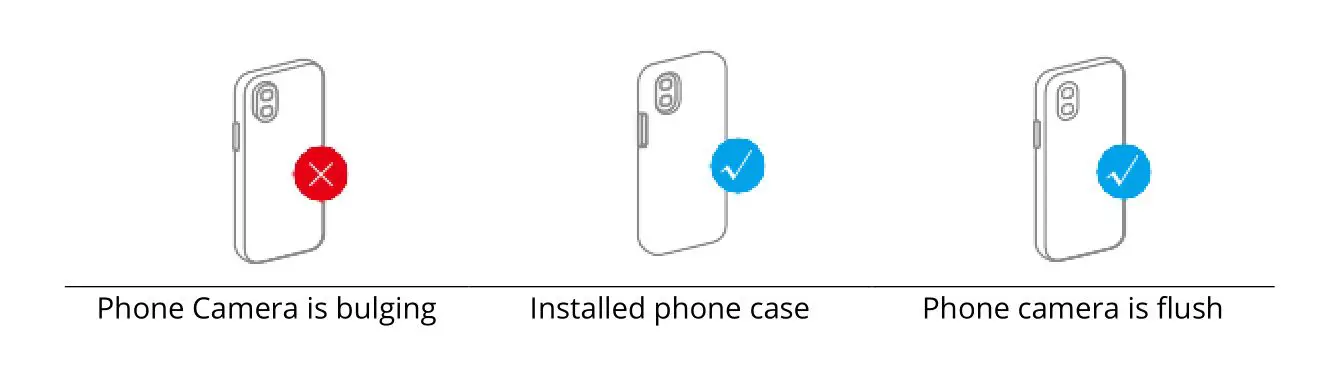
Points for Attention
If your phone camera is bulging, we suggest you installing
Thanks for choosing our products.
Warranty Conditions
A new product purchased in the Alza.cz sales network is guaranteed for 2 years. If you need repair or other services during the warranty period, contact the product seller directly, you must provide the original proof of purchase with the date of purchase.
The following are considered to be a conflict with the warranty conditions, for which the claimed claim may not be recognized:
- Using the product for any purpose other than that for which the product is intended or failing to follow the instructions for maintenance, operation and service of the product.
- Damage to the product by a natural disaster, the intervention of an unauthorized person or mechanically through the fault of the buyer (e.g. during transport, cleaning by inappropriate means, etc.).
- Natural wear and aging of consumables or components during use (such as batteries, etc.).
- Exposure to adverse external influences, such as sunlight and other radiation or electromagnetic fields, fluid intrusion, object intrusion, mains overvoltage, electrostatic discharge voltage (including lightning), faulty supply or input voltage and inappropriate polarity of this voltage, chemical processes such as used power supplies, etc.
- If anyone has made modifications, modifications, alterations to the design or adaptation to change or extend the functions of the product compared to the purchased design or use of non-original components.
 alza.at
 alza.co.uk
 alza.de
 alza.hu
 alza.sk