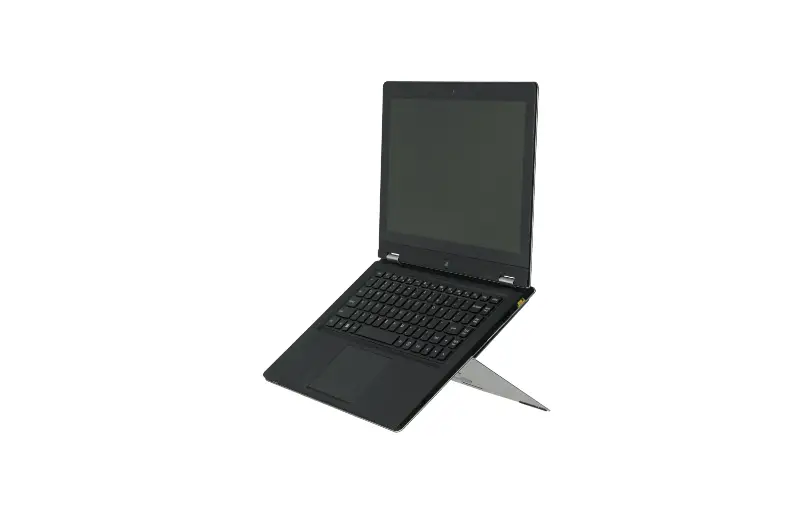

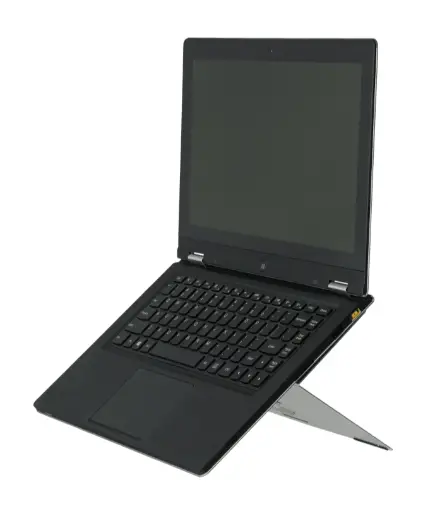
r-go 8719274490494 Riser Attachable Laptop Stand
What’s in the box?
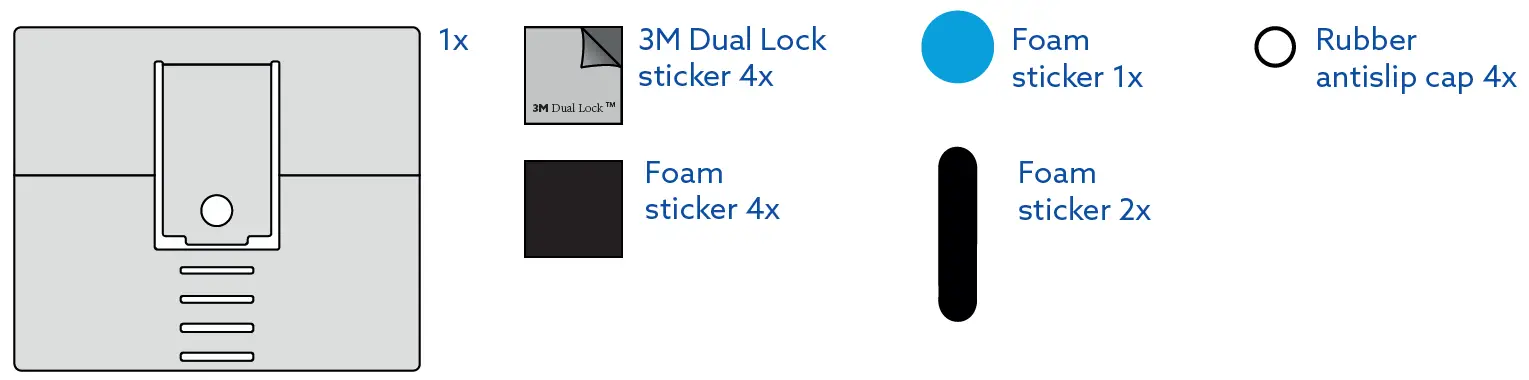
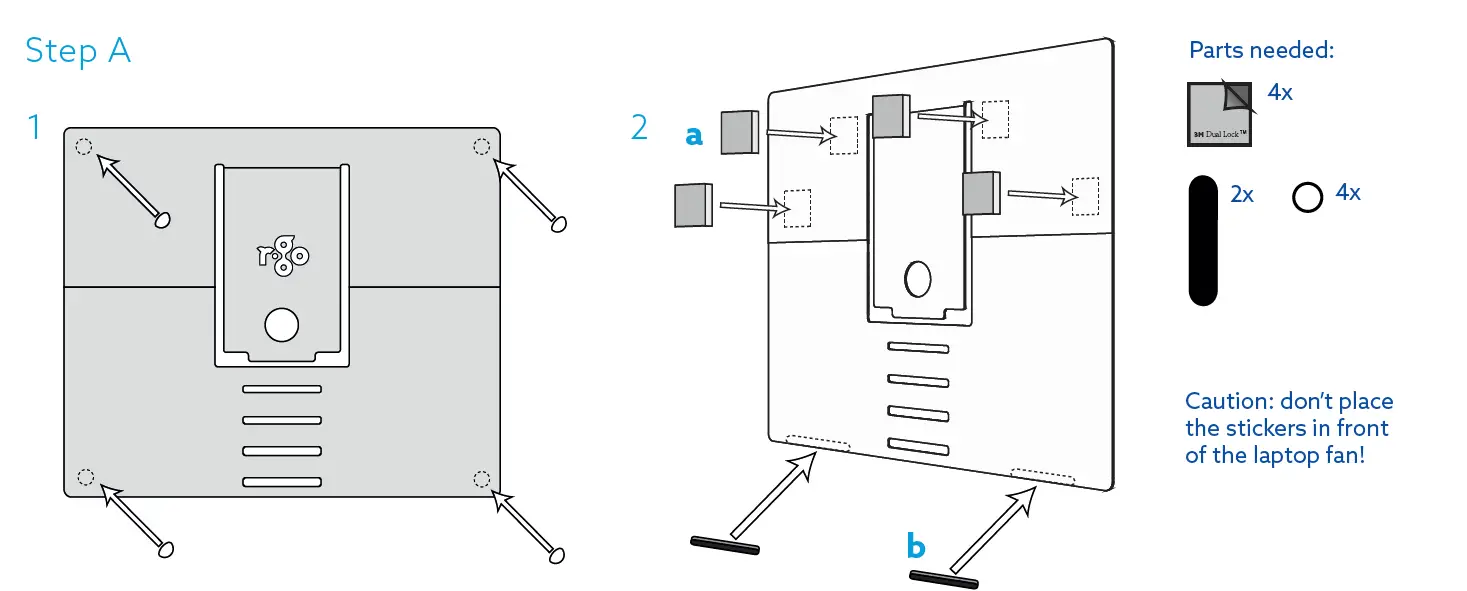
- Place the rubber antislip caps on the corners of the logo side of the tablet stand (see step A picture 1)
- Turn the stand, and place the 3M Dual Lock stickers (a) and rectangular foam stickers (b) on the indicated places on the stand (see step A picture 2)

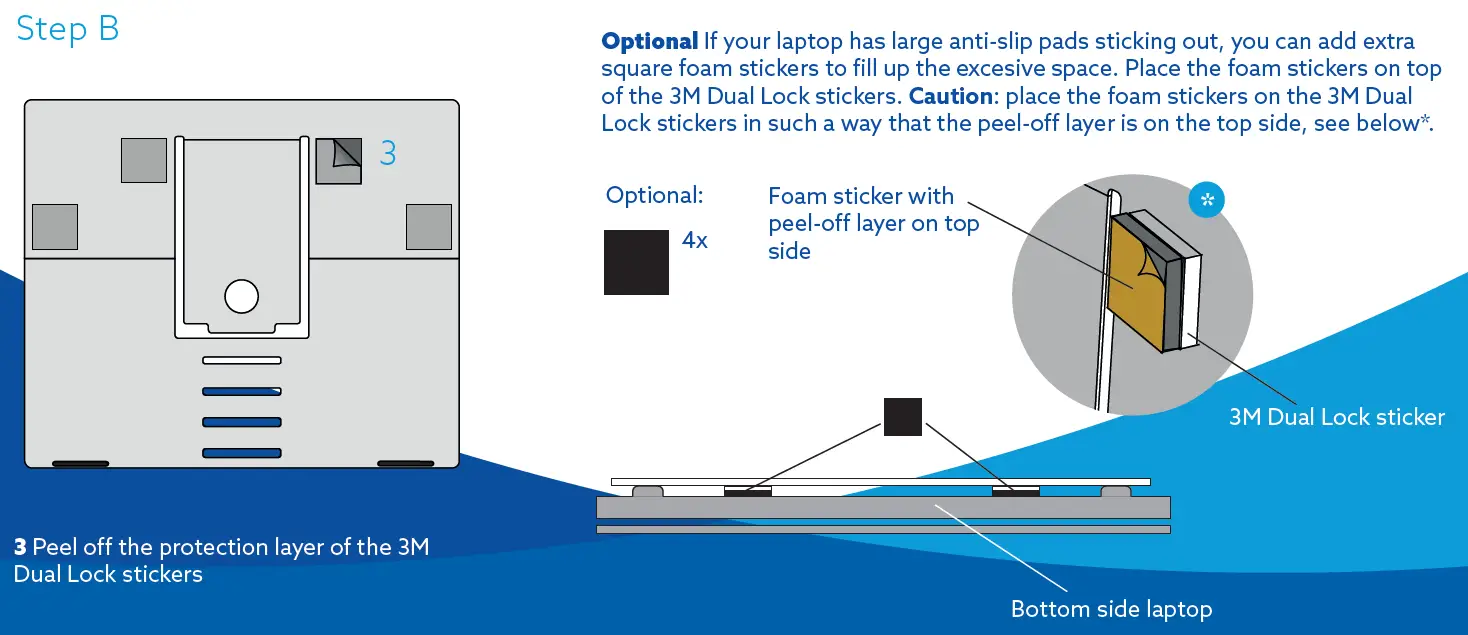
- Peel off the protection layer of the 3M Dual Lock stickers

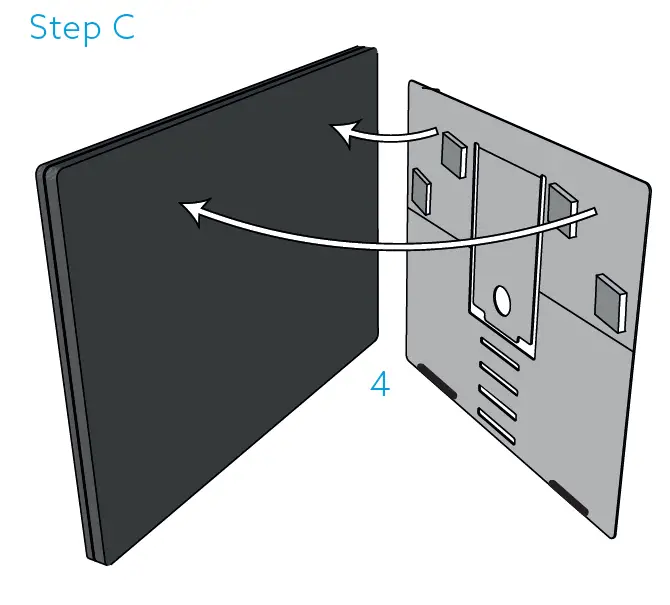
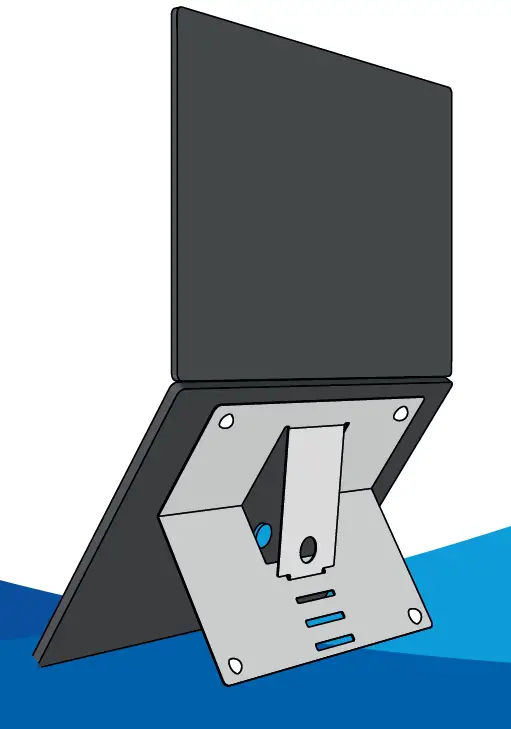
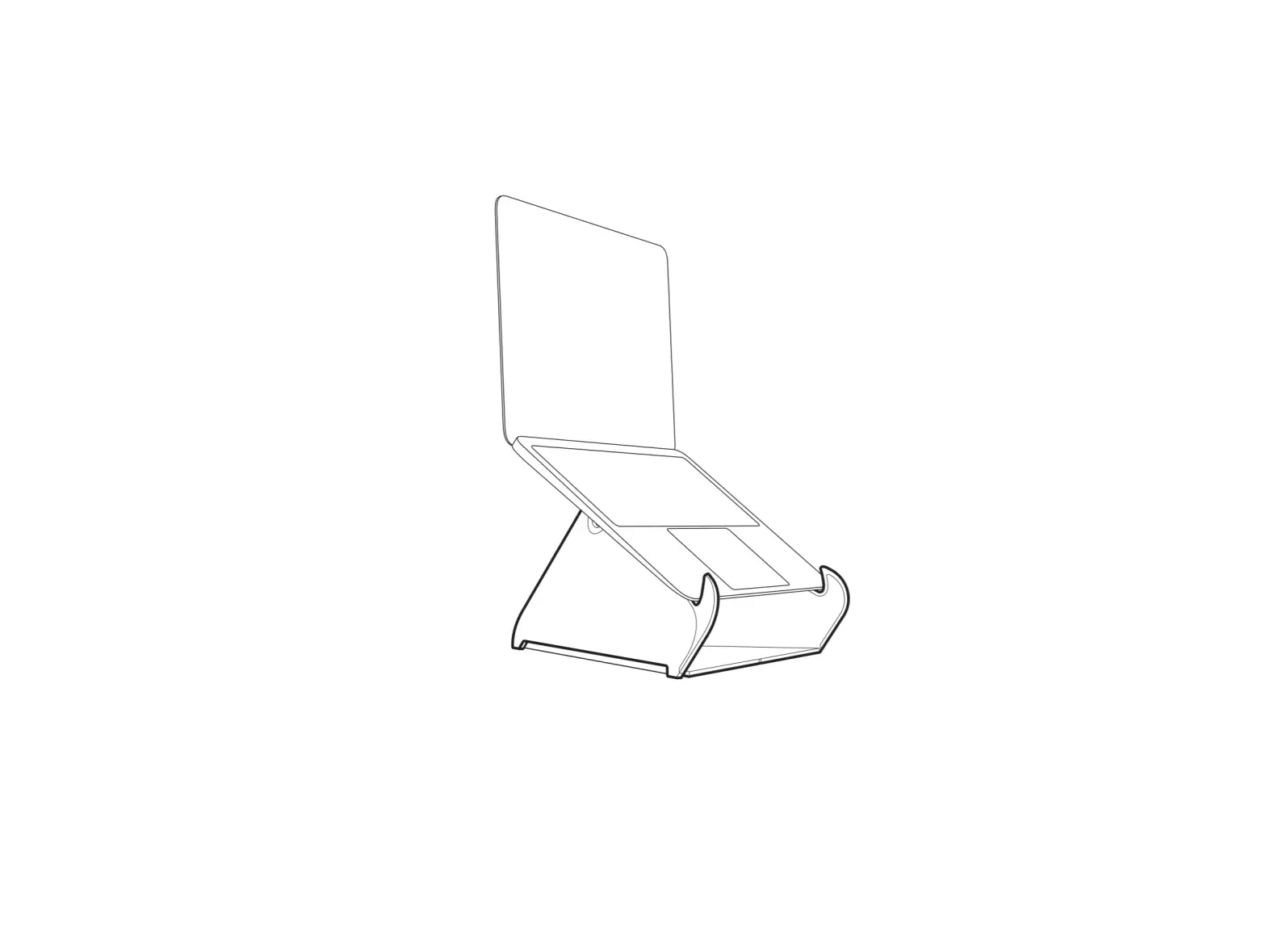
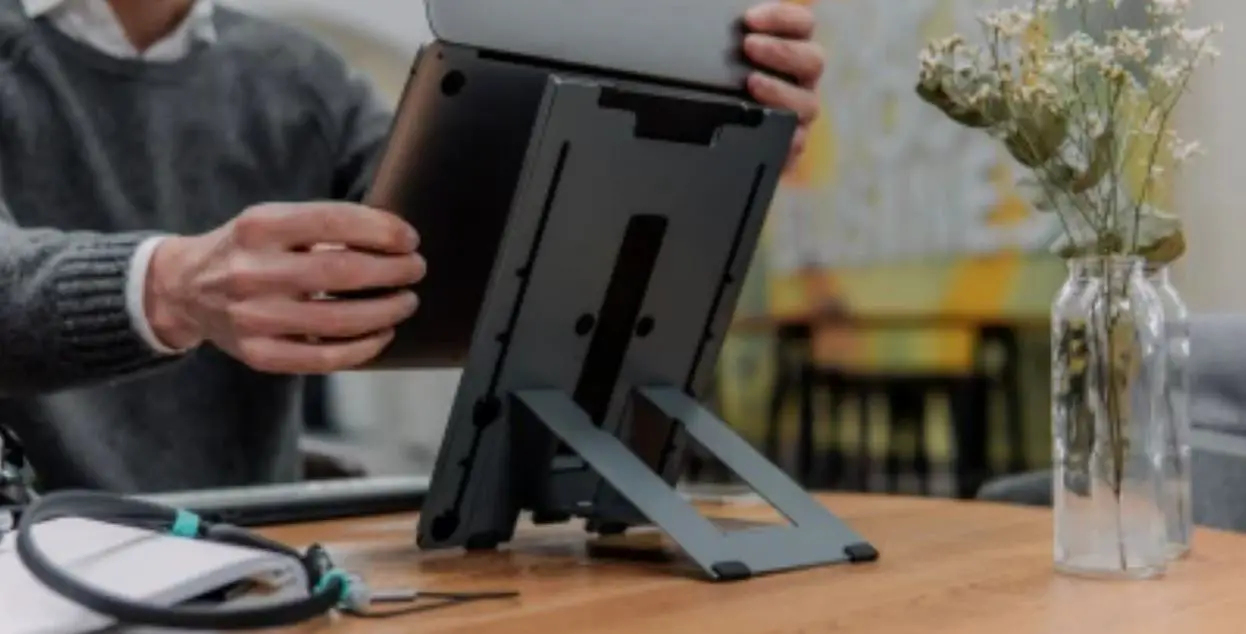
- Place the laptop stand on the bottom side of your laptop

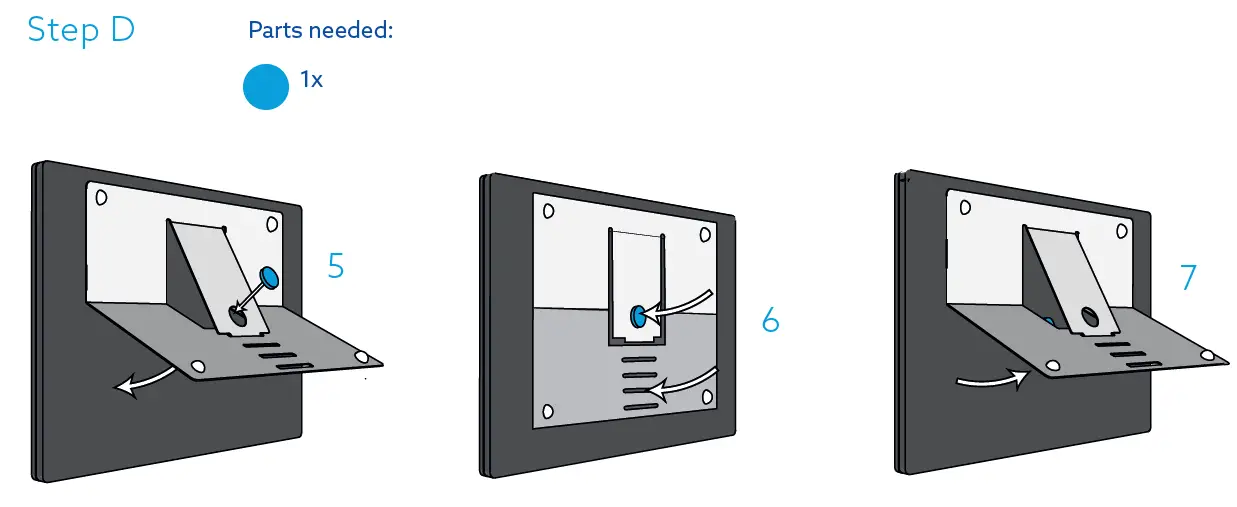
- Place the blue round foam sticker in the hole of the laptop stand with protection layer removed
- Press down the laptop stand, making sure that the sticker stays properly on the bottom of the laptop
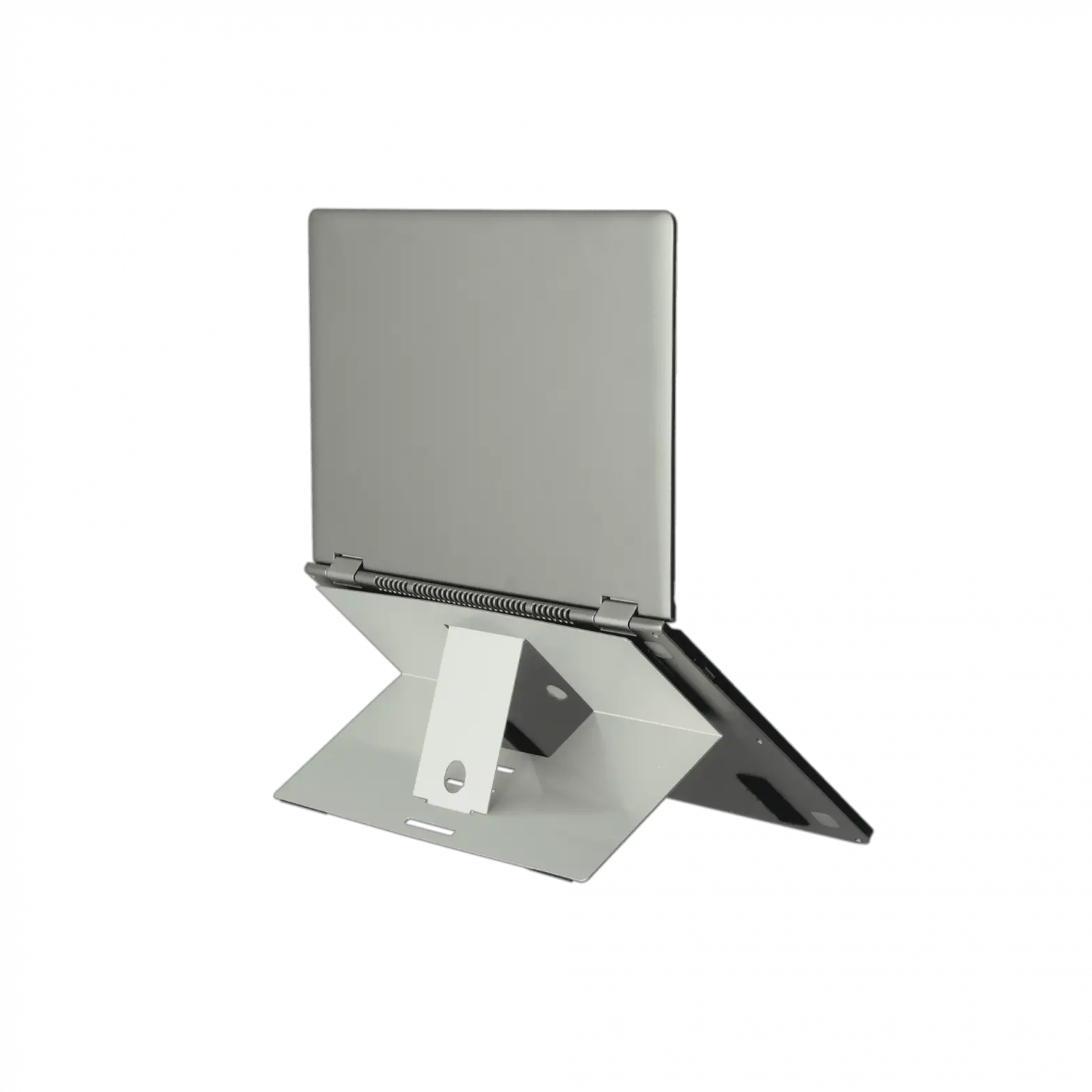
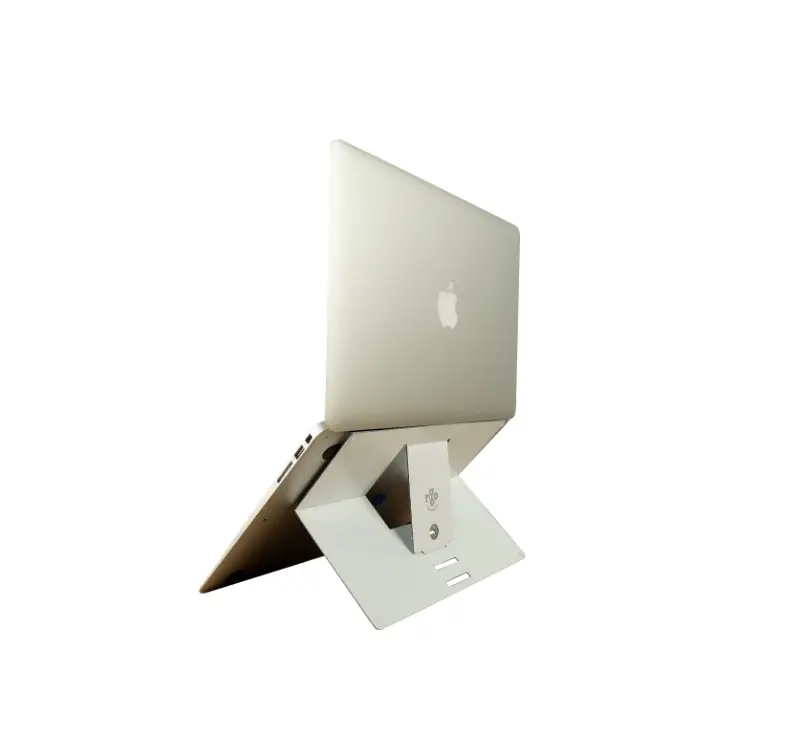
- You can open the laptop stand again. It is now ready for use!