
APP Installation
Visit www.kasta.com.au or your app store to download the free KASTA app. iOS: requires iOS 9.0 or later. Android: requires Android 4.4 or later. Devices must support Bluetooth 4.0
Important Safety Information
- This product must be installed by a licensed electrician in accordance with all the require ments of AS/NZS 3000 (current edition) and other relevant Standards and Regulations.
- Electricity MUST be disconnected prior to installation. Failure to do so may result in serious injury and or loss of life.
- Indoor use only. Not suitable for damp or explosive environments.
- Complies to Australian Standards AS/NZS 60950.1:2015, AS/NZS CISPR 15.
- No user serviceable parts inside.
FEATURES
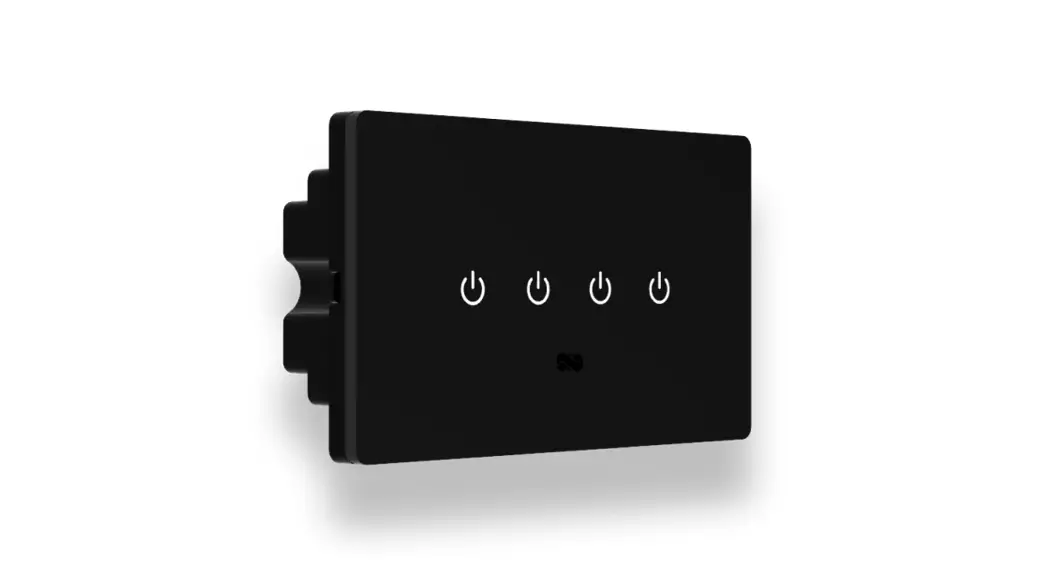
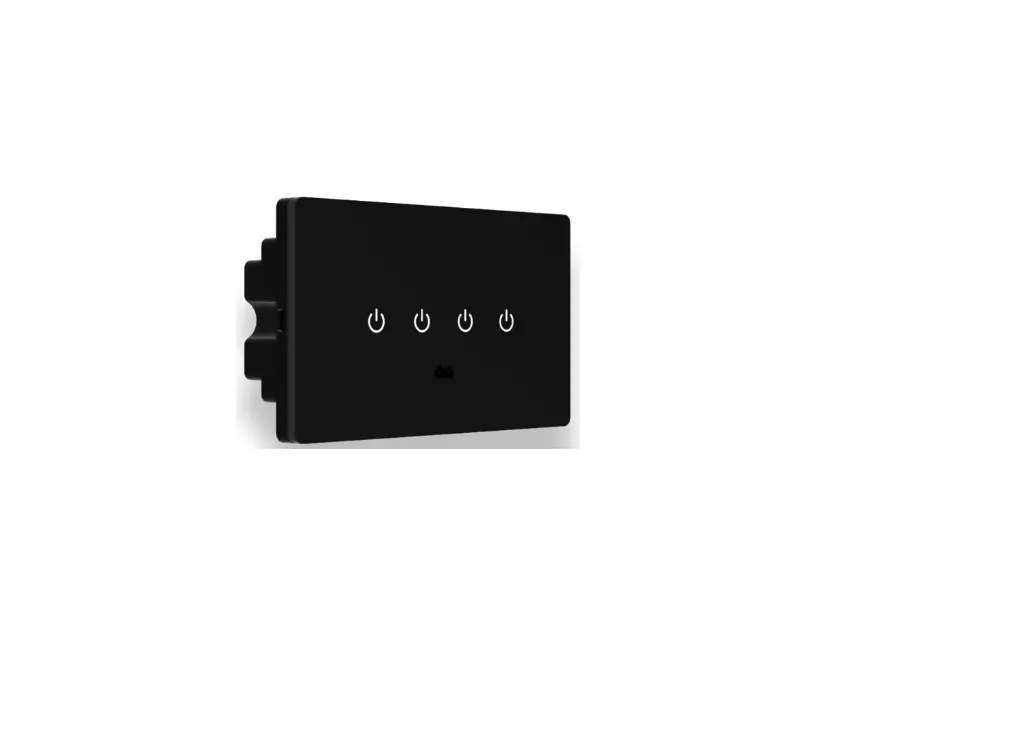
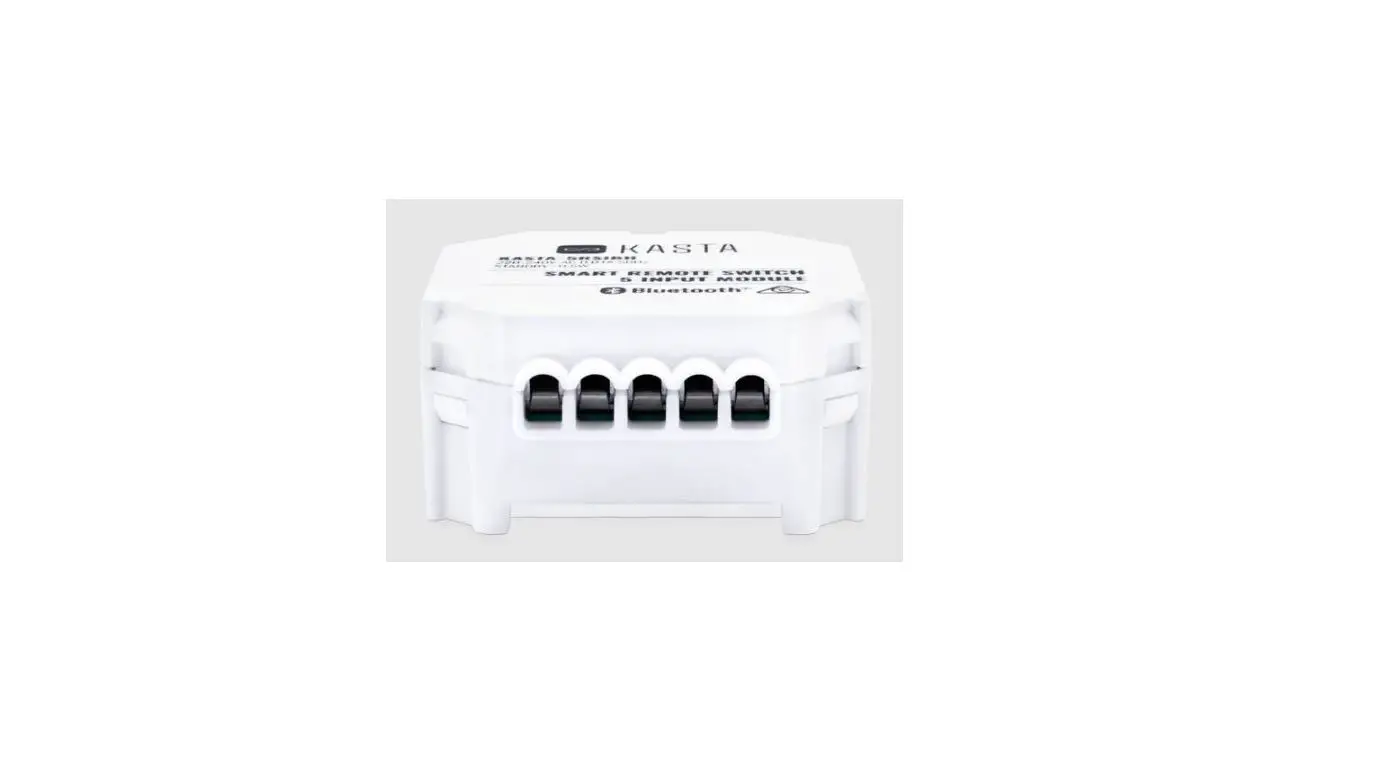
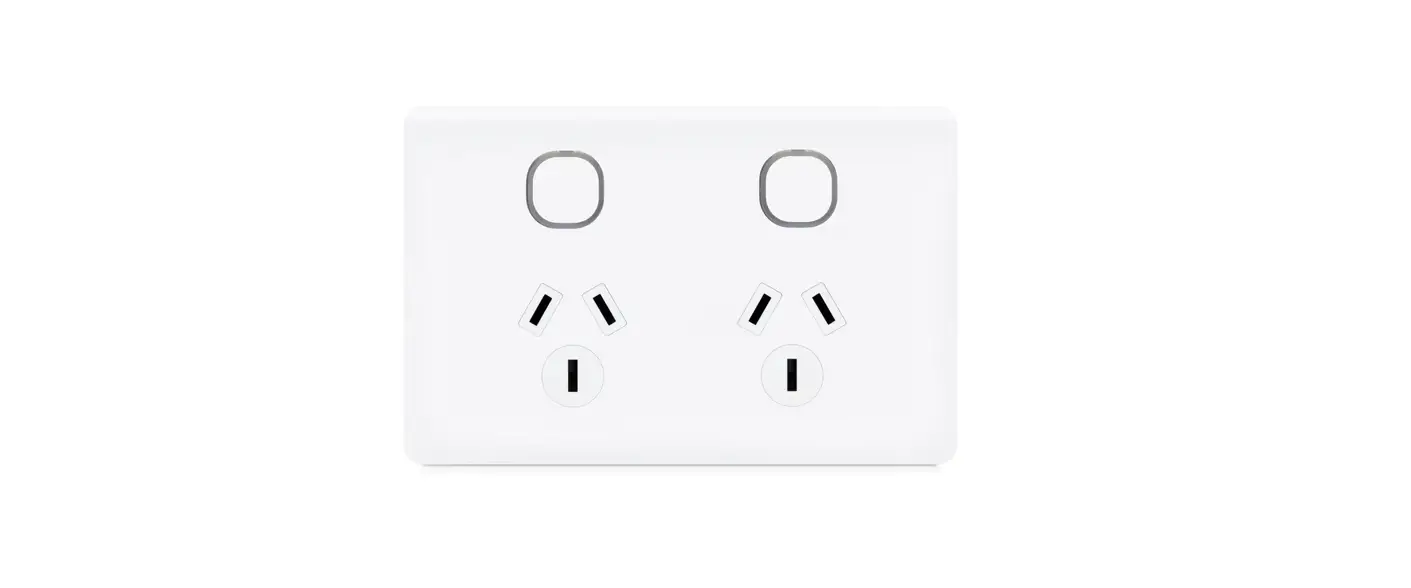
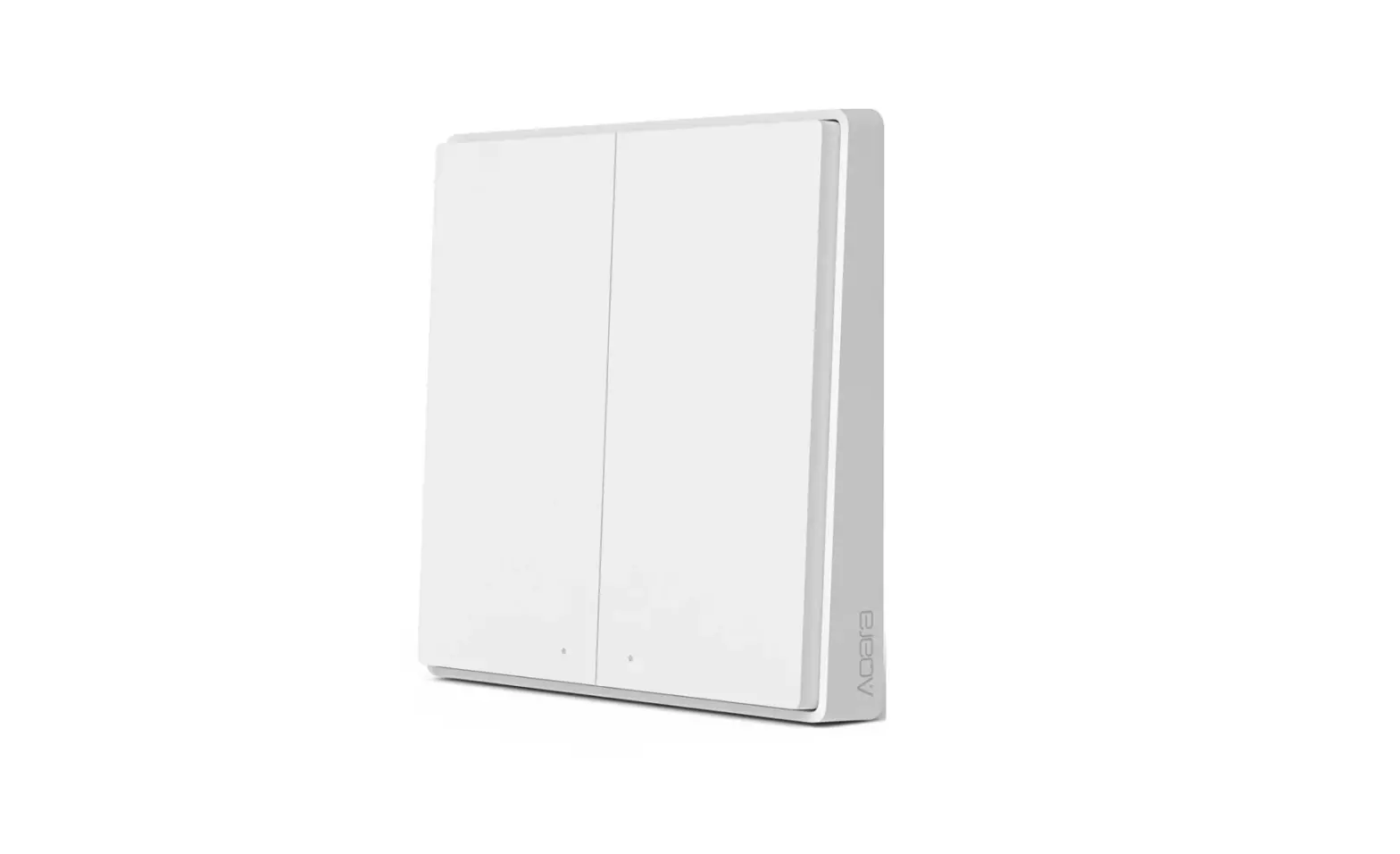
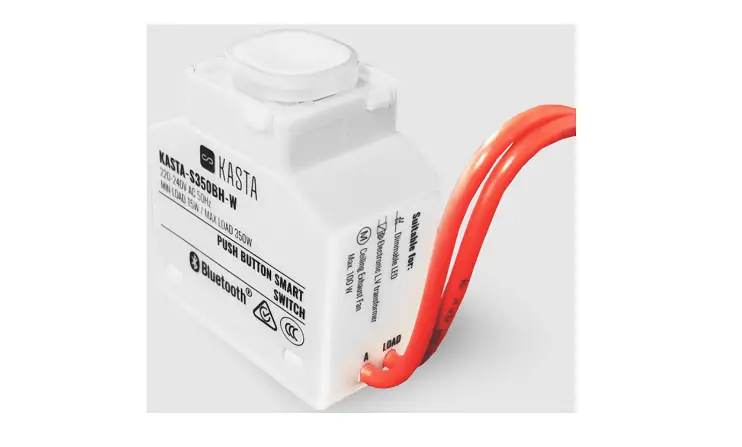
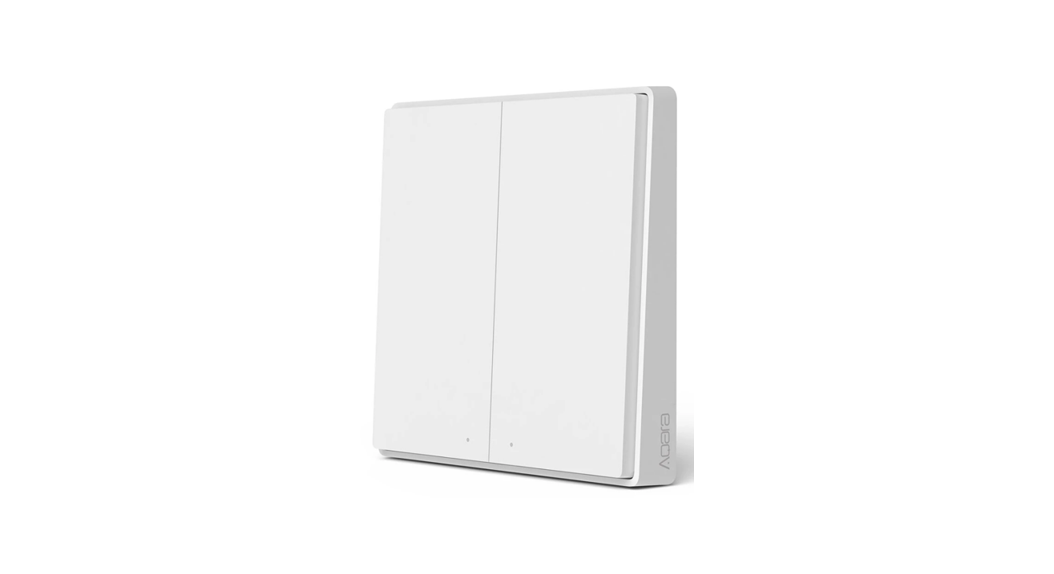
- Mains powered capacitive touch remote switch mechanism.
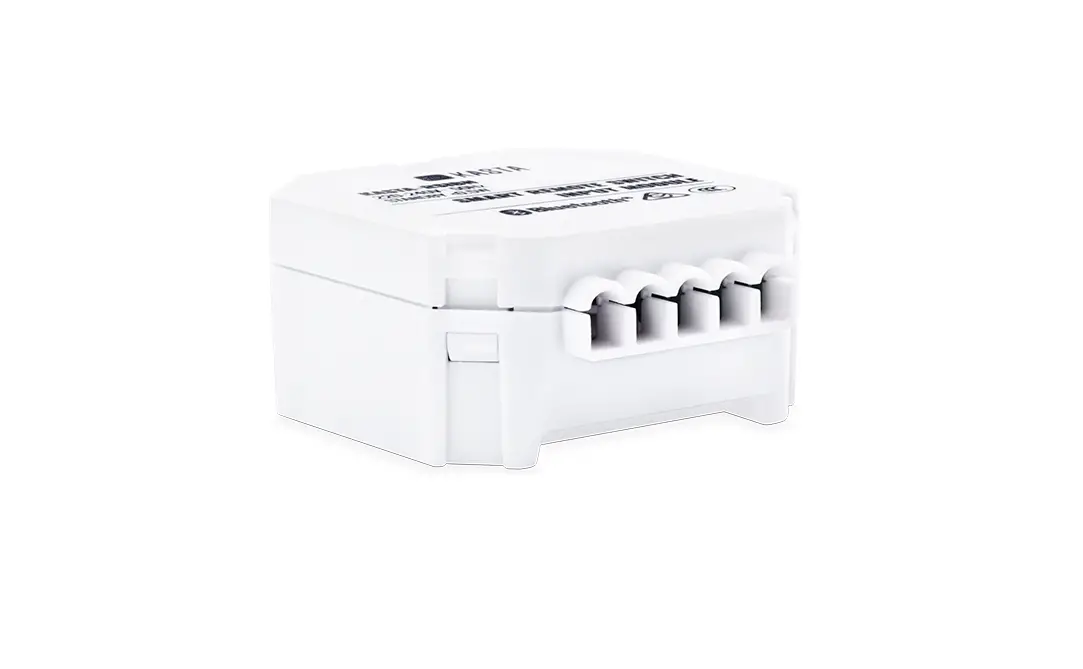
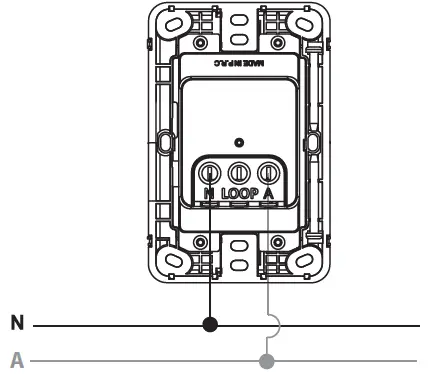
- Simple 2 wire connection – A, N (LOOP available).
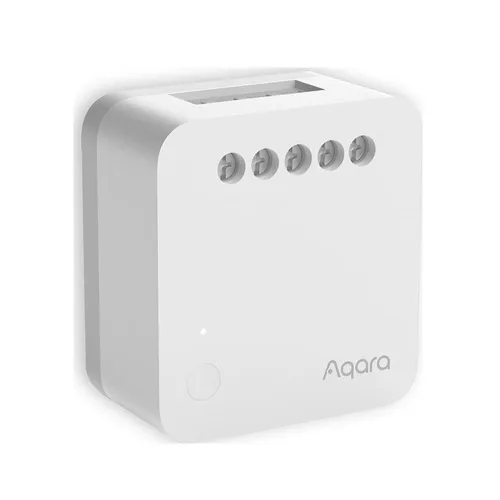
- Pairs to existing hard wired KASTA devices including: Switch Relays, Dimmers, Curtain controllers and many other devices.
- Configure smart functions via the KASTA app such as timers, scenes and groups.
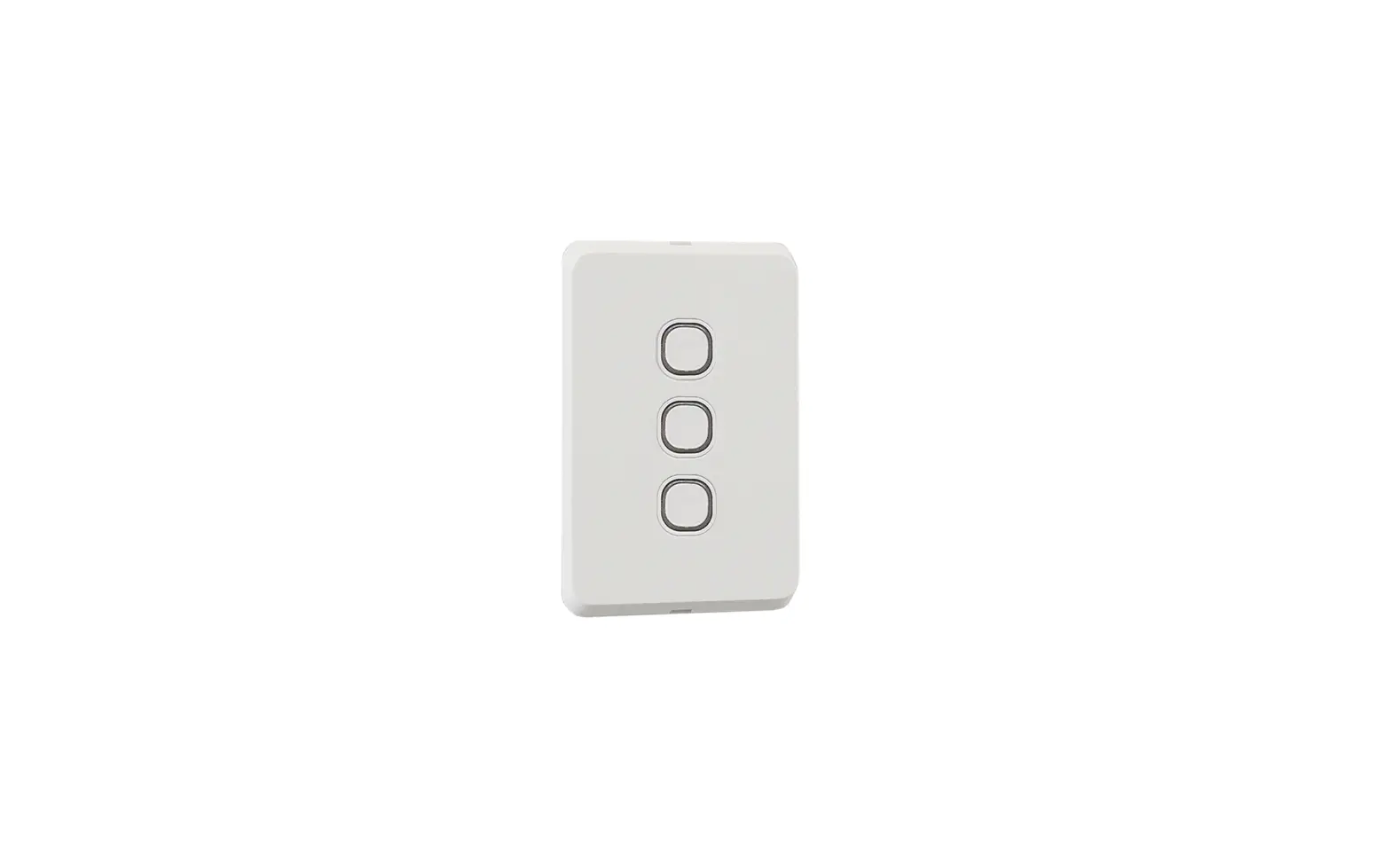
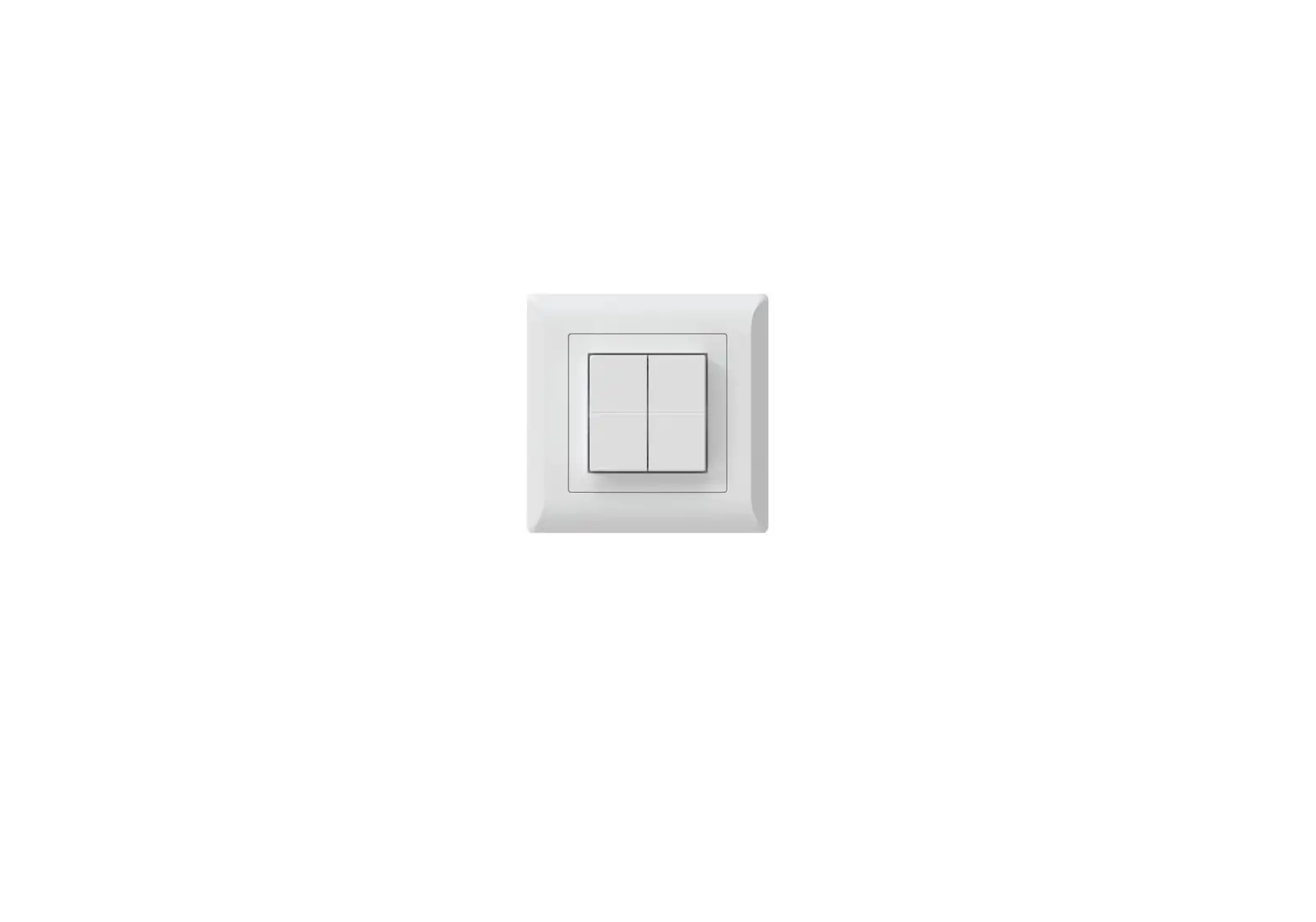
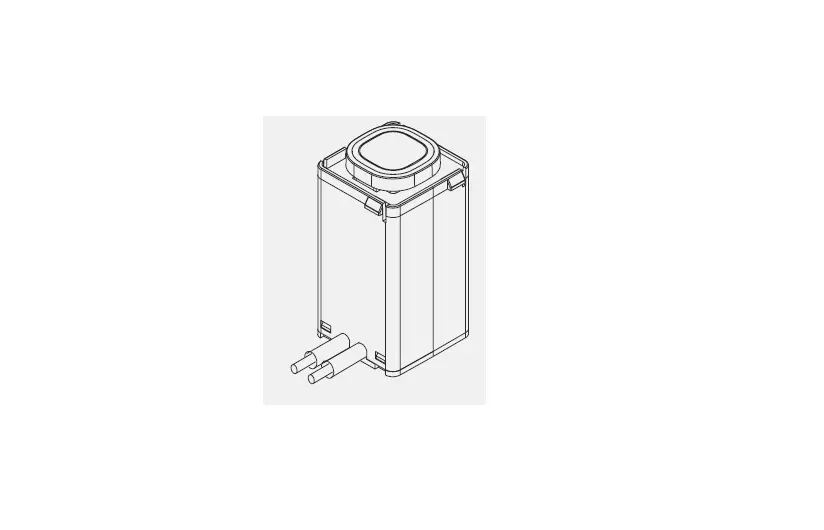
- Fits most Australian Standard wall mounting accessories.
- Integral tri-colour backlight.
- Radar sensing backlight.
- To prevent a reduction in Bluetooth ® signal strength, install away from metal objects.
FUNCTION SETUP
- ON/OFF:1 PRESS
Turns paired device on or off. When paired with a dimmable light, light will adjust to previous
brightness level. - DIM UP/DOWN:ONE LONG PRESS
When paired with a light, long press button to dim up or down.
Release button to stop. - FULL BRIGHTNESS:2 PRESSES
When paired with a light, sets light to full brightness. - DELAY TO OFF: 3 PRESSES*
Paired device turns off automatically after a set time (comfigured in the app).
Single click to cancel. - VARIABLE: 4 PRESSES*
Refer to the paired device for functionality. - VARIABLE: 5 PRESSES*
Refer to the paired device for functionality. - BACKLIGHT: 7 PRESSES*
Enable 10% backlight brightness. 7 presses to disable. - FACTORY RESET: 9 PRESSES
9 clicks of any button, restores all settings back to factory.
If successful, the white LED indicator will flash once.
APP ENABLED FUNCTION
- RETRIGGER TIMER: 1 PRESS
Commence timer (on/off). Function must be programmed through the KASTA app first
TECHNICAL SPECIFICATIONS
- Operating Temp: -20ºc to 40ºc
- Supply: 220-240V AC 50Hz
CONNECTION DIAGRAM
kasta.com.au
(02) 9168 5900
 KASTA - Living Enhanced
 KASTA - Living Enhanced