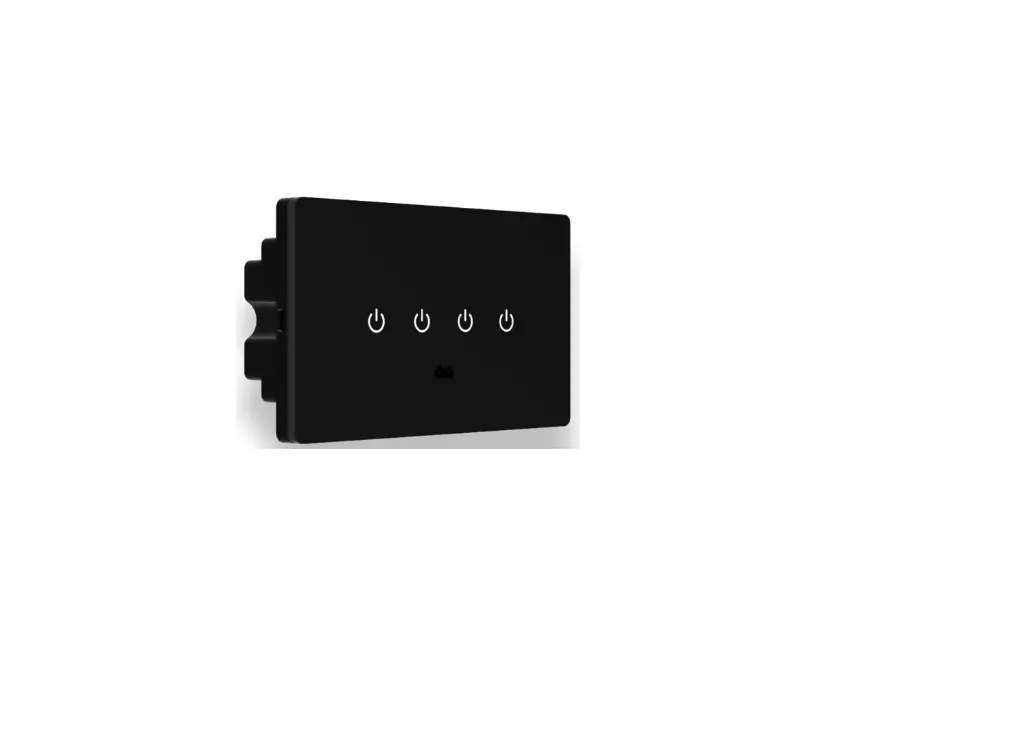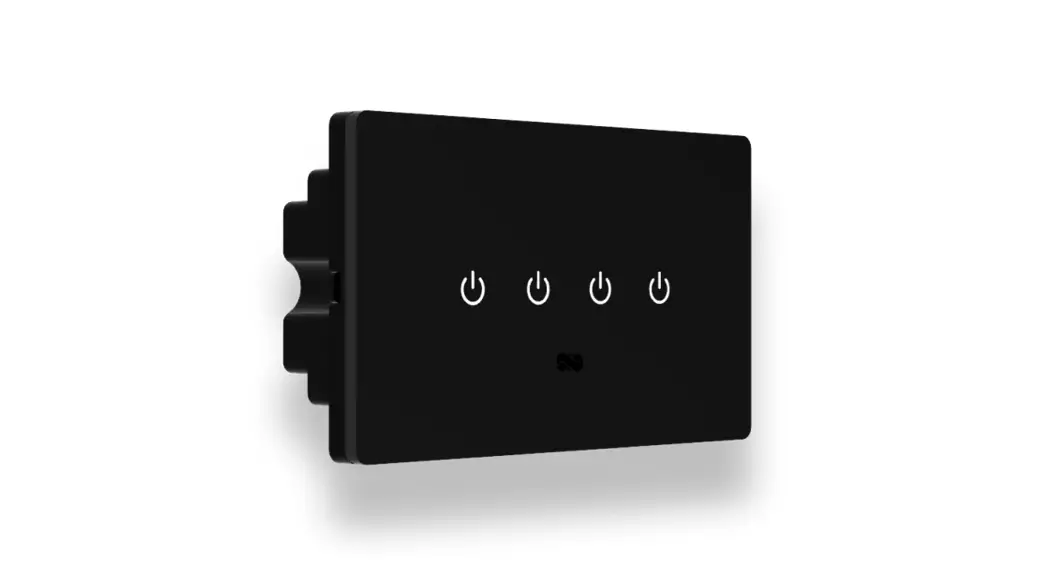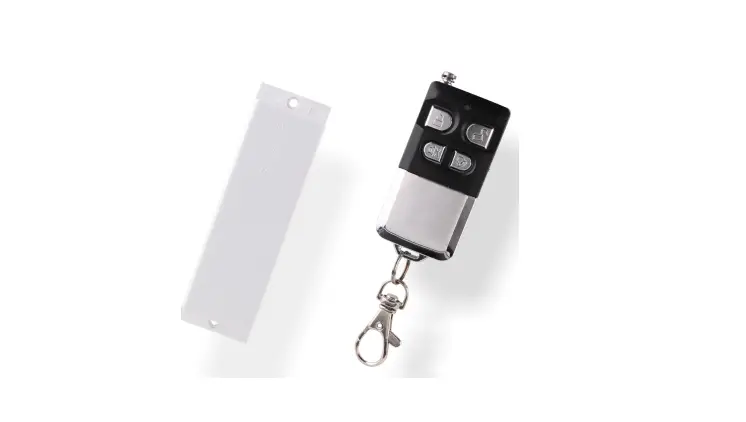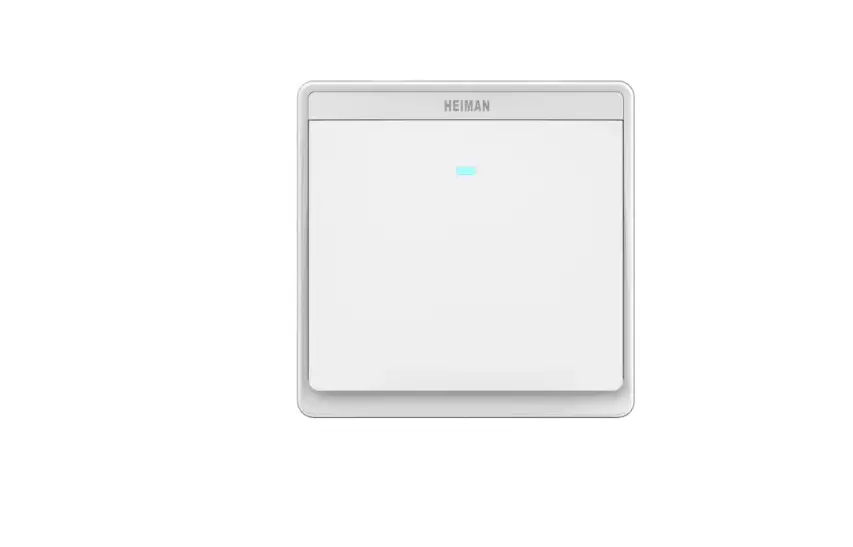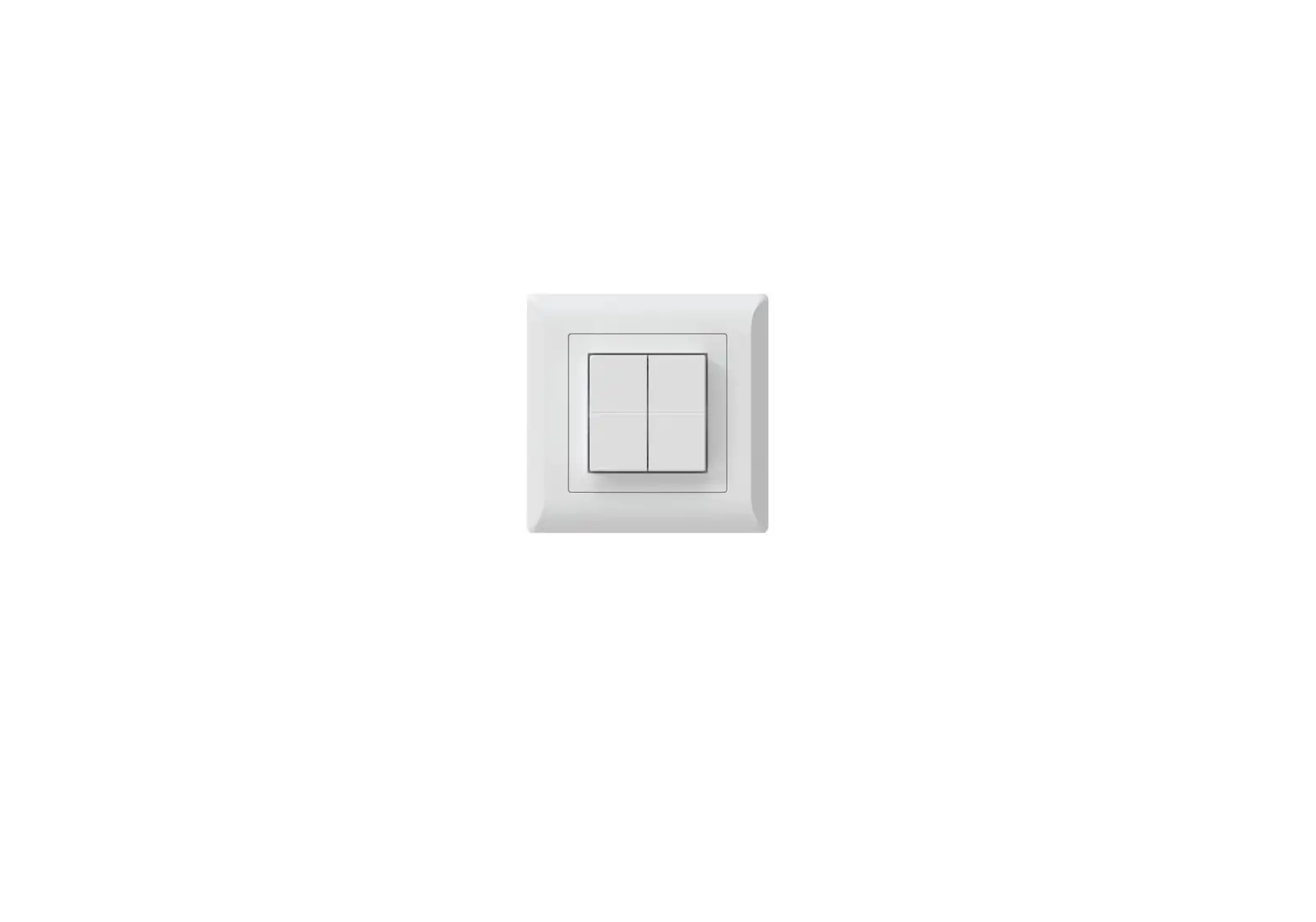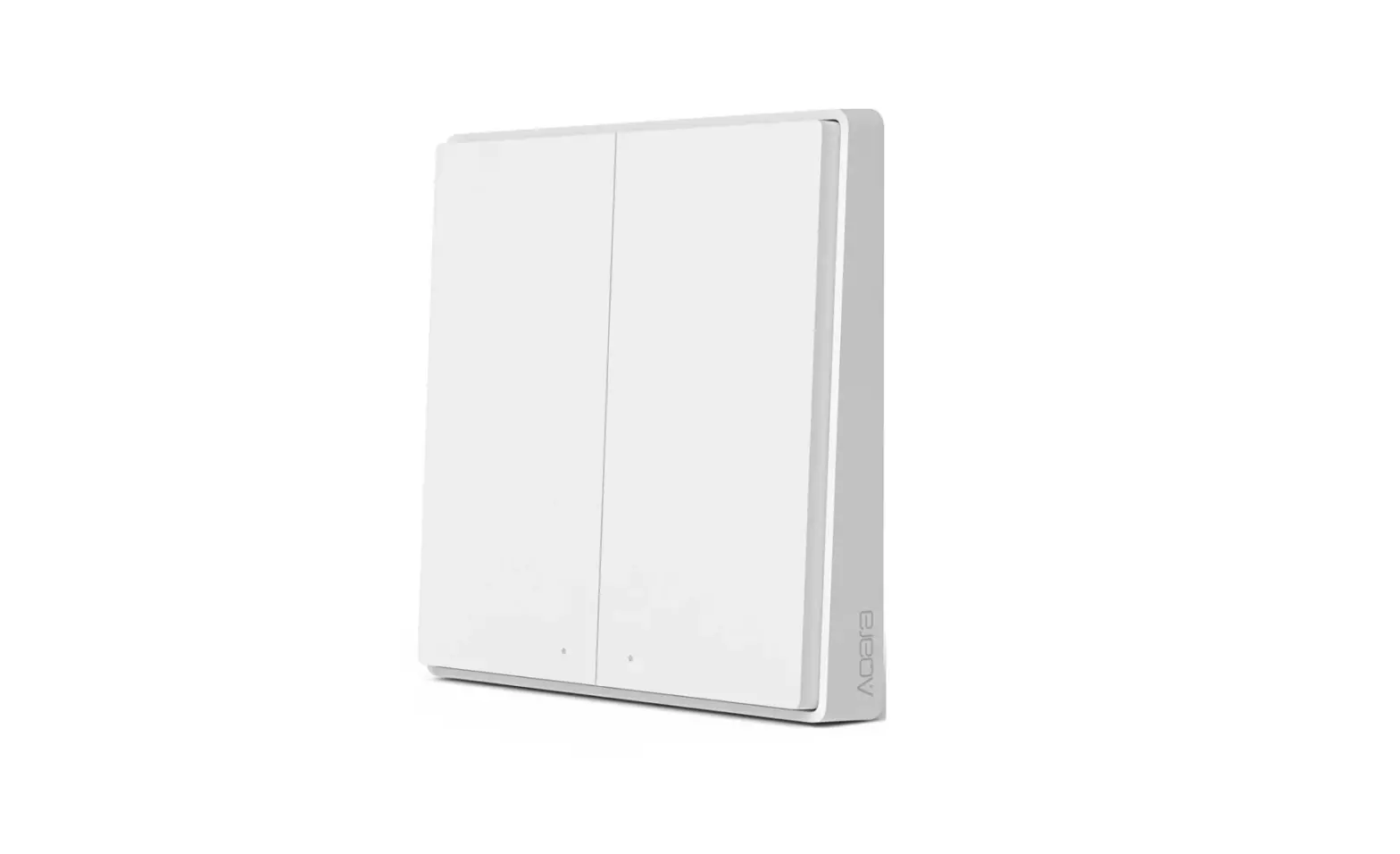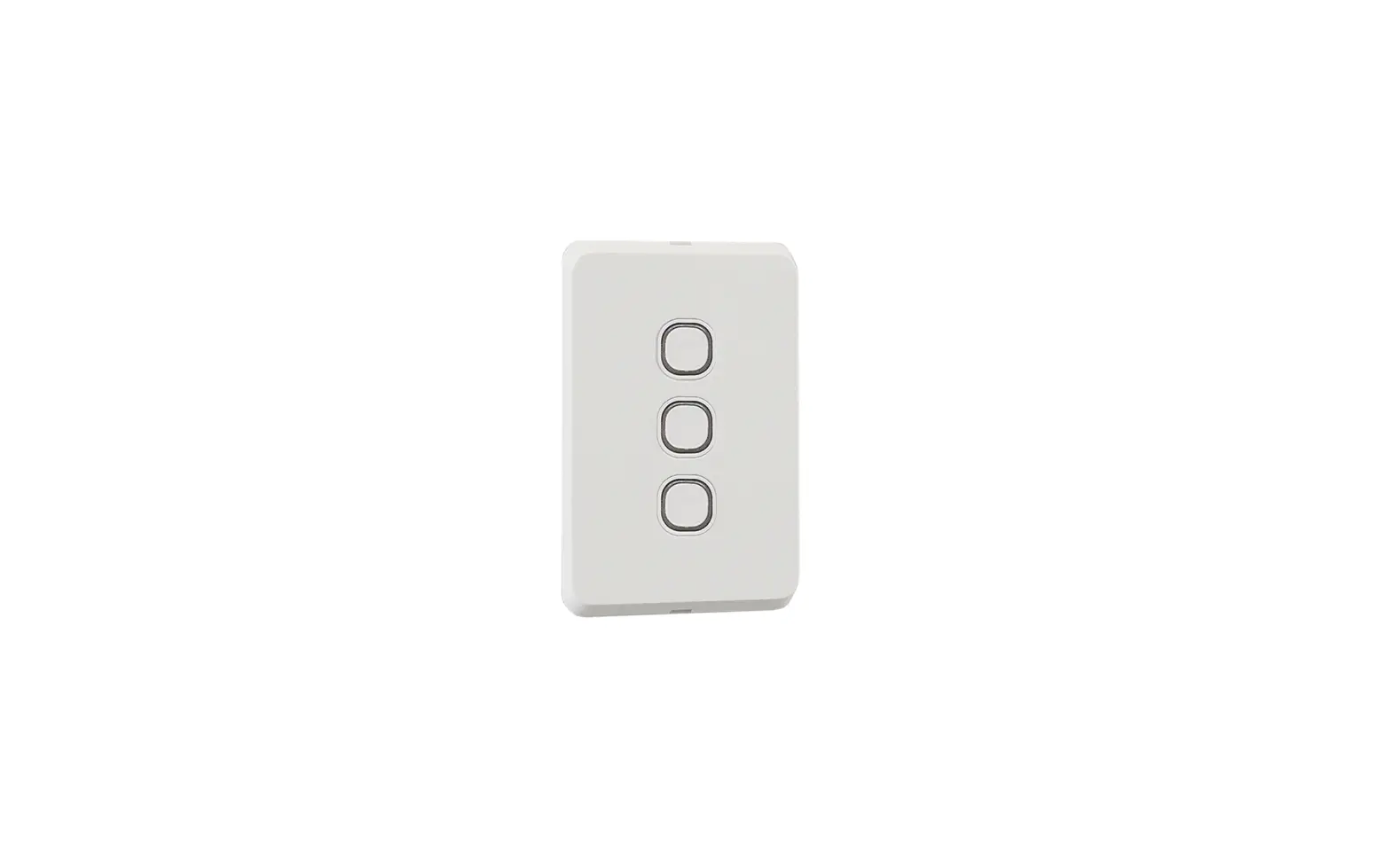
KASTA H1RSMB HESPERUS Prescene Push Smart 1-2-3-4-6 Button Remote Switch Instruction Manual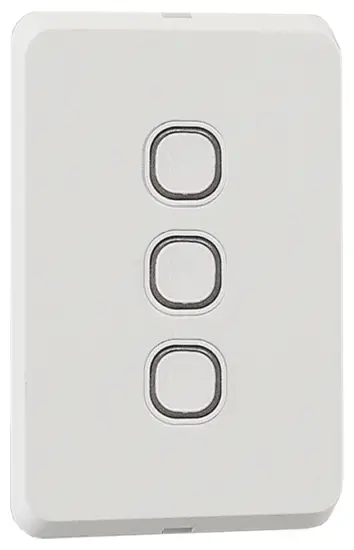
Important Safety Information
- This product must be installed by a licensed electrician in accordance with all the require ments of AS/NZS 3000 (current edition) and other relevant Standards and Regulations.
- Electricity MUST be disconnected prior to installation. Failure to do so may result in serious injury and or loss of life.
- Indoor use only. Not suitable for damp or explosive environments.
- Complies to Australian Standards AS/NZS 60950.1:2015, AS/NZS CISPR 15.
- No user serviceable parts inside.
FEATURES
- Mains powered capacitive touch remote switch mechanism.
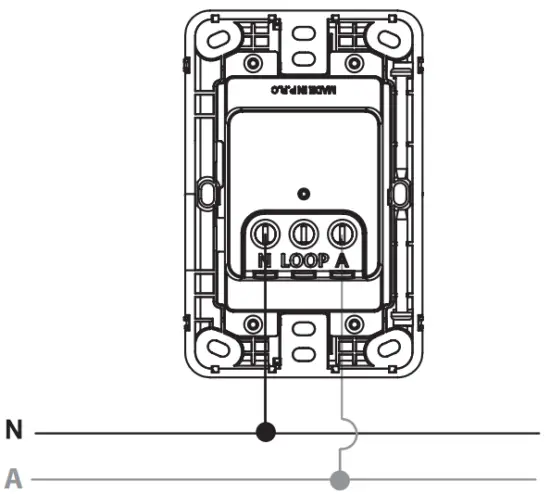
- Simple 2 wire connection – A, N (LOOP available).
- Pairs to existing hard wired KASTA devices including: Switch Relays, Dimmers, Curtain controllers and many other devices.
- Configure smart functions via the KASTA app such as timers, scenes and groups.
- Fits most Australian Standard wall mounting accessories.
- Integral tri-colour backlight.
- Radar sensing backlight.
- To prevent a reduction in Bluetooth ® signal strength, install away from metal objects.
FUNCTION SETUP
| ON/OFF | 1 PRESS |
| Turns paired device on or off. When paired with a dimmable light, light will adjust to previous brightness level | |
| DIM UP/DOWN | ONE LONG PRESS |
| When paired with a light, long press button to dim up or down. Release button to stop. | |
| FULL BRIGHTNESS | ONE LONG PRESS |
| When paired with a light, sets light to full brightness | |
| DELAY TO OFF | 3 PRESSES* |
| Paired device turns off automatically after a set time (comfigured in the app). Single click to cance | |
| VARIABLE | 4 PRESSES* |
| Refer to the paired device for functionality | |
| VARIABLE | 5 PRESSES* |
| Refer to the paired device for functionality. | |
| BACKLIGHT | 7 PRESSES* |
| Enable 10% backlight brightness. 7 presses to disable | |
| FACTORY RESET | 9 PRESSES |
9 clicks of any button, restores all settings back to factory. If successful, the white LED indicator will flash once.
APP Installation
Visit www.kasta.com.au or your app store to download the free KASTA app.
iOS: requires iOS 9.0 or later. Android: requires Android 4.4 or later.
Devices must support Bluetooth 4.0

APP ENABLED FUNCTION
RETRIGGER TIMER: 1 PRESS
Commence timer (on/off). Function must be programmed through the KASTA app first.
TECHNICAL SPECIFICATIONS
Operating Temp: -20ºc to 40ºc
Supply: 220-240V AC 50Hz
CONNECTION DIAGRAM
 KASTA - Living Enhanced
 KASTA - Living Enhanced