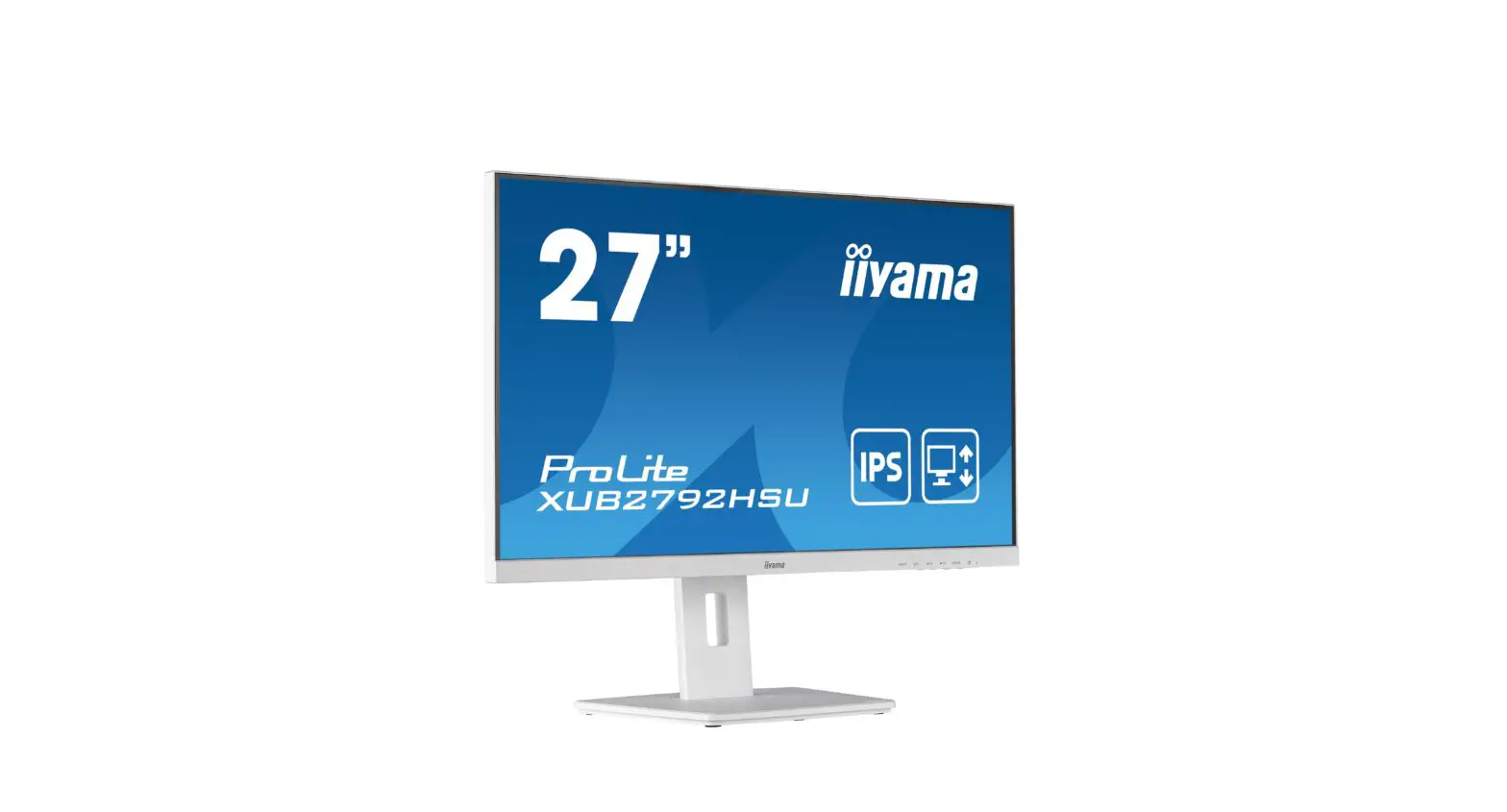
iiyama XUB2792HSU-W5 Medical Monitors and Touchscreens User Manual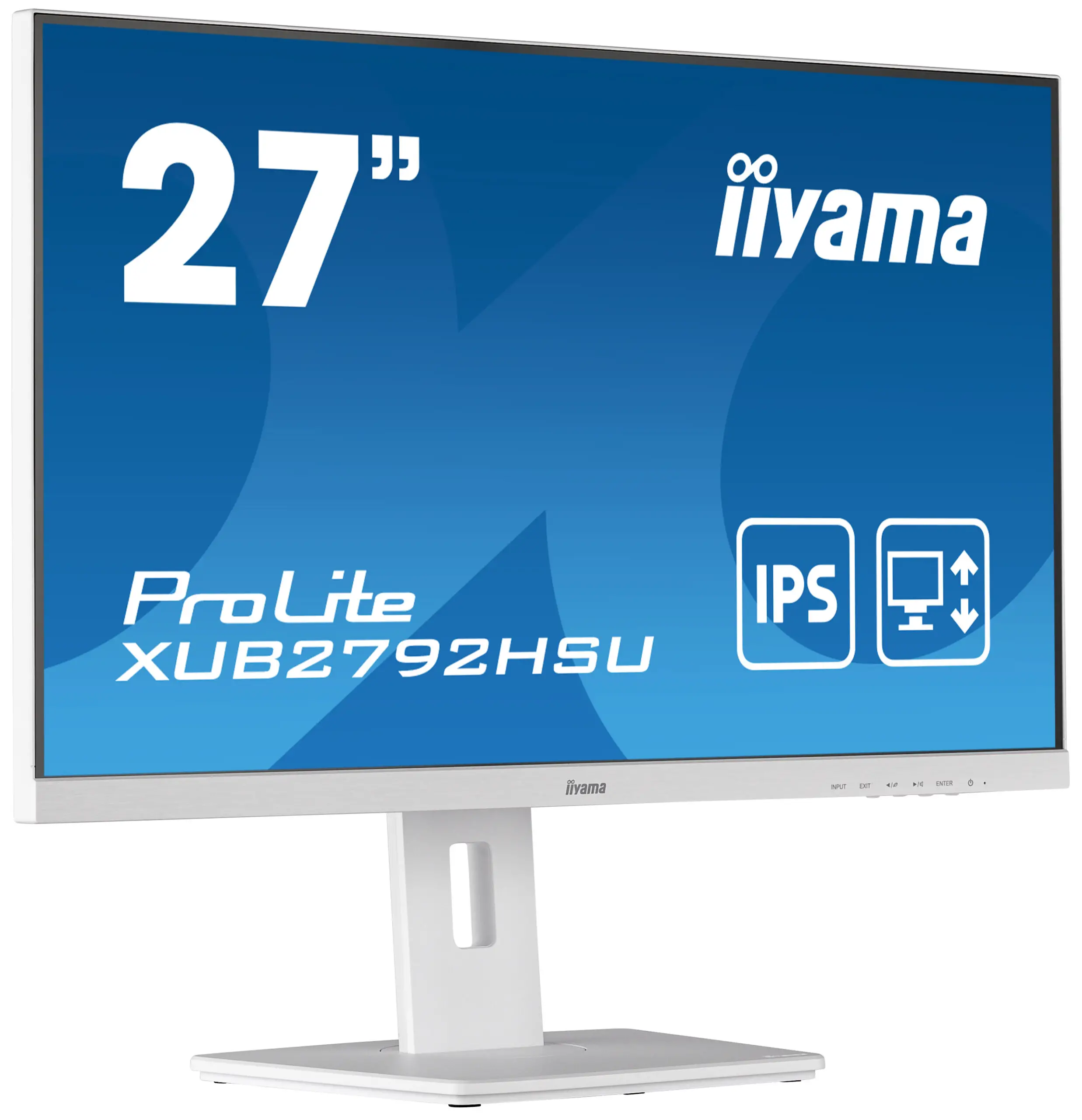
Introductions
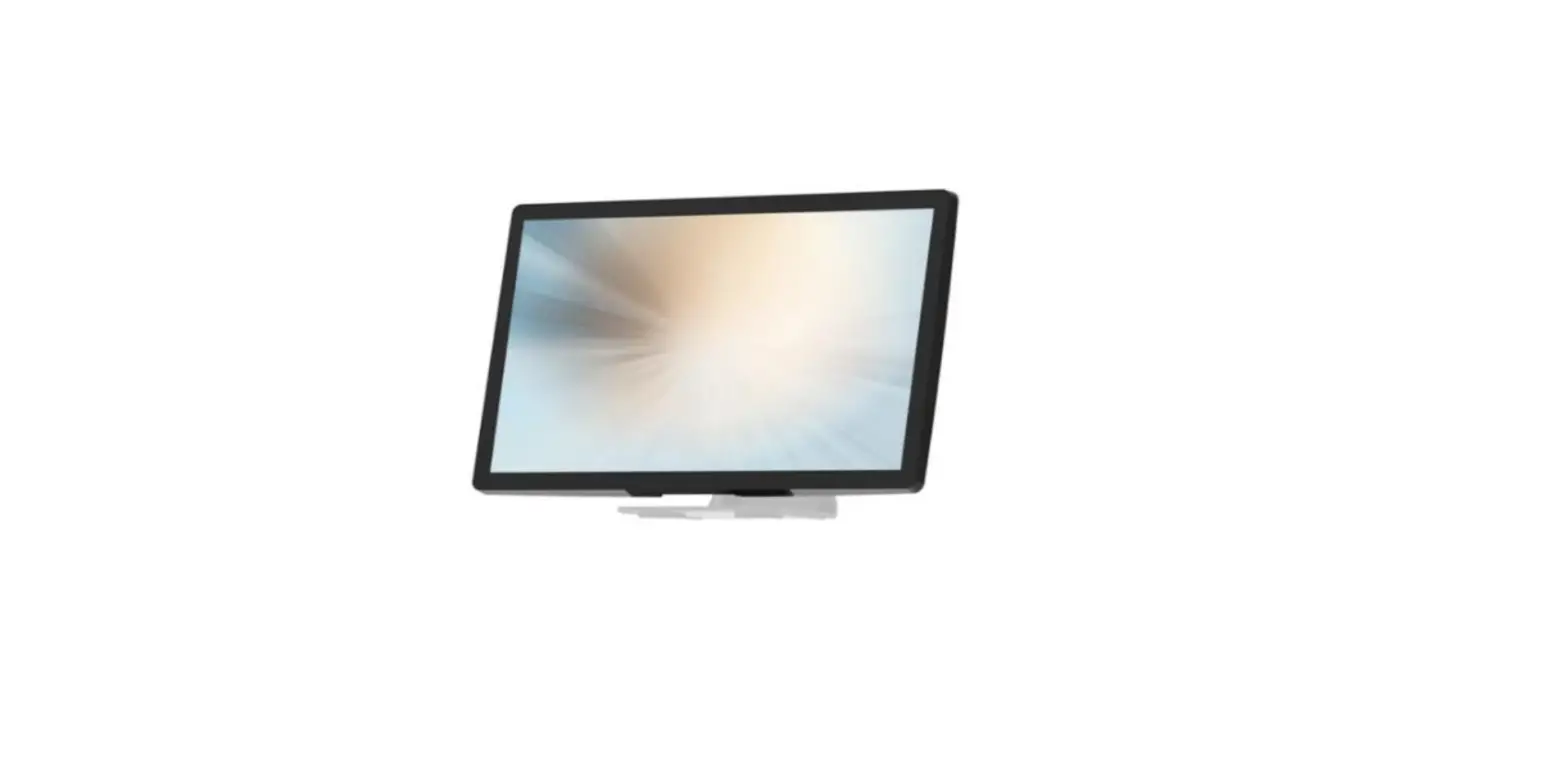
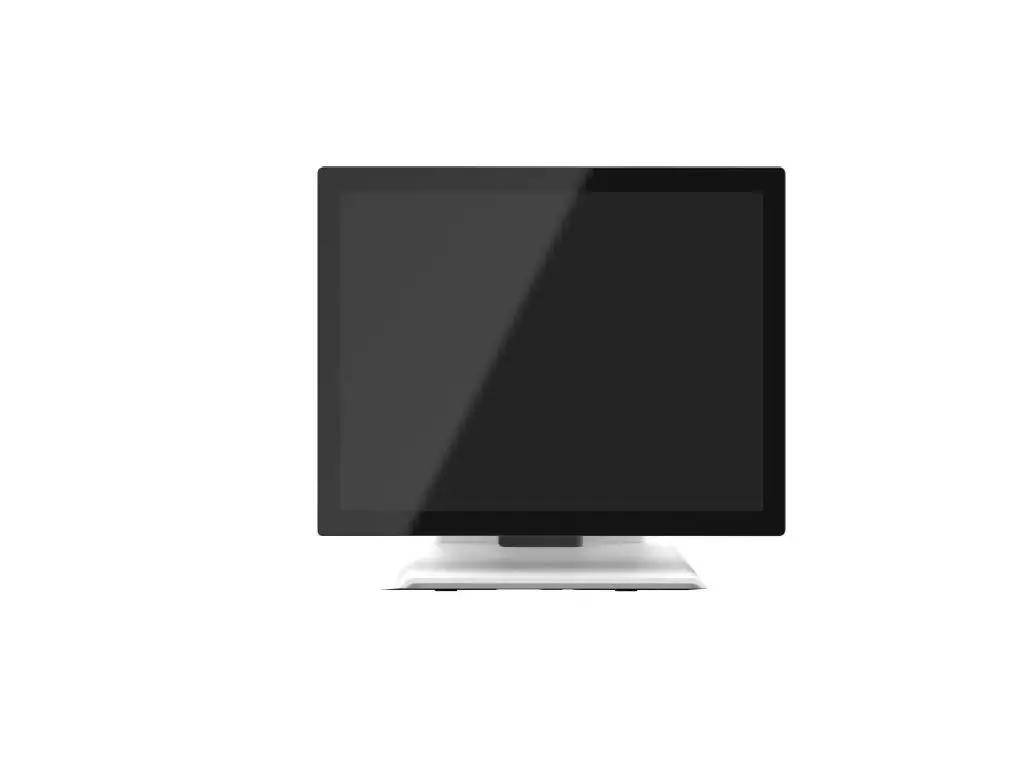
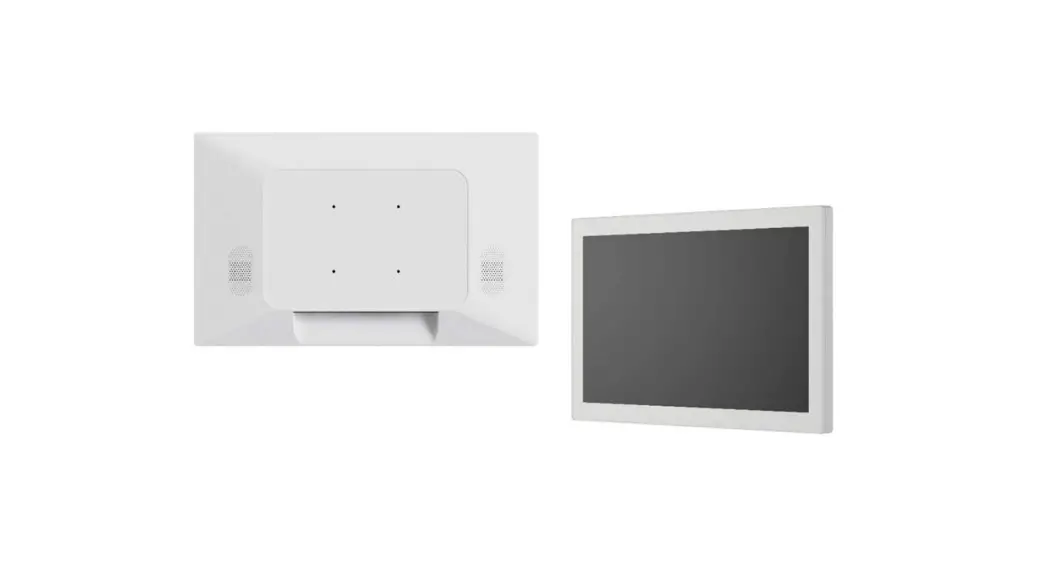
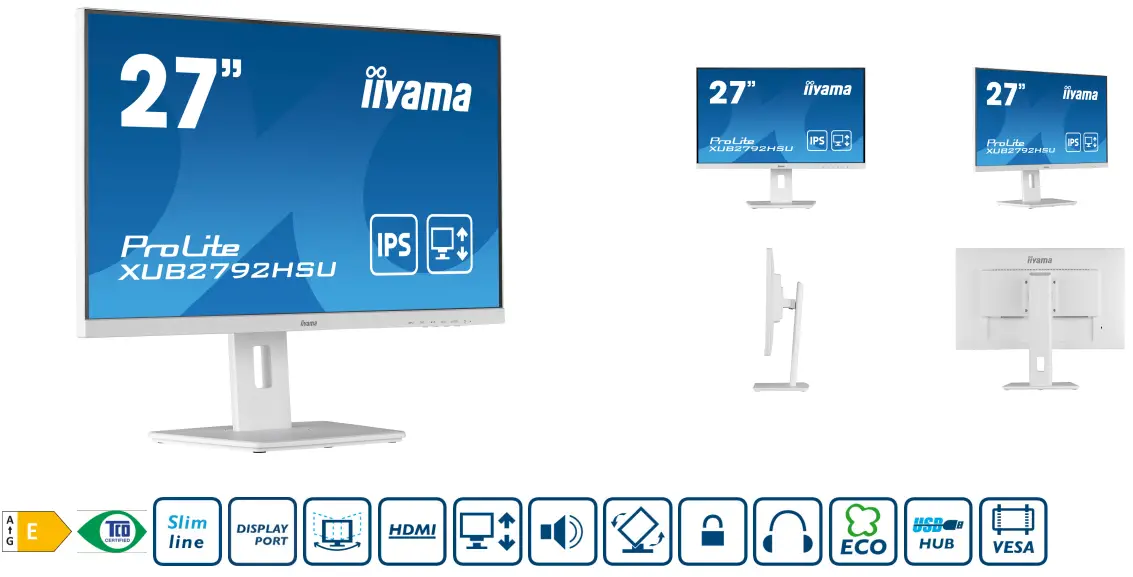
27” IPS panel technology monitor with 150mm height adjustable stand
Stylish edge-to-edge design makes the ProLite XUB2792HSU perfect for multi monitor set-ups. The IPS panel technology offers accurate and consistent colour reproduction with wide viewing angles. High contrast and brightness values mean the monitor will provide excellent performance for photographic and web design. Equipped with speakers, 2 port USB hub, headphone socket, HDMI and DisplayPort connections, a blue light reducer function to reduce eye fatigue and an ergonomic 150mm height adjustable stand for optimal user comfort, make this 27’’ monitor a great choice for both multi-monitor configuration and office applications.
Available also in black: ProLite XUB2792HSU-B5
IPS Technology
IPS displays are best known for wide viewing angles and natural, highly accurate colours. They are especially suited for colour-critical applications.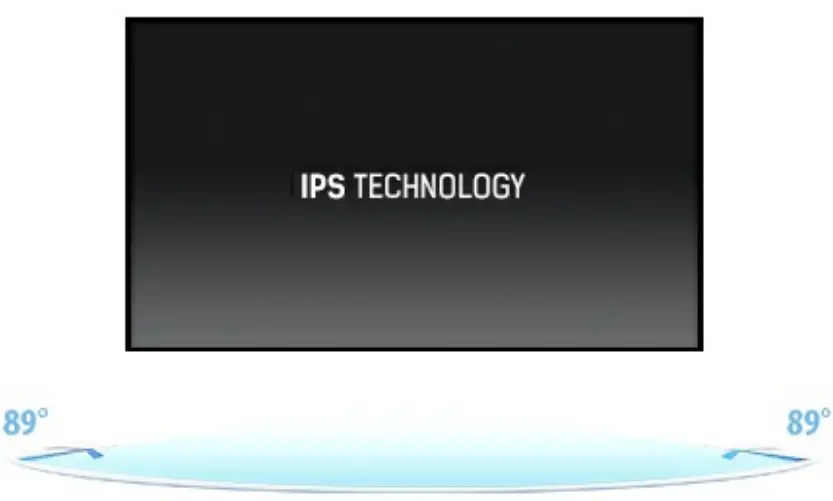
HAS (150mm) + PIVOT
With a height adjustable stand you will create an ergonomic work posture and position that meets all health and safety requirements. This will not only prevent any health issues but will also increase your productivity. The pivot function allows the screen to rotate from landscape to portrait orientation. This functionality can be useful if the application requires more height than width.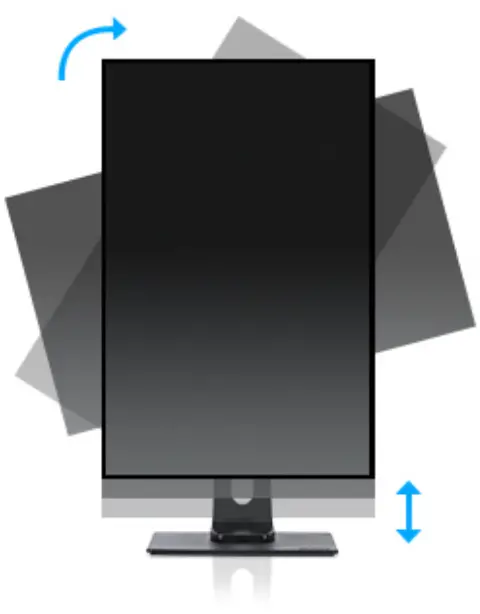
DISPLAY CHARACTERISTICS
| Design | 3-side borderless |
| Diagonal | 27″, 68.6cm |
| Panel | IPS Panel Technology LED, matte finish |
| Native resolution | 1920 x 1080 @75Hz (2.1 megapixel Full HD, DisplayPort&HDMI) |
| Aspect ratio | 16:9 |
| Panel brightness | 250 cd/m² |
| Static contrast | 1000:1 |
| Advanced contrast | 80M:1 |
| Response time (GTG) | 4ms |
| Viewing zone | horizontal/vertical: 178°/178°, right/left: 89°/89°, up/down: 89°/89° |
| Colour support | 16.7mln (sRGB: 99%, NTSC 72%) |
| Horizontal Sync | 31 – 83kHz |
| Viewable area W x H | 597.8 x 336.3mm, 23.5 x 13.2″ |
| Pixel pitch | 0.311mm |
| Colour | matte, white |
INTERFACES / CONNECTORS / CONTROLS
| Signal input | VGA x1 (1920 x 1080 @60Hz) HDMI x1 (1920 x 1080 @75Hz) DisplayPort x1 (1920 x 1080 @75Hz) |
| USB HUB | x2 (v.2.0 (DC5V, 500mA)) |
| HDCP | yes |
| Headphone connector | yes |
FEATURES
| Blue light reducer | yes |
| Flicker free | yes |
| Extra | i-Style Colou |
| OSD languages | EN, DE, FR, ES, IT, RU, JP, CZ, NL, PL |
| Control buttons | Power, Menu/ Select, +/ Volume, -/ ECO, Exit, Input |
| User controls | auto adjust, picture adjust (brightness, contrast, ECO, blue light reducer, ACR, OD), geometry (H. position, V. position, pixel clock, phase), colour settings (colour temp., user preset, i-Style colour), OSD (H. position, V. position, OSD rotate, OSD time), language, recall, miscellaneous (sharp and soft, video mode adjust, opening logo, information), input select (source), audio settings (volume, mute, input) |
| Speakers | 2 x 2W |
| Convenience | Kensington-lock™ prepared, DDC2B, Mac OSX |
MECHANICAL
| Display position adjustments | height, pivot (rotation), swivel, tilt |
| Height adjustment | 150mm |
| Rotation (PIVOT function) | 90° |
| Swivel stand | 90°; 45° left; 45° right |
| Tilt angle | 23° up; 5° down |
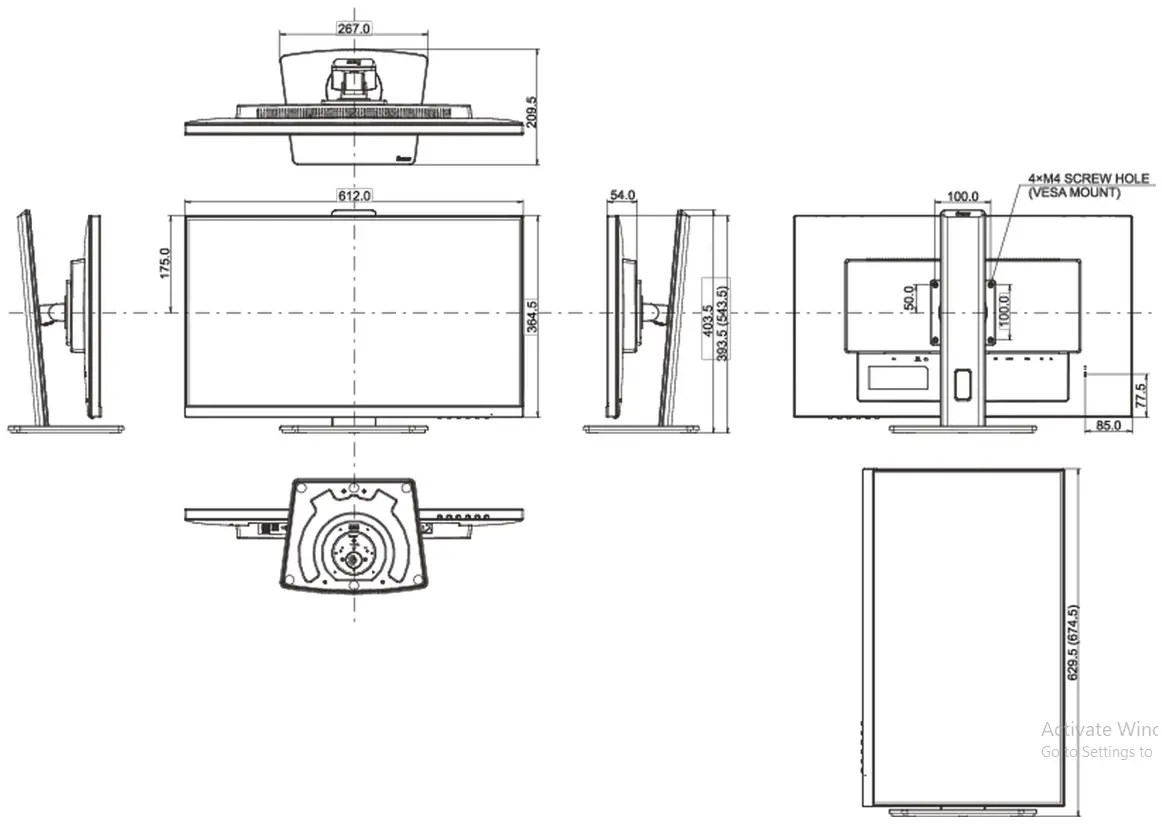
| VESA mounting | 100 x 100mm |
| Cable management system | yes |
ACCESSORIES INCLUDED
| Cables | power, USB, HDMI |
| Other | quick start guide, safety guide |
POWER MANAGEMENT
| Power supply unit | internal |
| Power supply | AC 100 – 240V, 50/60Hz |
| Power usage | 17.5W typical, 0.5W stand by, 0.3W off mode |
SUSTAINABILITY
| Regulations | TCO Certified, CE, TÜV-GS, EAC, VCCI-B, PSE, RoHS support, ErP, WEEE, REACH, ENERGY STAR®, UKCA |
| Energy efficiency class (Regulation (EU) 2017/1369) | E |
| REACH SVHC | above 0.1%: Lead |
DIMENSIONS / WEIGHT
| Product dimensions W x H x D | 612 x 393.5 (543.5) x 209.5mm |
| Box dimensions W x H x D | 693 x 440 x 170mm |
| Weight (without box) | 6.3kg |
| Weight (with box) | 7.9kg |
| EAN code | 4948570121304 |
All trademarks and registered trademarks acknowledged. E & O E. Specification subject to change without notice. All LCD’s comply with ISO-9241- 307:2008 in connection with pixel defects.
© IIYAMA CORPORATION. ALL RIGHTS RESERVED