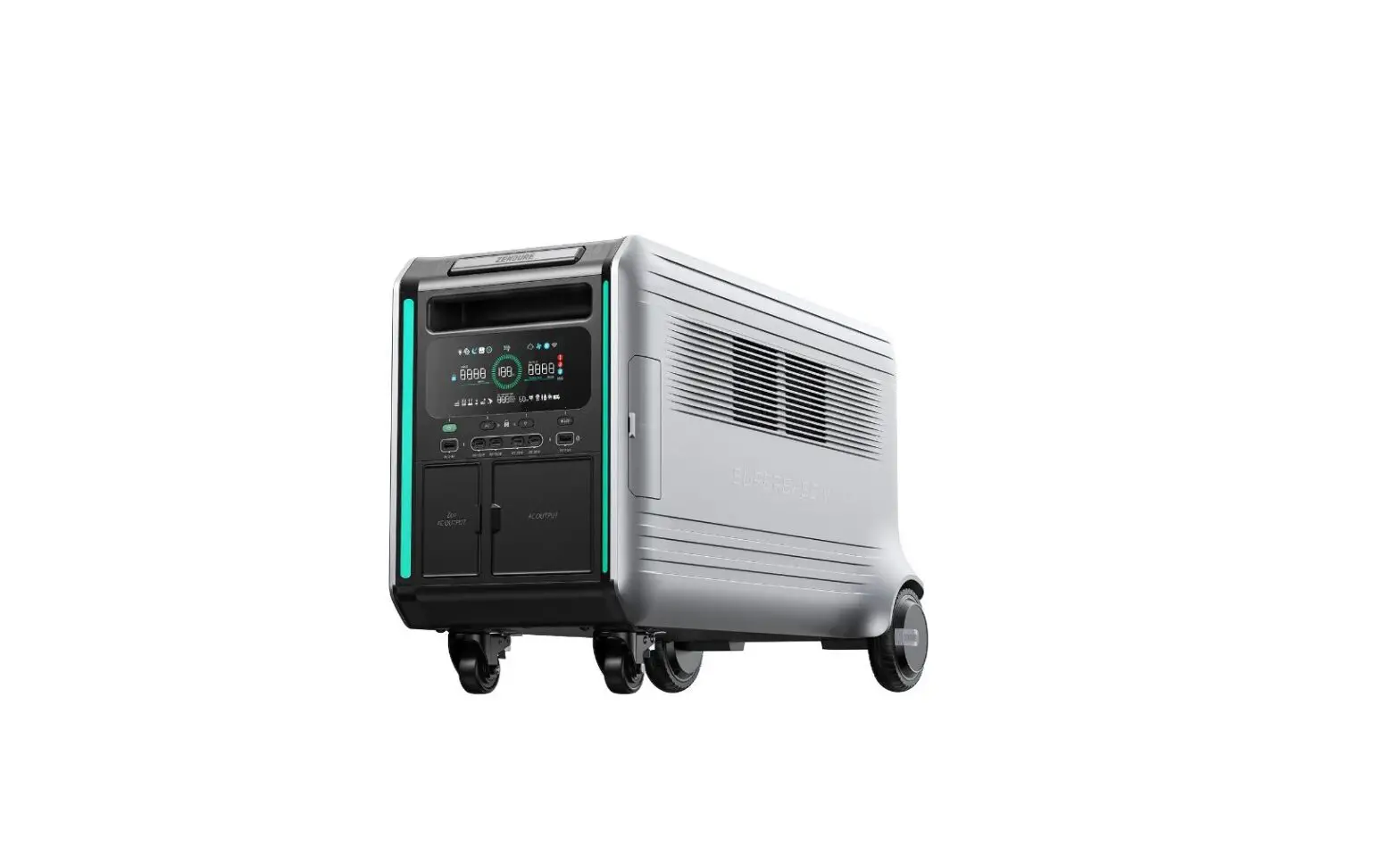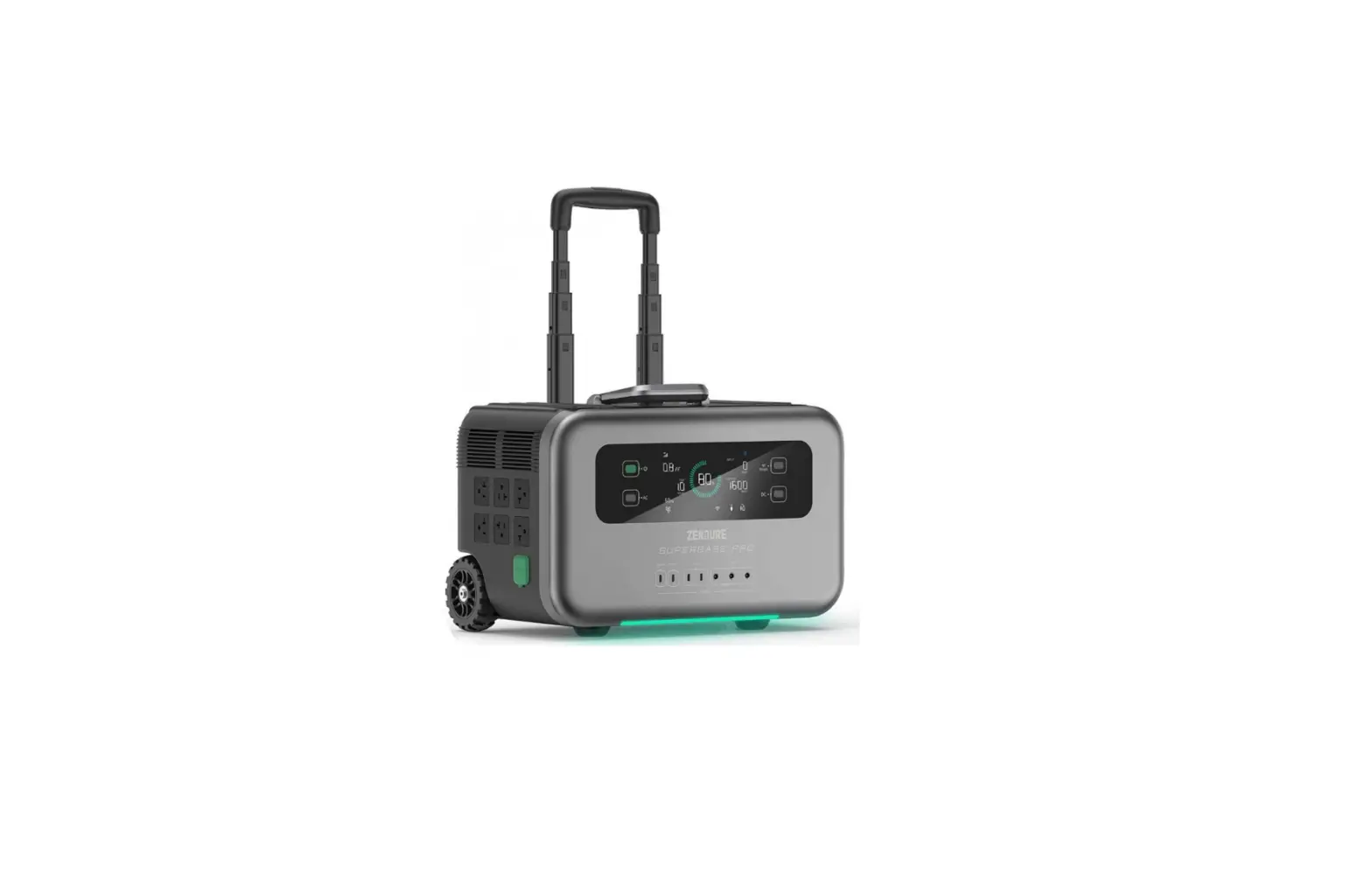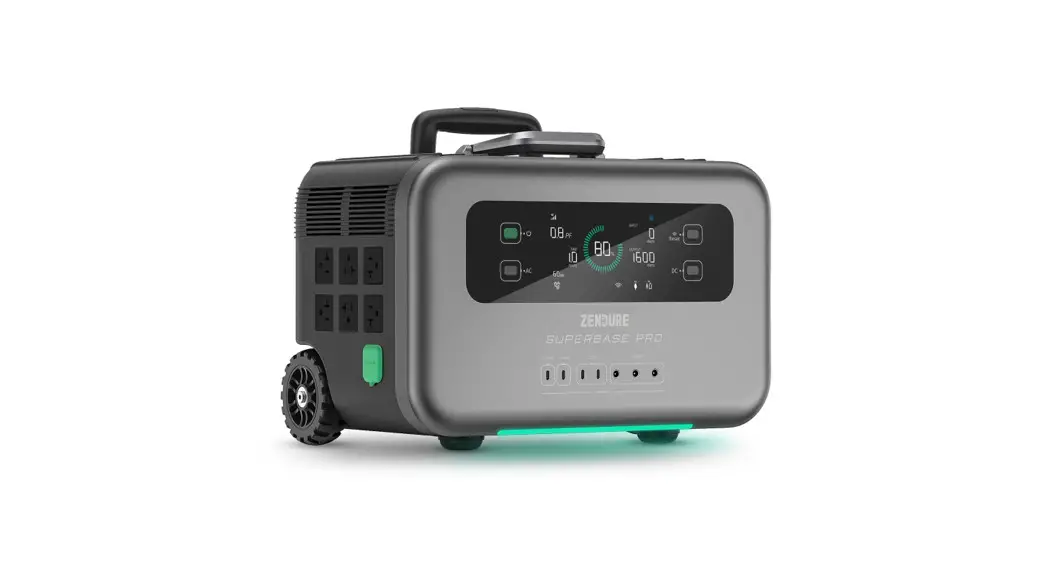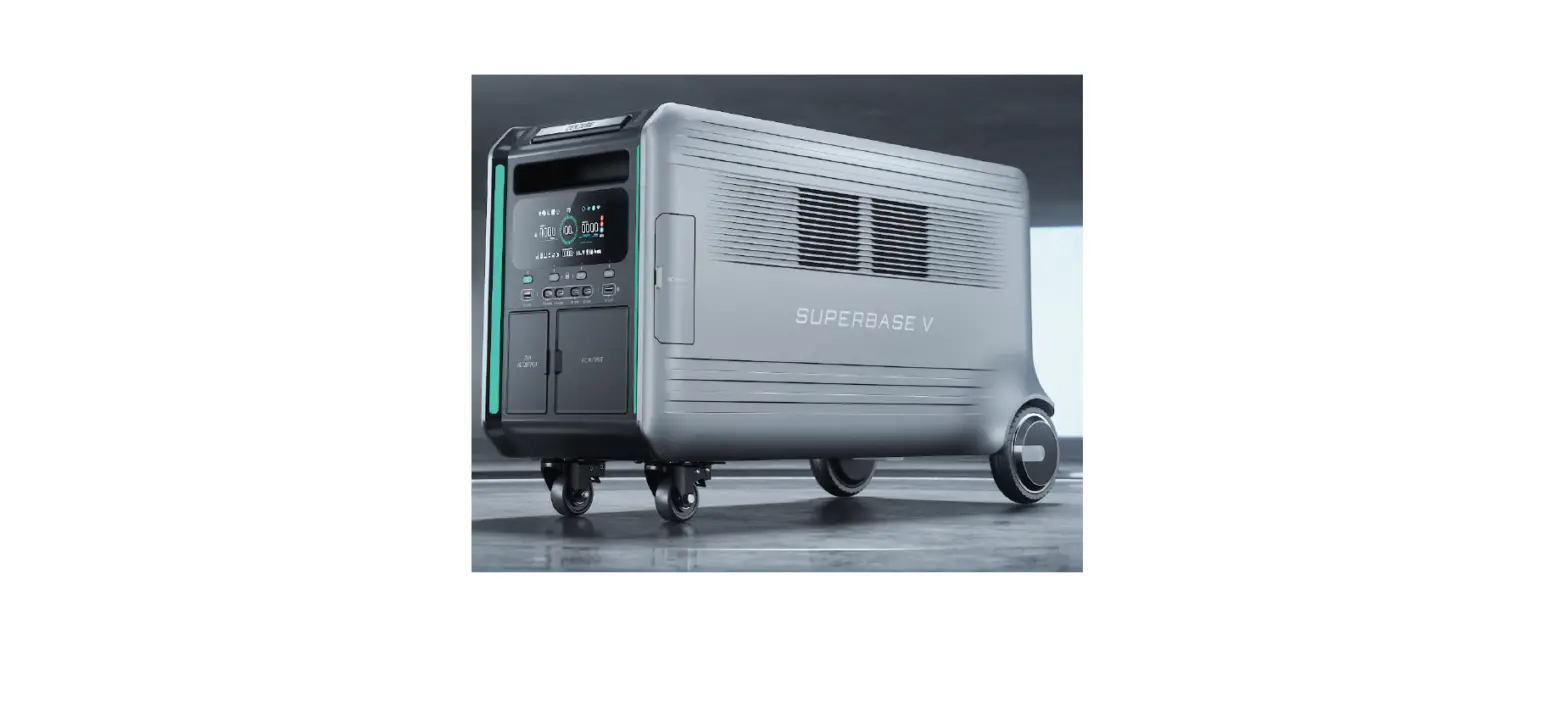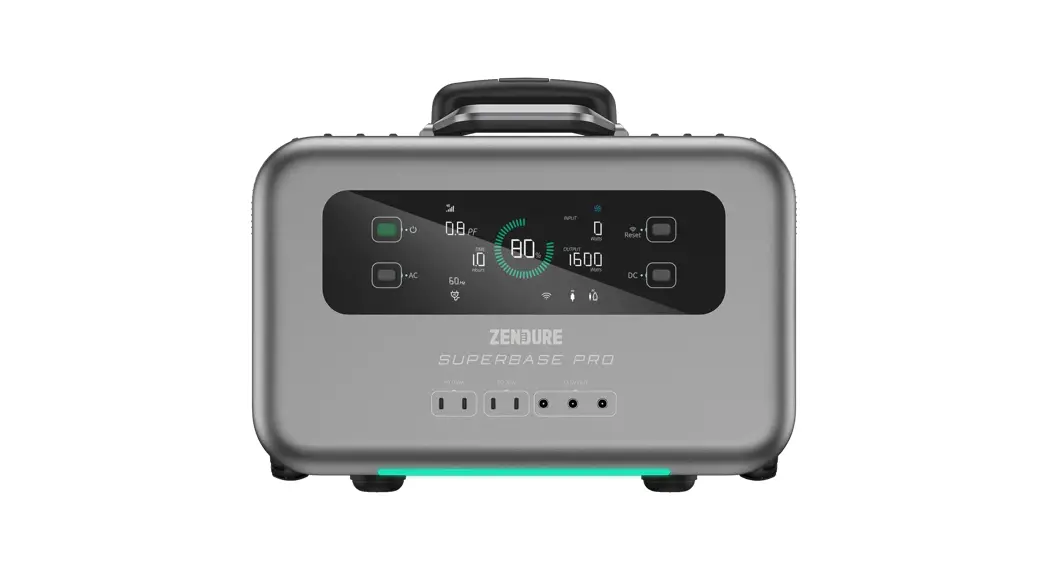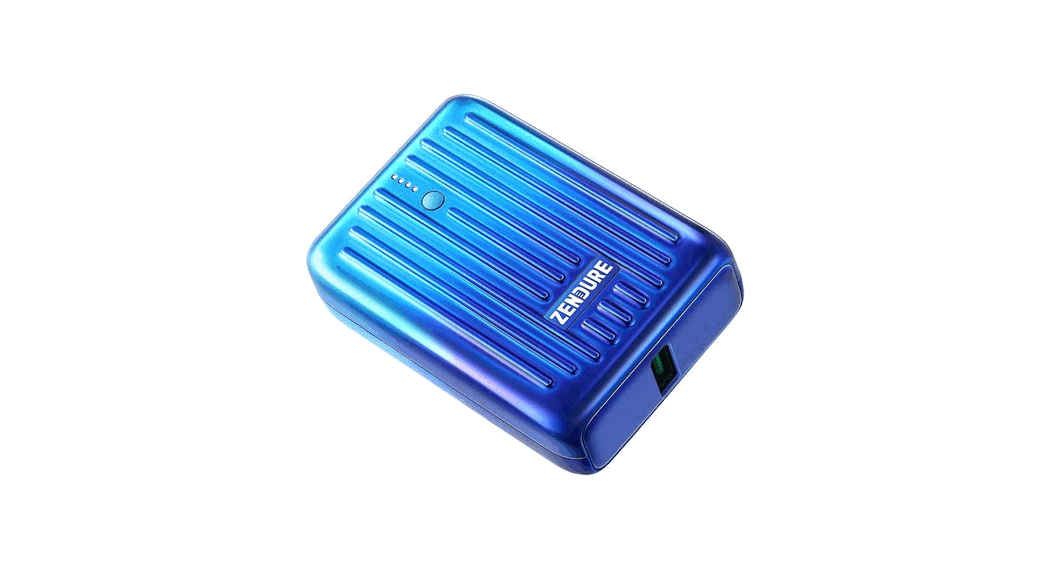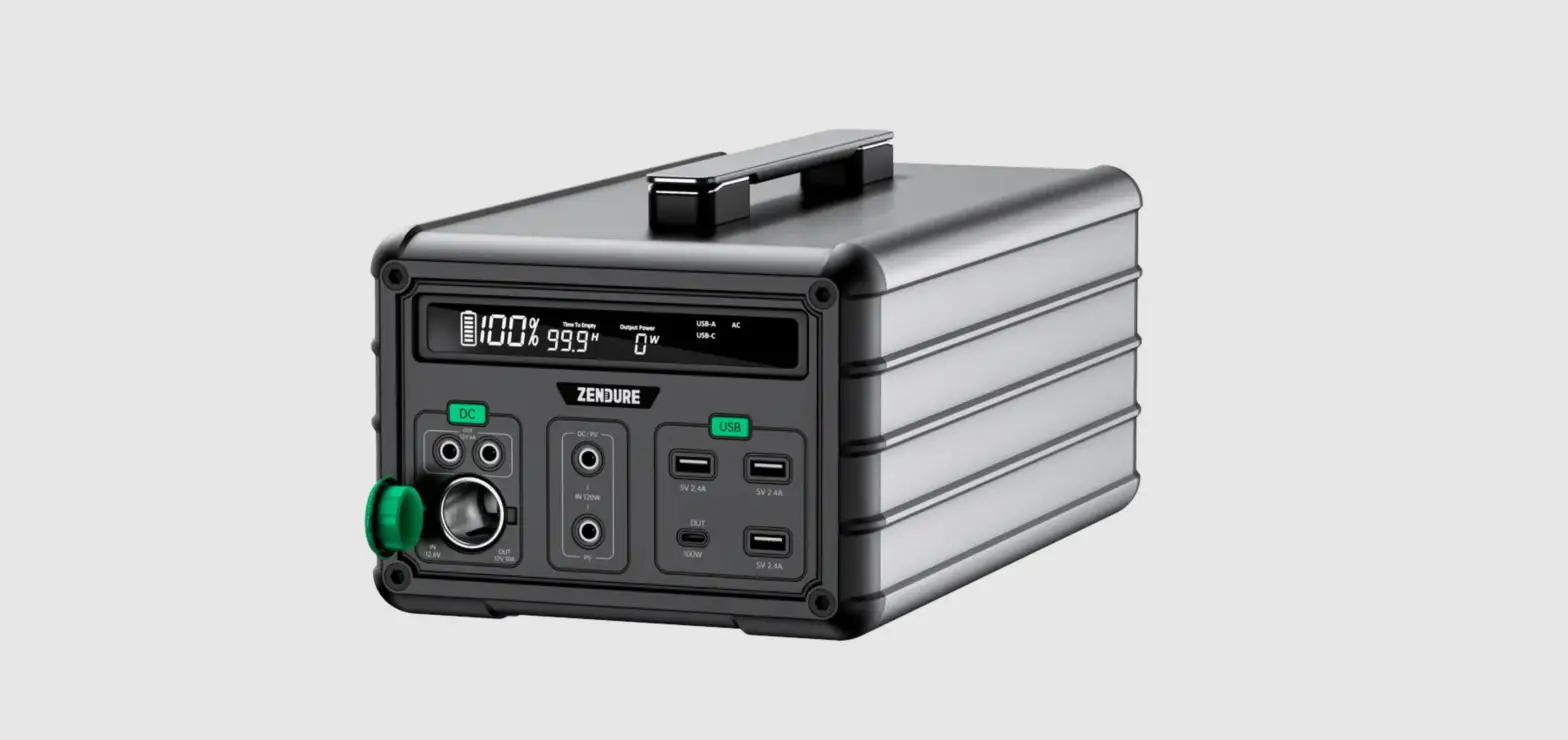
ZENDURE SuperBase 1000M PowerStation User Manual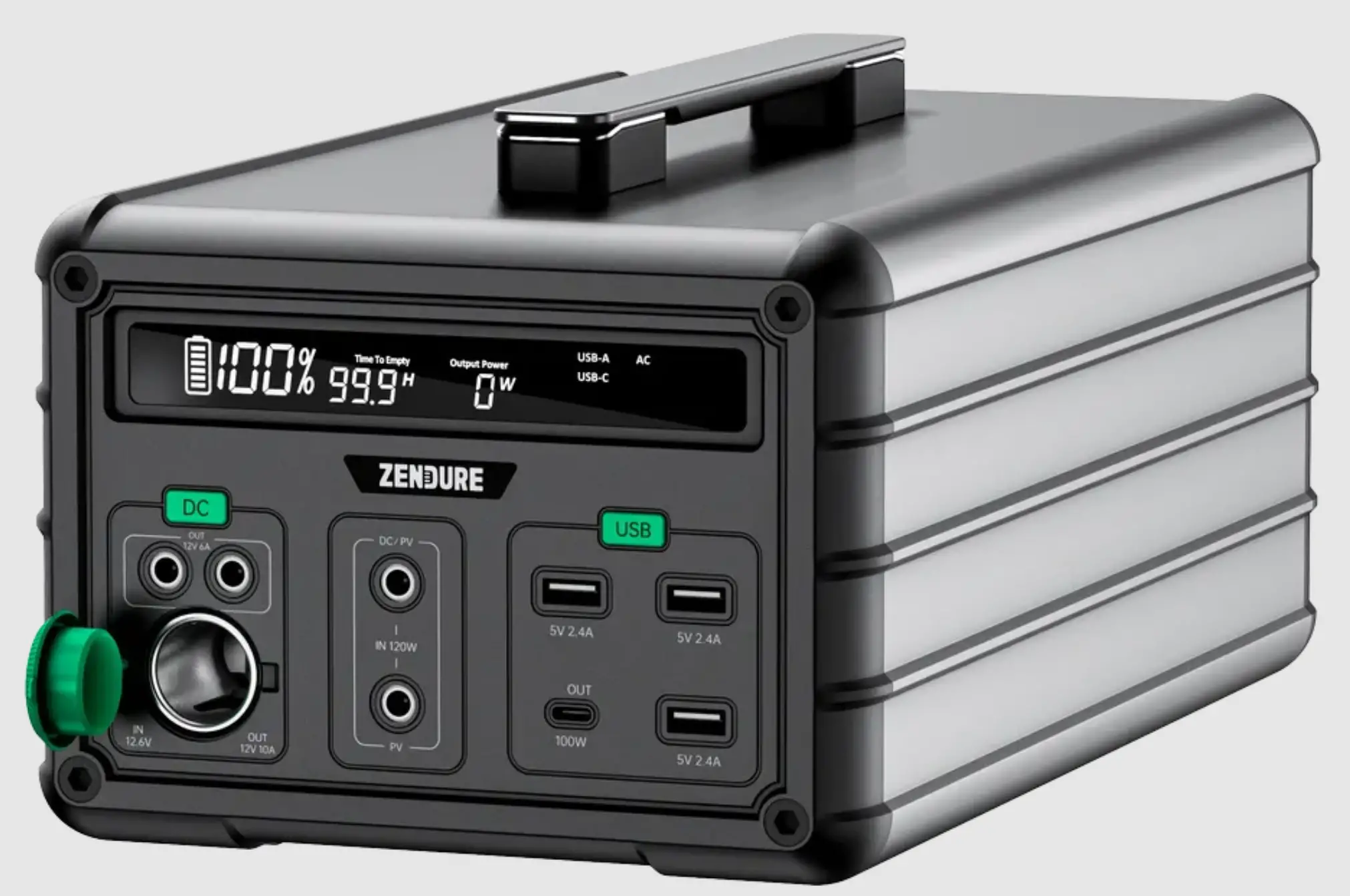
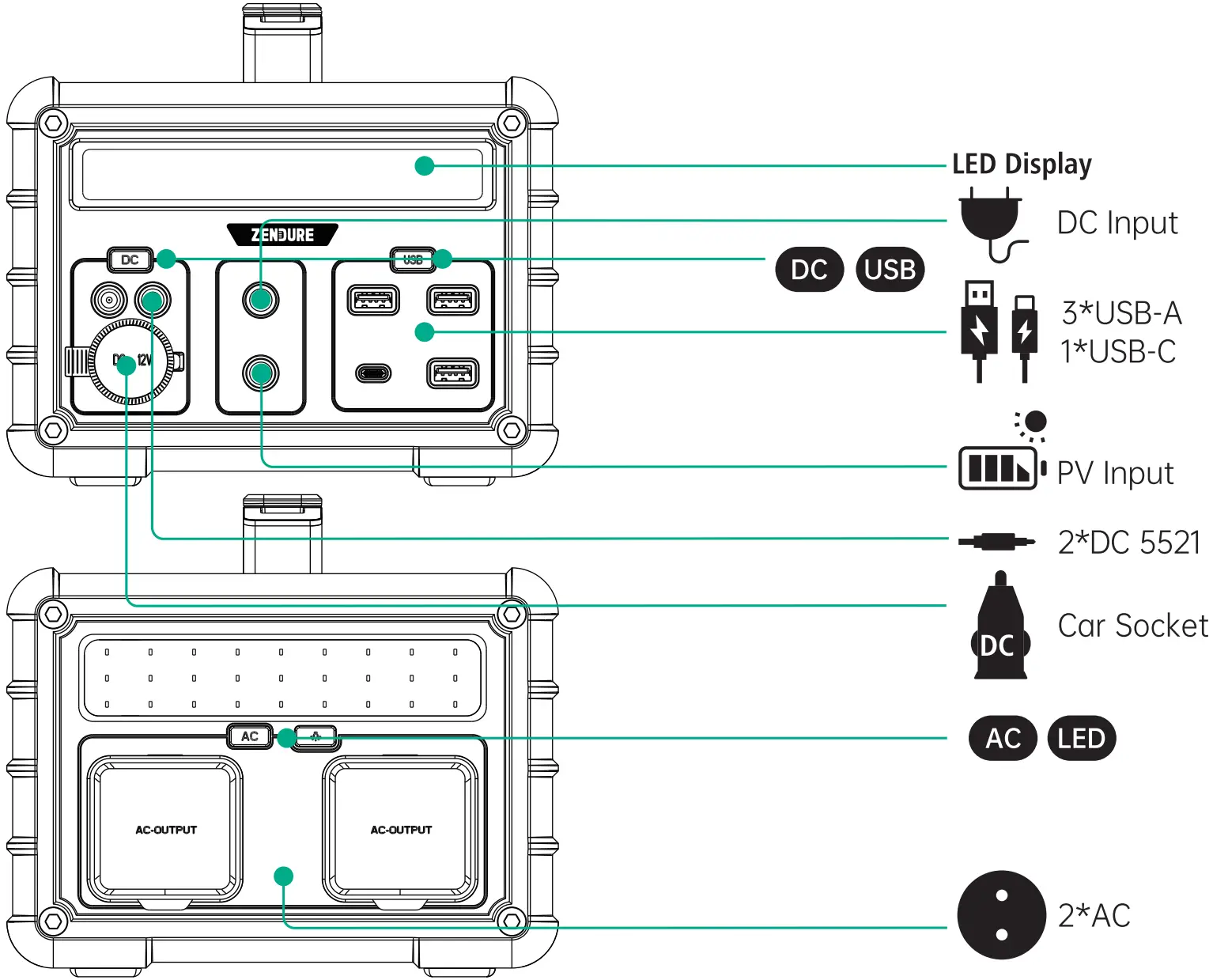
Product Overview
Precautions for use
Daily use
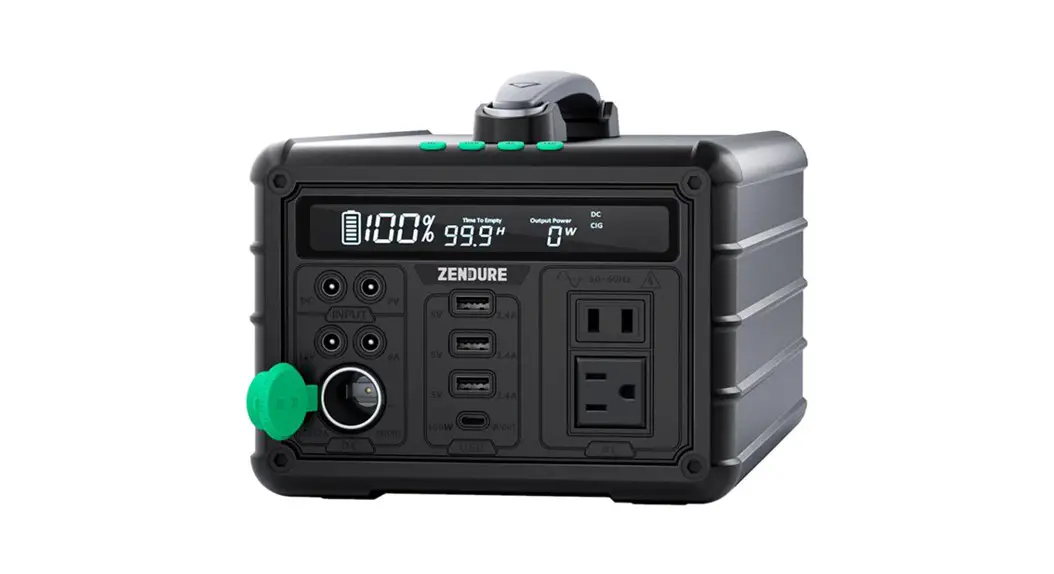
- After the DC button has been pressed and held for about 1-2 seconds, the corresponding D C and CIG icons on the screen light up and the corresponding device can be charged. When the DC button is switched on, double click on the button and the corresponding Car-Start icon on the screen lights up to charge the car battery
- Hold down the USB button for 1-2 seconds, and the USB-A and USB-C ICONS on the screen will light up to charge the device.
- When the AC button is pressed and held for about 1-2 seconds, the corresponding AC icon on the screen lights up and the corresponding device can be charged.
- LED illumination comes on after about 1-2 seconds of long press on the LED button, short press to switch between high light, SOS and flashing mode, in any mode, the LED button turns off after about 1-2 seconds of long press.
- To switch off the AC/DC/USB output, press and hold the corresponding button for 1-2 seconds and the corresponding icon on the screen goes out. Quick switch-off, press and hold any of the buttons to be switched off for 3-5 seconds until all functions are switched off at the same time
- When the product runs out of power, please recharge it promptly.
- After use, please switch off the unit in time. (There is a self-loss of about 10-20V when the AC output is on.
(It will continue to drain the battery leading to wasted power)
Shipping
The product should be protected from rain and water during transportation and should not be subject to severe vibration.
Storage
Do not place the product in a hot environment (over 45°C) or near an ignition source. If stored for more than 6 months, to prolong the life of the battery, please charge and discharge the product 1-2 times.
Daily Maintenance
In the case of long-term storage (more than 3 months), storage of not less than 50% of the electricity should be maintained. Please use this product within the temperature range of 0-45°C. Use outside this range will shorten the life of the product.
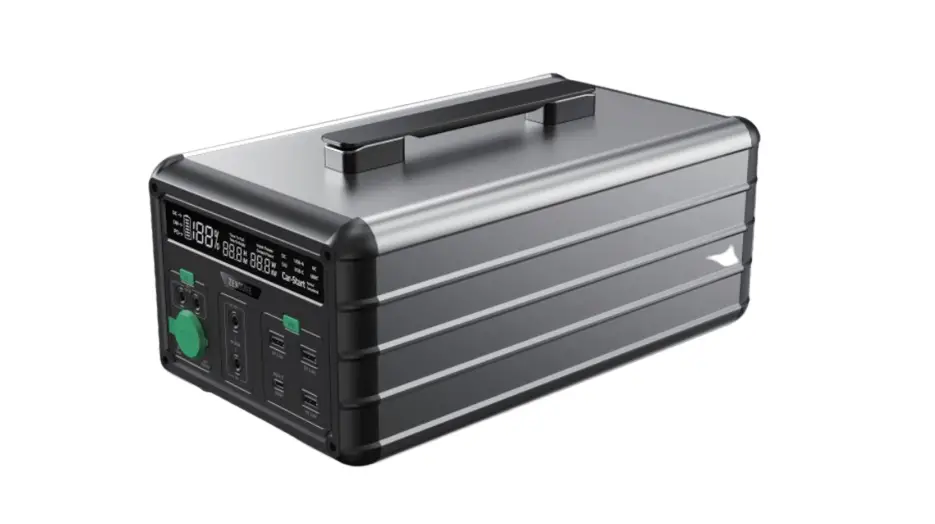
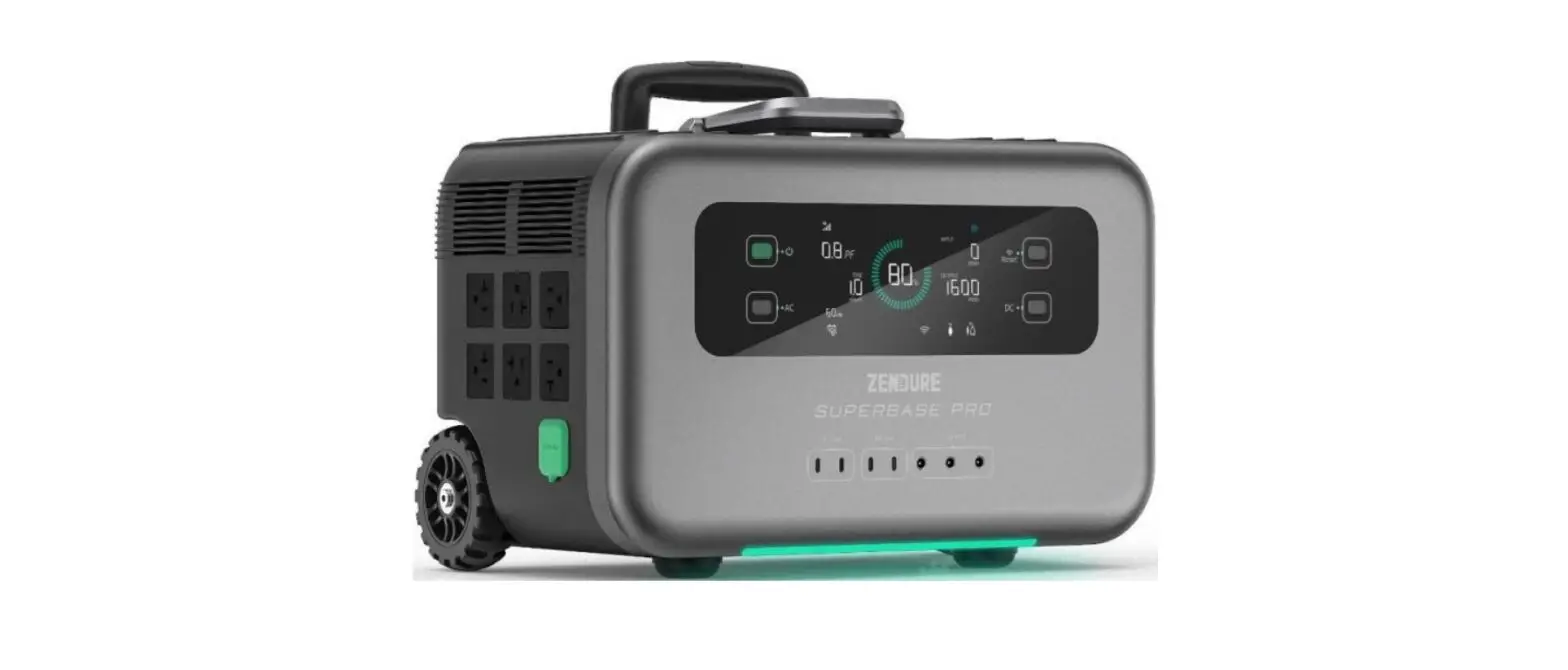
Panel Icons
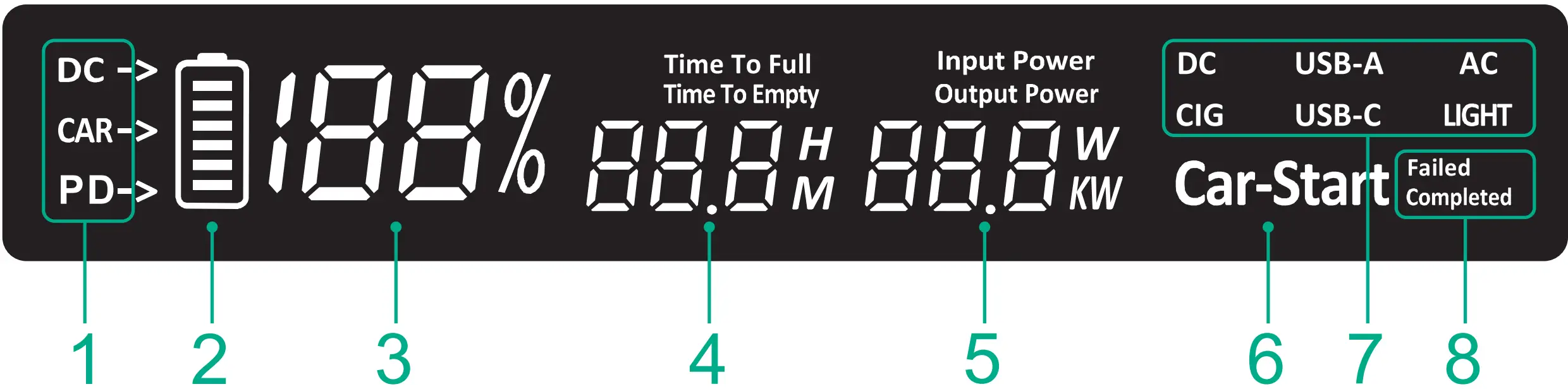
| Name | Function | |
| 1 | Charging instructions | DC for charging with adapter or PV, CAR for car charger port charging, PD for USB-C charging. |
| 2 | Power icon | Battery level according to 6 cells, charging runner indicates charge level |
| 3 | Power indicator | Displays the charge level of the battery as a percentage. |
| 4 | Time Remaining Indicator | Indicates the estimated time to completely charge the battery (Time To Full) or completely drain it (Time To Empty), in either hours (H) or minutes (M). |
| 5 | Total power indication & display switching AC frequency | “Input Power” indicates charging power and “Output Power” indicates discharging power. The lower number W or KW indicates the current power value, if you want to switch the AC frequency, hit the AC button 3 times in succession, the screen will display “F50”, representing “50Hz”; “F60 “, representing “60Hz”. |
| 6 | Car Recharge Mode | “Car-Start”, which indicates that the car battery is being charged, is suitable for topping up the car battery and for emergency starting of the car. |
| 7 | Interface status indication | DC, CIG, USB-A, USB-C, AC, LIGHT are displayed to indicate that the corresponding function is switched on. |
| 8 | Car start status indication | The three display combinations Car-Start /Car-Start Failed /Car-Start Completed on the far right side indicate that car start charging is in progress, start charging has failed, and start charging is complete. |
Common Problems
- Is the product safe without fan cooling?
The product uses high-frequency resonance technology to reduce heat generation by 50%, and with the aluminium alloy casing for heat dissipation, no fan is required, making it quieter and more secure. - How long can I store the product?
Half of the charge can be stored for 6-12 months, it is recommended to charge and activate it every three months. - How long does it take to fully charge the product?
Up to 4 hours for simultaneous charging with mains/photovoltaic panel, car charger and Typo-C.
When charging with mains electricity, it takes approximately 10 hours to fully charge.
When charging with the car charger, it takes approximately 10 hours to charge up.
When charging with Type-C, it takes approximately 12 hours to fully charge.
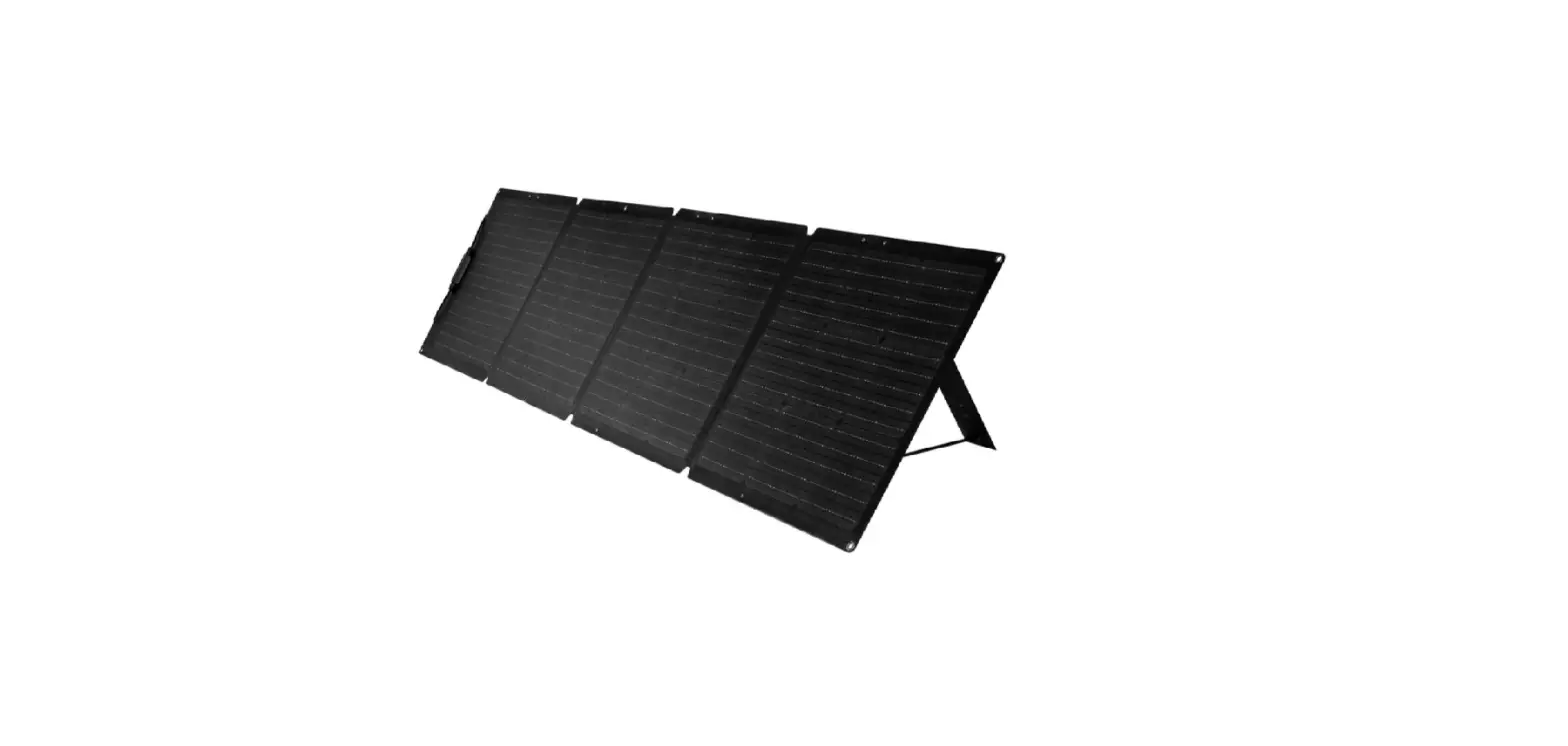
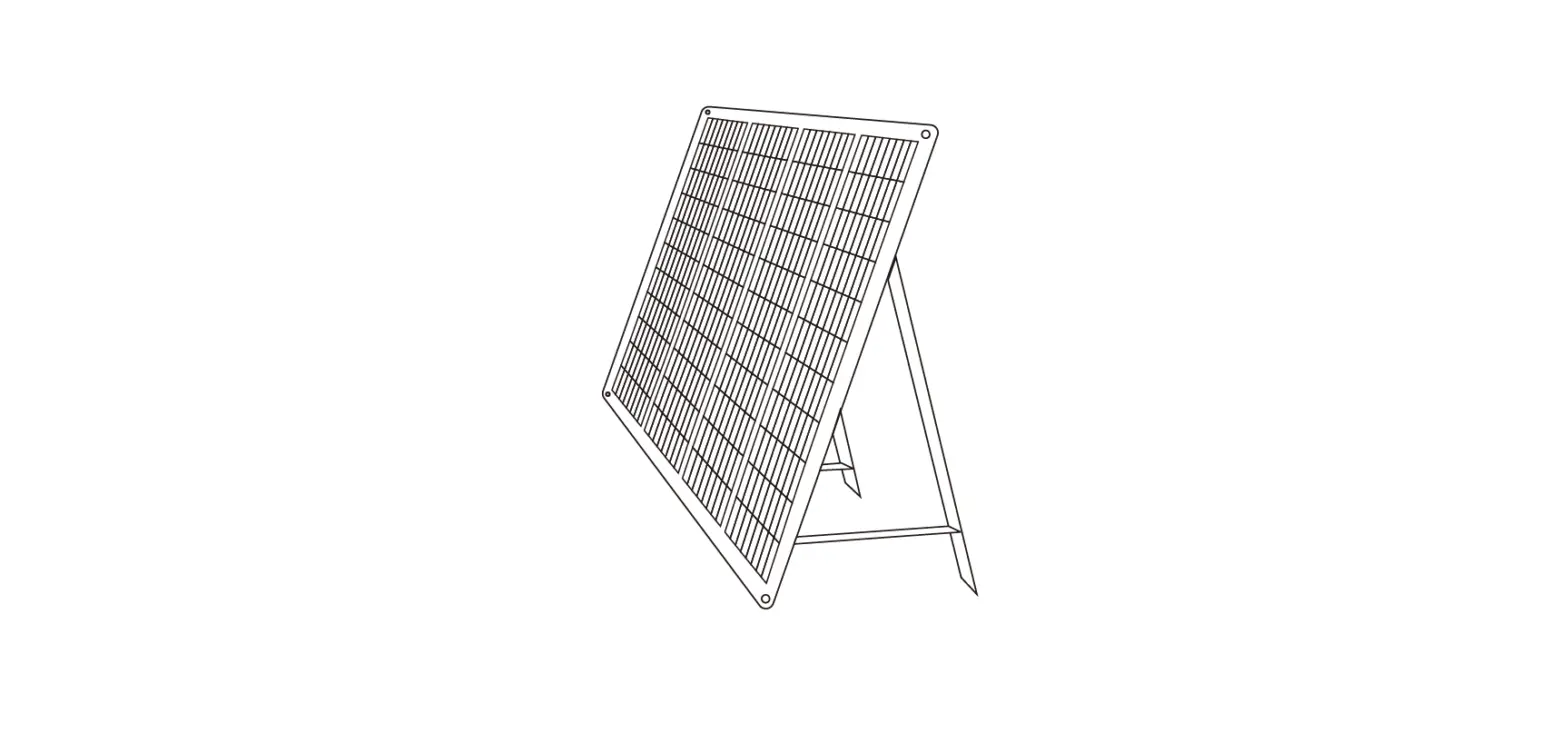
When charging with PV panels, 150W solar PV panels are fully charged in approximately 10 hours at an equivalent light intensity of 750WV/m.
The above data are laboratory test data and are for reference only. - Can I charge the product with both solar power and a car charger at the same time?
Can be charged at the same time and the charging time will be cut in half - Can the product be charged and discharged at the same time (output use)?
This product supports charging and discharging at the same time and can be used sexually at the same time. When the output power is greater than the charging power, the battery power slowly decreases and will turn off the output when it is reduced to a low battery state. - Is the product temperature protected?
Charging 45 degrees protection, discharging 60 degrees protection - Does the product switch off automatically?
The product will automatically switch off after deep discharge, but under normal circumstances, it will not automatically switch off after being switched on in order to continue discharging - How large a displacement car can Product Car Start start?
The starting principle of the product is to charge the car battery, 12V system can be used, the displacement is not limited - What does it mean when SUS is displayed on the screen?
The screen display SUS indicates that the charging temperature is too high or too low and the product cannot be charged in this case.
Packing list
- SuperBase 1000M

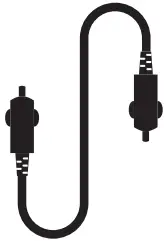
- Car charger Cable

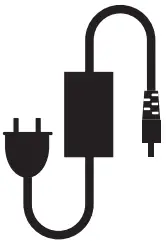
- AC charger
- Quick Guide

- Warranty Card


Product parameters
 | ZDSB1000M |
 Capacity | 1016.16Wh (14.6V/69.6Ah) |
 Dimensions | 359mm x 190mm x 138mm |
 Weight | 8.55kg |
 Discharge Temperature | -20°C-40°C |
Charge Temperature | O°C-40°C |
| Input | |
 DC5521 | 18-24V, 120W Max |
 PV | 18-24V, 120W Max |
 USB- C1 | 5V  2.4A,9V/12V/15V/20V 3A, 20V5A, 100W Max 2.4A,9V/12V/15V/20V 3A, 20V5A, 100W Max |
 Car Socket | 12.6V10A, 126W Max |
| Output | |
 | 230V~50/60Hz, Rated 1000W, Peak1500W |
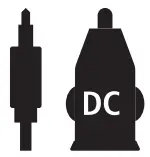 DC3,DC4 | 12V6A, each port 72W Max, total 120W |
 USB-C1 | 5V 2.4A,9V/12V/15V/20V 3A, 20V5A, 100W Max |
 USB-A1/A2/A3 | 5V2.4A, 12W Max |
Car Socket | 12V10A, 120W Max |
Warnings and Precautions
- Do not plug your hands or hand-held metal conductors into the AC outlet.
- Please do not disassemble the product yourself to avoid unknown dangerous things happening.
- Please read the specific product user manual before use.
- Do not disassemble or modify the product, insert foreign objects or immerse it in water or other liquids as this may cause leakage, overheating, fire or explosion.
- It is strictly forbidden to use products with obvious damage, as well as damaged wires and plugs connected to the product, with the risk of electric shock.
- Please use the original adapter for charging to avoid fire, explosion or other hazards.
- Please select the solar panel according to the electrical parameters specified by the manufacturer, voltages above the parameter range may damage the product.
- If the product emits abnormalities such as odour or heat during charging or storage, please stop charging immediately and place it in an open area for observation from a distance to confirm safety and then contact the manufacturer or distributor.
- This product is a power supply, please select the corresponding model according to the power-using equipment, it is forbidden to use this product with excessive power or load.
- It is forbidden to short the positive and negative terminals of each output port of the product.
- This product is factory set according to different national voltage standards, so please consult your dealer or use it in accordance with the product user manual before purchasing and using it.
- Product components are environmentally recyclable, please dispose of them according to local regulations.
- Not to be used at altitudes exceeding 2000m.
- This product and its accessories may contain small parts. Please keep the product and its accessories out of the reach of children. Children may inadvertently damage the product and its accessories, or swallow small parts that may cause choking or other hazards. Children or people with limited mental capacity should be accompanied by a guardian when using this product.
- This product is equipped with a non-removable internal battery, please do not replace the battery yourself as this may damage the battery or the product and may cause fire and explosion or other hazards.
- Please keep the product dry. Do not use the product in dusty, damp or dirty areas as this may cause the product’s internal circuitry to malfunction.
- Do not use this product in thunderstorms. Lightning storms may cause product failure or electric shock hazard.
- Do not drop, crush or puncture the product. Avoid subjecting the product to large external pressures that could lead to short circuits and overheating inside the product.
- If the product accidentally falls into water during use, place it in a safe open area and do not use it again.
- It is forbidden to use the product in a strong static or magnetic environment, which may lead to the failure of some of the product’s protective functions and thus cause the product to malfunction.
- It is forbidden to store or transport the product together with keys, metal jewellery or other metal objects.
- Do not throw the product into a fire as this may cause it to catch fire and explode.
Major Troubleshooting
| Failure phenomena | Solutions |
| No response when the product is switched on, no output from DC, USB or AC |
|
| The product is switched on but the corresponding output connector is not output (DC, USB AC) , |
|
| Unexpected shutdown of the product during use |
|
| Product cannot be charged |
|
| Irregular numbers appear on the display |  When the DC/USB/AC/LED button is pressed times three in succession to appear, the screen will display the version number of the current software program and will automatically resume after 3 seconds, without affecting normal use When the DC/USB/AC/LED button is pressed times three in succession to appear, the screen will display the version number of the current software program and will automatically resume after 3 seconds, without affecting normal use |
Warranty
During the warranty period, the dealer will provide free repair and replacement parts for defects in material and workmanship and for damage not caused by man.
The Seller will not be liable for any special, incidental or consequential loss, or any loss or damage arising from the inability to use the Products, whether alone or in conjunction with any other equipment or materials or for any other reason
The following are not covered by the warranty
- Open the product privately.
- Deformation damage caused by obvious external forces.
- The user does not follow the instructions.
- Failure or damage caused by force majeure (lightning strike, flooding, etc.), man-made (operation error, charging by non-original charger, etc.), environmental factors (high temperature, humidity, etc.).
- Product packaging boxes and product accessories are not covered by the warranty.
Support
Zendure USA Inc.
Phone: (800) 991-6148(US)
Office Hours: Mon – Fri 9:00 – 17:00 PST
Support / Contact: www.zendure.com/support
Website: www.zendure.com and 2022 Zendure USA Inc.
All Rights Reserved. Printed on Recyled materials.MADE IN CHINA