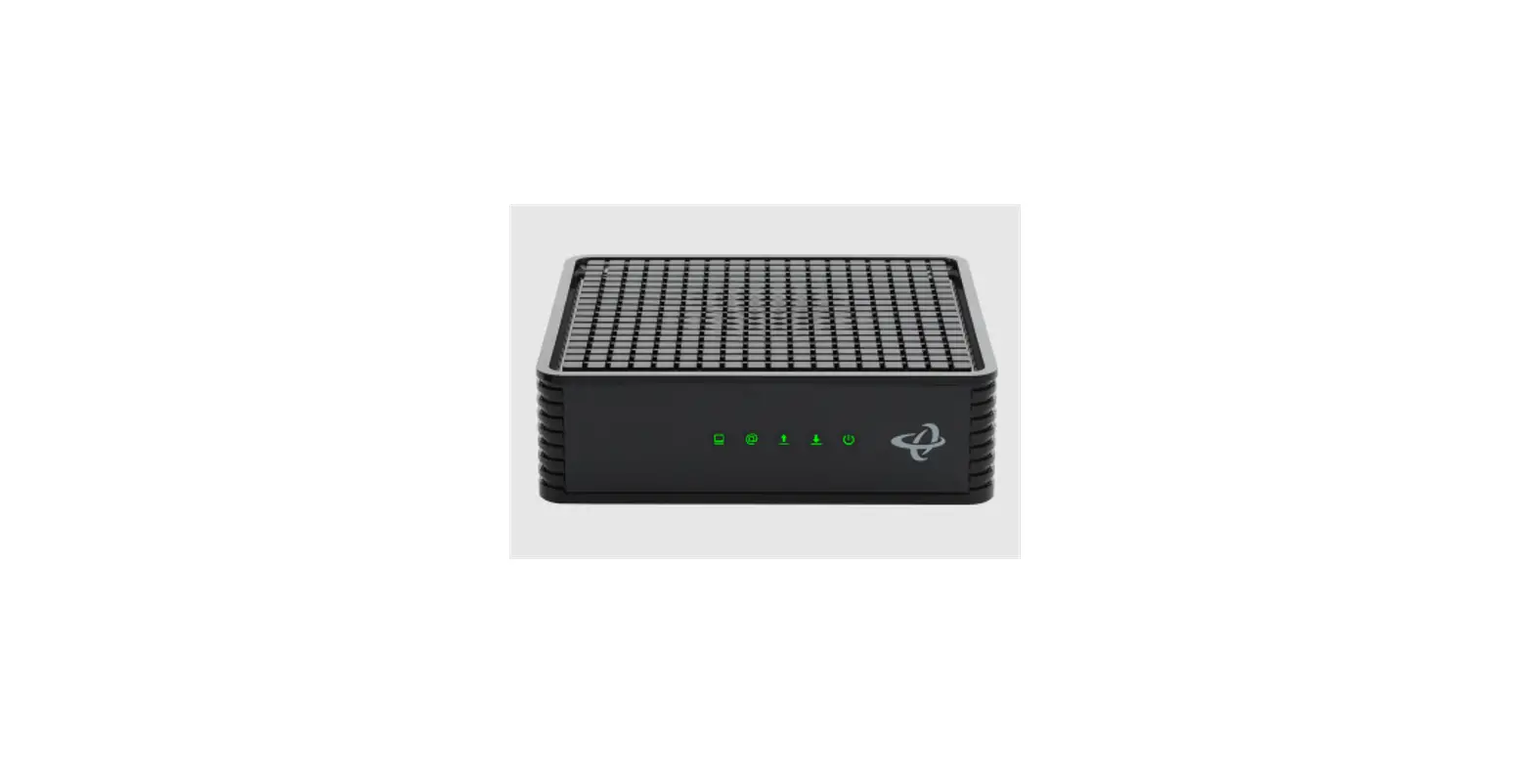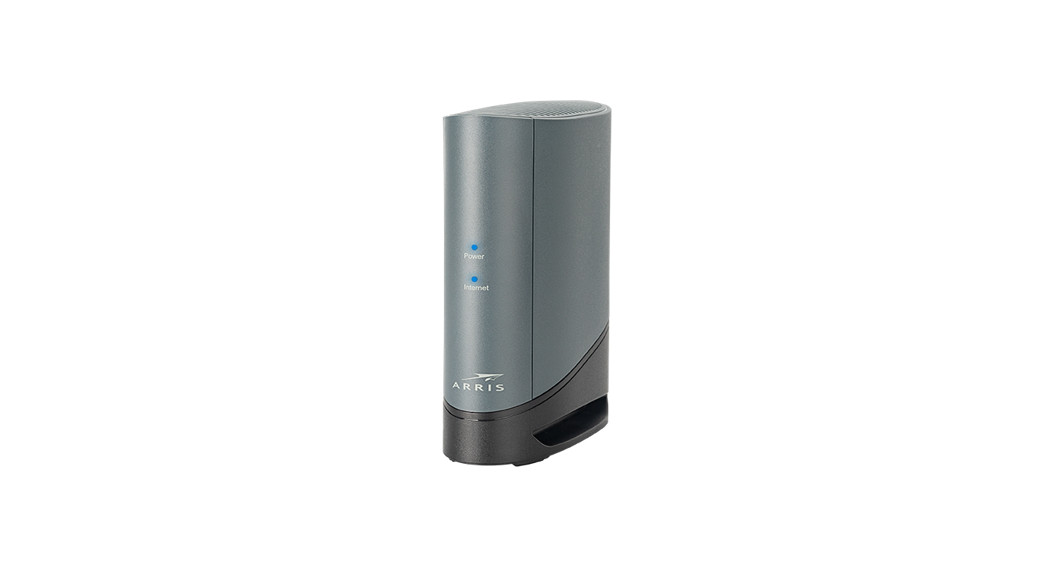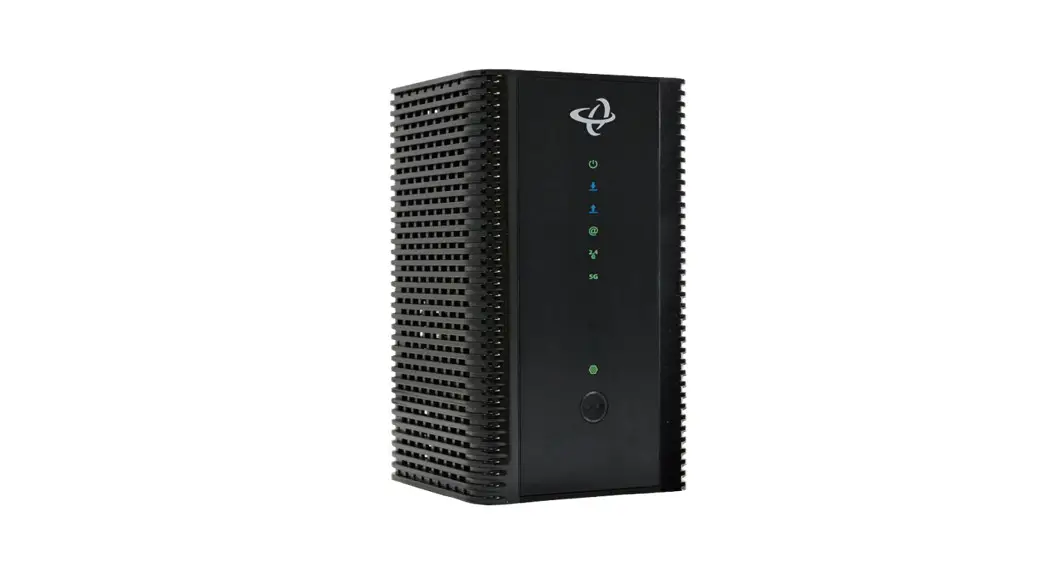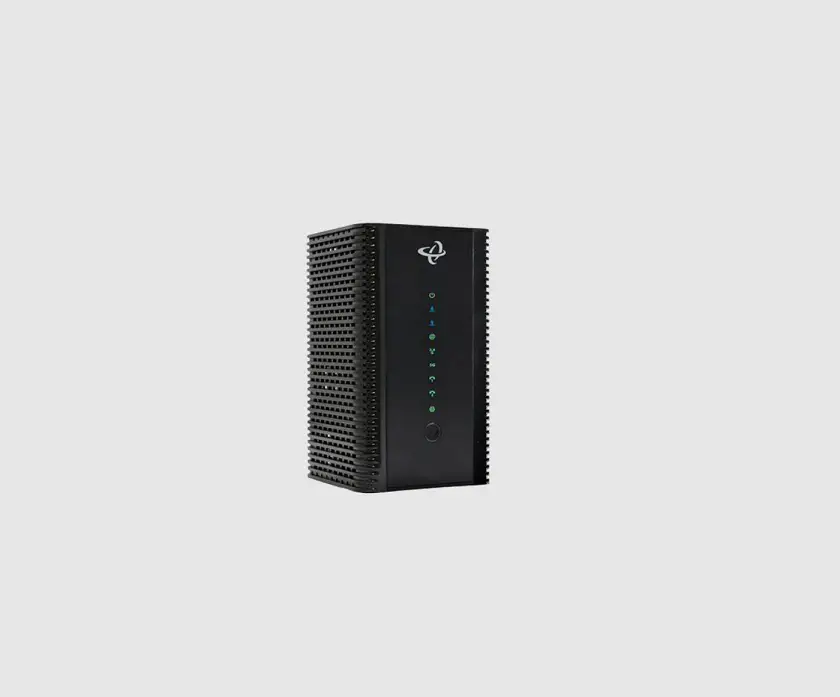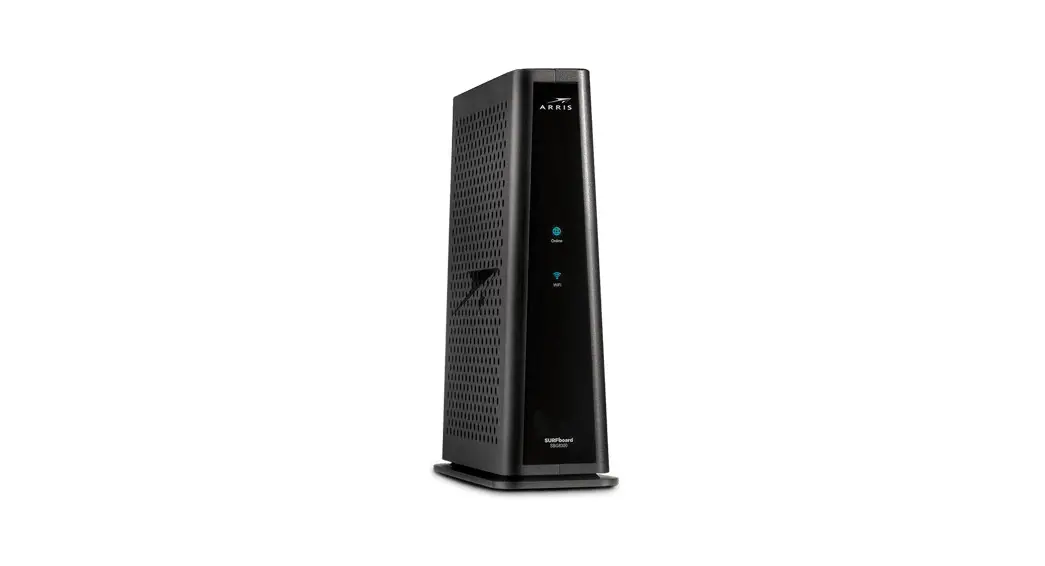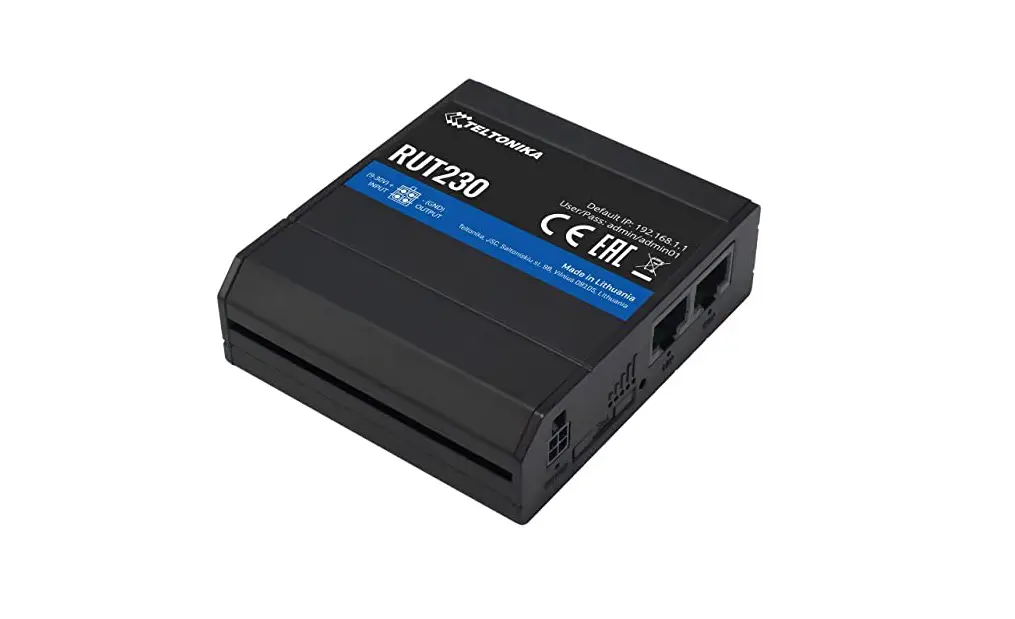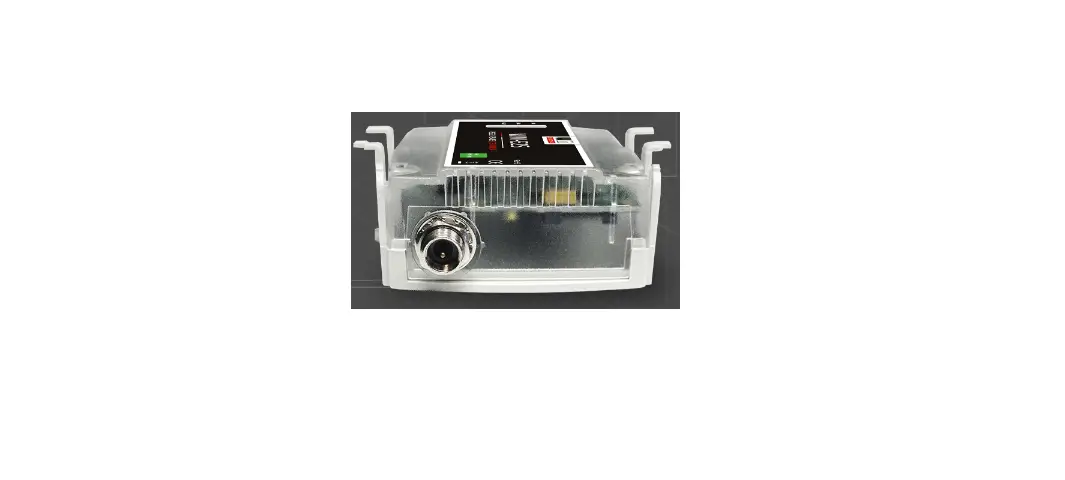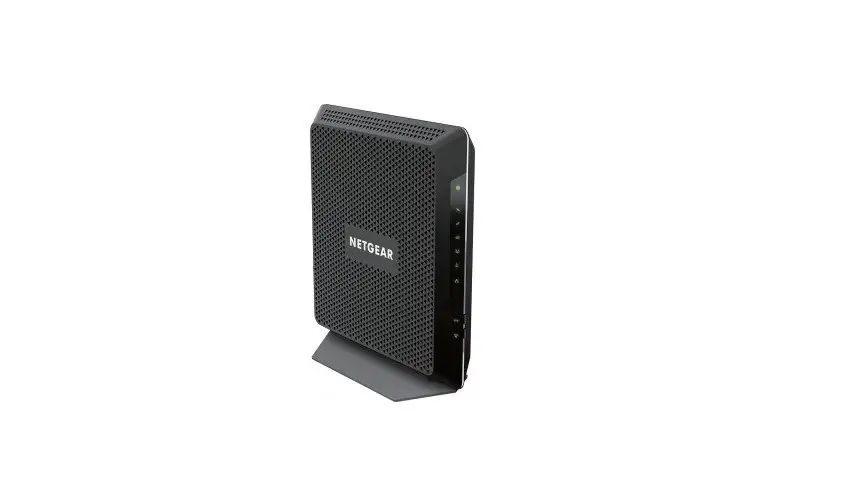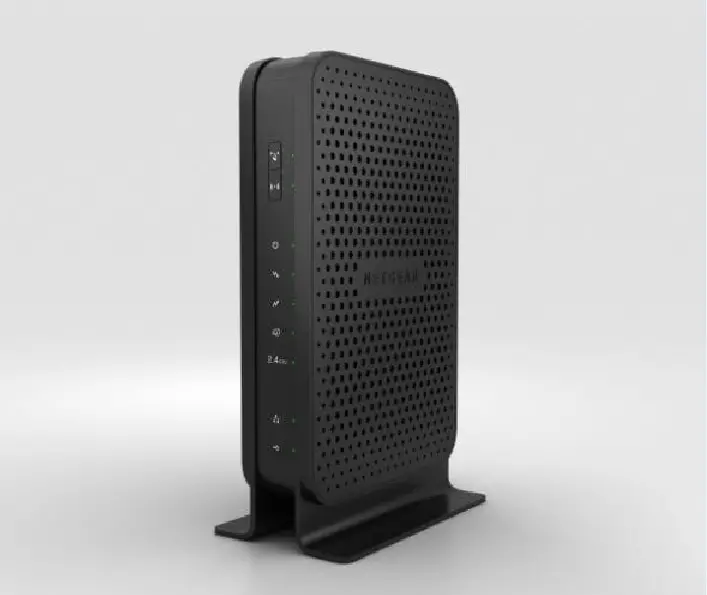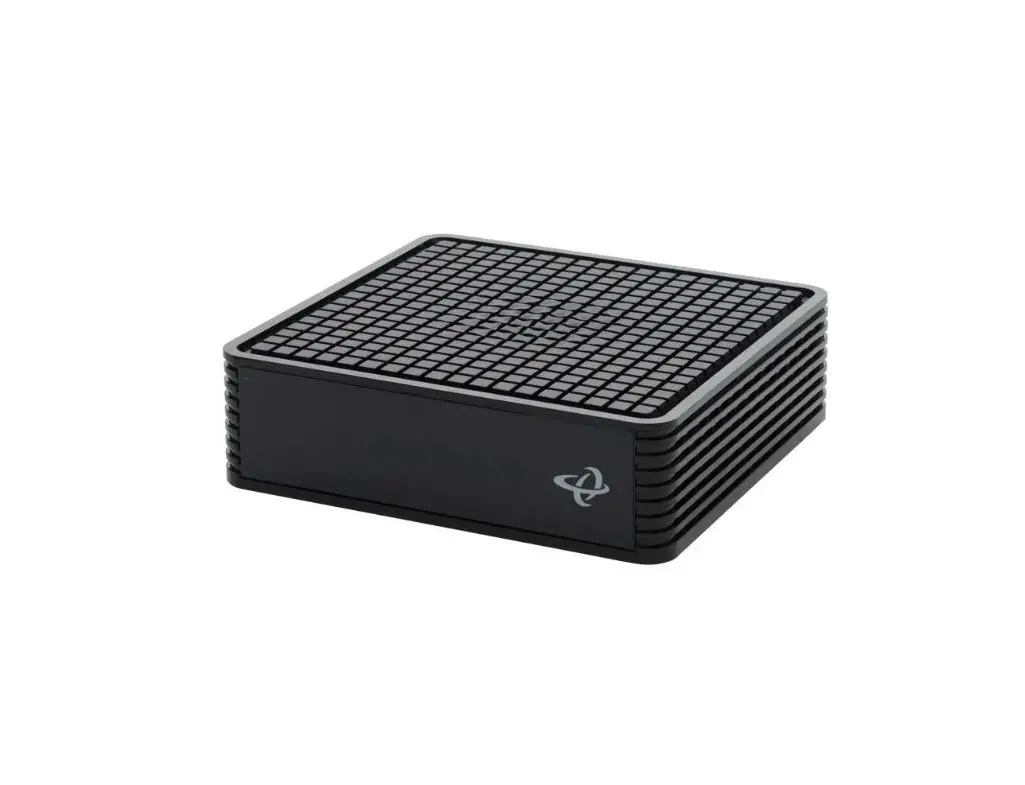

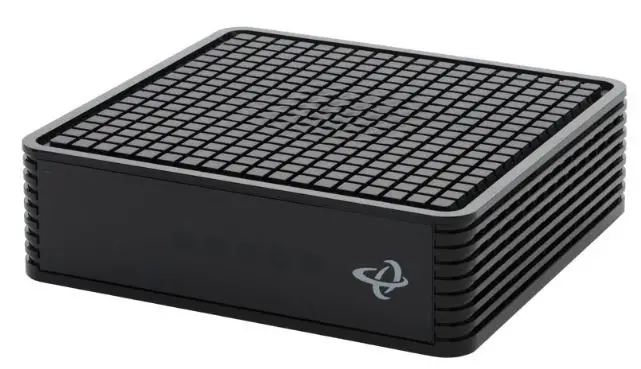
WESTMAN CODA-45 Wi-Fi Modem
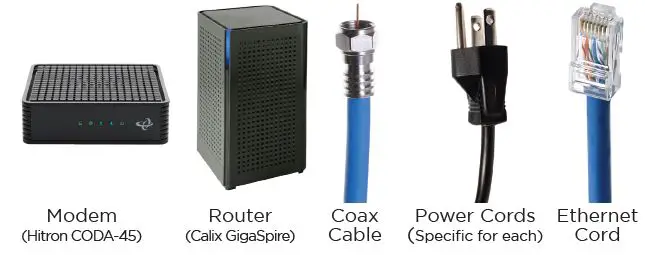
What’s in the kit
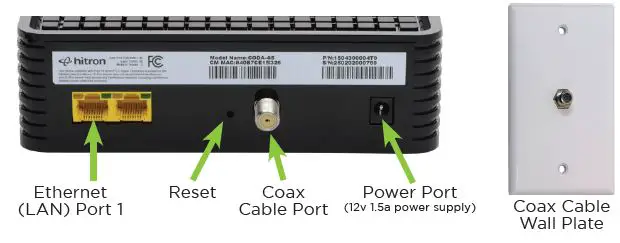
Connect Your Modem
- Connect the supplied coaxial cable to the wall plate.
- Connect the other end of the coax cable to the modem.
- Tighten connectors rotating clockwise until securely fastened.
Power on Your Modem
- Plug in the supplied power cord to the modem.
- Plug the other end of the power cord into the wall.
- The lights should come on.
Confirm Modem is Online
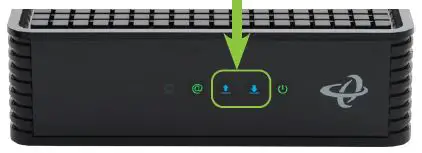
Wait until 2 lights are solid blue. This may take up to 10 minutes.
Connecting Your GigaSpire BLAST Wi-Fi Router
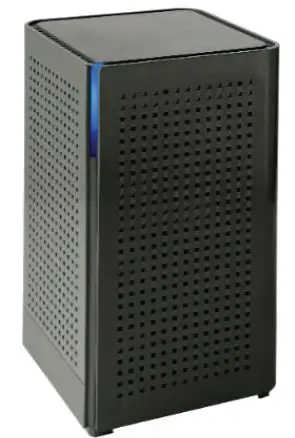
- Plug in the power adapter shipped with the GigaSpire to an available wall socket and attach the other end to the GigaSpire’s power port.
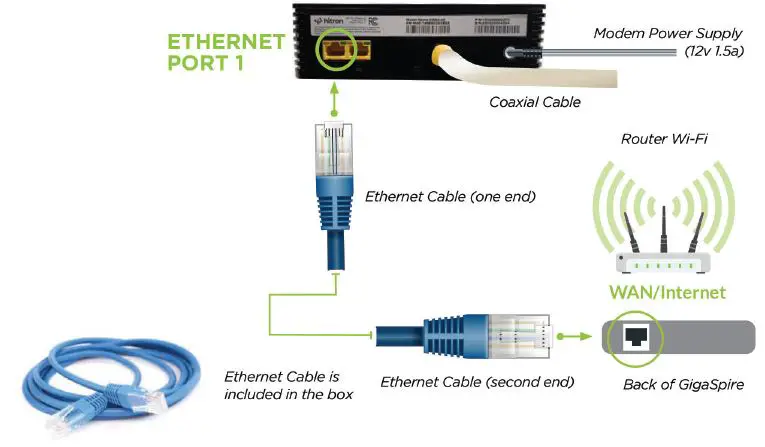
- Connect one end of the supplied Ethernet cable to the Yellow LAN Port 1 on the back of the CODA-45 internet modem and the other end of the cable to the WAN port on the back of the GigaSpire.
- Once the light is solid blue, and you are able to see the WCG-***** SSID with your Wi-Fi devices, initial setup is complete.
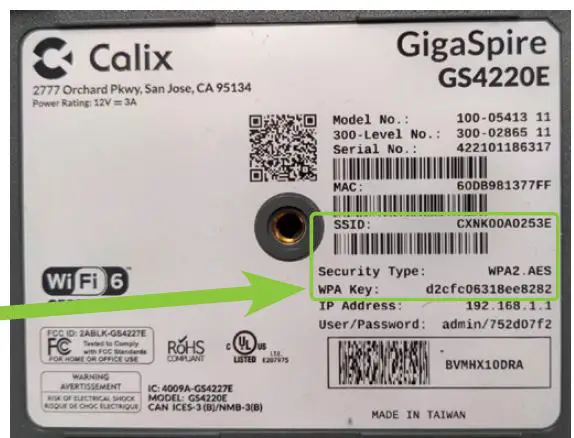
Note: The SSID (network name) of your new GigaSpire will update from CXNK- ******* to WCG-******** when the system has updated. The password remains the default setting; as found on the bottom of your GigaSpire beside ‘WPA Key
Connecting Hardwired Devices
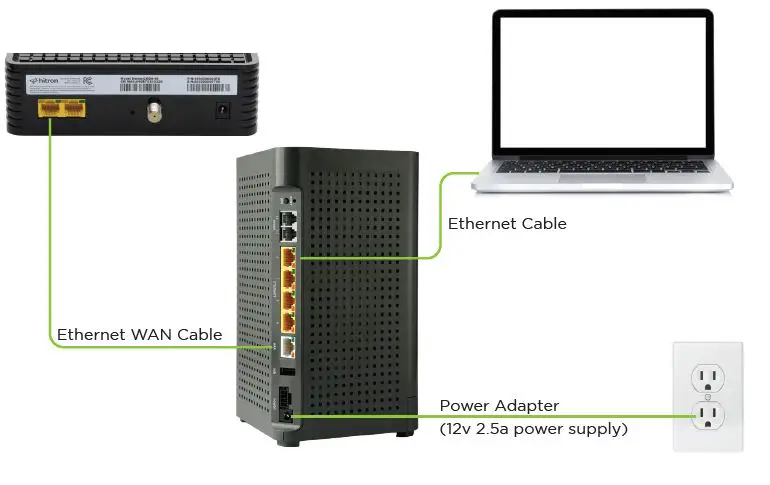
- Connect CAT5 or better cabling to the yellow LAN Ethernet (RJ-45) ports for direct-attached devices.
- Secure all subscriber service wiring as appropriate.
Get the CommandIQTM App to set up Wi-Fi
Please refer to the CommandIQ User Guide.
We’re here to help
Please visit support.westmancom.com and search for “self-connect” for more info, or call our support team at 204.717.2802 or 1.800.665-3337.
 Westman Communications Group - Customer Support Portal - Home
 Westman Communications Group: Your local telecommunications provider