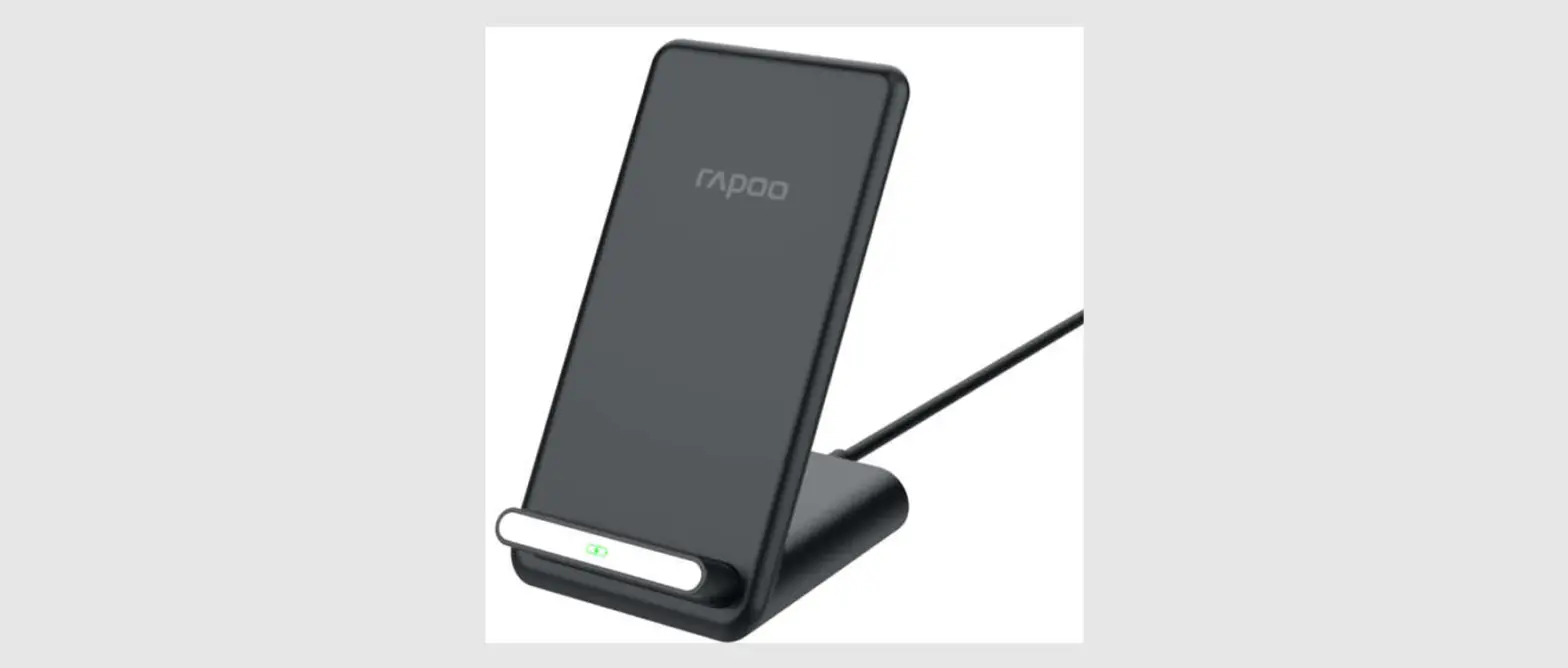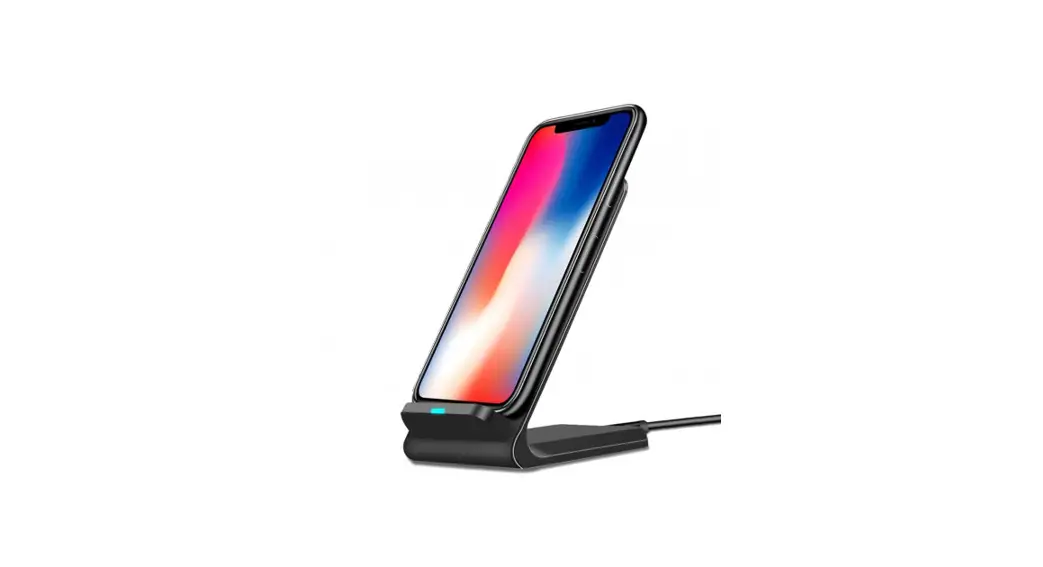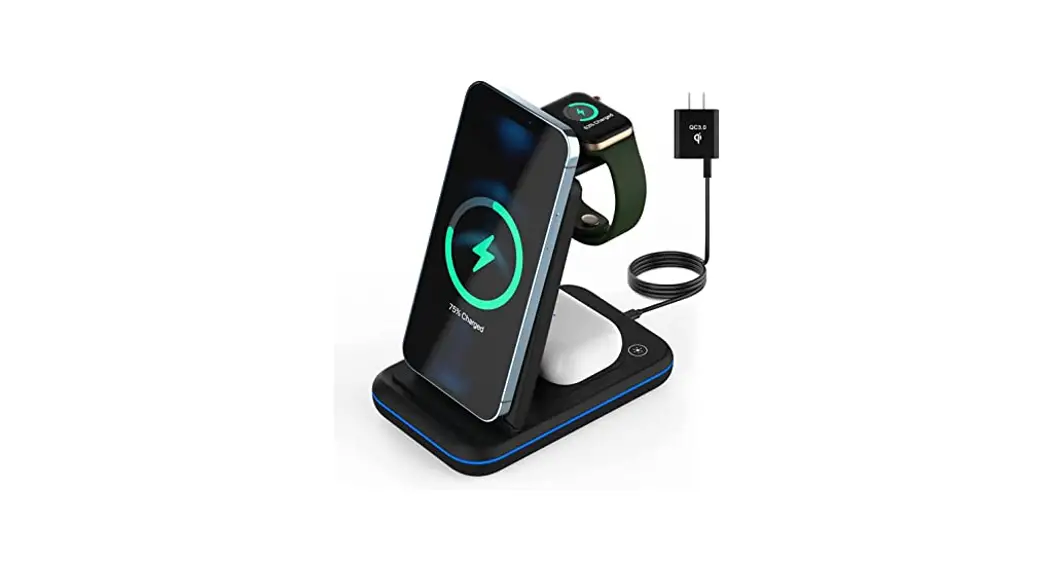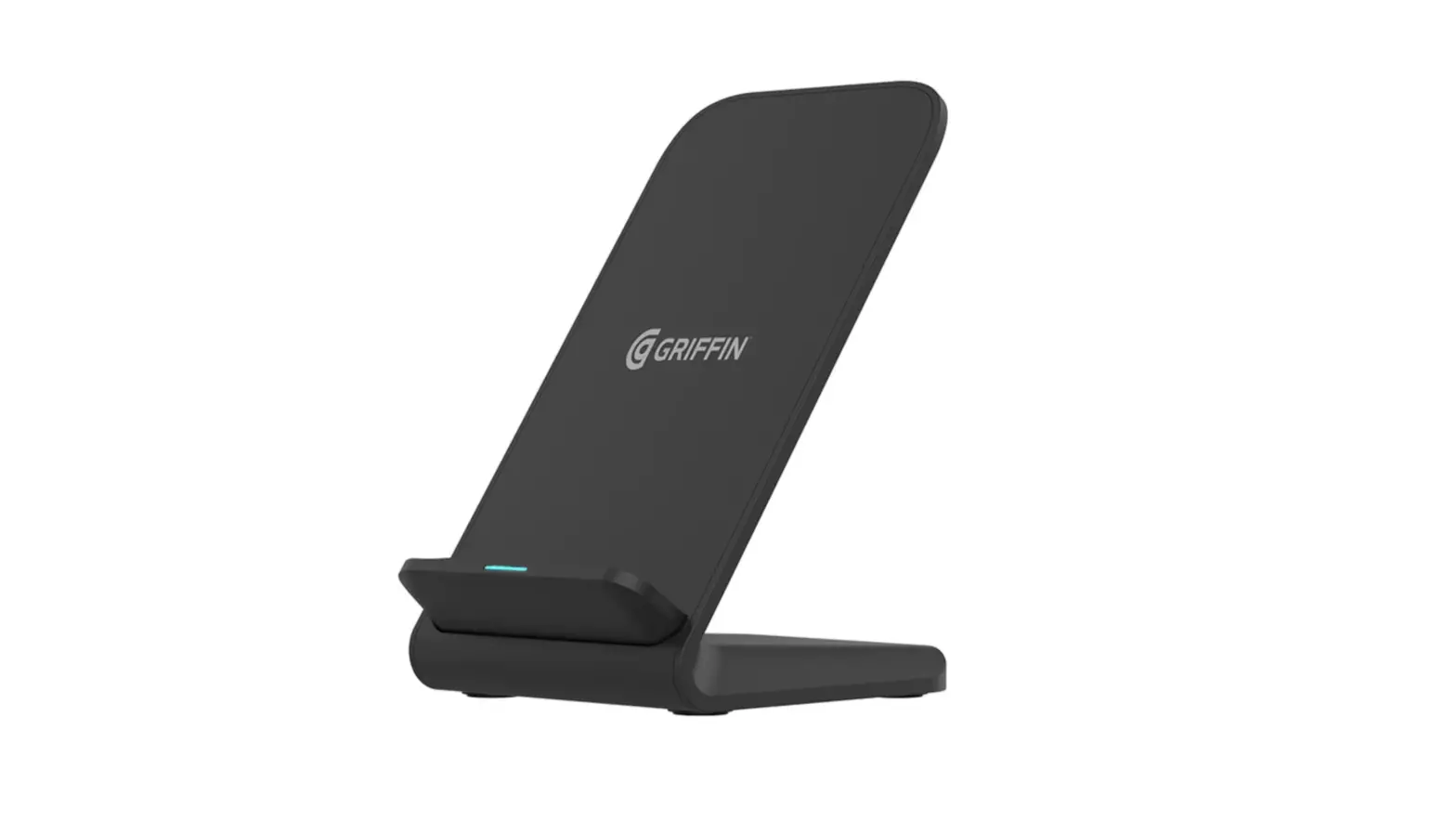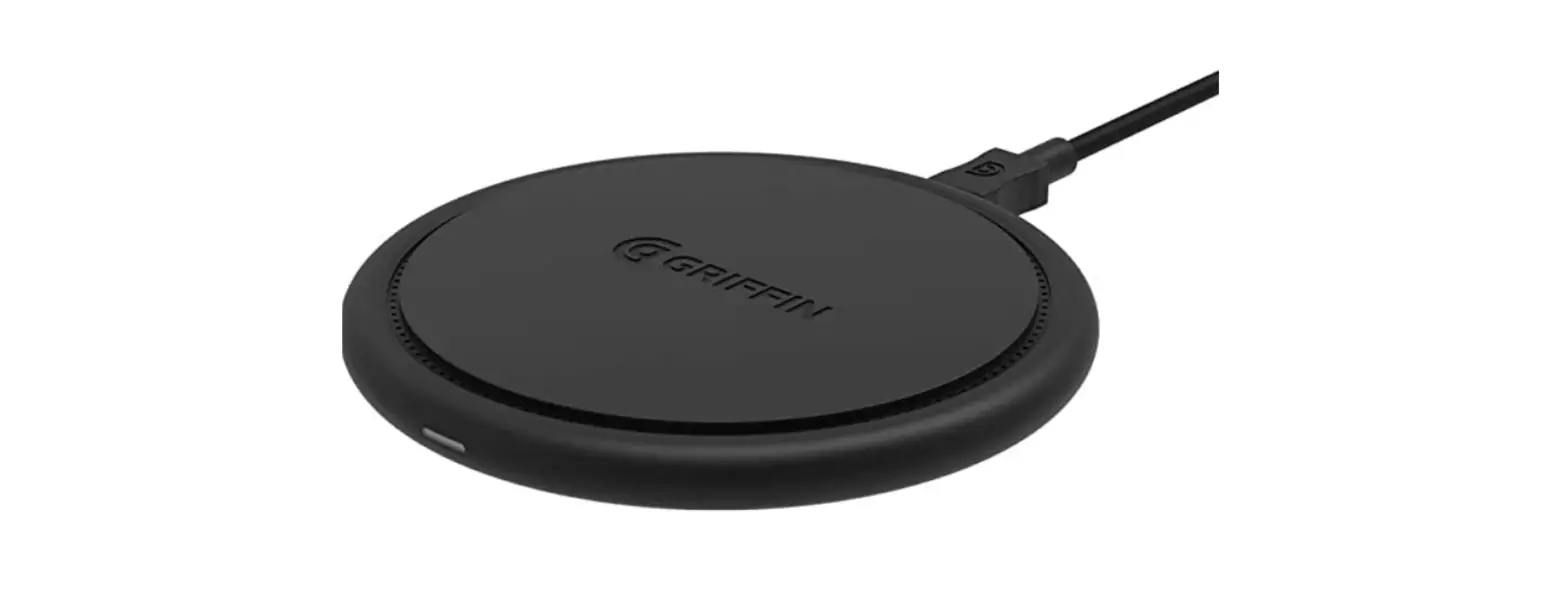
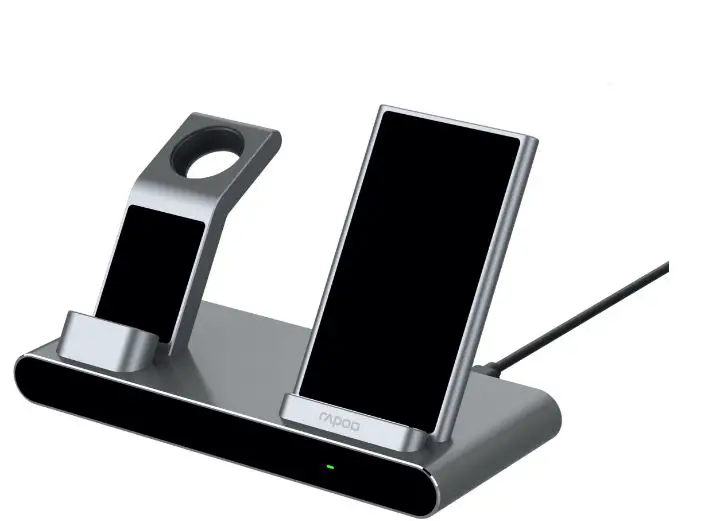
 rapoo XC600 Wireless Charging Stand

 Installation
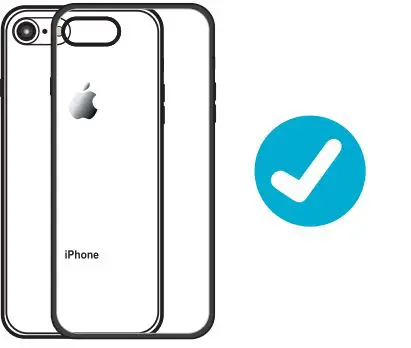
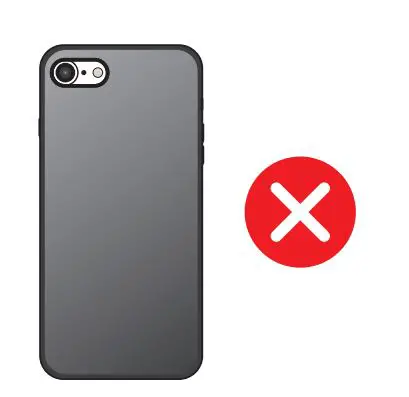
- Slim Case1within 4mml

- Case Thickness,{O’,e, 4mm)

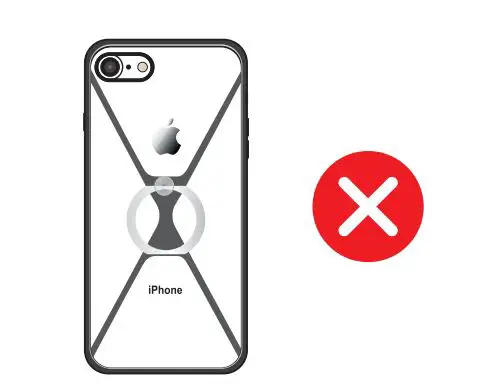
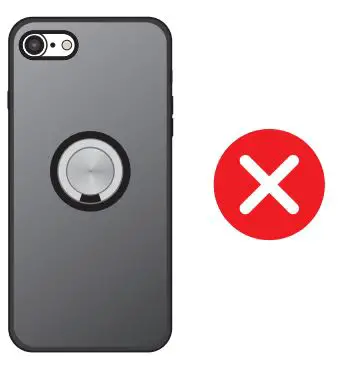
- Metal Rin9/Case

- Magnoti< P>d

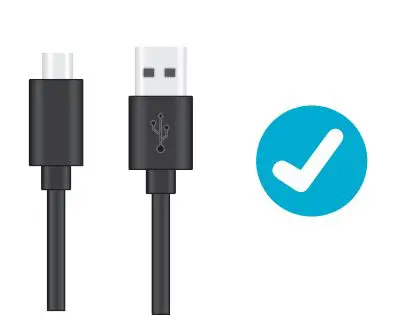
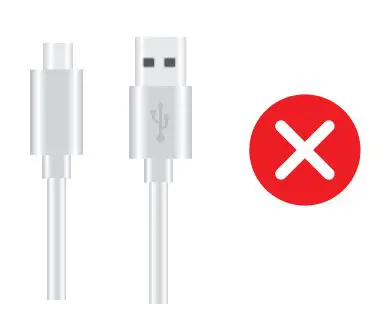
- Original Charge Cable

- 3to Patty Cable

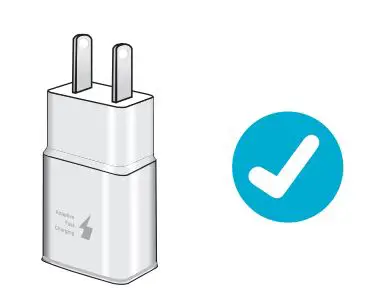
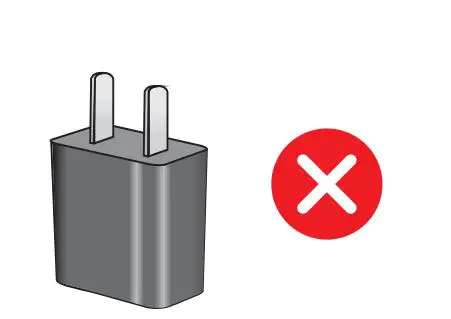
- High Quality/Phone Original Adar

- Inferior 3rd Party Adapter Anderer Adapter

Use Instruction
Phone
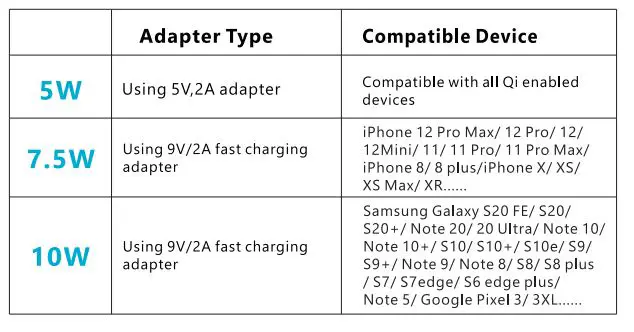
- Please use a good brand SV,3A adapter or 9V,2A fast charging adapter.

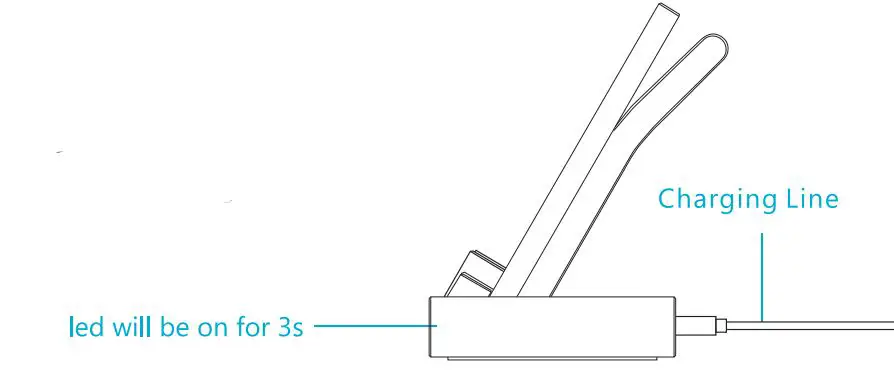
- Connecting power with USB pm1, the indicator will light up for 3 seconds when power is on.

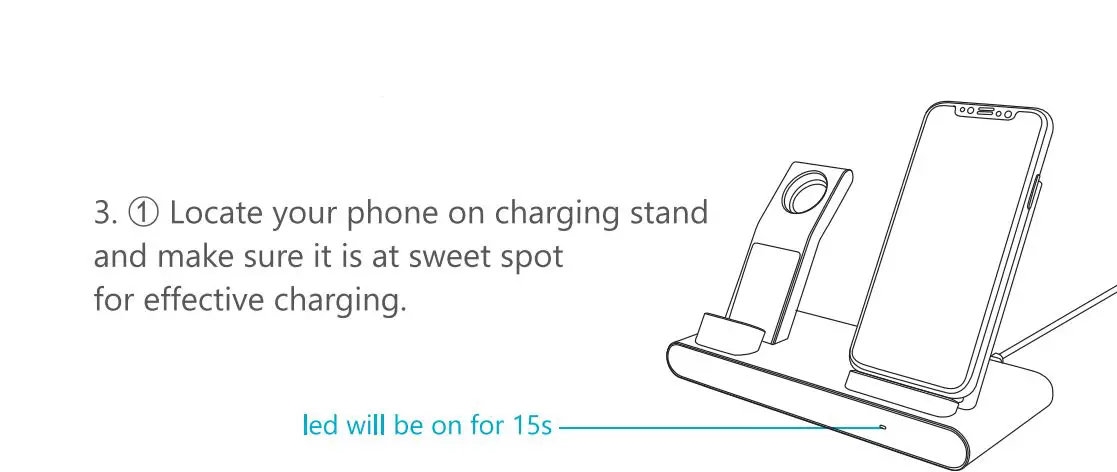
- When the phone is charged successfully, the LED indicator will light up for 15 seconds and then off to keep the whole charging process sleep-friendly.

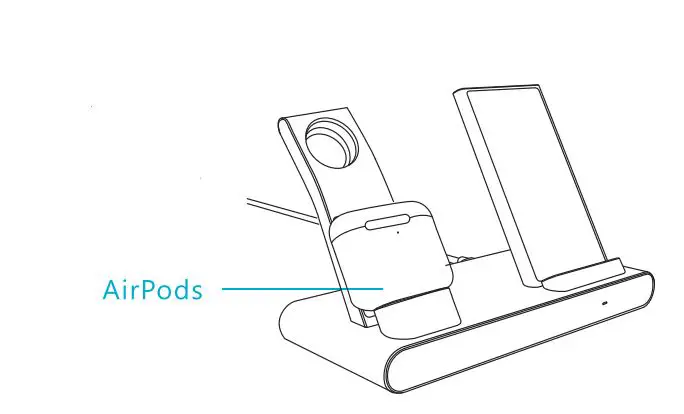
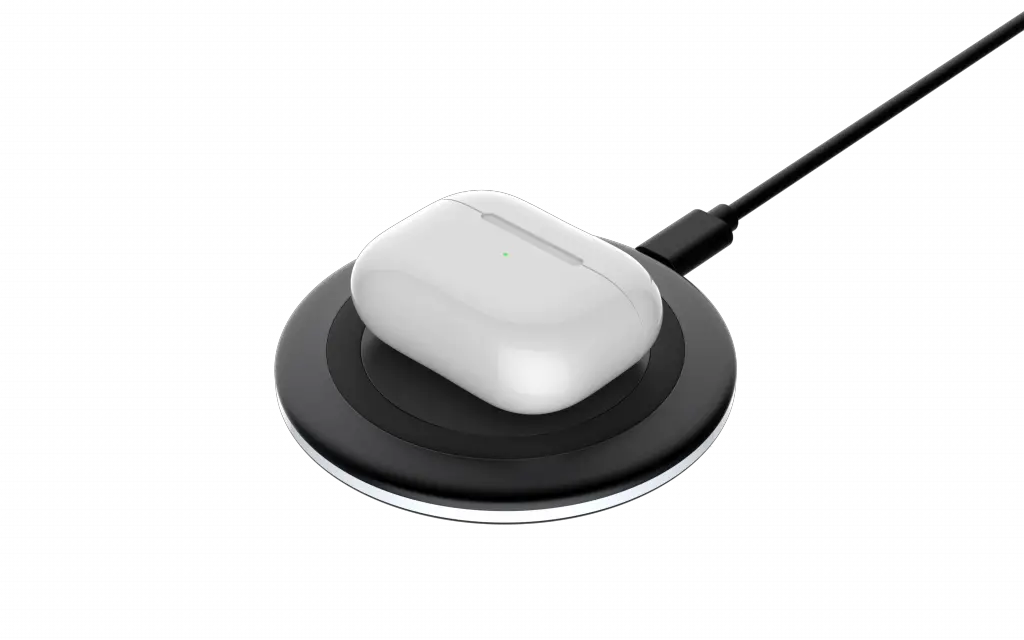
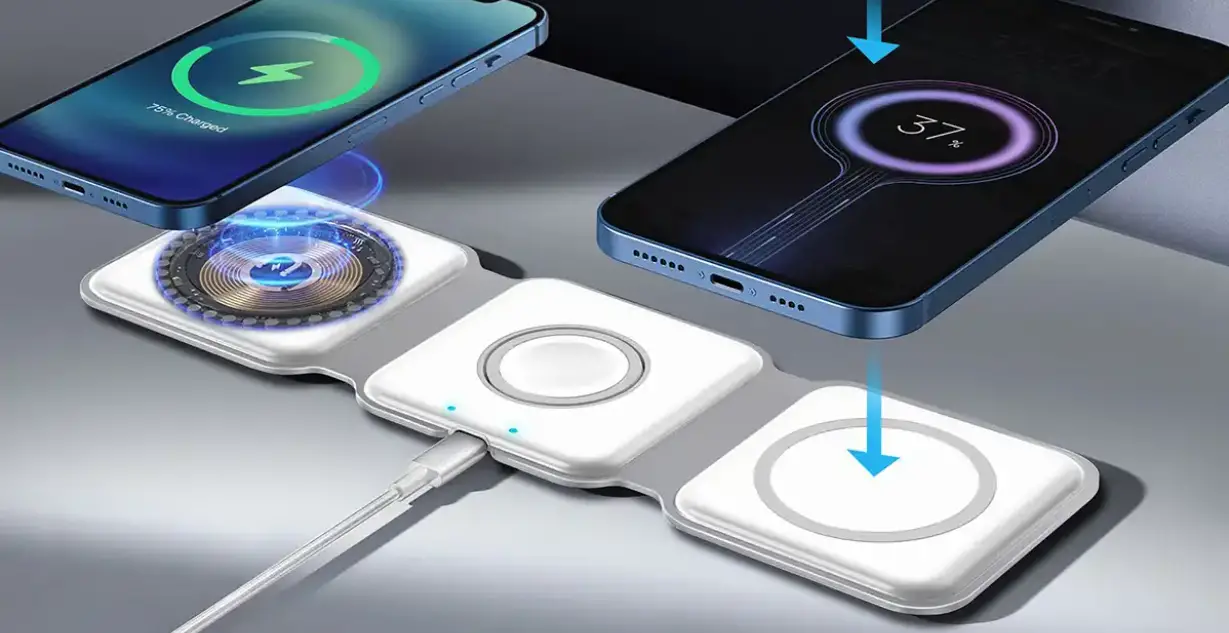
AirPods Pro and AirPods with wireless charging case
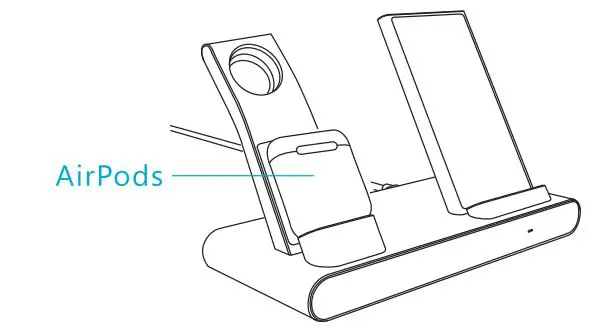
Place the AirPods on the left wireless charger, and ensure it is at the best position for better charging experience.
AirPods without wireless charging case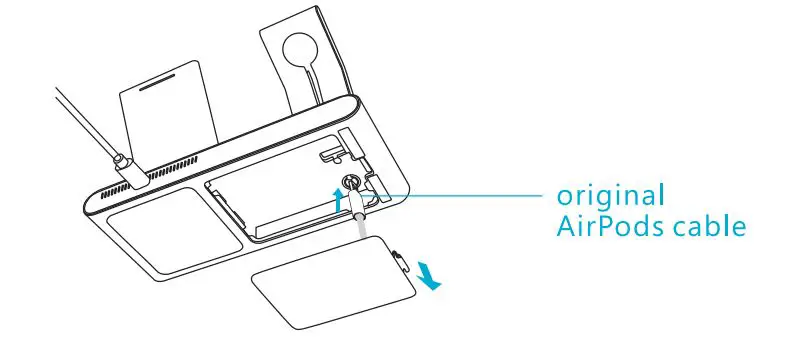
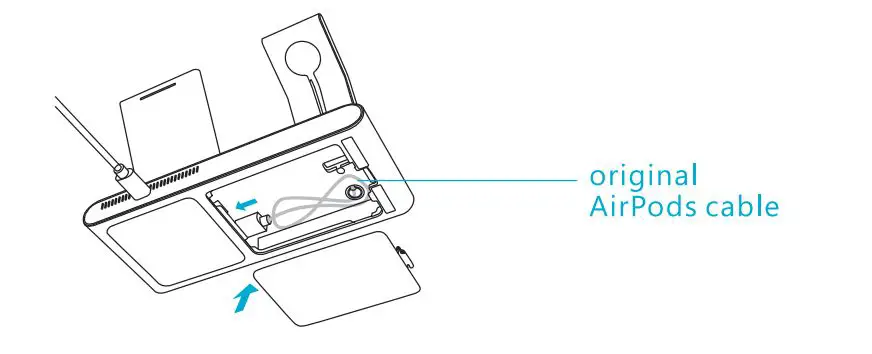
- Please use the original AirPods cable [Not included].
- Open the cover of the bottom shell, insert the cable into the wireless charging stand along the slot, and fix it.
- Wrap the wire and put it into the bottom cavity, plug in the bottom USB port, and close the cover.

- Connect the AirPods with the cable to start charging.

Apple Watch
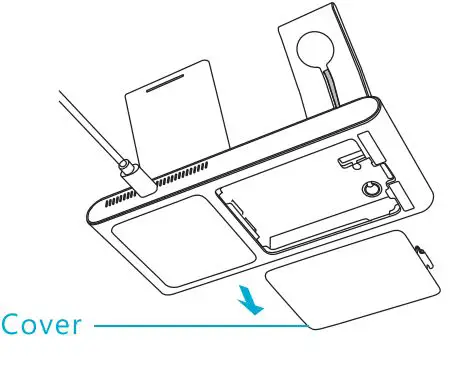
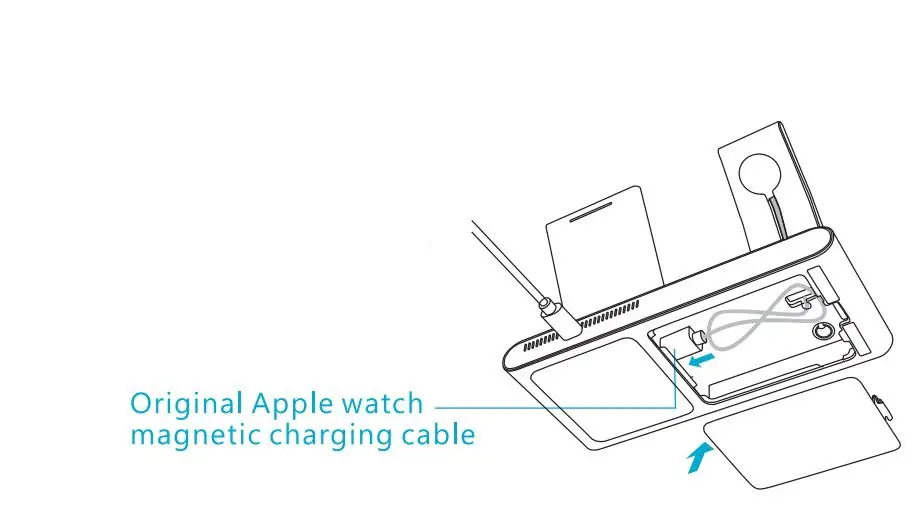
- Open the cover of the bottom shell.

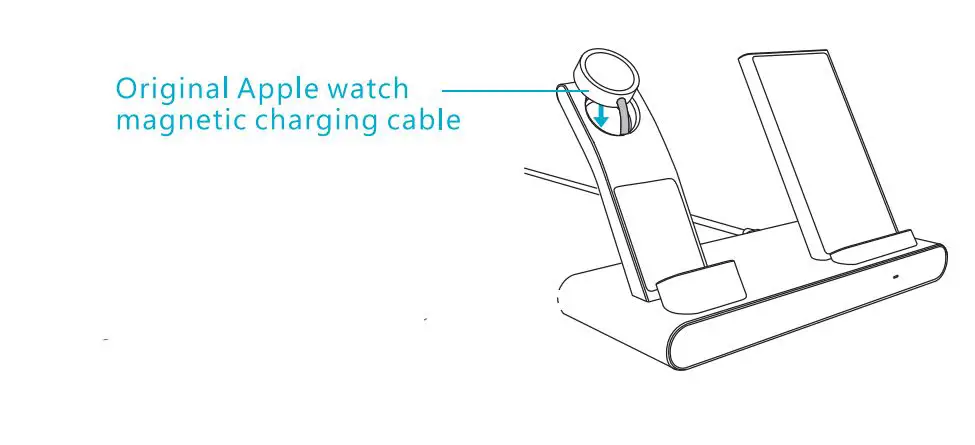
- Please use the original Apple Watch magnetic charging cable (Not included).

- Insert the original Apple Watch magnetic charging cable into the charging stand along with the slot, and fix it.
- Wrap the wire and put it into the bottom cavity, plug in the bottom USB port, and cloSE

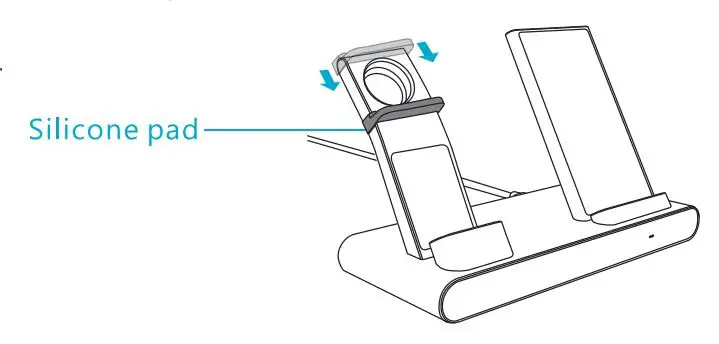
- (Alternative) Put the silicone pad on the stand from top to bottom and place it in an appropriate supporting poison.

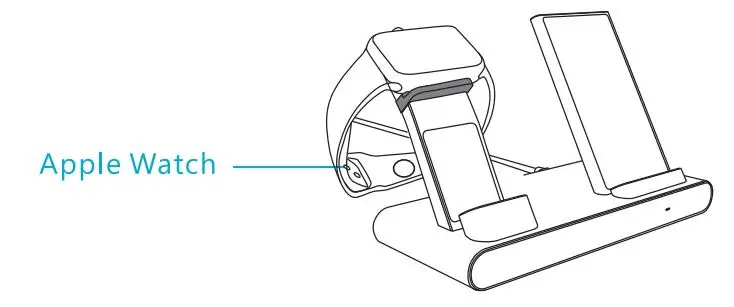
- Place the watch on the Apple Watch wireless charger to start charging.

How to Output 5Wfl.5W/10W?
Product Specification
- Model: XC600Product Specification
- Size; 192.4″98•118.6mm
- Input: DC SV =3A, 9V= 2A
- USB-A*2: 5V = 0.5A(Total 0.5A]
- Output 1: SW/7.SW/1 0W
- Output 2: 2.SW
- Coil: 1 +2 coils
- Charging Distance: 4mm-6mm
Attention
- Keep the charger away from water and other liquid.
- Please make sure the power is cut off before cleaning the charger
- Use the charger between 0-45″C