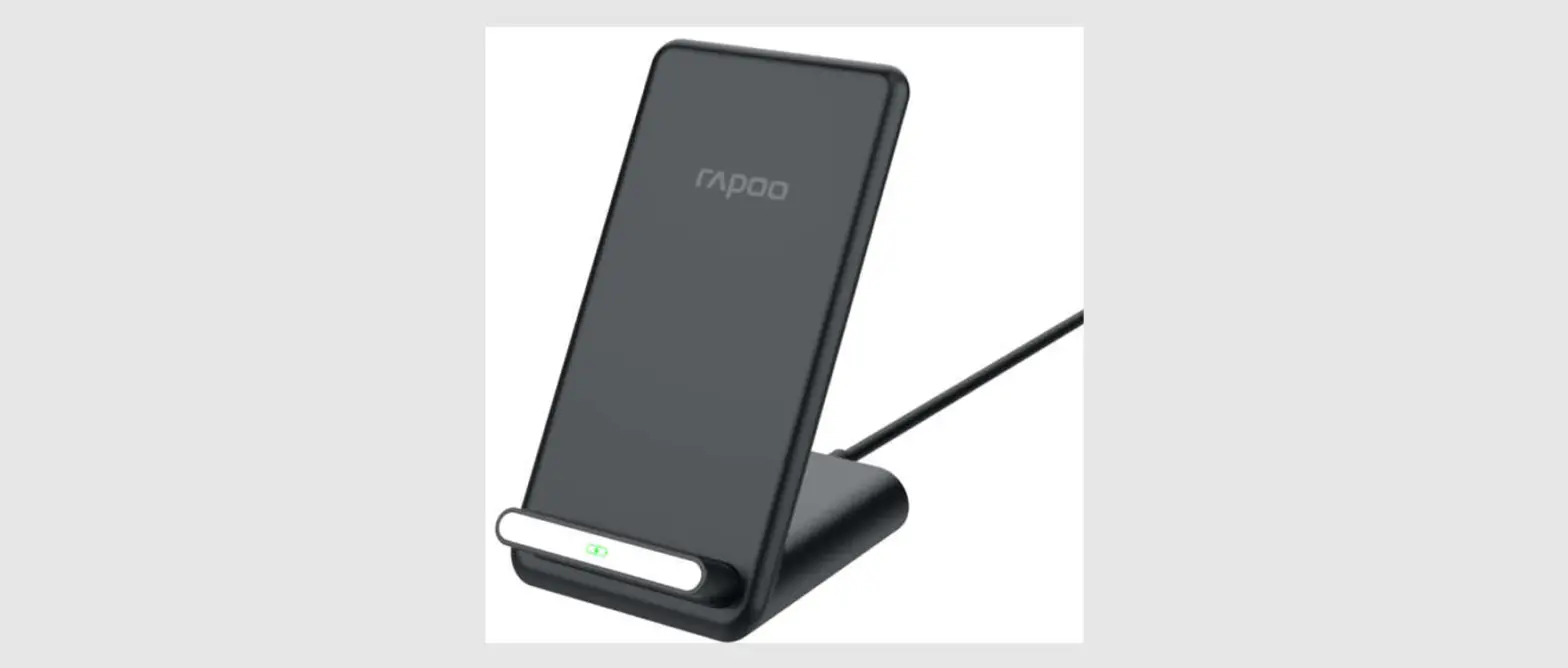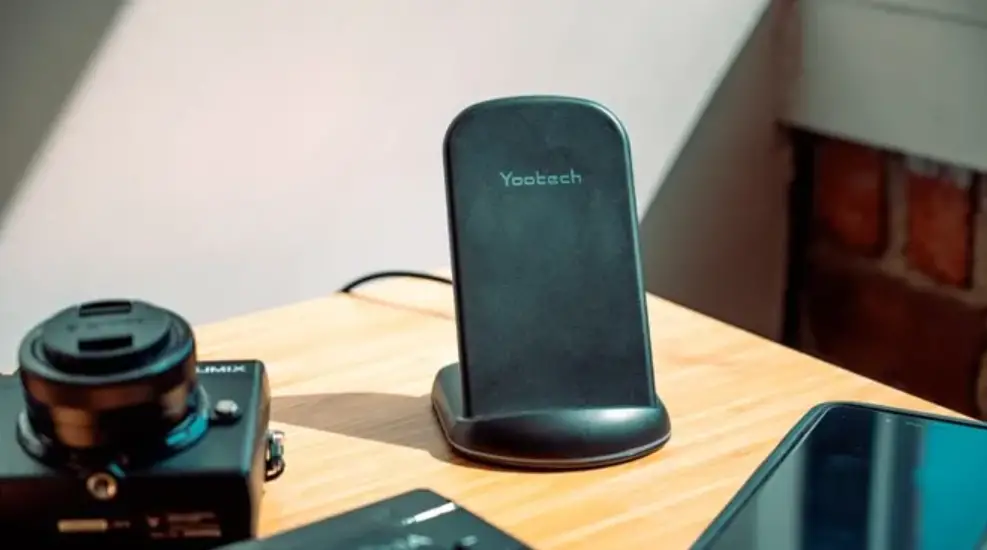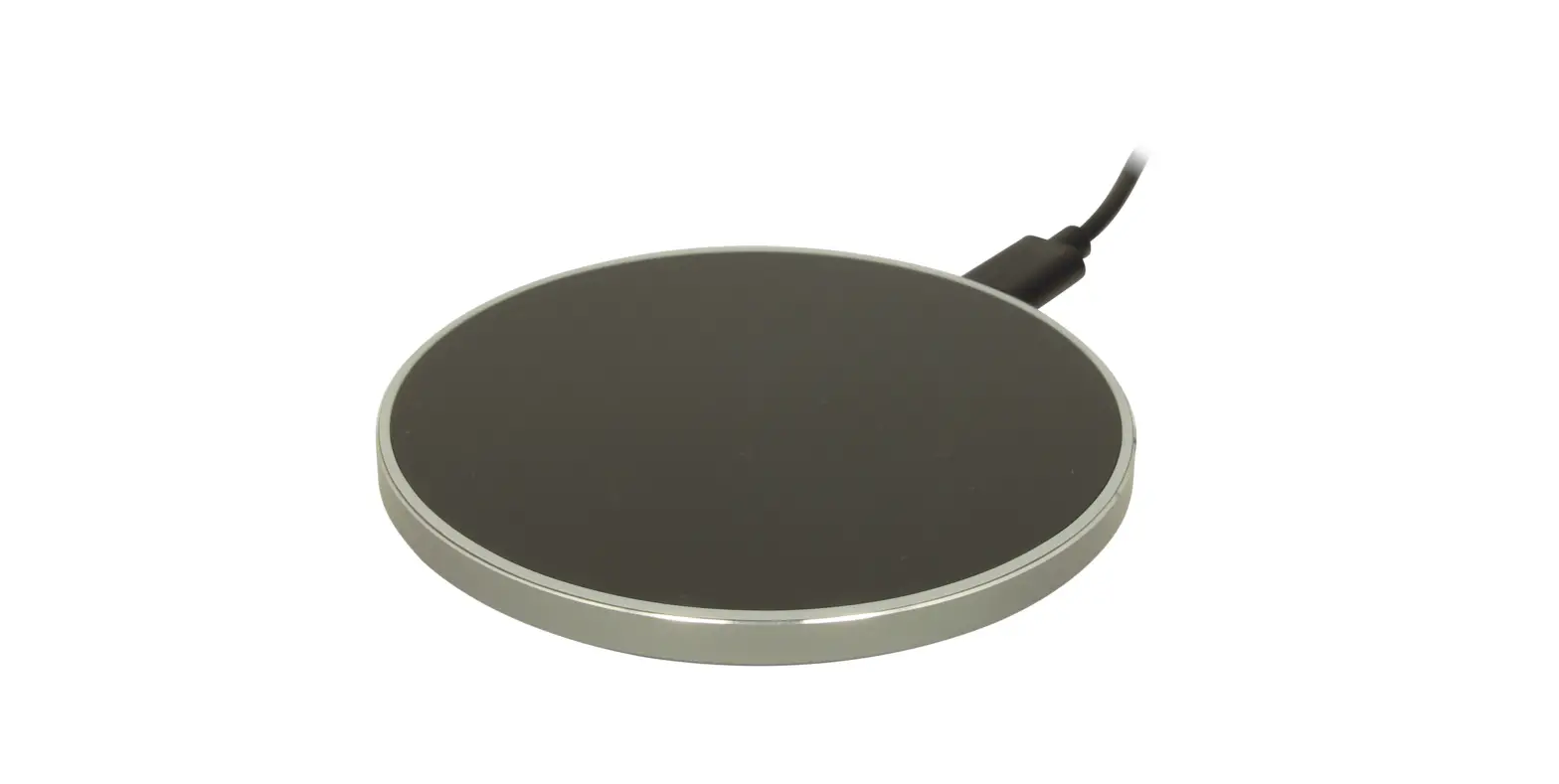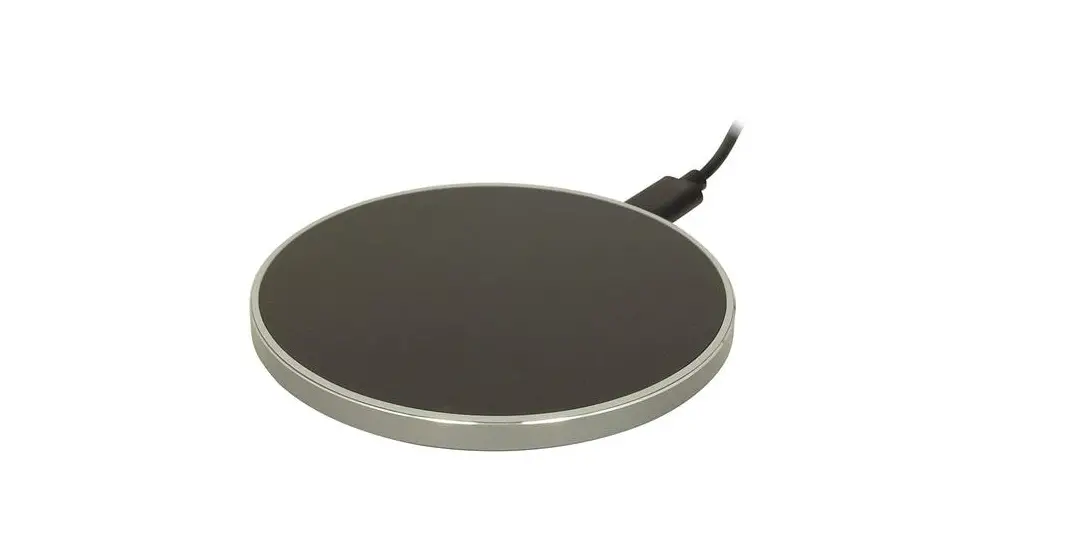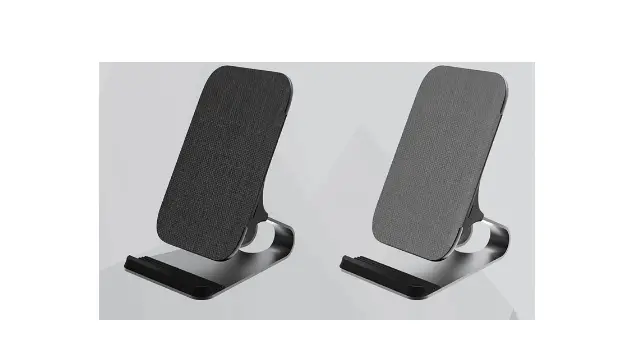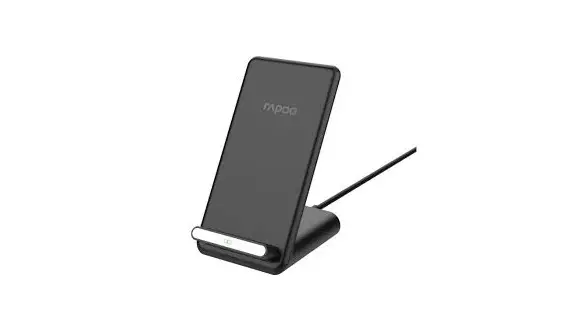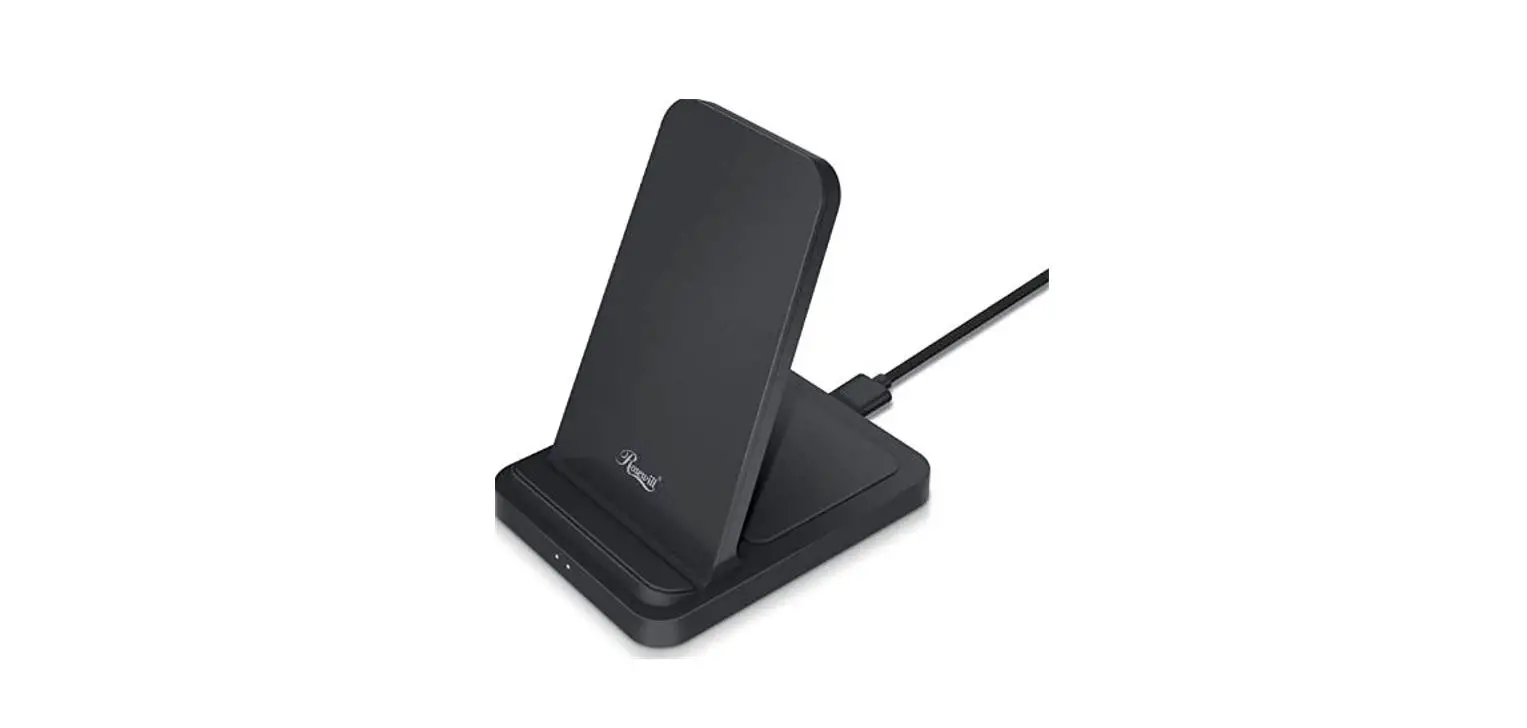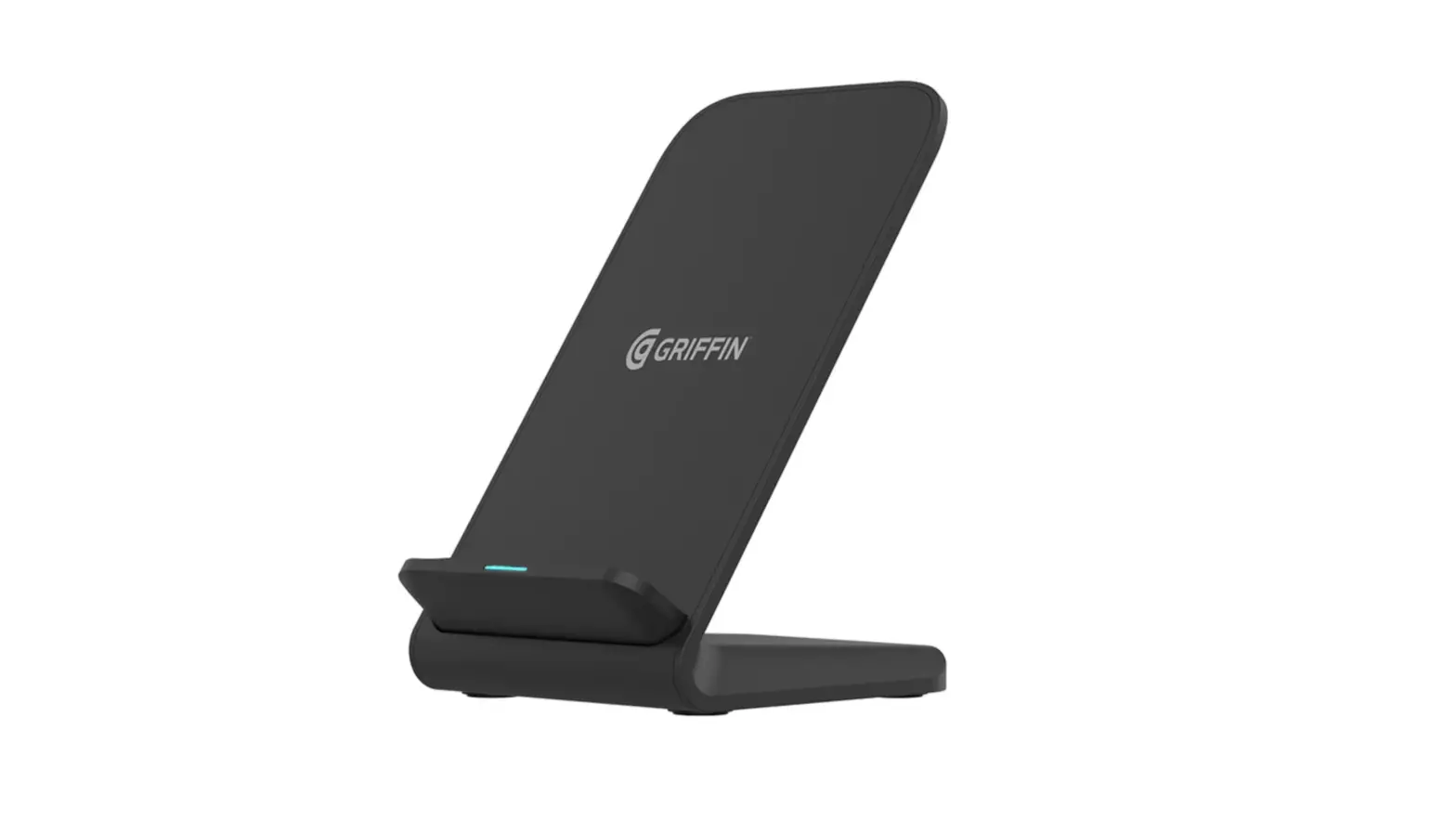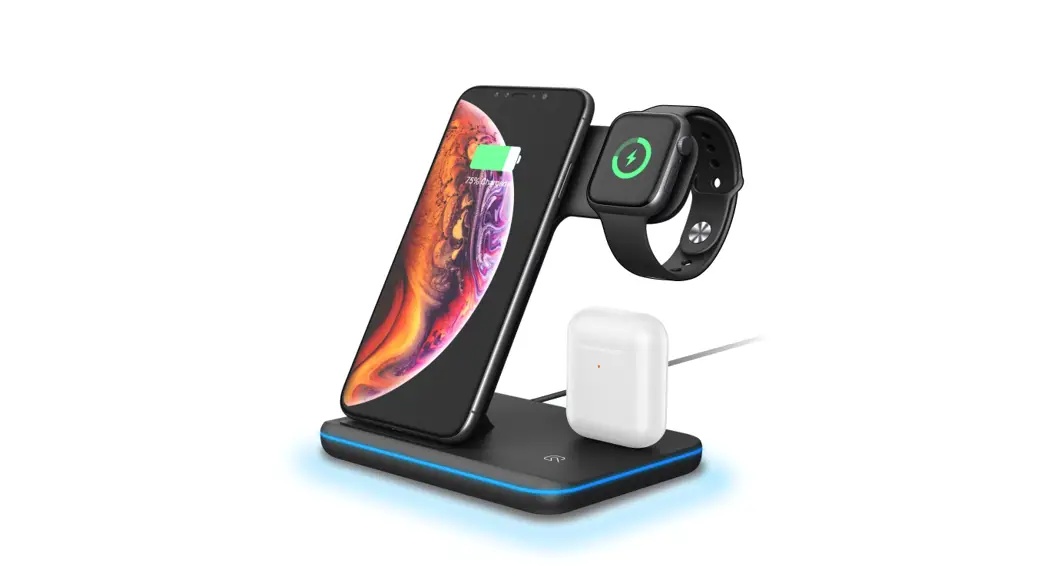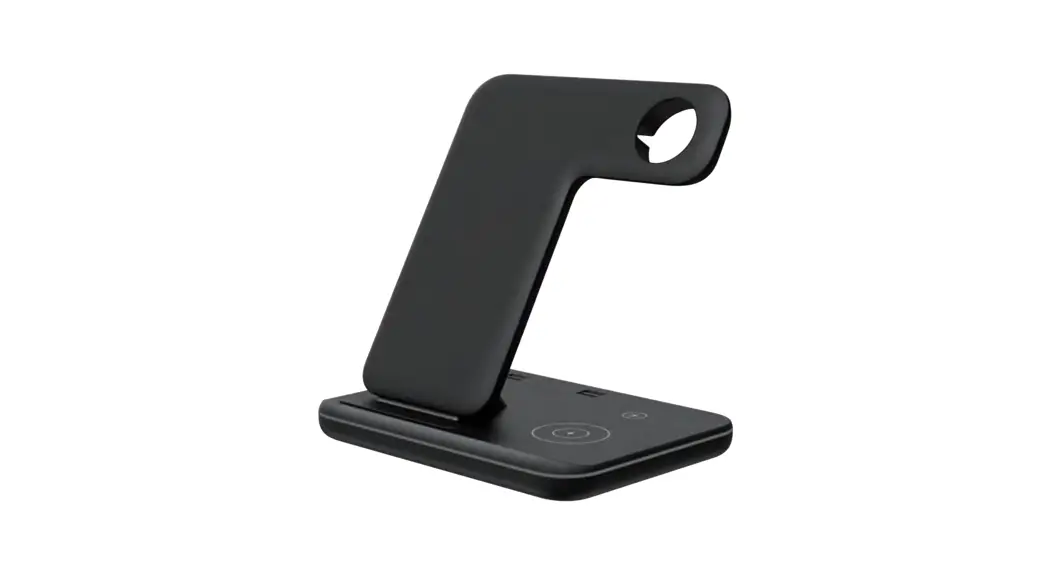
 XC220 Wireless Charging Stand
User Guide
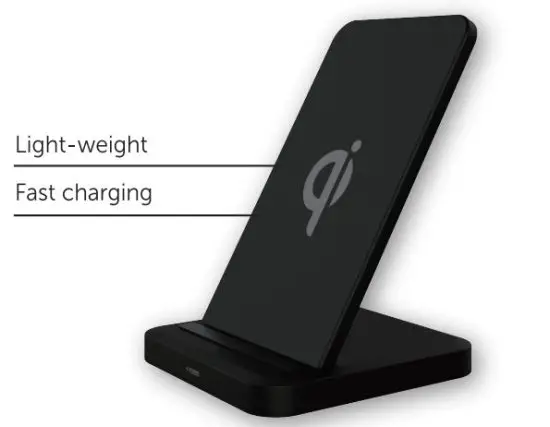
Product Description
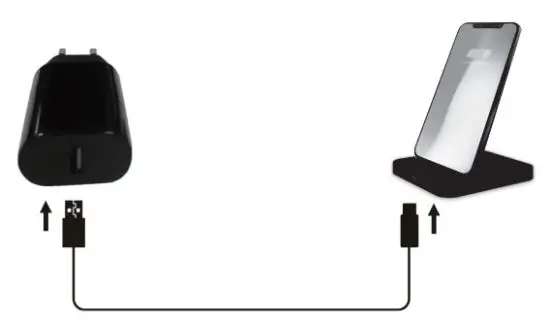
Installation
Product Specifications
COMPATIBILITY·
Phone 12/12 Mini/12 Pro/12 Pro Max/SE 2020/Phone 11/11 Pr0/11 Pro Max/XS MAX /XR /XS/X/8/8 Plus;
Samsung Galaxy Note 20/20 Ultra 10/Note 10 Plus/S20/S20+/S20 Ultra/S10/S10 plus/S10E/S10 5G/Note 9/
Note 8/$20/20+/S20 Ultra/S9/S9+/S8/S8+/S8 Active/S7/S7 edge/ S7 Active / S6 edge+ /S6 Active/ S6/
Note 5; Go0ogle Pixel 4/4XL/3/3XL, Google Nexus 4/5/6;LG V50 Thin0/V50/V40 Thin0/V35/V30+V30,
LG G8 Thin0/G8/G7+ ThinQ/G7 Thin0/G7/G6+/G6; Microsoft Lumia 950/950 XL or other qi certified devices
INPUT: 5V2A,9Vl .67A OUTPUT: SW/7.SW/l0W
FOR MAX CHARGING SPEED USE Quick Charge adapter
WILL ONLY CHARGE THROUGH CASES 5MM THICK OR LESS
Troubleshooting
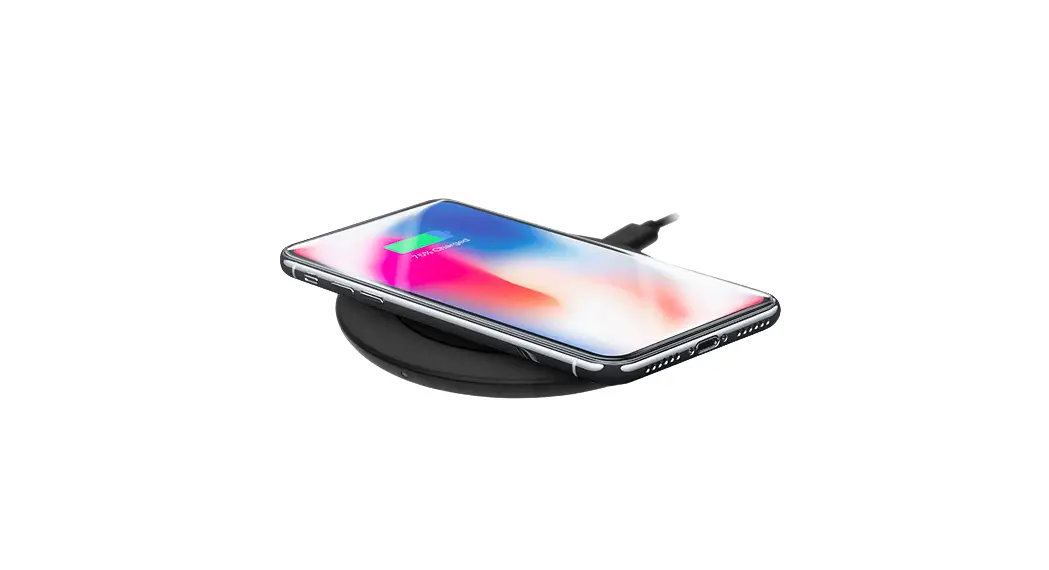
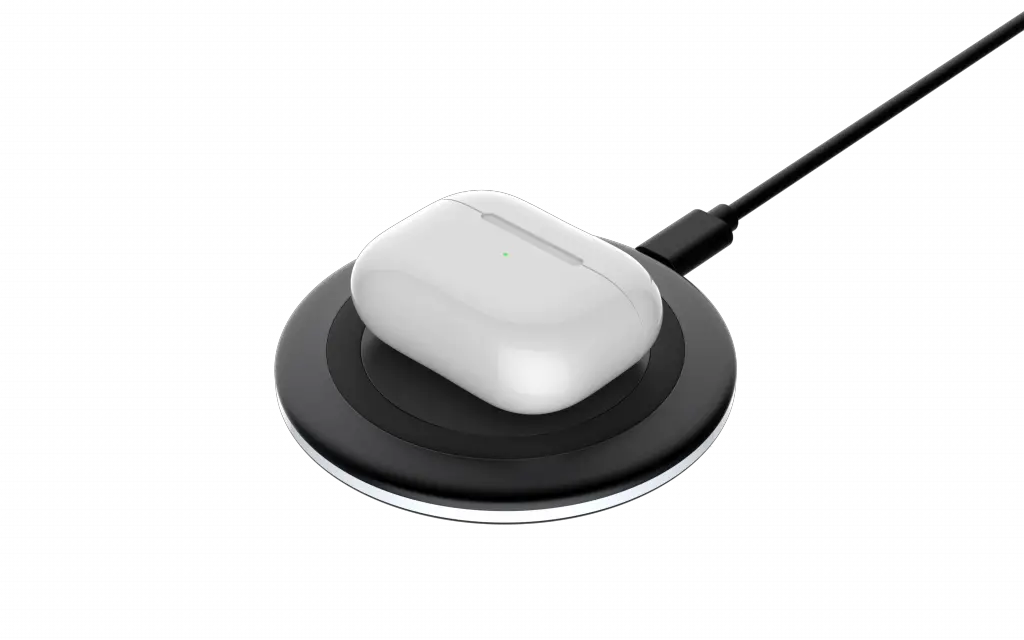
If you are experiencing issues with wireless charging, make sure your phone is centered on the charger(see image below).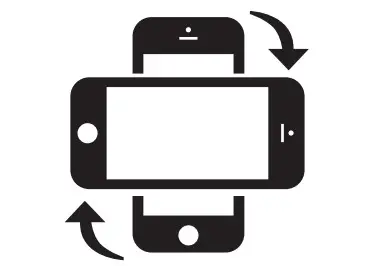
CORRECT PLACEMENT
See www.rapoo-eu.com for the latest FAQs.
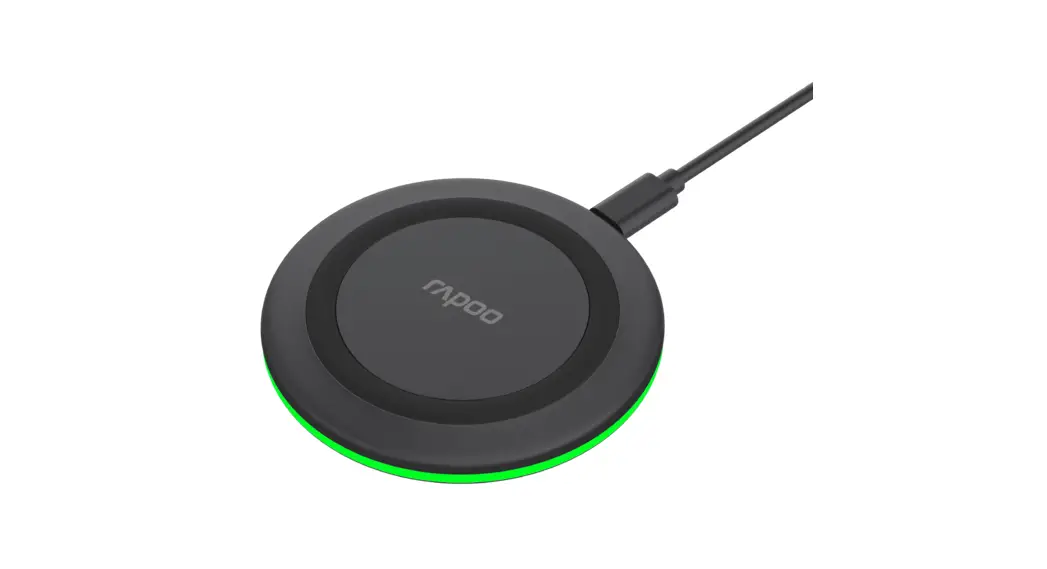
Turn on power: Blue & Green light flashes 2 times, then off
Standby: light off
Charging: Greenlight breathing
Foreign Objective Detection: Blue light Flashing
Device fully charged: Greenlight on 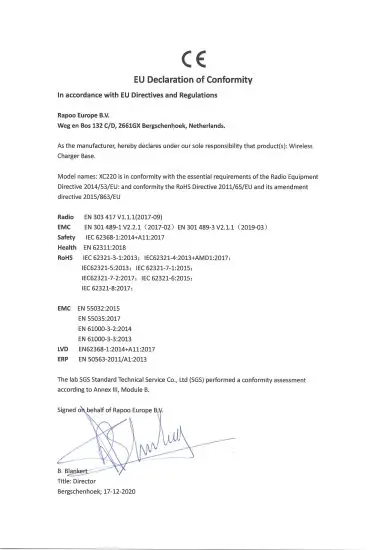
Safety instructions
Do not open or repair this product. Do not use the product in a damp environment. Clean the product with a dry cloth.
Warranty
The device is provided with a two-year limited hardware warranty from the purchase day. Please see www.rapoo-eu.com for more information.