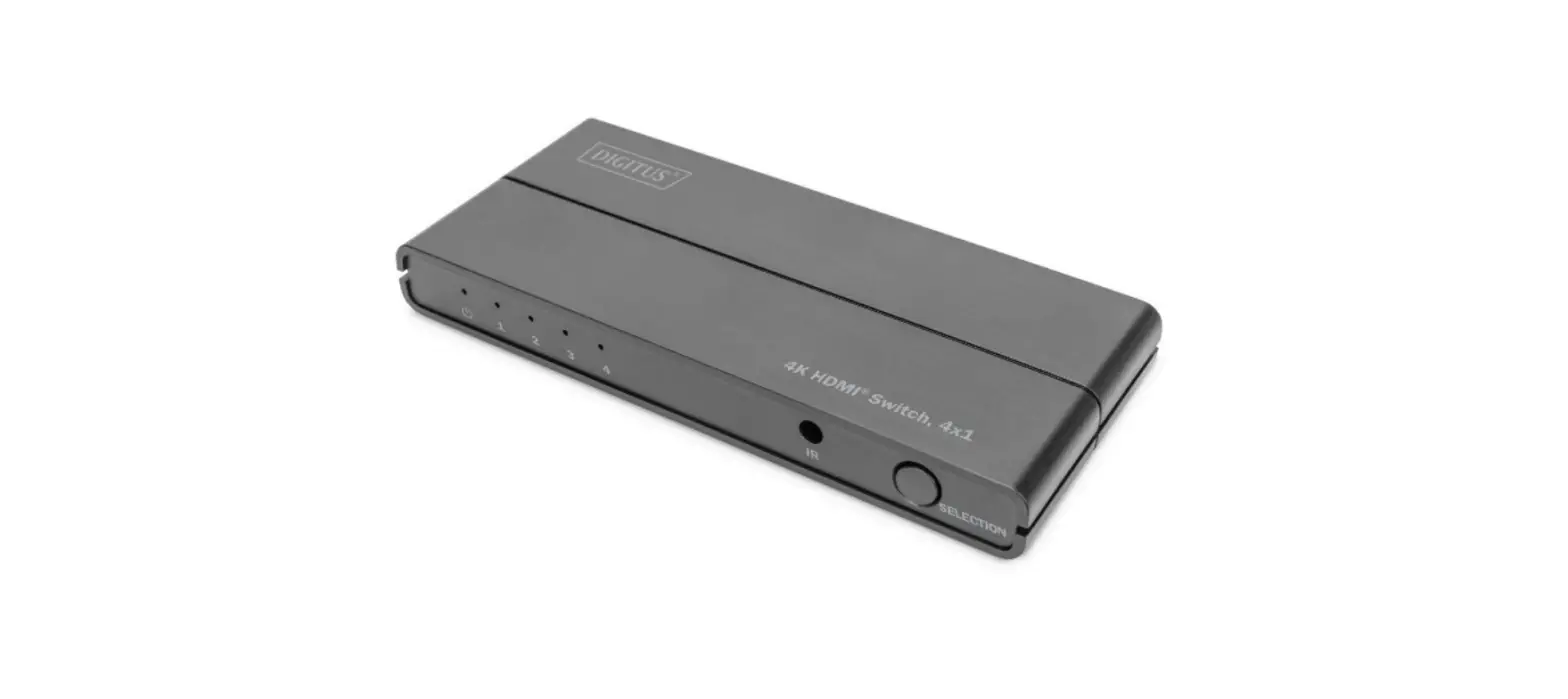

DIGITUS DS-45329 4K HDMI Switch
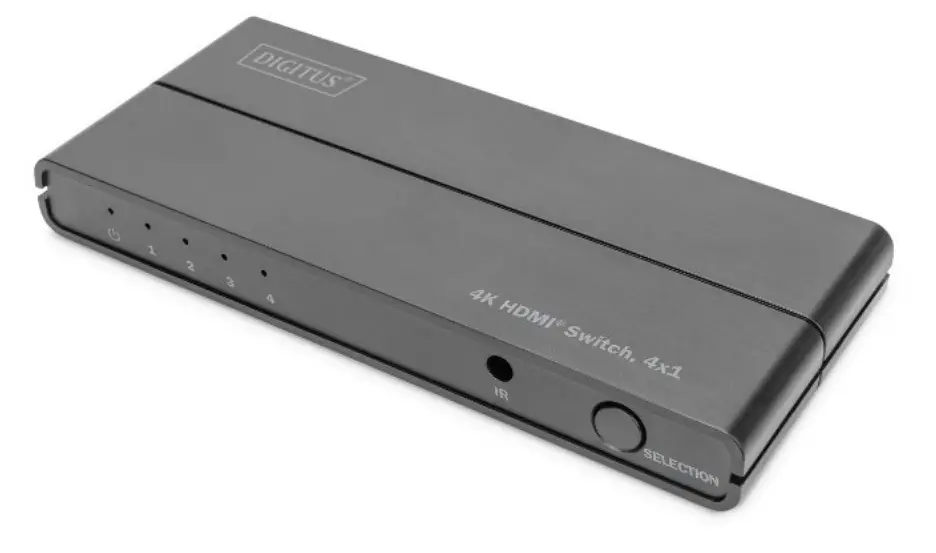
Product introduction
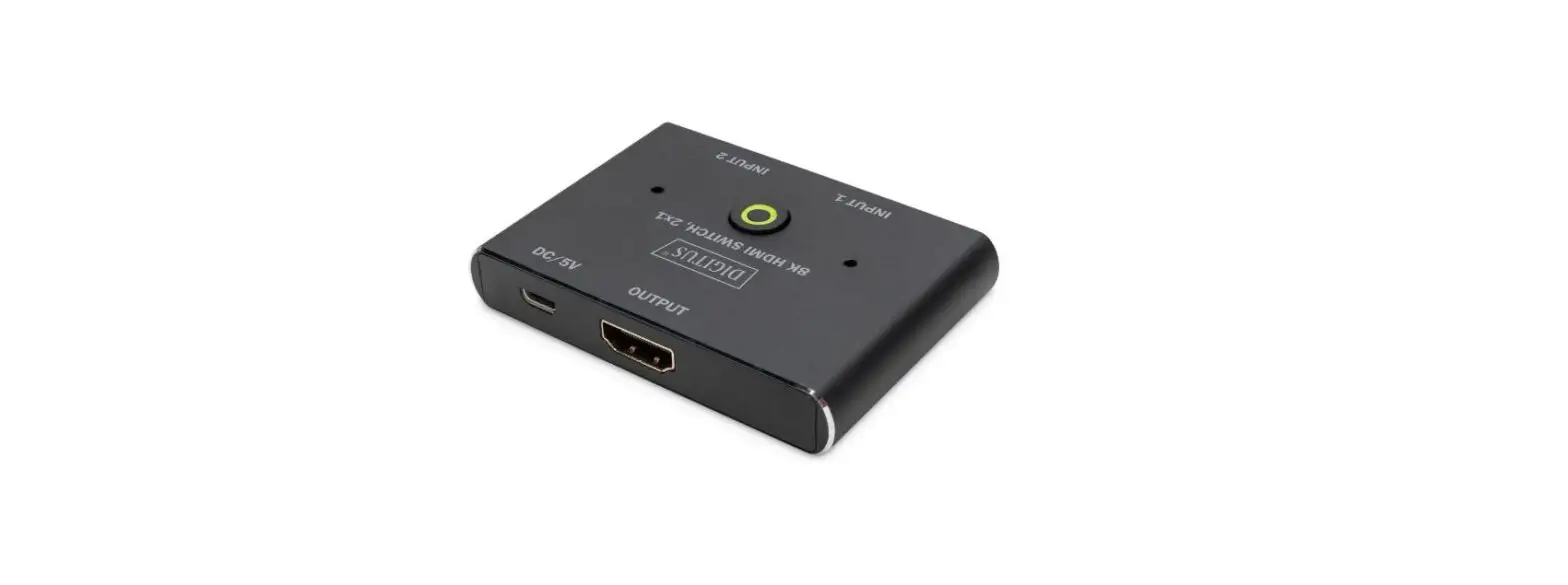
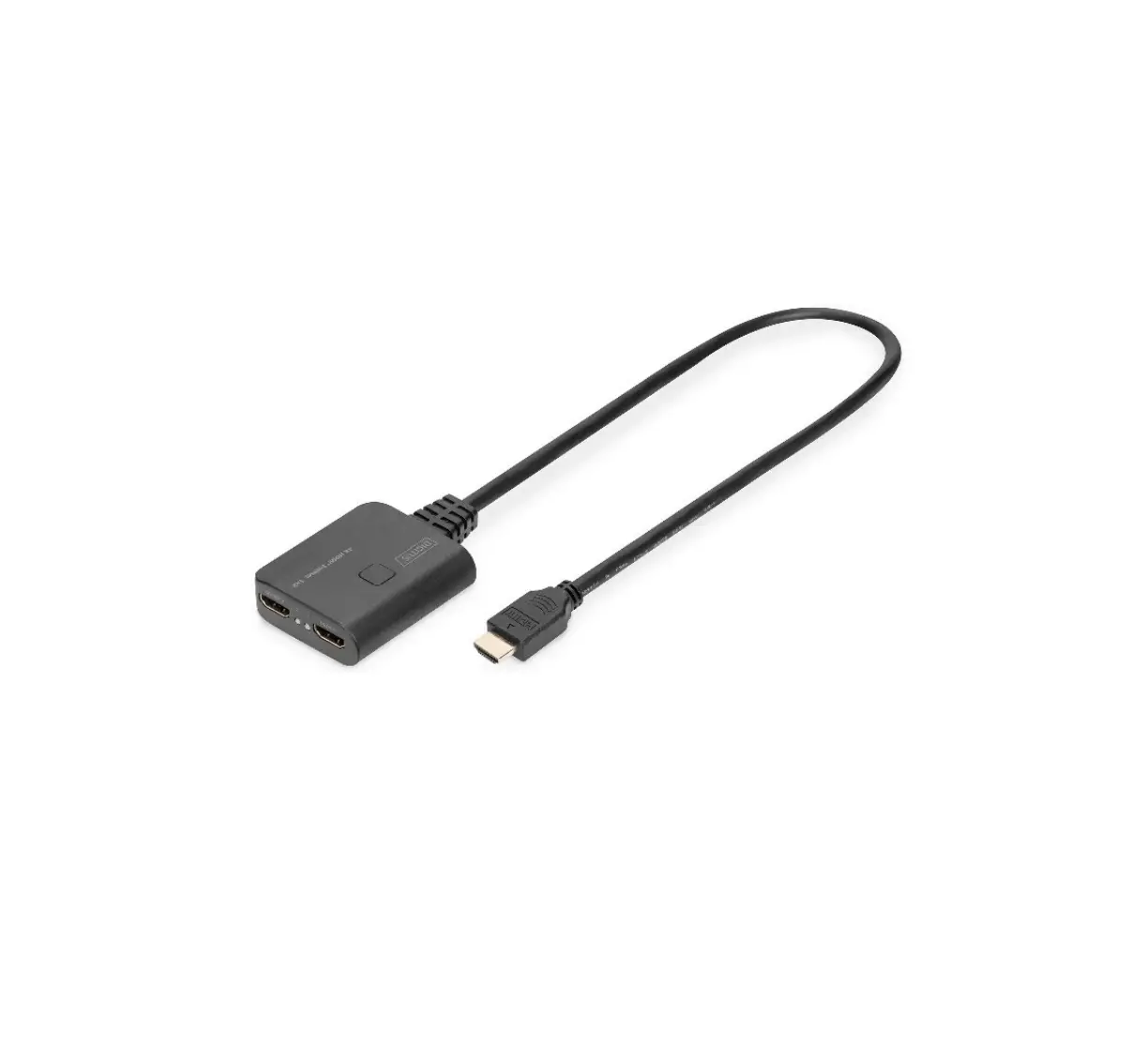
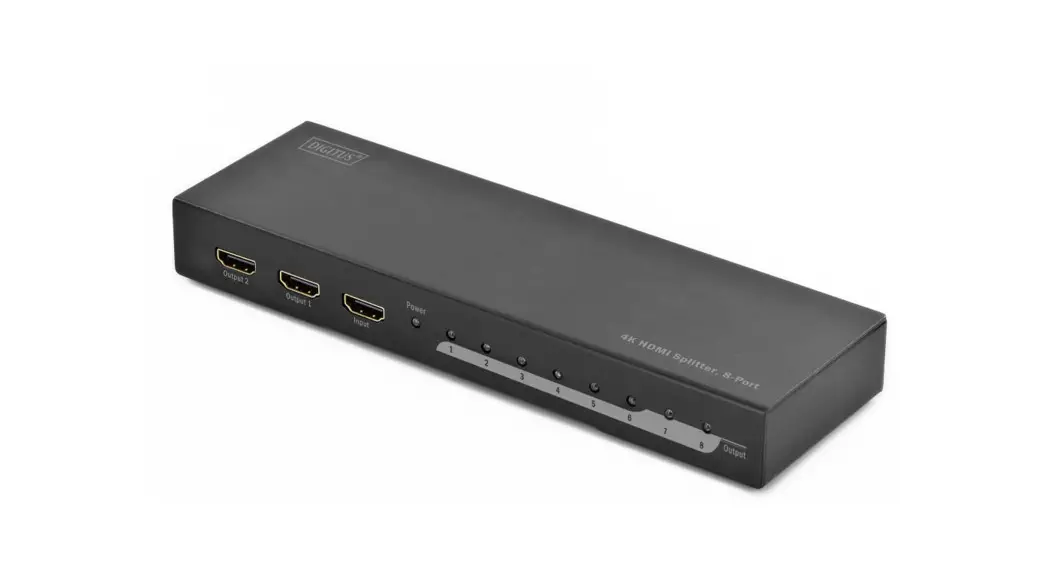
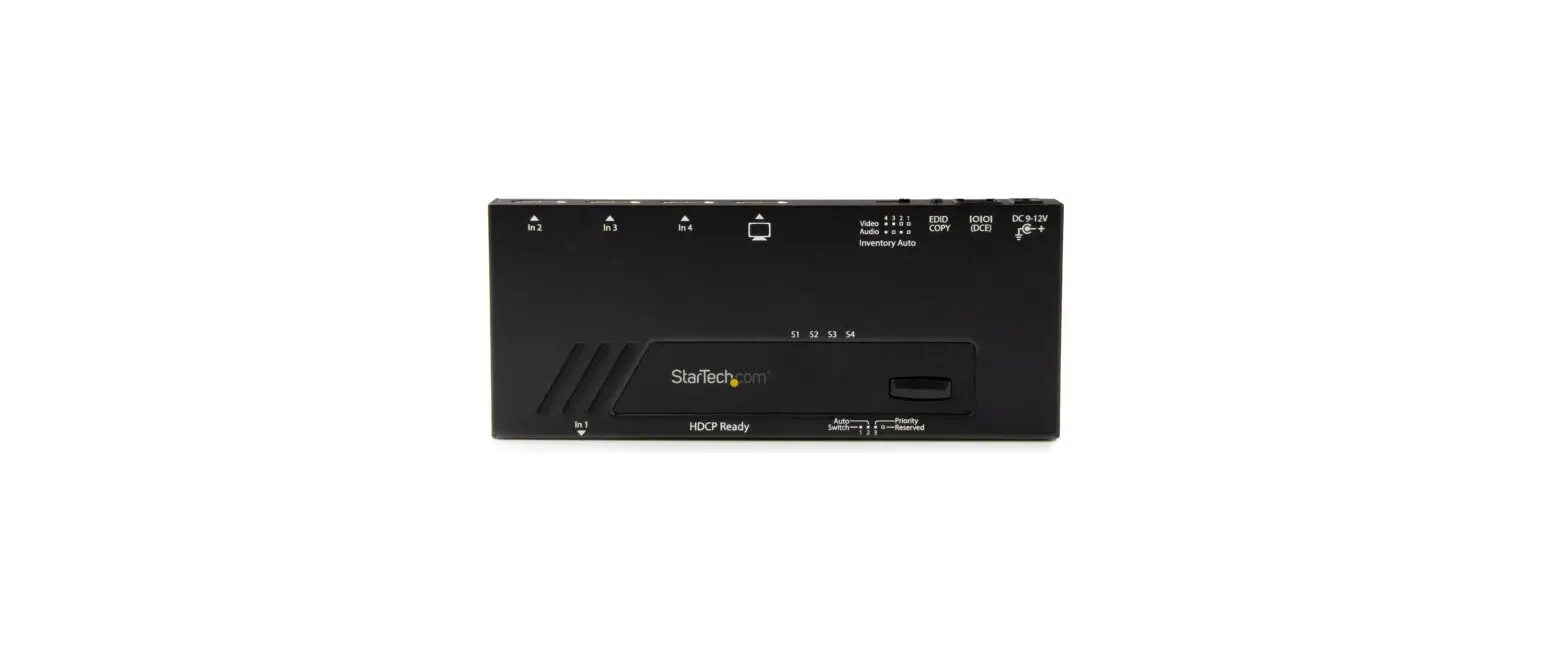
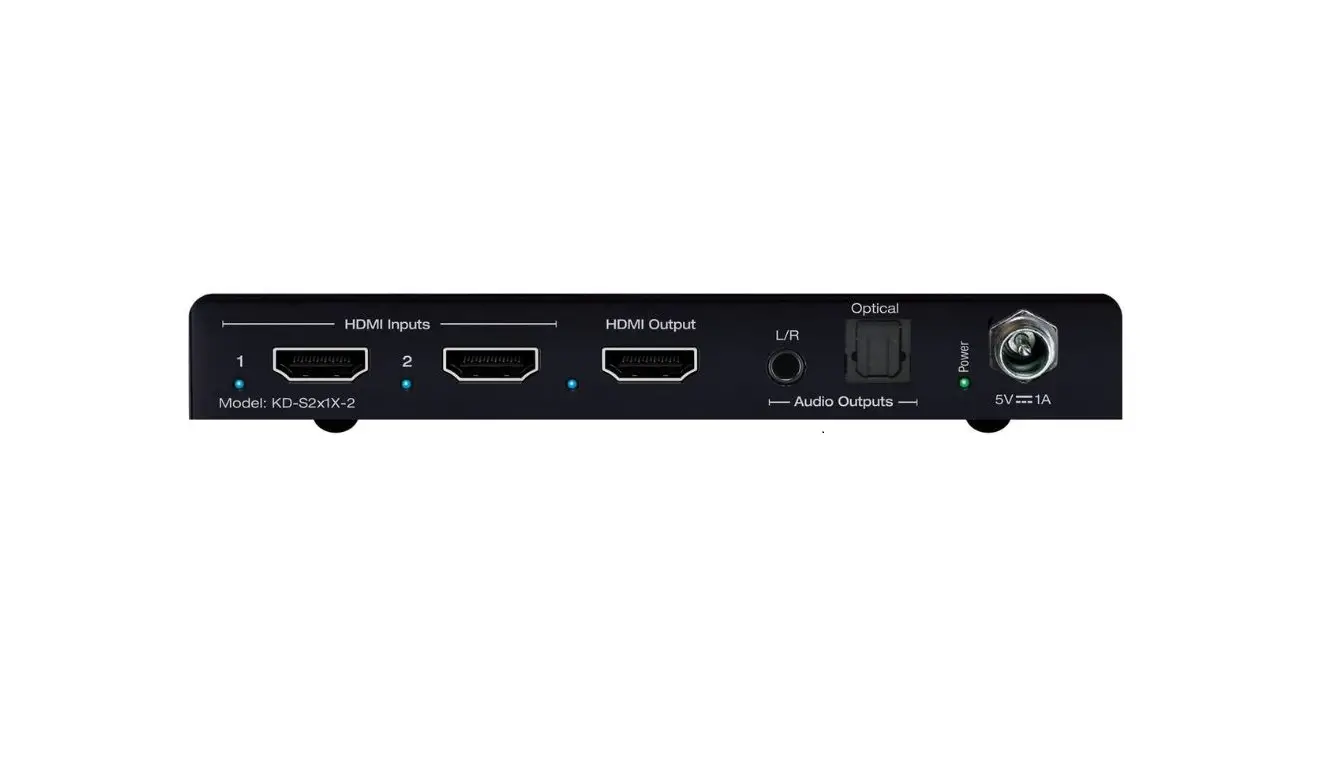
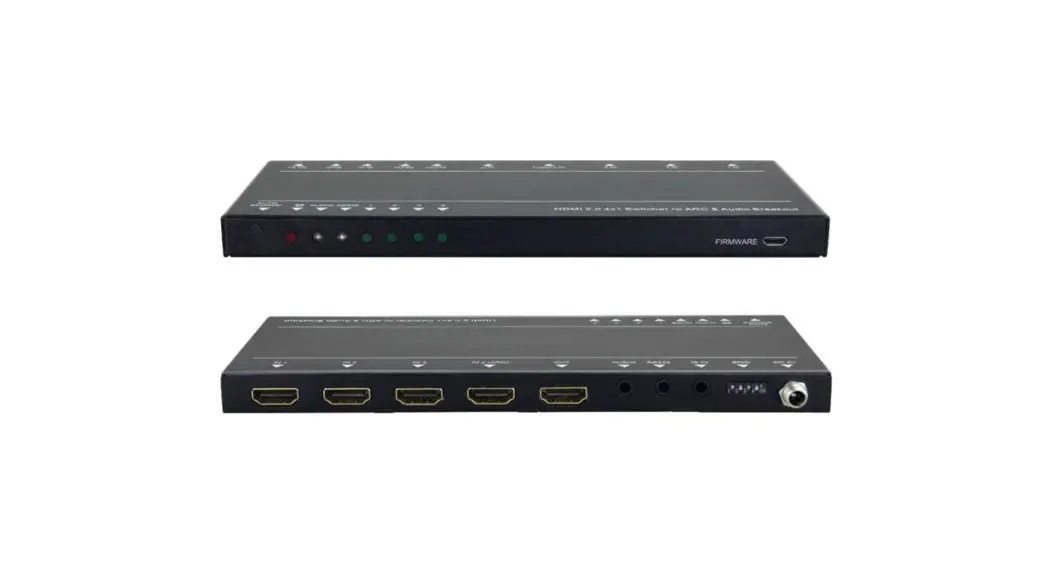
The DIGITUS® 4K HDMI Switch, 4×1 offers additional HDMI connections for your output display – 4 signal sources can be connected using just 1 HDMI connection on the screen. The video changeover switch does not require an external power adapter and is supplied with power via the Micro USB cable, e.g. via the source device. Switch conveniently between the signal sources via remote control or on the device itself.
Technical Features
- Switch conveniently between 4 signal sources via remote control or on the device itself
- Additional HDMI connections for your output device – 4 signal sources via just 1 HDMI connection on the screen
- Power supply via Micro USB cable – No external power adapter required
- Supports 4K2K/60Hz (HDR, 4:4:4)
- Video bandwidth: 18 Gbps
- Supports High Dynamic Range (HDR)
- Supports CEC (Consumer Electronics Control)
- Status LEDs
Package content
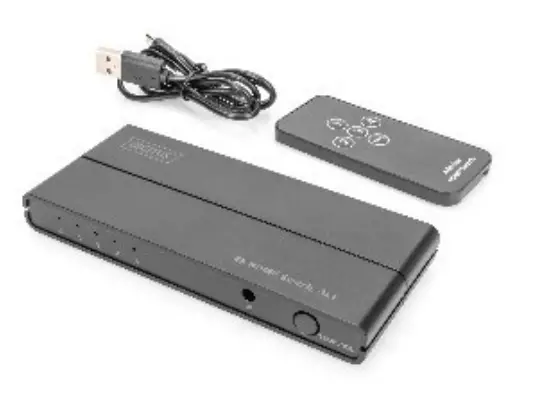
- 1x HDMI Switch
- 1x Remote control
- 1x Micro USB cable (0.5 m)
- 1x QIG

Specification
| Input Ports | HDMI x 4 |
| Output Ports | HDMI x 1 |
| Vertical Frequency Range | 50/60Hz |
| Video Amplifier Bandwidth | 6.0Gbps/600MHz per channel(18Gbps all channels) |
| Interlaced(50&60Hz) | 480i,576i,1080i |
| Progressive(50&60Hz) | 480p,576p,720p,1080p, 4K@24/25/30/50/60Hz |
| Limited Warranty | 1 Year Parts and Labor |
| Operating Temperature | 0°C to 50°C |
| Storage Humidity | 5% to 80% RH non-condensation |
| Power Supply | Micro-USB Power cable |
| Power Consumption (Max) | 5W |
| Switcher Unit Cert | FCC, CE, RoHS |
| Dimension(L x W x H) | 133x59x16 mm |
| Net Weight | 80g |
| Material | ABS |
Product overview 
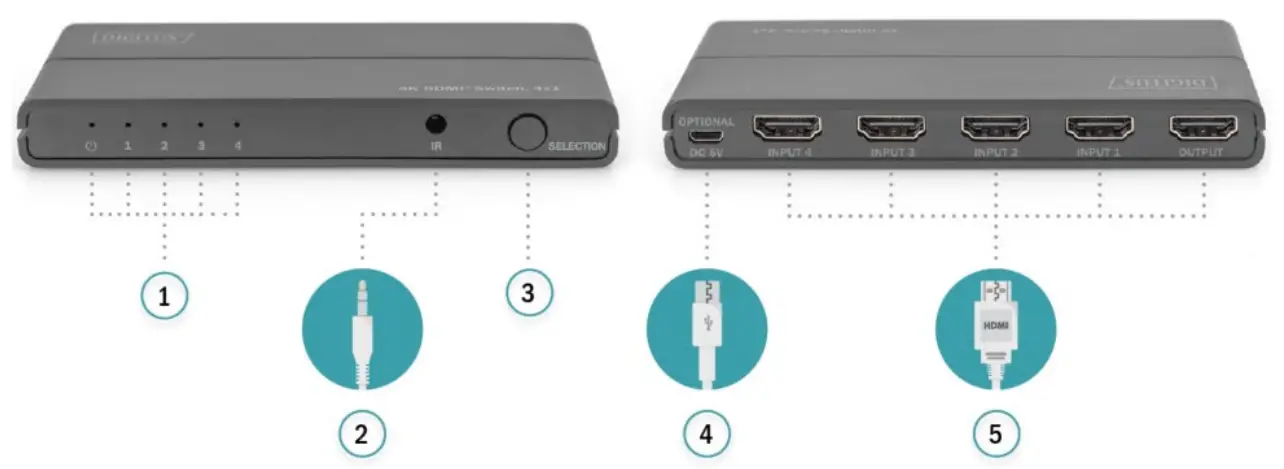
| 1 | Status indicators | 4 | Micro USB |
| 2 | IR-Link | 5 | HDMI |
| 3 | Switch |
Connection Diagram 
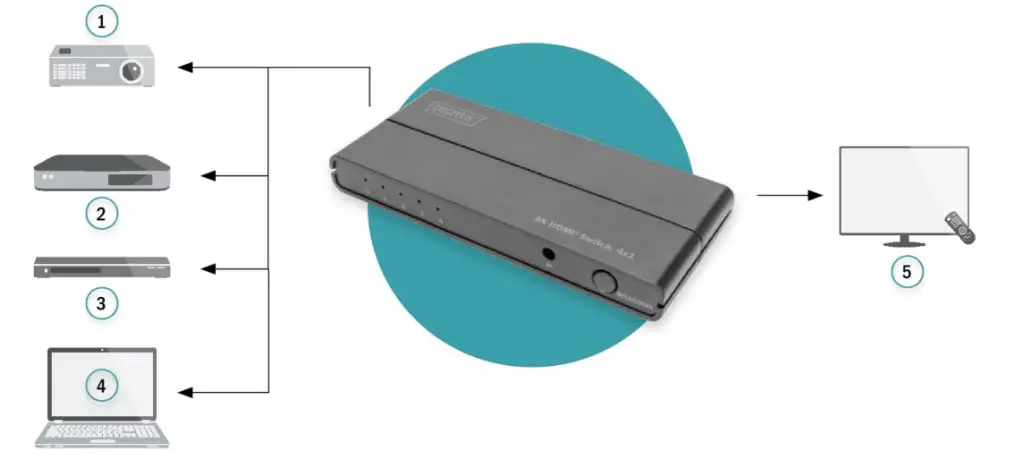
| 1 | Beamer | 4 | Notebook |
| 2 | TV-Streaming Box | 5 | TV |
| 3 | Blu-Ray Player |
Troubleshooting
| Problems | Causes | Solutions |
| Power light is off and product is not working | Is the USB power cable properly connected and the HDMI input source is on | Please check if the power adapter is connected properly and switch on the HDMI input source |
|
Screen splash |
HDMI cable may not be HDMI 2.0 specification or the cable is too long | Please use the standard HDMI 2.0 cable, the input/ output cable length does not exceed 4M 4K/60Hz 4:4:4, 4K@30Hz/1080p can reach 10M to 10M |
|
Remote control can`t work properly | Please check the battery seal of the remote control removed clearly and the battery have power or not | Please remove the battery seal clearly firstly, if no working either please changes a new battery to have a try. |
Dolby is a trademark of Dolby Laboratories.
The Adopted Trademarks HDMI, HDMI High-Definition Multimedia Interface, and the HDMI Logo are trademarks or registered trademarks of HDMI Licensing Administrator, Inc. in the United States and other countries.
All other trademarks, registered trademarks, or service marks are the property of their respective owners.
Declaration
Hereby Assmann Electronic GmbH, declares that the Declaration of Conformity is part of the shipping content. If the Declaration of Conformity is missing, you can request it by post under the below mentioned manufacturer address.
www.assmann.com
Assmann Electronic GmbH Auf dem Schüffel
3 58513 Lüdenscheid Germany
 ASSMANN Electronic GmbH | Germany