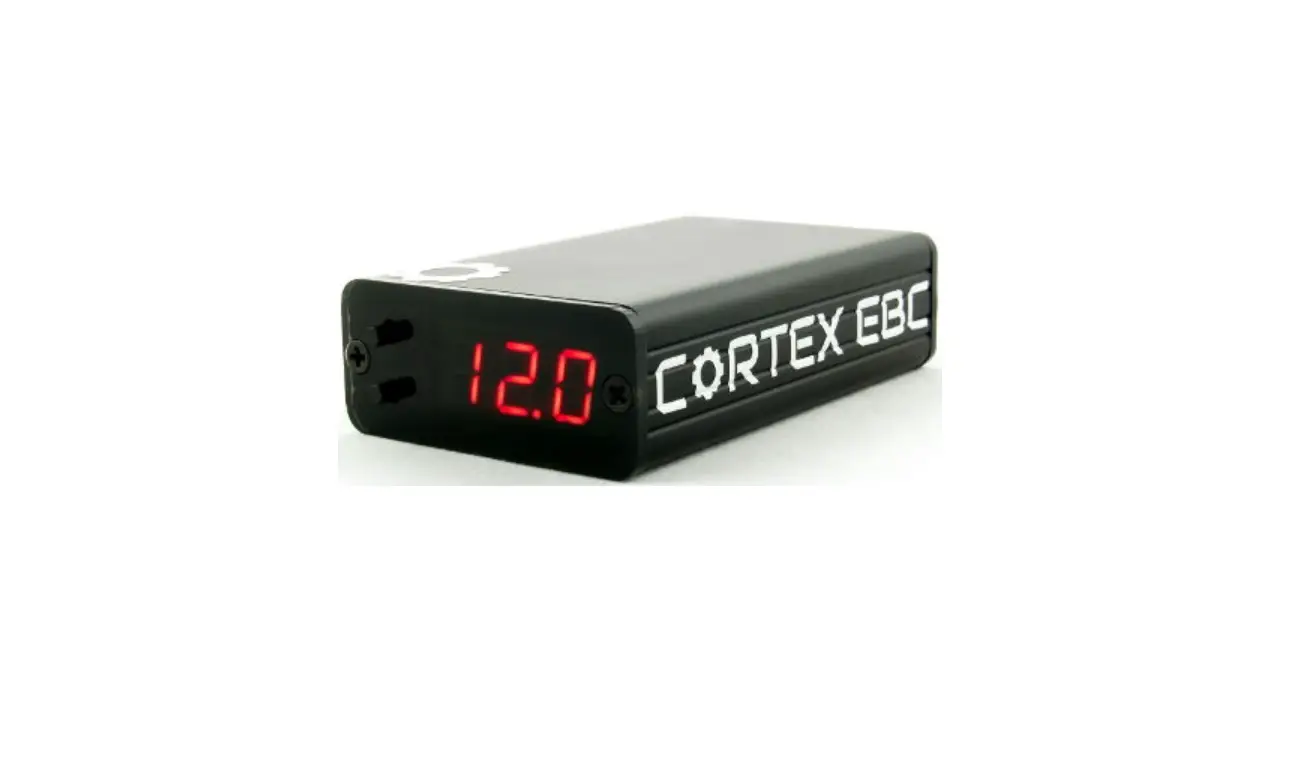
MUSTANG 2018-2022 GT CORTEX EBC Specific Instructions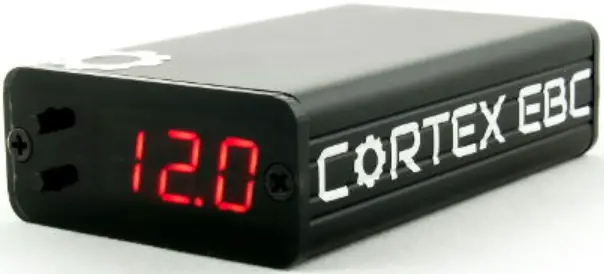
WIRING
RPM and vehicle speed signals are required for boost by gear applications. Because the 2018-2022 Mustang does not have a vehicle speed signal that can be connected directly to the Cortex EBC a CB-2 CAN Bus Interface is required for installation. The CB-2 CAN Interface generates both RPM and vehicle speed signals for the Cortex EBC.
The CB-2 CAN Interface can be connected to the CAN system at the OBD2 Port / Data Link Connector (DLC) module, which is below the dash on the driver side of the vehicle.
DLC MODULE LOCATION
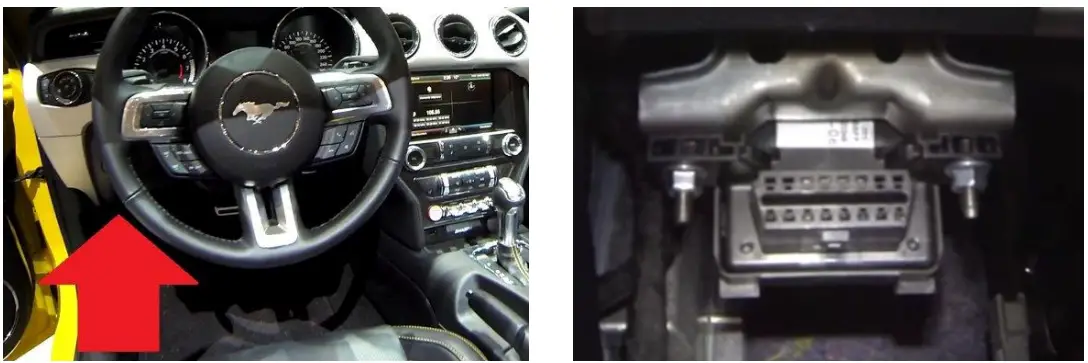
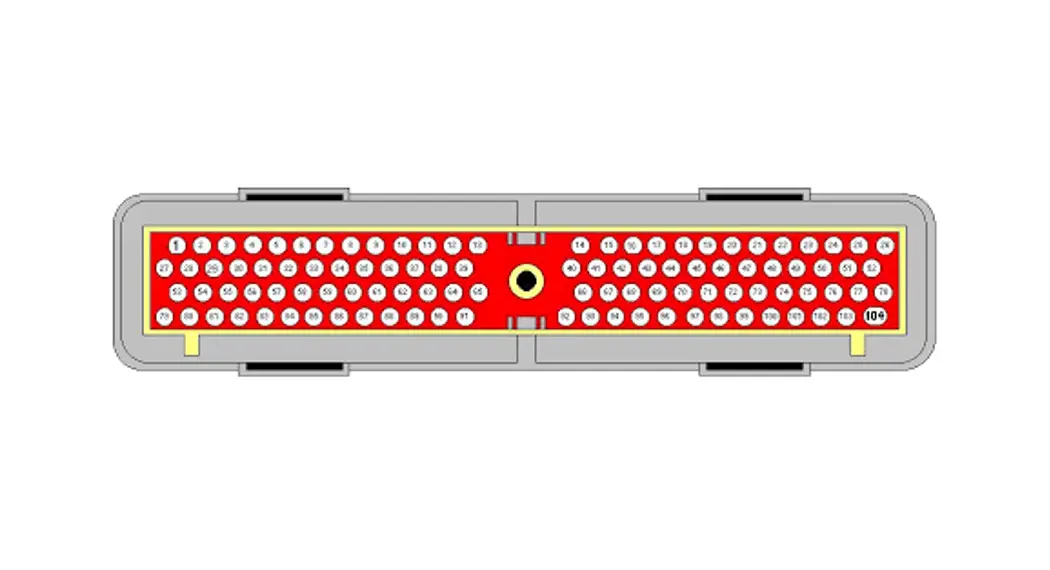
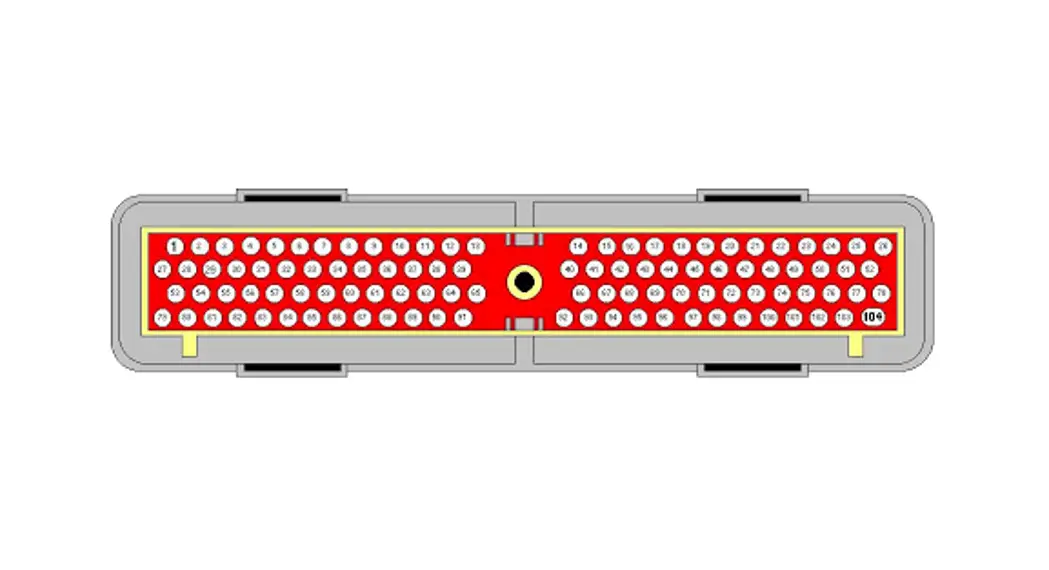
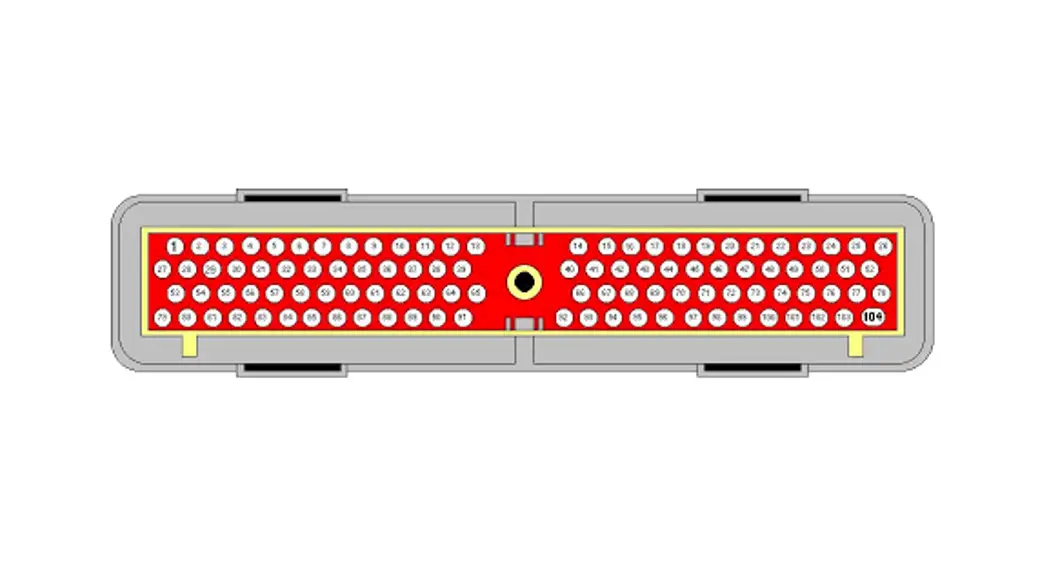
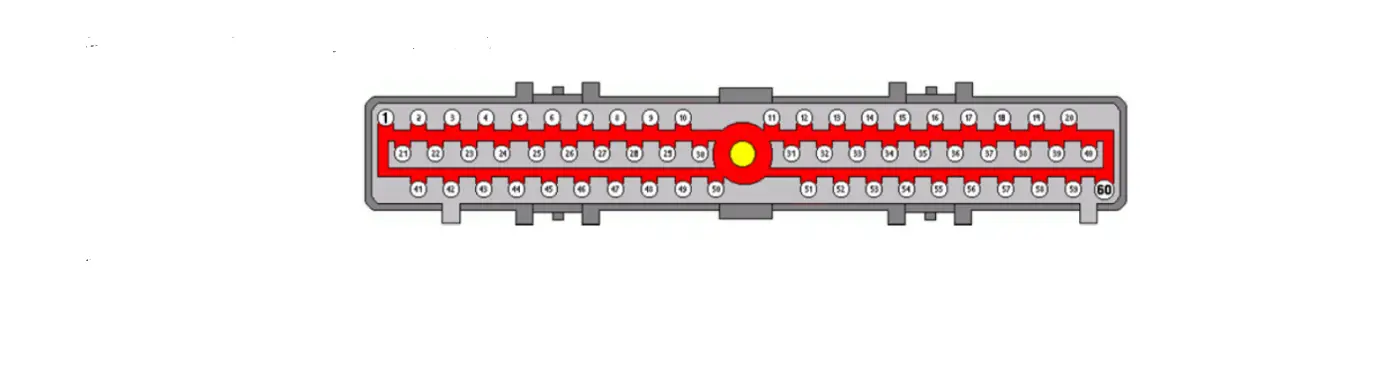
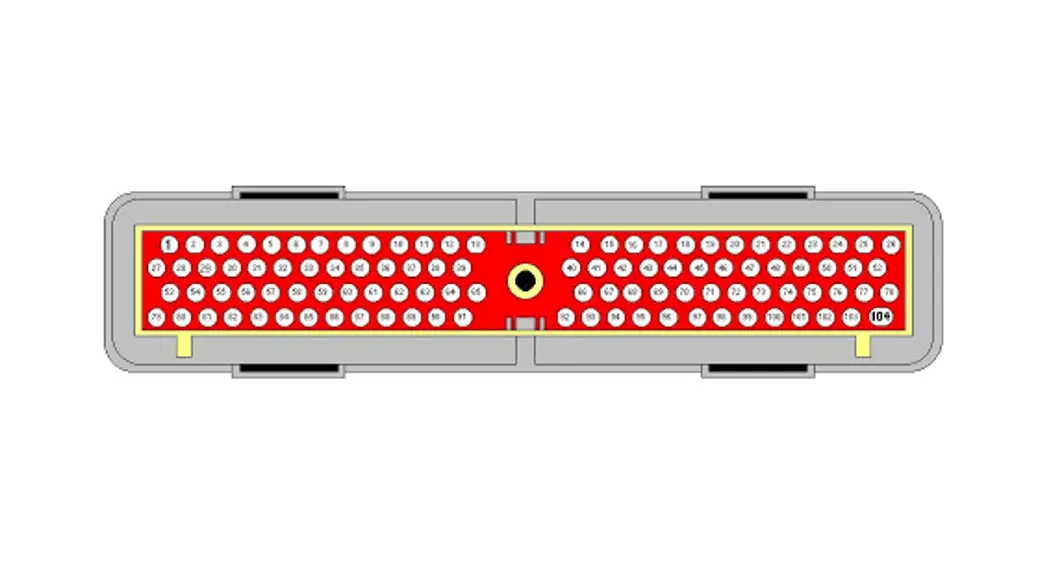
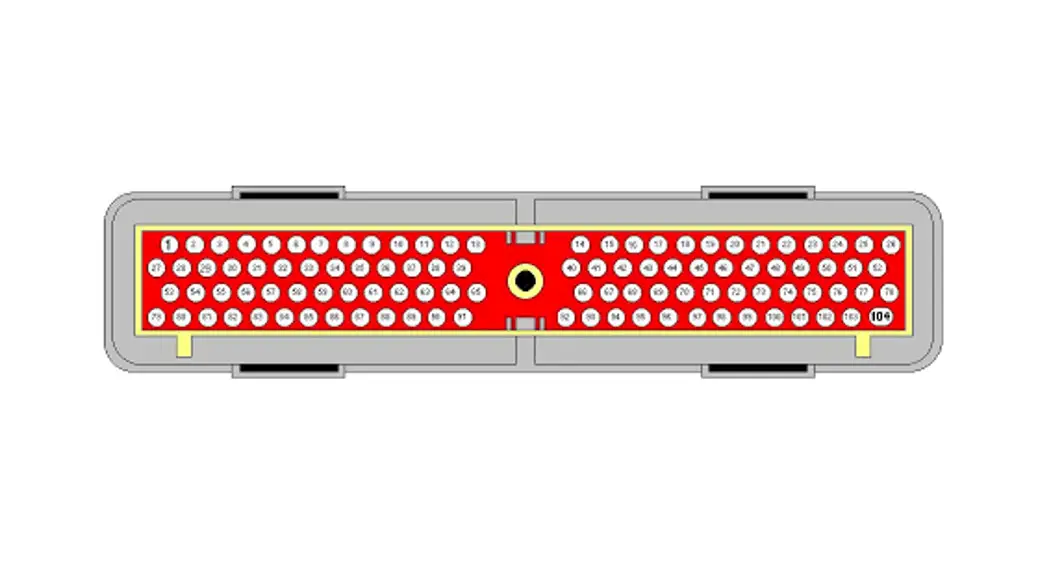
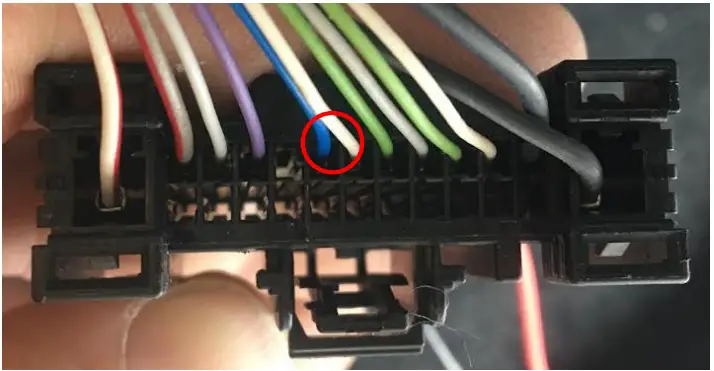
On the back of the DLC module there is a wiring connector that contains the required CAN signals for the CB-2 CAN Interface. The CB-2 should be connected to the DLC module as outlined in the following table.
CB-2 TO DLC CONNECTIONS
| CB-2 SIGNAL | CB-2 WIRE COLOR | DLC MODULE SIGNAL | DLC MODULE WIRE COLOR |
| CAN High | Yellow | HS1 CAN + | Blue |
| CAN Low | Blue | HS1 CAN- | White |
DLC MODULE WIRING CONNECTOR WITH CAN LINES HIGHLIGHTED
SIRHC Labs 2022
The Cortex EBC wiring harness should be connected to the CB-2 CAN Interface as outlined in the following table.
CORTEX EBC TO CB-2 CONNECTIONS
| CORTEX SIGNAL | CORTEX WIRE COLOR | CB-2 SIGNAL | CB-2 WIRE COLOR |
| Engine Speed | Pink | RPM | Green |
| Vehicle Speed | Green | Speed Pulse | Orange |
If desired, a throttle position signal can be accessed at the wiring connector on the accelerator pedal assembly.
CORTEX EBC TO ACCELERATOR PEDAL CONNECTIONS
| CORTEX SIGNAL | CORTEX WIRE COLOR | ACCELERATOR PEDAL CONNECTOR SIGNAL | ACCELERATOR PEDAL CONNECTOR WIRE COLOR |
| General-Purpose | Orange | Accelerator Pedal Position 1 | Yellow / Orange |
VEHICLE CONFIGURATION SETTINGS
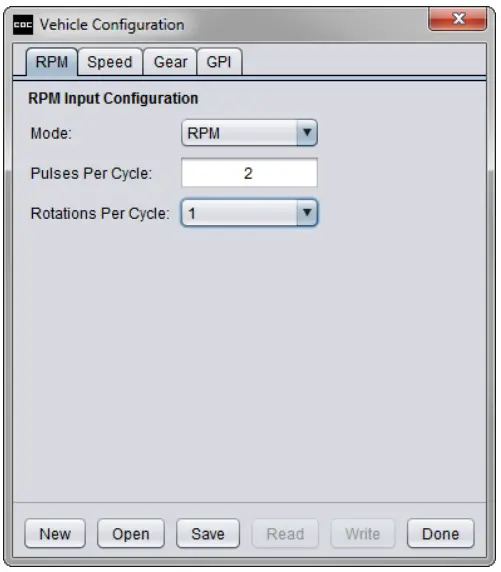
RPM DETECTION:
- Mode: RPM
- Pulses Per Cycle: 2
- Rotations Per Cycle: 1
GEAR DETECTION:
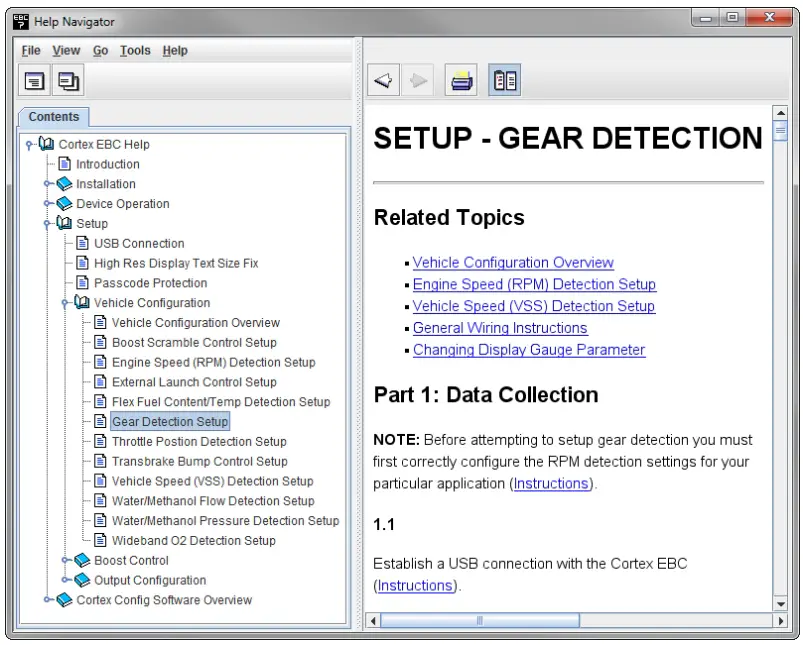
Follow the steps in the Setup – Gear Detection section of the Help utility to determine the correct EVS ratio settings for gear detection.
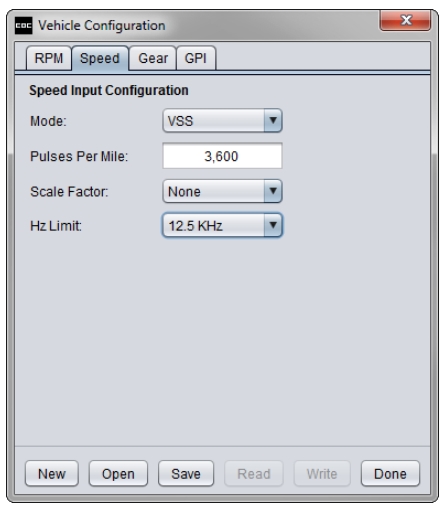
SPEED DETECTION:
- Mode: VSS
- Pulses Per Mile: 3,600
- Scale Factor: None
- Hz Limit: 12.5 KHz
THROTTLE POSITION DETECTION:
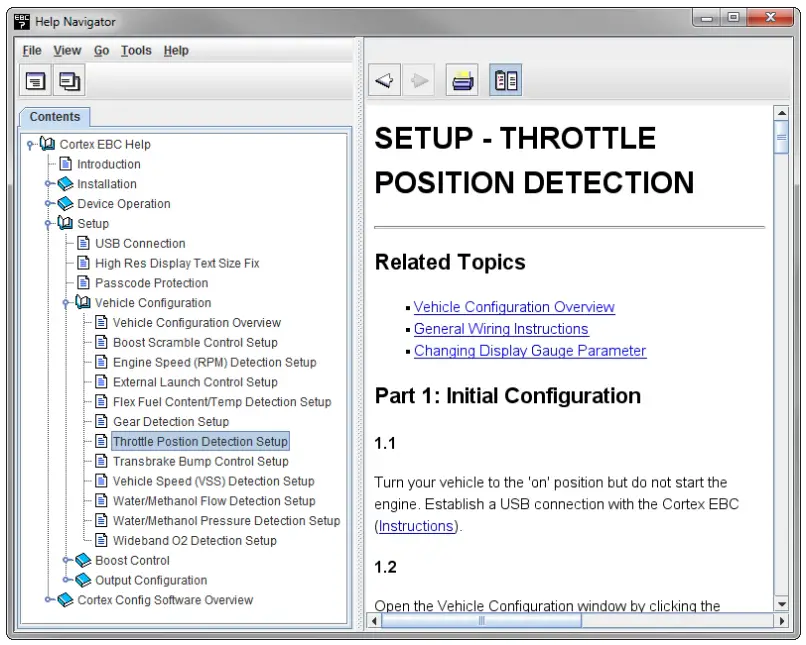
Follow the steps in the Setup – Throttle Position Detection section of the Help utility to determine the correct Closed TPS Voltage and Open TPS Voltage settings.