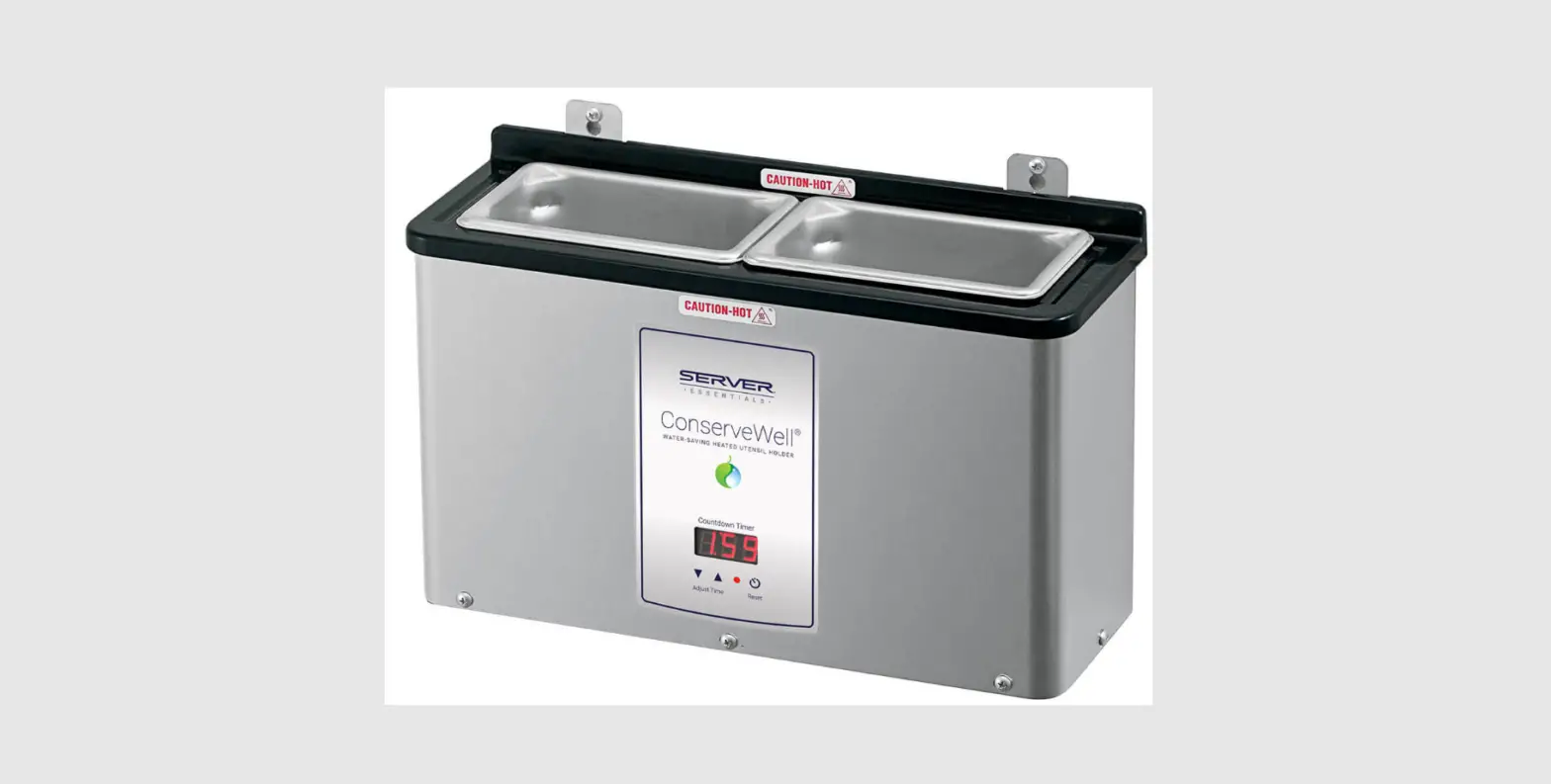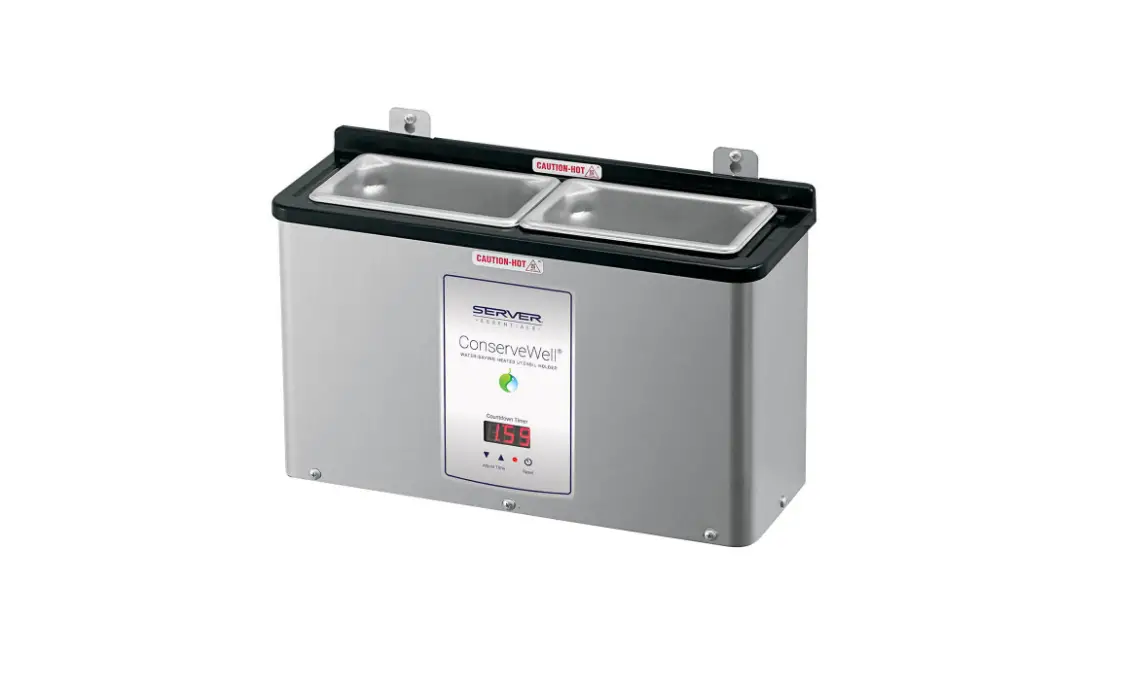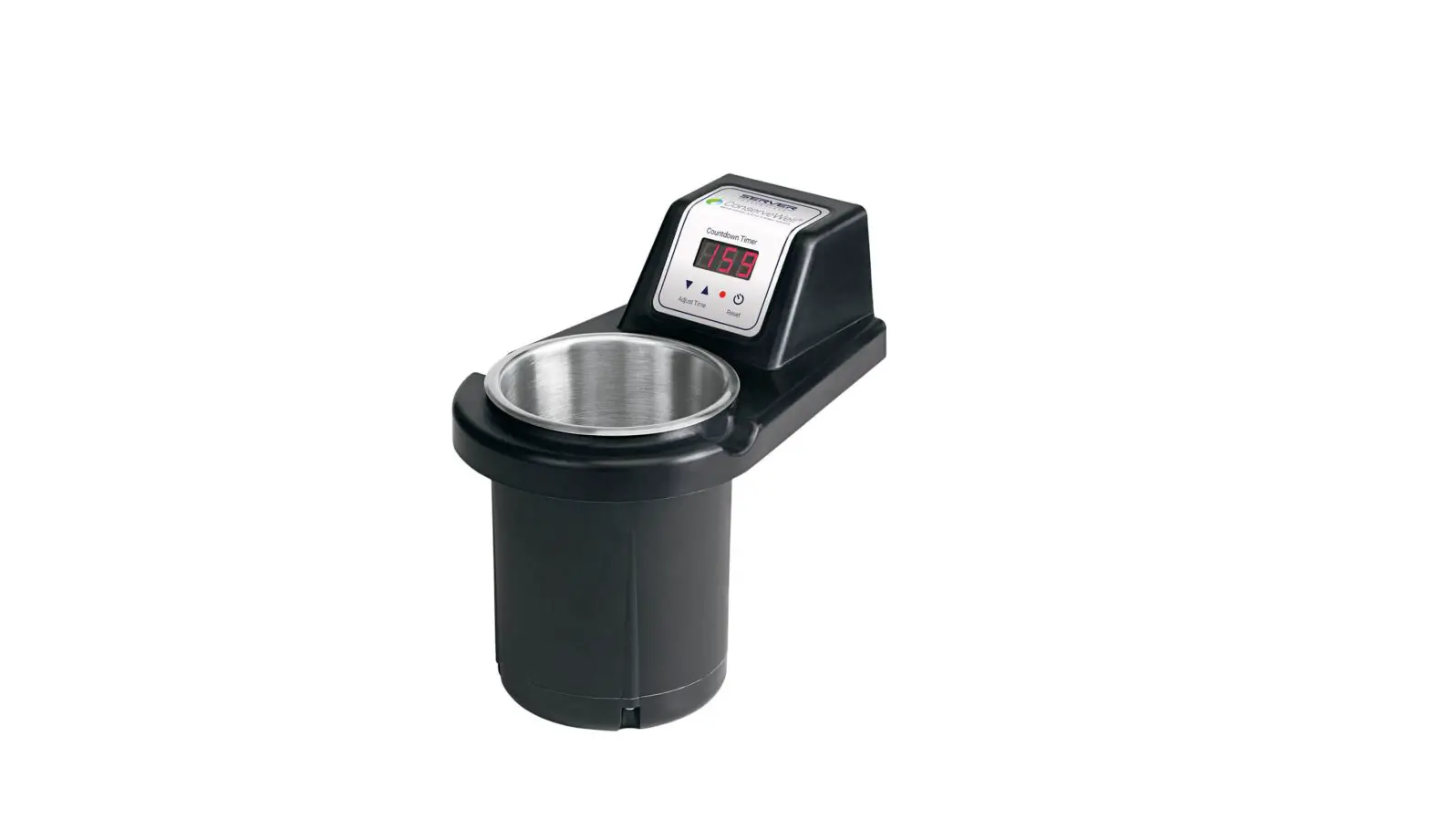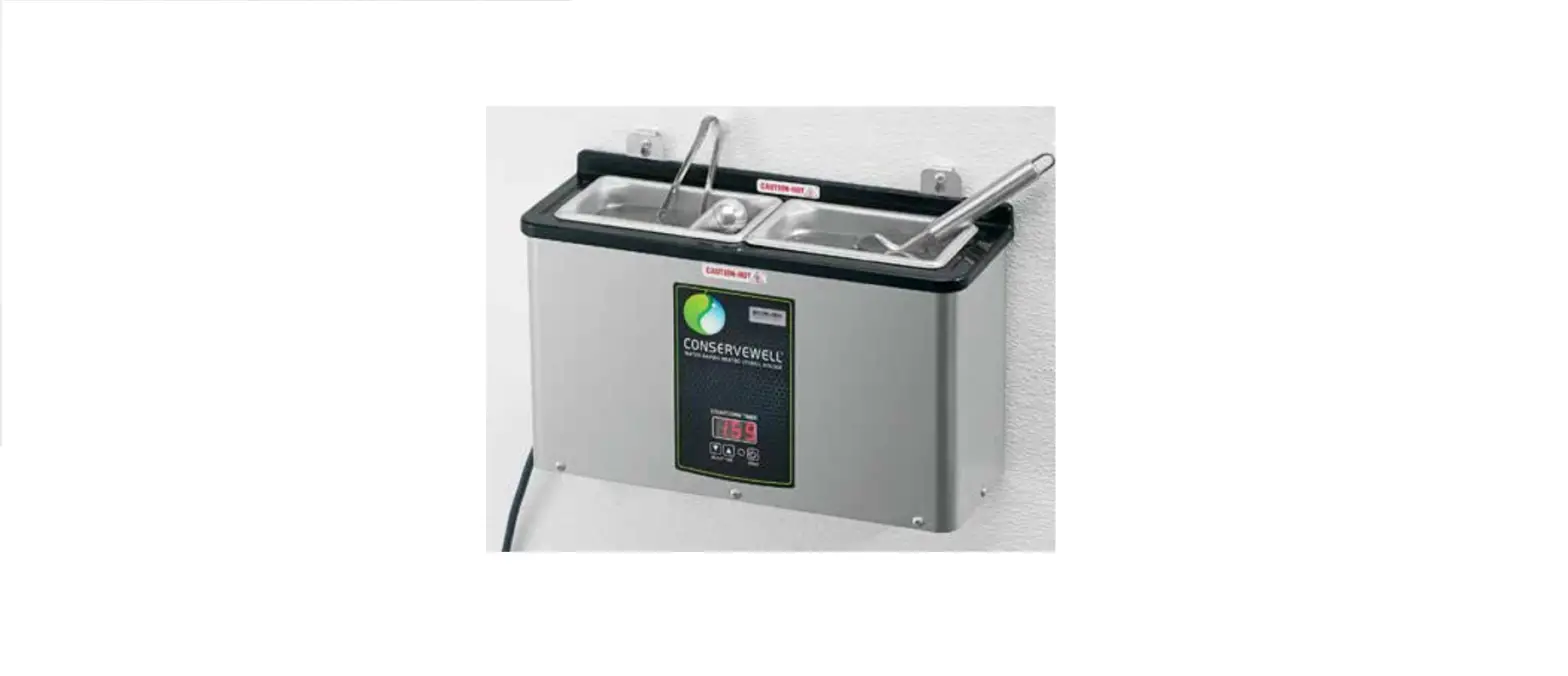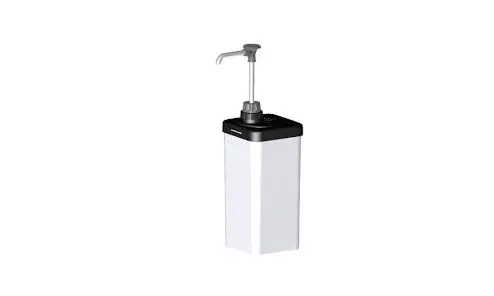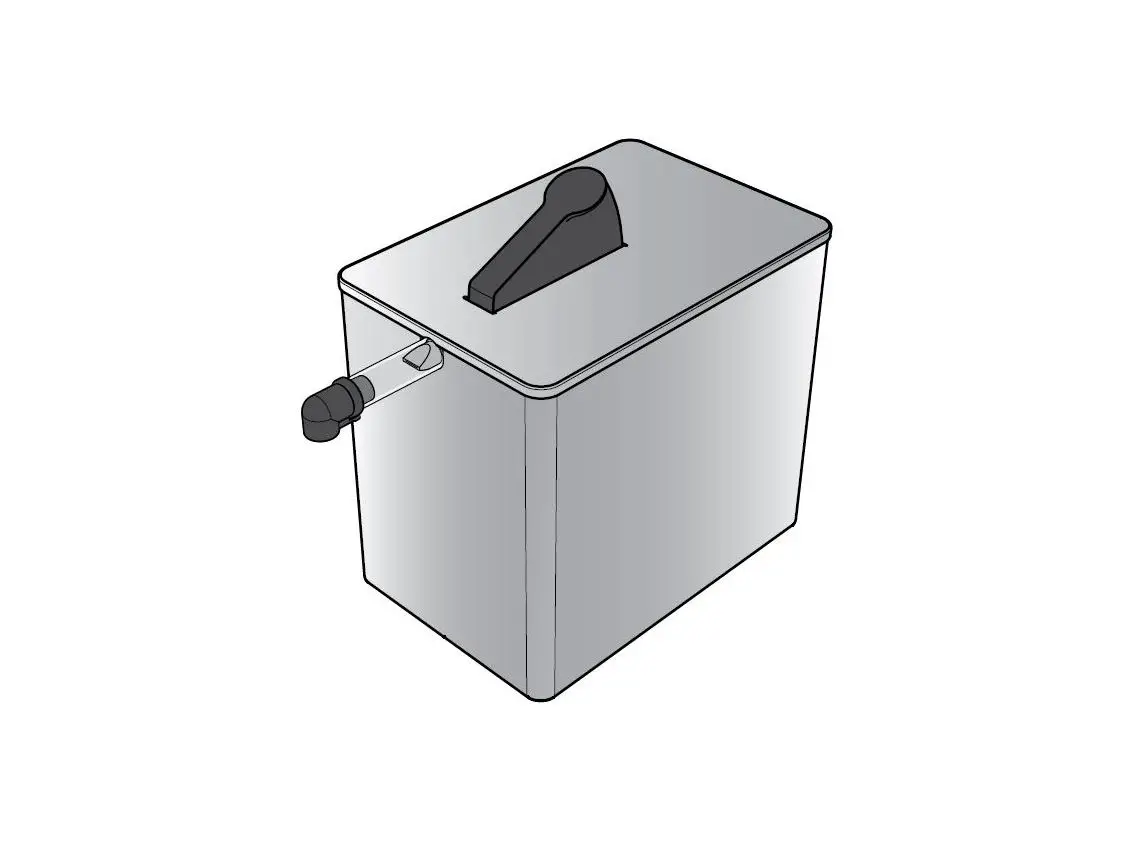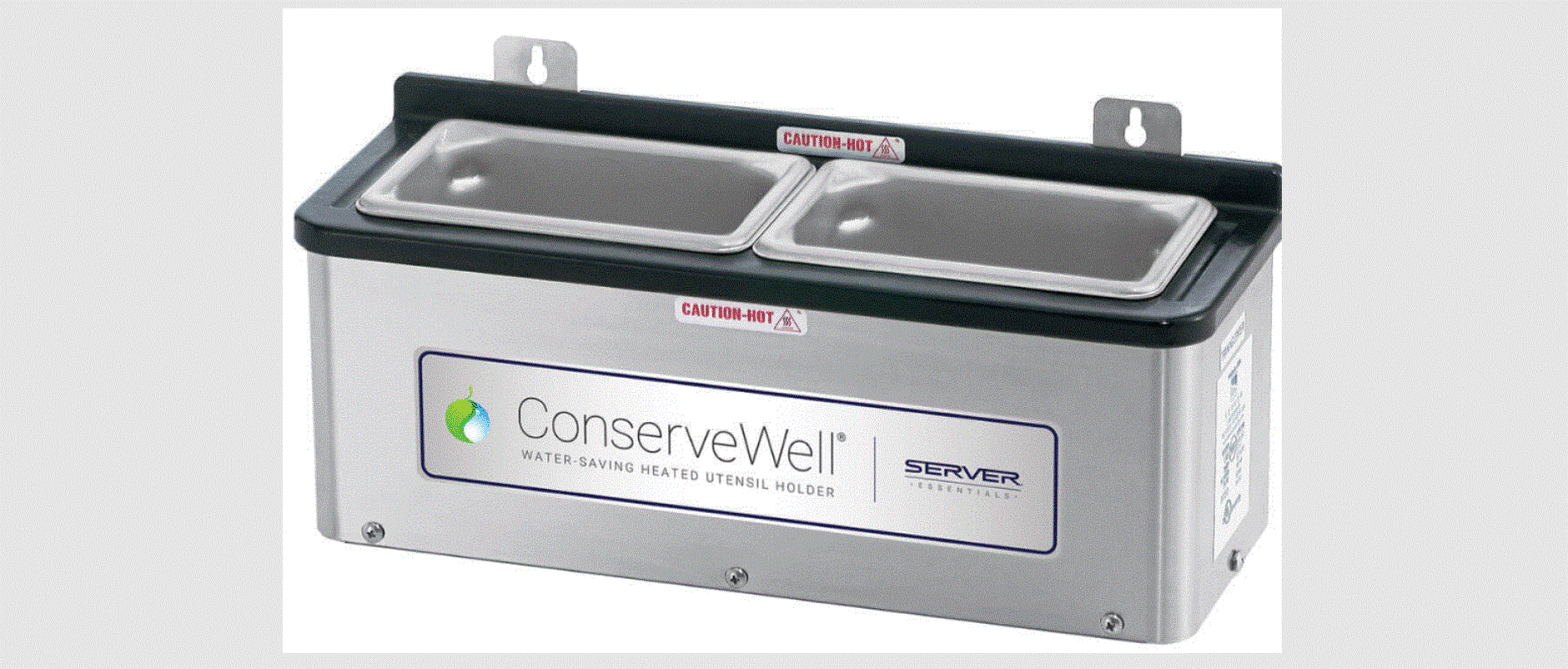

SERVER 87740 Conservewell Mounted Utensil Holder
WARNING ELECTRICAL SHOCK COULD OCCUR
- Electrical components of unit could be damaged from water exposure or any liquid.
- Never immerse unit into water or any liquid.
- Never use any water jet or pressure sprayer on unit.
- Ensure unit is “OFF” and unplugged.
DISHWASHER SAFE – HANDWASH ONLY
- CLEAN
- Wash water pans with soap and hot water.
- RINSE
- fully with clear water. 2
- SANITIZE
- all parts according to local sanitization requirements. All parts in contact with food must be sanitized.
- 3AIR DRY
- all parts fully
CARE OF STAINLESS STEEL
- The water pans and exterior of this unit are constructed of stainless steel.
- If you notice corrosion beginning on any stainless steel surface, you may need to change the cleansing agent, sanitizing agent, or the cleaning procedures you are using.
- A mildly abrasive nylon or brass brush may be used to remove any stubborn deposits on interior surfaces of unit.
- Fully rinsing and drying all parts can help prevent corrosion. Elements and minerals in tap water can accumulate on stainless steel parts and create corrosion.
- Do not use abrasive, caustic or ammonia based cleansers.
- Do not use products containing acids, alkalines, chlorine, or salt. These agents can corrode stainless steel.
- Do not use metal scrapers or cleaning pads that could scratch surfaces
SERVER PRODUCTS LIMITED WARRANTY
This Server product is backed by a two-year limited warranty against defects in materials and workmanship. See Server-Products.com for details.
GENERAL SERVICE, REPAIR OR RETURNS
Before sending any item to Server Products for service, repair, or return, contact Server Products customer service to request a Return Authorization Number. Merchandise must be sent to Server Products with this number. Service is extremely prompt. Typically, units are repaired and ship out within 48 hours. Merchandise being returned for credit must be in new and unused condition and not more than 90 days old and will be subject to a 20% restocking charge. Electrical parts (thermostats, heating elements, etc.) are not returnable. Servicing Cord: Specific tools are required for safe and proper power supply cord removal and installation. If cord must be replaced, only a representative of the OEM (original equipment manufacturer) or a qualified technician may replace cord. Cord must meet code designation H05 RN-F requirements.
YOU WILL NEED
- Screwdriver
- Appropriate fasteners
INSTALLATION
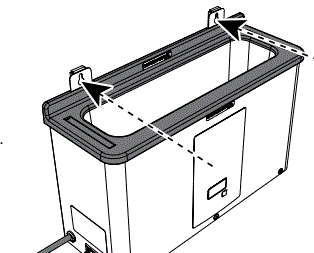
- INSTALL UNIT
- Select wall location or sturdy vertical surface for mounting. Determine proper mounting hardware you will need to supply. Locate mounting holes apart approximately 27 cm (10-5/8″). Key slot mounting brackets make removal easy

- Select wall location or sturdy vertical surface for mounting. Determine proper mounting hardware you will need to supply. Locate mounting holes apart approximately 27 cm (10-5/8″). Key slot mounting brackets make removal easy
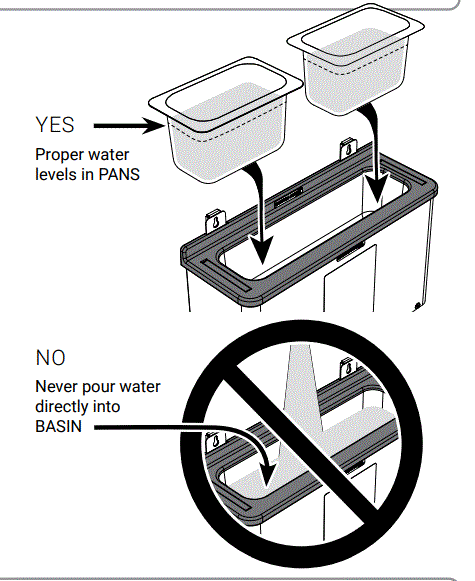
- INSERT WATER PANS
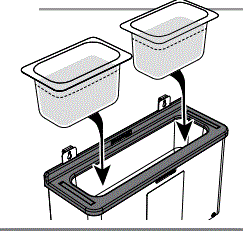
- Fill each pan with approximately 0.7 liter (3/4 quart) of HOT water. See page 2 for water temperatures. Insert both pans of water into basin

- Fill each pan with approximately 0.7 liter (3/4 quart) of HOT water. See page 2 for water temperatures. Insert both pans of water into basin
- PLUG CORD INTO POWER SOURCE
- TURN UNIT ON

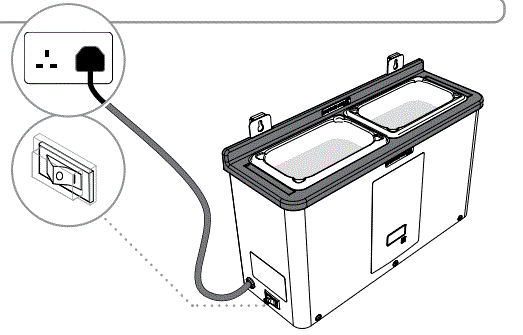
ONLY USE WITH UTENSILS SAFE IN HIGH TEMPERATURES
WATER CHANGE-OUT
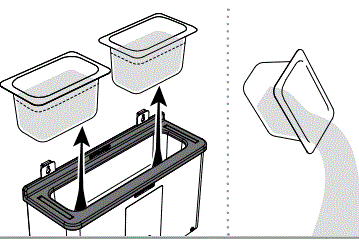
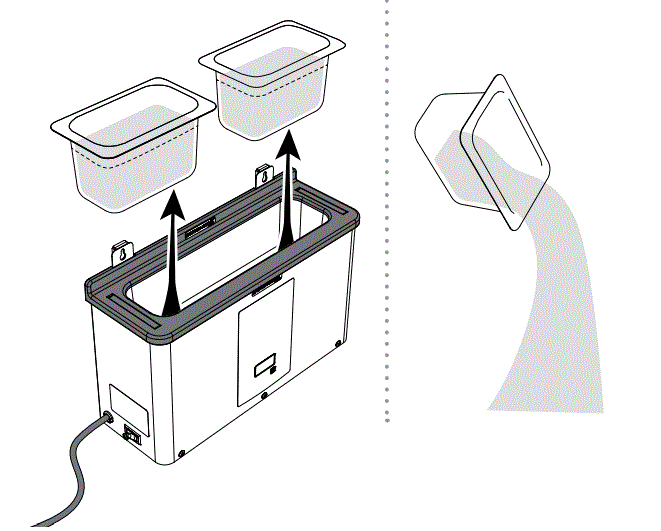
- REMOVE & EMPTY PANS OF WATER

- REFILL & RETURN WATER PANS TO BASIN

- REMOVE & EMPTY PANS OF WATER
USING THE COUNTDOWN TIMER
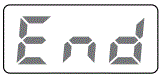
- PRESS RESET TO START THE COUNTDOWN CYCLE

- PRESS RESET TO STOP ALARM
- CHANGE OUT WATER
- Complete “WATER CHANGE-OUT” steps listed above.
- PRESS RESET BUTTON to restart the countdown cycle.

PROGRAMMING TIMER
SET COUNTDOWN CYCLE TIME
- ENTER TIME PROGRAM MODE:
 Simultaneously press and hold the
- UP and RESET buttons for 10 seconds.
- Red light indicates unit is in timer program mode.

- SELECT DESIRED COUNTDOWN TIME:
- Press the UP or DOWN buttons.
- LOCK IN TIME SETTING AND EXIT

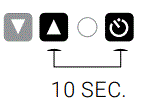 Simultaneously press and hold the
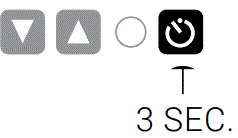
- PROGRAM MODE:
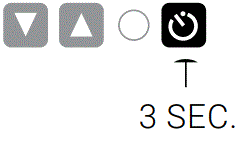
- Press and hold the RESET button for 3 seconds.
SET ALARM VOLUME
- ENTER ALARM PROGRAM MODE

- Simultaneously press and hold the
- DOWN and RESET buttons for 10 seconds.
- Beeping indicates unit is in alarm program mode.

- SELECT ALARM VOLUME:
- Press the UP or DOWN buttons. A beep accompanies each level to indicate the volume setting. Volume level is shown in display. Adjust number to desired volume level.
- LOCK IN VOLUME SETTING AND EXIT

- ENTER ALARM PROGRAM MODE
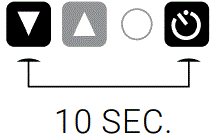

- PROGRAM MODE:
- Press and hold the RESET button for 3 seconds.
UNIT TAKE-DOWN
- PRESS SWITCH TO OFF
- UNPLUG CORD
- REMOVE PANS FROM BASIN
- Pour water down a drain.

TROUBLESHOOTING
UNIT DOES NOT HEAT?
- Ensure cord is securely plugged in.
- Ensure power is available from source.
- Ensure unit is on.
UNIT OVERHEATING?
- Ensure water has not spilled or leaked from pans into the basin.
- WATER IN BASIN MAY STEAM & BURN.
- Allow unit to cool. Pour out any water and dry basin.
UTENSILS OR TOP OF PAN GETTING TOO HOT?
- Do not use liquid or gel-filled utensils.
- Handles become extremely hot. Only use utensils safe at high temperatures.
- Use proper water levels.
- Water must cover food contact area(s) of utensil(s).
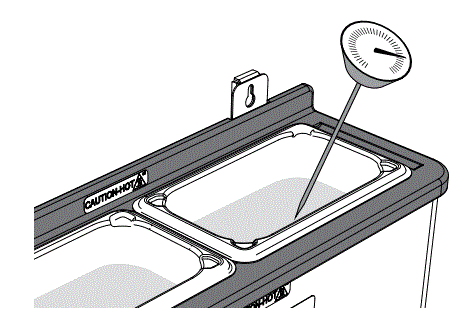
WATER NOT REACHING 60° C?
- Make sure to use HOT water in pans.
- Refer to temperature charts on page 2.
- Damaged pans may not heat properly.
- Inspect and replace pans if needed.
- Ensure there is a dispersion plate under the pans.

WIRING DIAGRAM
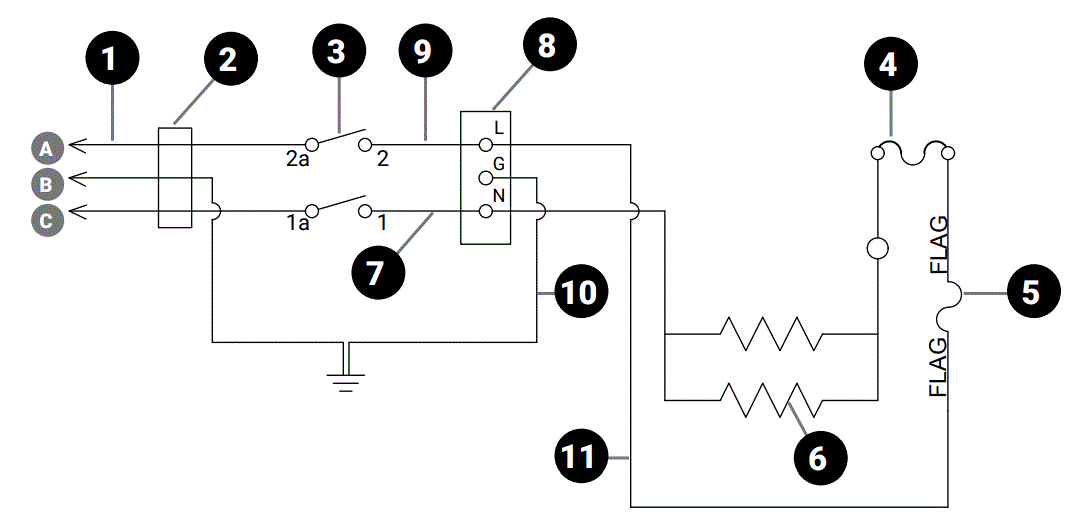
- Cord Assembly 230V
- A Brown
- B Green/Yellow
- C Blue
- Bushing/Strain Relief
- Rocker Switch
- Thermal Cutout
- Thermostat
- 400W Silicone Element
- Wire Assembly, White, 6
- Terminal Block- EMI Filter
- Wire Assembly, Black, 6″
- Wire Assembly, Green, 6″
- Wire Assembly, White, 7

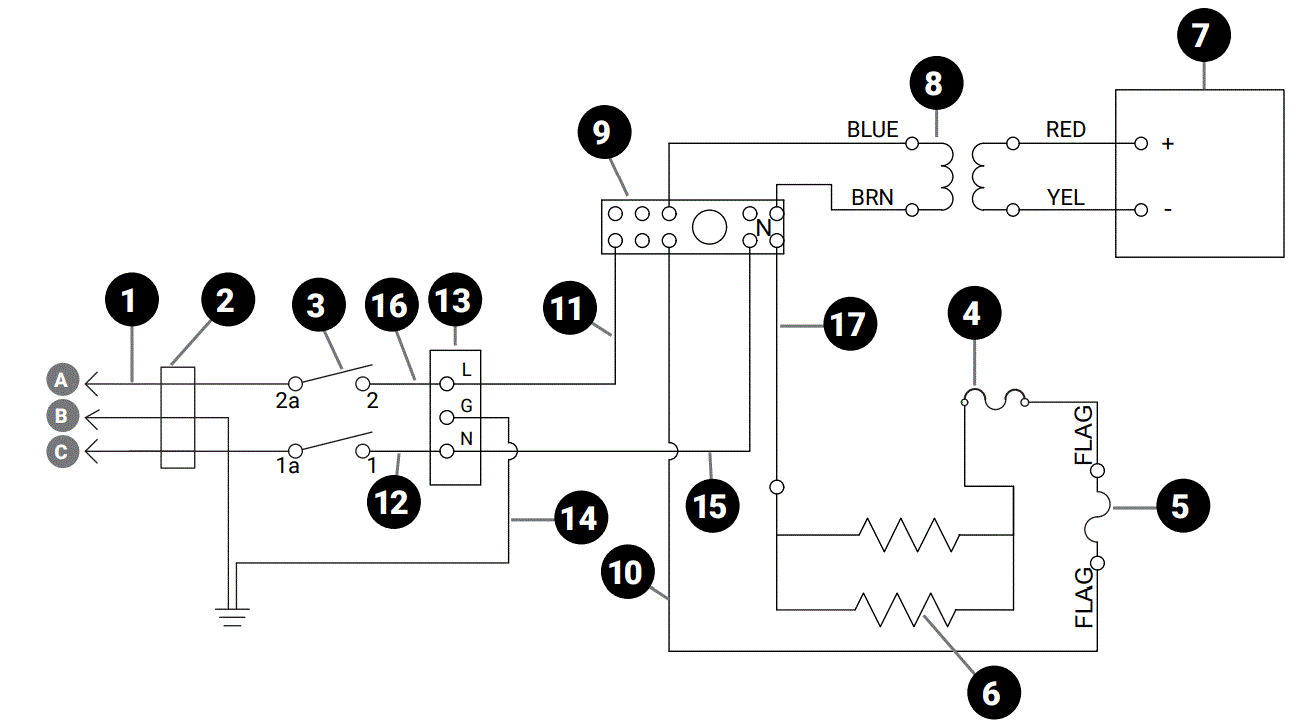
- Cord Assembly 230V
- A Brown
- B Yellow/Green
- C Blue
- Bushing/Strain Relief
- Rocker Switch
- Thermal Cutout
- Thermostat
- 400W Silicone Element
- Timer Board
- 12VAC 230V Transformer Assembly
- Terminal Block
- Wire Assembly, White, 7″
- Wire Assembly, Black, 10
- Wire Assembly, White, 6
- Board, Terminal EMI Filter
- Wire Assembly, Green, 6
- Wire Assembly, White, 10
- Wire Assembly, Black, 6
- Wire Assembly, White, 7
CONSERVEWELL 230V UNITS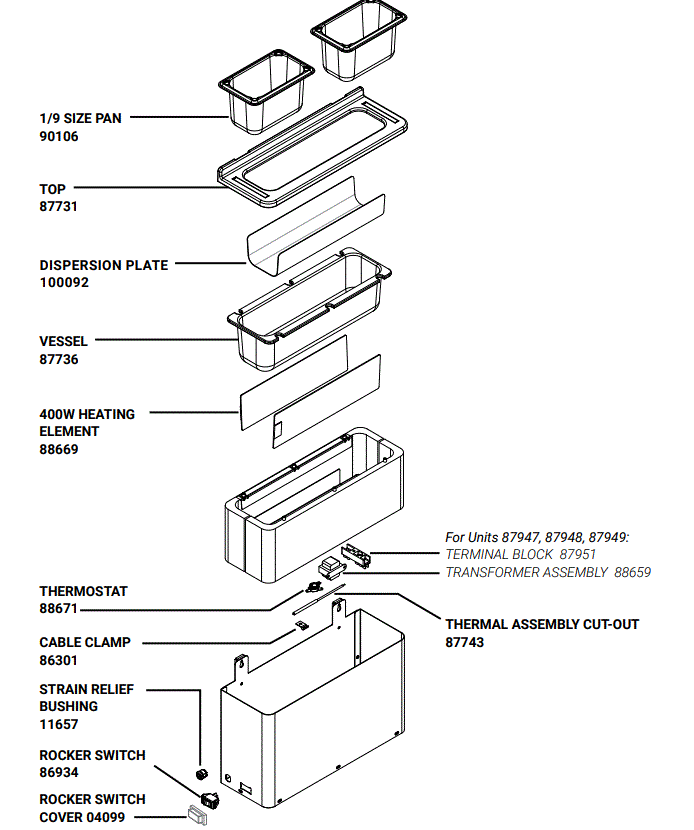
NEED HELP?
- Server Products Inc.
- 3601 Pleasant Hill Road
- Richfield, WI 53076 USA
- Chat with us!
- [email protected]
- 262.628.5600 | 800.558.8722
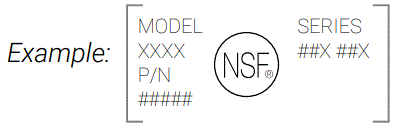
Please be prepared with your Model, P/N and Series located on the lid or base of the unit.
 Products.com
 Server Products