 Top Pro
User Guide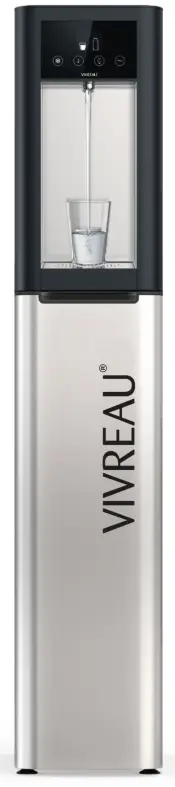

Top Water Pro
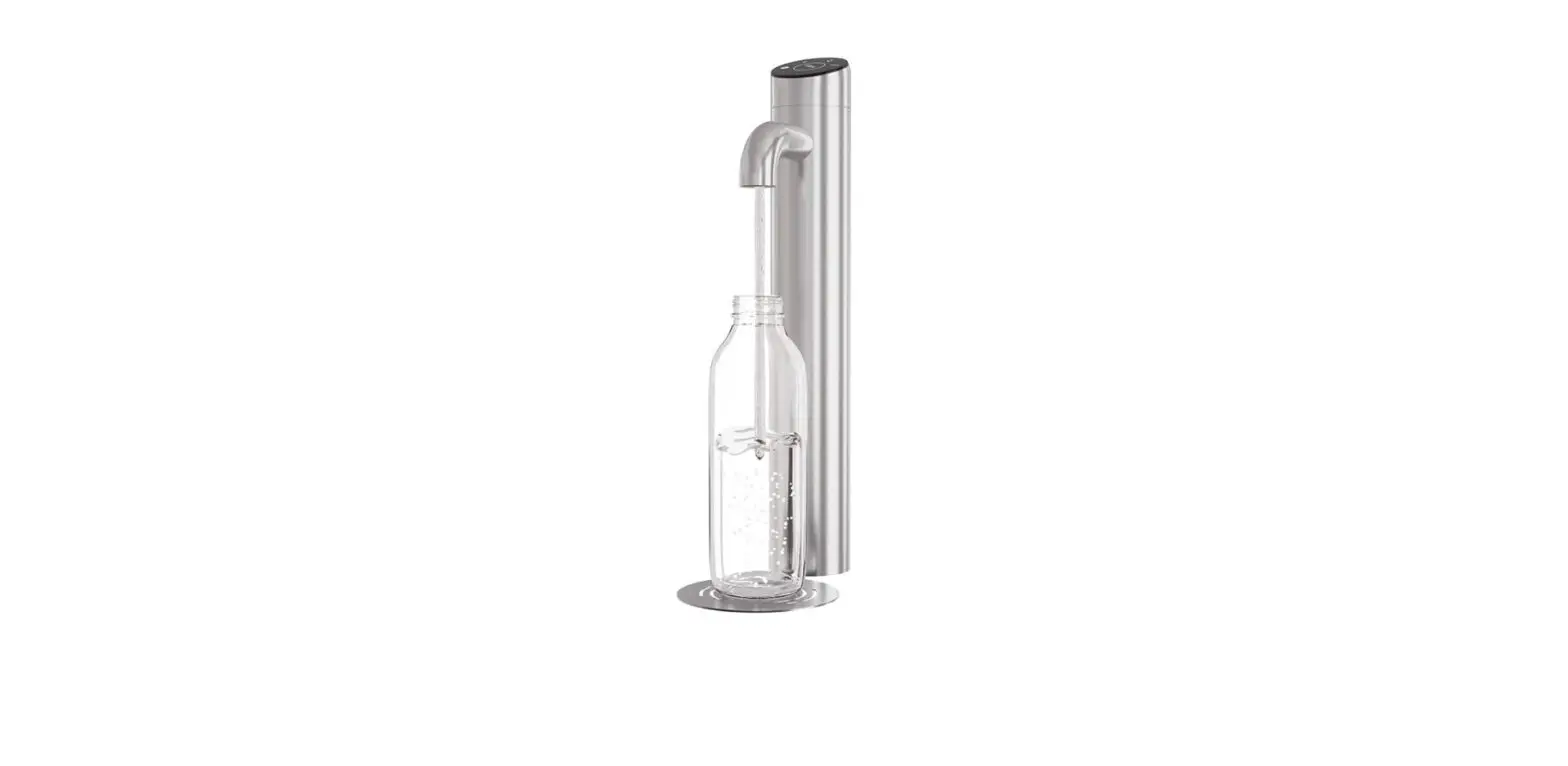
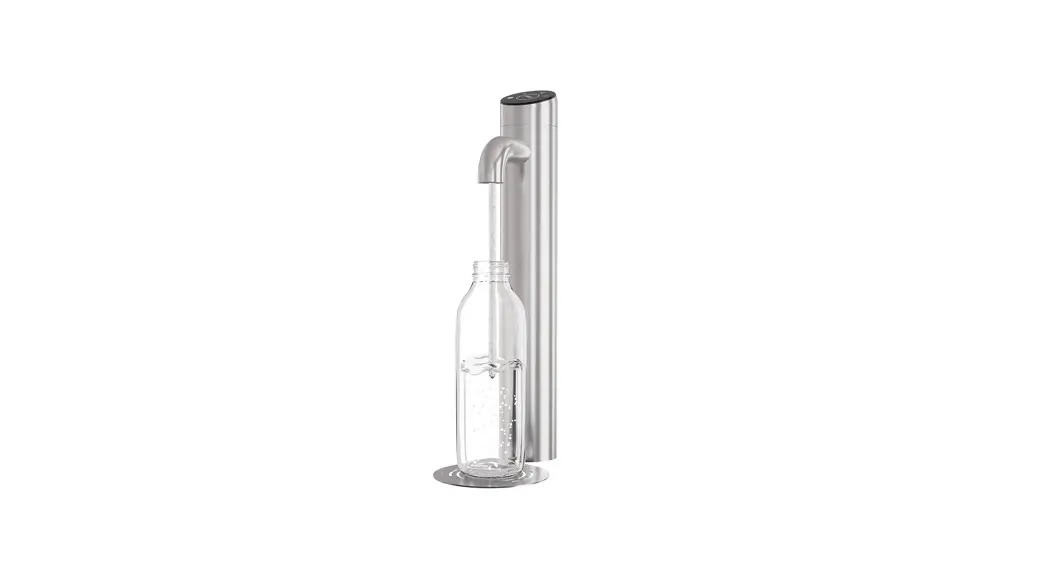
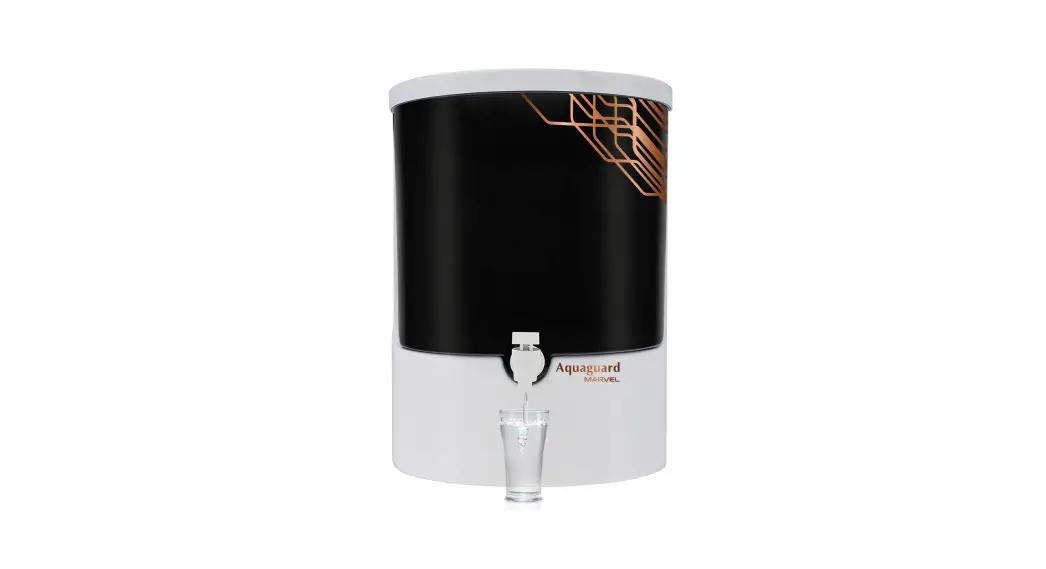
To dispense the required amount of water:
- Place a glass or bottle under the tap
- Press the button for the desired water type (see icons above) until the required amount has been dispensed
To dispense pre-set portions of water:
- Place a glass or bottle under the tap
- To activate pre-set portions, touch the display above the water type icons (portion control icons will appear), then press the icon for the preferred portion:
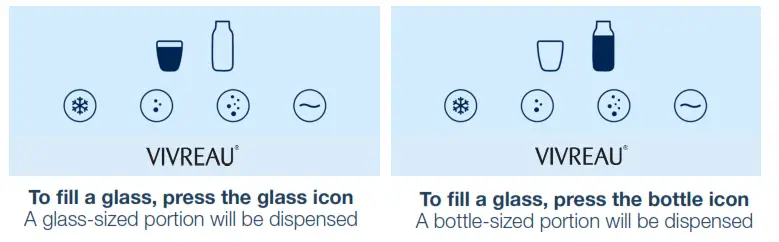
- Press the button for the desired water type (see icons above). The required amount of water will be automatically dispensed into the glass or bottle. Press any button again to immediately stop dispensing
- To deactivate portion control, press the glass or bottle icon again. Once neither icon is displayed, portion control has been deactivated