Installation guide for
ORION
DCP-STG48-BK
Download the free Dals Connect app







| MODEL | WATTS | LUMENS | KELVIN | INPUT | DIMMABLE* |
| DCP-STG48 | 24W | Im | RGB + CCT 2200-4000K | 24VDC |  |
*Dals Connect App™ / Application Dais Connect™
ITEMS INCLUDED IN THE BOX
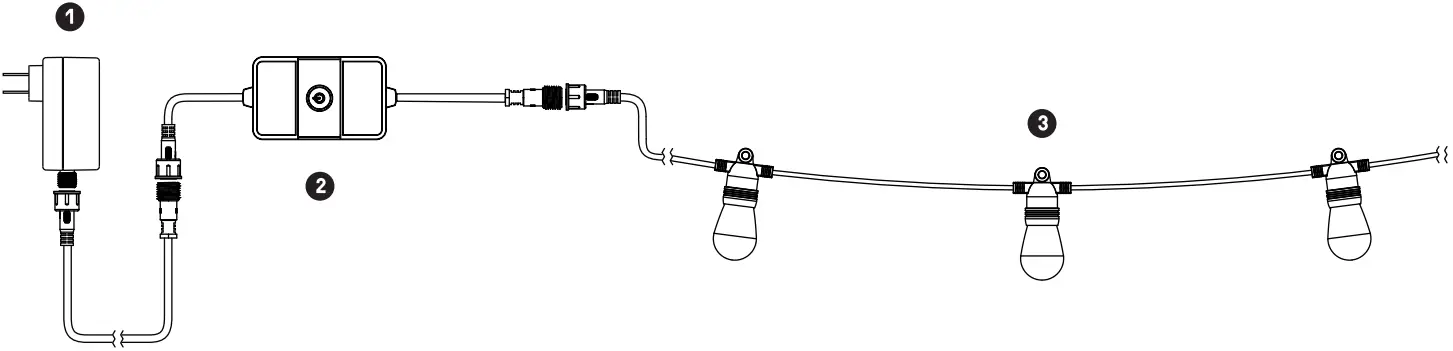 1 Plug-in driver
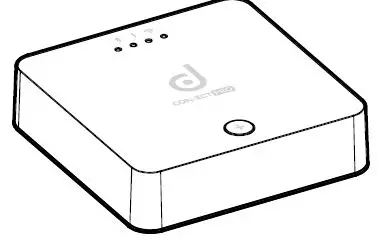
2 Smart Control box
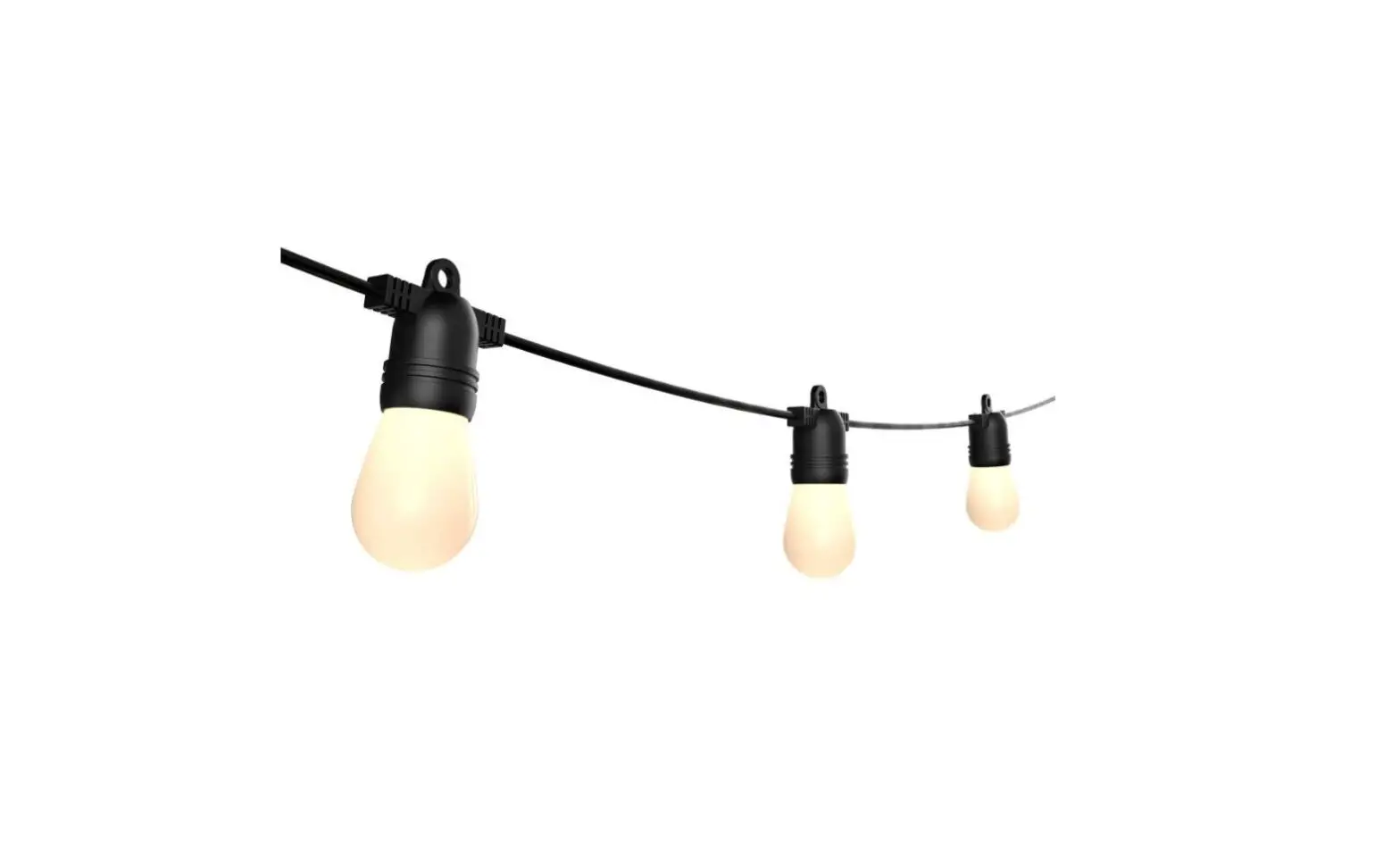
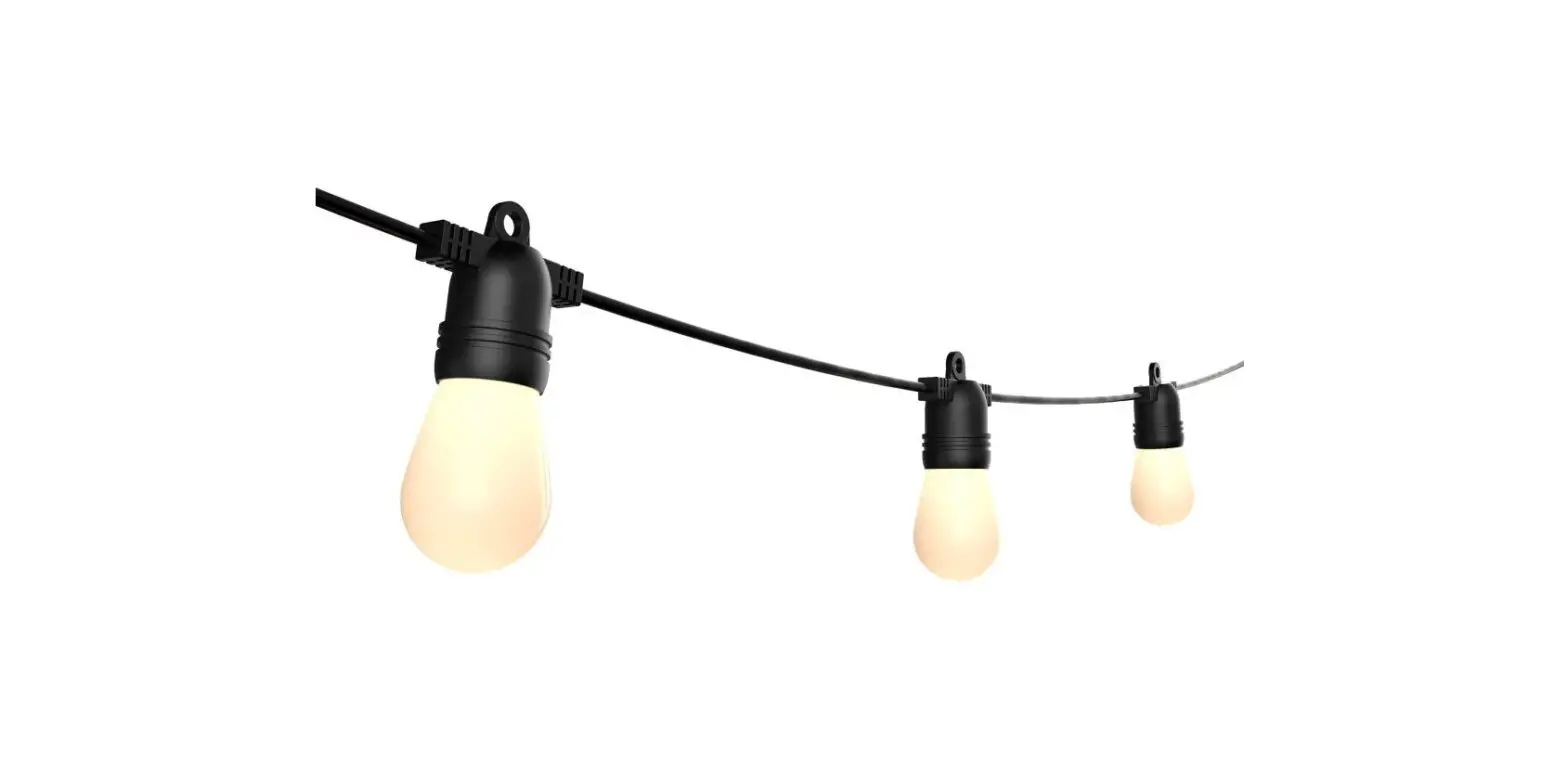
3 48′ / 15 Bulbs String Light
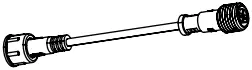
4 Adapter cord

5 15 Ferrite ring
*The maximum number of DCP-STR48 sets supported on the included plug-in transformer is 2.
COMPATIBLE ACCESSORIES (SOLD SEPARATELY):
DCP-TR60-BK: Transformer – Max. 60W
DCP-TR200-BK: Transformer – Max. 200W
DCP-PTR36: Plug-in driver – 36W
DCP-EXT2OFT: 20′ extension cable
DCP-EXT6FT: 6′ extension cable
DCP-EXT-T: 6″ T-connector
DCP-STGACCBLB: Replacement bulb
DCP-STGACCLENS: PCB replacement
WARRANTY
DALS offers a 5 year warranty from the date of purchase which covers repairs or replacements of defective parts of the housing, optics, and electronics. To contact DALS customer service call 1 877 430 1818 or send an e-mail to [email protected].
 BEFORE YOU START
 BEFORE YOU START
BEFORE STARTING INSTALLATION, SHUT THE LINE FEED POWER OFF USING THE CIRCUIT BREAKER.
Instructions pertaining to a risk of fire, electric shock or injury to persons. Installation must be done according to local electrical codes. Installation should be done by a certified electrician.
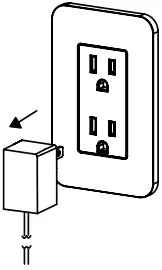
1 Ensure that the plug-in adapter is not plugged in.
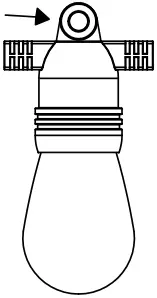
2 Use the built-in eyelets to hang your string light bulbs.
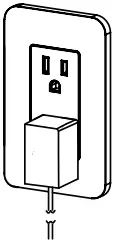
3 Turn power back on.
To plug the string light into another transformer. (DCP-TR200, DCP-TR60, DCP-PTR36).
1 Ensure that the plug-in adapter is not plugged in.
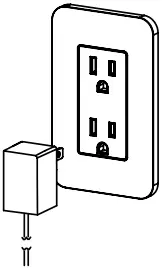
2 Unscrew the plug-in adapter.
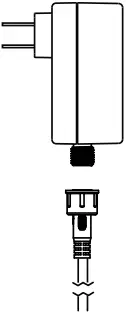
3 Install the adapter cable and screw the other end in your transformer.

4 Screw the adaptercable into your transformer cable and turn power back on.
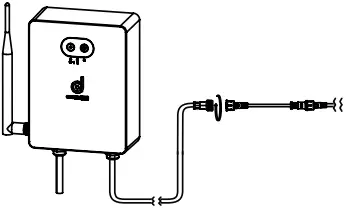
For residential installations, we recommend putting the ferrite rings in between each bulb.
1 Localize the clips on the ferrite ring and lift them to open the ring.
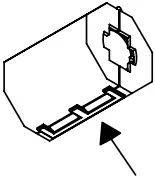
2 Place the ring around the wire, anywhere in-between 2 bulbs and clamp it down.
3 Repeat in between each bulb.


Dais Connect
To pair your product, follow the steps on the App

1 877 430 1818
www.dals.com
INS_DCP-STG48_REV1