
Hanshow Stellar-XXXXL E31 Series Product Manual
V1.1.6
HS-ESL-STELLAR102001
STATEMENT
This document and all its contents contained remain the proprietary material of Hanshow Technology Co., Ltd. (Hanshow) and are protected by Chinese laws and applicable international conventions on copyrights. Any reproduction, transmission, disclosure, revision, modification or use otherwise of this document or the whole or part of its contents, in whatever form and by whatever means, is not permitted without prior express written authorization from Hanshow. Offenders will be liable for any and all damages caused by their offense hereof and will be subject to all remedies that Hanshow is entitled to seek under applicable laws.
ABOUT THE DOCUMENT
The document describes the specifications, each feature and usage precautions for Stellar-XXXXL E31 series ESLs.
Please read this manual carefully before using this product, retain the manual for subsequent use or for the next owner. If the instructions contained in this manual are insufficient to resolve issues that occur during device operation or maintenance, please contact Hanshow Technical Customer Service Center (China: 400-0365-305; Netherlands: 0800-022-5037; Belgium: 0800-71-335; France: 0800-91-7602; Thailand: 1800-011-185) directly, we will spare no effort to offer multi-channel technical services for you.
TARGET USERS
This document provides engineers with the necessary data and detailed usage precautions of Stellar-XXXXL E31 series ESLs. Users have to master the basic knowledge on communication and Network. This document is applicable for the below engineers:
- Testing engineer
- Technical support engineer
- After-sales engineer
- Installation engineer
SYMBOL DESCRIPTION
| Icon | Description |
 | Information indicated with this icon should be paid special attention to and attached with great importance by the reader. |
 | Information indicated with this icon is the explanation of the formal text for the readers to comprehend the text better. |
| [X-X] | It means a special noun definition is provided here. |
EXPLANATION OF TERMS
| Term | Expanded form | Description |
| PetSmart | PetSmart Smart Retail System | Manage all store product data and issue price update commands, as well as support multi-store management. |
| ESL-Working | ESL-Working System | Manage all the APs and ESLs in-store, and ESL-Working 3.0 and above supports multi-store management. |
| ESL Controller | ESL Controller | Also called AP that is used for data interaction between ESL-Working and ESL Controller. |
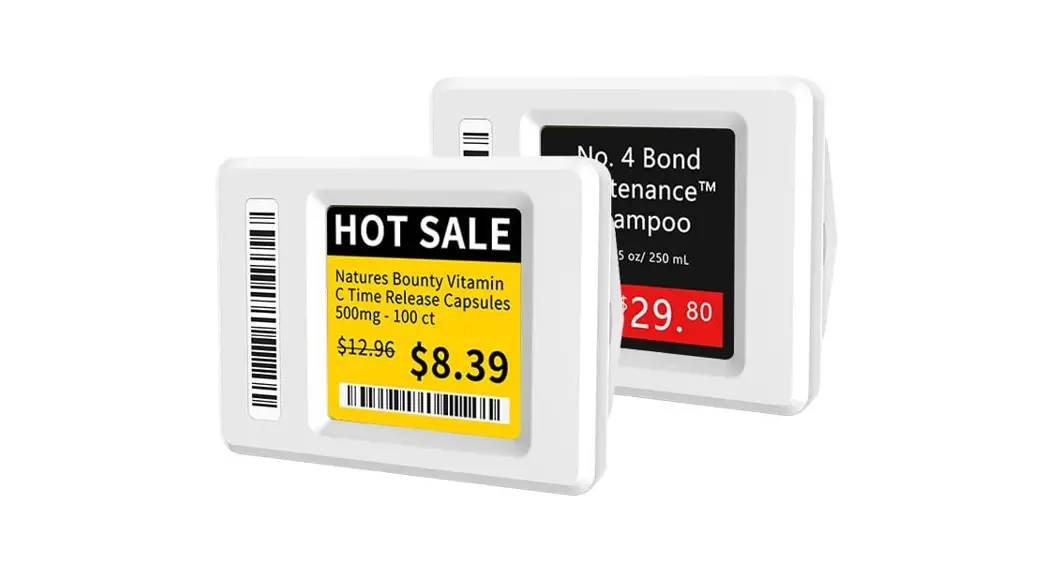
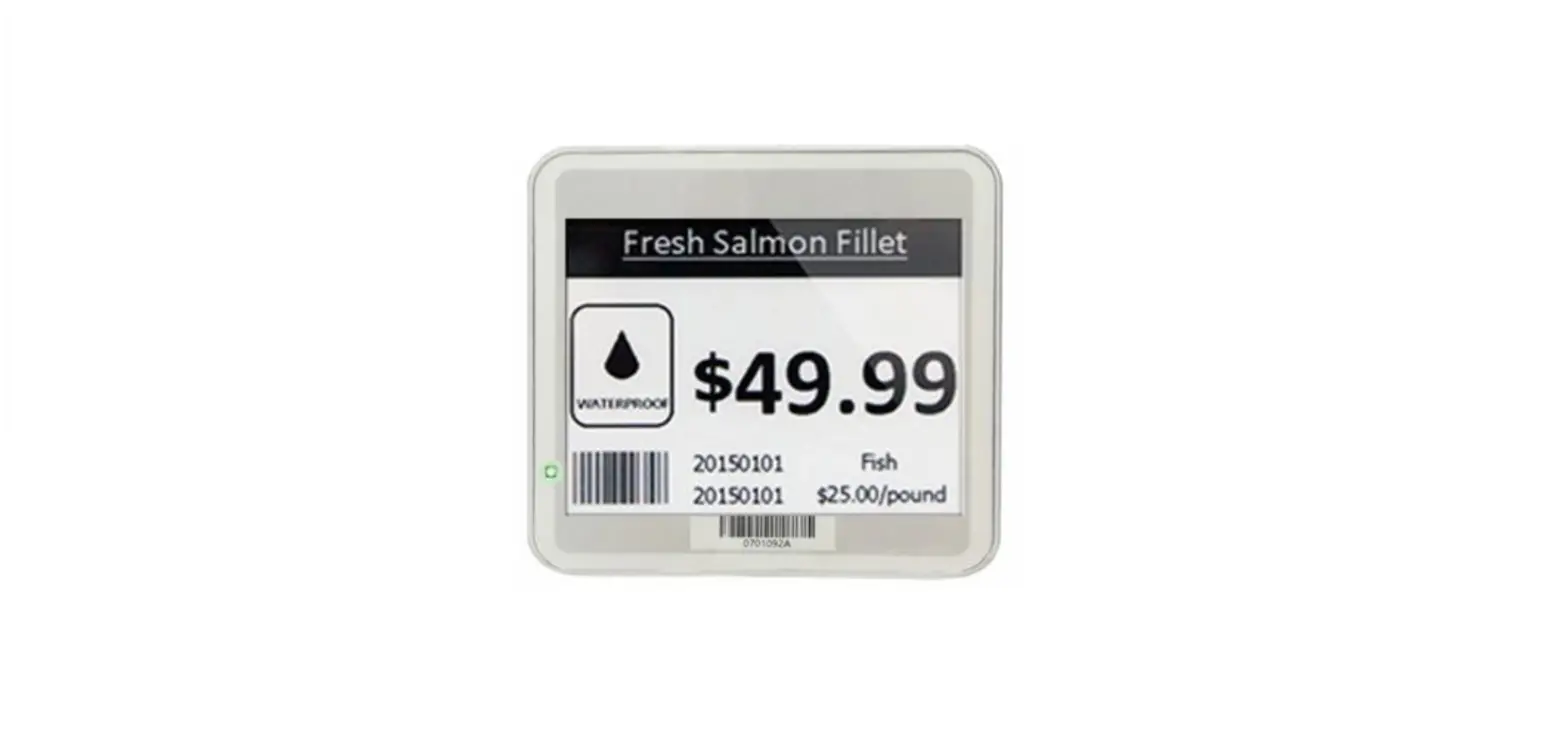
| ESL | Electronic Shelves Label | Used for displaying product information like promotion information, price, and grade, etc. |
Overview
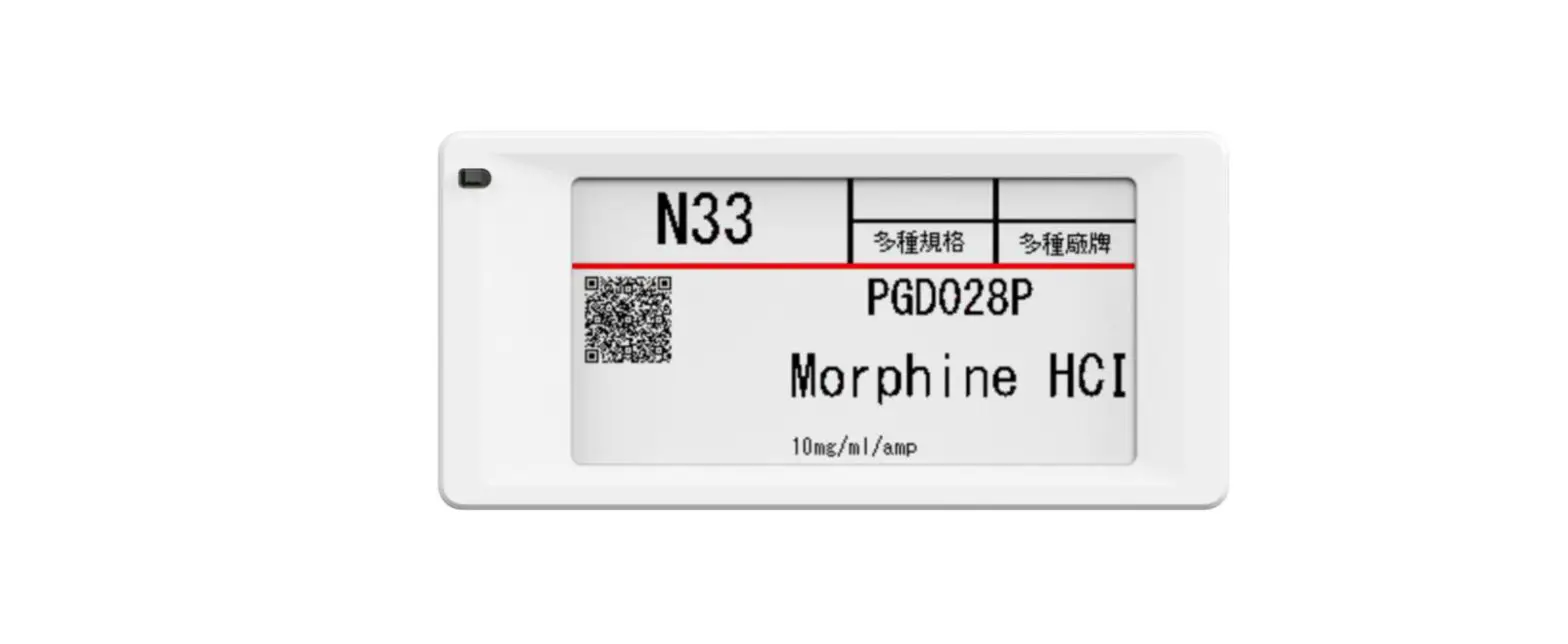
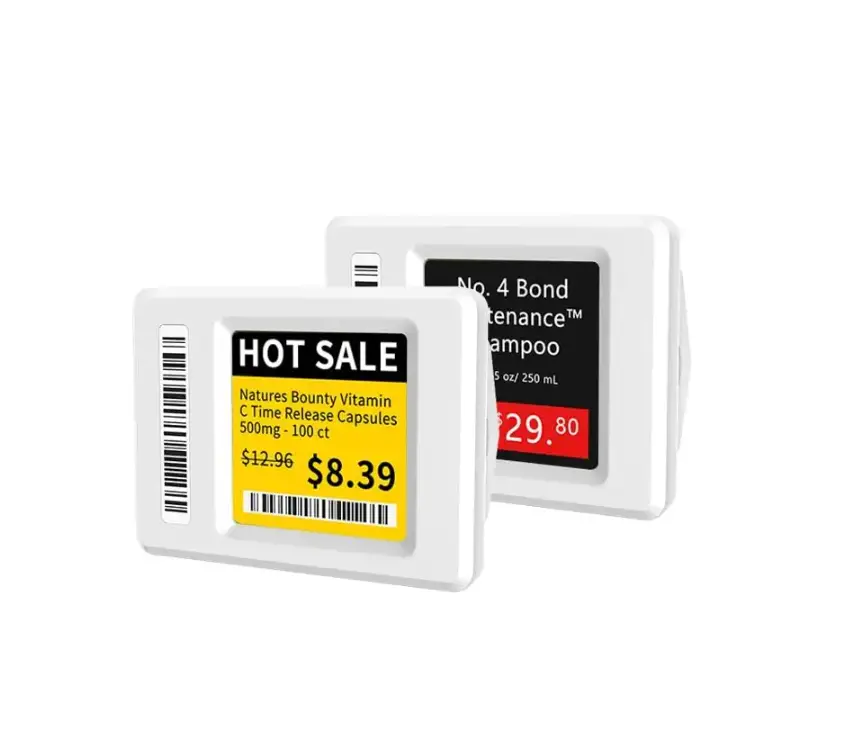
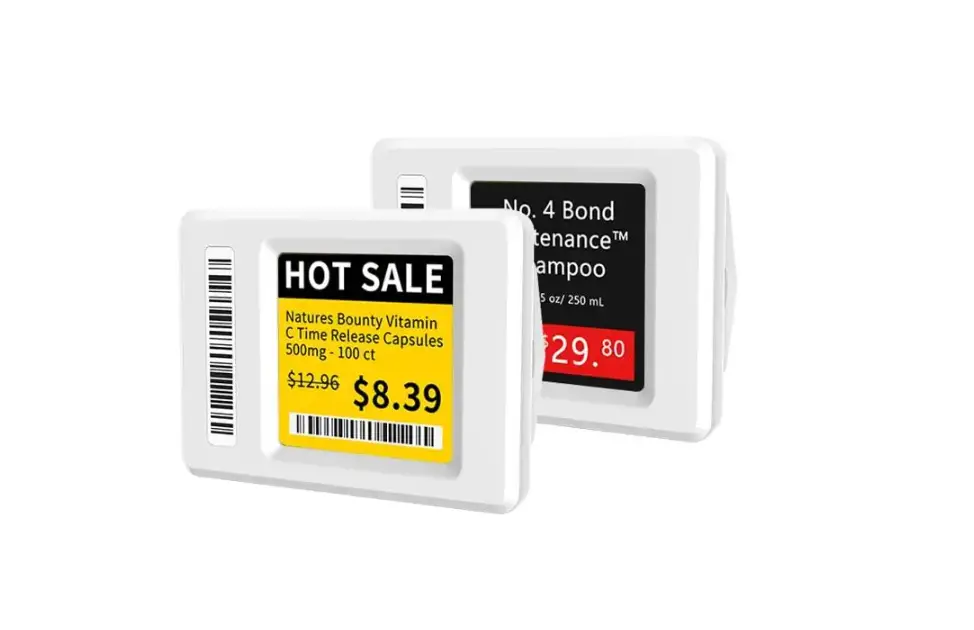
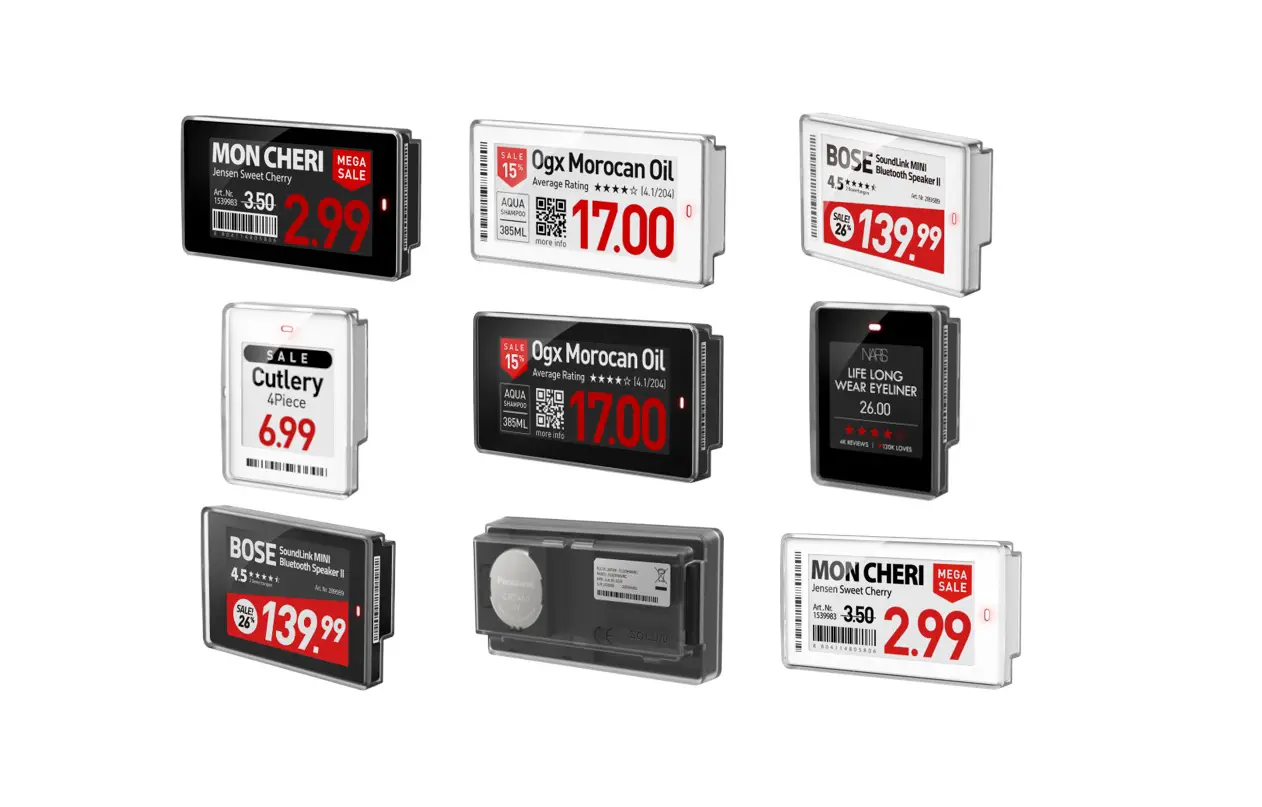
Stellar-XXXXL E31 series is Hanshow’s Electronic Shelf Label (ESL) for data transmission and information interaction with the AP and ESL-Working system based on .4GHz private protocol. It features bi-directional communication, remote control, NFC, fast flashing, multi-page switch, and multi-color selection function. Stellar E31 series has he high-definition visual effects, convenient and unified management, and long life advantages, widely serving traditional retail, new retail, apartment store and fashion, medicare, culture, and entertainment, etc.
The Stellar-XXXXL E31 models include Stellar-XXXXL@ E31, Stellar-XXXXL@ E31A, Stellar-XXXXLN@ E31, Stellar-XXXXLN@ E31A, Stellar-XXXXL3@ E31, Stellar-XXXXL3@ E31A, Stellar-XXXXL3N@ E31, Stellar-XXXXL3N@ E31A, Stellar-XXXXL3Y@ E31, Stellar-XXXXL3Y@ E31A, Stellar-XXXXL3YN@ E31, Stellar- XXXL3YN@ E31A, etc.
Specifications and characteristics
This chapter describes the product information, product view, specifications and function description of the Stellar-XXXXL E31 series.
Product information
Table 2-1 Stellar-XXXXL E31 product information
| Marketing name | Color | ID rule |
| Stellar-XXX E31X[2-1] | •Case color: White (Customizable) •The supported EPD screen colors: black/white, black/white/red and black/white/yellow | Total of 18-digit ID |
Note: [2-1]: XXX and X represents optional hardware. For example, Stellar-XXXXL3N@ E31.
- XXXXL is: 10.2 inch
- 3 is: Three colors of black, white and red
- Y is: Yellow
- N is: NFC chip
- A is: No reed switch
- @ is: LED indicator
2.2 Product view
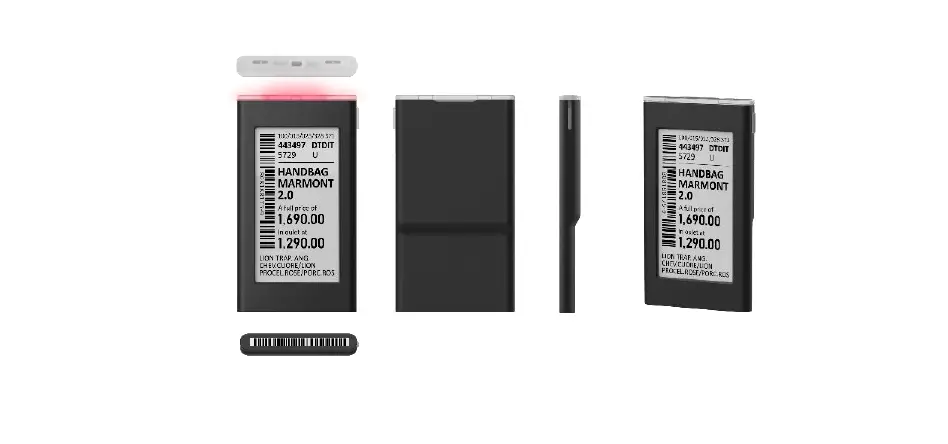
Below are the Stellar-XXXXL E31 appearance and each part. its six views and each area description is shown in Figure 2- and Table 2-2.
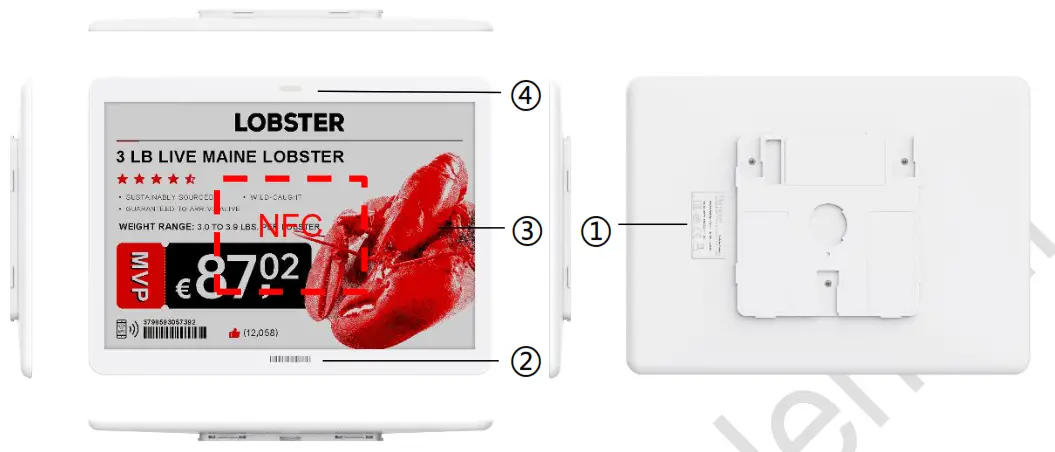
Figure 2-1 Six views of Stellar-XXXXL E31
Table 2-2 Stellar-XXXXL E31 area description
| No. | Name | Description |
| 1 | LED area | Support for RGB tricolor LED flashing. |
| 2 | Screen area | E-paper screen, support three colors (black/white, black/white/red and black/white/yellow) display schemes, NOT SUPPORT grayscale. |
| 3 | Barcode area | 18 digits barcode used for binding product and maintenance. |
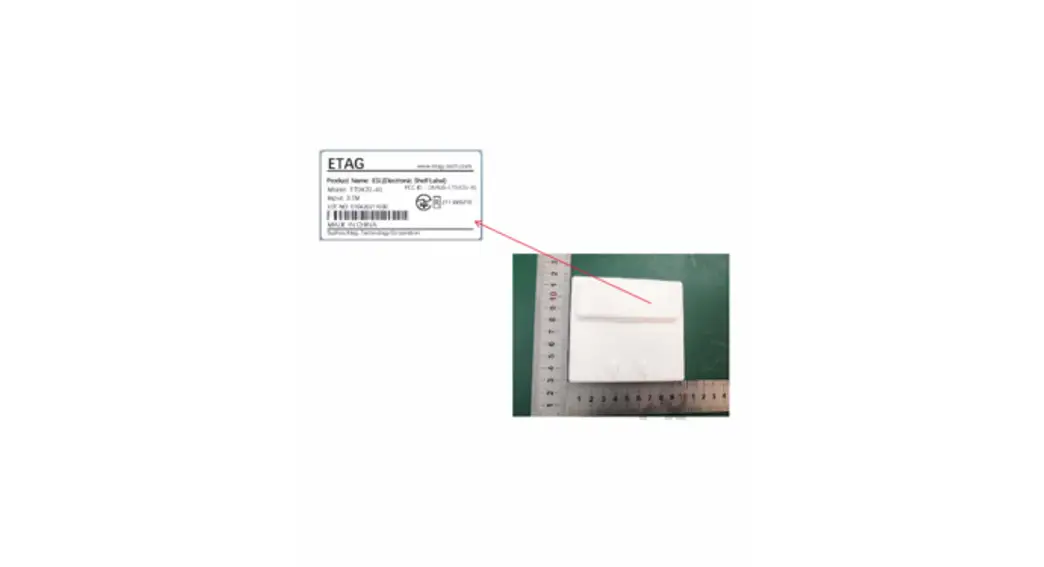
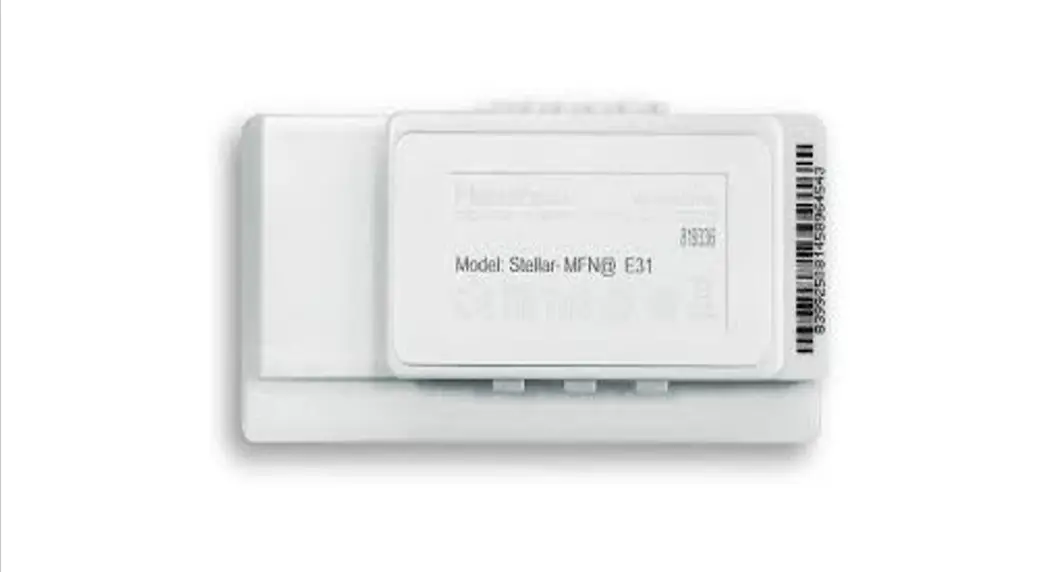
| 4 | Nameplate | Product information mark, including Model, S/N, and certifications. Note each S/N is unique, and Each type of ESL’s MODEL is different. The content above s for reference only. |
| 5 | NFC induction area | See the red dotted square shown in Figure 2- |
Specifications
Stellar-XXXXL E31 specifications are shown in Table 2-3.
Table 2-3 Stellar-XXXXL E31 specifications
| Name | Description |
| Dimensions (mmemm*mm) | 235.5’174.0’12.5 |
| Active display area (mmemm) | 215.5’143.7 |
| Weight (g) | 354. |
| Case | Elegant White (Customizable with different-color case) |
| Display size (inch) | 10. |
| Resolution (pixel) | 960’640R-2i |
| DPI | 113(2-21 |
| Display effect | EPD e-paper display screen, including black/white, black/white/red and black/white/yellow |
| Viewing angle | Nearly 180 degree |
| Working life | 3 – 5 yearsl2-3) |
| NFC function (Optional) | The “N” in the product model indicates the NFC function. It has the following features: •Conforms to ISO/IEC 14443 Type-A standard. •Supports NFC NDEF data format. •With 200-byte storage space, and write content configurable. •Maximum 1cm communication distance. •Greatly improve the batch data transmission rate of ESLs with the same template. |
| Page switch | Supports up to 4 pages |
| Battery specification | 600mAh’6 |
| Battery replaceability | Replaceable (Compatible with Hanshow standard battery) |
| Protection level | IP65 |
| Operating temperature | 0°C – 30°C |
| Name | Description |
| Storage temperature | 0°C – 30°C |
| Humidity | 30% – 70% |
| Certifications | ROHS, CE ,FCC,MIC |
Note:
- [2-2]: The resolution and DPI vary slightly with different screens.
- [2-3]: For EPD ESLs with black/white or black/white/red, the life at room temperature is about 5 years, while 3.5 years in a refrigerated environment. For EPD ESLs with black/white/yellow, the life is about 3 years at room temperature or refrigerated environment.
Stellar-XXXXL E31 can perform flashing, page switch, update, and others, and its usage standards are as shown in Table 2-4.
Table 2-4 Stellar-XXXXL E31 usage standards
| Name | Description | |
| LED flashing | 1 hour/day (on=30ms, off=1200ms flashing) off=120ms, on=30ms, | |
| Frequency of update | Twice/day | |
| Frequency of page switching | Once/day | |
Notice:
- The battery output power at low temperatures may decline differently because it is subject to environmental temperature.
- If the screen is stored or used outside the above conditions, its life will be affected.
2.4 Function description
The basic functions of Stellar-XXXXL E31 are shown in Table 2-5.
Table 2-5 Stellar-XXXXL E31 basic function
| Name | Function | Description |
| Screen display area | Screen display | •Using dot matrix screen that has ultra-wide viewing angles, high contrast, and mirrorless, adapting to the complex light environment. •Flexible display information such as text, digit, image, barcode, QR code and others. •All information in display areas are independent elements such as name, price, place, unit, spec/specs, phone number, barcode, and QR code. Their display place and font size is custom. •Supports up to 4 pages of storage content and page switch function. |
| LED display function (Optional) | Flashing light | Supports RGB tricolor-LED |
| The LED flash cycle is configurable-41 | ||
| Supports marquee function | ||
| Remote control function | Flashing light | Supports flashing light function via remote control |
| Page switch | Supports page switch via remote control | |
| NFC function | ESL management | •ESL bind/unbind •Lighting control •Page switch control •Data operation for the private area and public areas |
| Temperature acquisition | Range | 0°C — 40°C (only for the red screen) |
| Accuracy | ±2°C |
Note: [2-4]: Adjustable flashing cycle: 30ms ~ 7s, the smallest unit of 30ms.
Product performance
This chapter introduces the performance parameters and benefits of the StellarXXXXL E31 series.
3.1 Performance parameters
The performance parameters of the Stellar-XXXXL E31 series are shown in Table 3-1.
Table 3-1 Stellar-XXXXL E31 series product performance
| RF parameters | |
| Transmission band | 2402MHz — 2480MHz |
| Transmit Power | Maximum 1dBm |
| System throughput | |
| Average rate | 10000 tags/hour |
| Peak rate | 18000 tags/hour |
3.2 Performance benefits
The performance benefits of the Stellar-XXXXL E31 series are as follows:
- Support bi-directional communication and a wider coverage range.
- Multiple installation ways and suitable for different scenarios.
4 Precautions
This chapter emphasizes the transportation and uses precautions of the Stellar-XXXXL E31 series. Please follow the items below to ensure that the Stellar-XXXXL E31 series can work normally.
4.1 Transport consideration
The transport considerations for the Stellar-XXXXL E31 series are as follows:
- No water ingress during transportation.
- Do not extrude ESLs to avoid screen breaking.
- The transportation environment should not exceed 40℃.
4.2 Precautions for use
The precautions for use of the Stellar-XXXXL E31 series are as follows:
- ESLs operate best in the normal temperature and humidity range (0℃ ~ 30℃, RH 30% ~ 70%).
- Do not store or operate ESLs when the environment temperature is over 60℃.
- The output capacity will degrade at low temperatures.
- Frequent communications or updates may shorten battery life during the use.
- Do not toss or do violent operations for ESLs, avoiding the circuit board damage.
- Do not disassemble ESLs without permission.
- The mineral substances in rainwater, moisture, or liquids may corrode the electronic circuit. If ESL is wetted, please deal with it quickly.
- Clean the screen and maintain cleanliness regularly.
- Promptly remove cosmetics, perfume, and other dirt on ESLs to avoid screen, case, or lens damage.
- Do not wipe the screen with chemical detergent.
- Do not install ESLs in a strong magnetic environment.
- ESLs communications may be limited or affected by other devices that share the 2.4GHz frequency band such as Wi-Fi, BT or Zigbee.
- Do not place ESLs near kitchen appliances such as a stove, a microwave oven.
FCC ID warning
5.1 Warning for nameplate
This device complies with Part 15 of the FCC Rules. Operation is subject to the following two conditions:
- This device may not cause harmful interference, and
- This device must accept any interference received, including interference that may cause undesired operation.
5.2 Warning for product manual
Changes or modifications not expressly approved by the party responsible for compliance could void the user’s authority to operate the equipment.
This equipment has been tested and found to comply with the limits for a Class B digital device, pursuant to Part 15 of the FCC Rules. These limits are designed to provide reasonable protection against harmful interference in a residential installation. This equipment generates, uses, and can radiate radio frequency energy, and if not installed and sed in accordance with the instructions, may cause harmful interference to radio communications. However, there is no guarantee that interference will not occur in a particular installation. If this equipment does cause harmful interference to radio or television reception, which can be determined by turning the equipment off and on, the user is encouraged to try to correct the interference by one or more of the following measures:
- Reorient or relocate the receiving antenna.
- Increase the separation between the equipment and receiver.
- Connect the equipment into an outlet on a circuit different from that to which the receiver is connected.
- Consult the dealer or an experienced radio/TV technician for help.
Application scenarios
ESLs can be applied to various areas and shelves of hypermarkets, supermarkets and retail stores. Stellar-XXXXL E31 series products are widely used for the below areas and scenes:
- Regular shelf racking areas
- Regular shelf hook areas
- Regular fence areas
- Regular floor display areas
7.1 Warning for nameplate
This device complies with Part 15 of the FCC Rules. Operation is subject to the following two conditions:
(1) This device may not cause harmful interference, and (2) This device must accept any interference received, including interference that may cause undesired operation.
7.2 Warning for product manual
Changes or modifications not expressly approved by the party responsible for compliance could void the user’s authority to operate the equipment. This equipment has been tested and found to comply with the limits for a Class B digital device, pursuant to Part 15 of the FCC Rules. These limits are designed to provide reasonable protection against harmful interference in a residential installation. This equipment generates, uses and can radiate radio frequency energy and, if not installed and used in accordance with the instructions, may cause harmful interference to radio communications. However, there is no guarantee that interference will not occur in a particular installation. If this equipment does cause harmful interference to radio or television reception, which can be determined by turning the equipment off and on, the user is encouraged to try to correct the interference by one or more of the following measures:
- Reorient or relocate the receiving antenna.
- Increase the separation between the equipment and receiver.
- Connect the equipment into an outlet on a circuit different from that to which the receiver is connected.
- Consult the dealer or an experienced radio/TV technician for help.
Hanshow Copyright Reserved ©
Hanshow Technology Co., Ltd.
For more information, visit our website at:
https://www.hanshow.com