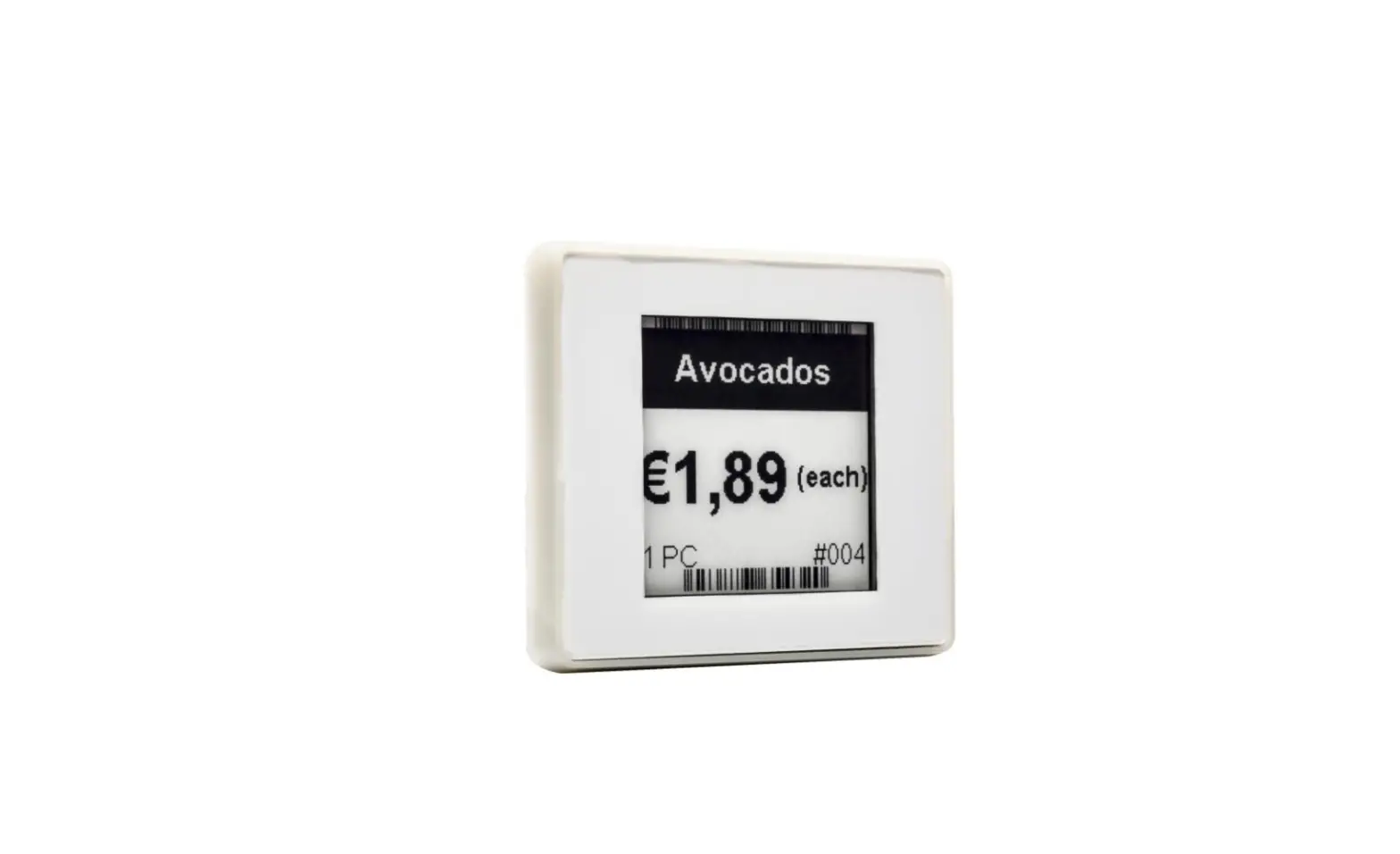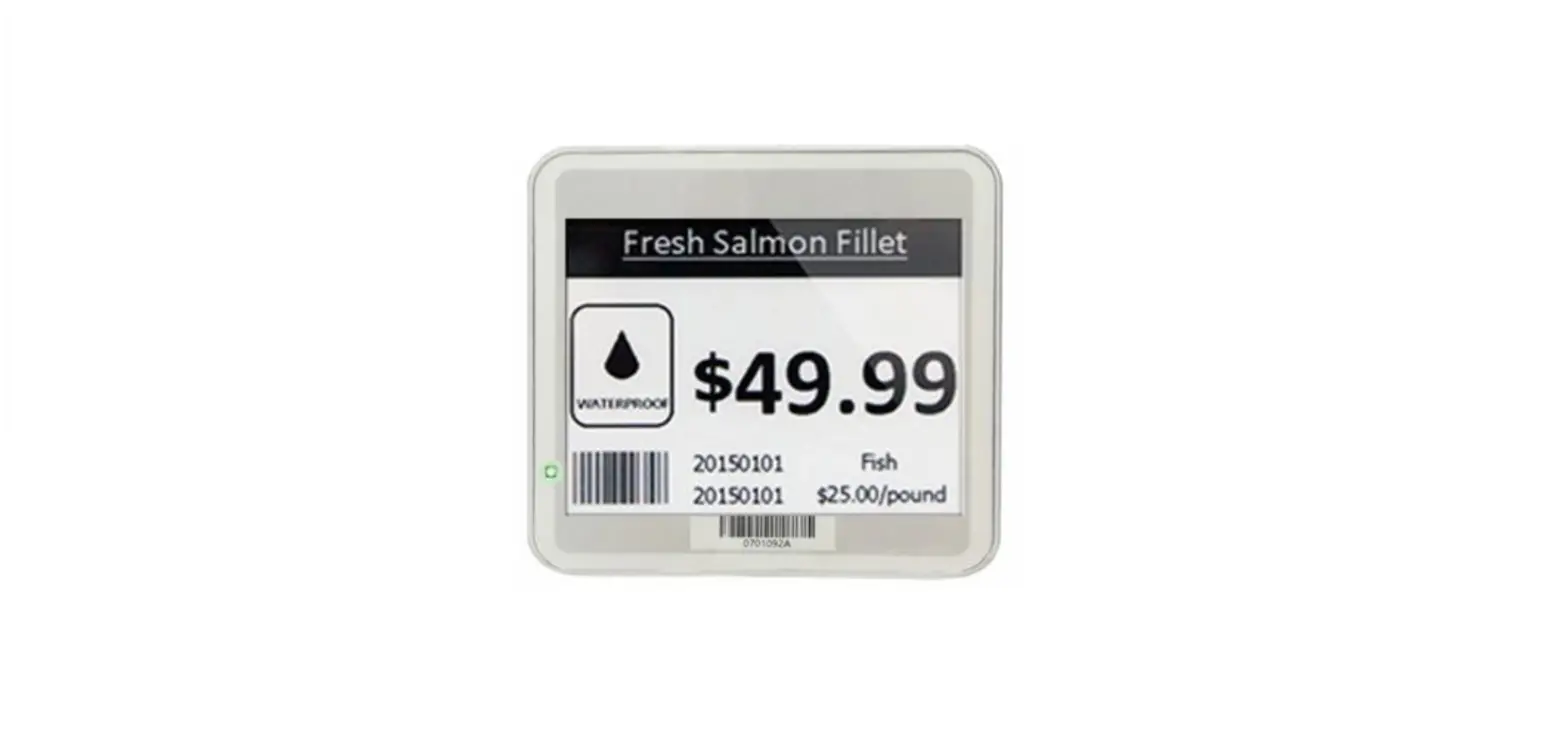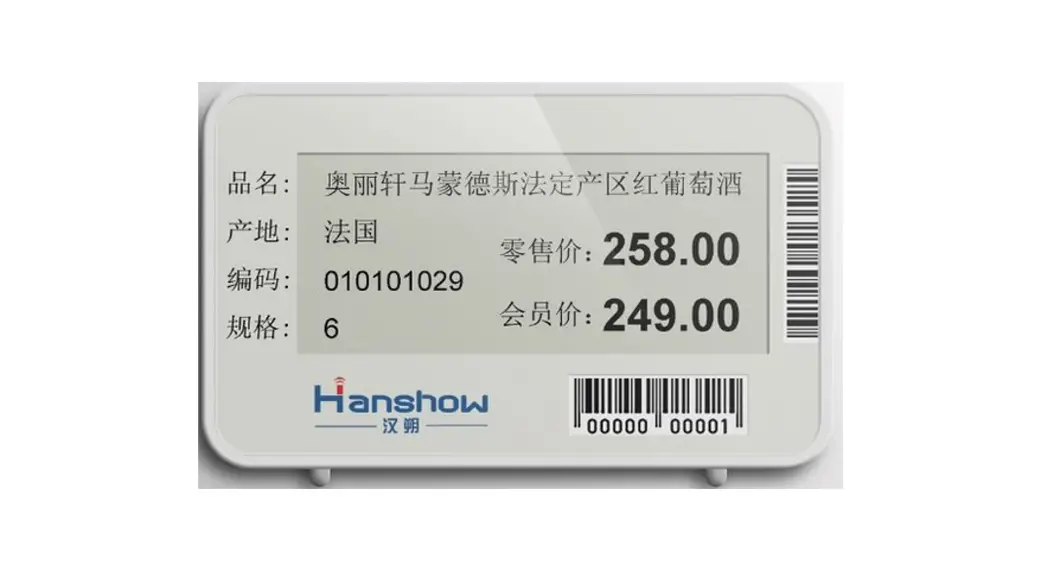

Hanshow Nebular Series Product Manual
V2.0.0 HS-ESL-EPDN0001
For more information, visit our website at: https://www.hanshow.com
STATEMENT
This document and all its contents contained remain the proprietary material of Hanshow Technology Co., Ltd. (Hanshow) and are protected by Chinese laws and applicable international conventions on copyrights. Any reproduction, transmission, disclosure, revision, modification or use otherwise of this document or the whole or part of its contents, in whatever form and by whatever means, is not permitted without prior express written authorization from Hanshow. Offenders will be liable for any and all damages caused by their offense hereof and will be subject to all remedies that Hanshow is entitled to seek under applicable laws.
ABOUT THE MANUAL
This document describes the Nebular series, including features, specifications, package, precautions, etc. Please read this manual carefully before using the device in first, retain the manual for subsequent use or for the next owner. If the instructions contained in this manual are insufficient to resolve issues that occur during device operation or maintenance, please contact Hanshow Technical Customer Service Center (China: 400-0365-305; Netherlands: 0800-022-5037; Belgium: 0800-71-335; France: 0800-91-7602; Thailand: 1800-011-185) directly, we will provide you with multi-channel technical services.
TARGET USERS
This document provides engineers with the necessary data and related guidelines of the Nebular series. Users have to master the basic knowledge of communication and network and so on. This manual is applicable for the below engineers:
- Testing Engineer
- Technical Support Engineer
- After Sales Engineer
- Installation Engineer
SYMBOL DESCRIPTION
Icon | Description |
| Information indicated with this icon should be paid special attention to and attached with great importance by the reader. | |
| Information indicated with this icon is the explanation of the formal text for the readers to comprehend the text better. | |
| [X-X] | It means a special noun definition is provided here. |
EXPLANATION OF TERMS
Acronym | Expanded form | Description |
| PriSmart | PriSmart Smart Retail System | Manage all store product data and issue price update commands, as well as support multi-store management. |
| ESL-Working | ESL-Working System | Manage all the APs and ESLs in store, and ESL-Working 3.0 and above supports multi-store management. |
| ESL Controller | ESL Controller | Also called AP that is used for data interaction between ESL-Working and ESL Controller. |
| ESL | Electronic Shelf Label | Used for displaying product information like promotion information, price, and grade, etc. |
Overview
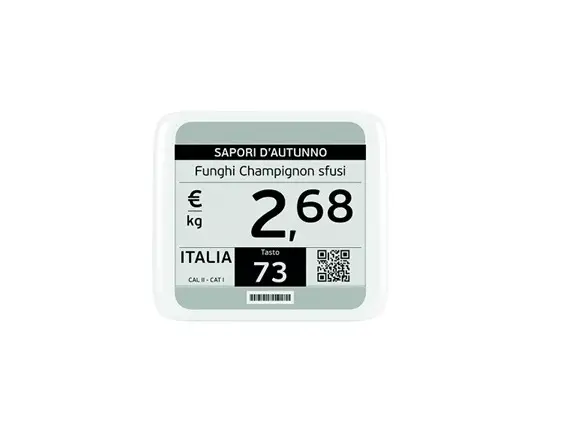
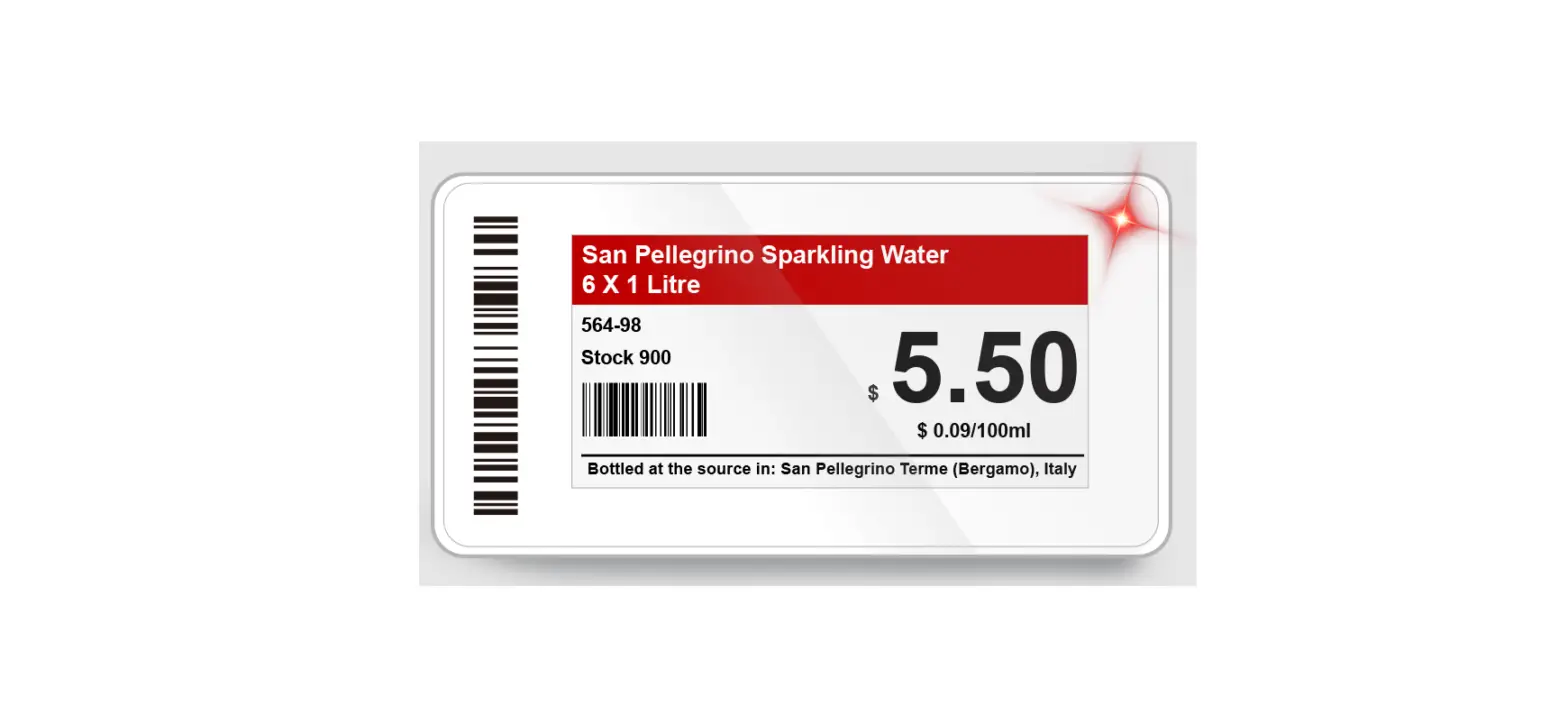
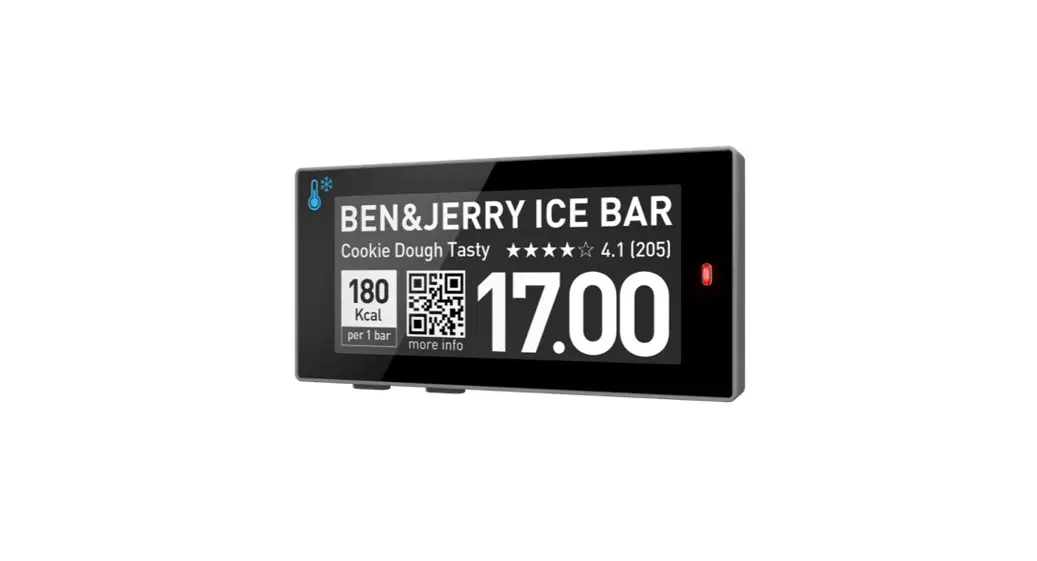
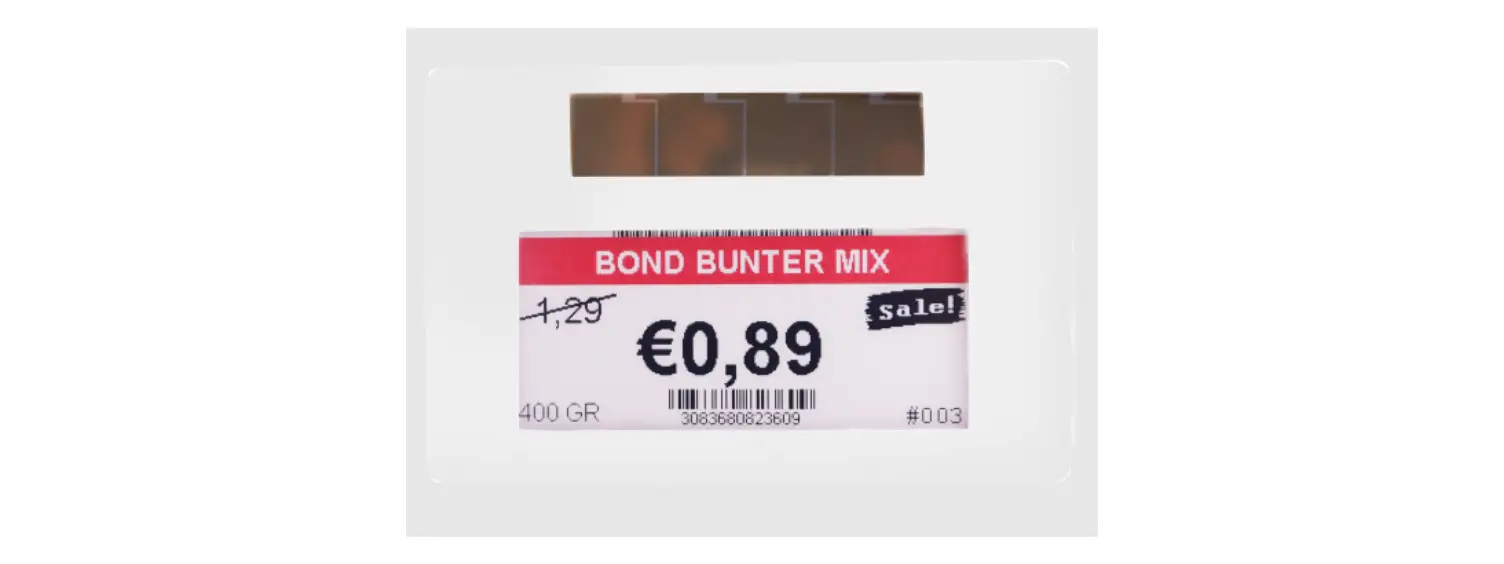
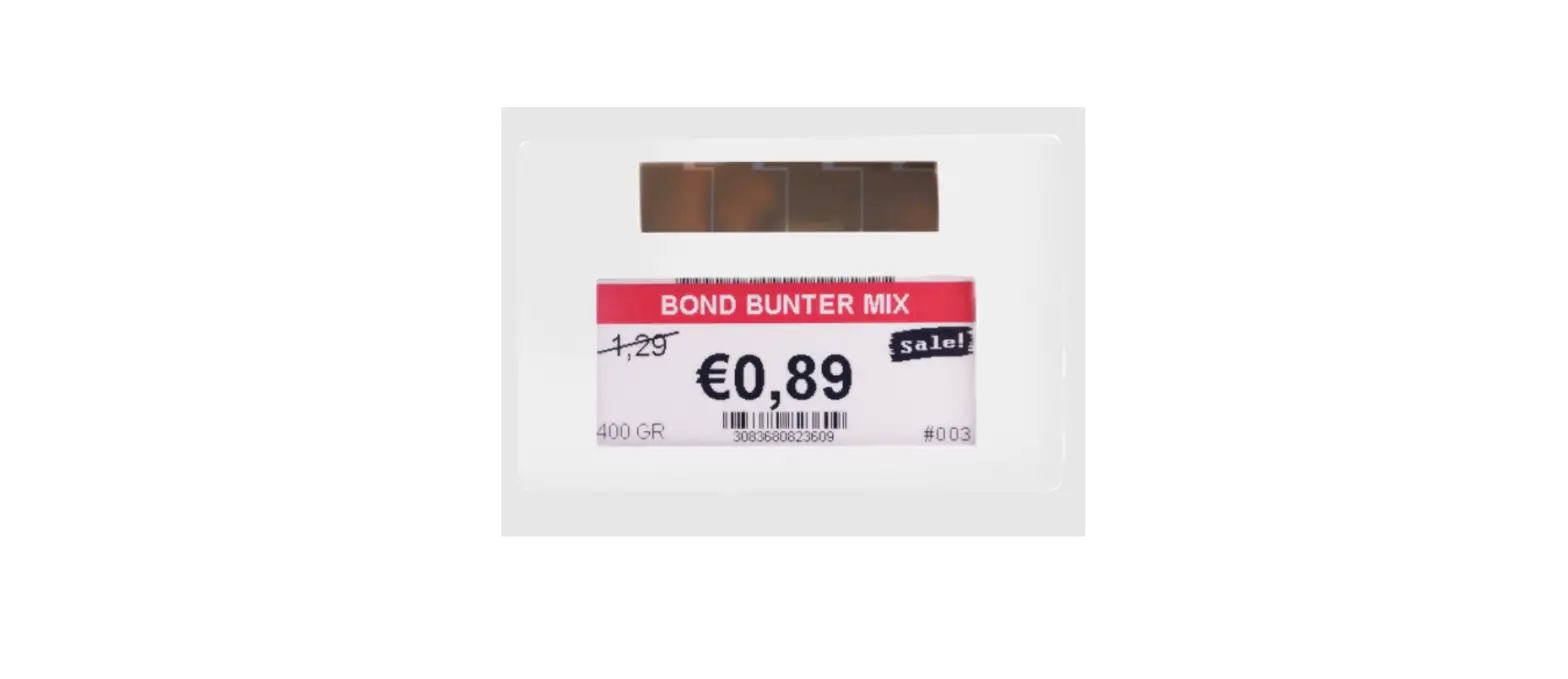
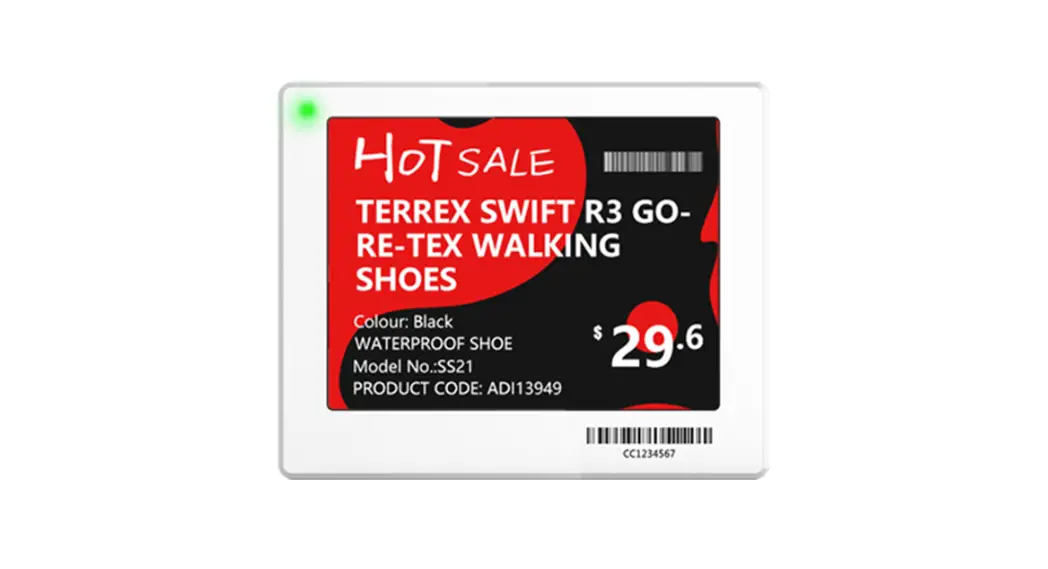
The Nebular series isHanshow’s newest generation of Electronic Shelf Labels (ESLs). They adopted-ink screen to achieve page switching, light flashing, pricing and so on based on 2.4GHz wireless communication. With ultra-thin, extended life, and highdefinition visual effects, the nebular series widely serves traditional retail, new retail, department stores, fashion, pharmacies, culture, entertainment, etc.
1.1 System architecture
Hanshow ESL system includes ESLs, ESL Controller, ESL-Working, PriSmart/ShopWeb, Database, Integration server, CloudMonitorand Handheld Terminal (PDA), as shown in figure 1-1. Specifically, the ESL is used for electronically displaying product information such as name and price, and services available for customers
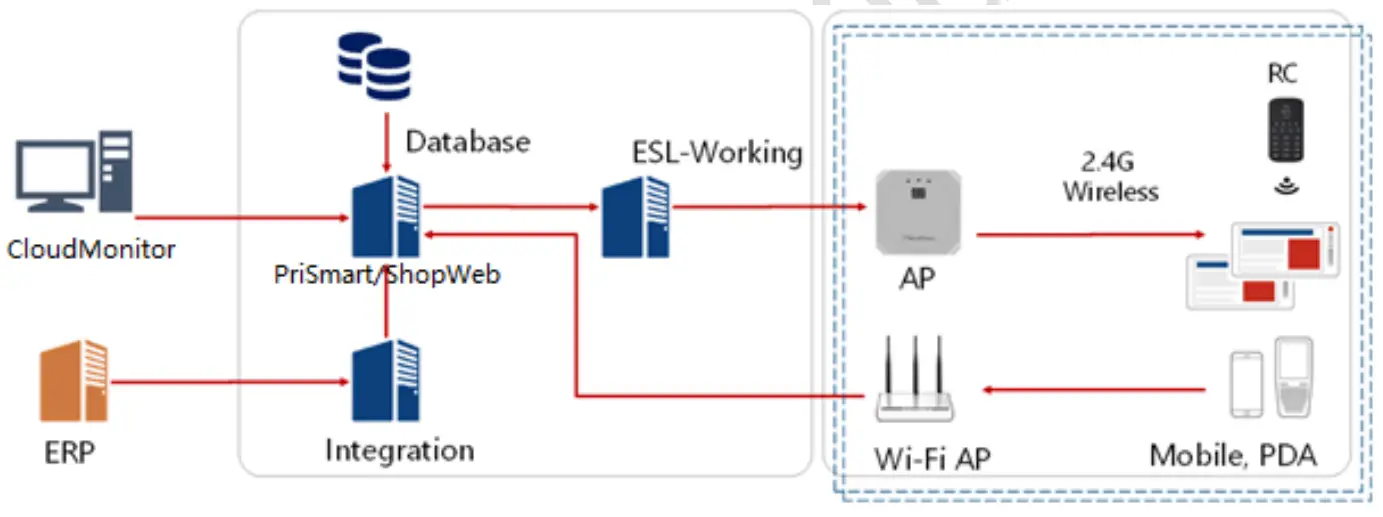 Figure 1-1Hanshow ESL system architecture
Features
The features of the Nebular series are as follows:
- Nebular ESLs come in 8 ESL sizes:1.54″, 2.13″, 2.66″, 2.9″, 3.5″, 4.2″, 5.83″ and 7.5″.
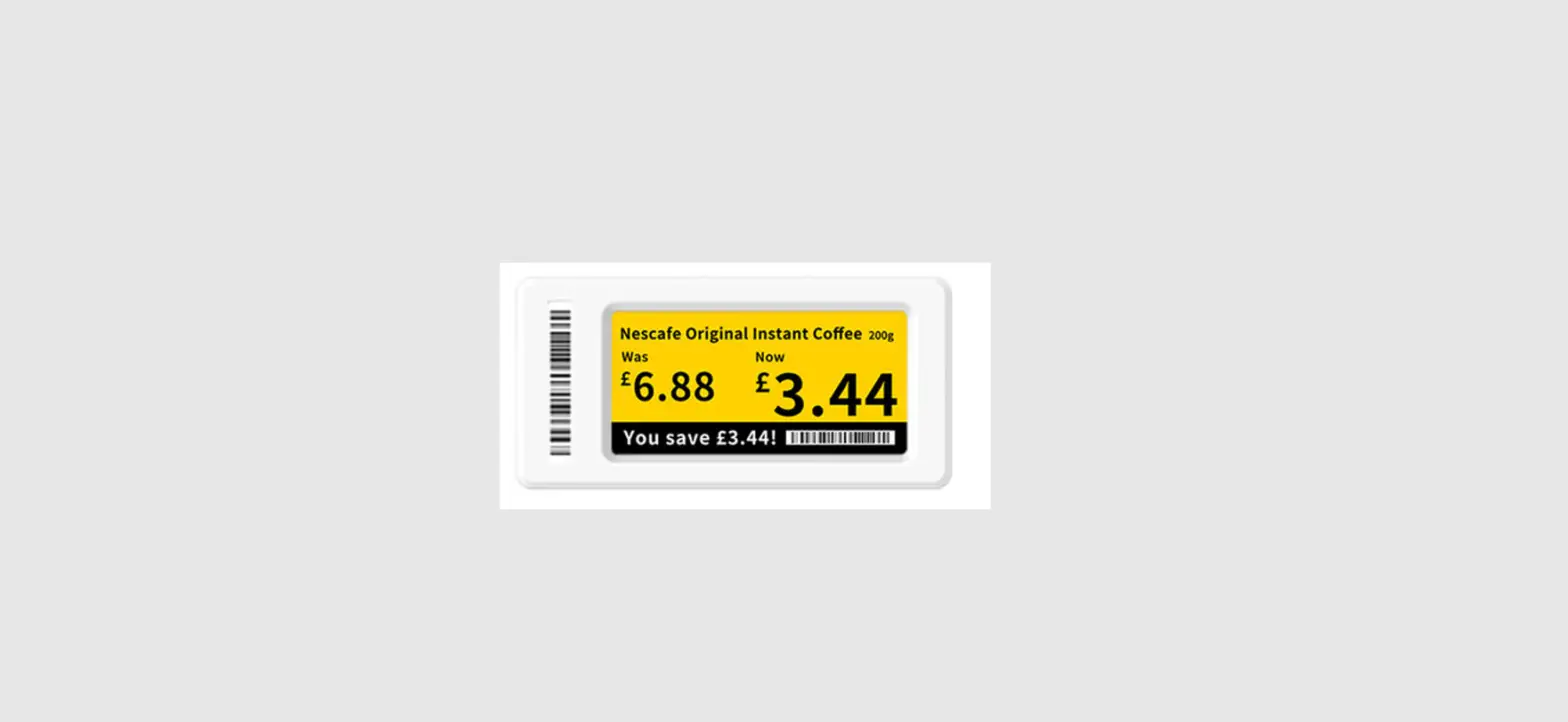
- Display colors include BWR (Black-White-Red) or buy (Black-White-Yellow) display (OnlyBW(Black-White) display for freezer ESLs).
- Operating frequency band:2402MHz ~ 2480MHz.
- IP68 waterproof and dustproof design.
- Built-in LED indicator: 7-color display assists in product location, promotion reminder,out-of-stock reminder, low-power reminder, etc.
- Embedded NFC chip:Supports operations from NFC-enabled devices such as mobile phones, PDA, and remote control for binding/unbinding, flashing, page switching, and so on.
- The freezer ESLs come in three sizes:2.13″, 2.66″and3.5″ that function in temperature -25 ~ 0.
- Nebular ESLs support multiple functions, including binding/unbinding, updating, instant flashing, multi-page storage, page switching, geolocation, temperature collection, NFC function, and soon.
- supports AES-128 encryption.
- SupportsOTA(Over-The-Air) upgrade.
Product view
This chapter describes the Nebular series’ appearance and composition.
2.1 Product appearance
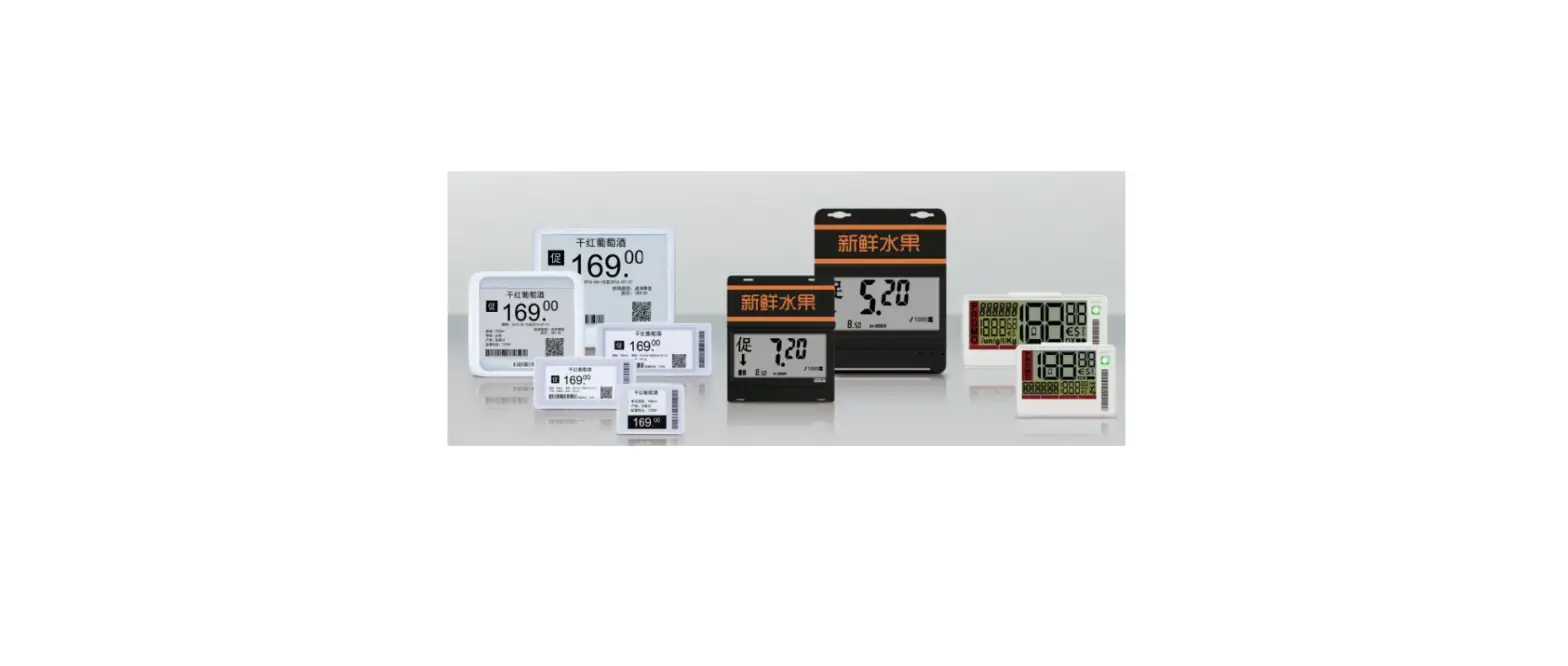
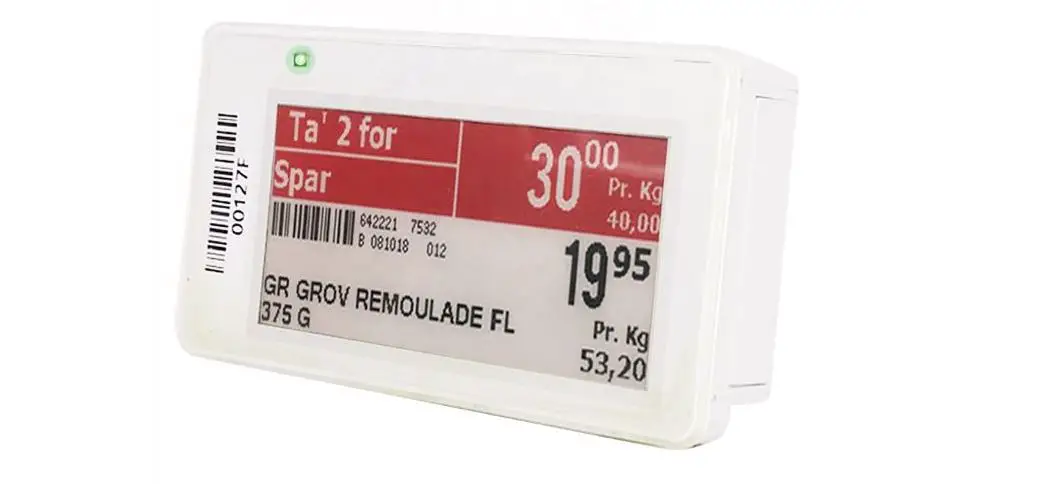
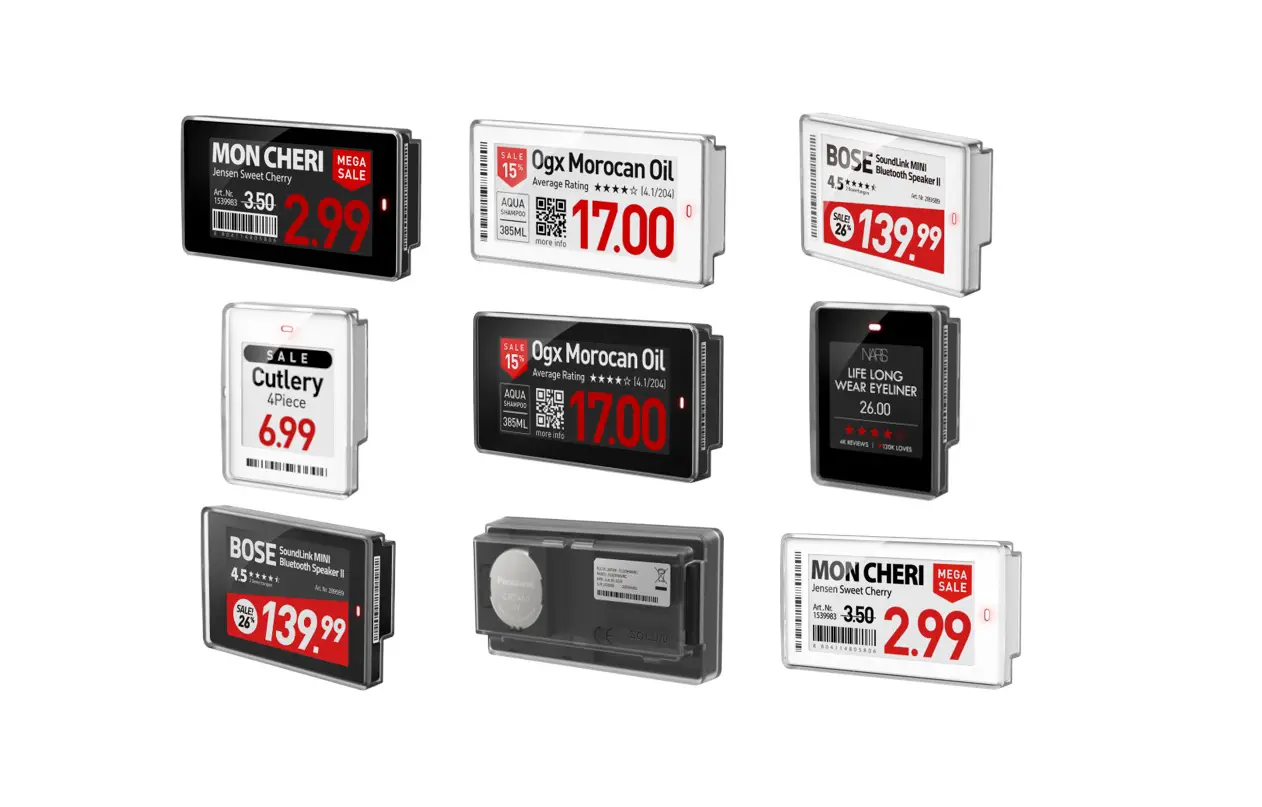
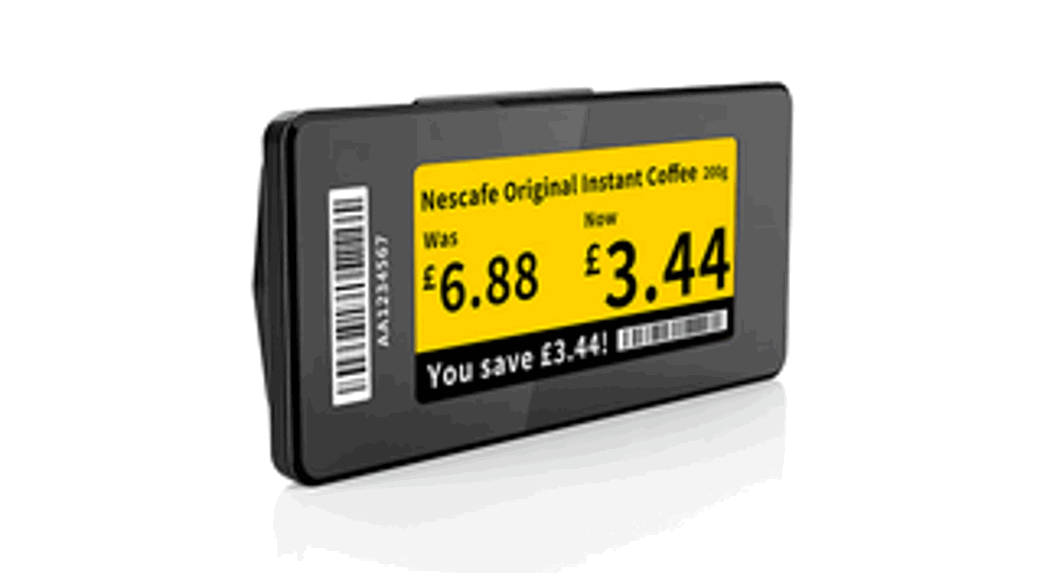
Figure 2-1shows Nebularfamily.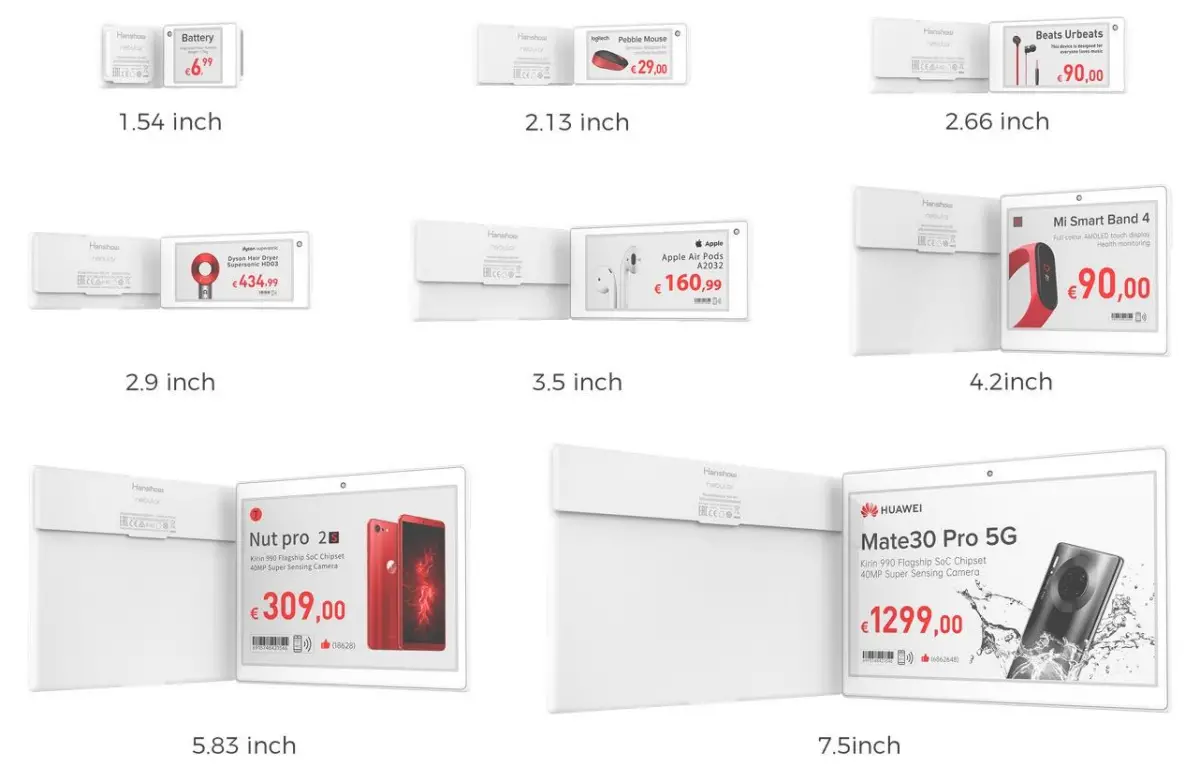 Figure 2-1Nebular family
Each section of Nebular and its relative description is shown in Figure 2-2 and Table 2-1.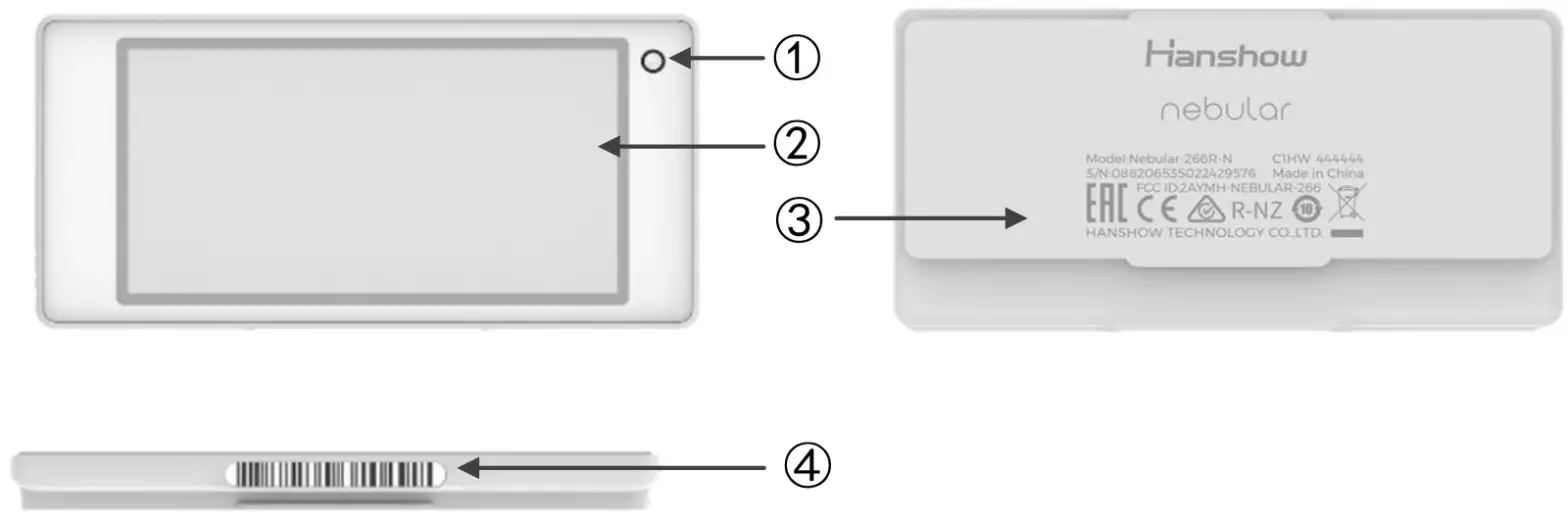
Figure 2-2 Key area of Nebular
Table 2-1Each area description of Nebular
No. | Name | Description |
| 1 | LED indicator | Supports 7-color flashing. |
| 2 | Display area | Supports BWR or BWY display on E-ink screen. l Display text, images, barcode, QR code, and others. l Product information display such as name, price, origin, unit, grade, phone number, barcode, QR code, etc. Supports customizable display position and font size. l Supports 8-page storage and page switch functionality. |
| 3 | Nameplate | Product information mark, including Model, S/N and certifications. |
| 4 | Barcode area | 18-digit barcode used for product binding and maintenance. |
2.2 Dimensions
This section covers the dimensions of the Nebular series.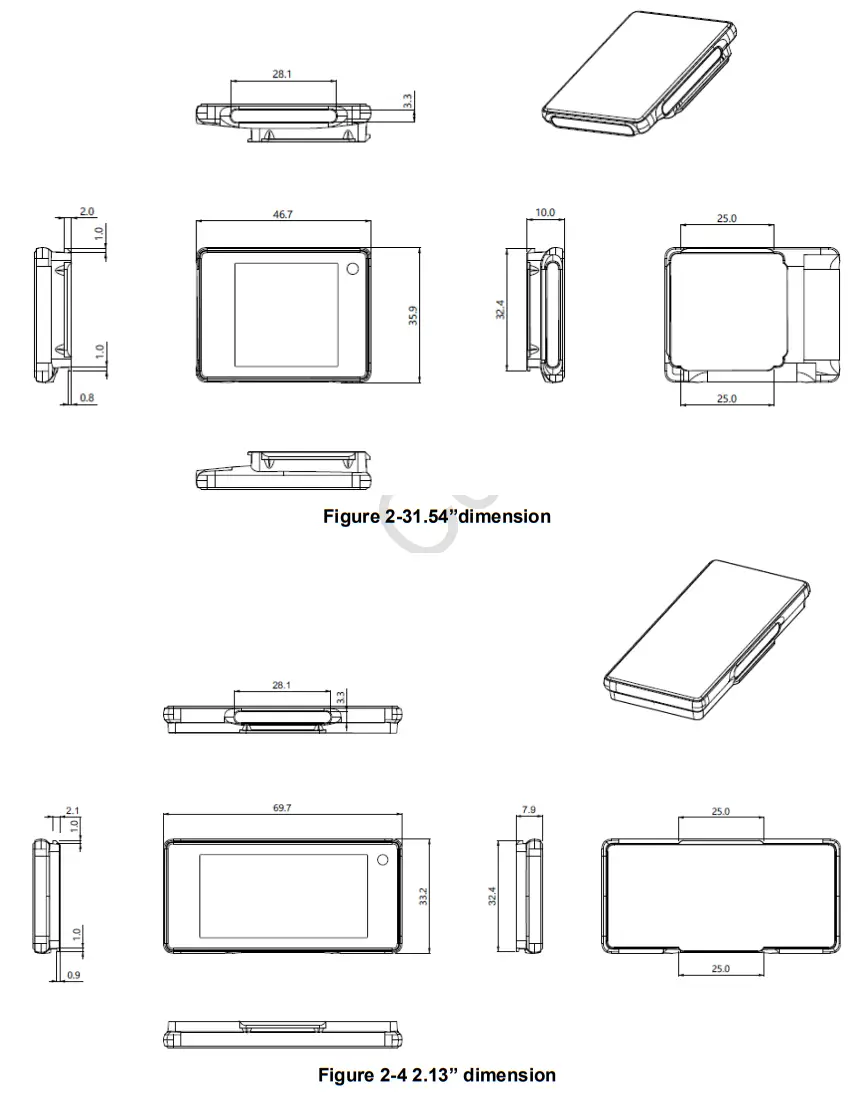
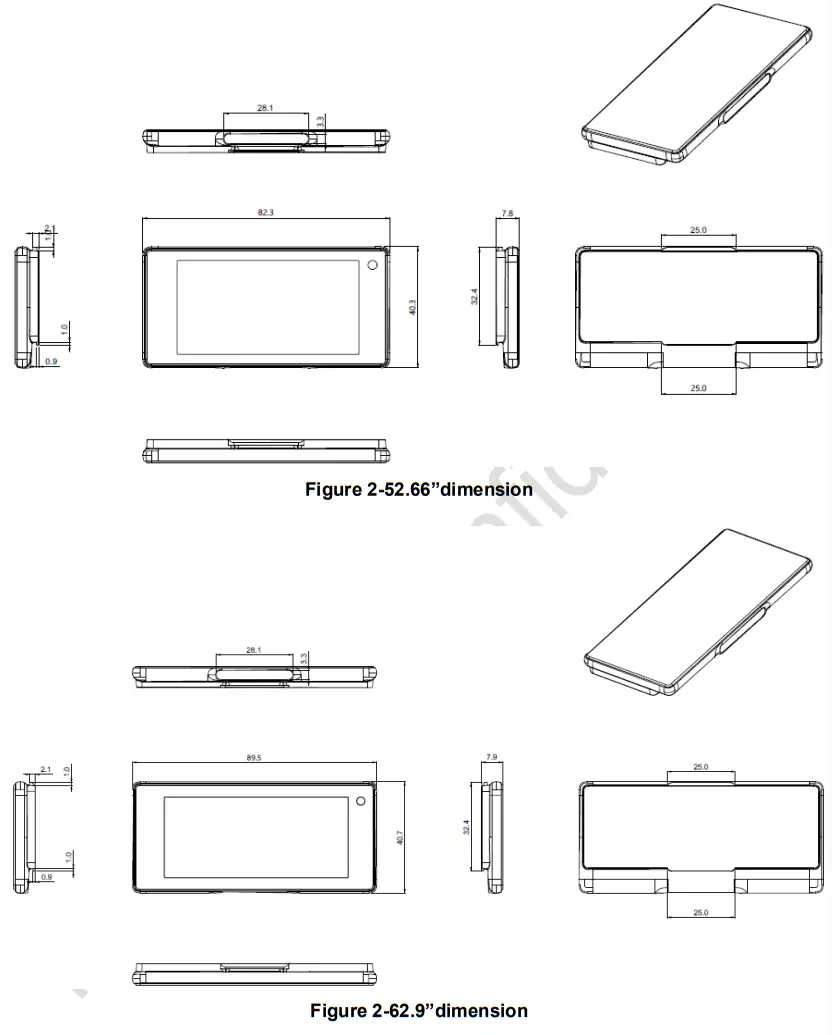
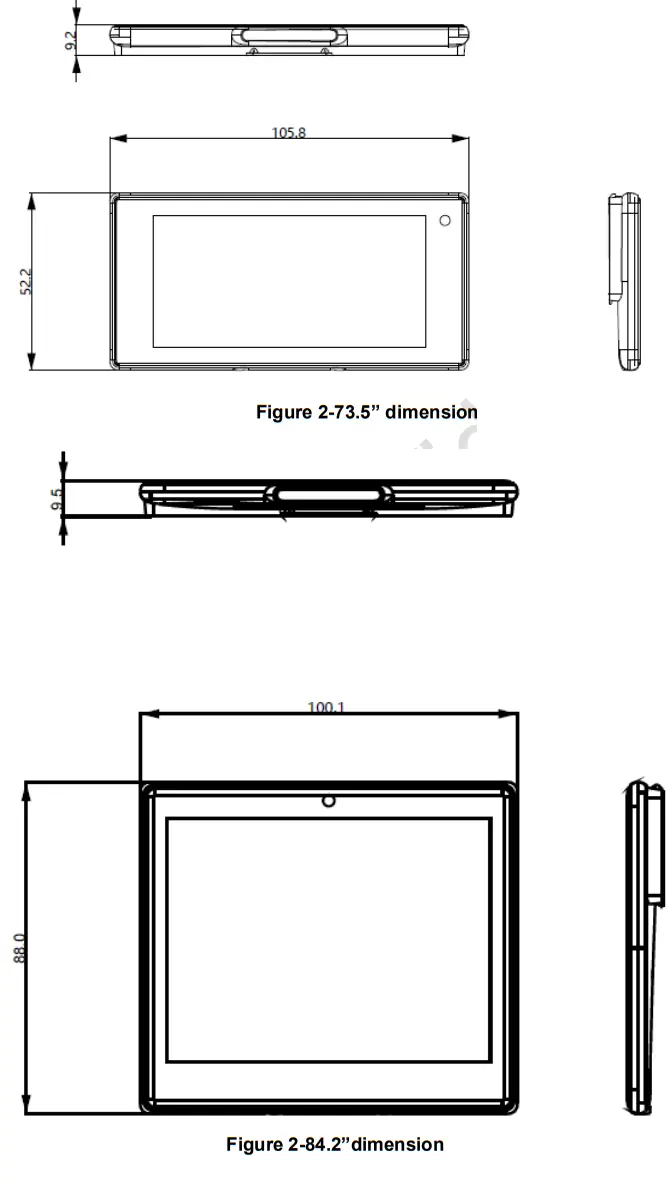
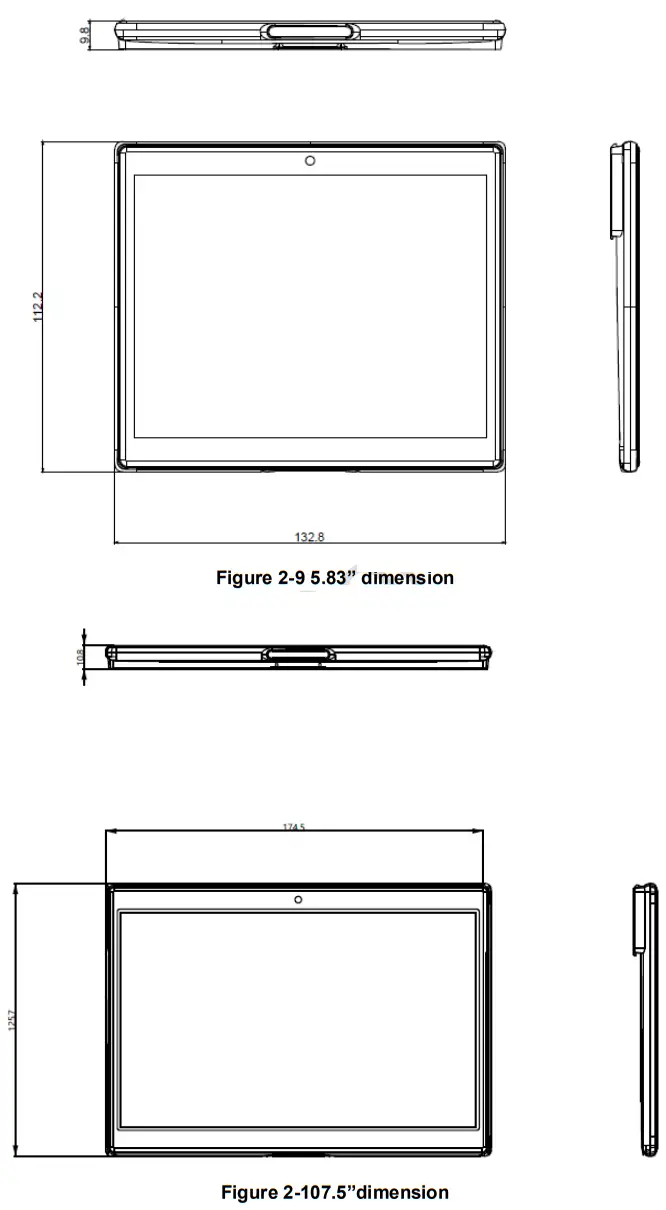
Hardware performance
This chapter consists of:
- Specifications
- NFCspecification
- Identifying your ESLs
- Product nameplate
Specifications
Table 3-1lists the Nebular specifications.
| Name | 1.54” | 2.13”/2.13” Freezer | 2.66”/ 2.66” Freezer | 2.9” | 3.5”/ 3.5” Freezer | 4.2” | 5.83” | 7.5” |
| Dimensions (mm*mm*mm) | 46.7*35.8*10.0 | 69.7*33.2*7.8 | 82.3*40.3*7.8 | 89.5*40.7*7.8 | 105.8*52.0*9.2 | 100.1*88.0*9.5 | 132.8*112.2*9.8 | 178.1*125.7*10.8 |
| Active display area (mm*mm) | 27.0*27.0 | 48.6*23.7 | 60.1*30.7 | 67.6*29.6 | 79.7*38.2 | 84.8*63.6 | 118.8*88.2 | 163.2*97.9 |
| Weight (g) | 15.9 | 23.8 | 31.0 | 33.1 | 47.5 | 79.6 | 159.5 | 225.7 |
| Size (inch) | 1.5 | 2.13 | 2.66 | 2.9 | 3.5 | 4.2 | 5.83 | 7.5 |
Table 3-1Nebular specifications
| Name | 1.54” | 2.13”/ 2.13” Freezer | 2.66”/ 2.66” Freezer | 2.9” | 3.5”/ 3.5” Freezer | 4.2” | 5.83” | 7.5” |
| Resolution (pixel)[3-1] | 200*200 | 296*144 | 360*184 | 384*168 | 384*184 | 400*300 | 648*480 | 800*480 |
| DPI[3-1] | 188 | 155 | 153 | 144 | 123 | 120 | 138 | 126 |
| Display color | BWR, BWY | |||||||
| Viewing angle | Nearly 180 degree | |||||||
| Battery life[3-2] | 10 or15 years | |||||||
| Page switch | 8 pages | |||||||
| Battery specification | 650mAh | 1030mAh | 1030mAh | 1030mAh | 1030mAh | 1350mAh | 2*1030mAh | 2*1030mAh |
| Protection level | IP68 | |||||||
| Operating temperature[3-3] | 0℃~40℃ | 0℃~40℃ / -25℃~0℃ | 0℃~40℃ / -25℃~0℃ | 0℃~40℃ | 0℃~40℃ / -25℃~0℃ | 0℃~40℃ | 0℃~40℃ | 0℃~40℃ |
| Storage temperature[3-3] | 0℃~40℃ | 0℃~40℃ | 0℃~40℃ | 0℃~40℃ | 0℃~40℃ | 0℃~40℃ | 0℃~40℃ | 0℃~40℃ |
| Humidity(%RH) | 30~70 | |||||||
Note:
[3-1]: The resolution and DPI may be subject to slight variations.
[3-2]: Battery life is calculated based on the following scenarios: The battery life is 10 years if updated twice a day for the following sizes:1.54″/2.13″ Freezer/2.66″ Freezer/3.5″ Freezer. The life is 15 years updated twice a day for the following sizes:2.13″/2.66″/2.9″/4.2″/5.83″/7.5″.
[3-3]: Room-temperature ESLs operate within 0 ~ 40 , however temperatures below 10 may impact the ESL lifespan. Freezer ESLs operate within -25~ 0.
NFCspecification
NFC specifications are shown in Table 3-2.
Table 3-2NFCspecifications
| Name | Standard | Data format | Memory | Communication distance |
| NFC | ISO/IEC 14443 Type A | NFC NDEF | 200-byte storage space, and write configurable | 1cm |
3.3 Identifying your ESLs
You can identify your ESLs from the following nebulae naming rules: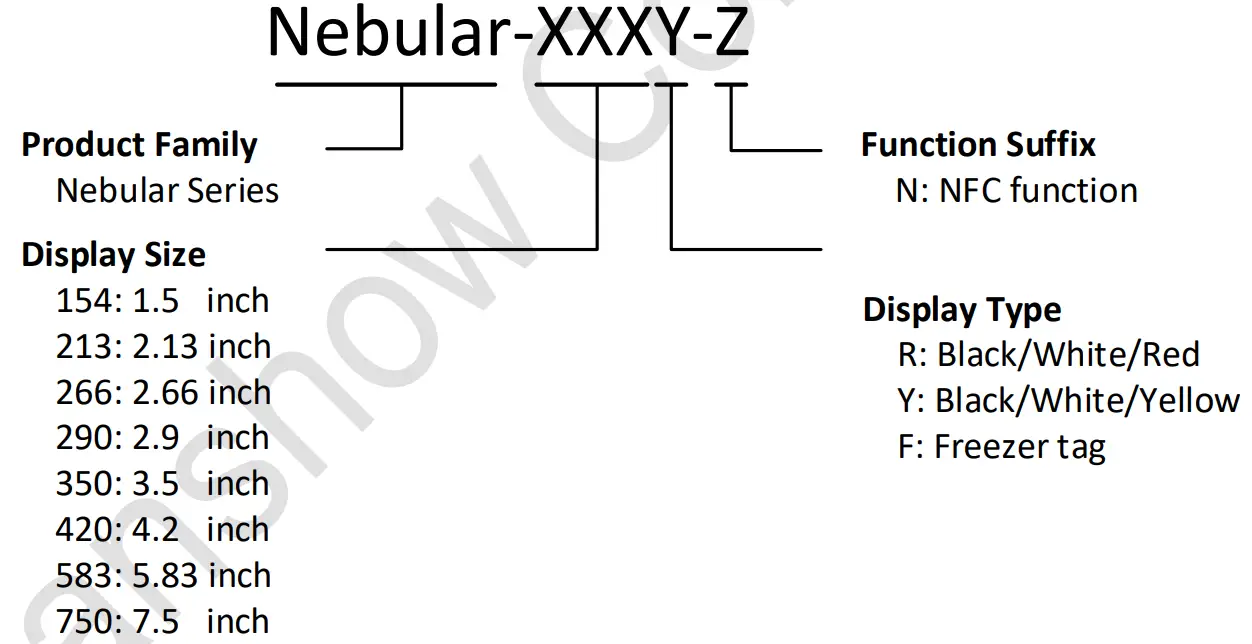 Figure 3-1Naming rules for Nebular series
Product nameplate
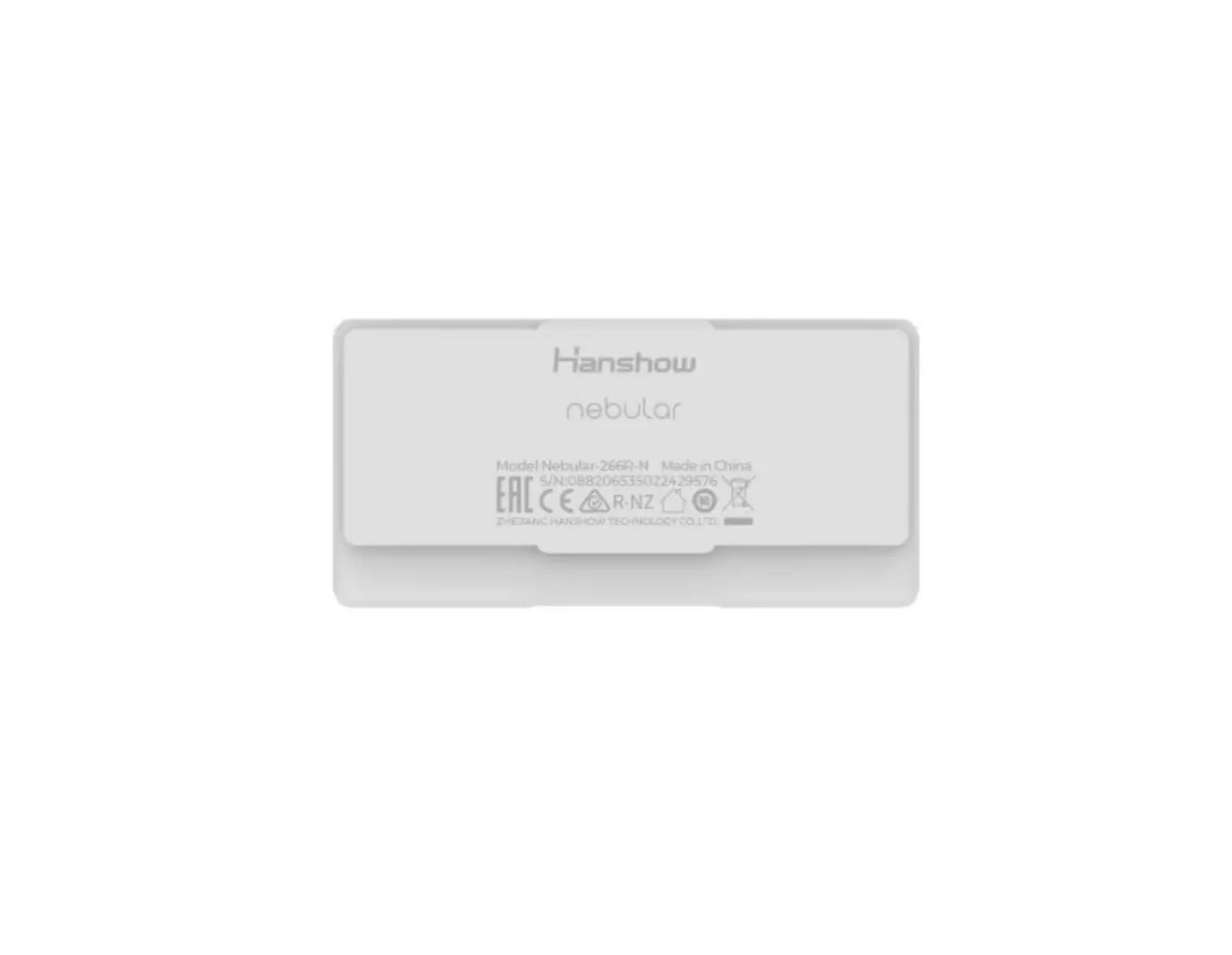
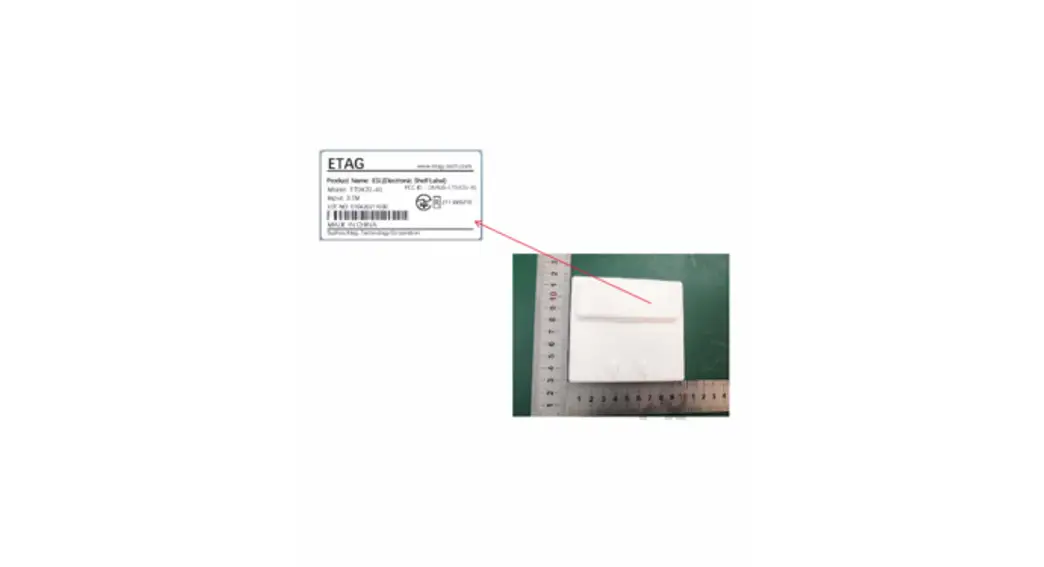
Take Nebular-266R-N as an example, the nameplateofNebular-266R-N is shown in Figures 3-2.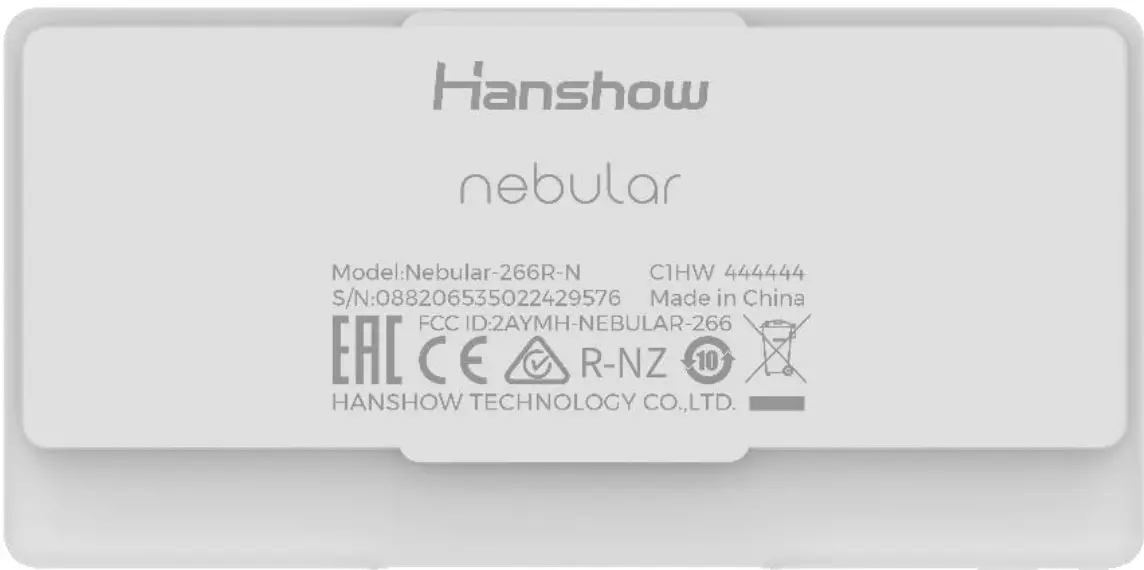 Figure 3-2Nameplate of Nebular
Note: Each ESL has a unique S/N number. See the real.
Packaging and accessories
This chapter describes the Nebular series’ packaging and required accessories.
4.1 Packaging
Nebular family packaging and the specific ESLquantity is shown in Figure 4-1.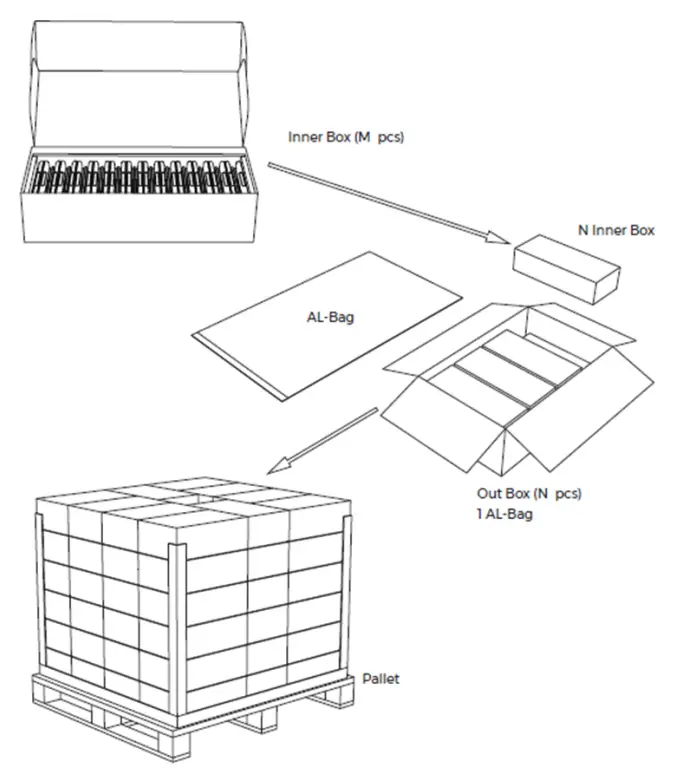
| Screen size (inch) | ESLs qty in an inner box (M pcs) | Inner box qty N (Box) |
| 2. | 25 | 8 |
| 2. | 25 | 8 |
| 3. | 25 | 8 |
| 3. | 25 | 8 |
| 4. | 20 | 5 |
| 4. | 20 | 5 |
| 6. | 20 | 5 |
| 8. | 2 | 5 |
Figure 4-1Nebular family packaging
Product accessories
Common accessories of the Nebular series are shown in Table 4-1.
Table 4-1Common accessories of Nebular series Rail
| Rail |  |
| Table stand | 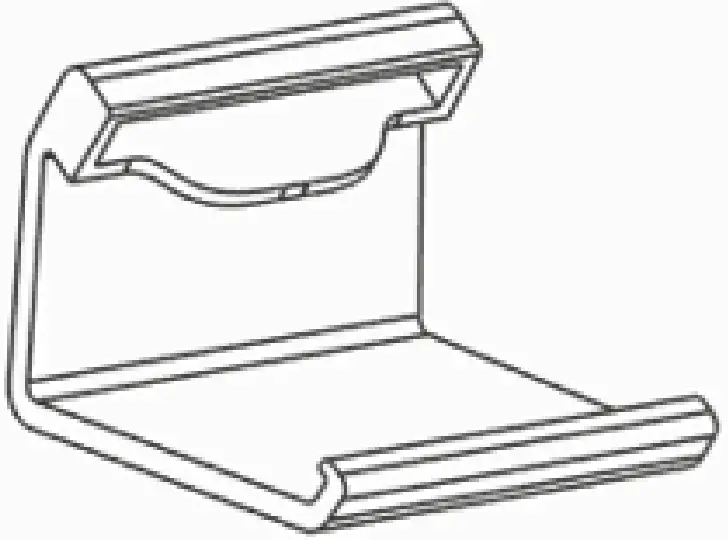 |
| T-hook | 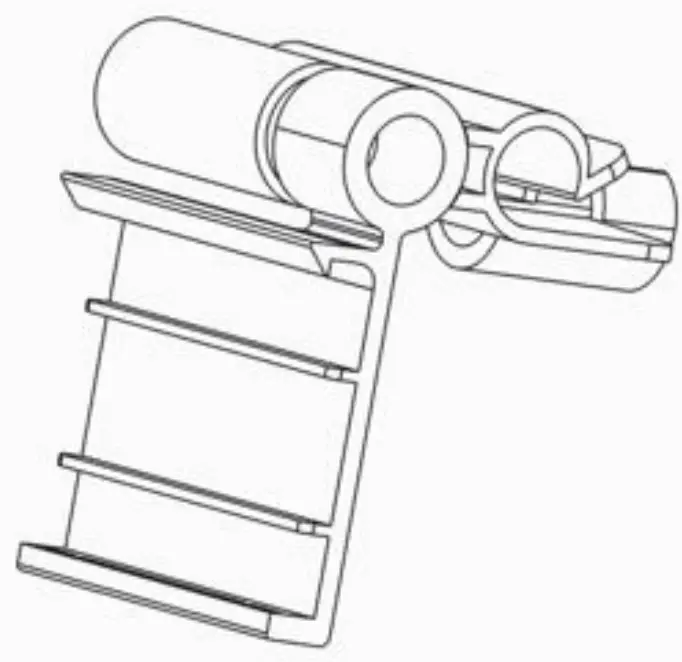 |
| Basket clip | 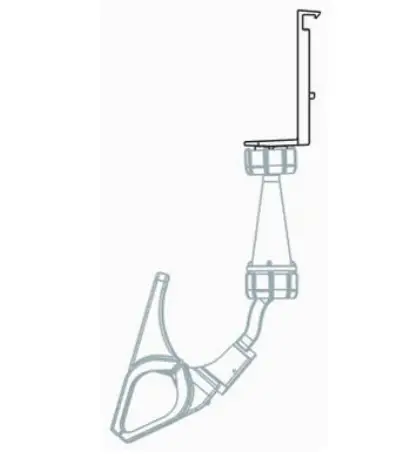 |
Application scenarios
Nebular series are available to various zones and shelves of hypermarkets, supermarkets, and retail stores. The ESLs are applicable to areas with different fixtures:
- Shelves
- Hooks
- Fences
- Tables
Precautions
During transportation and usage of the Nebular series, please note the following precautions.
6.1 Transportation considerations
Avoid the following considerations during transport:
- Water leakage, heavy moisture, etc.
- Heavy stacking.
- High heat conditions above 40.
6.2 Precautions for use
Follow the precautions:
- ESLs operate best in normal temperature and humidity ranges within 0 ~ 40 (room-temperature ESLs), -25~ 0 (freezer ESLs), 30% ~ 70%RH.
- Do not store or operate ESLswhen the environment temperature is over 50.
- The output capacity will degrade at low temperatures.
- Frequent communications or updates may shorten battery life during the use.
- Avoid dropping or tossing ESLs. Do not disassemble ESLs without permission.
- The mineral substances in rainwater, moisture, or liquids may corrode the electronic circuit.
- Avoid water on the product as much as possible.
- Regularly clean the screen.
- Promptly remove cosmetics, perfume and other dirt on ESLs to avoid screen, case, or lens damage. Avoid direct contact with chemical detergent.
- Do not install ESLs in a strong magnetic environment.
- ESLs communications may be limited or affected by other devices that share the 2.4GHz frequency band such as Wi-Fi, BT or Zigbee.
- Do not place ESLs near kitchen appliances such as a stove, a microwave oven.
FCC ID warning
7.1 Warning for nameplate
This device complies with Part 15 of the FCC Rules. Operation is subject to the following two conditions:
- This device may not cause harmful interference, and
- This device must accept any interference received, including interference that may cause undesired operation.
7.2 Warning for product manual
Changes or modifications not expressly approved by the party responsible for compliance could void the user’s authority to operate the equipment. This equipment has been tested and found to comply with the limits for a Class B digital device, pursuant to Part 15 of the FCC Rules. These limits are designed to provide reasonable protection against harmful interference in a residential installation. This equipment generates, uses, and can radiate radio frequency energy and, if not installed and used in accordance with the instructions, may cause harmful interference to radio communications. However, there is no guarantee that interference will not occur in a particular installation. If this equipment does cause harmful interference to radio or television reception, which can be determined by turning the equipment off and on, the user is encouraged to try to correct the interference by one or more of the following measures:
- Reorient or relocate the receiving antenna.
- Increase the separation between the equipment and receiver.
- Connect the equipment into an outlet on a circuit different from that to which the receiver is connected.
- Consult the dealer or an experienced radio/TV technician for help.
IC STATEMENT
This device complies with Industry Canada’s license-exempt RSS. Operation is subject to the following two conditions:
- This device may not cause interference; and
- This device must accept any interference, including interference that may cause undesired operation of the device.
18HanshowCopyright Reserved ©
Hanshow Technology Co., Ltd.
 Global Leader of Digital Store Solutions - Electronic Shelf Labels | Hanshow