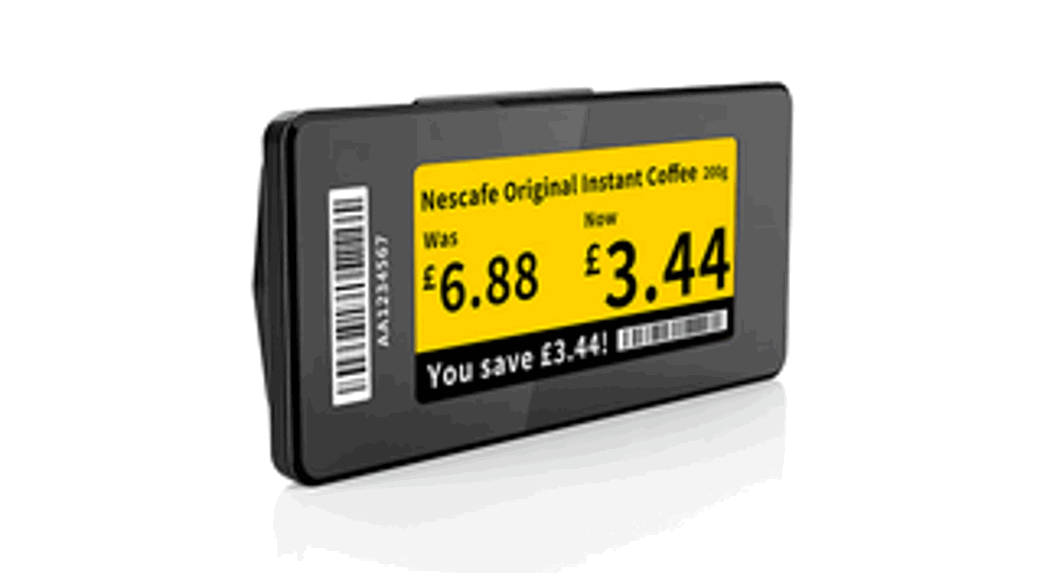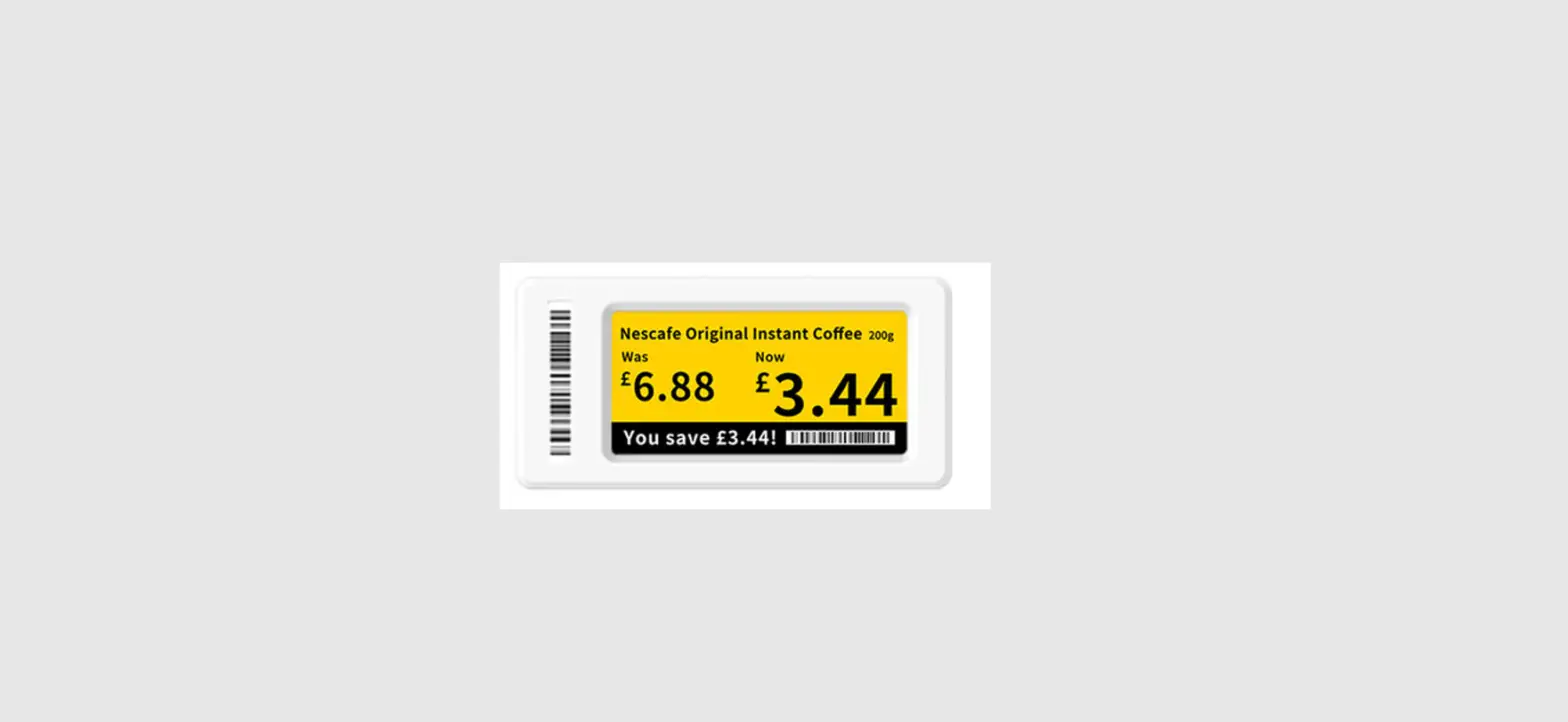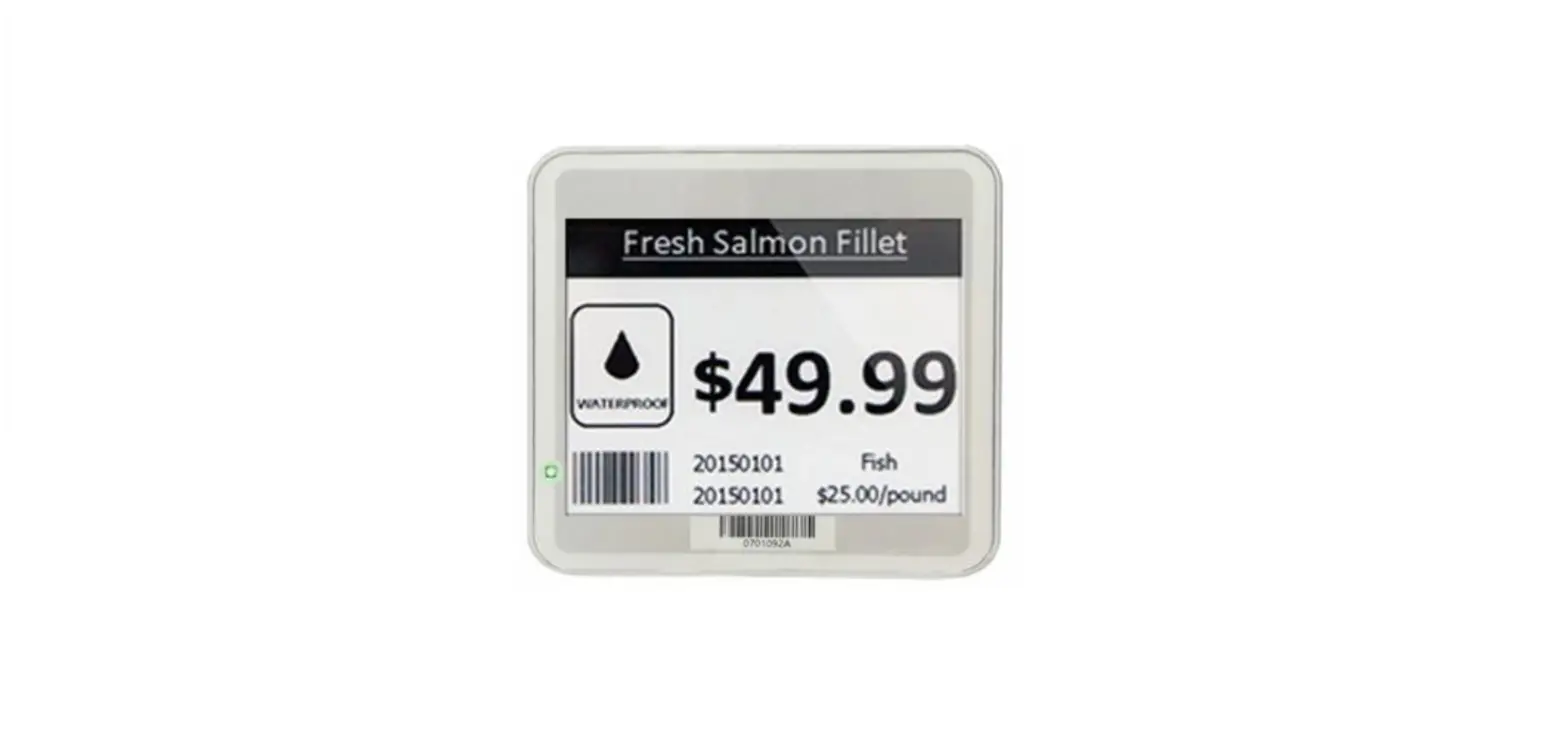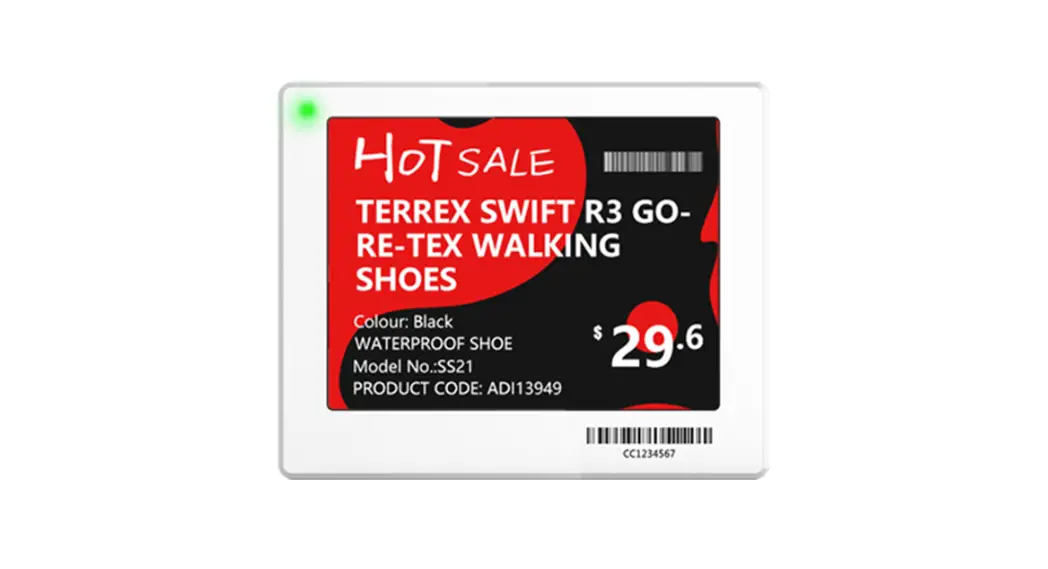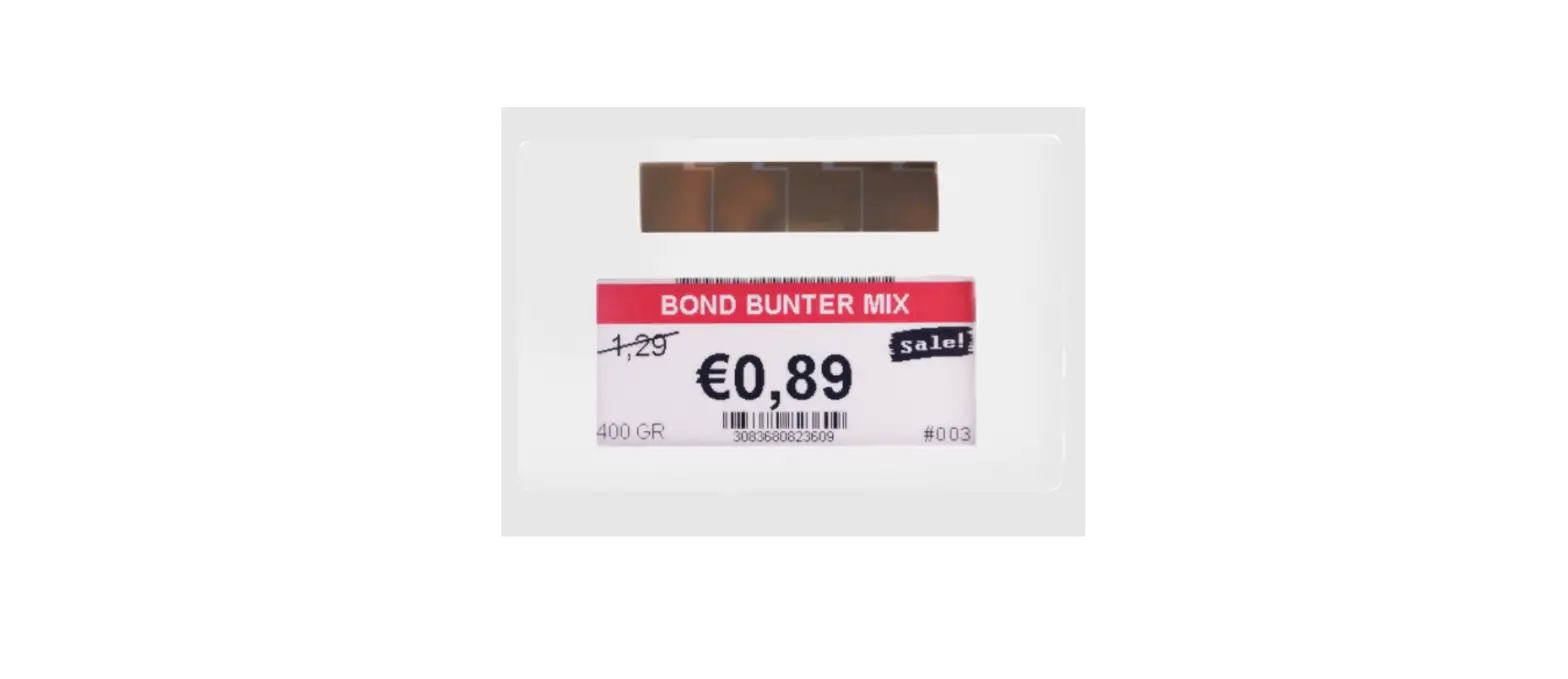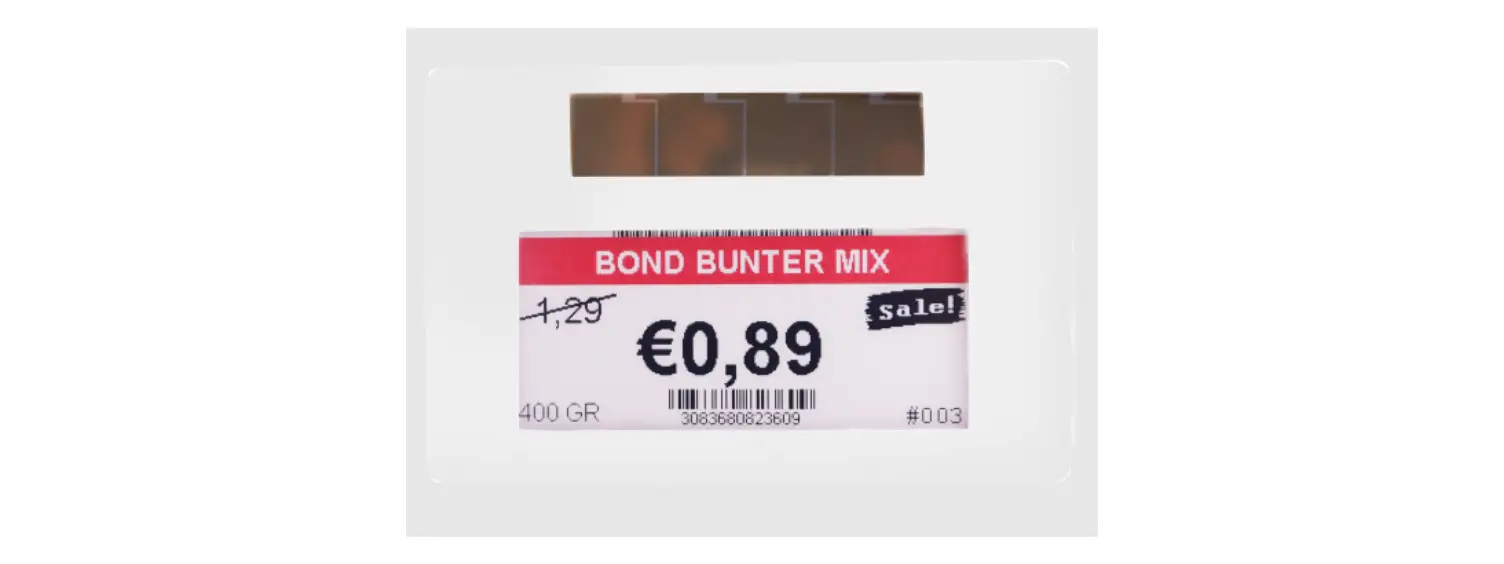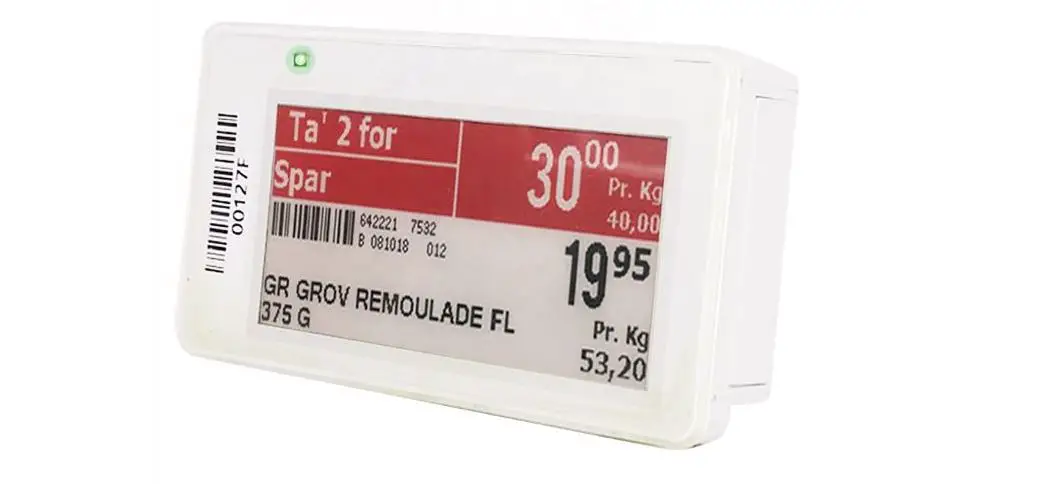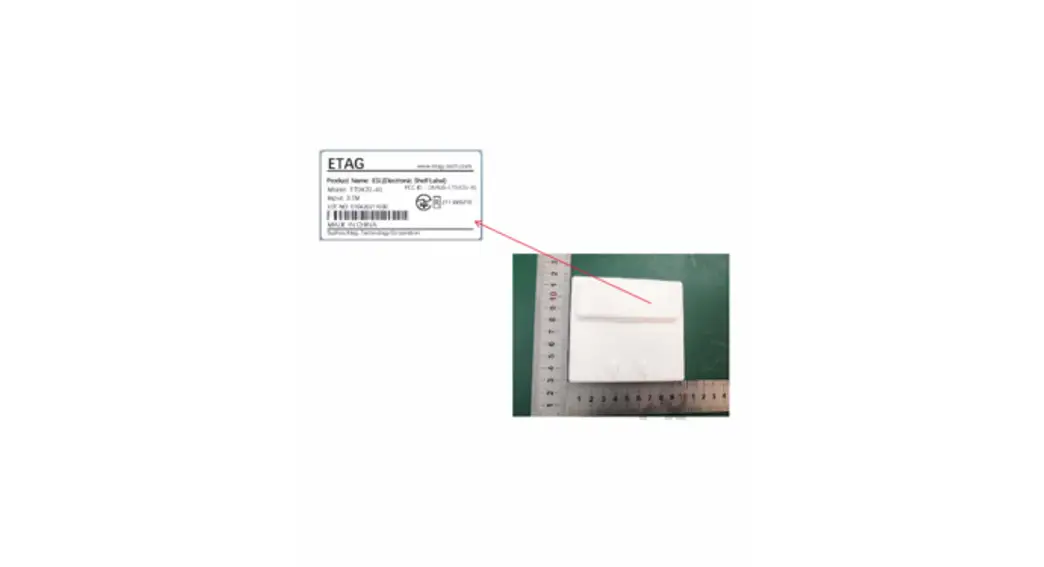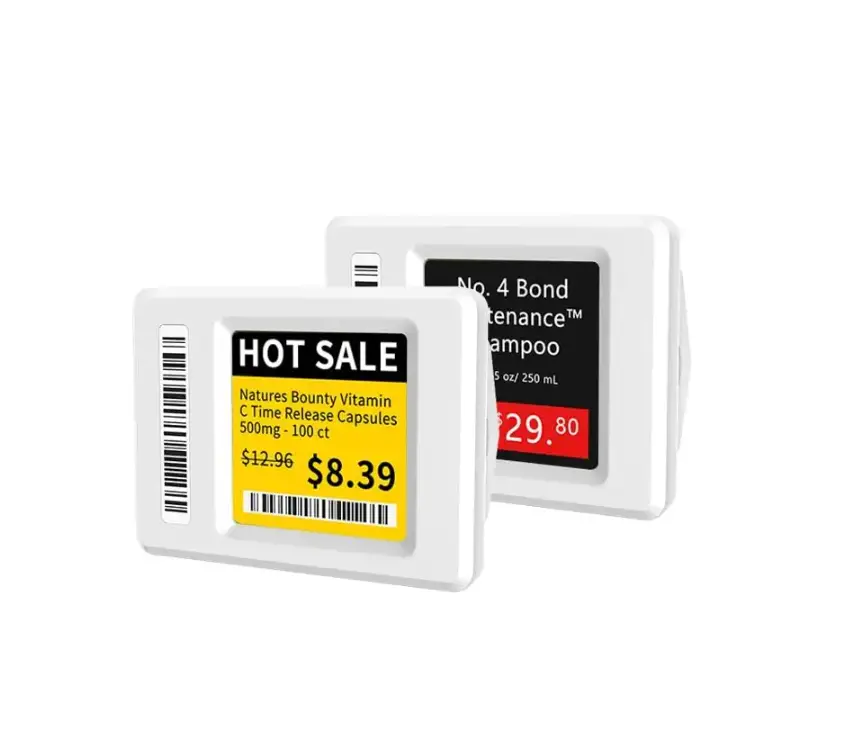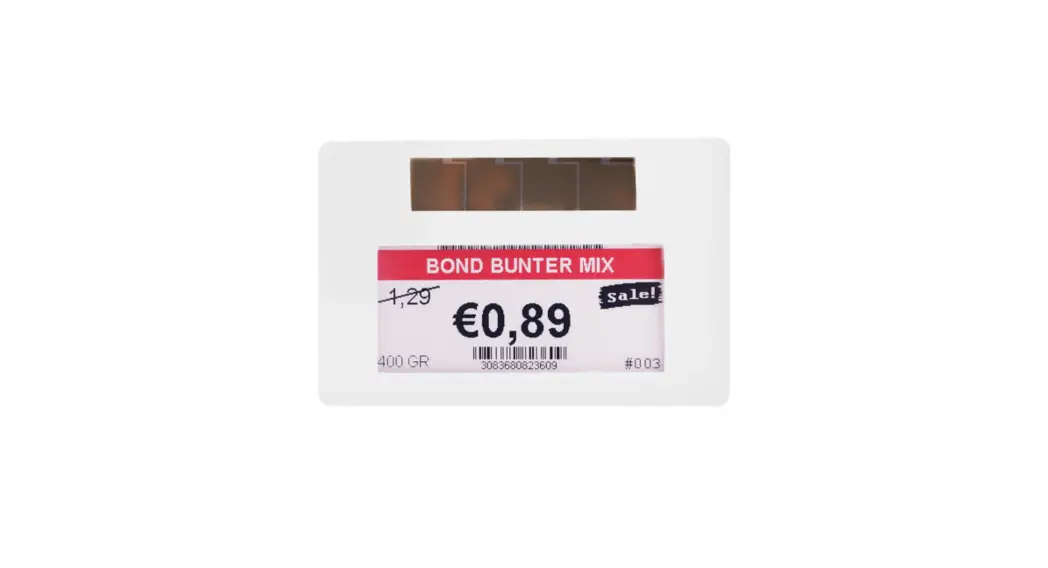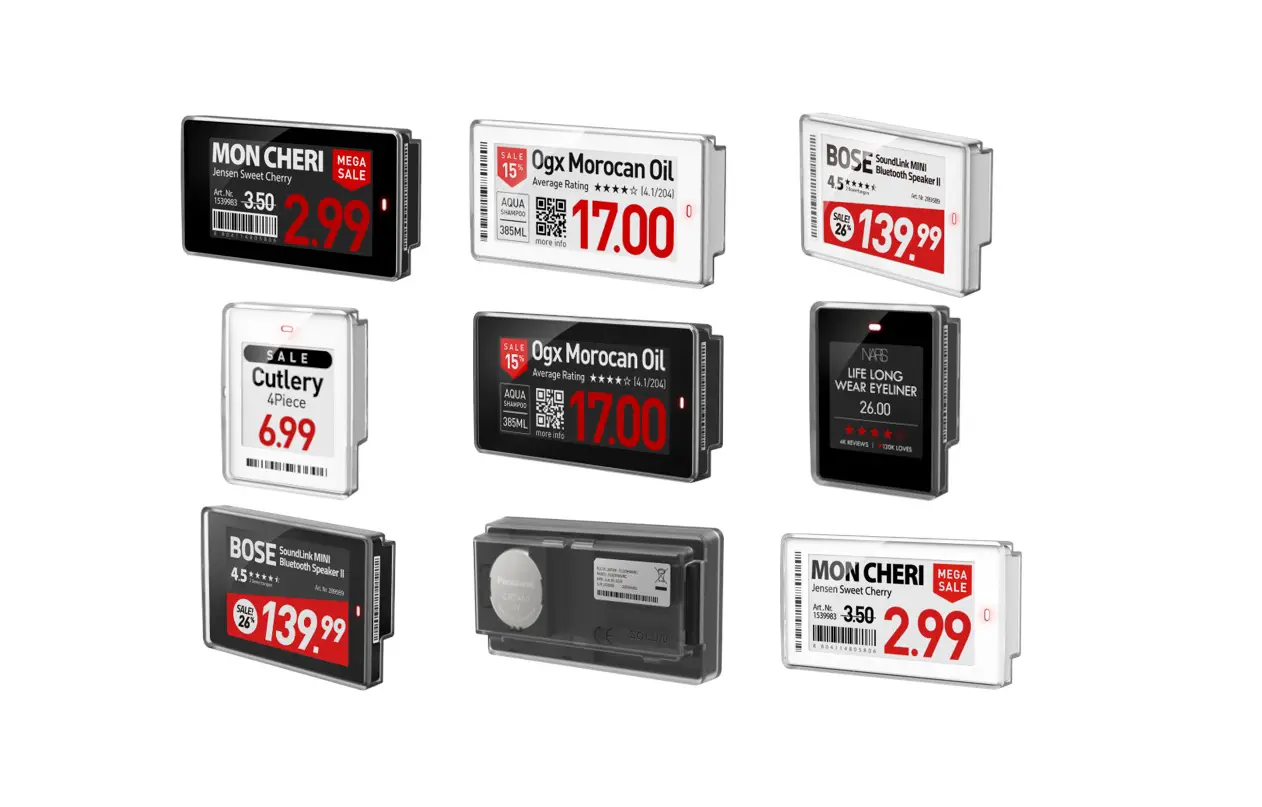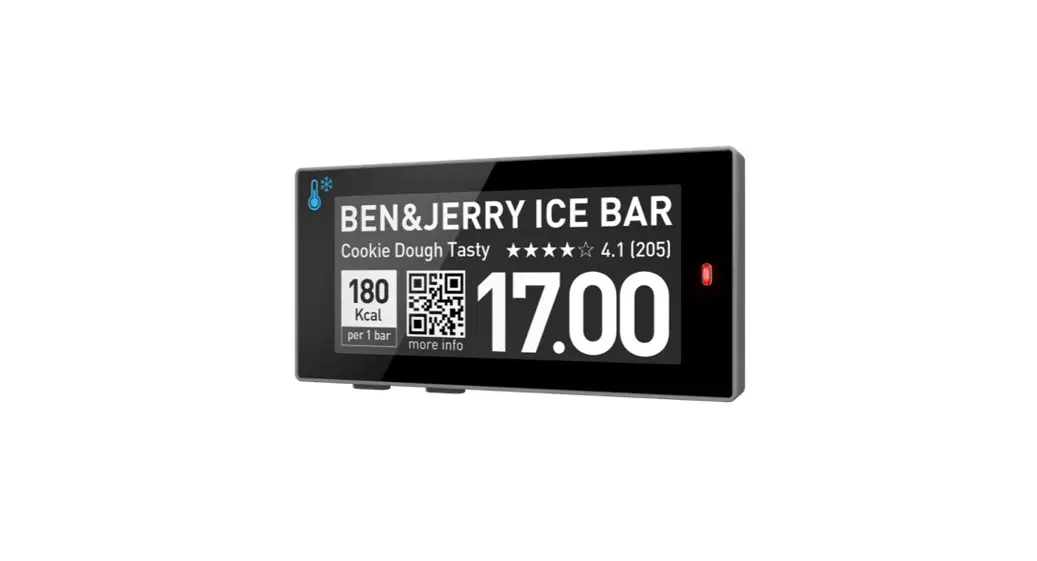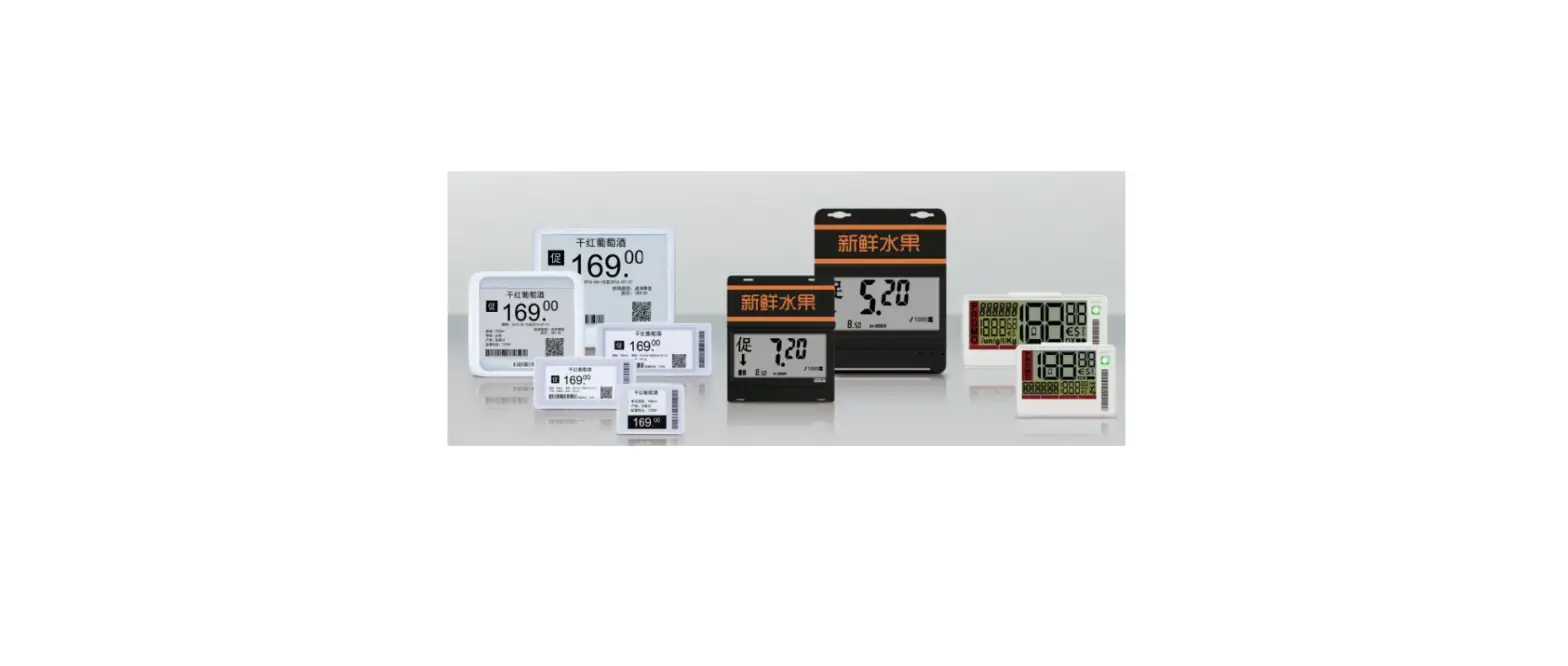

ETAG-TECH ET1010C-S Electronic Shelf Label
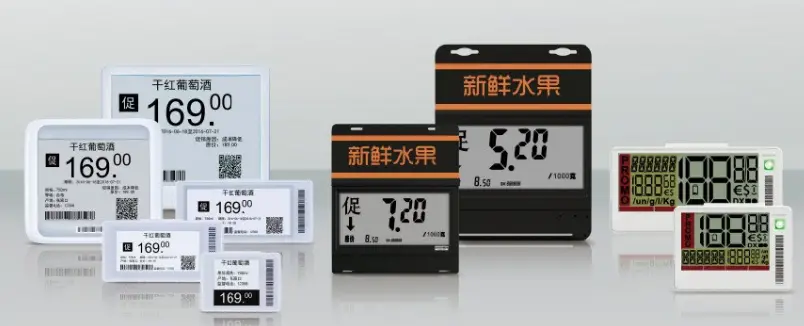
ELECTRONIC SHELF LABEL INTRODUCTION
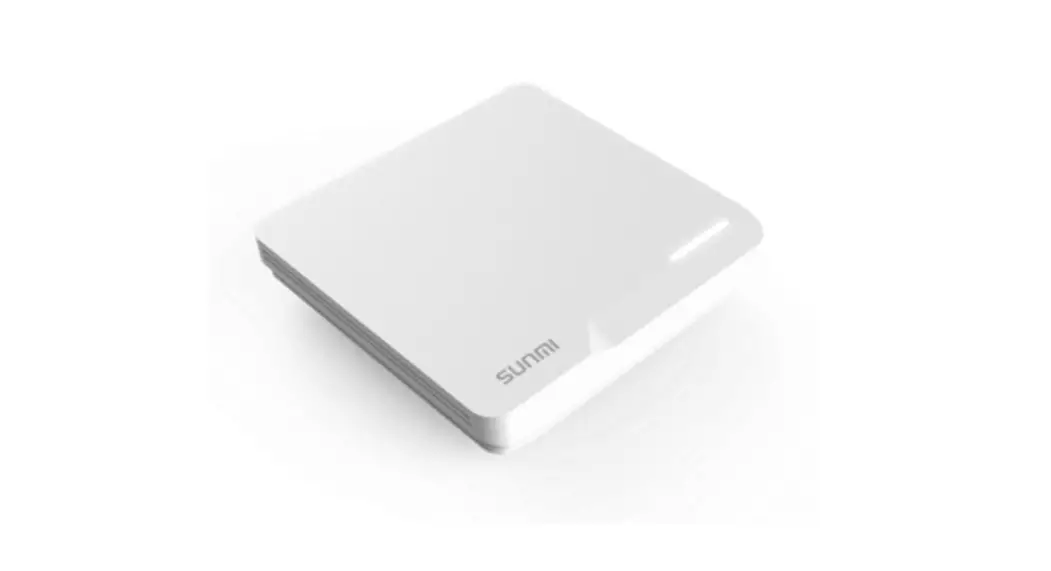
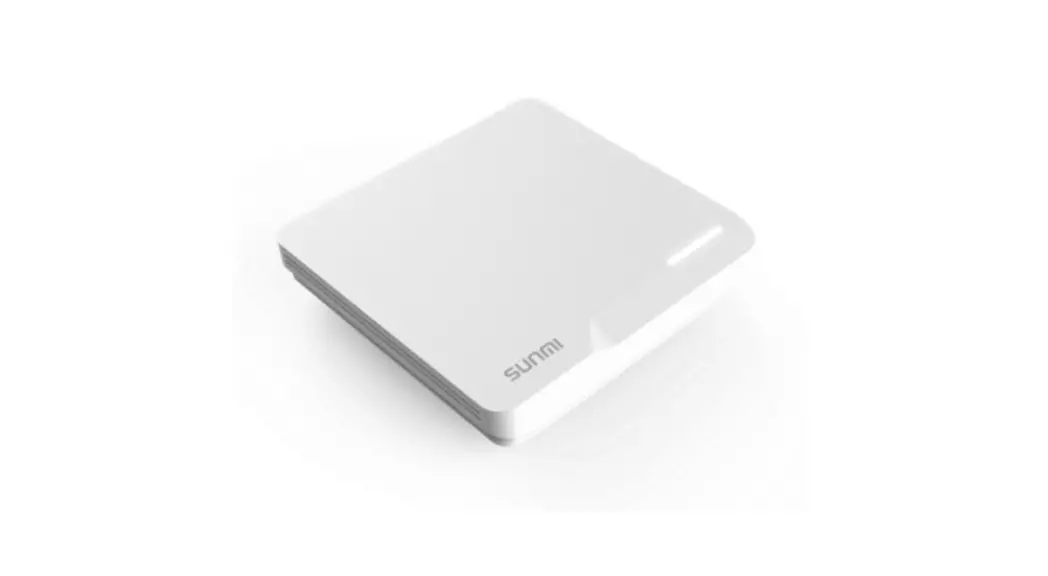
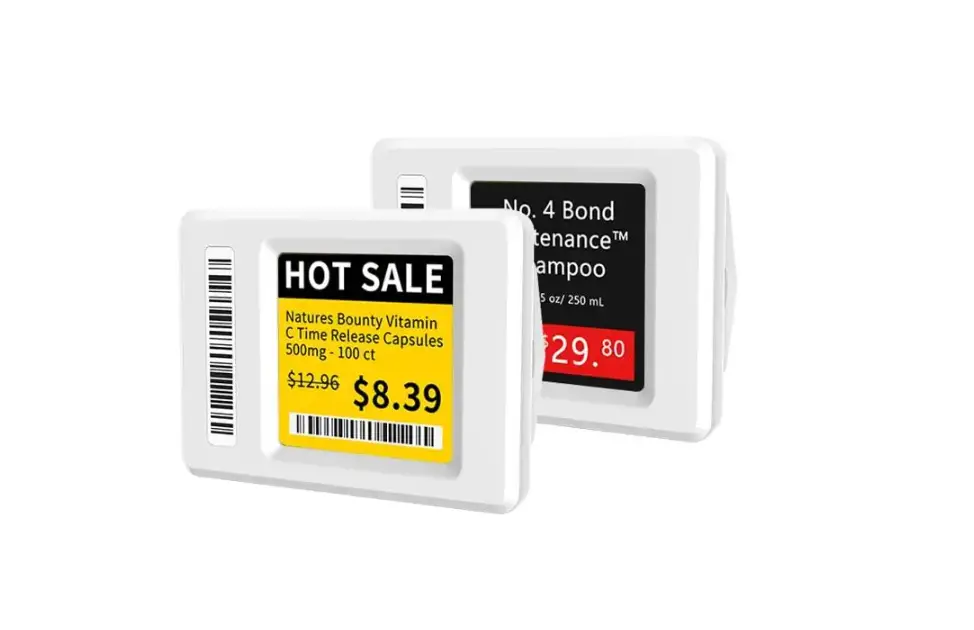
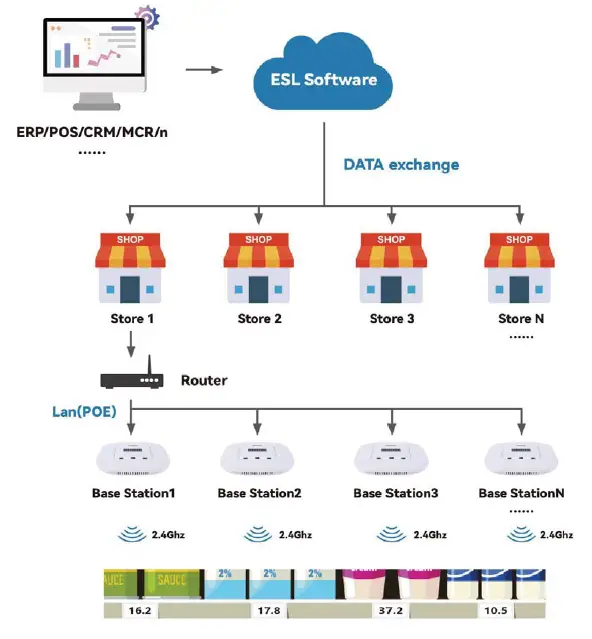
2.4GHz Electronic Shelf Label solution consists of three components, including an Electronic Shelf Label management system (ESL Software), a wireless Base Station/AP and an Electronic Shelf Label. Integrate the Electronic Shelf Label management system with the POS system/ERP system/CRM system/MCR system of the supermarket, the information of the customer database is sent to the Electronic Shelf Label management system, the Electronic Shelf Label management system will send the information to the wireless base station through LAN and the wireless base station will send the content to be displayed to the Electronic Shelf Label through the 2.4GHz communication frequency to realize the commodify information in real time update.
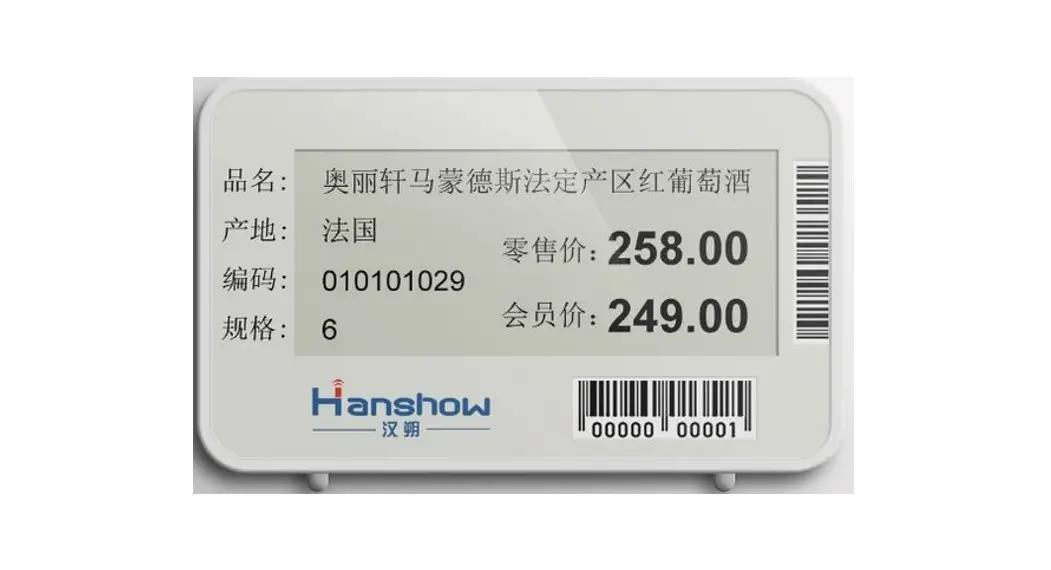
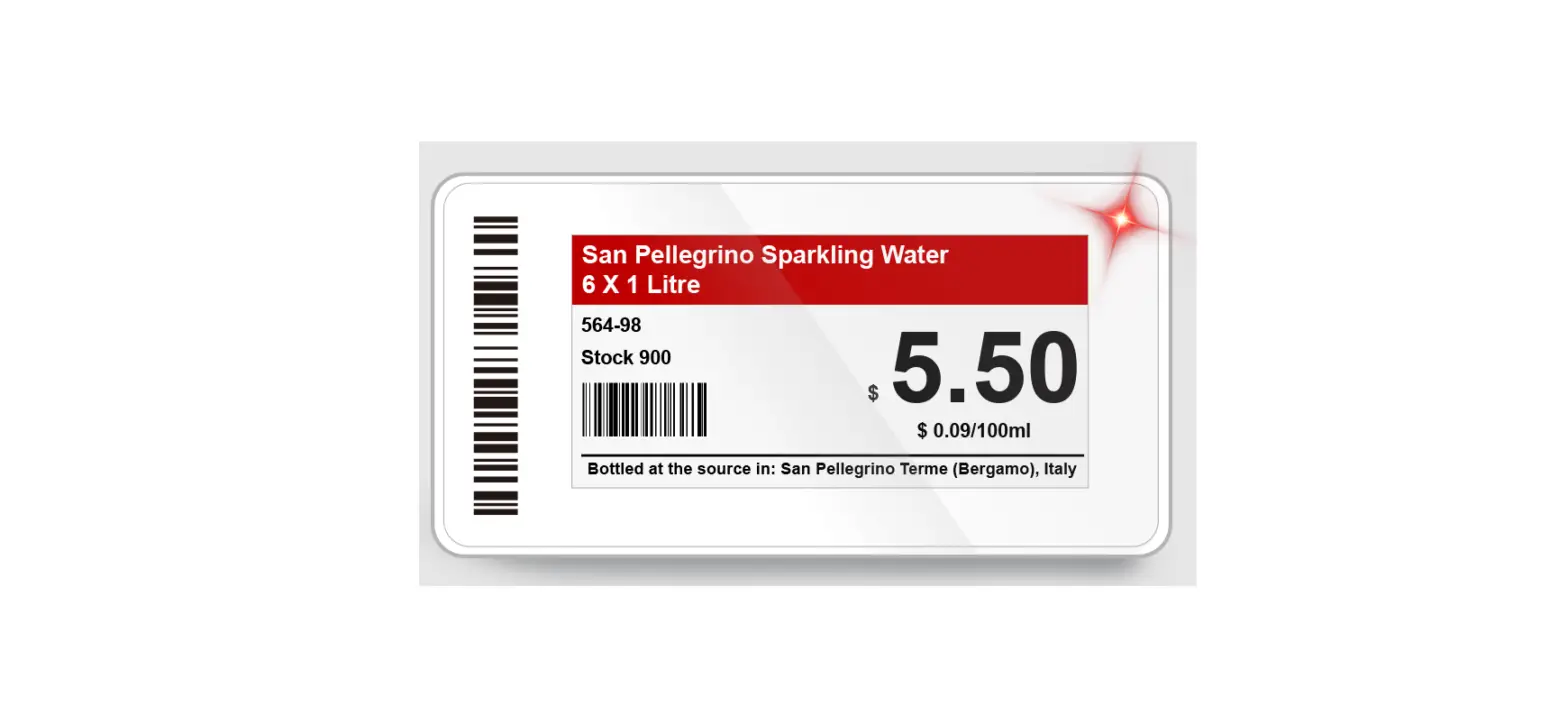
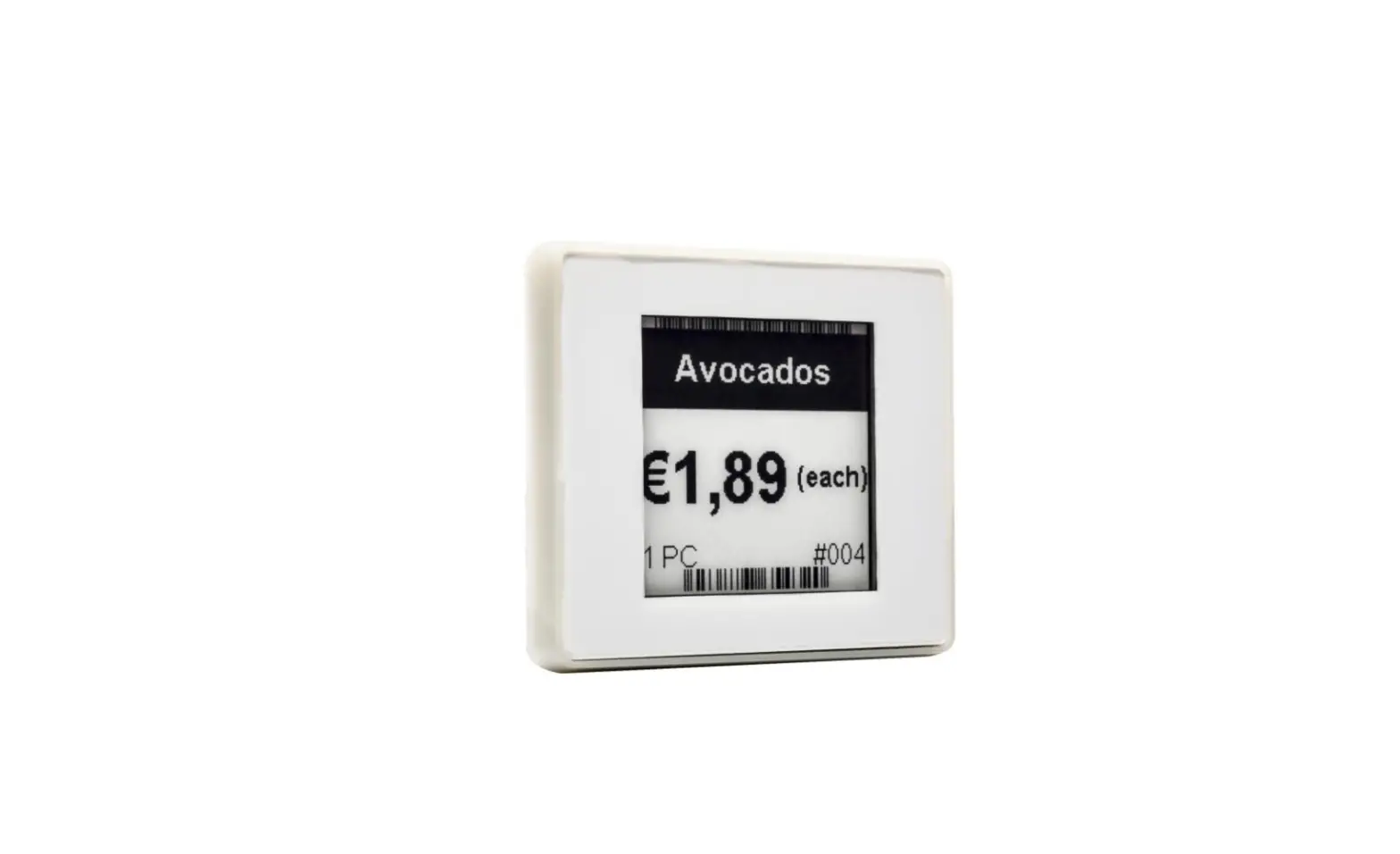
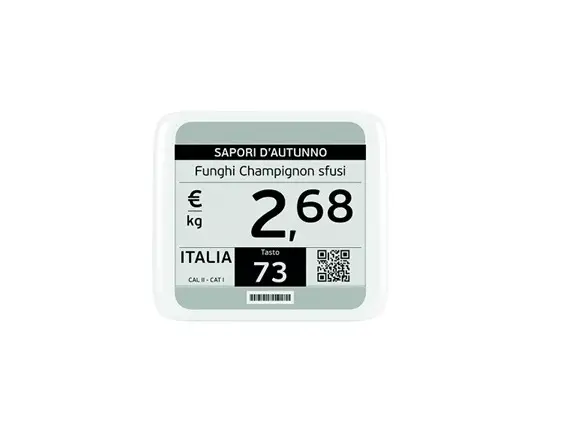
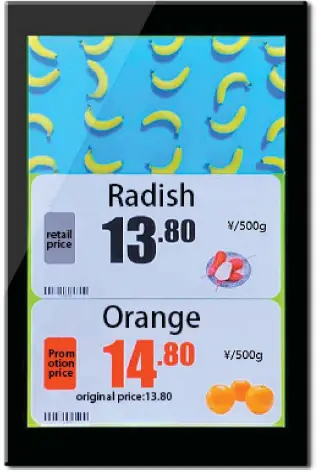
PRODUCT APPEARANCE
FEATURES
| NO. | ITEM | DATA |
| 1 | Part NO. | ET1010C-S/ ET1010C-D |
| 2 | Outline | 247mm(H)X158mm(V)X14mm(D) |
| 3 | Weight | 490g/624g |
| 4 | Color Display | multicolour |
| 5 | Display Size | 10.1 inch |
| 6 | Display Resolution | 800(H)X1280(V) |
| 7 | DPI | 135mm(H)X216mm(V) |
| 8 | Active Area | >170° |
| 9 | View Angle | 2.4G(WIFI) |
| 10 | Communication Band | ETAG-TECH Protocol |
| 11 | Communication Protocol | Communication radius greater than 25m [open environment] |
| 12 | Communication distance | 100% |
| 13 | Communication success rate | DC 19.5V |
| 14 | Operating temperature | 0 40 |
| 15 | Storage temperature | 0 40 |
| 16 | Operating humidity | 45% 70%RH |
FUNCTION
| No. | ITEM | DESCRIBE | ||
| 1 | Data display | Support wireless transmission of full-screen/partial pictures to display complete picture data | ||
| 2 | video display | Support wireless transmission of full screen video and display complete video data | ||
| 3 | Mixed display of pictures and videos | Support mixed picture and video template display |
PRODUCT INSTRUCTION
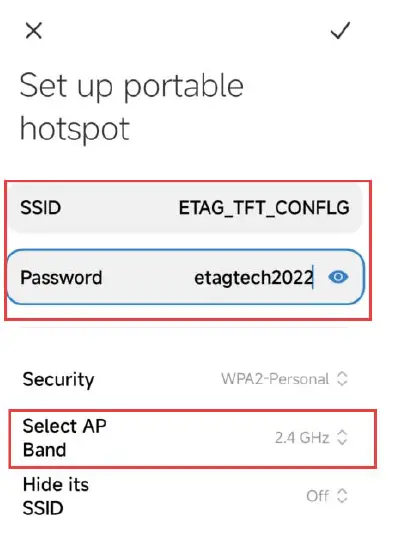
- Distribution network: SSID: ETAG_TFT_CONFIG, password: etagtech2022
- Store network: 80 sets are assigned a wireless route, using the gateway mode, and multiple routes are in the same network segment.
- Install the eRetail3.1 server program in advance. It is required that the TFT. Api interface address can be pinged.
- The color screen is in power off state. Currently, mobile phones only support Android system.
Check service status
Check whether Api service of digital signage is online, or telnet 192.168.4.26 4001 can be connected.
Distribution network tools
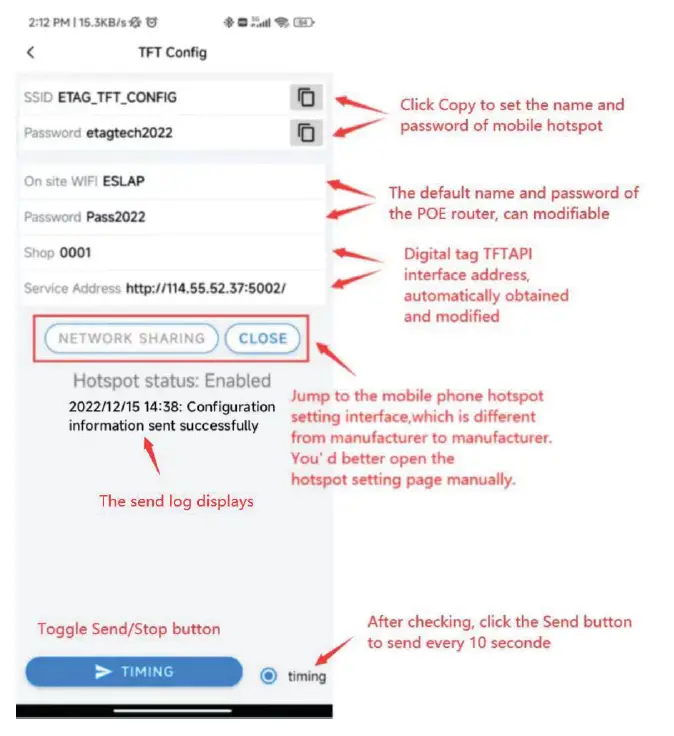
- The distribution network address must be accurate and can be telnet. The distribution network WIFI must be the store’s network, the SSID and password must be correct, and the network can be used normally.
- Configure Hotspots Due to different mobile phone systems, the following three parameters must be set as follows. Eauipment name: ETAG THT CONFIG
AP Frequency band: 2.4G
Recommendation: Since one mobile phone can support up to 8-10 device connections, in order to speed up the distribution network, multiple mobile phones can conduct distribution network operations at the same time.
configure network
Power on the color screen
he color screens need to be powered on in batches for distribution network registration, After successful distribution network, View the [Store management) (Digital Signage Management)

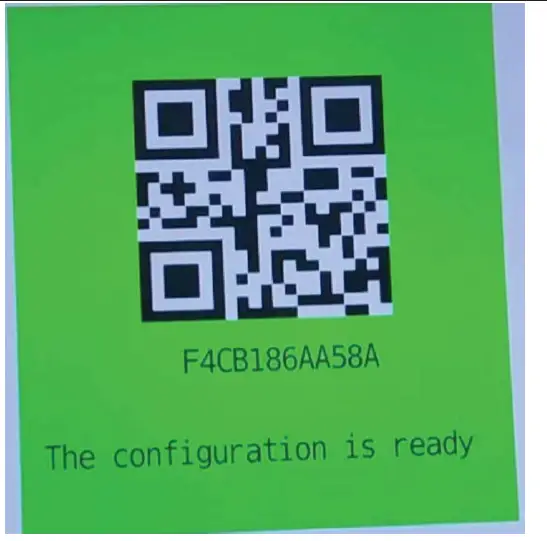
Device is ready
The following figure is displayed on the screen, indicating that the equipment has been successfully .distributed.
Power failure of color screern
View the [Store management – [Digital Signage Management) can see that the screen has been registered, power off the color screen and let other unregistered color screens register as soon as possible.
FCC
Caution
Any changes or modifications not expressly approved by the party responsible for compliance could void the user’s authority to operate this device. This device complies with part 15 of the FCC Rules. Operation is subject to the following two conditions:
- This device may not cause harmful interference, and
- this device must accept any interference received, including interference that may cause undesired operation.
Radiation Ex This device complies with FCC radiation exposure limits set forth for an uncontrolled rolled environment. This device should be installed and operated with a minimum distance of 20cm between the radiator and your body. ure Statemer
NOTE: This equipment has been tested and found to comply with the limits for a Class B digital device, pursuant to part 15 of the FCC Rules. These limits are designed to provide reasonable protection against harmful interference in a residential installation. This equipment generates,uses and can radiate radio frequency energy and, if not installed and used in accordance with the instructions, may cause harmful interference to radio communications. However, there is no guarantee that interference will not occur in a
particular installation. If this equipment does cause harmful interference to radio or television reception, which can be determined by turning the equipment off and on, the user is encouraged to try to correct the interference by one or more of the following measures:
- Reorient or relocate the receiving antenna.
- Increase the separation between the equipment and receiver.
- Connect the equipment into an outlet on a circuit different from that to which the receiver is connected.
- Consult the dealer or an experienced radio/TV technician for help.