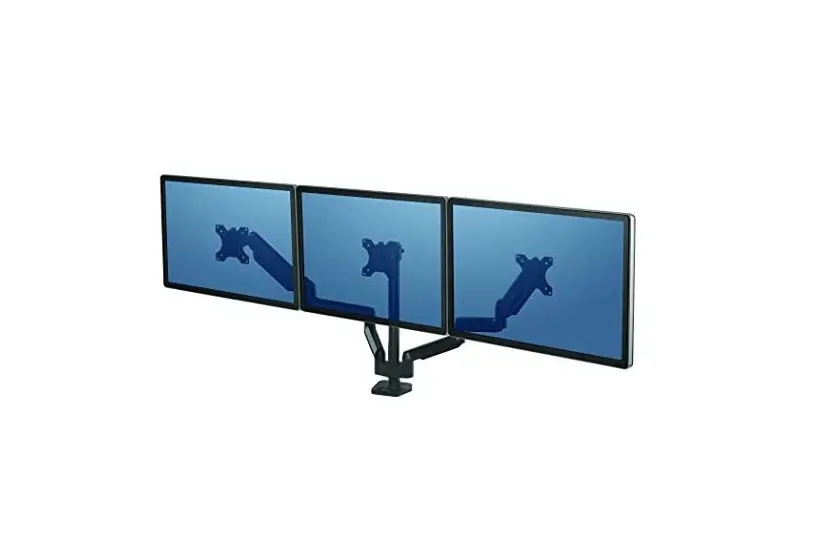
MTSIM Monitor Triple Extension
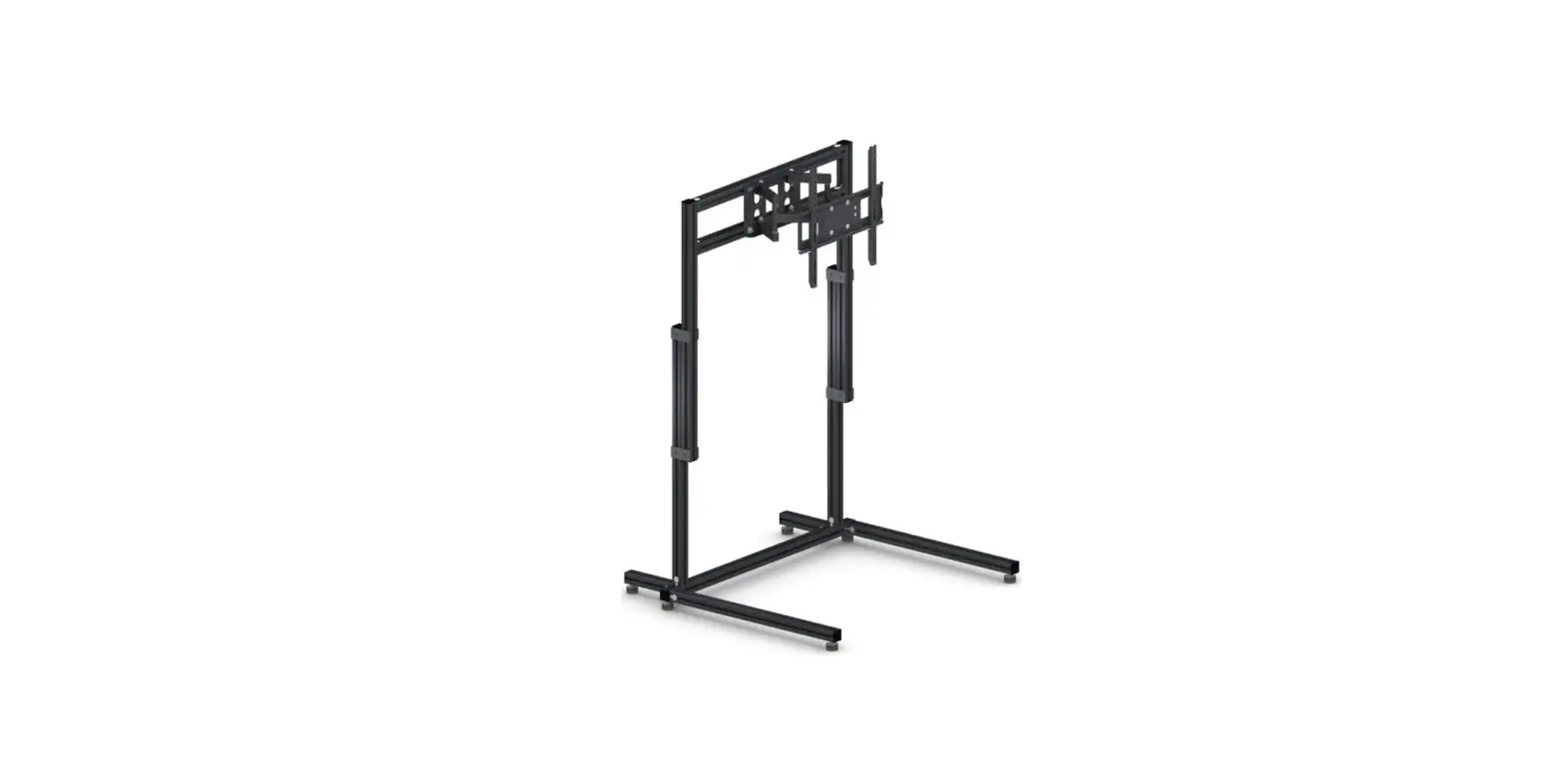
Product Information: MTS Monitor Top Extension
The MTS Monitor Top Extension is a versatile accessory designed
to enhance your monitor setup. It allows you to adjust the angle
and height of your monitor for optimal viewing comfort. The
extension is compatible with VESA mounts, making it suitable for a
wide range of monitors.
Parts Included:
- 2x Universal Connector
- 6x Cap
- 4x Slot Nut (M6)
- 2x Slot Nut (M8)
- 2x M6x16 Screws (black)
- 2x M8x30 Screws
Assembly:
- Take the two pre-assembled universal connectors and attach them
to both sides of the extension, using the provided slot nuts (M6)
and screws (M6x16 black). - Loosely assemble the two slot nuts (M8) onto the
extension. - Attach the extension to your monitor using the VESA mount,
using the provided screws (M8x30).
Usage Instructions:
To adjust the angle and height of your monitor:
- Locate the yellow marked screws on both sides of the extension
and loosen them. - Adjust the angle and height of the monitor as desired.
- Tighten the screws to secure the new position.
To change the position of the VESA mount:
- Loosen the screws that secure the VESA mount.
- Move the VESA mount to the desired position.
- Tighten the screws to secure the new position.
Note: For any further assistance or troubleshooting, refer to
the MTS Monitor Top Extension Manual.
MTS MONITOR TOP EXTENSION
Instruction Manual Bedienungsanleitung
Mode d`emploi
PARTS
2x
40
40 40
40
700
40
2x
1x
120
40
350
40
1x
6x
40
1x
1x
MTSIM MTS MONITOR TOP EXTENSION MANUAL
2
BAG 1
4x
16
4x
14
4x
16
6
6
6
black black black
12x
M6
8x black
6,4 12
BAG 2
4x
4x
Ø 8
30
4x
M8
MTSIM MTS MONITOR TOP EXTENSION MANUAL
3
ASSEMBLY
120 mm
2x pre-assembled
universal connector
700 mm
on both sides
4x slot nut
M6
4x washer Ø12 4x M6x14 black
MTSIM MTS MONITOR TOP EXTENSION MANUAL
4
4x slot nut
M6
2x M6x16 black
2x washer Ø12
black
counterbores to the inner side
2x washer Ø12
black
2x
2x
M6x16
black
350 mm
2x slot nut
M6
MTSIM MTS MONITOR TOP EXTENSION MANUAL
5
Detail
4x M6x16 flat head black
MTSIM MTS MONITOR TOP EXTENSION MANUAL
6
6x cap
MTSIM MTS MONITOR TOP EXTENSION MANUAL
7
2x slot nut
M8
very loosely pre-assembled
2x M8x30
2x universal connector
MTSIM MTS MONITOR TOP EXTENSION MANUAL
8
MTSIM MTS MONITOR TOP EXTENSION MANUAL
9
Loosen the yellow marked screws on both sides to adjust angle and height.
MTSIM MTS MONITOR TOP EXTENSION MANUAL 10
Loosen these screws to change the position of the VESA mount.
Loosen these screws to change height.
MTSIM MTS MONITOR TOP EXTENSION MANUAL 11
23-03-2023