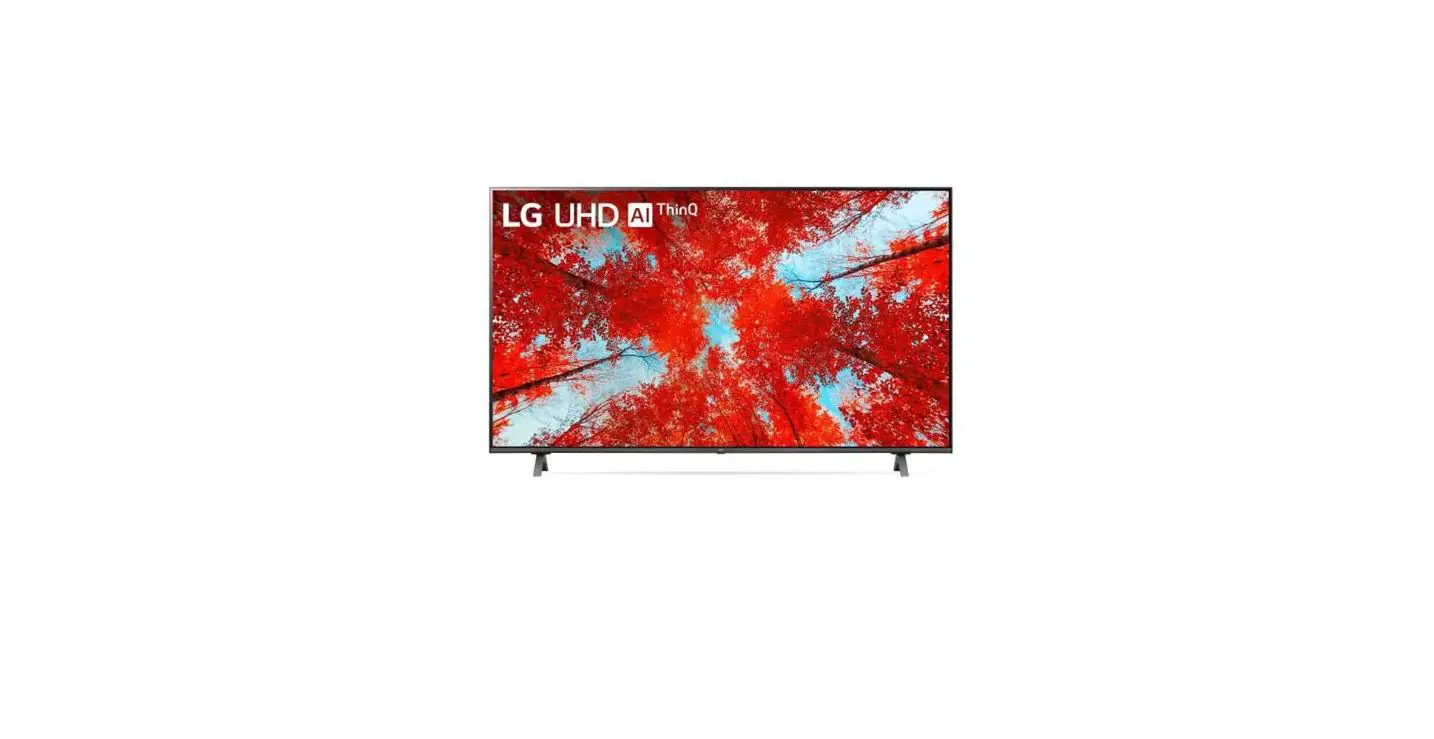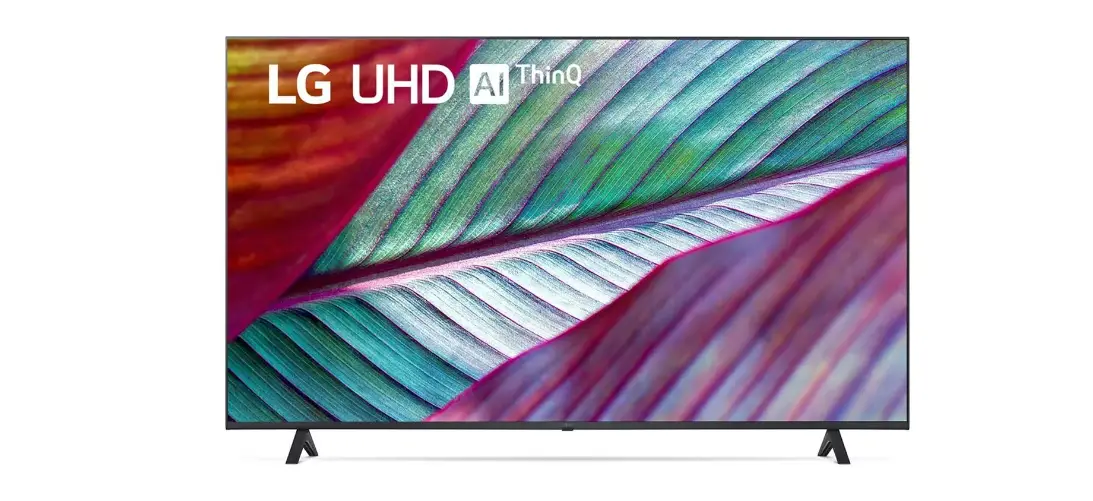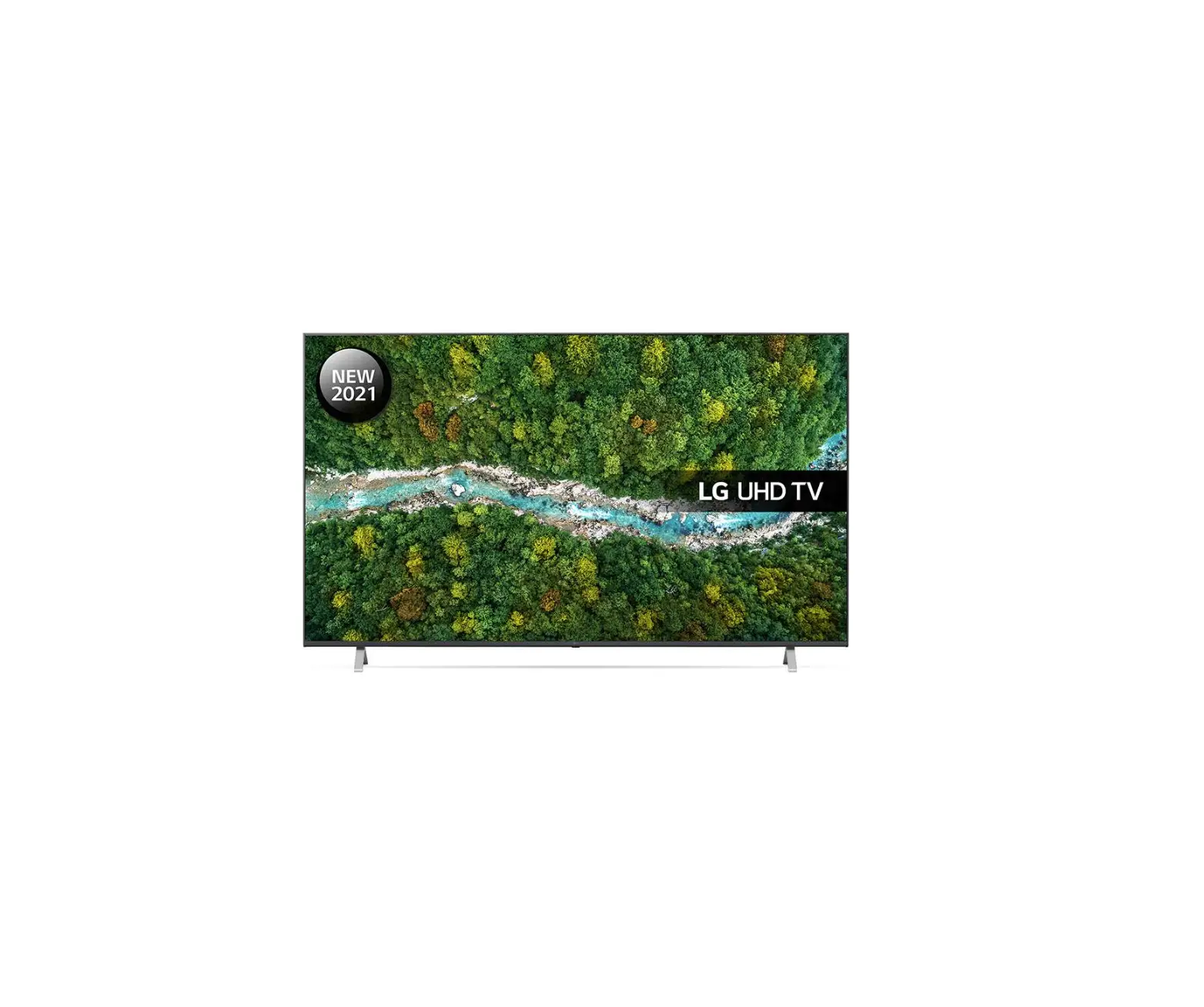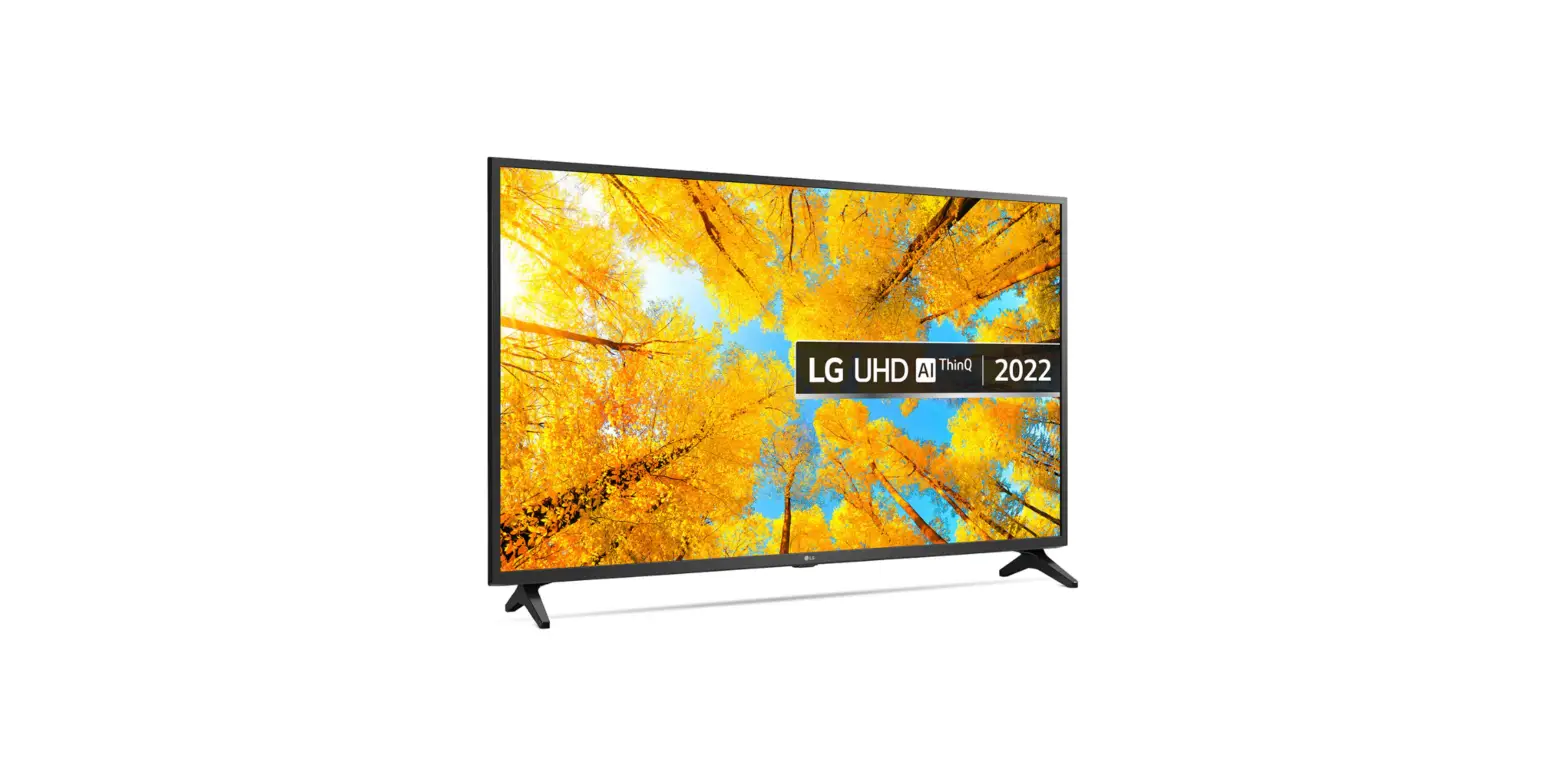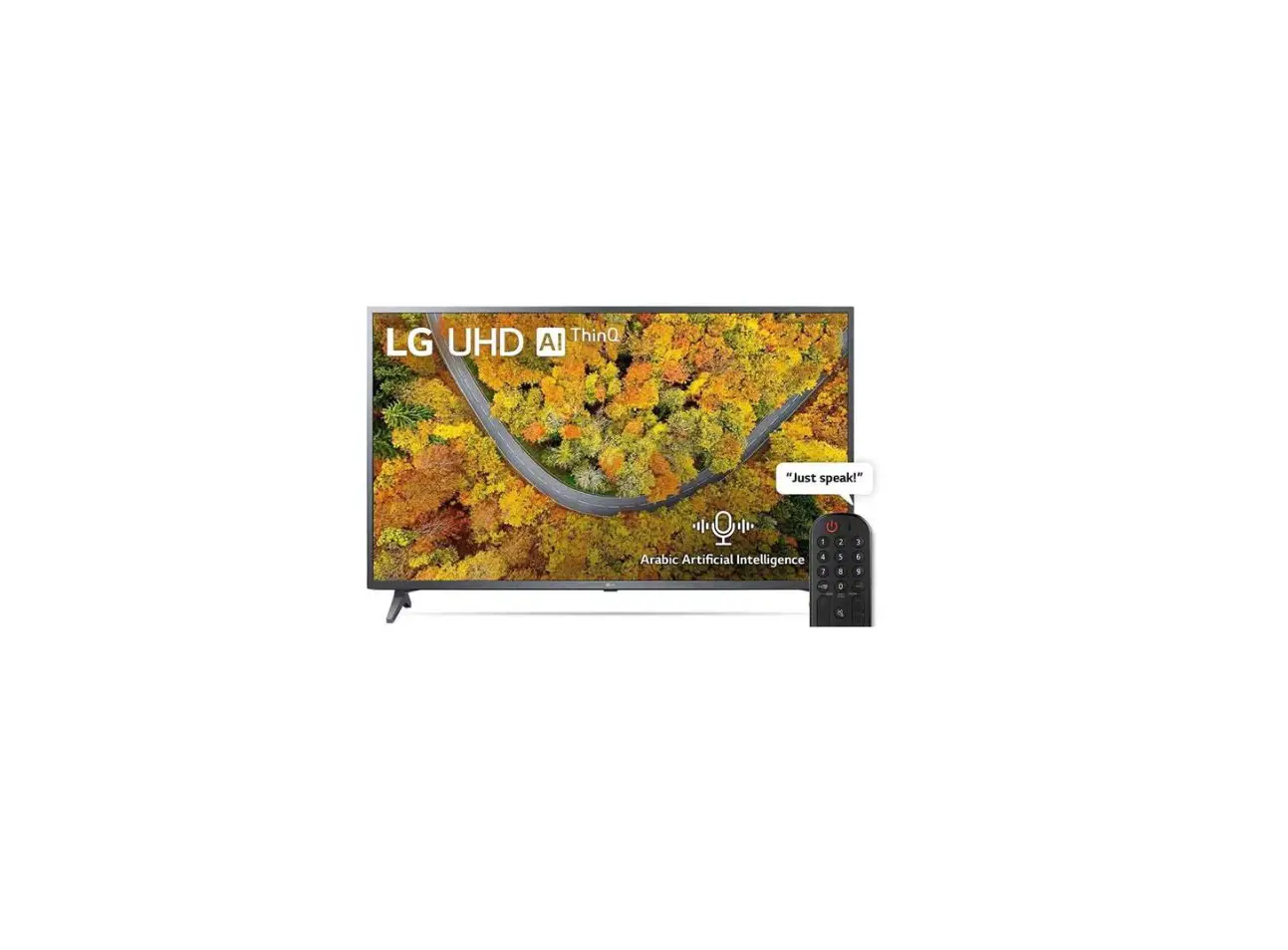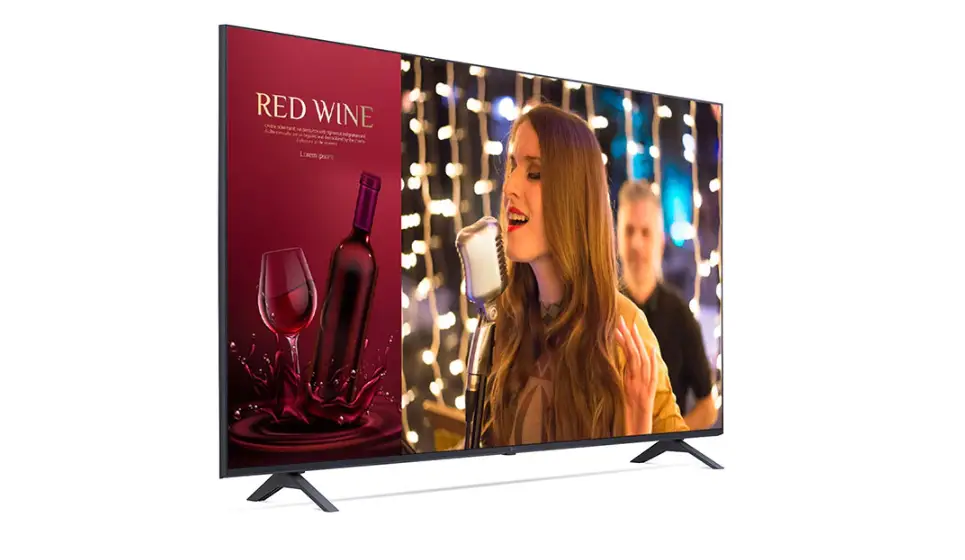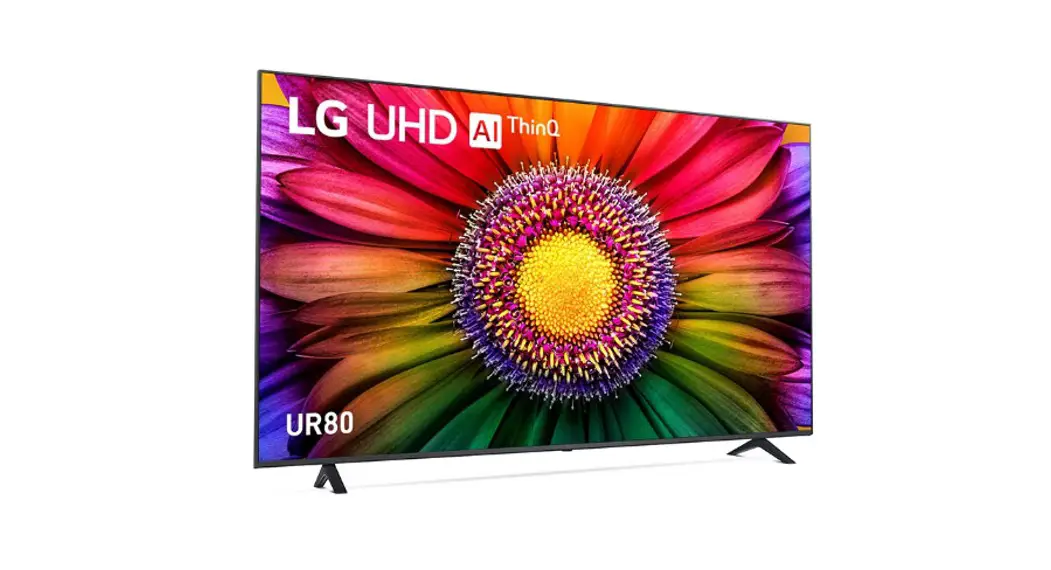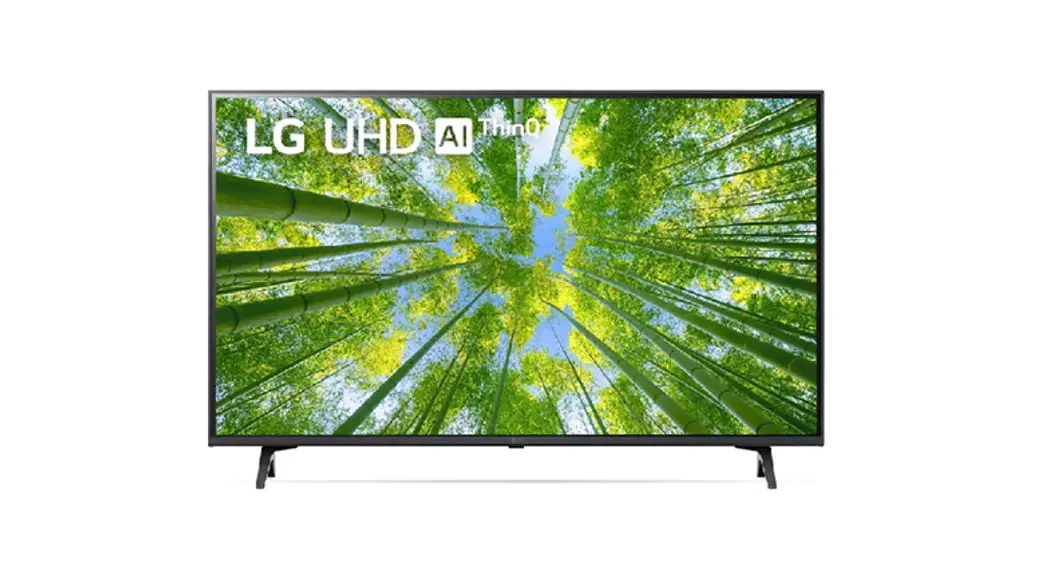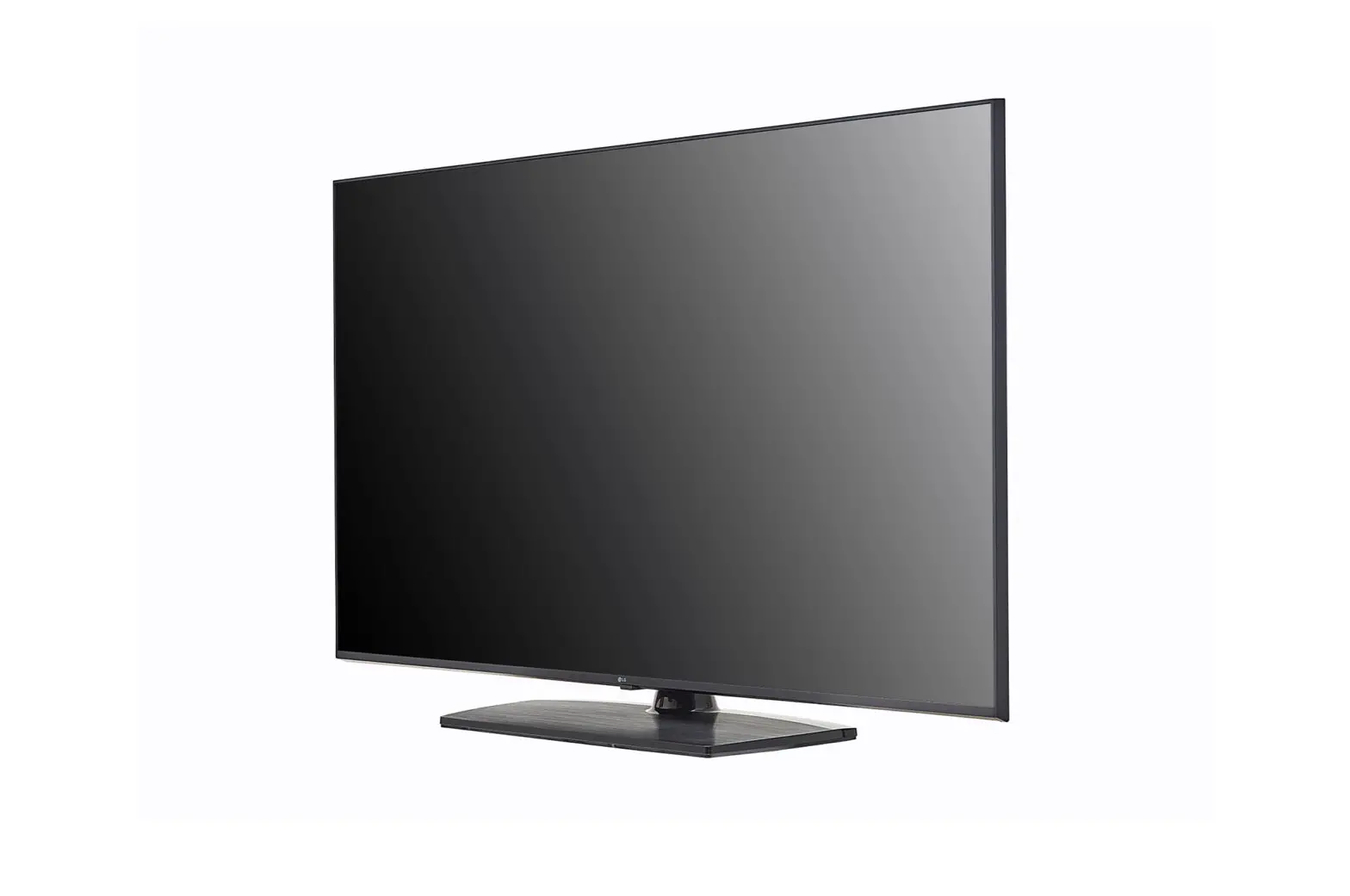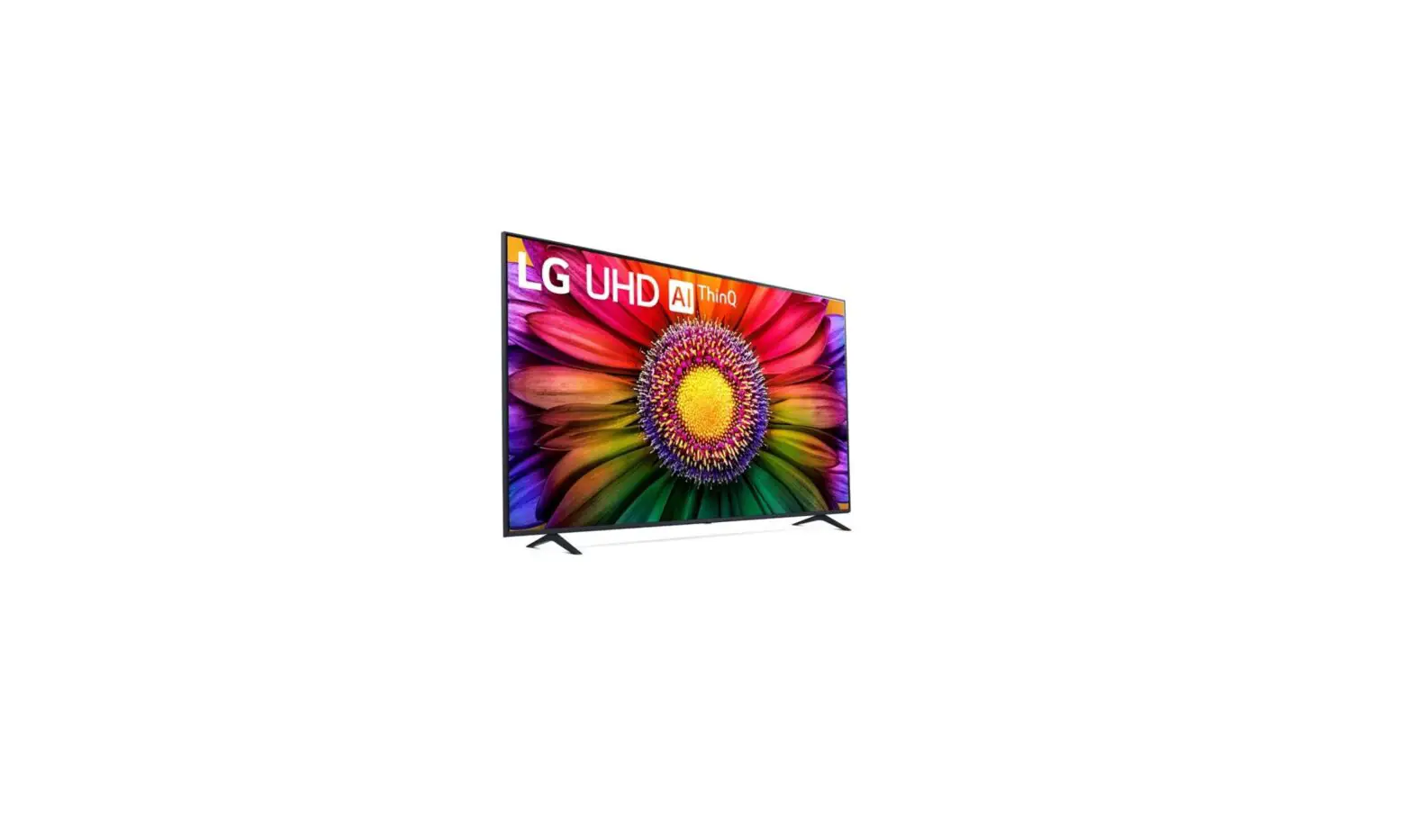

LG 65UR80006LJ LED 4K Smart UHD Television
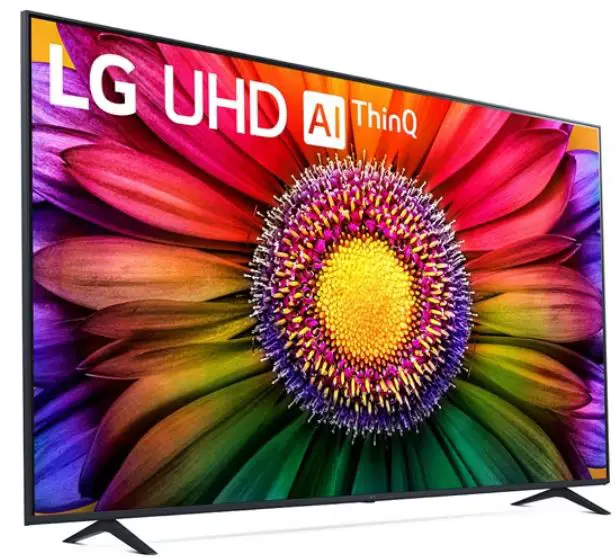
Product Information
- Model: UR80
- Available Sizes: 43″, 50″, 55″, and 65″
- Weight (without stand): 43UR80 – 31 Kg, 50UR80 – 43 Kg, 55UR80 – 57.1 Kg, 65UR80 – 57.7 Kg
- Mounting Options: LSW240B and MSW240 for 43/50UR80*, OLW480B and MSW240 for 55UR80*, OLW480B and 65UR80
- Mounting Hole Pattern: 43/50UR80* – 200 x 200 mm, 55UR80* and 65UR80* – 300 x 300 mm
- Mounting Bolt Size: M6
Product Usage Instructions
Unpacking and Setup
- Carefully unpack the TV and remove all packaging materials.
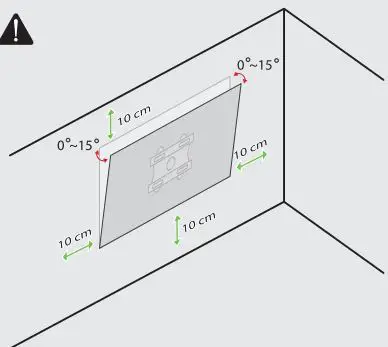
- Place the TV on a stable surface or mount it on a wall using a compatible wall mount (LSW240B or MSW240 for 43/50UR80*, OLW480B or MSW240 for 55UR80*, OLW480B for 65UR80*).
- Ensure that the TV is positioned in a well-ventilated area and away from direct sunlight or heat sources.
Mounting the TV on a Wall
- For 43UR80:
- Use two M4 x L16 screws to attach the mounting brackets to the rear of the TV.
- For 50/55UR80:
- Use four M4 x L16 screws to attach the mounting brackets to the rear of the TV. c. For 65UR80*:
- Use six M4 x L20 screws to attach the mounting brackets to the rear of the TV.
Connecting External Devices
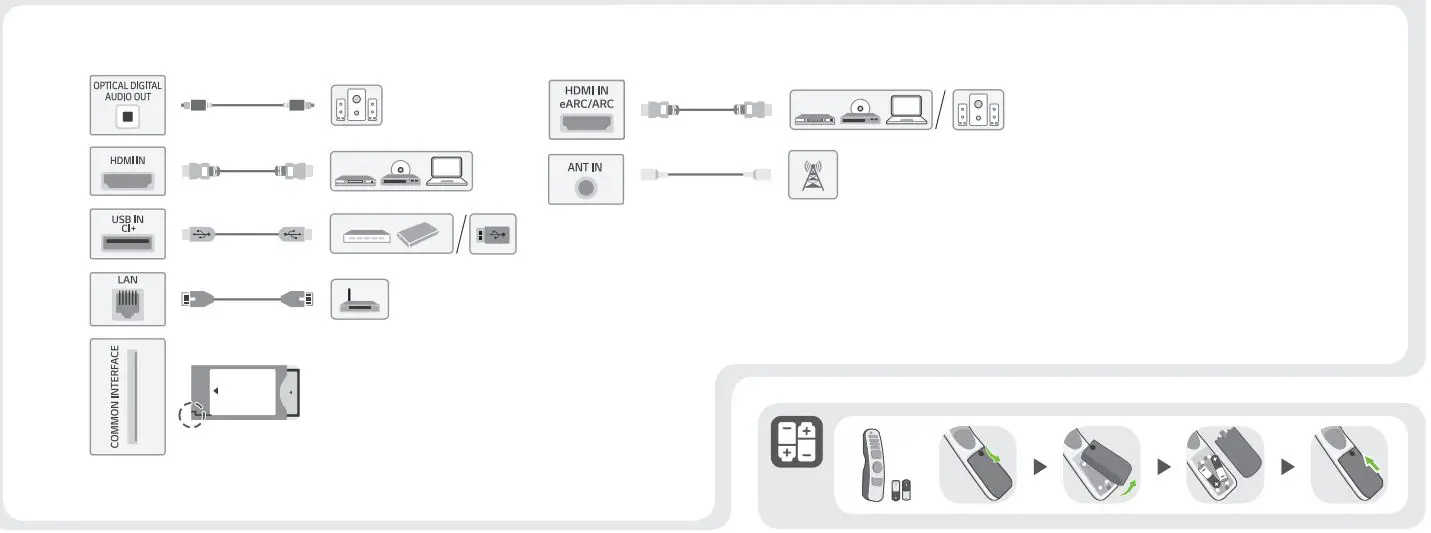
- Connect your external devices, such as cable/satellite box, DVD player, or gaming console, to the available HDMI or USB ports on the TV.
- Ensure that the corresponding input source on the TV is selected to view the content from the connected device.
Powering On and Off
- Connect the power cord to the TV and plug it into a power outlet.
- Press the power button on the TV or use the remote control to turn on/off the TV.
Adjusting Picture and Sound Settings
- Use the menu buttons on the remote control to access the settings menu.
- Navigate through the options to adjust picture settings (brightness, contrast, etc.) and sound settings (volume, equalizer, etc.) according to your preferences.
Using Smart Features (if applicable)
- If your TV has smart features, connect it to your home network using Wi-Fi or Ethernet.
- Access various apps, streaming services, and browse the internet using the smart interface of the TV.
Note: For detailed instructions on specific features or troubleshooting, refer to the complete user manual provided with your TV.
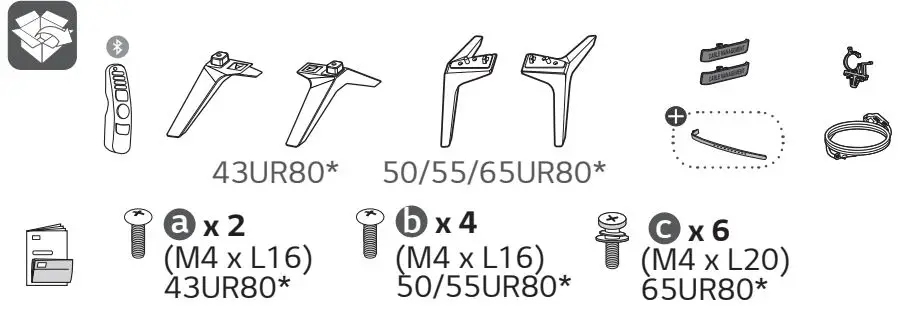
WHATS IN THE BOX
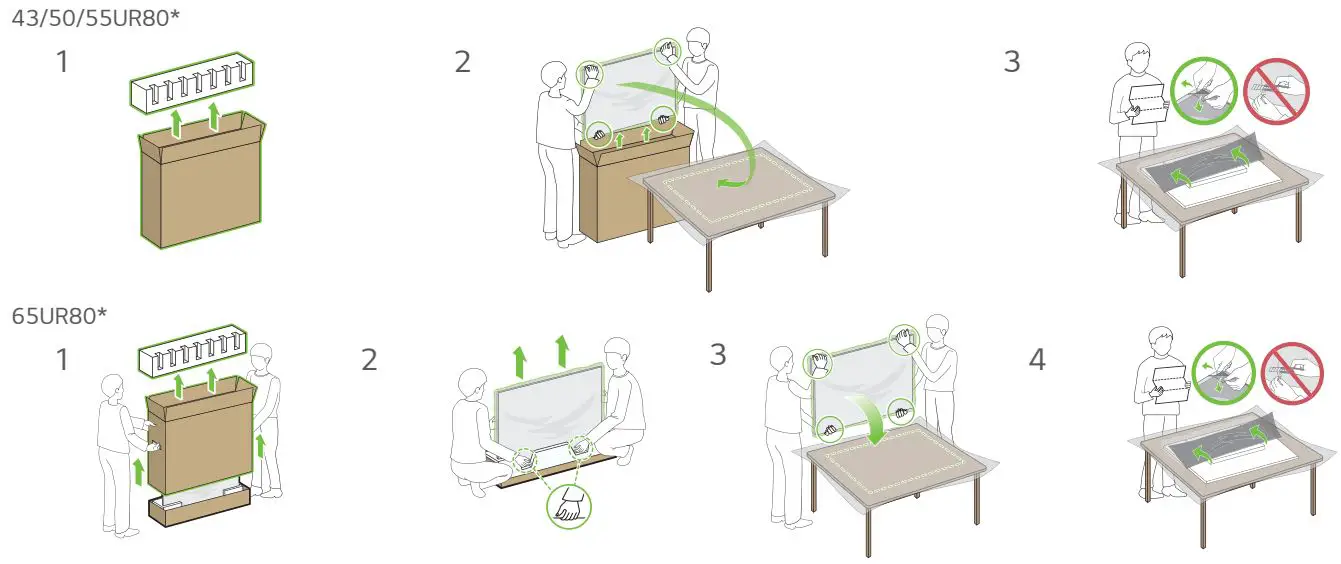
UNPACKING
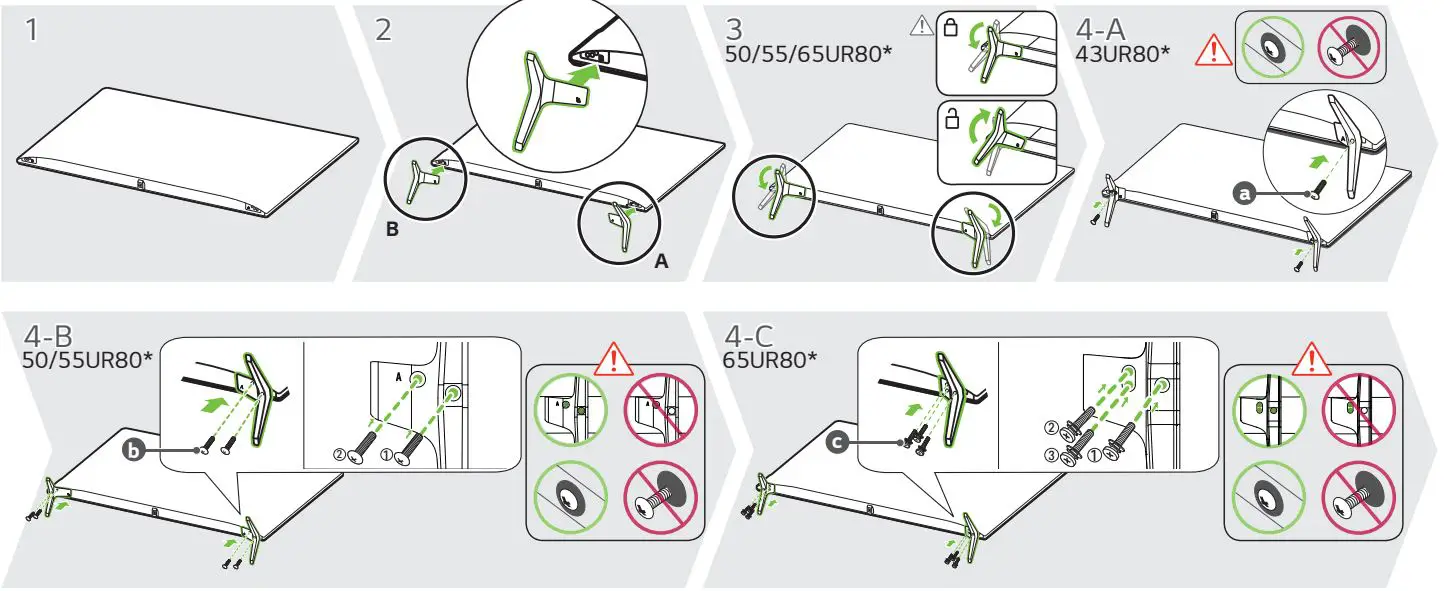
INSTALLATION


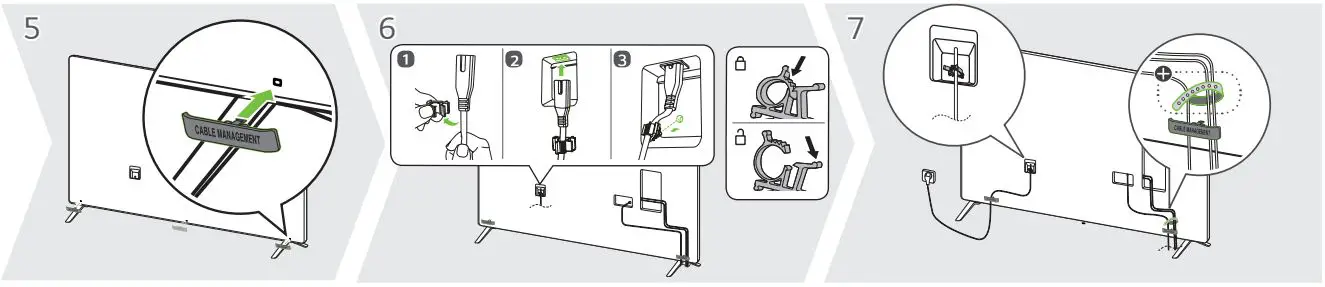
CONNECTING WIRES
DIMENSIONS
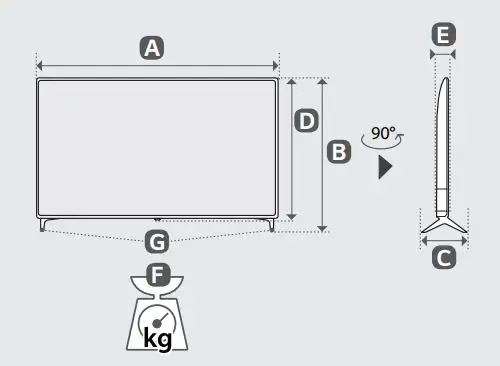
| A | B | C | D | E | F | F G | |
| 43UR80003LJ 43UR80006LJ | 967 | 621 | 216 | 564 | 57.1 | 8.9 | 8.8 |
| 50UR80003LJ 50UR80006LJ | 1121 | 713 | 231 | 651 | 57.1 | 11.9 | 11.7 |
| 55UR80003LJ 55UR80006LJ | 1235 | 776 | 231 | 715 | 57.5 | 14.2 | 14.0 |
| 65UR80003LJ 65UR80006LJ | 1454 | 906 | 269 | 838 | 57.7 | 21.7 | 21.4 |
HOW TO FIX
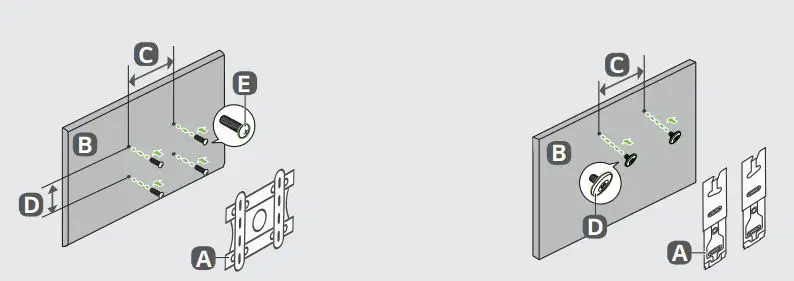
| A | B | C D (mm) | E |
| LSW240B MSW240 | 43/50UR80* | 200 x 200 | M6 |
| OLW480B MSW240 | 55UR80* | 300 x 300 | M6 |
| OLW480B | 65UR80* | 300 x 300 | M6 |
| A | B | C (mm) | D |
| WB21LMB | 43/50UR80* | 200 | M6 |
| 55/65UR80* | 300 |