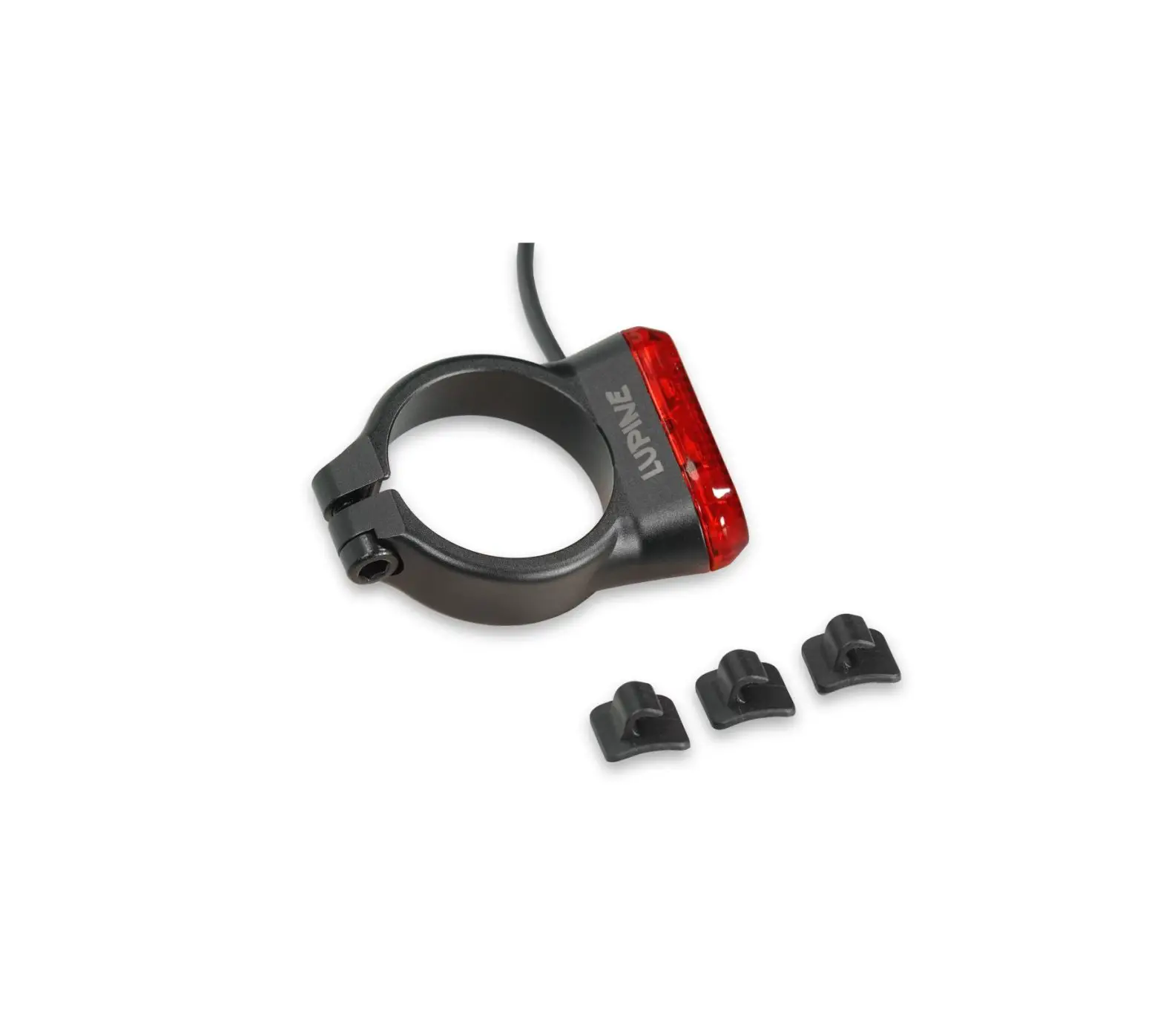
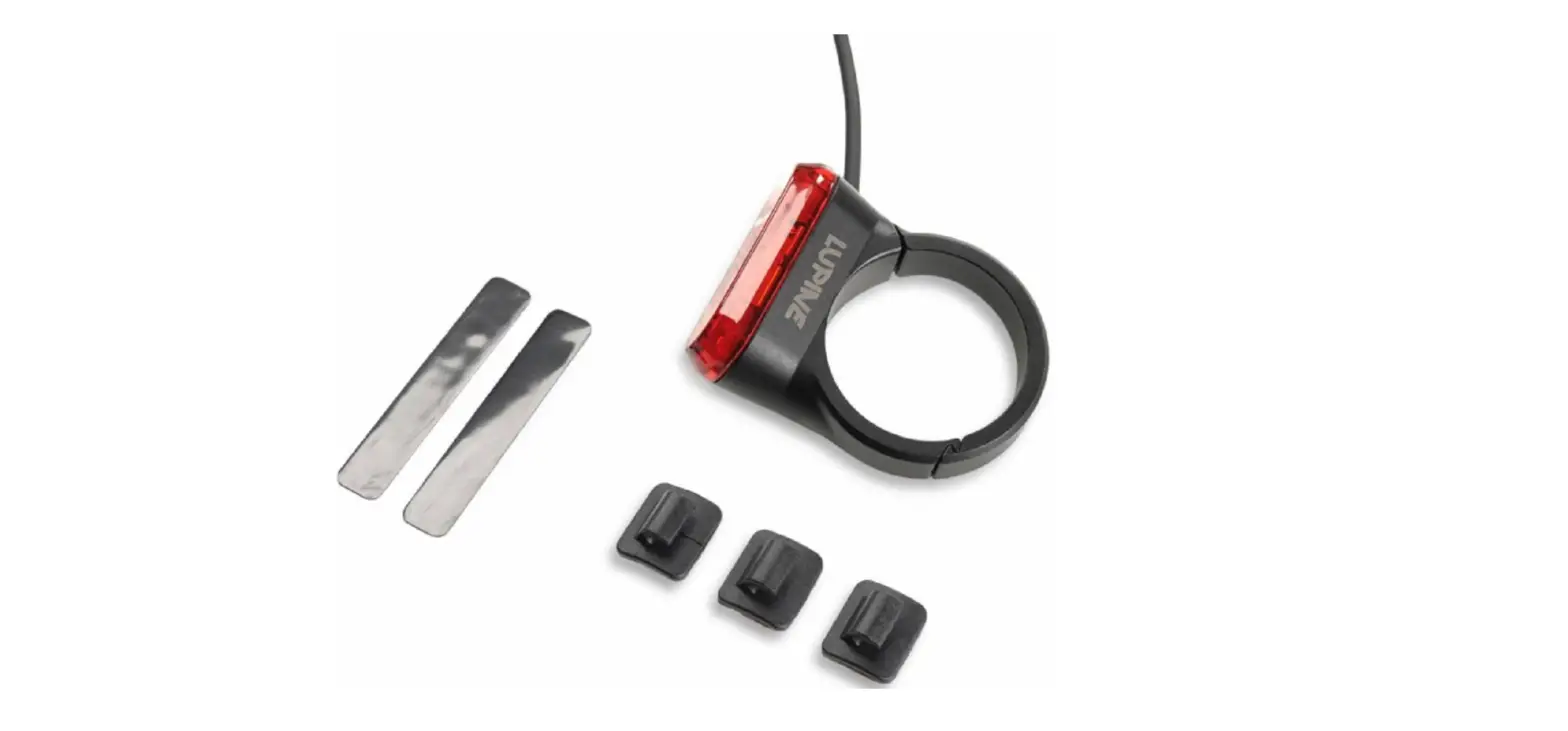
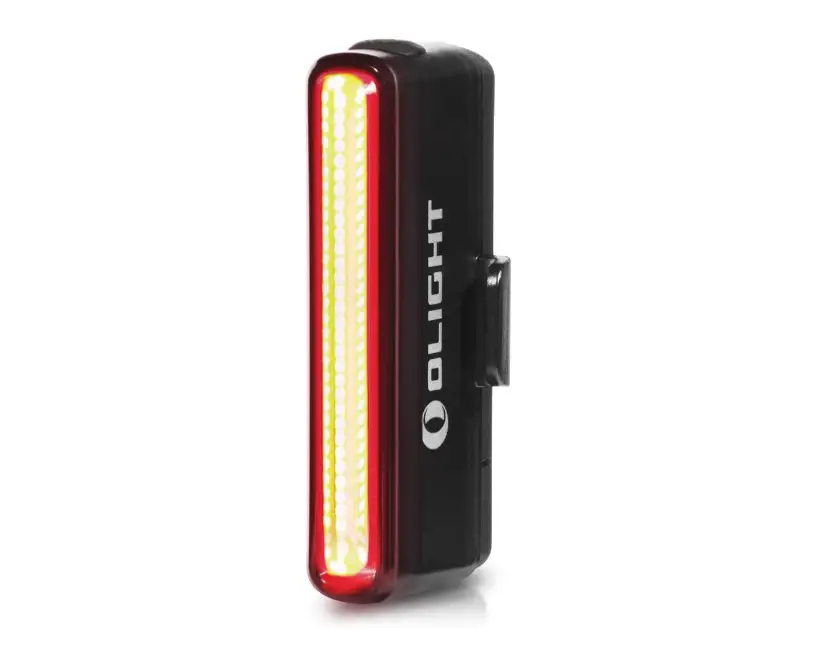
C14SP BL Rear Light for e-Bikes
Product Information
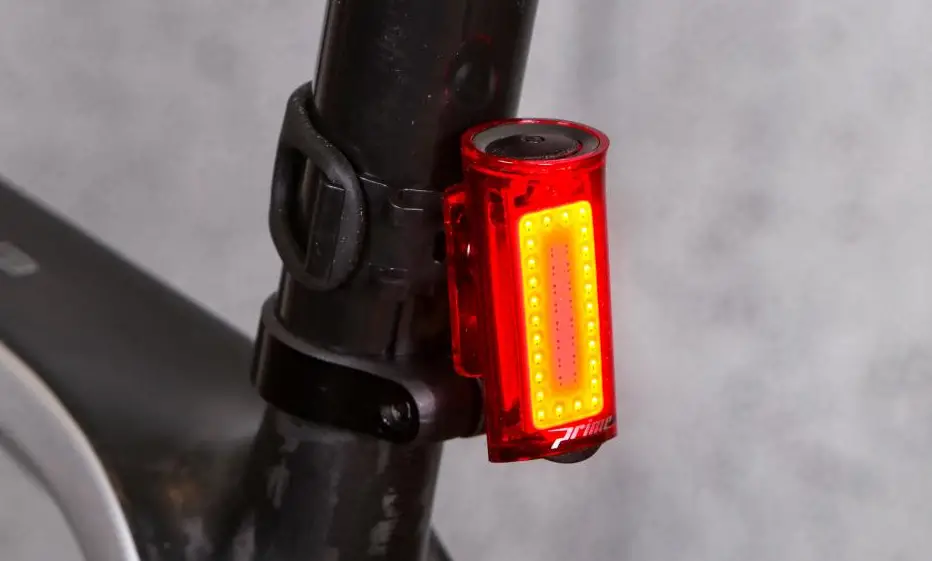
The C14 SP BL is a rear light designed for bicycles. It features
a COB LED with a power output of 0.6 – 0.8W. The light operates at
a voltage range of 6 – 12V. It is made of 6061-T6 anodized aluminum
and weighs 34g. The rear light is rated with an IP68 protection
class, offering excellent water resistance, and has an IK09 rating
for impact resistance. The product is approved under the K 1660
certification.
Product Usage Instructions
Assembly:
- Position the C14 SP on the seat post and mount it using a hex
key size 2.5, applying a torque of 1-2 Nm. - If your seat post size is 30.9mm, use the enclosed rubber
inserts to ensure a secure fit. - Install the cable along the frame to the drive unit, using the
enclosed cable guides. - Pay attention to the polarity of the cables (red +, black
-).
Operation:
To turn the light on or off, simply push the button located on
the light.
Brake Sensor:
The C14 SP BL is equipped with a built-in brake sensor that
reacts to sudden braking. By default, the brake sensor is
activated. To change this setting, follow these steps:
- Switch on the C14 SP BL.
- Keep the button pressed for approximately 8 seconds until the
C14 lights up once. - Release the button immediately.
The brake sensor will now be either deactivated or activated,
depending on the previous setting.
Assembly:
– Position the C14 SP on the seat post and mount it with 1-2 Nm (hex key size 2.5). For 30.9mm seatposts, use the enclosed rubber inserts.
– Install the cable along the frame to the drive unit, using the enclosed cable guides.
Note: Pay attention to the polarity (red +, black -)
Operation: You can turn the light on and off manually by pushing the button on the light.
Brake sensor:
A sensor built into the rear light reacts with a brief signal to sudden braking. (Hereafter referred to as the brake sensor) Afterwards it switches back to the original light level.
By default the brake sensor is activated. To change this setting the C14 must be switched on. Keep the button pressed (aprox. 8 sec.) until the C14 lights up once, let button go immediately. The brake sensor is now deactivated or activated.
M3 screw
Reference axis
(parallel to road)
Button
15 – 20°
Road
Lupine Lighting Systems GmbH Im Zwiesel 9 D – 92318 Neumarkt Germany
Mehr Informationen unter www.lupine.de EG Konformitätserklärung: www.lupine.de/ce/
DE / EN
C14 SP BL
Montage: – C14 SP mit Schelle an der Sattelstütze ausrichten und mit 1-2 Nm befestigen (2.5er Sechskantschlüssel). Bei 30.9mm Sattelstützen die beiliegenden Gummi Einlagen einkleben. – Das Kabel mithilfe der beiliegenden Führungen dem Rahmen entlang bis zum Antrieb verlegen.
Auf Polung achten (Rot +, Schwarz -)
Bedienung: Das Rücklicht kann manuell über den Taster am Gehäuse ein-/ und ausgeschaltet werden.
Hinweise: Das Rücklicht darf bei Verwendung nicht durch andere Gegenstände verdeckt werden und muss senkrecht ausgerichtet sein.
(Die Sattelstütze befindet sich im 15 20° Winkel zum senkrecht montierten Schlusslicht)
Die zulässige Montagehöhe liegt bei 250 – 1200mm
Bei Fahrrädern mit elektrischer Tretunterstützung kann die Versorgung der Beleuchtungsanlage über eine Kopplung an den Energiespeicher für den Antrieb erfolgen, wenn nach entladungsbedingter Abschaltung des Unterstützungsantriebs noch eine ununterbrochene Stromversorgung der Beleuchtungsanlage über mindestens zwei Stunden gewährleistet ist und/ oder der Antriebsmotor als Lichtmaschine übergangsweise benutzt werden kann, um auch weiterhin die Lichtanlage mit Strom zu versorgen.
Verzögerungslicht
Ein im Rücklicht verbauter Sensor reagiert bei plötzlichem Abbremsen mit einer kurzzeitigen Signalgebung (Nachfolgend als Bremssensor bezeichnet). Wenn der Bremssensor aktiviert ist, leuchtet das C14 bei einer ruckartigen Bremsung kurzzeitig heller und schaltet danach wieder in die ursprüngliche Leuchtstufe zurück.
M3 Schraube
Bezugsachse
(parallel zur Fahrbahn)
Taster
Von Werk aus ist der Bremssensor aktiviert. Zum Ändern dieser Einstellung muss das C14 eingeschaltet sein. Dann den Taster an der Unterseite gedrückt halten (ca. 8 Sek.), bis das C14 einmal aufleuchtet, Taster sofort loslassen. Der Bremssensor ist nun deaktiviert, bzw. aktiviert.
15 – 20°
Fahrbahn
Technische Daten:
LED: COB LED
Leistung: 0.6 – 0.8 W
Spannung: 6 – 12V
Funktion Taster: Ein/Aus
Durchmesser Sattelstütze: 31.6mm,
30.9mm (mit beiliegenden Einlagen)
Kabellänge: 80cm
Material: 6061-T6 Aluminium eloxiert
Gewicht: 34g
Schutzklasse: IP68/ IK09
Zulassung:
K 1660
 Lupine Lighting Systems - We are the Light