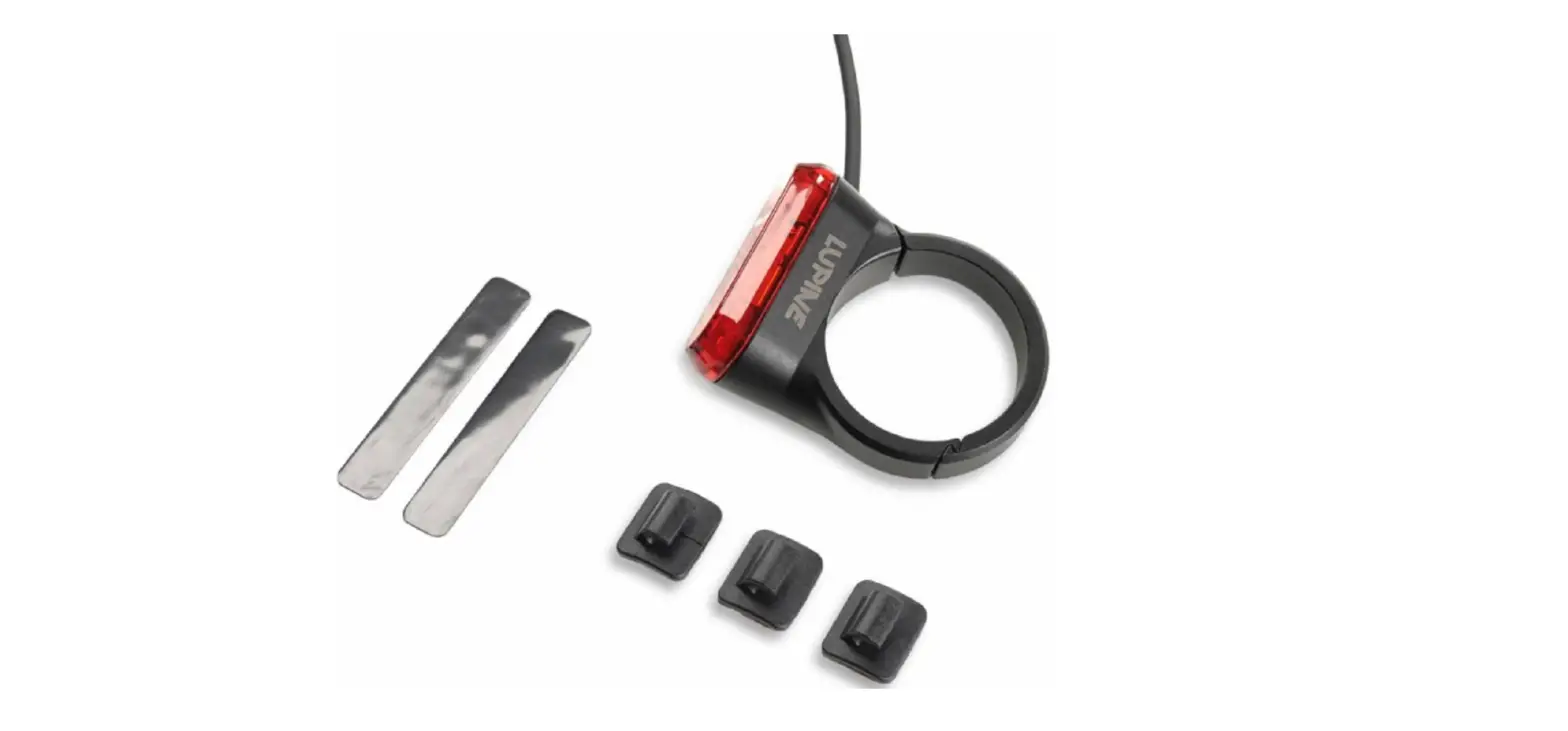
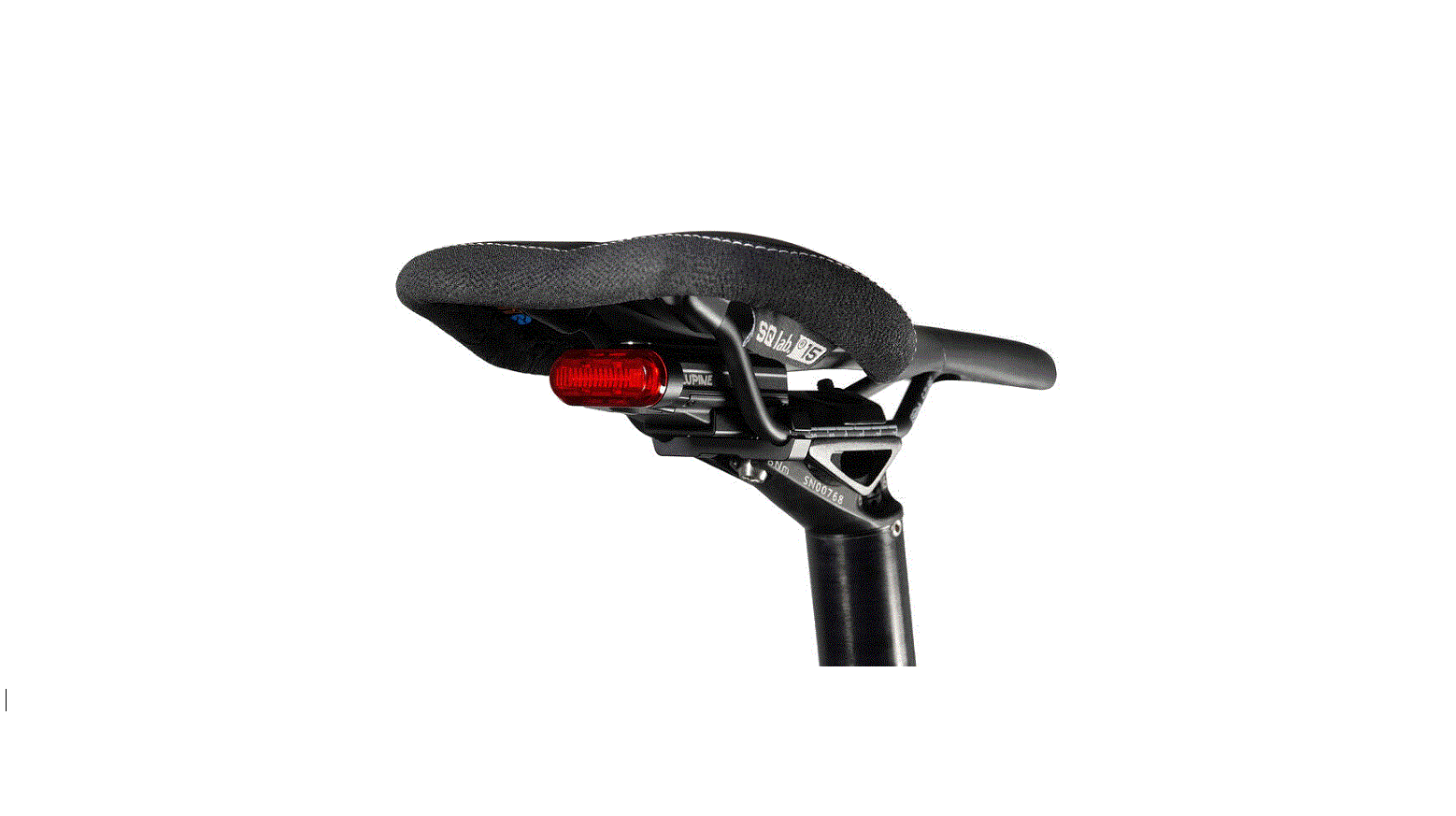
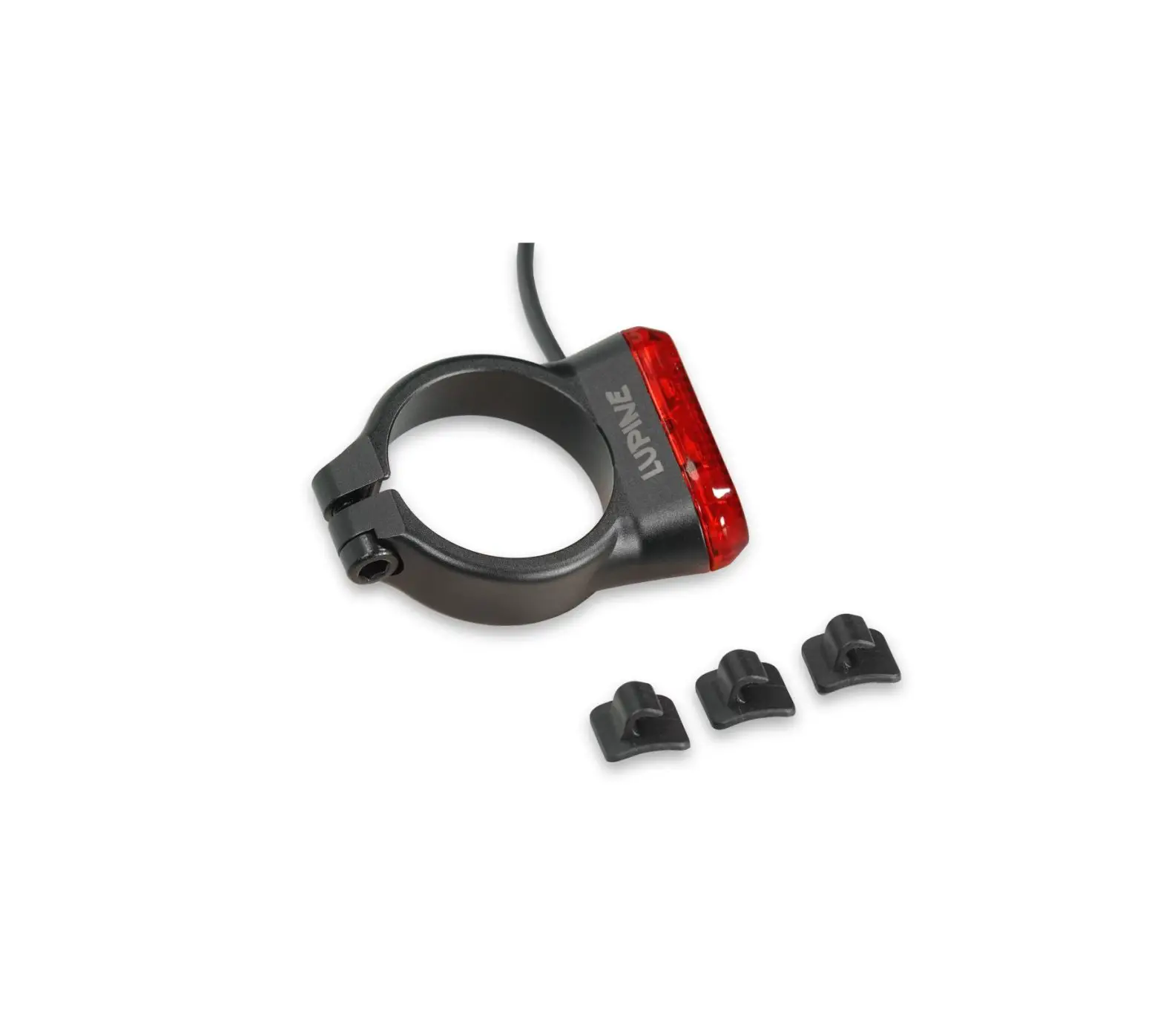
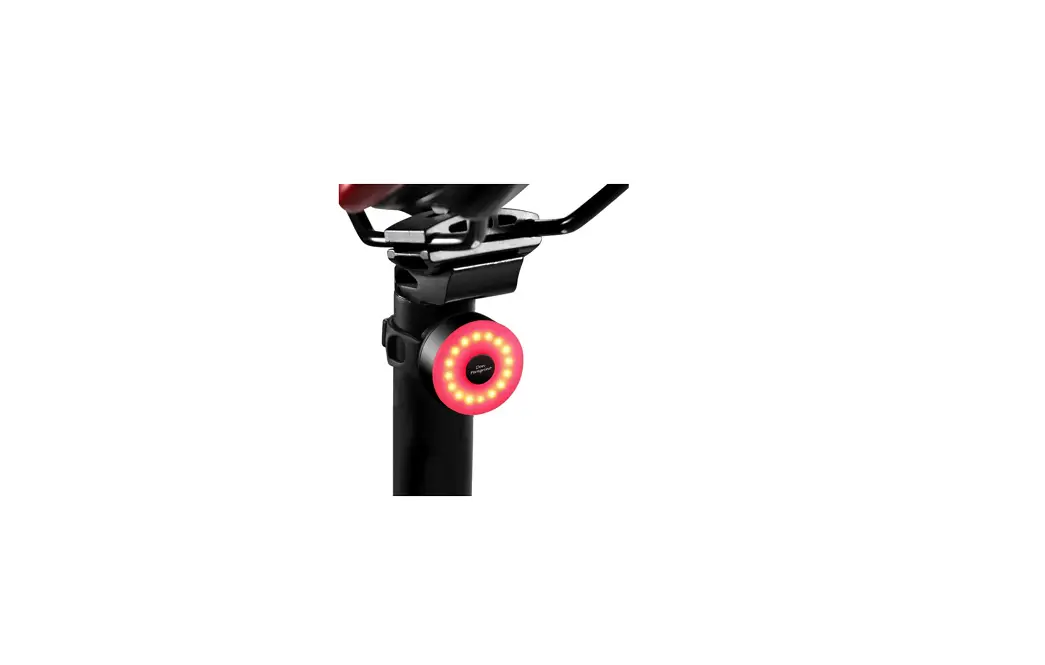
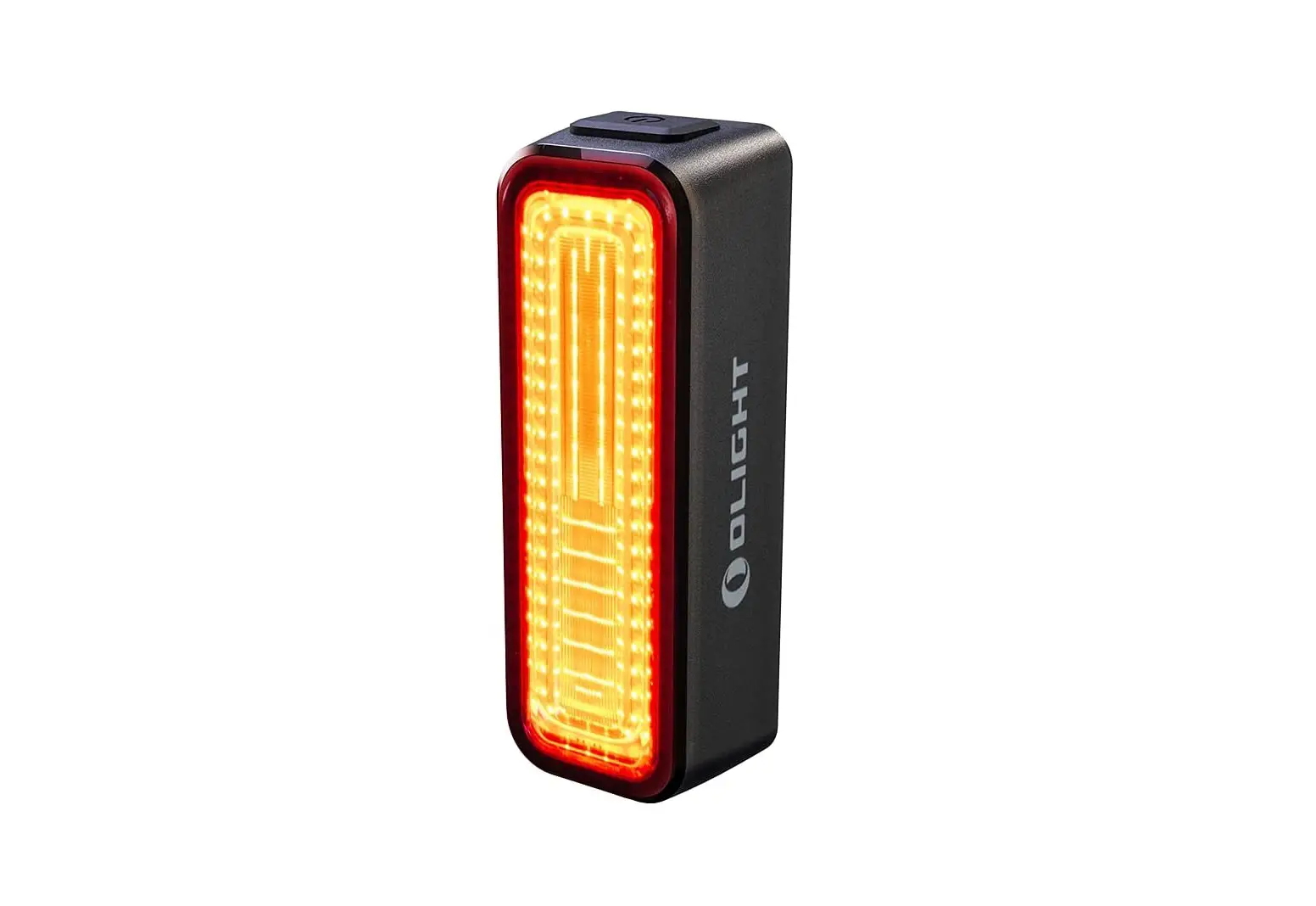
C14 MAG Tail Light for Bike
Product Information
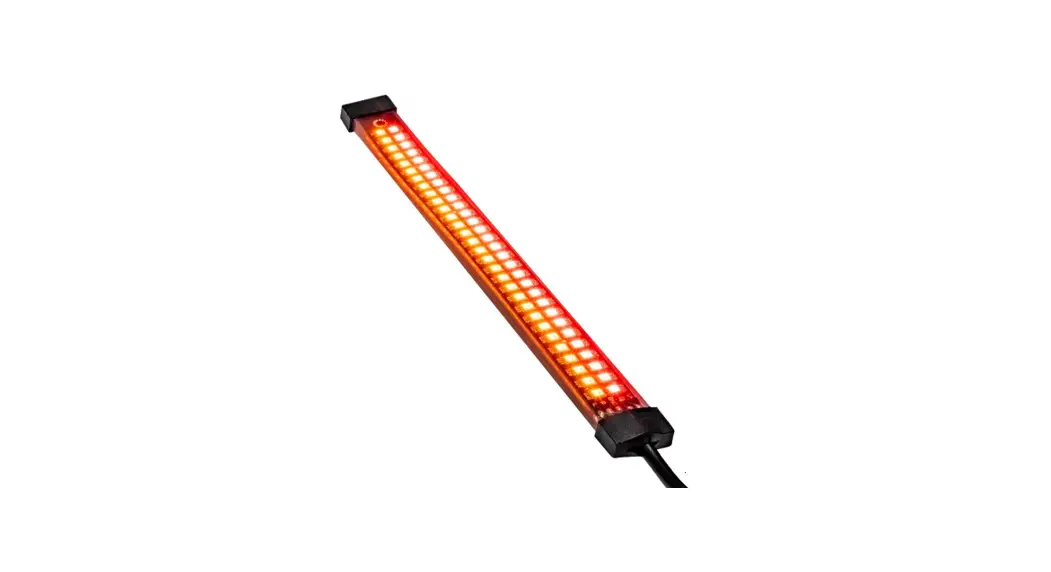
The C14 MAG is a bike rear light that comes with a COB LED. It
has a power range of 0.3 – 0.75 W, with a brake light of 0.75W. The
battery capacity is Li-Po 4.4Wh, and it takes approximately 3 hours
to charge. The C14 MAG is made of 6061-T6 aluminum anodized and
weighs 60g. It has a runtime of up to 22 hours, and it is IP68/IK09
protected. The C14 MAG is approved by K1660 and manufactured by
Lupine lighting systems GmbH in Germany.
Product Usage Instructions
- Turn On: By default, the C14 MAG can be
switched on by a double click. To change the settings, see
“Changing settings”. - Turn Off: Keep the button pressed for about
1-2 seconds. - Charging: To charge your C14 MAG, use the
enclosed magnetic charging cable. The status LED on the bottom of
the C14 MAG lights up during charging. If it lights red, it’s
charging, and if it lights green, it’s fully charged. - Capacity Indicator: After switching on, a
status LED next to the button indicates the capacity as follows:- 100 – 51% capacity = lights green
- 50 – 26% capacity = lights red
- 25 – 0% capacity = continuously blinks red
- Light Sensor: When the light sensor is
activated, the C14 MAG turns on or off depending on the ambient
light. The C14 MAG must be switched on for this. When changing from
darkness to brightness, the sensor-controlled switch-off takes
place with a delay of approximately 20 seconds. - Brake Sensor: A sensor built into the rear
light reacts with a brief signal to sudden braking. Afterward, it
switches back to the original light level. - Changing Settings: Keep the button pressed
until the desired setting (8 sec.), then release the button
immediately. The C14 MAG must be switched on for this. The
available settings are:- Lights up 1x
- Lights up 2x
- Lights up 3x
- Lights up 4x
- Lights up 5x
- Lights up 6x
- Double Click on/off
- Lightsensor on/off
- Brake sensor on/off
- 0.3W mode
- 0.5W mode
- Reset to factory setting (italic= factory setting)
- Assembly: To assemble, place the C14 MAG
holder vertically on the seat post. Pull the band tightly around
the seat post, then fasten it in the side hook (for seat posts with
a diameter of 27-40 mm). The holder must be firmly attached to the
seat post, and its position must not be changed. Now, slide the C14
Mag into the holder. The radiation must be aligned parallel to the
road. Please make sure that no objects are covering the rear light,
and it must be aligned vertically. The permissible mounting height
is 250 – 1200mm.
StVZO
C14
MAG
Einschalten Werksseitig lässt sich das C14 MAG durch Doppelklick einschalten. (Weitere Einstellungen siehe ,,Ändern der Einstellungen”.)
Ausschalten Taster für 1-2 Sek. gedrückt halten, dann loslassen.
Laden Das C14 MAG wird über das beiliegende magnetische Ladekabel geladen.
Ladestandsanzeige Leuchtet rot = wird geladen; Leuchtet grün = voll geladen
Kapazitätsanzeige Nach dem Einschalten zeigt eine Status LED neben dem Taster die Kapazität an:
100 – 51% Kapazität = Leuchtet grün 50 – 26% Kapazität = Leuchtet rot 25 – 0% Kapazität = Blinkt immer rot
-> C14 Mag muss geladen werden
Lichtsensor Wenn der Lichtsensor aktiviert ist schaltet sich das C14 MAG je nach Umgebungslicht ein bzw. aus. Das C14 MAG muss dazu eingeschaltet sein. Das sensorgesteuerte Ausschalten beim Wechsel von Dunkelheit auf Helligkeit findet mit einer Verzögerung von ca. 20 Sek. statt.
Verzögerungslicht
Ein im Rücklicht verbauter Sensor reagiert bei plötzlichem Abbremsen mit einer kurzzeitigen Signalgebung (Nachfolgend als Bremssensor bezeichnet). Wenn der Bremssensor aktiviert ist, leuchtet das C14 MAG bei einer ruckartigen Bremsung kurzzeitig heller und schaltet danach wieder in die ursprüngliche Leuchtstufe zurück.
Ändern der Einstellungen Dazu muss das C14 MAG eingeschaltet sein. Taster bis zur gewünschten Einstellung gedrückt halten (ca. 8 Sek.) bis das C14 MAG x-mal aufleuchtet. Taster dann sofort loslassen, siehe Tabelle.
1x aufleuchten 2x aufleuchten 3x aufleuchten 4x aufleuchten 5x aufleuchten 6x aufleuchten
Doppelklick an / aus Lichtsensor an / aus Bremssensor an / aus 0.3W Dauerlicht Modus 0.5W Dauerlicht Modus Auf Werkseinstellung zurücksetzen
Kursiv = Werkseinstellung
Montage Den Halter des C14 Mag senkrecht an der Sattelstütze ansetzen. Nun das Band fest um die Sattelstütze ziehen, anschließend in dem seitlichen Haken befestigen (Für Sattelstützen mit Durchmesser 27-40 mm). Der Halter muss stramm an der Sattelstütze befestigt sein und darf sich in seiner Position nicht verändern lassen. Nun das C14 Mag in die Halterung einschieben. Die Ausstrahlung muss parallel zur Fahrbahn ausgerichtet sein.
Achtung: Das Rücklicht darf bei Verwendung nicht durch andere Gegenstände verdeckt werden. Die zulässige Montagehöhe liegt bei 250 – 1200mm.
Bezugsachse
(parallel zur Fahrbahn)
Taster
Fahrbahn
15 – 20°
Turn on By default, the C14 MAG can be switched on by a double click. (Other settings, see ,,Changing settings”).
Turn off Keep button pressed for about 1-2 sec.
Charging You can charge your C14 MAG with the enclosed magnetic charging cable.
Charge level indicator During charging the status led on the buttom of the C14 MAG lights up. (Lights red = charging, Lights green = fully charged)
Capacity indicator After switching on, a status LED next to the button indicates the capacity:
100 – 51% capacity = lights green 50 – 26% capacity = lights red 25 – 0% capacity = continuously blinks red
-> C14 Mag has to be charged
Light sensor: When the light sensor is activated, the C14 MAG turns on or off depending on the ambient light. The C14 MAG must be switched on for this. When changing from darkness to brightness the sensor controlled switch off takes place with a delay of approx. 20 sec.
Brake sensor: A sensor built into the rear light reacts with a brief signal to sudden braking. (Hereafter referred to as the brake sensor) Afterwards it switches back to the original light level.
Changing settings Keep the button pressed until the desired setting (8 Sec.), then release the button immediately. The C14 MAG must be switched on for this.
Lights up 1x Lights up 2x Lights up 3x Lights up 4x Lights up 5x Lights up 6x
Double Click on / off Lightsensor on / off Brake sensor on / off 0.3W mode 0.5W mode Reset to factory setting
Italic = Factory setting
Assembly Place the C14 MAG holder vertically on the seat post. Now pull the band tightly around the seat post, then fasten it in the side hook (for seat posts with a diameter of 27-40 mm). The holder must be firmly attached to the seat post and its position must not be able to be changed. Now slide the C14 Mag into the holder. The radiation must be aligned parallel to the road.
Please make sure that no objects are covering the rear light, also it must be aligned vertically. The permissible mounting height is 250 – 1200mm.
Reference axis
(parallel to the road) Button
Road
15 – 20°
Technische Daten / Technical Data:
LED: COB LED
Leistung / Power: 0.3 – 0.75 W
Bremslicht / Brake light: 0.75W
Akku / Battery: Li-Po 4.4Wh
Ladezeit / Charging time: ca. 3h
Material: 6061-T6 Aluminium eloxiert
6061-T6 aluminium anodized
Gewicht / Weight: 60g
Leuchtzeit / Runtime: 22h max.
Schutzklasse / Protection class: IP68/ IK09
Zulassung / Approval:
K 1660
Mehr Informationen unter: / More information at: www.lupine.de EG Konformitätserklärung: / EC Declaration of confirmity: www.lupine.de/ce/
Lupine lighting systems GmbH Im Zwiesel 9 D – 92318 Neumarkt Germany
 Lupine Lighting Systems - We are the Light