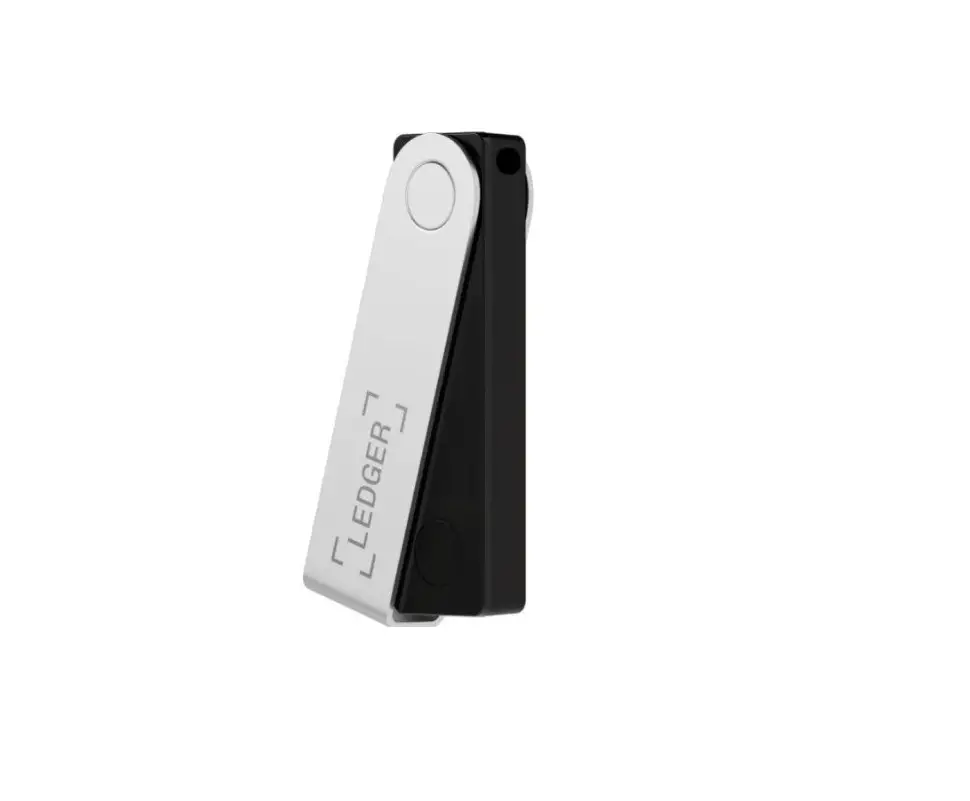

LEDGER Nano X Cryptocurrency Hardware Wallet
GET STARTED
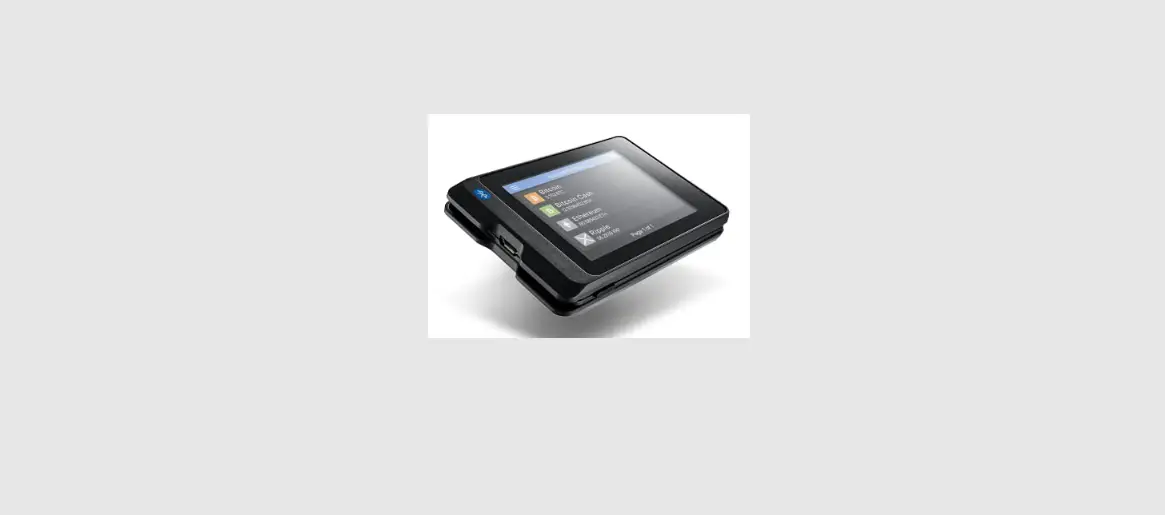
The Ledger Nano X securely stores the private keys that provide access to your crypto assets.
- To set up your device, follow the instructions at ledger.com/start
- Charge your device before the first use by connecting the USB cable to a power source.
BASIC ACTIONS
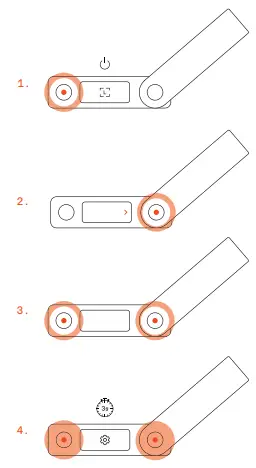
Refer to the drawings on the first page.
- Press the left button shortly to power on your device.
- Press the left or right button to browse through menus and lists.
- Press both buttons simultaneously to validate a selection.
- Press and hold both buttons anytime to access the settings, to power off and more.
NEED HELP?
 Hardware Wallet - State-of-the-art security for crypto assets | Ledger