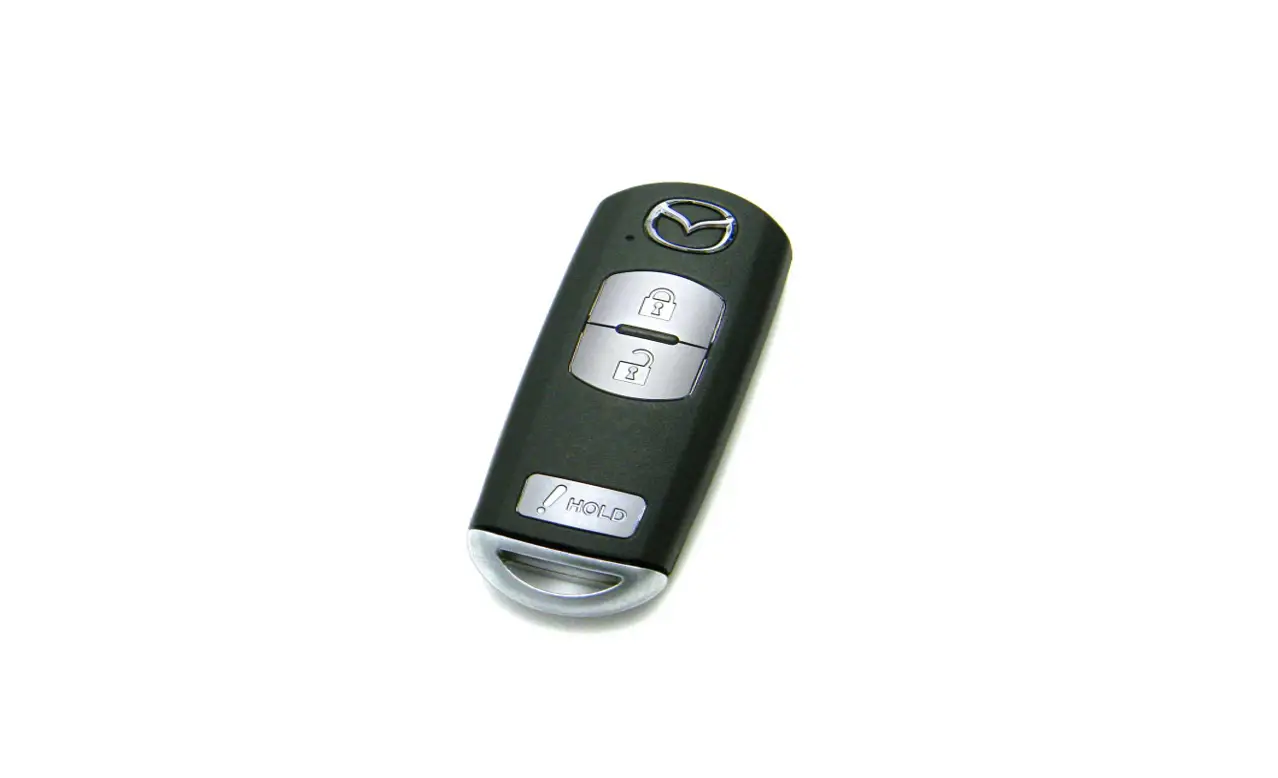
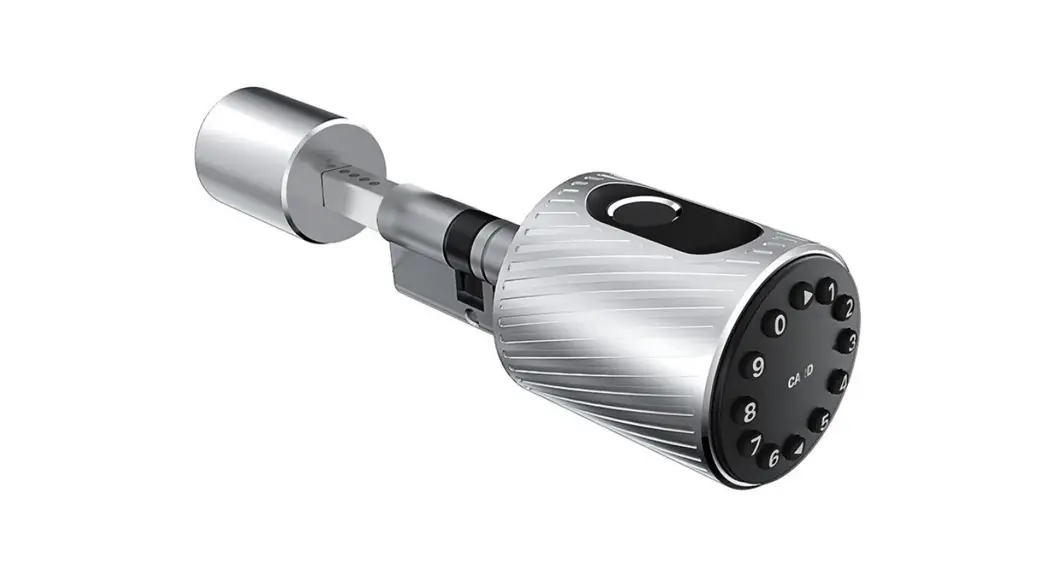
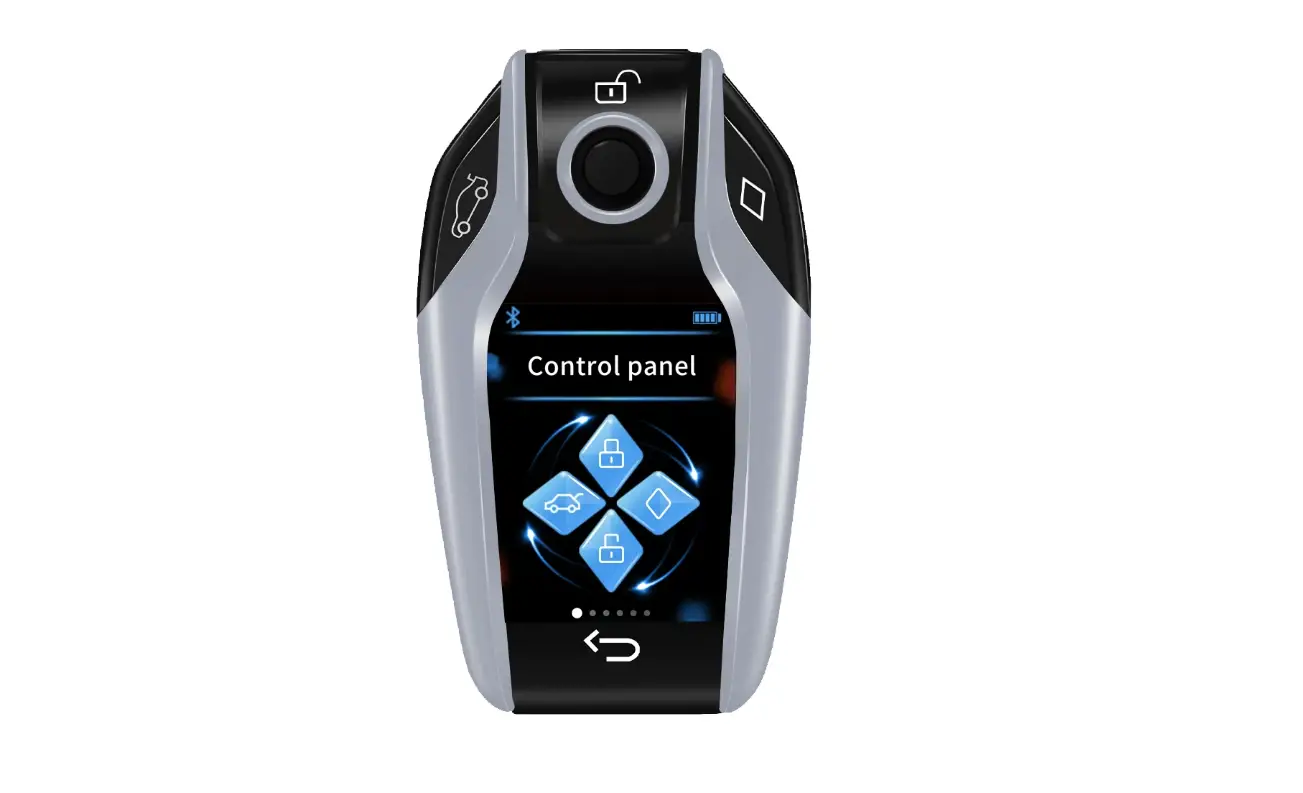
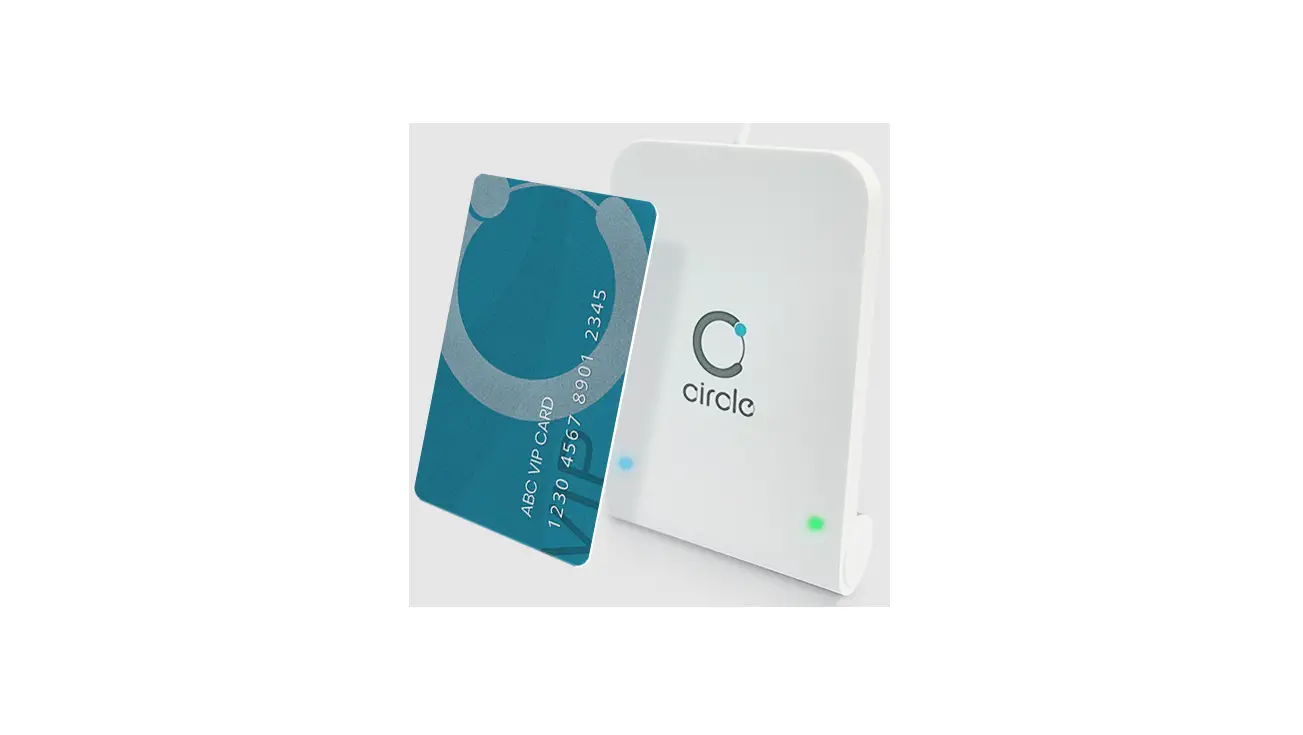
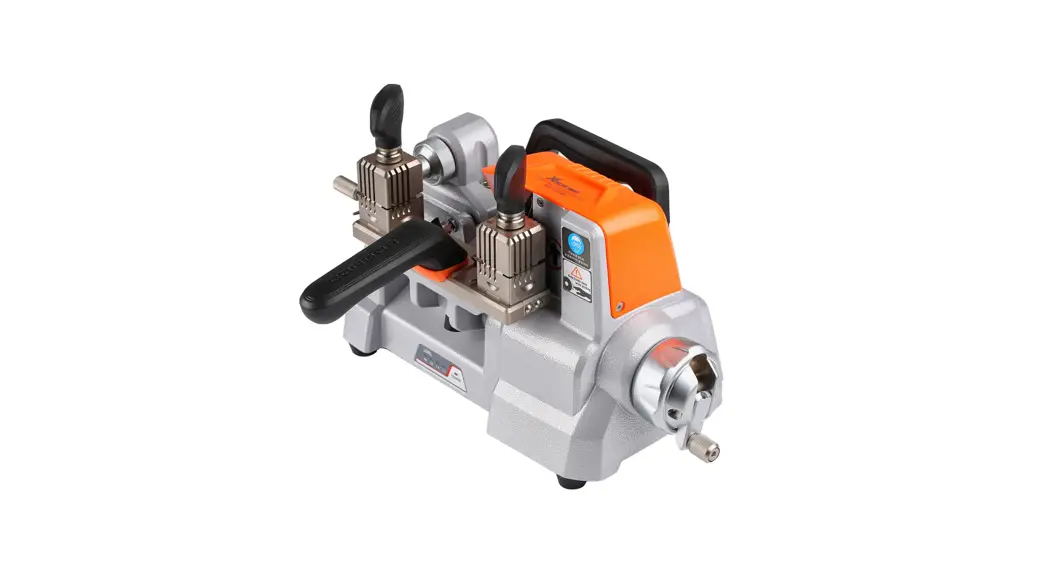
X100 Smart Card Replicator
Product Information:
The Smart Card Replicator is a versatile device that offers
various functions for smart card replication. It features double
decryption area, cloud super decryption, dual frequency detection,
analog multi-frequency card support, dual-mode frequency detection,
cloud private card data, one-key analysis and modification,
prevention of rolling codes, breaking the CPU limit, support for
non-standard cards, and the ability to copy all smart cards.
This device is available in multiple models with different
configurations. Please refer to the product model table for
specific details.
Product Usage Instructions:
On/Off:
To turn on the device, insert the battery and press the power
button. After turning on, you will enter the disclaimer interface.
Please strictly abide by the provisions of the disclaimer. Press
the button again to enter the menu and follow the prompts to
perform the corresponding function operations.
Charge The Device:
If your device supports lithium batteries, you can charge it
using a 5V charger and a Type-C USB data cable. Connect the device
to the charger using the cable. The red indicator light will turn
on to indicate that it is charging. The red indicator light will
turn off when the device is fully charged.
Note: Charging is only applicable to devices
that support lithium batteries.
Using Help:
If you need further assistance, you can scan the QR code
provided on the right side of the device to access more help
information. Alternatively, you can visit the WeChat public account
for additional support.
Get The Software:
To obtain the CopyKEY Decryption Software, connect the device to
your computer using the Type-C USB data cable. Ensure that the
device stays on the disclaimer interface after booting. The
computer will automatically load the U disk of the device, allowing
you to access the software.
Parameter:
| PC Version | WIFI Version | |
|---|---|---|
| Input Voltage | 5V | 5V |
| Input Current | 500mA | 1.5A |
| Battery Powered | 4 AAA alkaline dry batteries | 3.7V lithium battery |
| Charging Time | Not supported | 7 hours |
| Working Current | – | – |
| Standby Current | 70-250mA | 70-1000mA |
| Dimensions | – | 182mm * 70mm * 31mm |
Product Structure:
The Smart Card Replicator features the following components:
- Type-C USB Communication/ Charging port
- Mini USB Expansion port
- Communication indicator
- Charging indicator
- Red charging LCD Display
- Navigation key
- On/Off key
- OK key
- Delete key
- Return key
- Function keys
- IC high-frequency induction zone
- ID / IC full-frequency sensing area
- Speaker
- Battery compartment
FCC Statement:
The device has been evaluated to meet general RF exposure
requirements. It can be used in portable exposure conditions
without restriction.
Smart Card Replicator
User Manual
Functional Overview
Double decryption area Cloud Super Decryption Dual frequency detection Analog multi-frequency card Dualmodefrequencydetection
Cloud private card data OneKey analysis and modification Prevent rolling codes Break the CPU limit Support non-standard cards Copy all smart cards
A unified description of multiple models, please check the product model table for specific configurations
Product Operation
On/Off
After inserting the battery, press the button to turn on/off, and then enter the disclaimer interface after turning on.Please strictly abide by the provisions of the disclaimer, and then press the button to enter the menuFollow the prompts to perform the corresponding function operations.
Charge The Device
(Only applicable to devices that support lithium batteries) Use a 5V charger to connect the device through a Type-C USB data cable. The red indicator light indicates that it is charging, and the red indicator light turns off when fully charged.
Scan the QR code on the right for more help information
Using help
WeChat public account
Get The Software
Use the Type-C USB data cable to connect to the computer, and stay on the disclaimer interface after booting, the computer will automatically load the U disk of the device, you can get the “CopyKEY Decryption Software”.
Parameter
PC Version
WIFI Version
Input Voltage
5V
Input Current
500mA
1.5A
Battery Powered 4 AAA alkaline dry batteries 3.7V lithium battery
Charging Time
not support
7 hours
Working Current
–
Standby Current
70250mA
701000mA
Dimensions
10uA
182mm*70mm*31mm
Product Structure
Type-C USB Communication/ Charging port
Mini USB Expansion port
Communication indicator Charging indicator Red charging LCD Display
Navigation key On/Off key OK Delete key Return key Function keys
IC high frequency induction zone
ID / IC full frequency sensing area Speaker
Battery compartment
FCC Statement
This device complies with part 15 of the FCC Rules. Operation is subject to the following two conditions: (1)This device may not cause harmful interference, and (2)this device must accept any interference received, including interference that may cause undesired operation. This equipment has been tested and found to comply with the limits for a Class B digital device, pursuant to part 15 of the FCC Rules. These limits are designed to provide reasonable protection against harmful interference in a residential installation. This equipment generates, uses and can radiate radio frequency energy and, if not installed and used in accordance with the instructions, may cause harmful interference to radio communications. However, there is no guarantee that interference will not occur in a particular installation. If this equipment does cause harmful interference to radio or television reception, which can be determined by turning the equipment off and on, the user is encouraged to try to correct the interference by one or more of the following measures: Reorient or relocate the receiving antenna. .Increase the separation between the equipment and receiver. .Connect the equipment into an outlet on a circuit different from that to which the receiver is connected. .Consult the dealer or an experienced radio/TV technician for help. Cations to this device not explicitly approved by manufacturer could Caution: .Any changes or modivoid your authority to operate this equipment.RF Exposure Information The device was evaluated to meet general RF exposure requirements.
The device has been evaluated to meet general RF exposure requirement. Thedevice can be used in portable exposure condition without restriction.