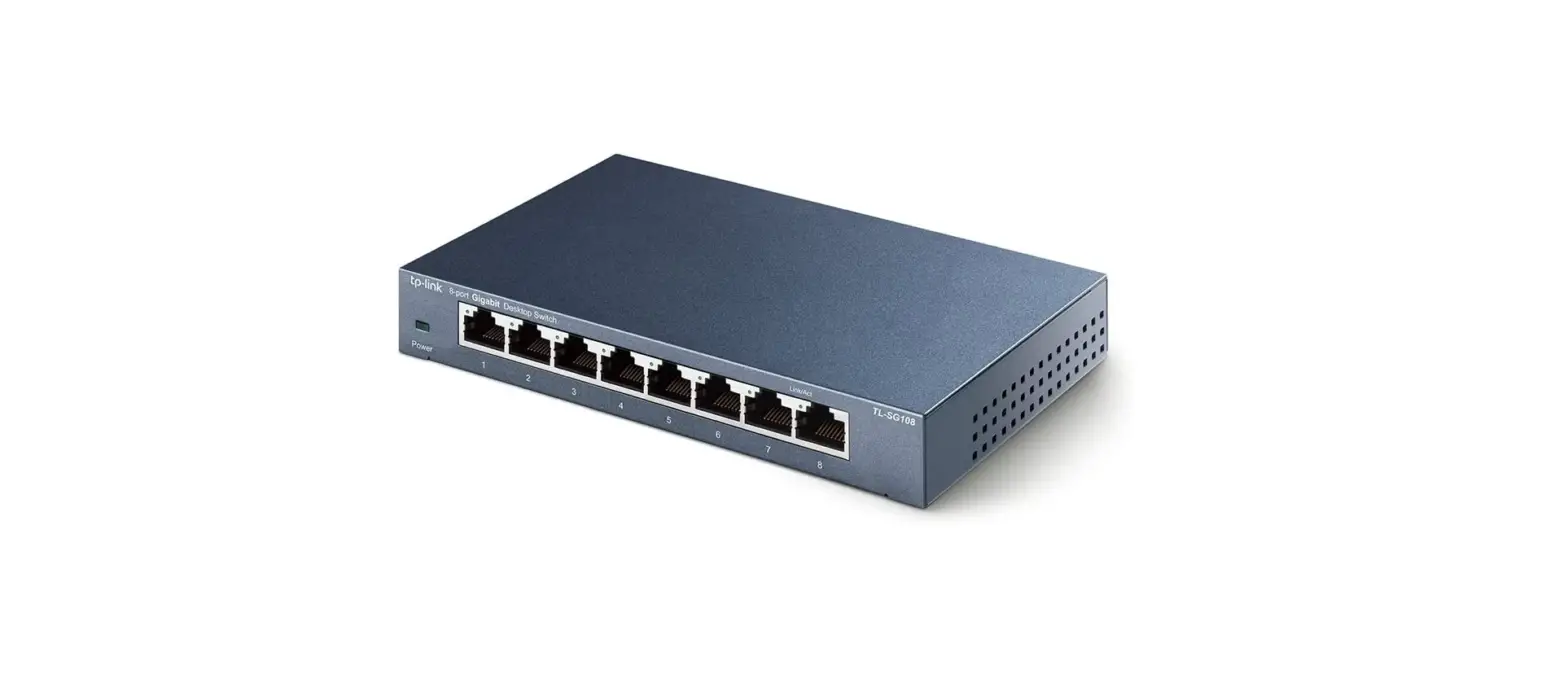

TP-Link TL-SG108 Multi-Gigabit Desktop Switch
Overview
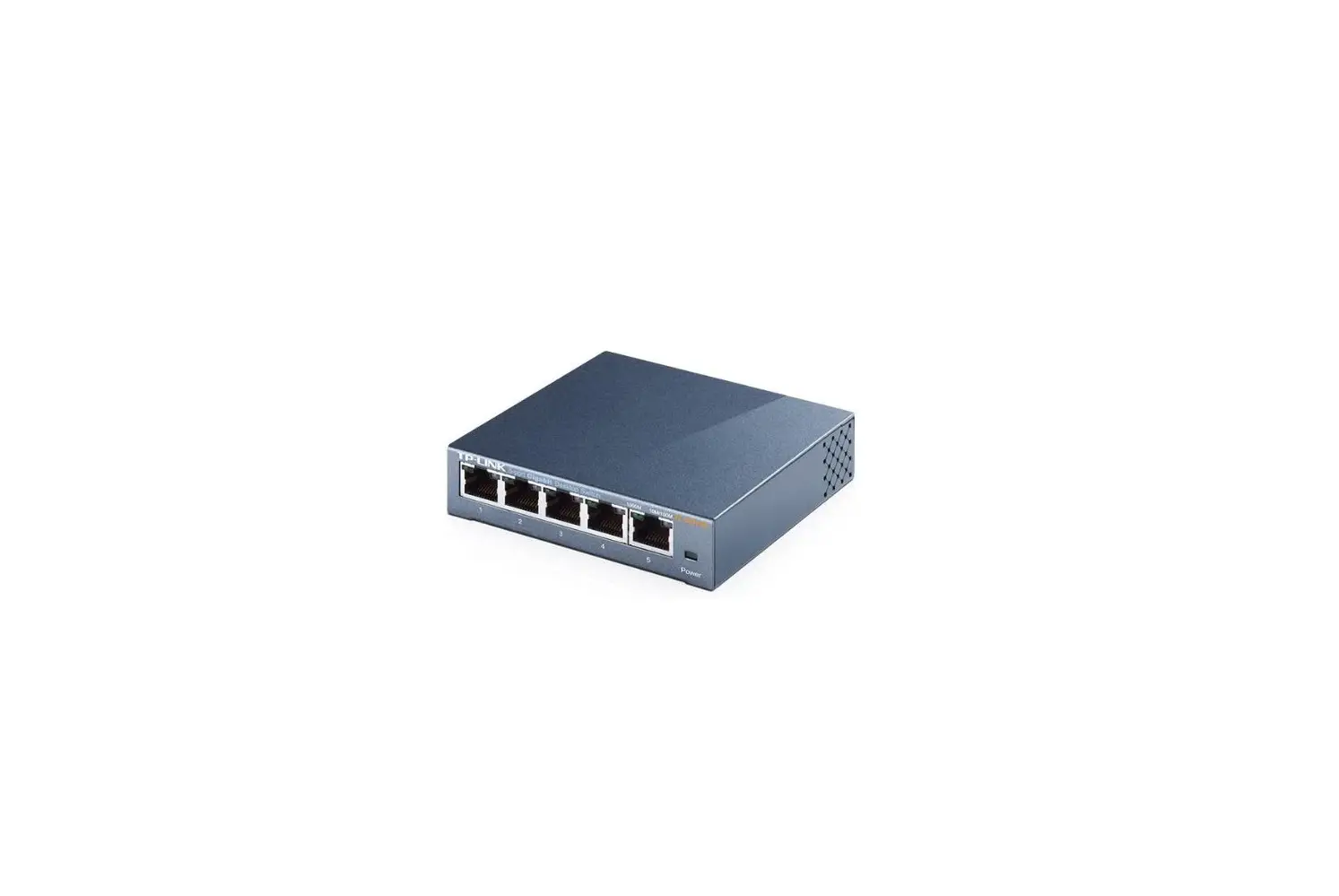
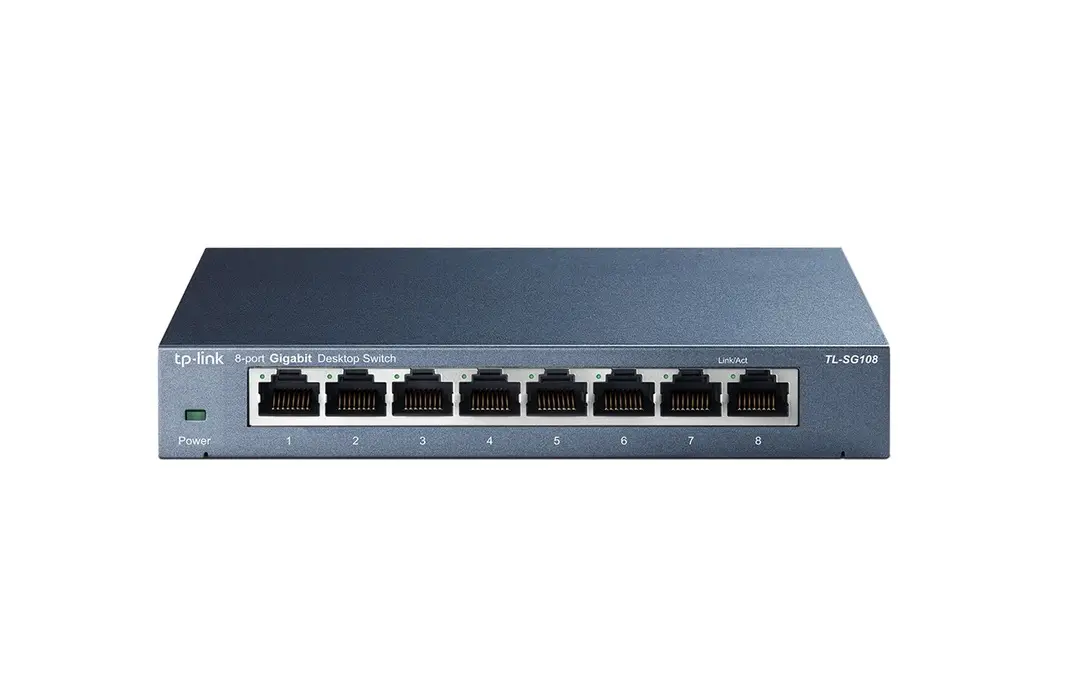
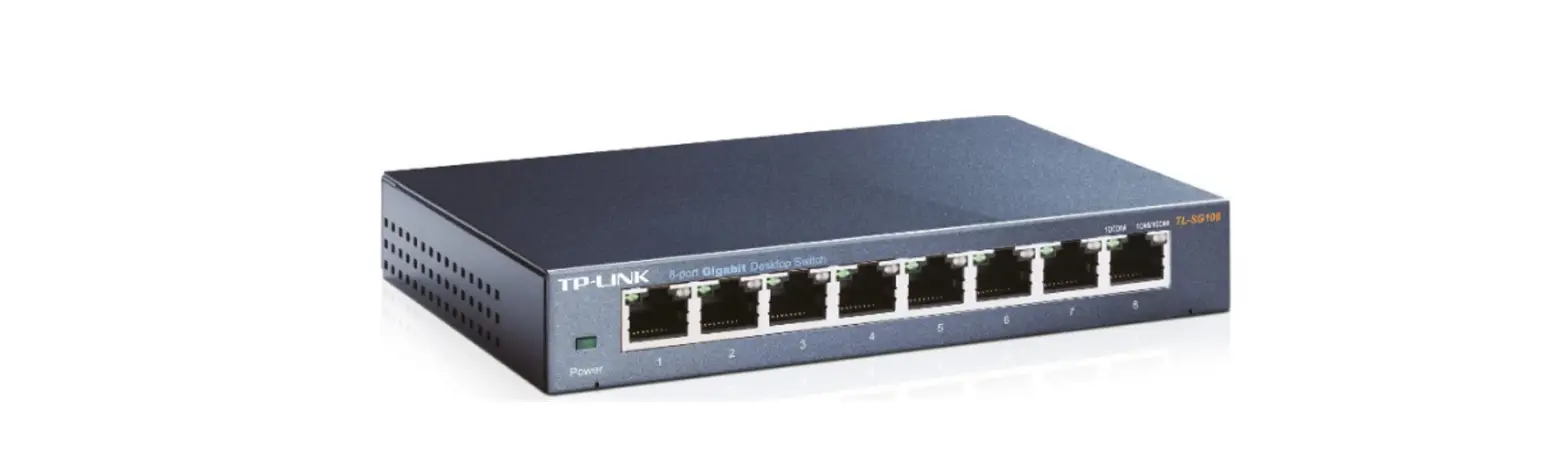
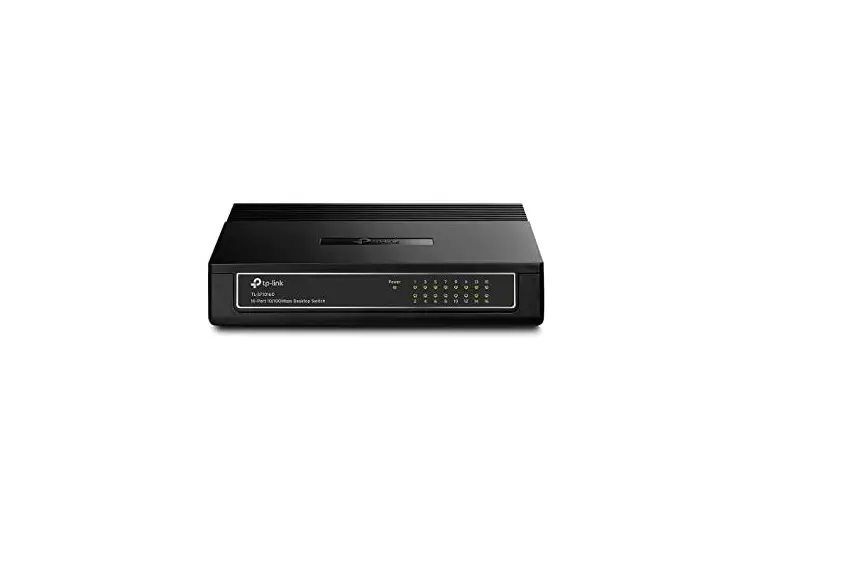
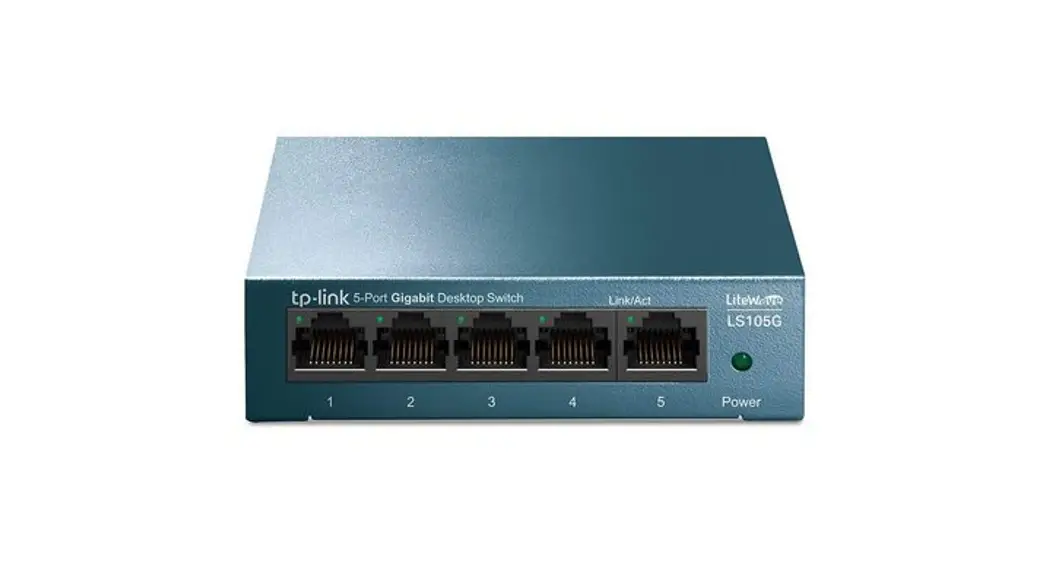
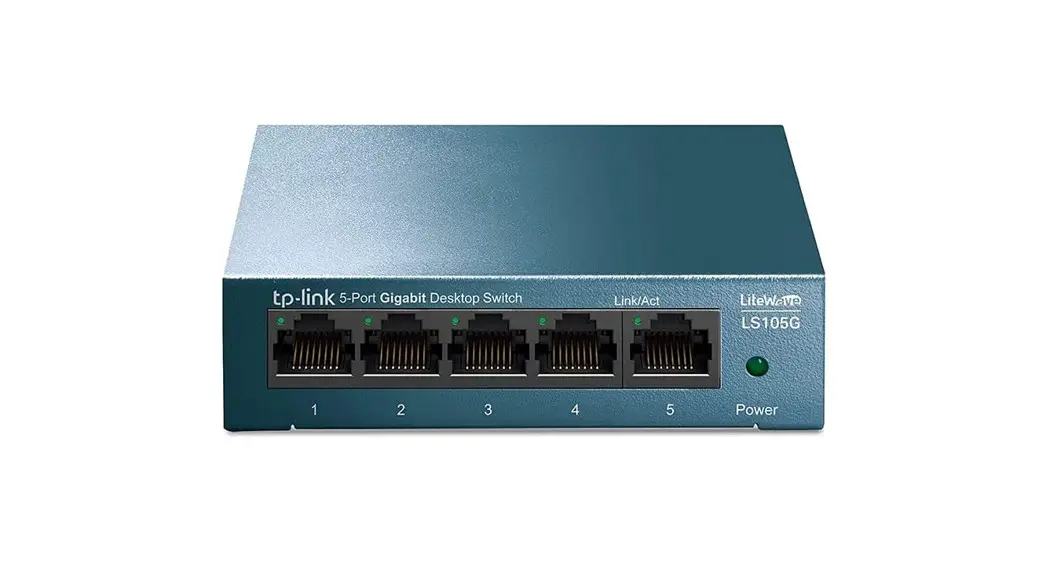
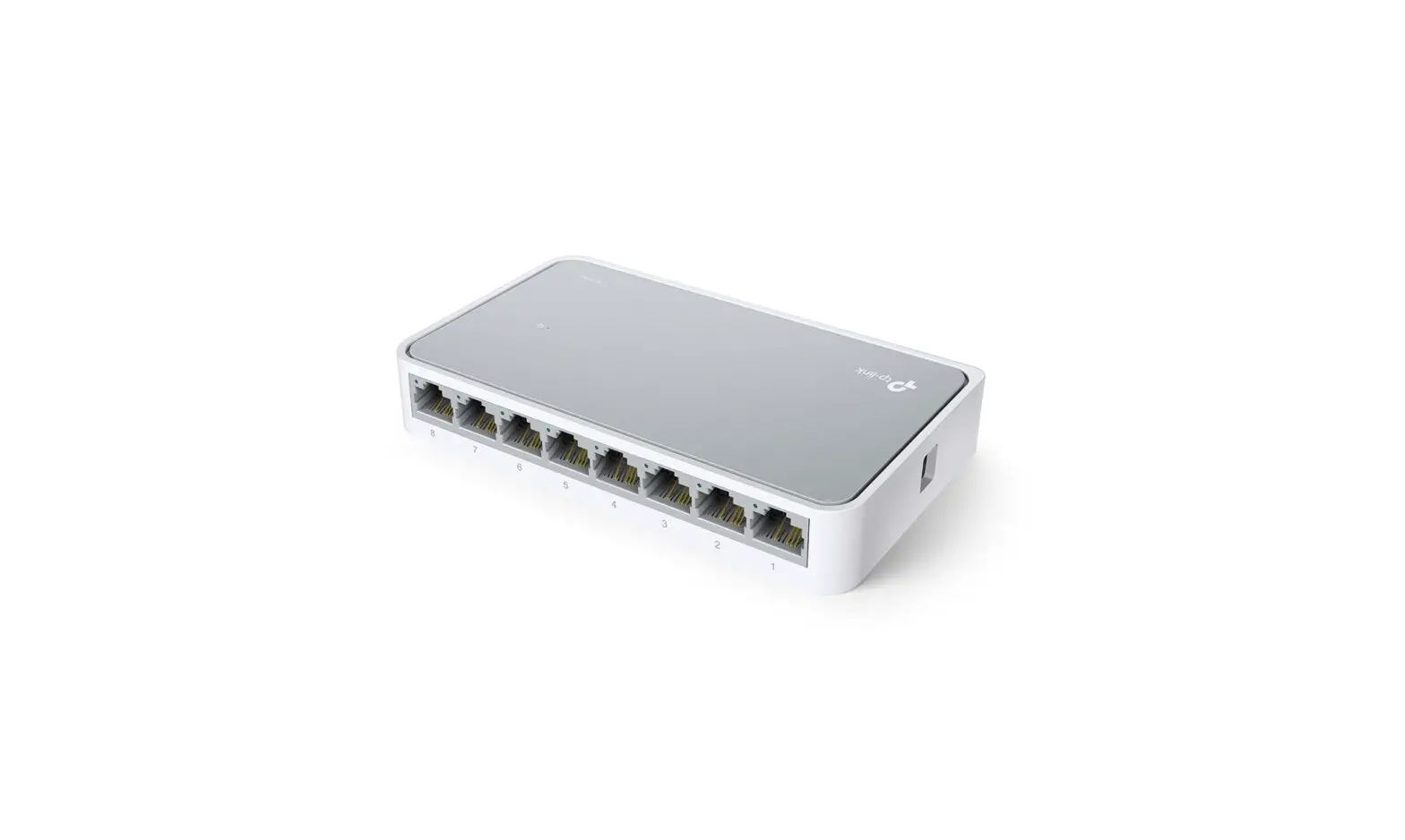
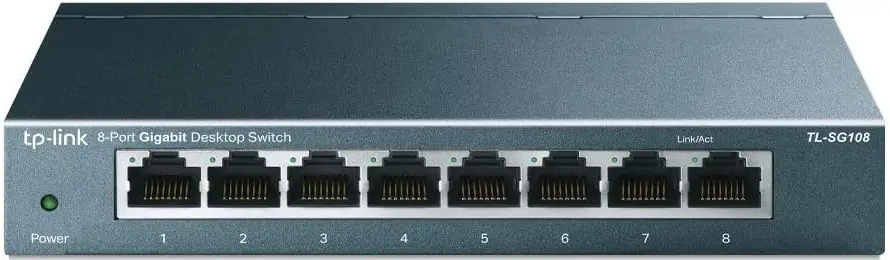
The TP-Link Gigabit Unmanaged Switch TL-SG105/TL-SG108/TL-SG116 provides an easy way to expand your wired network. With all ports supporting Auto-MDI/MDIX, there’s no need to worry about the type of cable to use. Featuring full duplex mode, TL-SG105/TL-SG108/TL-SG116 can process data at a rate of up to 2000Mbps, making it an ideal choice for expanding your high-performance wired network. Moreover, with innovative energy-efficient technology, TL-SG105/TL-SG108/TL-SG116 can save power consumption, making it an eco-friendly solution for your home or office network.
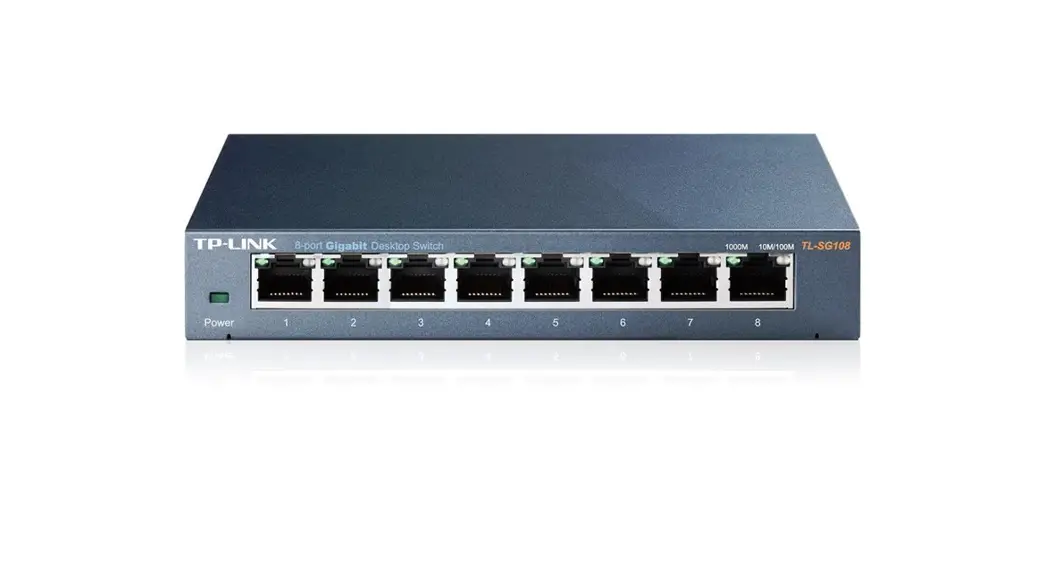
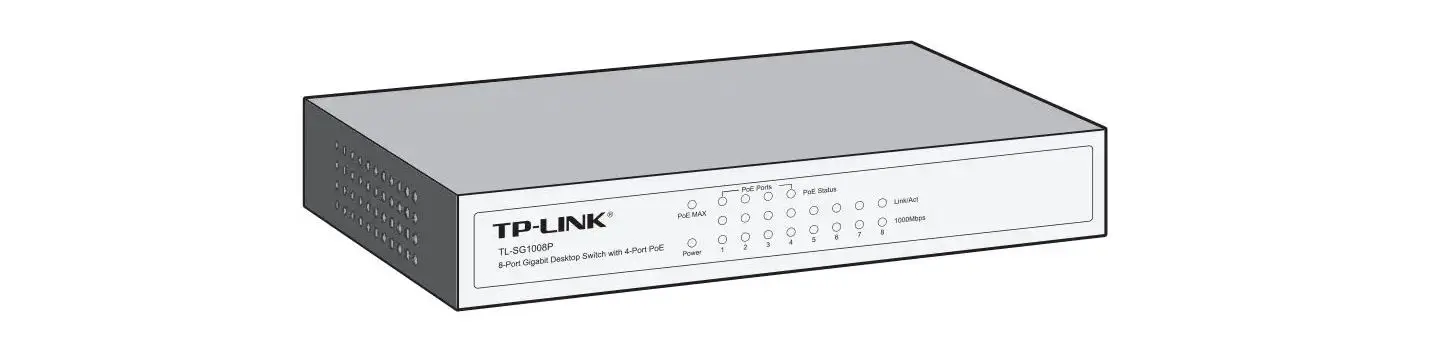
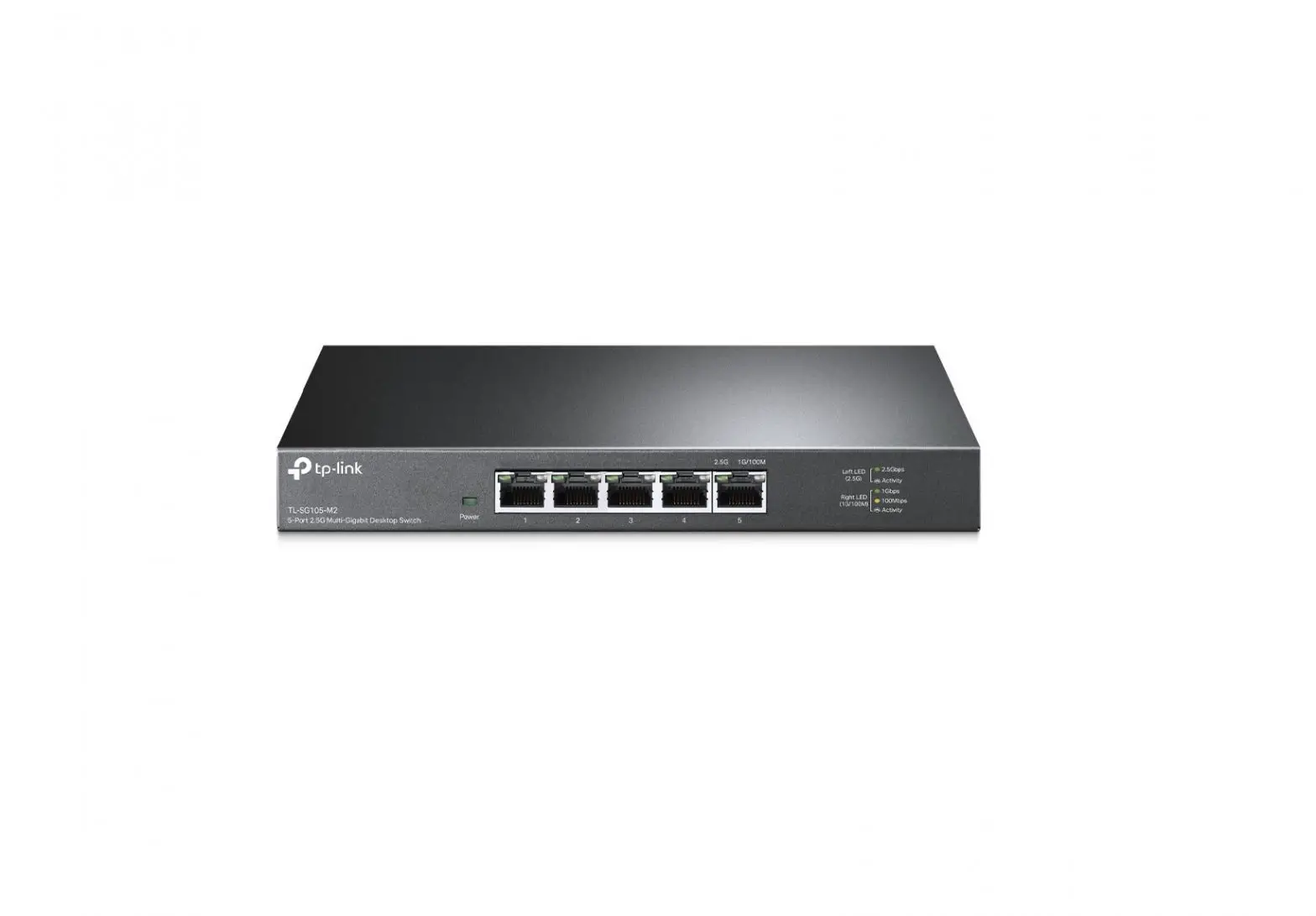
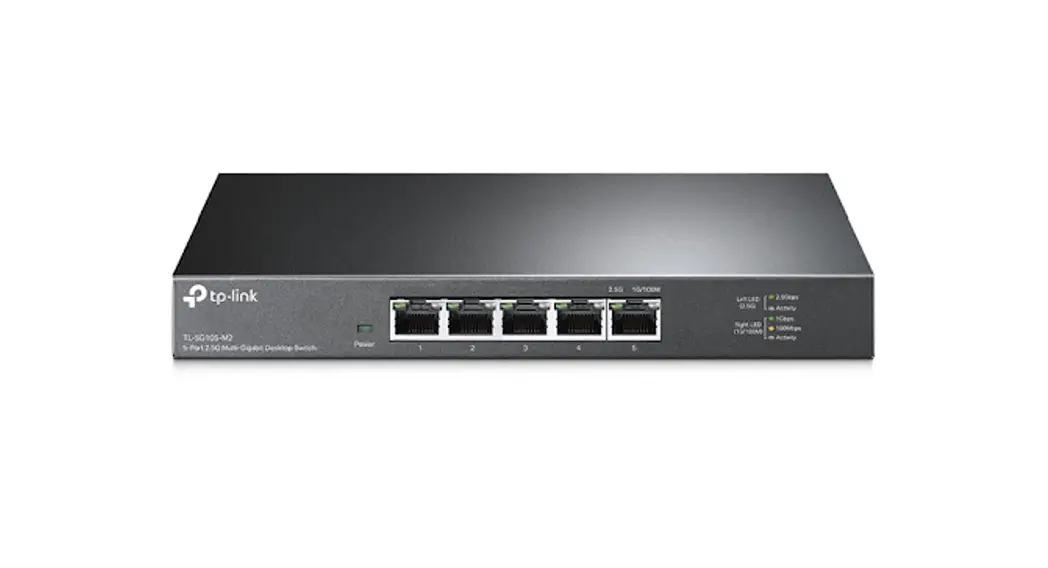
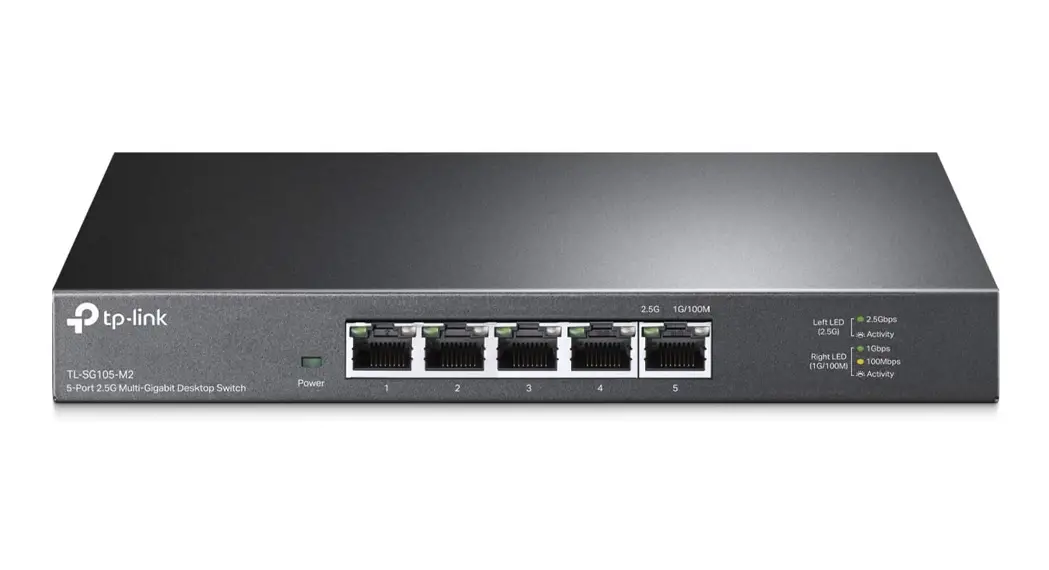
Panel Explanation
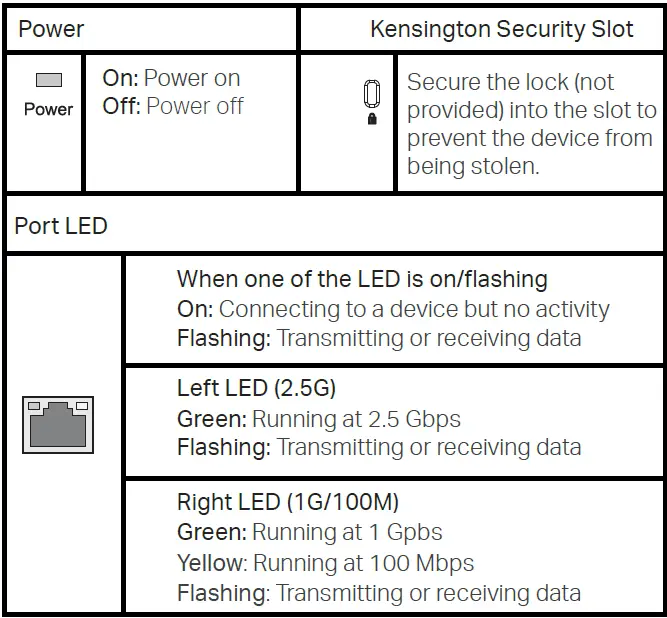
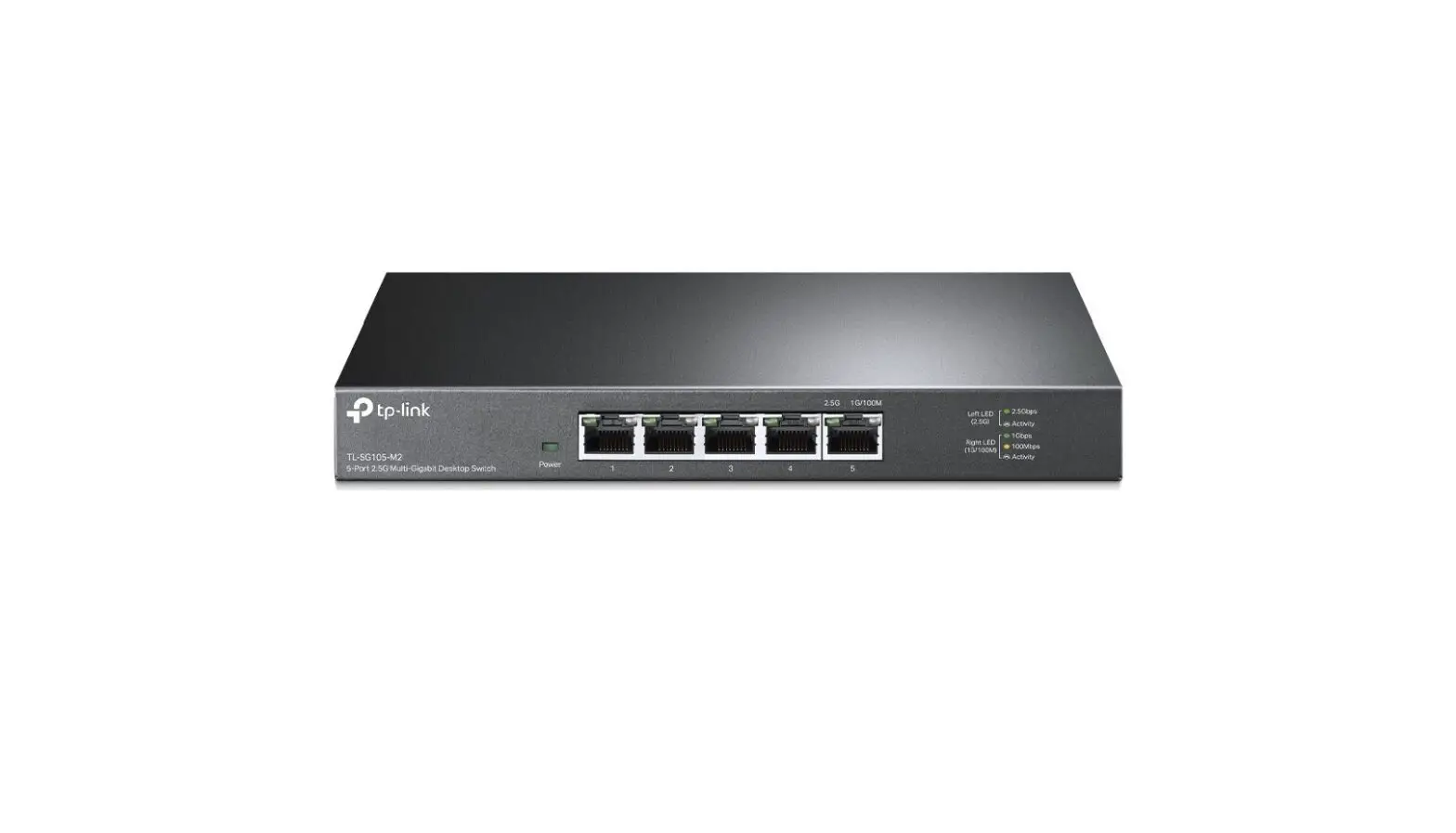
Note: For simplicity, we will take TL-SG105-M2 as an example in this Guide.
Connection
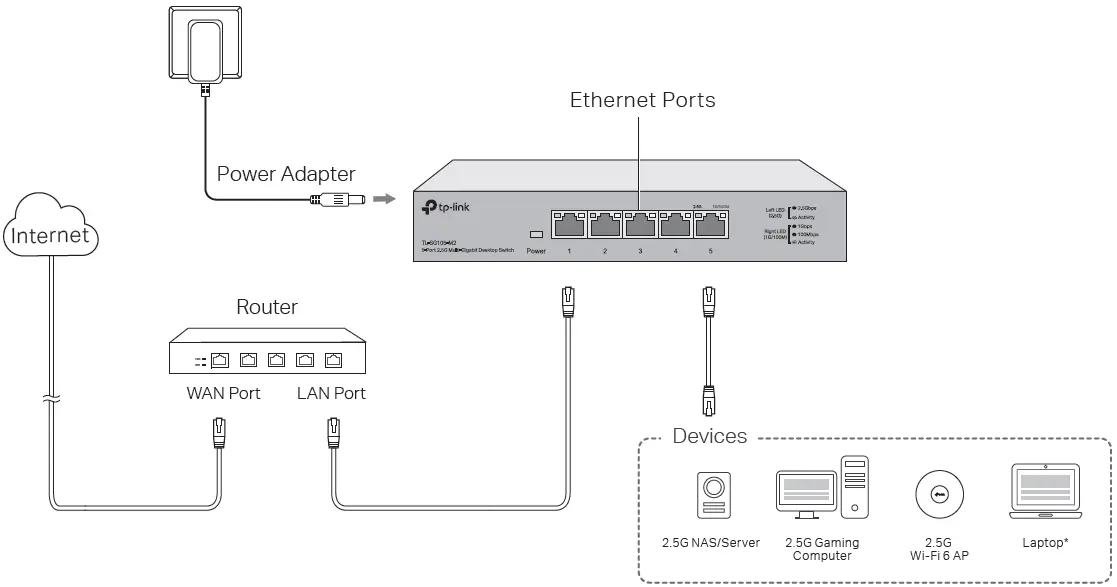
With a USB to 2.5G Ethernet adapter, you can enjoy Ethernet up to 2.5 Gbps on your laptop.
Specifications
General Specifications
- Standard: IEEE802.3, IEEE802.3u, IEEE802.3ab, IEEE802.3bz, IEEE802.3x, IEEE802.1p
- Protocol: CSMA/CD
- Network Media (Cable):
- 100Base-TX: UTP category 5 cable or above (max. 100 m)
- 1000Base-T: UTP category 5e cable or above (max. 100 m)
- 2.5GBase-T: UTP category 5e cable or above (max. 100 m)
- Interface: 5/8 100 Mbps/1 Gbps/2.5 Gbps Auto-Negotiation RJ45 Ports
- MAC Address Table: 16K
- Switching Capacity:
- TL-SG105-M2: 25 Gbps
- TL-SG108-M2: 40 Gbps
- Transfer Method: Store-and-Forward
- MAC Address Learning: Automatically learning, automatically aging
- Advanced Features: QoS (802.1p/DSCP Priority), 802.3x flow control
- Frame Forward Rate:
- 100Base-TX: 148810pps/Port
- 1000Base-T: 1488095pps/Port
- 2.5GBase-T: 3720238pps/Port
- Wall mountable: Yes
- Distance between mounting holes: 150 mm
Environmental and Physical Specifications
- Operating Temperature: 0˚C to 40˚C (32˚F to 104˚F)
- Storage Temperature: -40˚C to 70˚C (-40˚F to 158˚F)
- Operating Humidity: 10% to 90% RH non-condensing
- Storage Humidity: 5% to 90% RH non-condensing
Frequently Asked Questions (FAQ)
Q1. The Power LED is not lit.
The Power LED should be lit when the power system is working normally. If the Power LED is not lit, check as follows:
- A1: Make sure the power adapter is connected to the switch with the power source properly.
- A2: Make sure the voltage of the power supply meets the requirements of the input voltage of the switch.
- A3: Make sure the power source is ON.
Q2. The right and left LED is not lit when a device is connected to the corresponding port.
It is recommended that you check the following items:
- A1: Make sure that the cable connectors are firmly plugged into the switch and the device.
- A2: Make sure the connected device is turned on and works normally.
- A3: The cable must be less than 100 meters long (328 feet).
 To ask questions, find answers, and communicate with TP-Link users or engineers, please visit https://community.tp-link.com to join TP-Link Community.
For technical support and other information, please visit https://www.tp-link.com/support, or simply scan the QR code.
If you have any suggestions or needs on the product guides, welcome to email [email protected].

EU declaration of conformity
TP-Link hereby declares that the device is in compliance with the essential requirements and other relevant provisions of directives (EU)2015/863, 2014/30/EU, 2014/35/EU, 2009/125/EC, and 2011/65/EU. The original EU declaration of conformity may be found at https://www.tp-link.com/en/ce.
Safety Information
- Keep the device away from water, fire, humidity, or hot environments.
- Do not attempt to disassemble, repair, or modify the device. If you need service, please contact us.
- Do not use a damaged charger or USB cable to charge the device.
- Do not use any other chargers than those recommended.
- The adapter shall be installed near the equipment and shall be easily accessible.
- Place the device with its bottom surface downward.
- The plug on the power supply cord is used as the disconnect device, the socket-outlet shall be easily accessible.
Please read and follow the above safety information when operating the device. We cannot guarantee that no accidents or damage will occur due to improper use of the device. Please use this product with care and operate at your own risk.
FAQ’s
Featuring full duplex mode, the TL-SG108 can process data at a rate of up to 2000Mbps making it an ideal choice for expanding your high-performance wired network.
Eight 2.5 Gbps Ports, 8× 2.5-Gigabit ports unlock the highest performance of your Multi-Gig bandwidth and devices, and provide up to 40 Gbps of switching capacity.
The switch’s default IP address is 192.168. 0.1. 4) Enter the username and password (both admin by default) in the pop-up login window.
A network switch might be used to supplement router ports if your router has few ports or if you have many devices in one place. You might use a network switch to cut down on wireless interference or use wires to increase speed. It can be a good way to increase speed.
The TL-SG108E has both a web GUI and software-based login options.
With 10 Gbps and 2.5 Gbps connections, the Wi-Fi 6 APs can run traffic-intensive applications and services. You can connect more IoT devices to build a smart living and working ecosystem. PoE (Power over Ethernet), PoE+, and PoE++ are supported by TP-Link multi-gigabit switches.
300Mbps refers to the maximum wireless link speed.
There are a few different versions of ethernet cable, but they all have a maximum distance of 100 meters (328 feet). It should be noted that the Cat7 cable has harsher distance limits than Cat5e, Cat6, and Cat6a.
A network switch will reduce your home network speed if you choose the wrong one. For example, nearly all routers have Gigabit Ethernet ports with speeds up to 1,000 Mbps each.
They help increase the data rate up to around 1000 Mbps and increase the reliability factor in the network. Gigabit switches are an important device in a network that helps establish connectivity of several other devices such as computers, printers, cameras, and so on to a local area network (LAN).
A Gigabit network switch supports up to 1000 Mbps. And it can also negotiate connections with network devices running at slower speeds of 10Mbps or 100Mbps.
One Gigabit (1Gbps) network connection can support many devices. Some sources say one Gig can support up to 50 devices. Others say no more than 10 devices to avoid any slowdowns. Ultimately, it depends on your Internet usage.
It’s easy to see how you would need a Multi-Gigabit router when you have internet services with speeds higher than 1 Gbps. But actually, even if you only have 1 Gbps of speed from your ISP (common in the US), you probably need a Multi-Gigabit router or Mesh system to get full use out of your network’s listed speed.
This is common. Incidents such as rolling over the cable with an office chair, or stepping on it, or closing a door on it, can all cause a Cat 5e cable to revert to 100 Mbps link speeds when it was previously working at Gigabit speeds. Try different ports on your access point (hub, switch, router).
Download this PDF Link: TP-Link TL-SG108 Multi-Gigabit Desktop Switch Installation Guide