
Installation Guide
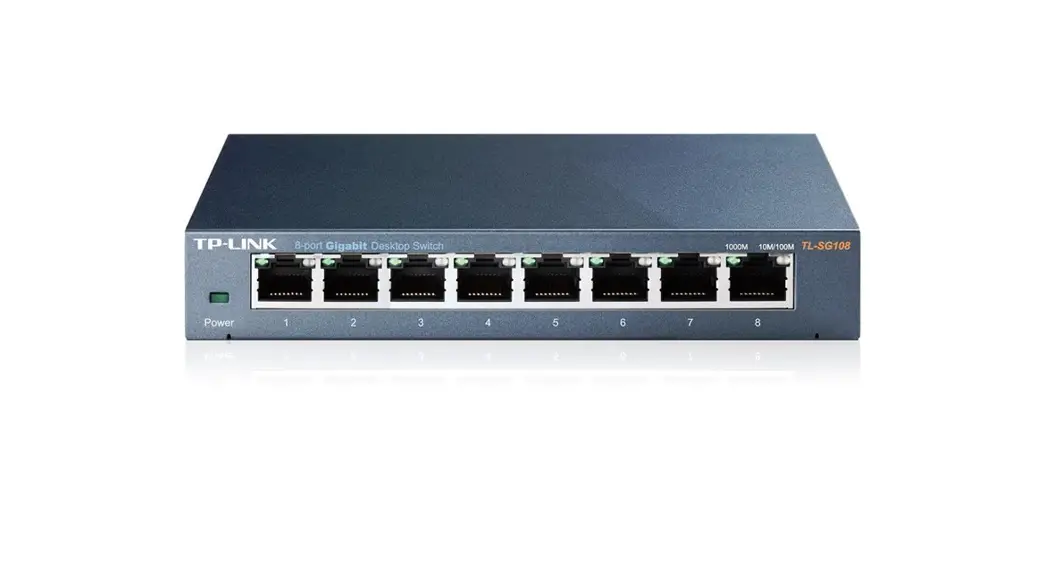
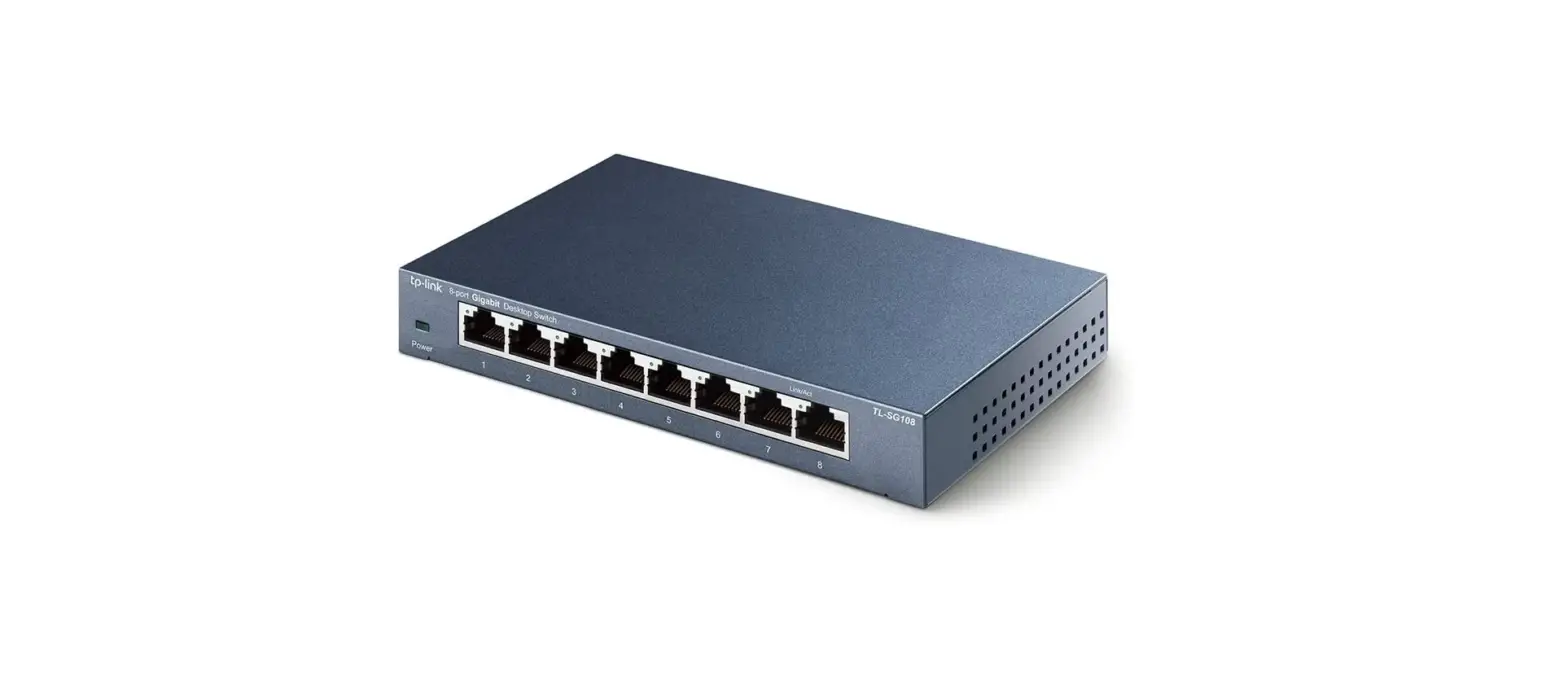
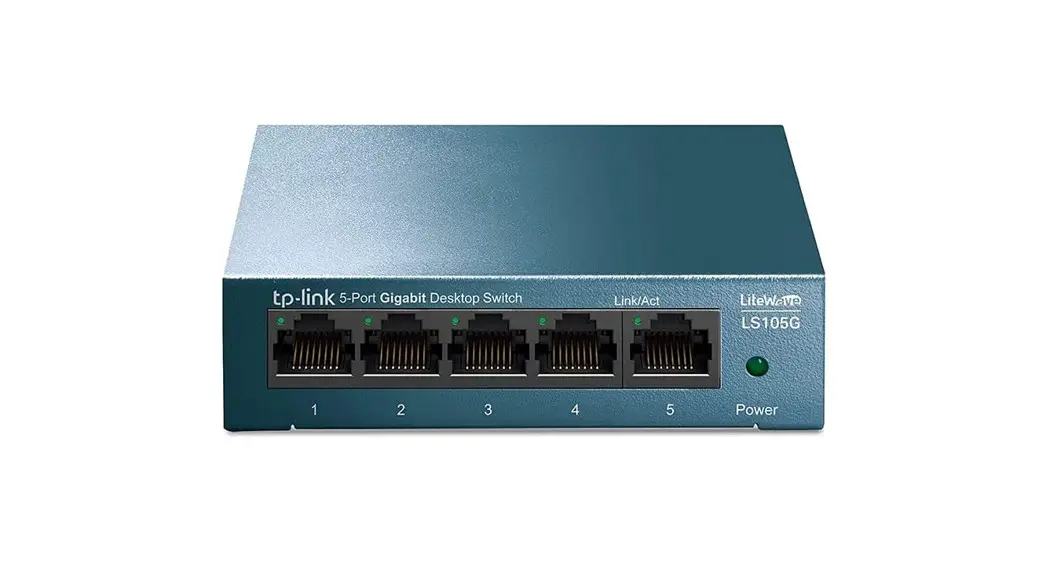
5/8-Port Gigabit Desktop Switch LS105G/LS108G
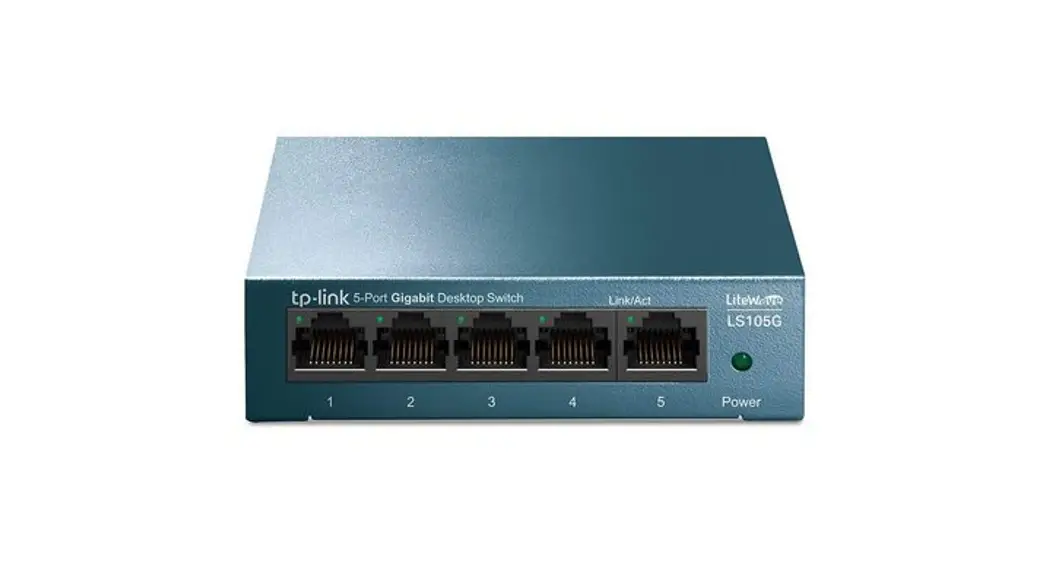
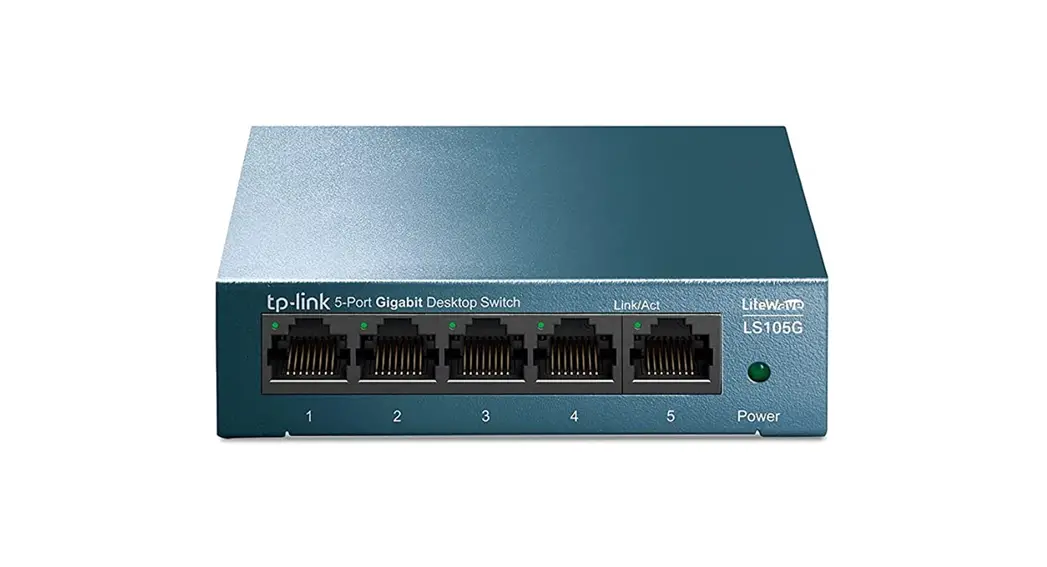
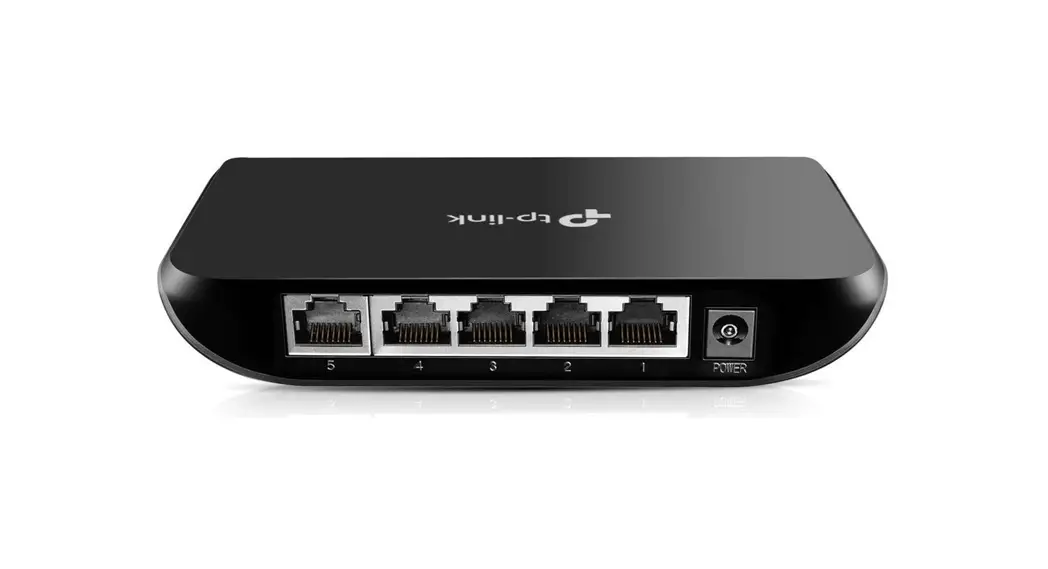
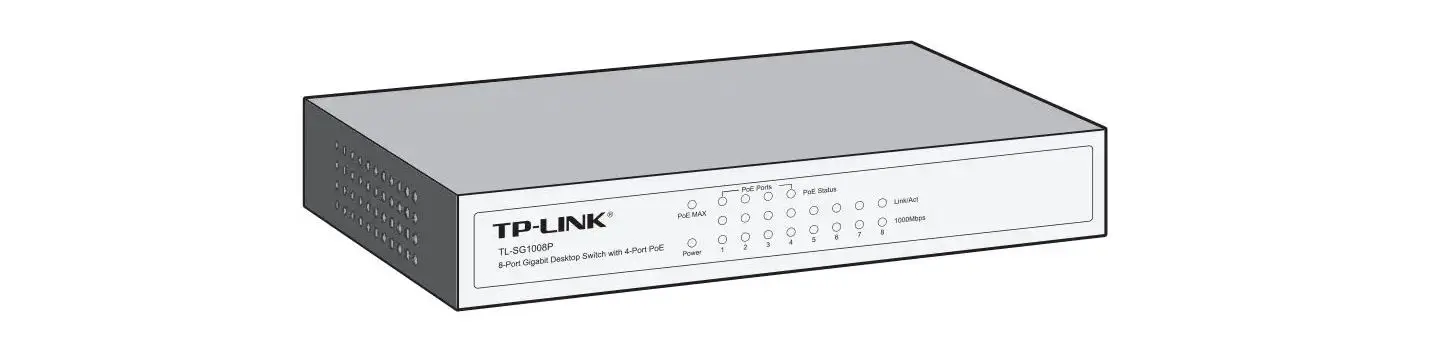
LED Explanation
Power
 Power Power | On: Power on Off: Power off or power supply is abnormal Flashing: Power off or power supply is abnormal |
Link/Act
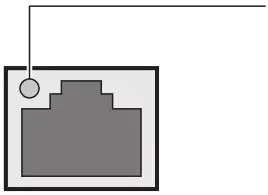 | Link/Act (Green) On: Running at 10/100/1000Mbps Off: No device is linked to the corresponding port Flashing: Transmitting/receiving data |
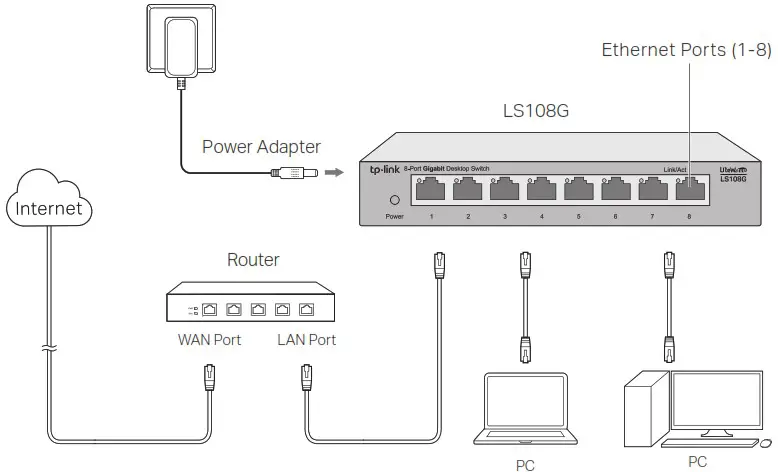
Note: For simplicity, we will take LS108G for example throughout this Guide.
Connection
Frequently Asked Questions (FAQ)
– The Power LED should be lit when the power system is working normally. If the Power LED is not lit, check as follows:
– A1: Make sure the power adapter is connected to the switch with power source properly.
– A2: Make sure the voltage of the power supply meets the requirements of the input voltage of the switch.
– A3: Make sure the power source is ON.
– It is recommended that you check the following items:
– A1: Make sure that the cable connectors are firmly plugged into the switch and the device.
– A2: Make sure the connected device is turned on and works normally.
– A3: The cable must be less than 100 meters long (328 feet).
Specifications
General Specifications
| Standard | IEEE802.3. IEEE802.3i, IEEE802.3u. IEEE802.3ab, IEEE802.3x, IEEE802.1p |
| Protocol | CSMA/CD |
| Data Transfer Rate | Ethernet: 10Mbps (Half Duplex). 20Mbps (Full Duplex) Fast Ethernet 100Mbps (Half Duplex). 200Mbps (Full Duplex) Gigabit Ethernet: 2000Mbps (Full Duplex) |
| Network Media (Cable) | 10Base-T: UTP category 3, 4, 5 cable (maximum 100m) EINTIA-568 1000 STP (maximum 100m) 100Base-TX:UTP category 5.5e cable (maximum 100m) EINTIA-568 1000 STP (maximum 100m) 1000Base-T: UTP category 5e cable (maximum 100m) EINTIA-568 1000 STP (maximum 100m) |
| Interface | 5/8 10/100/1000Mbps Auto-Negotiation RJ45 Ports |
| LED Indicators | Power, Link/Act LED |
| Advanced Features | QoS (802.1p/DSCP Priority) |
| Transfer Method | Store-and-Forward |
| MAC Address Learning | Automatically learning, automatically aging |
| Frame Forward Rate | 10Base-T: 14881pps/Port 100Base-TX: 148810pps/Port 1000Base-T: 1488095pps/Port |
| Wall Mountable | Yes |
| Distance Between Mounting Holes | LS105G: 76mm LS108G: 65mm |
Environmental and Physical Specifications
| Operating Temperature | 0˚C to 40˚C (32˚F to 104˚F) |
| Storage Temperature | -40˚C to 70˚C (-40˚F to 158˚F) |
| Operating Humidity | 10% to 90%RH non-condensing |
| Storage Humidity | 5% to 90%RH non-condensing |

Safety Information
- Keep the device away from water, fire, humidity or hot environments.
- Do not attempt to disassemble, repair, or modify the device.
- If you need service, please contact us.
- Do not use damaged charger or USB cable to charge the device.
- Do not use any other chargers than those recommended.
- Adapter shall be installed near the equipment and shall be easily accessible.
TP-Link hereby declares that the device is in compliance with the essential requirements and other relevant provisions of directives 2014/30/EU, 2014/35/EU, 2009/125/EC and 2011/65/EU.
The original EU declaration of conformity may be found at https://www.tp-link.com/en/ce.
For technical support and other information, please visit
https://www.tp-link.com/support, or simply scan the QR code.

© 2019 TP-Link 7106509071 REV2.0.0
 CE Regulatory Compliance | TP-Link