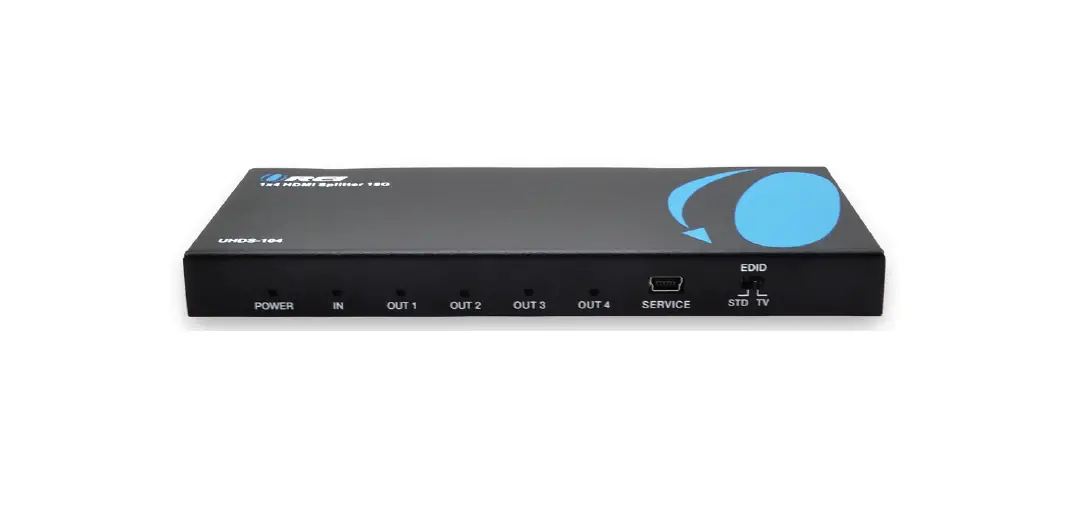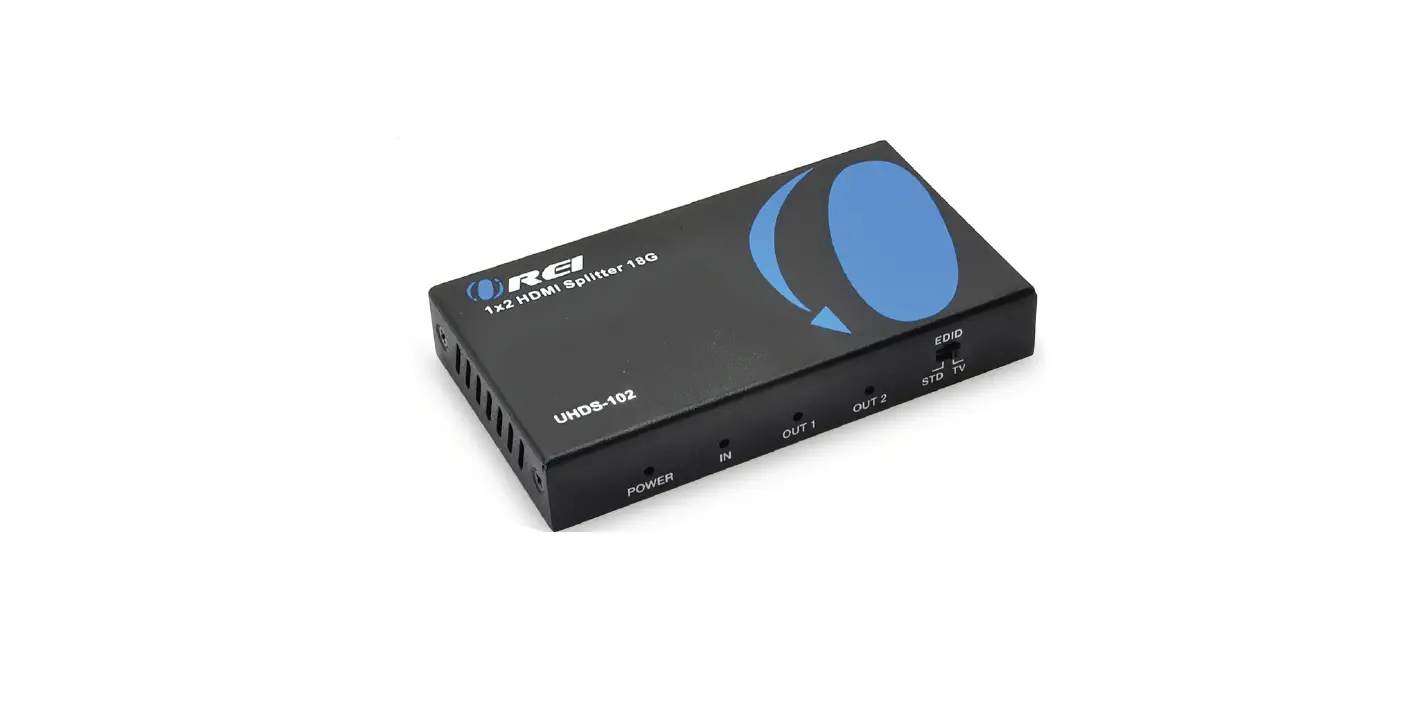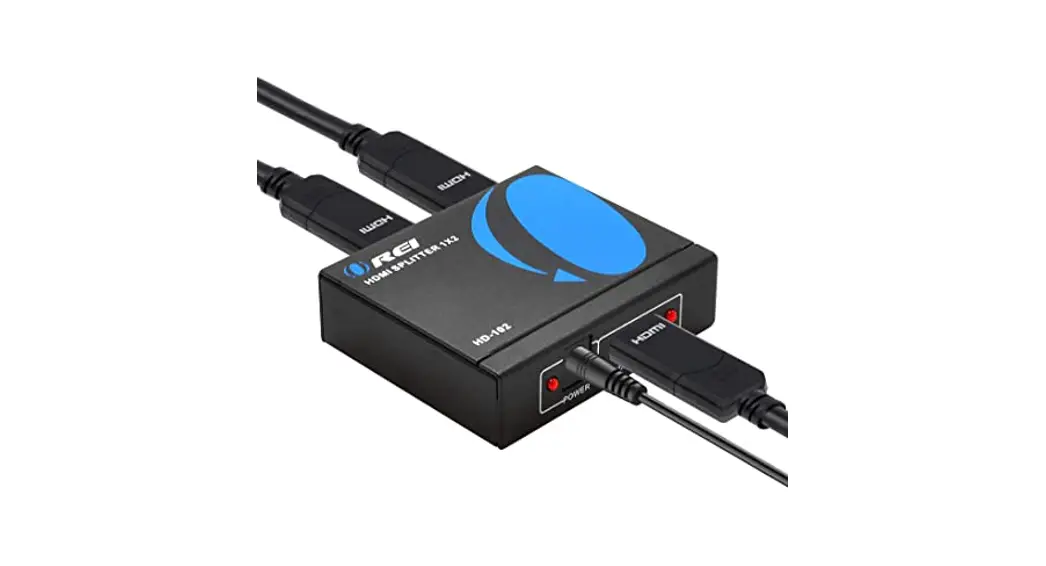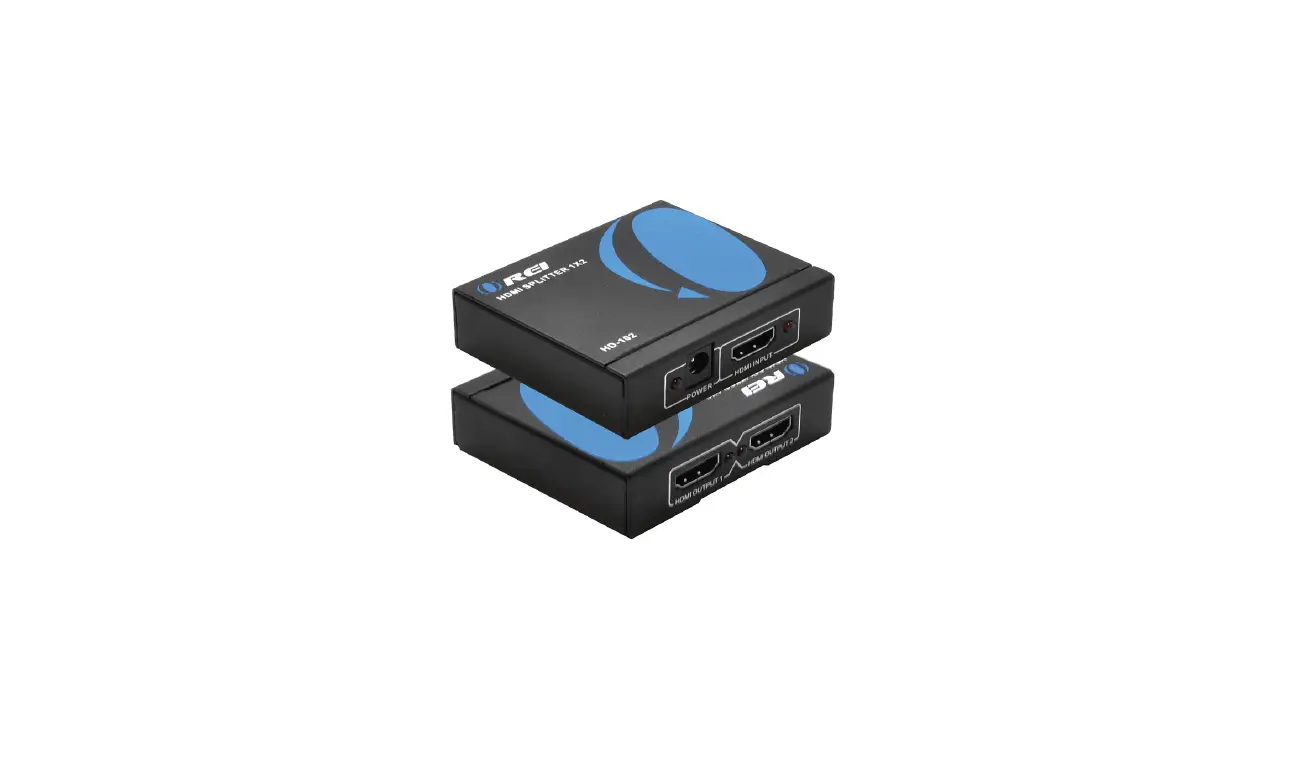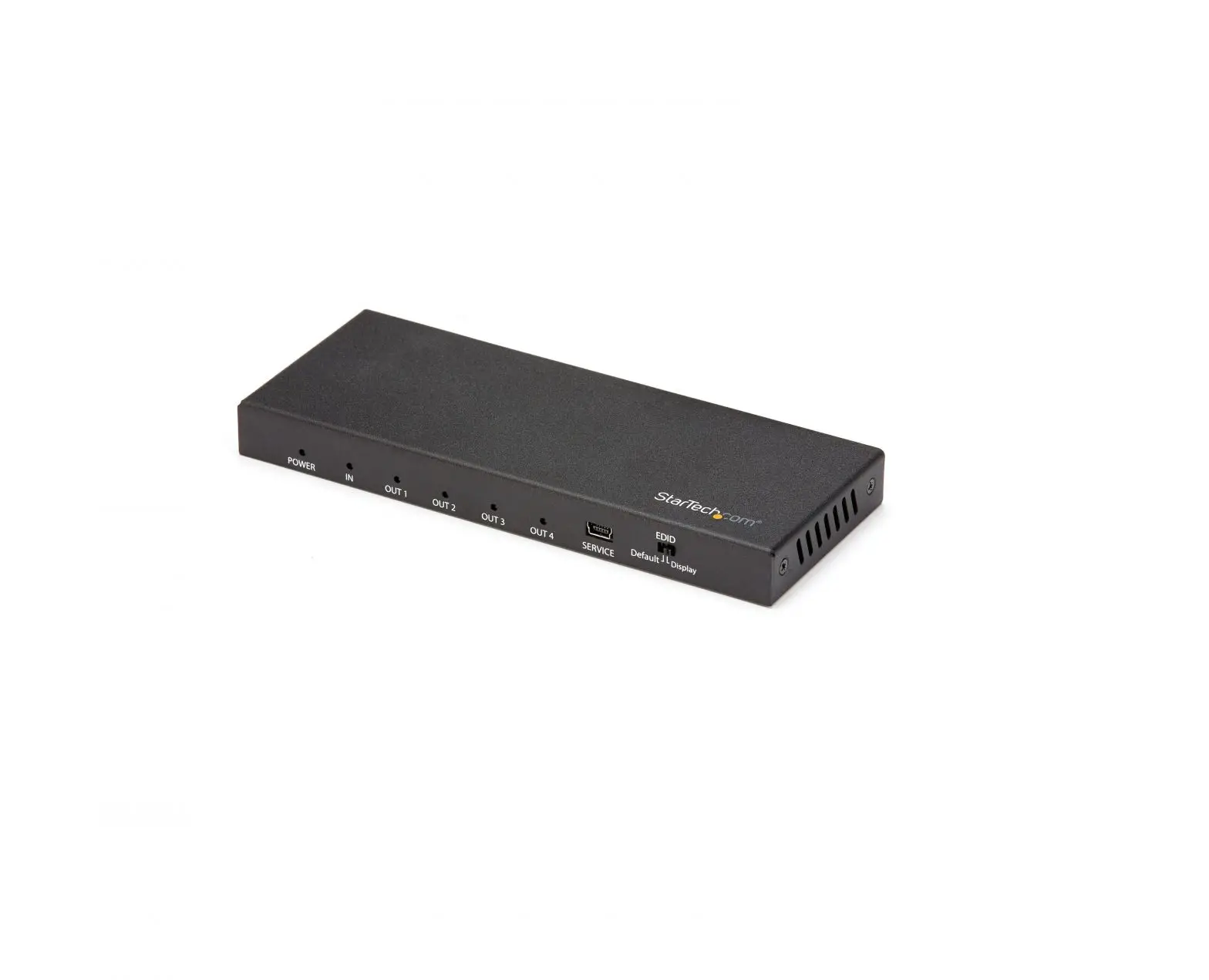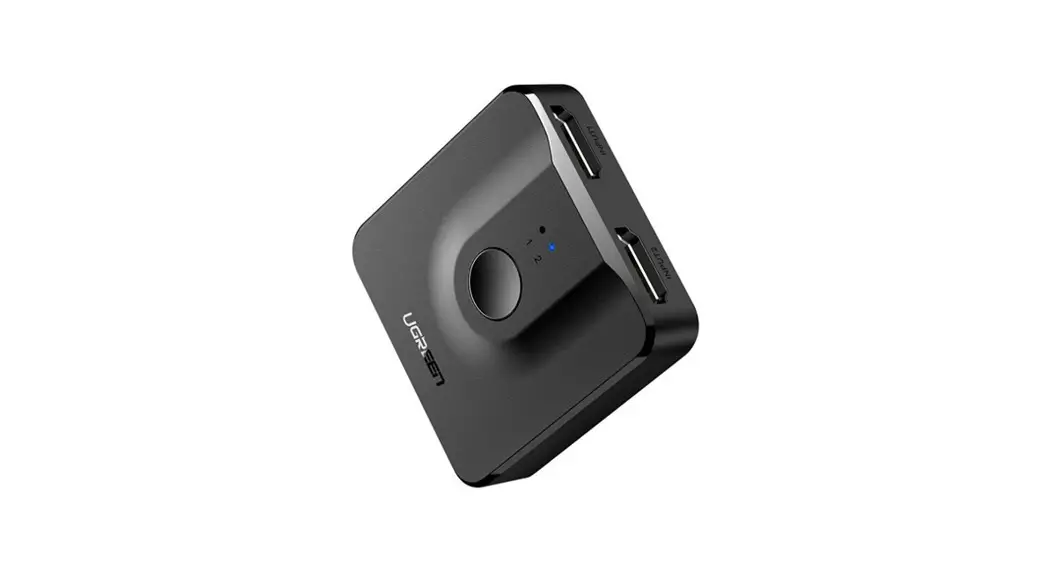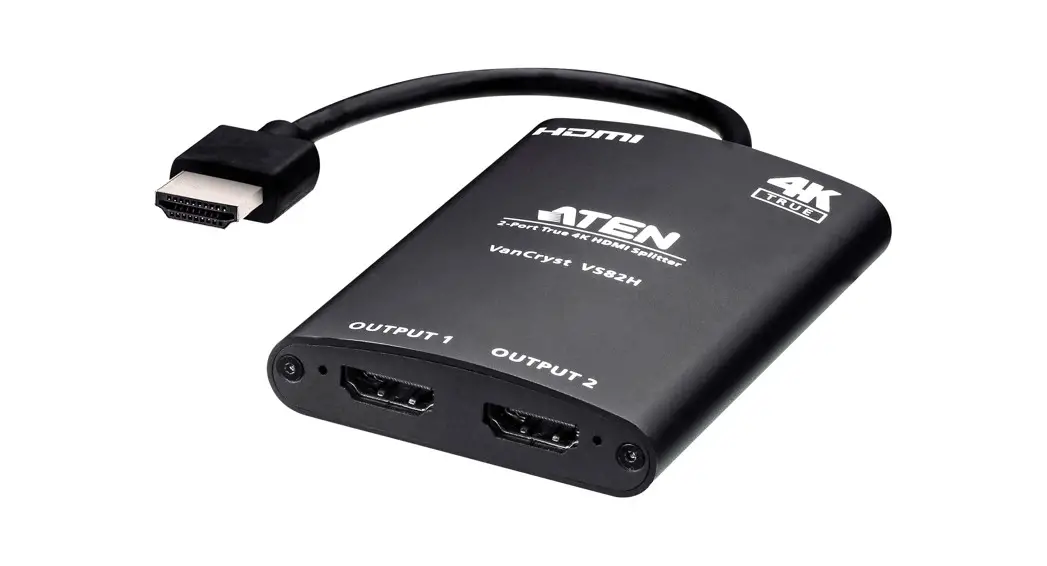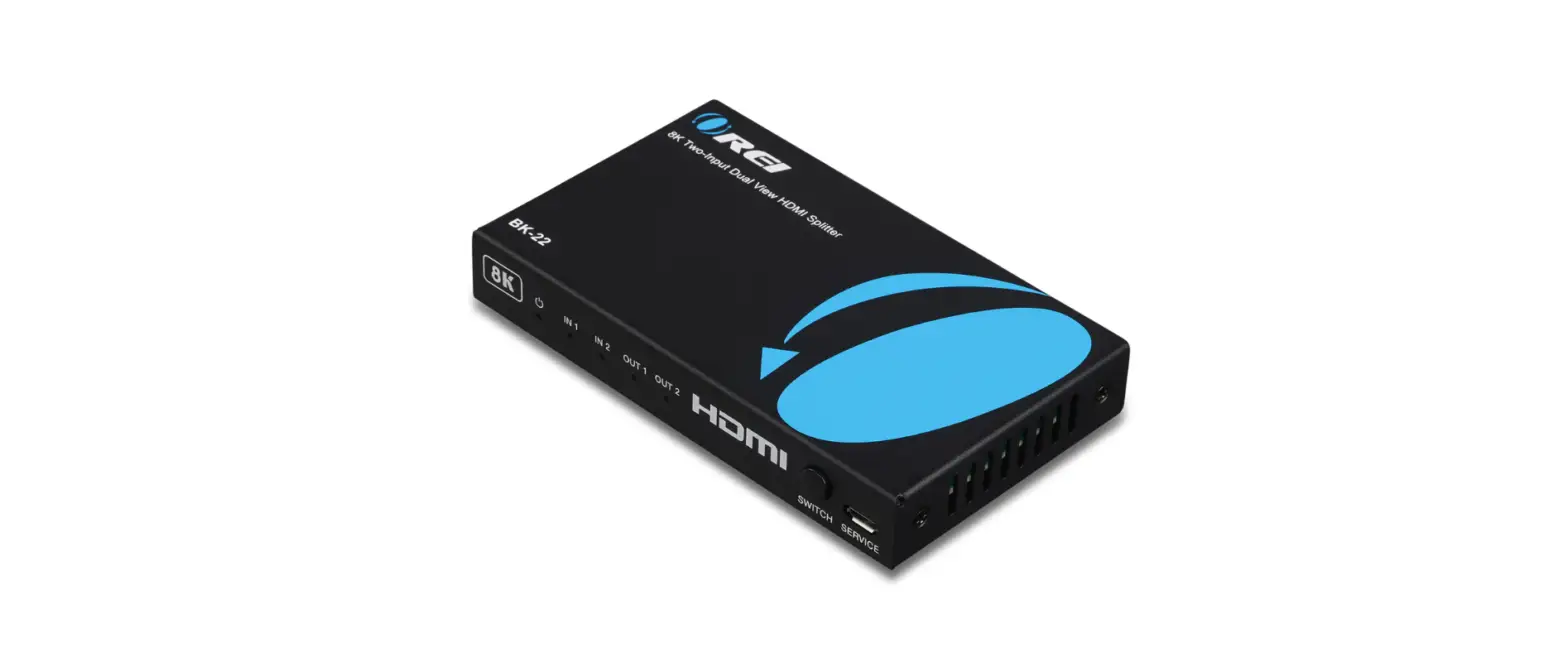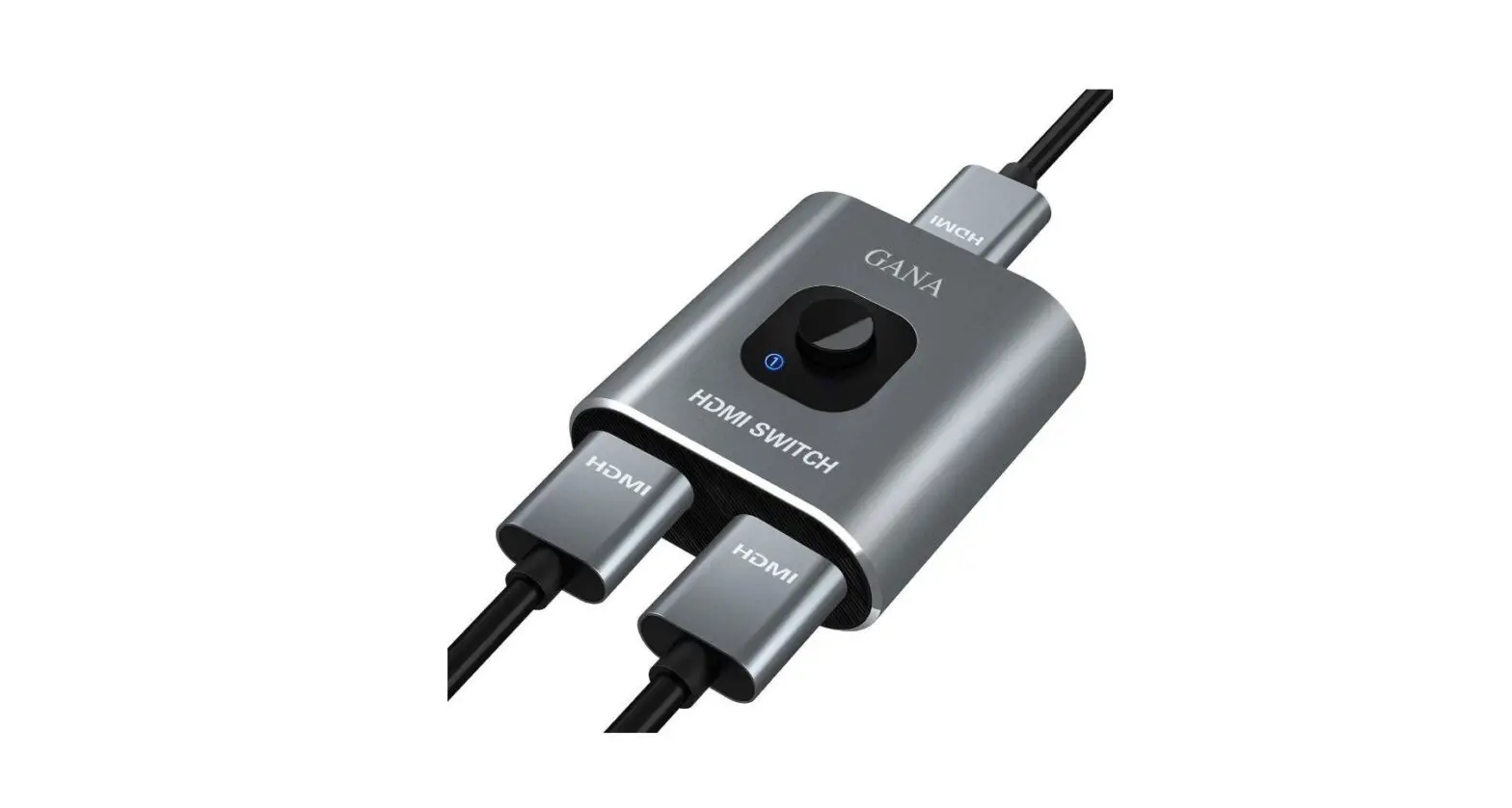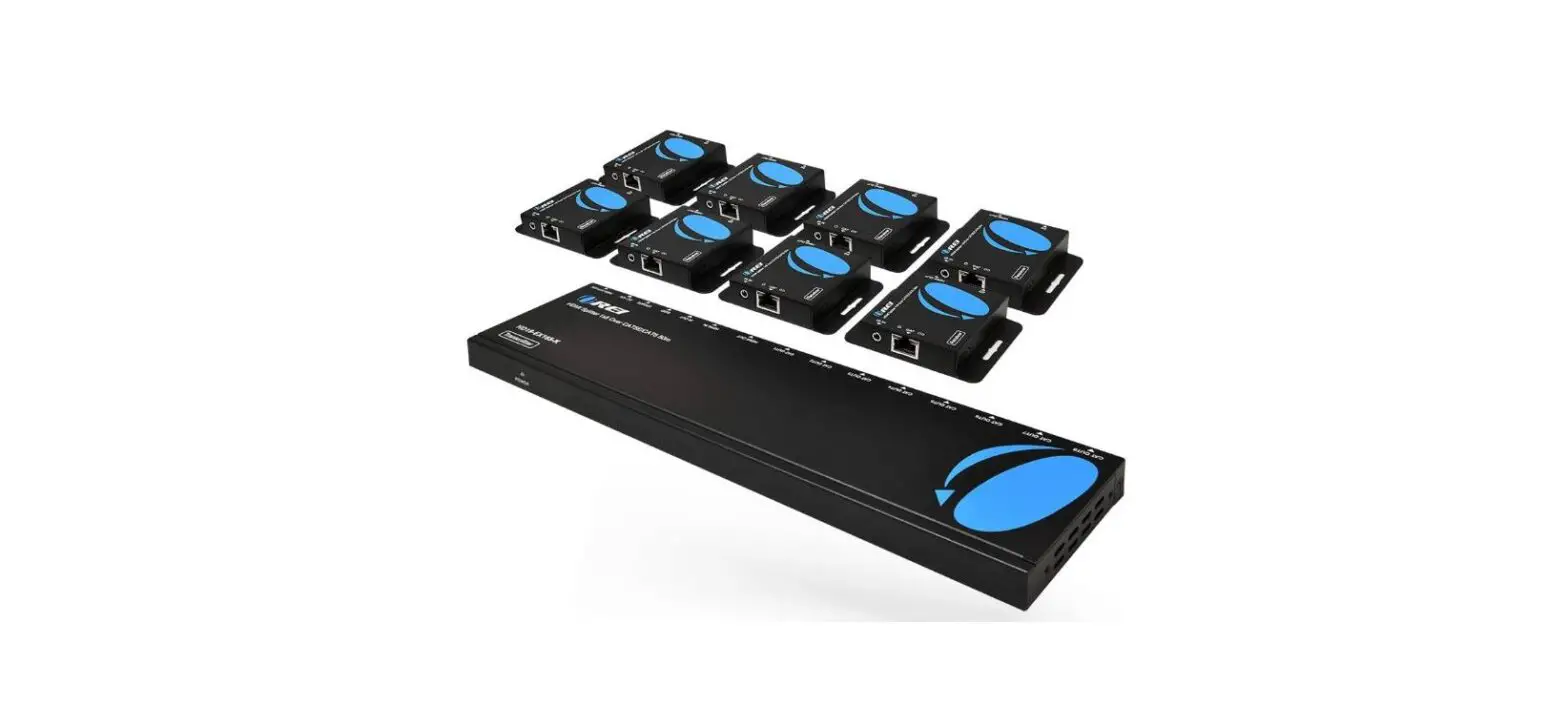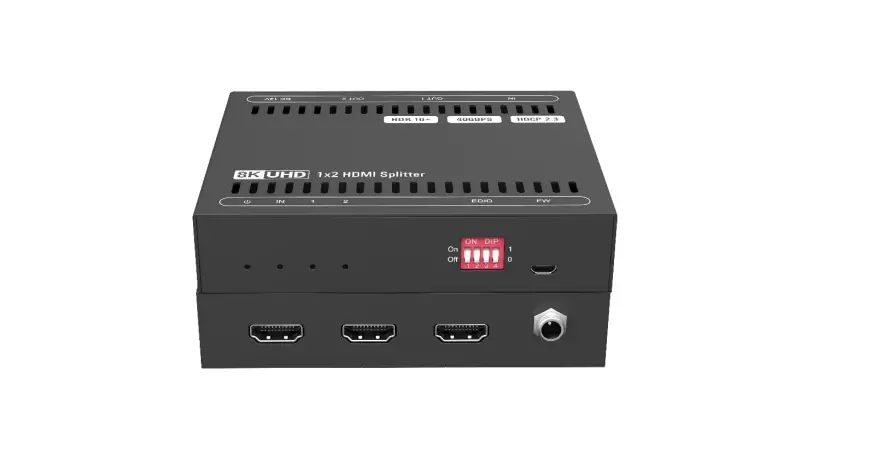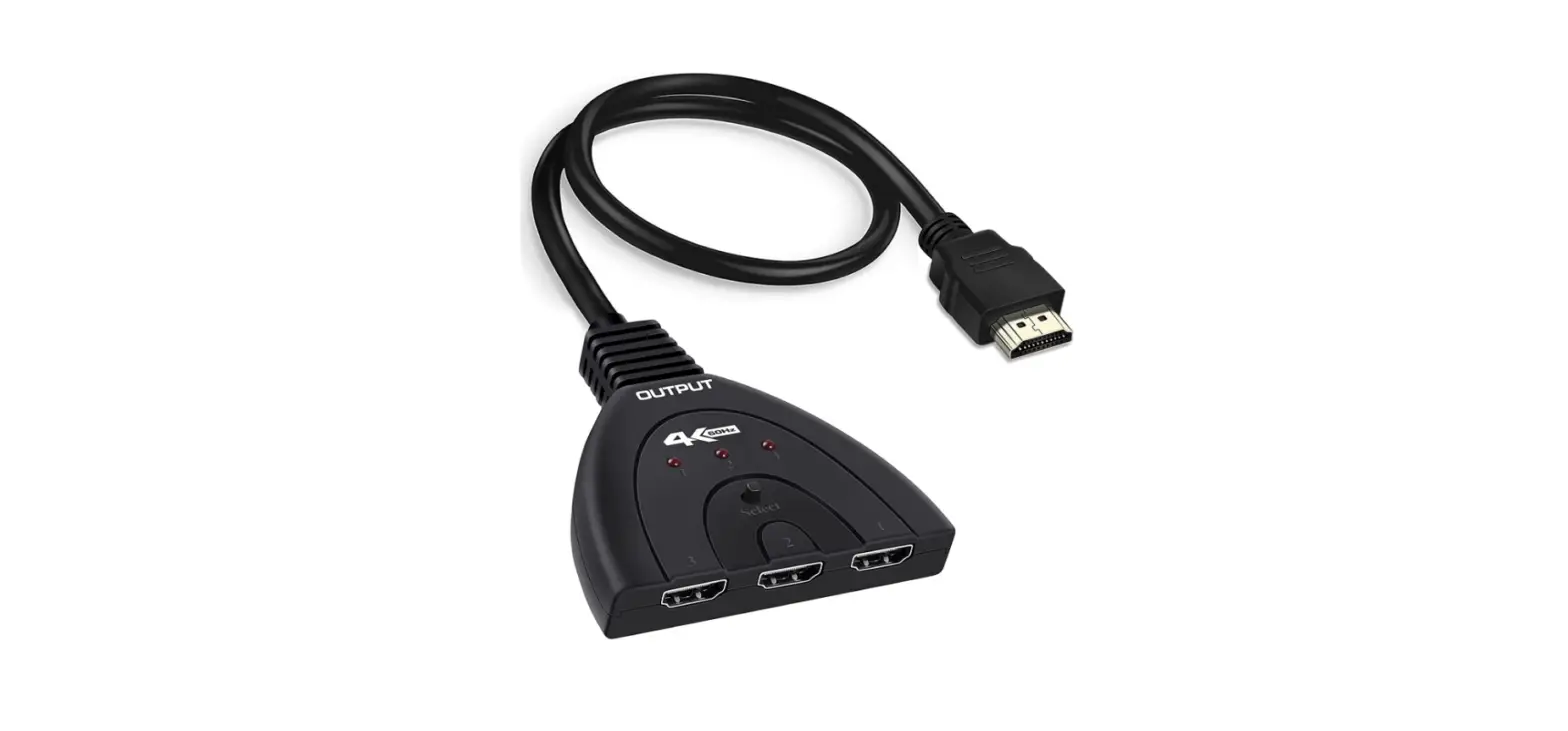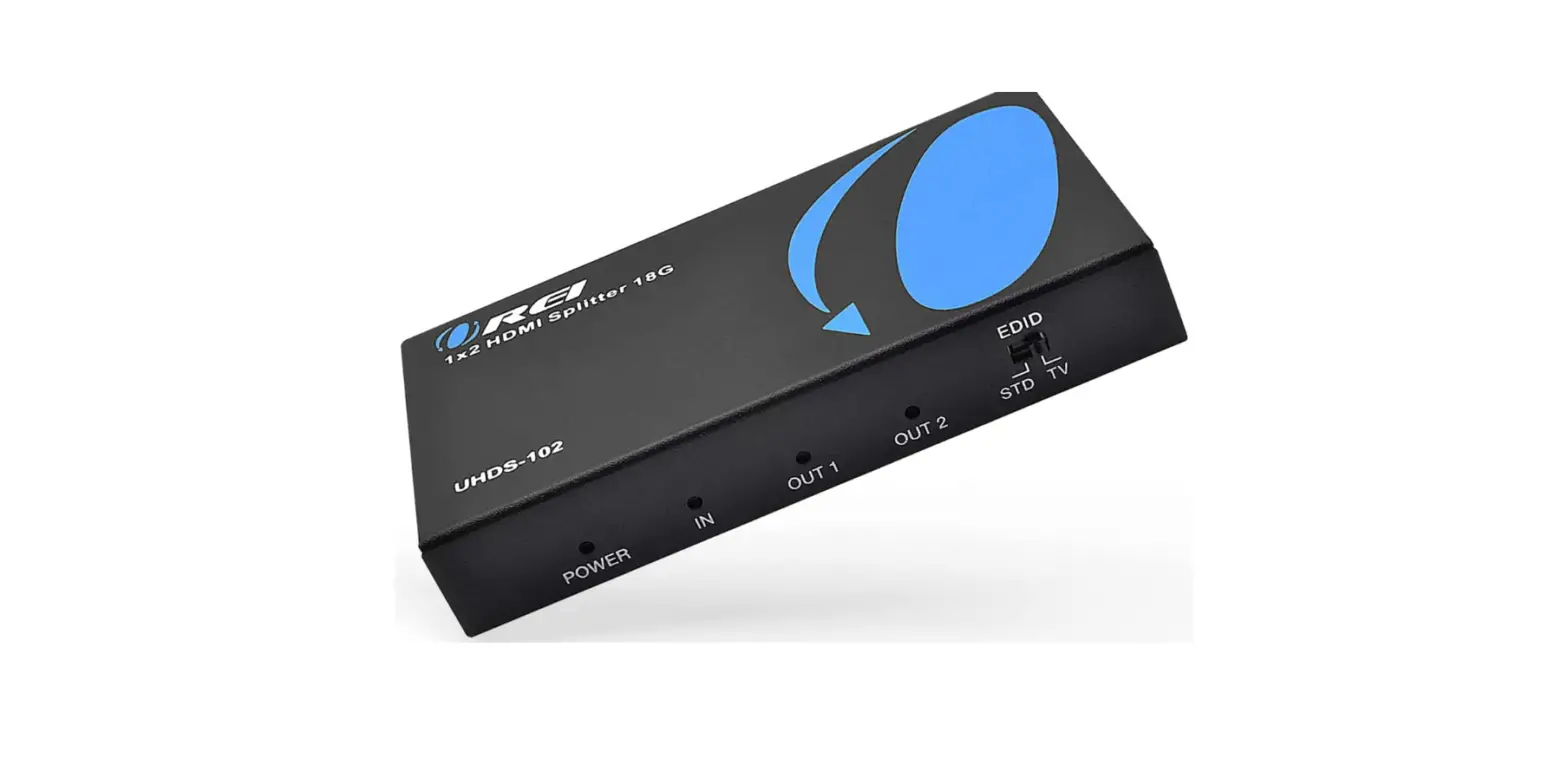

OREI UltraHD 4K @ 60 Hz 1 X 2 HDMI Splitter 1 in 2 Out 2 Port 2
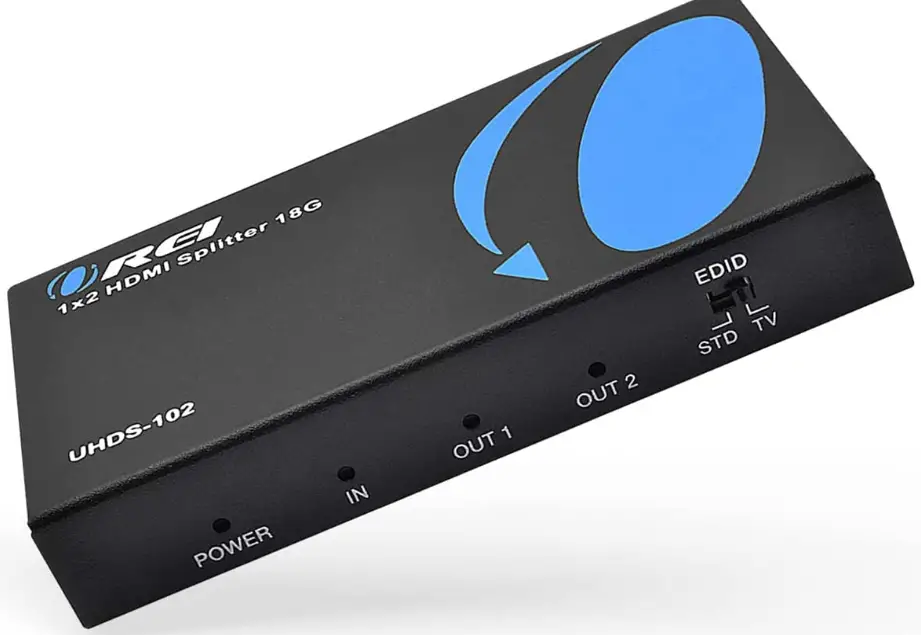
Specifications
- COLOR: Black
- CONNECTOR TYPE: HDMI
- BRAND: OREI
- COMPATIBLE DEVICES: HDMI 2.0b, HDCP 2.2. Ideal for a trade show, conference room, lecture halls, bedroom, living room, kitchen room, and backyard HDMI 2.0b, HDCP 2.2. Ideal for trade show, conference room, lecture halls, bedroom, living room, kitchen room and backyard, Cable Type HDMI, VGA
- PRODUCT DIMENSIONS: 4 x 2.25 x 0.6 inches
- ITEM WEIGHT: 11.3 ounces
Introduction
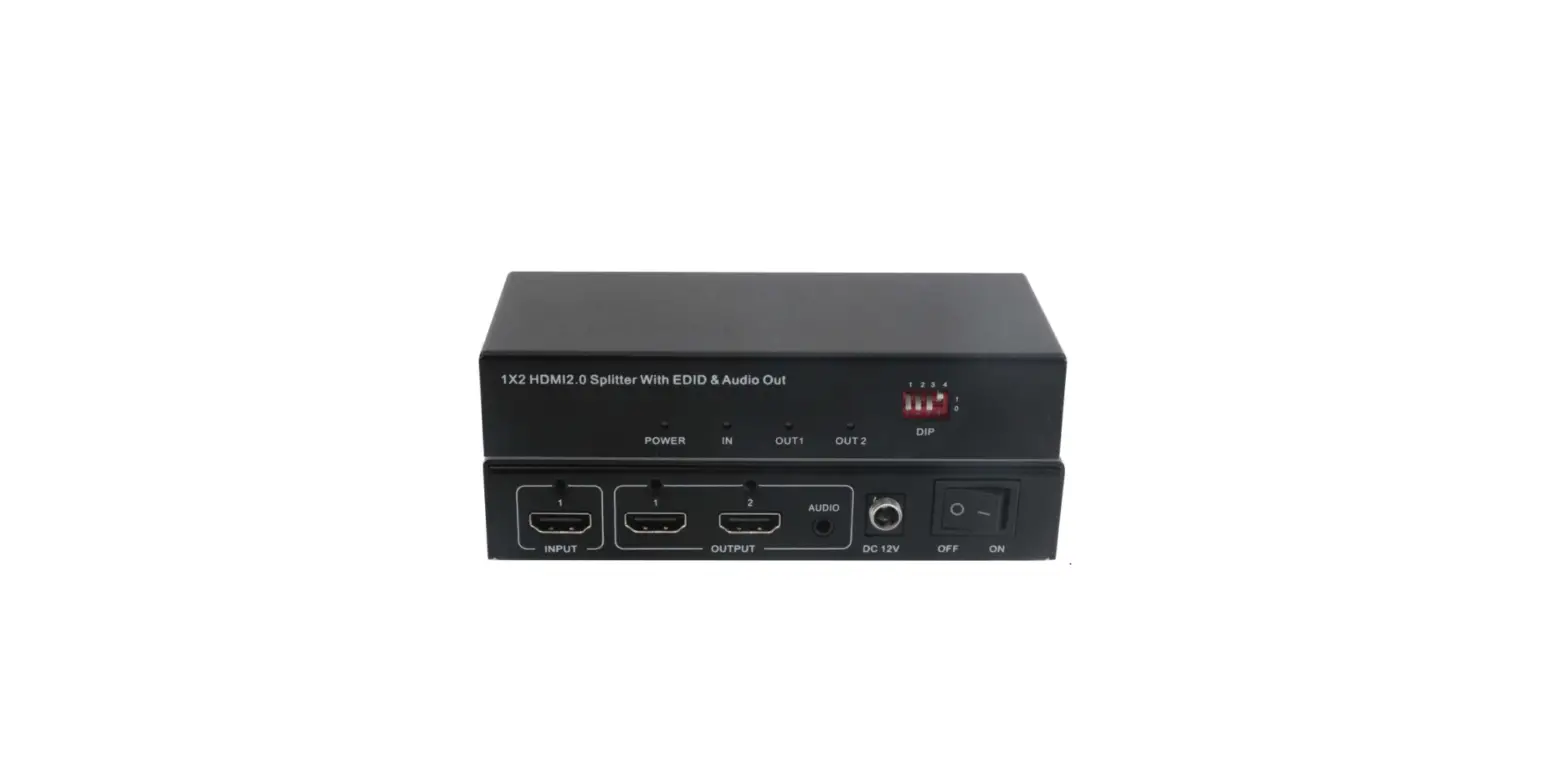
It is 4K 18 Gbps Powered HDMI Splitter that splits one HDMI 2.0 input signal into two HDMI output signals that are identical to the input signal – Input: 1x HDMI & Outputs: 2x HDMI | EDID management included, 1 in 2 out HDMI Splitter does not extend monitor display – Supported resolutions: up to 4K/60Hz, 1080p, 720p, VGA to WUXGA, VGA to WUX & LPCM, Dolby-AC3, DTS7.1, DSD/Dolby TrueHD/DTS-HD master audio, and virtually all other audio formats are supported.
The insides of the unit are protected and kept cool by a heavy-duty cold metal enclosure that aids in quick heat absorption and dissipation. HDCP 2.2 Compliant Operating Temperatures 0 degrees Celsius to 40 degrees Celsius (32 degrees Fahrenheit to 104 degrees Fahrenheit) and Storage Temperatures -20 degrees Celsius to 60 degrees Celsius ( -4 Degrees Fahrenheit to 140 Degrees Fahrenheit)
HOW TO USE HDMI SPLITTER
Connect the HDMI splitter to an HDMI port on the side or back of your television. Connect the HDMI devices to the HDMI splitter ports that are available (source devices). Keep in mind that your HDMI splitter will only allow you to connect one or two sources. Turn on your TV and any HDMI splitter-connected sources.
HOW IT WORKS
HDMI splitters take a signal from a source device and send it to numerous monitors in the same format. Because HDMI is a digital handshaking transmission protocol, the splitter can read and match the signal that each display device expects.
HOW TO SETUP
- STEP 1: Locate a suitable cable splitter. You must purchase the splitter you require, and in order to do so, you must first establish how many ways you want the signal to be split.
- STEP 2: Locate the Primary Coaxial Cable…
- STEP 3: Connect all of the necessary cables.
- STEP 4: Switch on the television.
Frequently Asked Questions
- Why isn’t my HDMI splitter working with my television?
Overall, the main reason your HDMI splitter isn’t working is that it isn’t set up properly to support HDCP. It’s possible that the issue isn’t with the splitter itself, but rather with the HDMI cables you’re using and the TV or monitor you’re connecting them to. - What is the best way to use a 1 in 2 HDMI splitter?
Connect the HDMI splitter to an HDMI port on the side or back of your television. Connect the HDMI devices to the HDMI splitter ports that are available (source devices). Keep in mind that your HDMI splitter will only allow you to connect one or two sources. - Is it possible to use an HDMI splitter to run two monitors?
An HDMI splitter splits a device’s HDMI video output, such as a Roku, into two distinct audio and video streams. After splitting the video, you can send it to two distinct monitors from a single source. - What’s the difference between a splitter and a switch in terms of HDMI?
We’ll go into the details later, but an HDMI switch accepts numerous sources and allows you to choose (switch) between them while just delivering one wire to your TV. A splitter, as you may have guessed, takes a single signal and splits it across many HDMI cords. - What is a 1 in 2 out HDMI splitter?
HDMI splitter 1 in 2 out: The HDMI splitter duplicates the same content on two devices by converting one HDMI signal to two output devices at the same time (not allowed 2 different contents onto 2 devices). - Is 4K supported by all HDMI splitters?
This 4K HDMI 2.0 splitter works with 4K HDMI 2.0 displays with output resolutions of up to 3840 x 2160p at 60Hz, unlike many other 4K splitters that only support a 30Hz refresh rate. 4K splitters aren’t all made equal. While certain HDMI 1.4 splitters can support 4K resolutions, they only have a refresh rate of 30Hz. - Is it true that HDMI splitters degrade picture quality?
Because they are replicating a digital signal, HDMI Splitters do not automatically lower quality. Using lower-quality hardware or a non-powered HDMI Splitter, on the other hand, is less certain. Due to the length of the HDMI connection, splitters used with excessively lengthy HDMI cables may have signal quality concerns. - How does a two-way splitter function?
A coax signal splitter takes the power from the input port and splits it evenly among the output ports, as the name implies. A 2-way splitter, for example, has one input port and two output ports. One of the output ports receives half the power of the input signal. The remaining half is routed to the alternate output port. - How can I connect my TV to several HDMI devices?
An HDMI splitter allows you to connect and control several devices from a single HDMI connection. An HDMI splitter is essentially a cable with an HDMI plug on one end and two, three, or even four HDMI ports on the other (depending on the HDMI splitter type). - Do HDMI switches degrade the picture quality?
Even with the addition of a switcher, HDMI is a digital stream that will not degrade in the same manner as earlier analog connections.