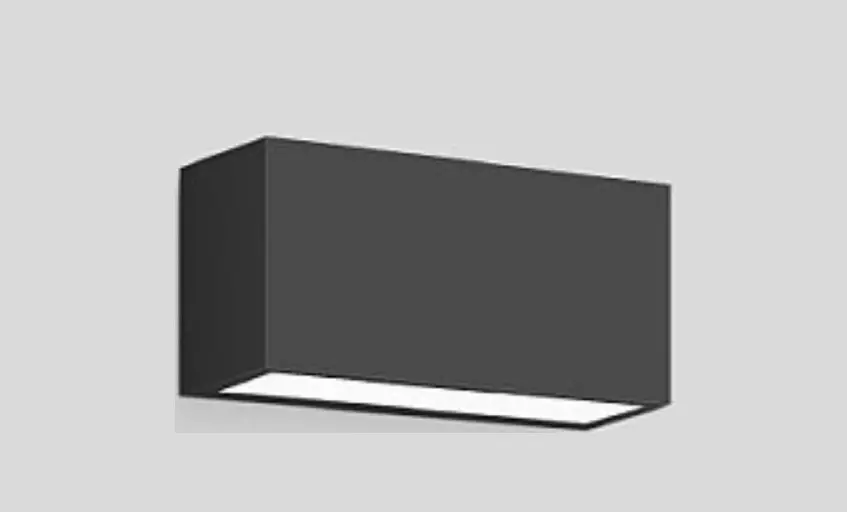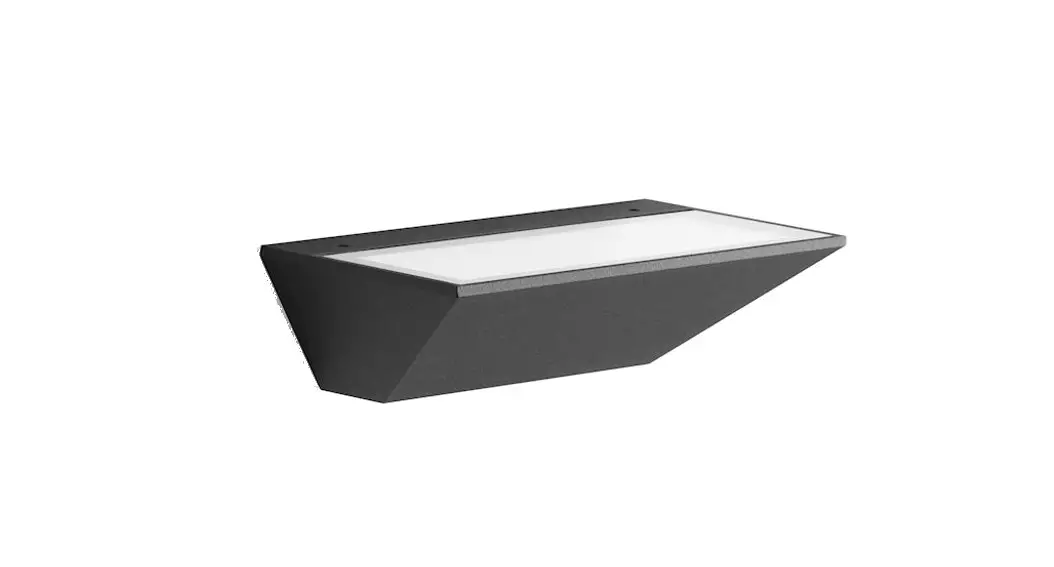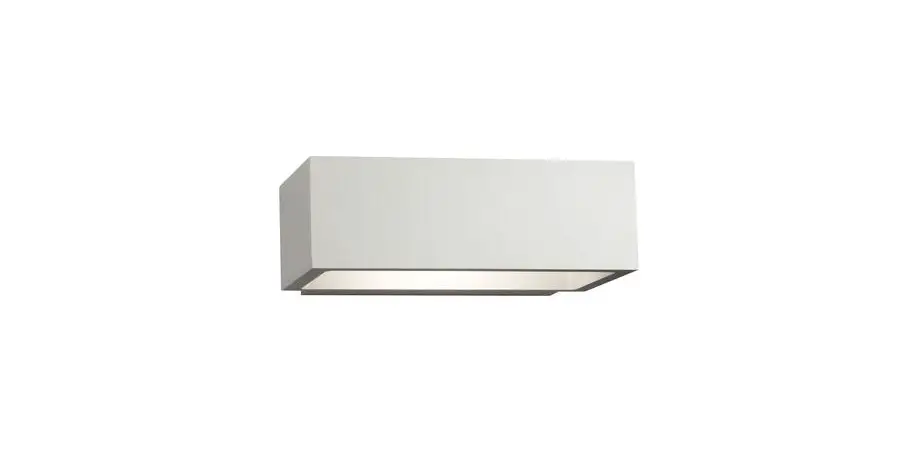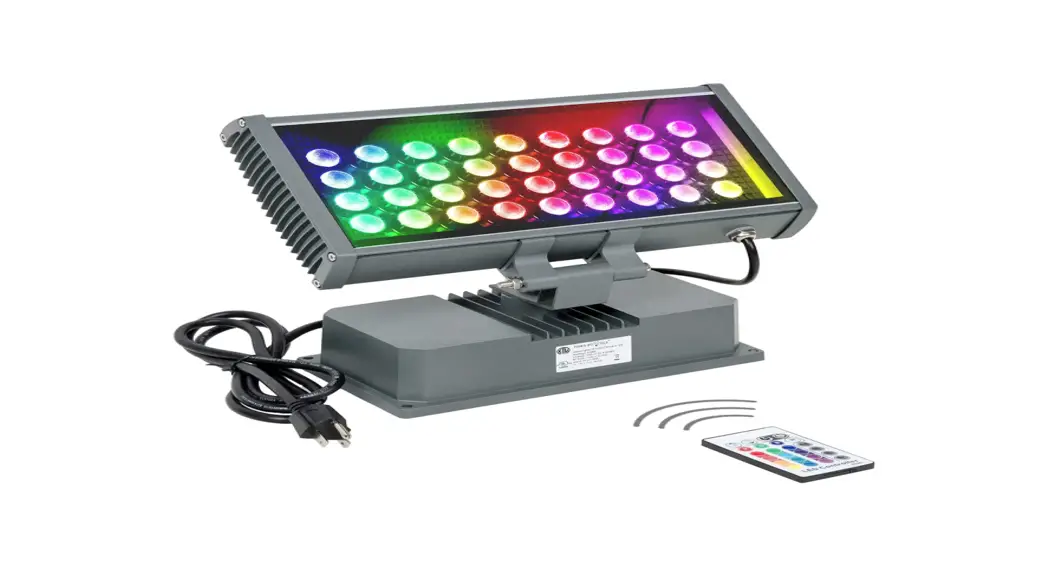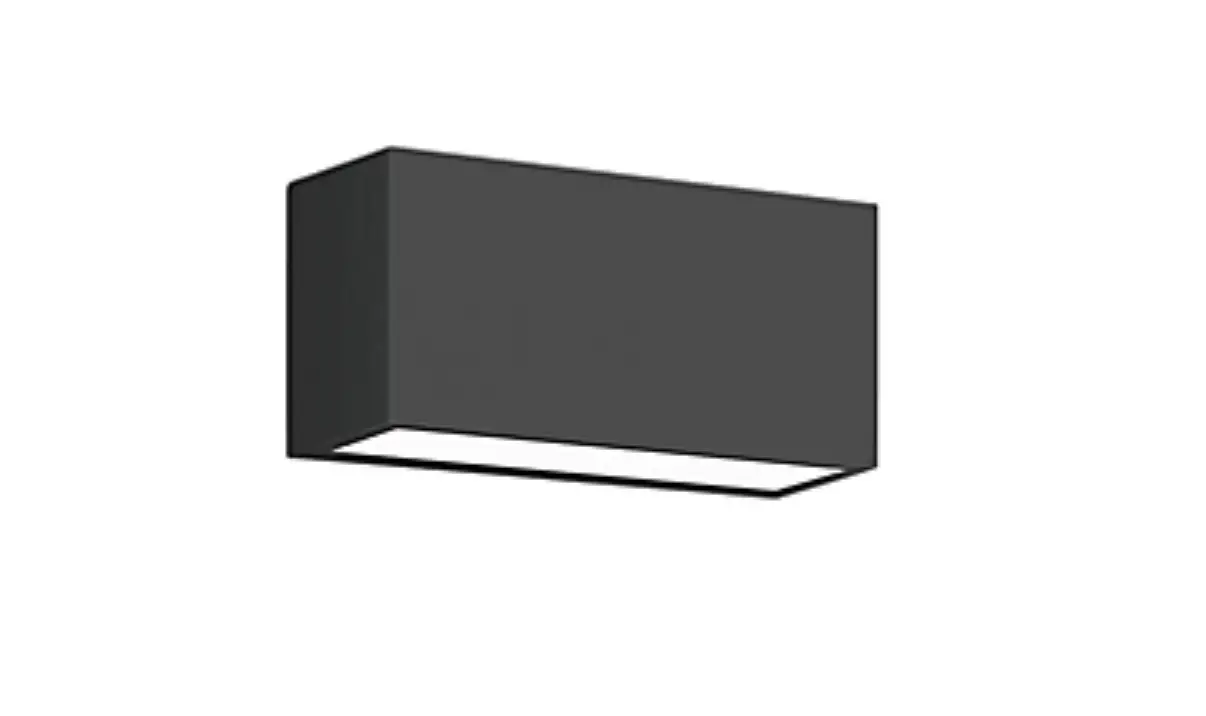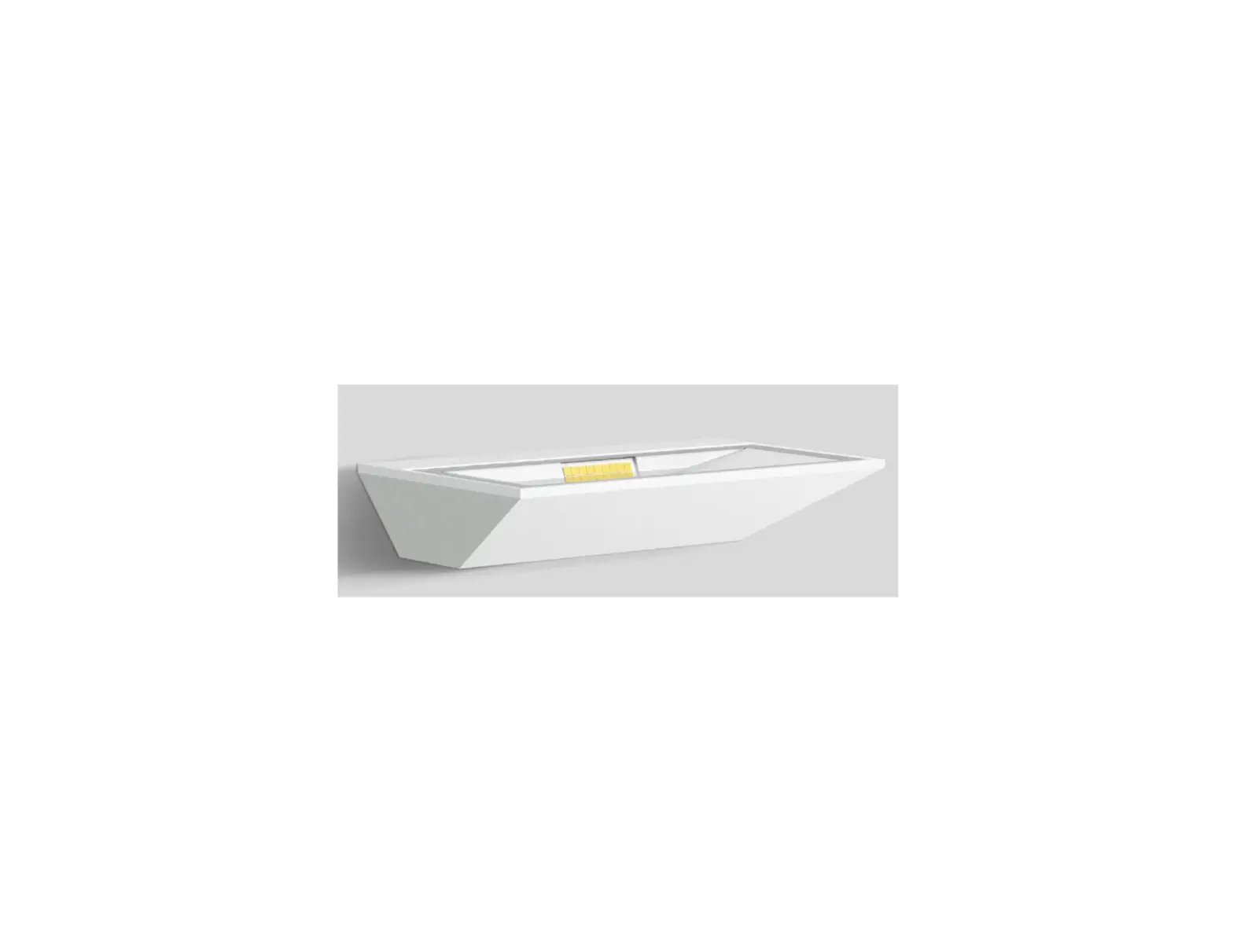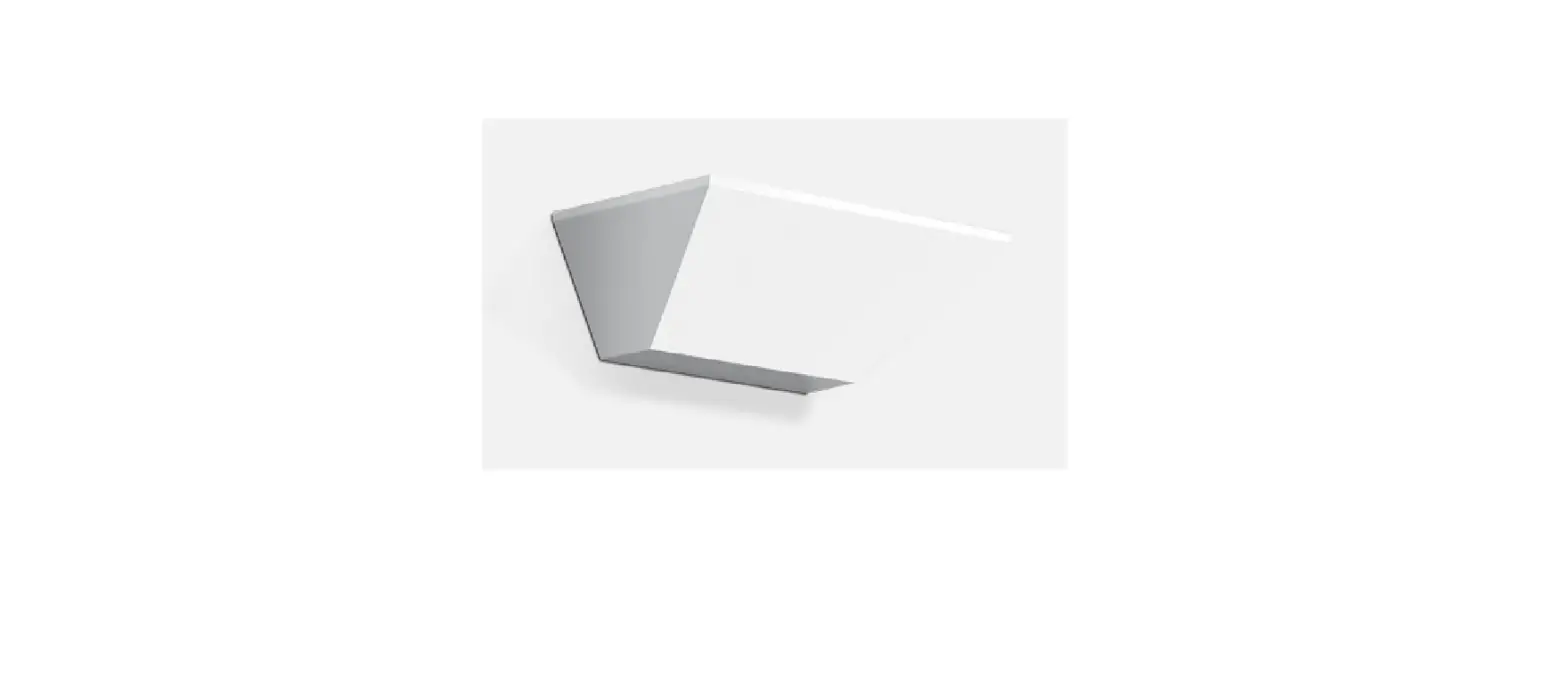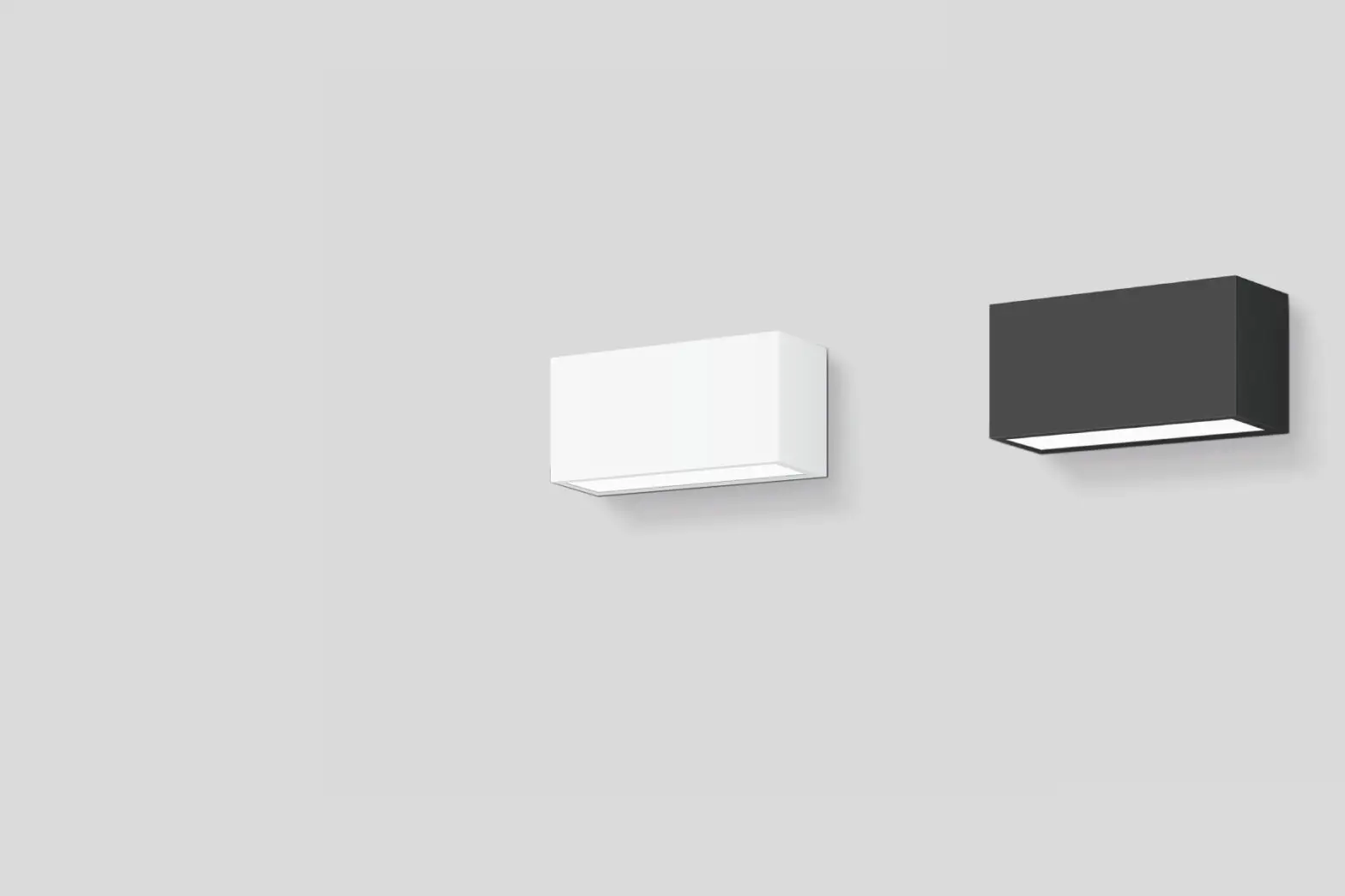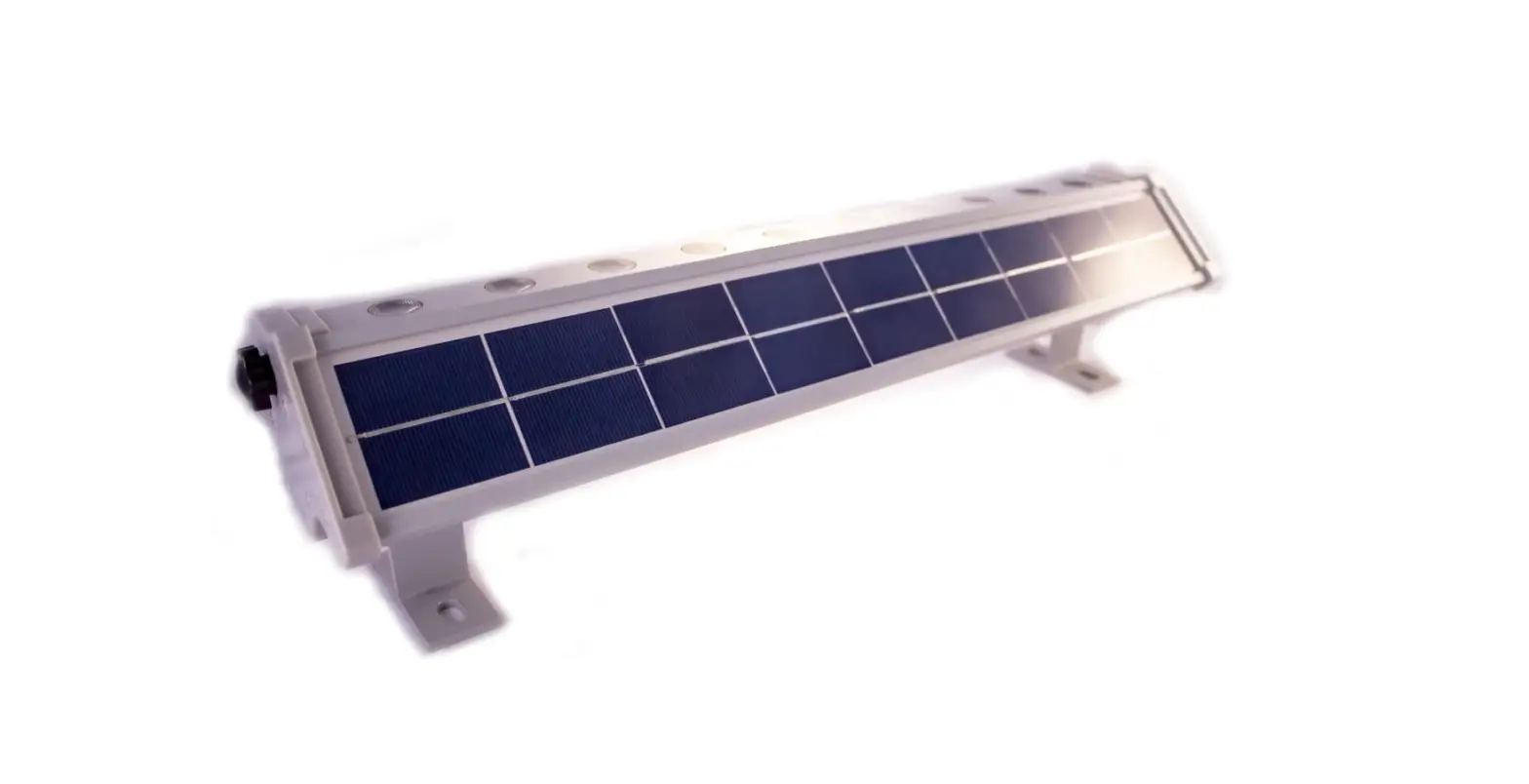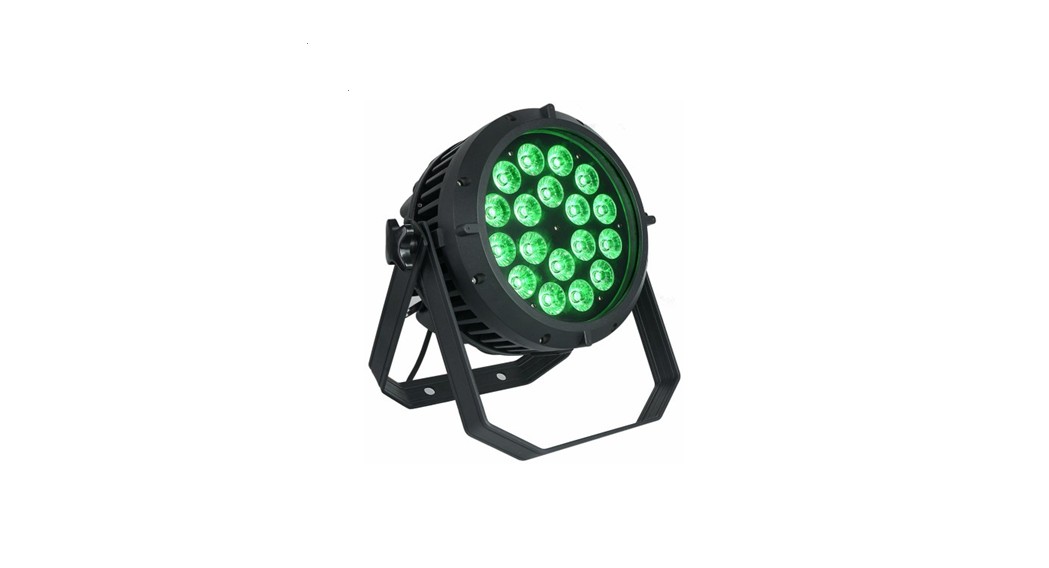

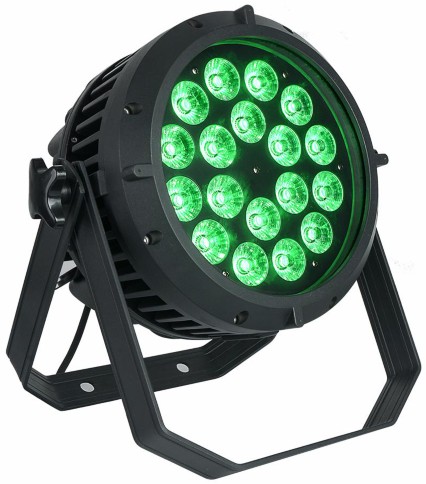
18X18W 6IN1 WALL WASHER LIGHT
USER MANUAL

PRECAUTIONS
Warning Please read the instruct. Please read the instructions carefully and it contains important information such as assembly, operation, maintenance and so on.
- The circuit boards can not be stacked on top of each other, so that they can be handled lightly, without being thrown away, and prevent the board from being deformed, the components from being damaged, and the pads falling off.
- The power input range is between 12-36V. Different lamp power input will be different. Please consult when using it to avoid the burning of the main board or the lamp bead due to improper use of the power supply, resulting in unnecessary economic loss. Extremely irreversible.
- When assembling, the PCB board should be placed at the side. Do not pick up a certain component for convenience and avoid the bad condition that the pad is detached or damaged.
- All terminals should be connected according to the process requirements and the correct way, pay attention to the direction and polarity.
- Try not to operate the power or plug in the cable to avoid short circuit or component damage.
- Try to do antistatic treatment as much as possible.
- Customer error or other man- made burnout defects are not included in the return range, and repairs are subject to the corresponding component cost.
TECHNICAL DATA
| Product Name | 18X18W 6in1 WALL WASHER LIGHT |
| Voltage Input (Vac) | AC 100 – 240V 50 -60Hz |
| Max Power | 320w |
| LED Light | 18X18w RGBWA/UV |
| LED Life | 100000H |
| Control Mode | RDM ,DMX512, Master/Slave, voice control, self Walking |
| Beam angle | 25/ 40 customizable |
| DMX Channel | 11 CH |
| Size | 29*29*38cm |
| N.W | 6.2Kg |
OPERATION OF DISPLAY
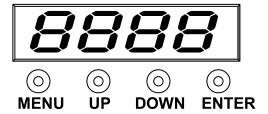
| MENU | Main menu function selection |
| UP | Modify parameter value |
| DOWN | Modify parameter value |
| Enter | Confirm selected function / enter next level menu |
LED FUNCTION TABLE
| MENU | UP or DOWN | ENTER |
| D001 | d001-512 | DMX Address |
| PR01 | PR01-PR32 | Built-in program setting |
| SP01 | SP01-SP99 | Dimming mode selection |
| LD01 | LD01-LD02 | Auto mode |
| AUTO | AUTO | Dimming smoothness adjustment |
| AUDI | AUDI | Sound-active mode |
| DISP | DISP | Display inverted selection |
| R255 | R000-R255 | Red light manual adjustment |
| G255 | G000-R255 | Green light manual adjustment |
| B255 | B000-R255 | Blue light manual adjustment |
| H255 | H000-R255 | White light manual adjustment |
| P255 | P000-R255 | Yellow light manual adjustment |
| U255 | U000-R255 | Purple light manual adjustment |
DMX512 CHANNEL TABLE
11CH Model:
| Channel | Function | Function Description |
| CH1 | 0-255 | Intensity 0 to 100% |
| CH2 | 0-255 | Strobe effect slow to fast |
| CH3 | 0-255 | Dimming , Red color light 0-100% |
| CH4 | 0-255 | Dimming , Green color light 0-100% |
| CH5 | 0-255 | Dimming , Blue color light 0-100% |
| CH6 | 0-255 | Dimming , White color light 0-100% |
| CH7 | 0-255 | Dimming , Yellow color light 0-100% |
| CH8 | 0-255 | Dimming , Purple color light 0-100% |
| CH9 | 0-255 | Color combination |
| CH10 | 0-100 | Front 9 Channels Function |
| 101-120 | Jump | |
| 121-180 | Fade | |
| 181-244 | Jump to Fade | |
| 245-255 | Sound-active Mode | |
| CH11 | 0-255 | Speed from slow to fast |
TROUBLESHOOTING
Always contact Our company if any malfunctions or errors occur that cannot be solved with the instructions as described in this manual