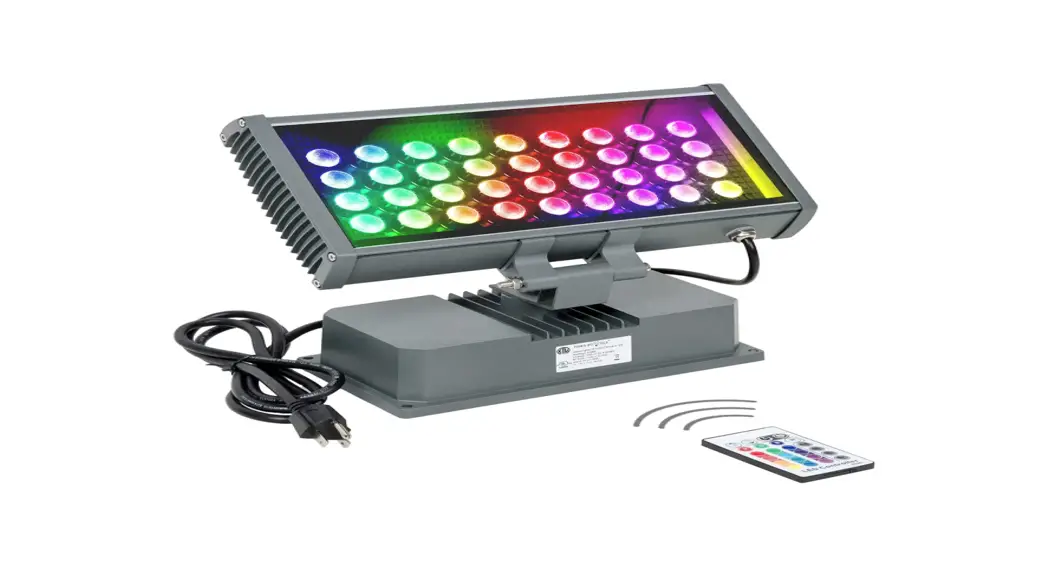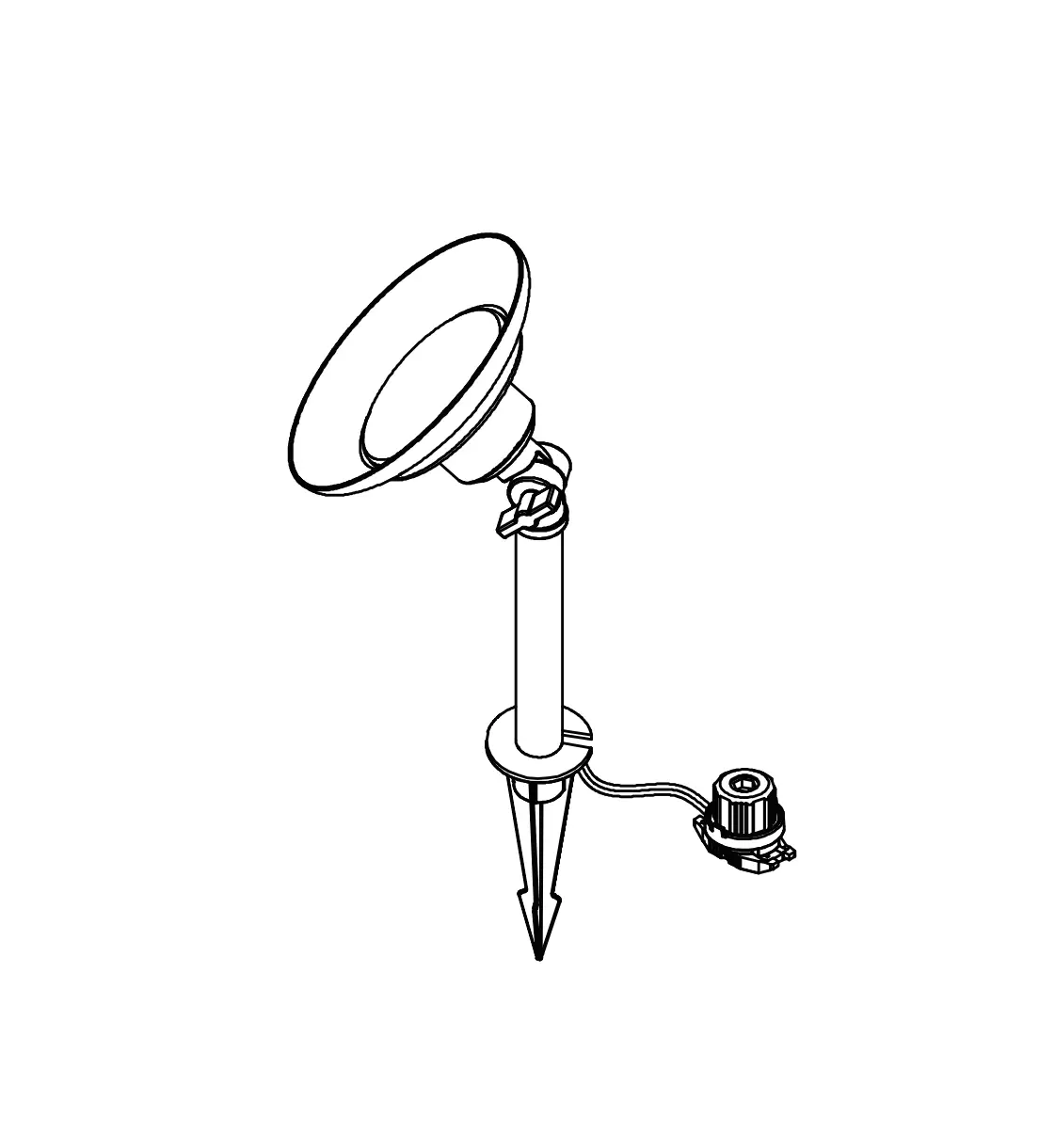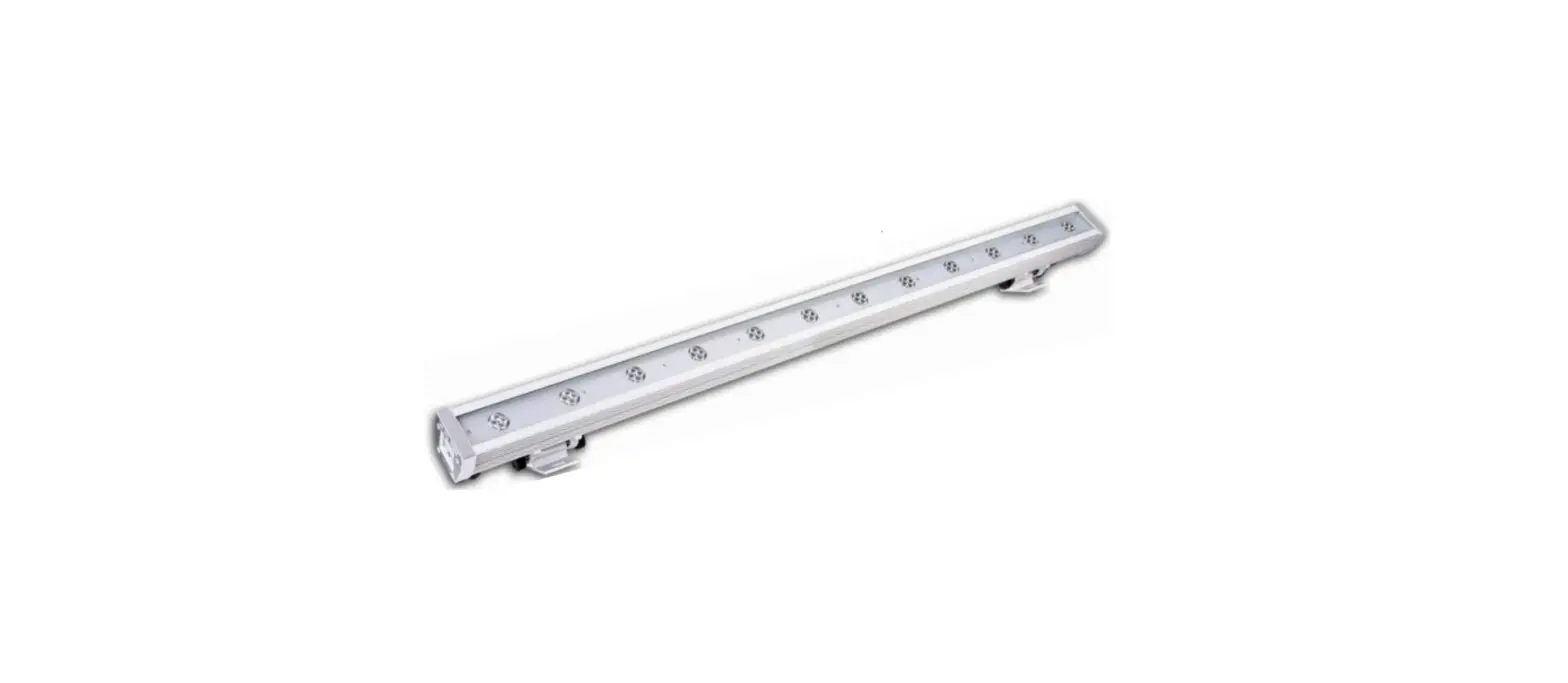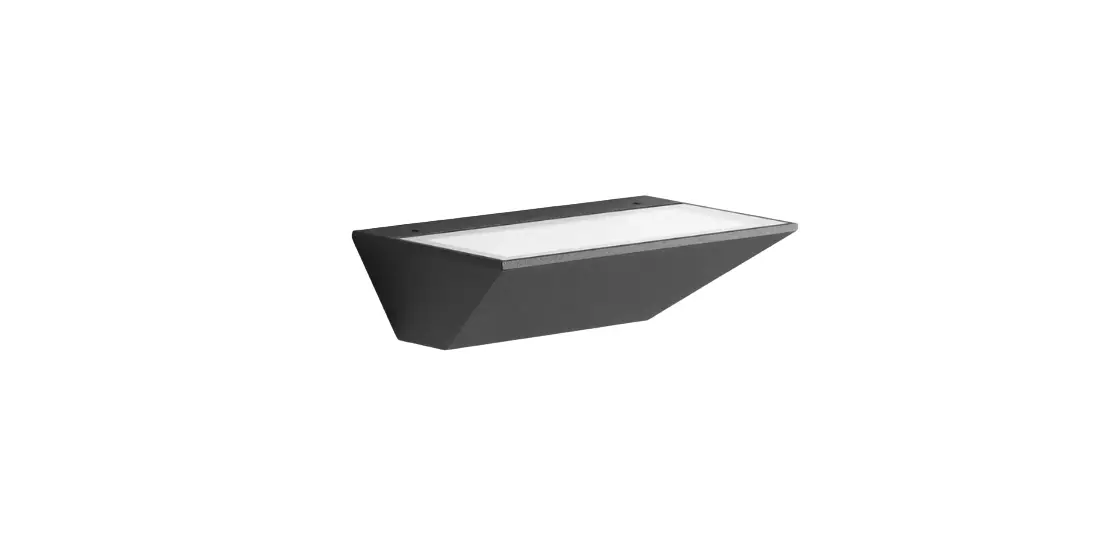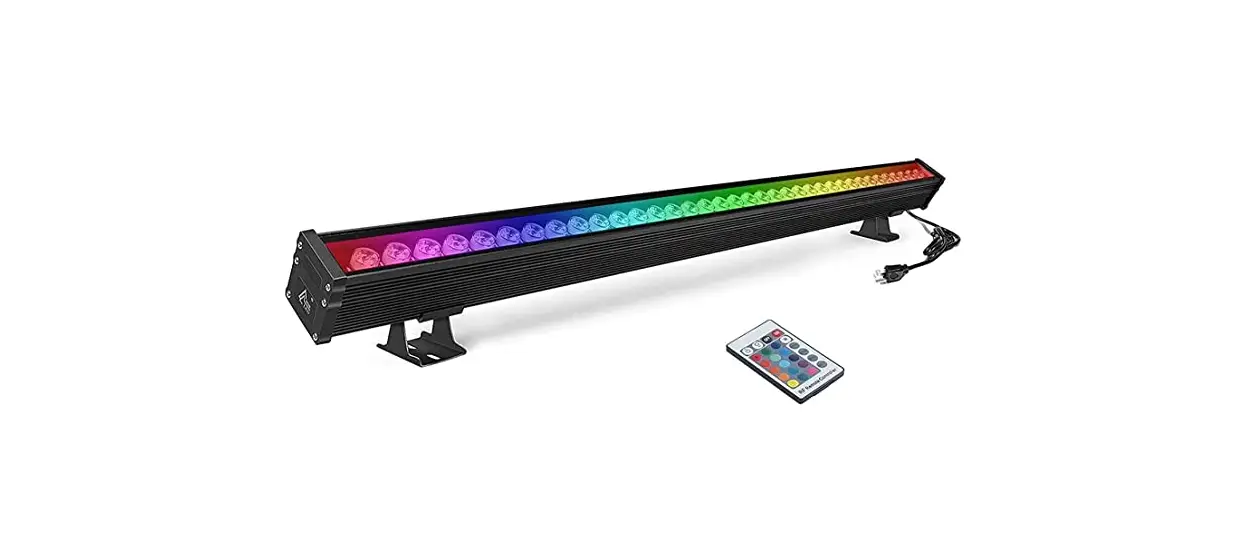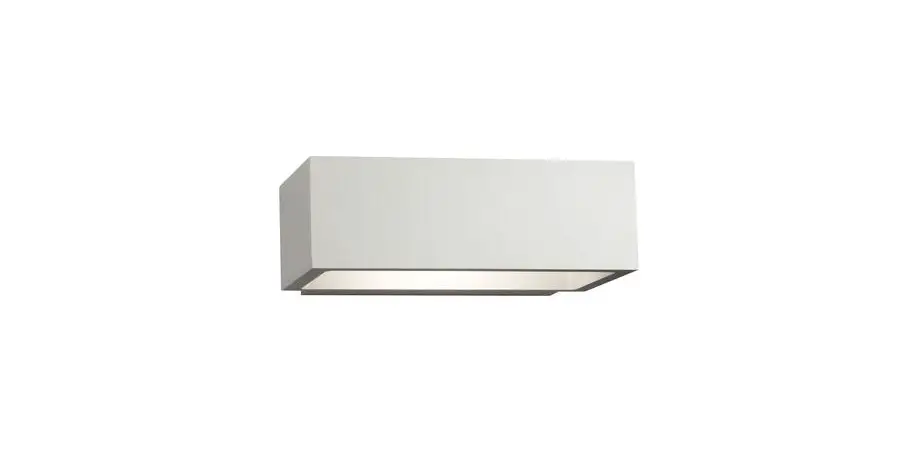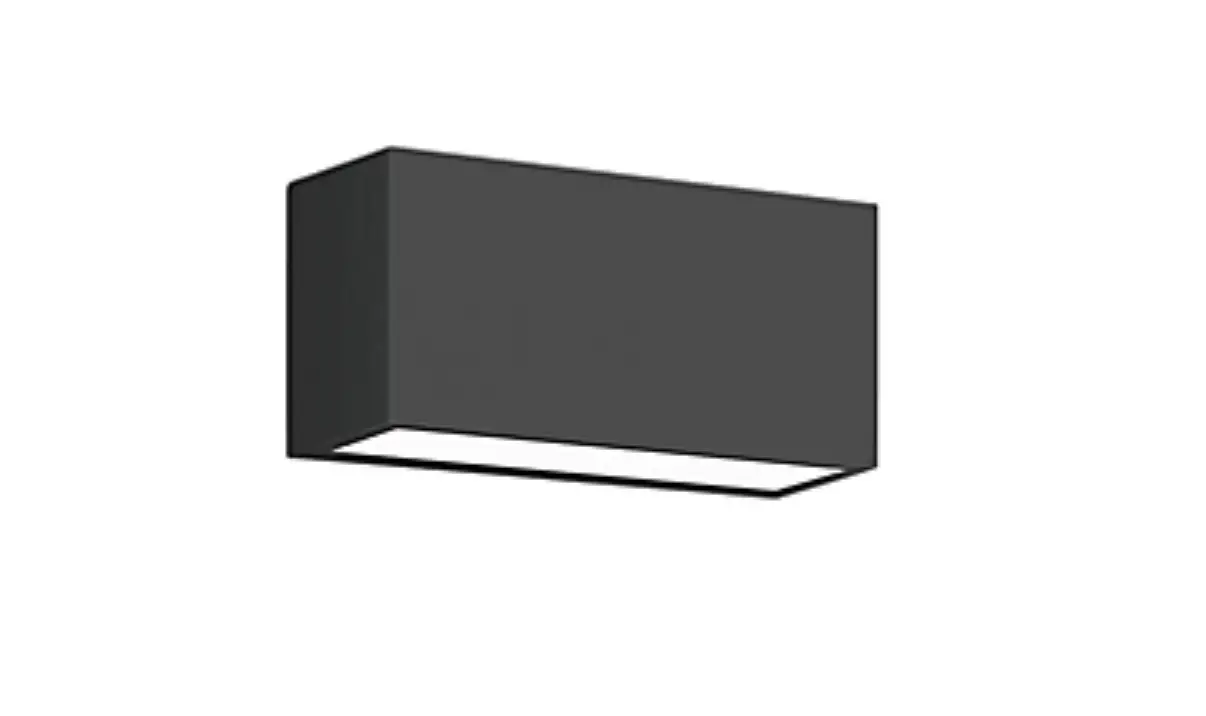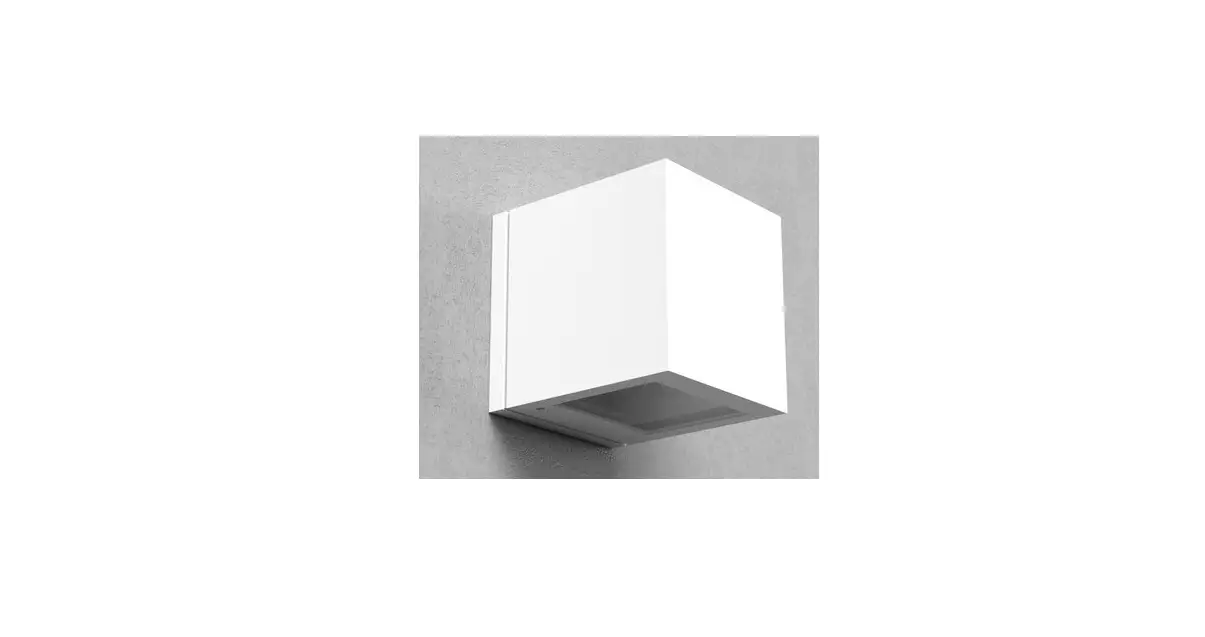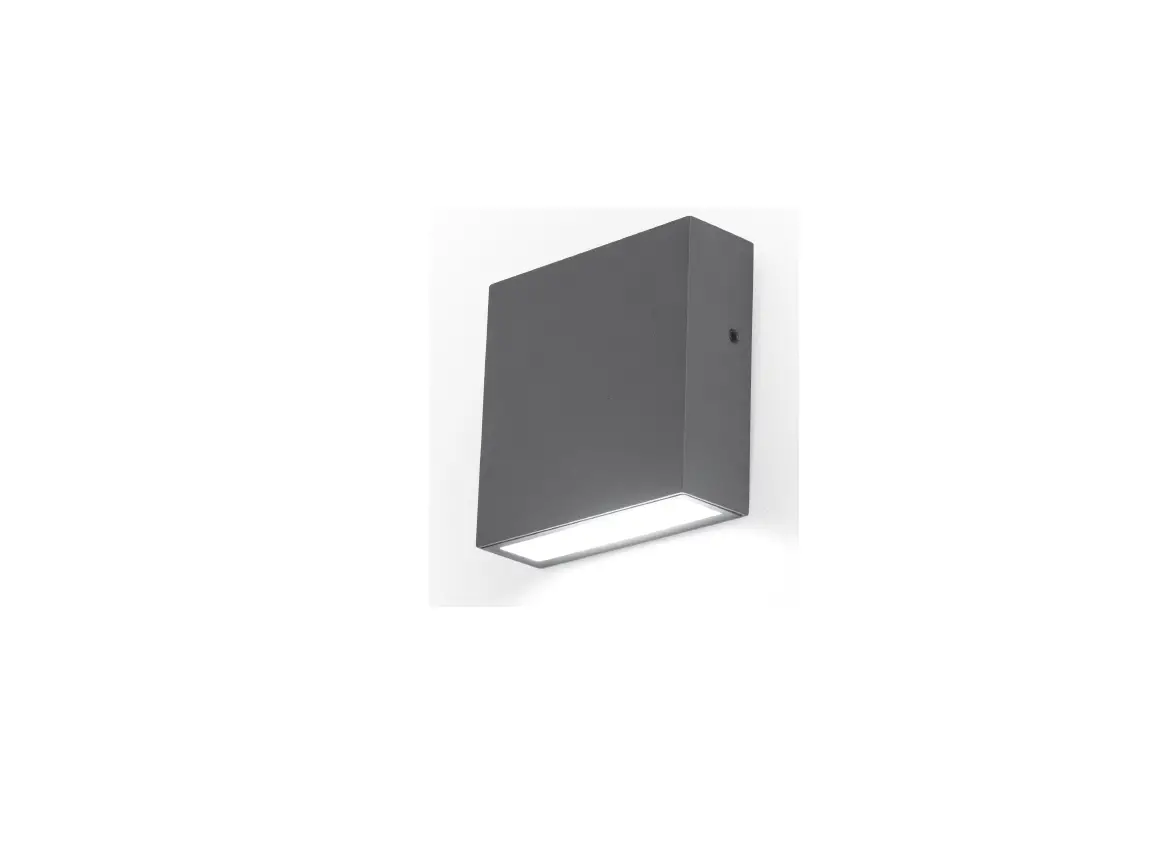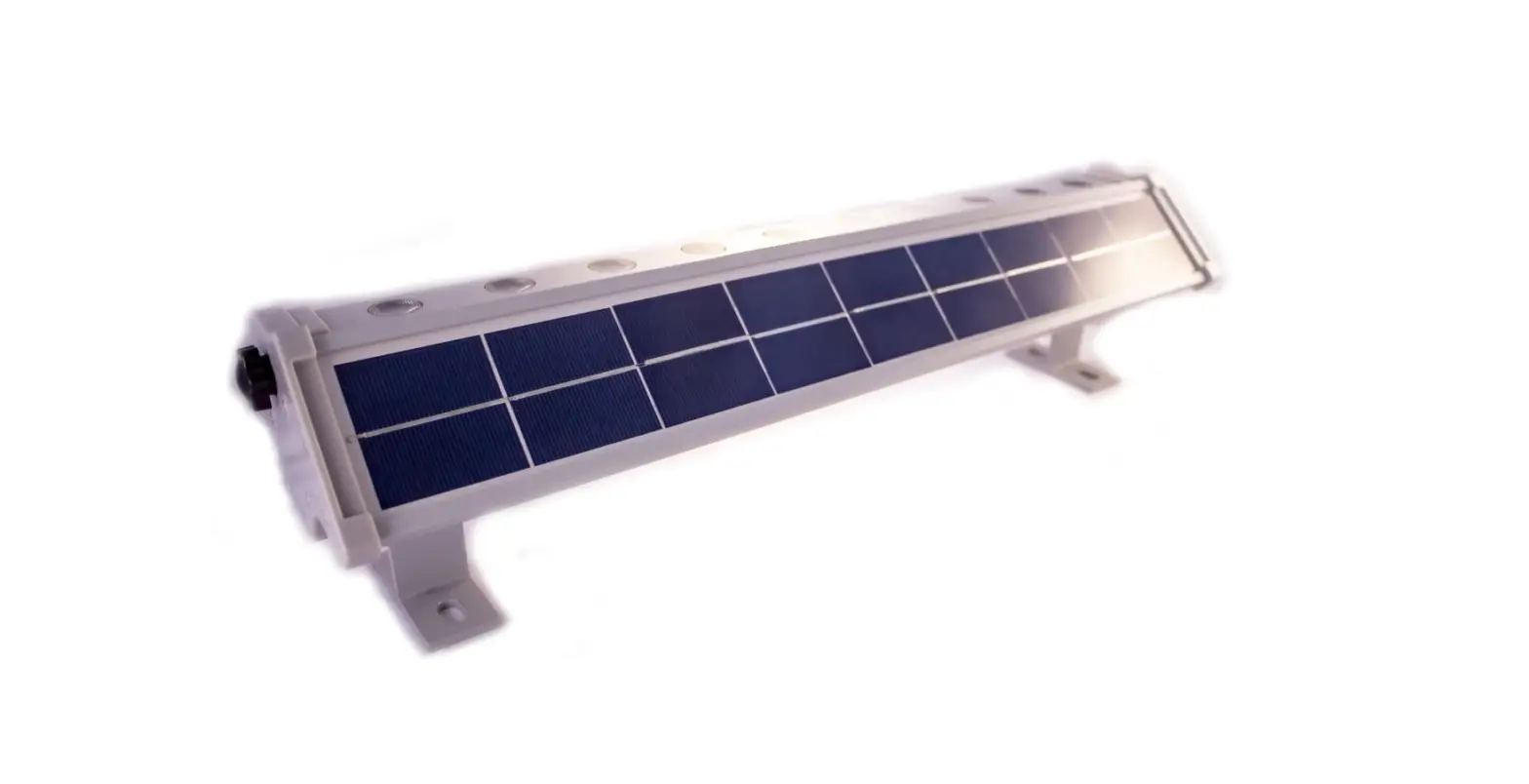

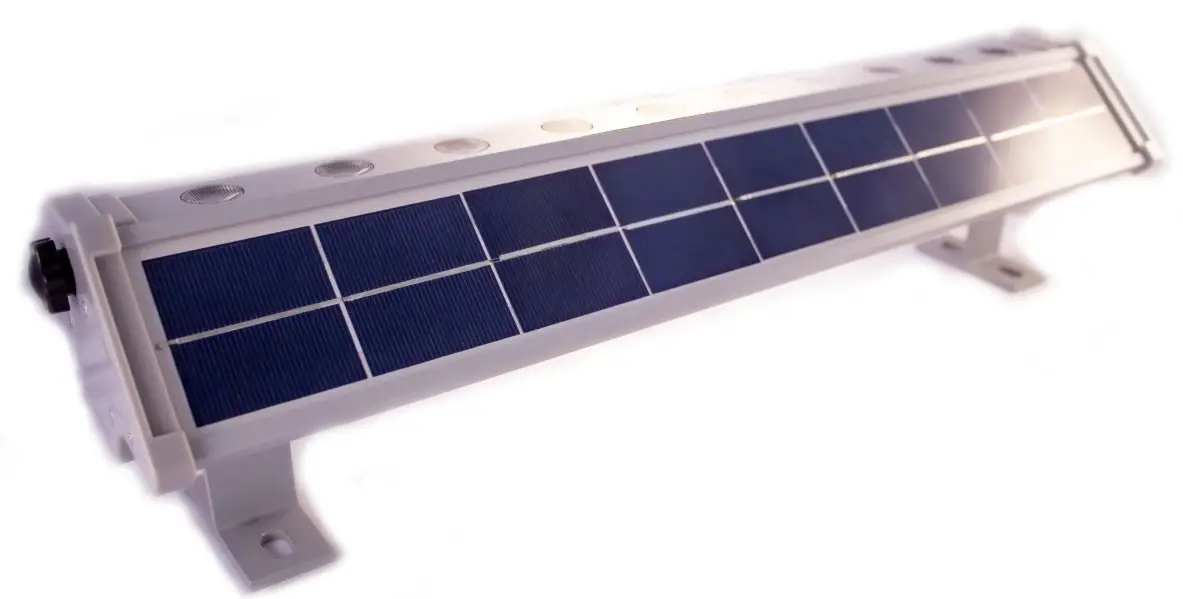
Solar Lighting DIRECT SLDWW-3W Commercial Wall Washer
FEATURES
- Day/Night Sensor
- Adjustable LED Tube and Bracket
- 2 Lighting Modes;
Mode 1 – 100% brightness for 6 hours than 15%brightness until dawn
Mode 2 – 100% brightness for 5 hours than 15%brightness for 6 hours - Surface Mounted Base
INSTALLATION METHOD
- Remove contents from the packaging
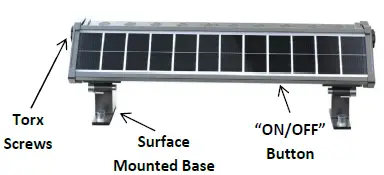
- Switch your light fitting “ON” by pressing the “ON/OFF” button for 3 seconds, to turn “OFF” repeat this 3-second press, and your light will switch off
NOTE: Before continuing, we recommend you put your solar panel in direct sunlight (with the switch in the “OFF” position) for 2 days before installation
- Locate a position where your light will receive maximum direct sunlight throughout the day
- Using 4 screws, fix the surface-mounted bases in your desired location
- To adjust the direction of the lamp, simply unscrew the Torx screws on each side of the fitting and adjust the light within 90 degrees in your desired direction. Once you have chosen your light angle, re-tighten the Torx screws.
LIGHT MODES
The fitting has 2 light modes;
- Mode 1 – 100% Brightness for 6 Hours, then 15% Brightness until dawn
- Mode 2 – 100% Brightness for 5 Hours, then 15% Brightness for 6 Hours
To choose your desired mode, press the “ON/OFF” button once, when in Mode 1 a RED indicator light will flash, press again and once in Mode 2 a GREEN indicator light will flash.
IMPORTANT NOTES
- Please ensure you place your Solar Panel in a location where it can achieve a minimum of 6HRS DIRECT SUNLIGHT
- Be aware that on overcast/cloudy days, the solar panel will still charge. However, not as efficient as on a sunny day, so the battery may not reach full capacity. Therefore, your light may turn off earlier than specified.
- It’s best not to install the fitting underneath a street light, porch light, etc. because this may stop the automatic day-night sensor triggering and result in your lights not turning on.
TROUBLESHOOTING
| Phenomenon | Cause | Inspection Method | Solution |
| Switch | |||
| hasn’t been turned | Determine what position the switch is in | Turn the switch on | |
| Light won’t | on | ||
| turn on | Period of rainy or | Charge the light | |
| Battery | cloudy weather or | in direct | |
| has run | installation site | sunlight for 1-2 | |
| flat | doesn’t provide | days then check | |
| enough direct sunlight | again | ||
| 1. Charge the | |||
| 1. Bad installation site | battery indirect | ||
| for the solar panel | sunlight for 1-2 | ||
| Low | 2. Dust or leaves are | days with the | |
| The light only | Battery | covering the panel | switch off, then |
| stays on for a | 3. Long period of | check again | |
| short amount | overcast weather | 2. Clean the | |
| of time | solar panel | ||
| 1. Access the light and | Contact SLD | ||
| Battery | & replace battery | Customer | |
| Failure | 2. Battery has | Service to buy | |
| matured | new batteries |
Customer Service Number 1300 135 911
www.solarlightingdirect.com.au
 Solar Lighting Direct - Australia's Premium Solar Powered LED Lighting