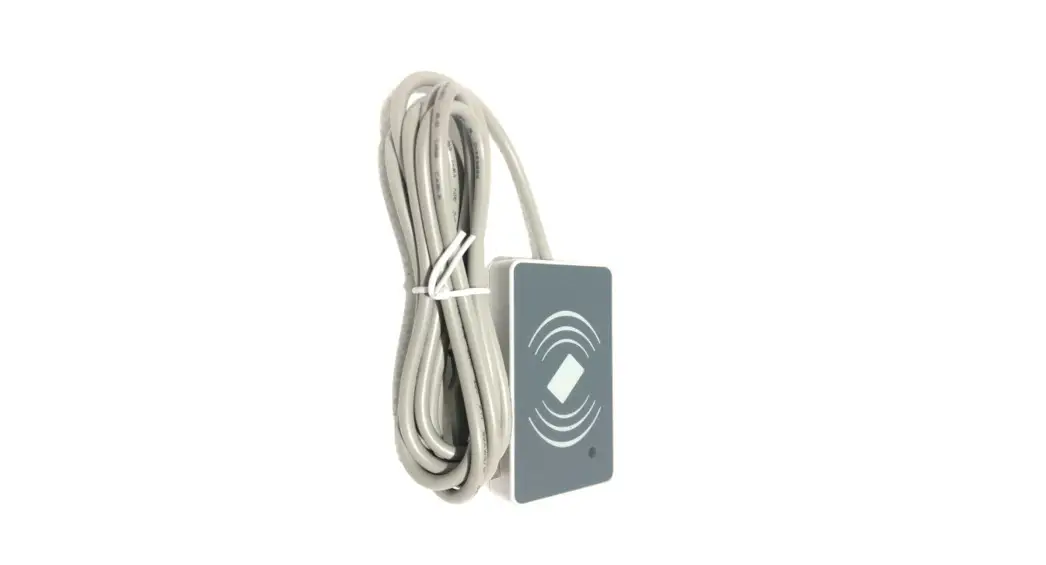
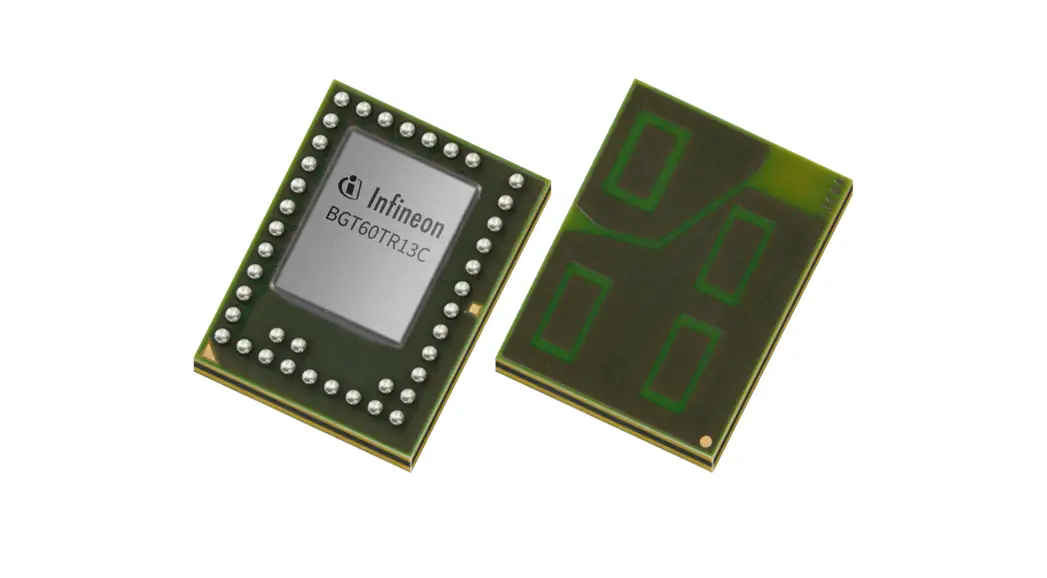
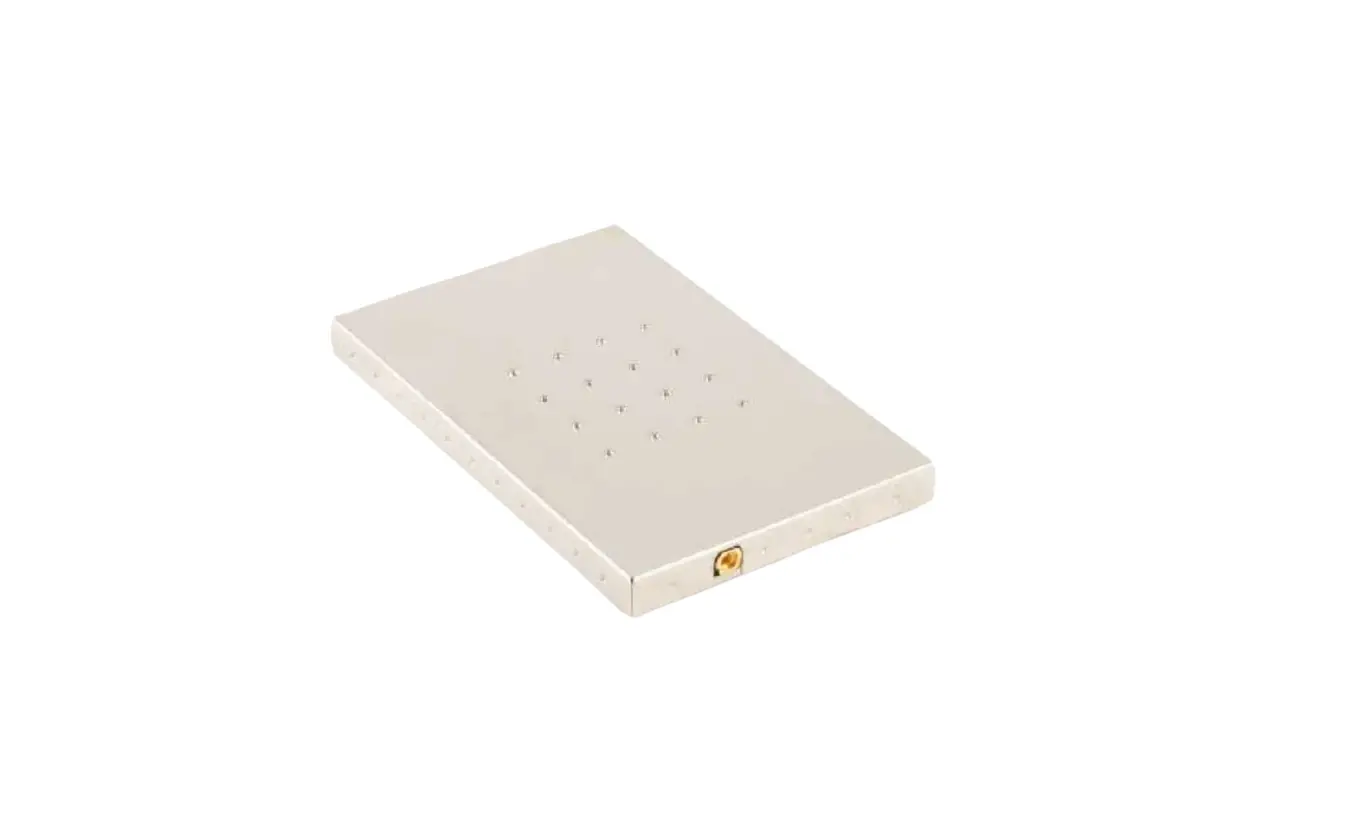
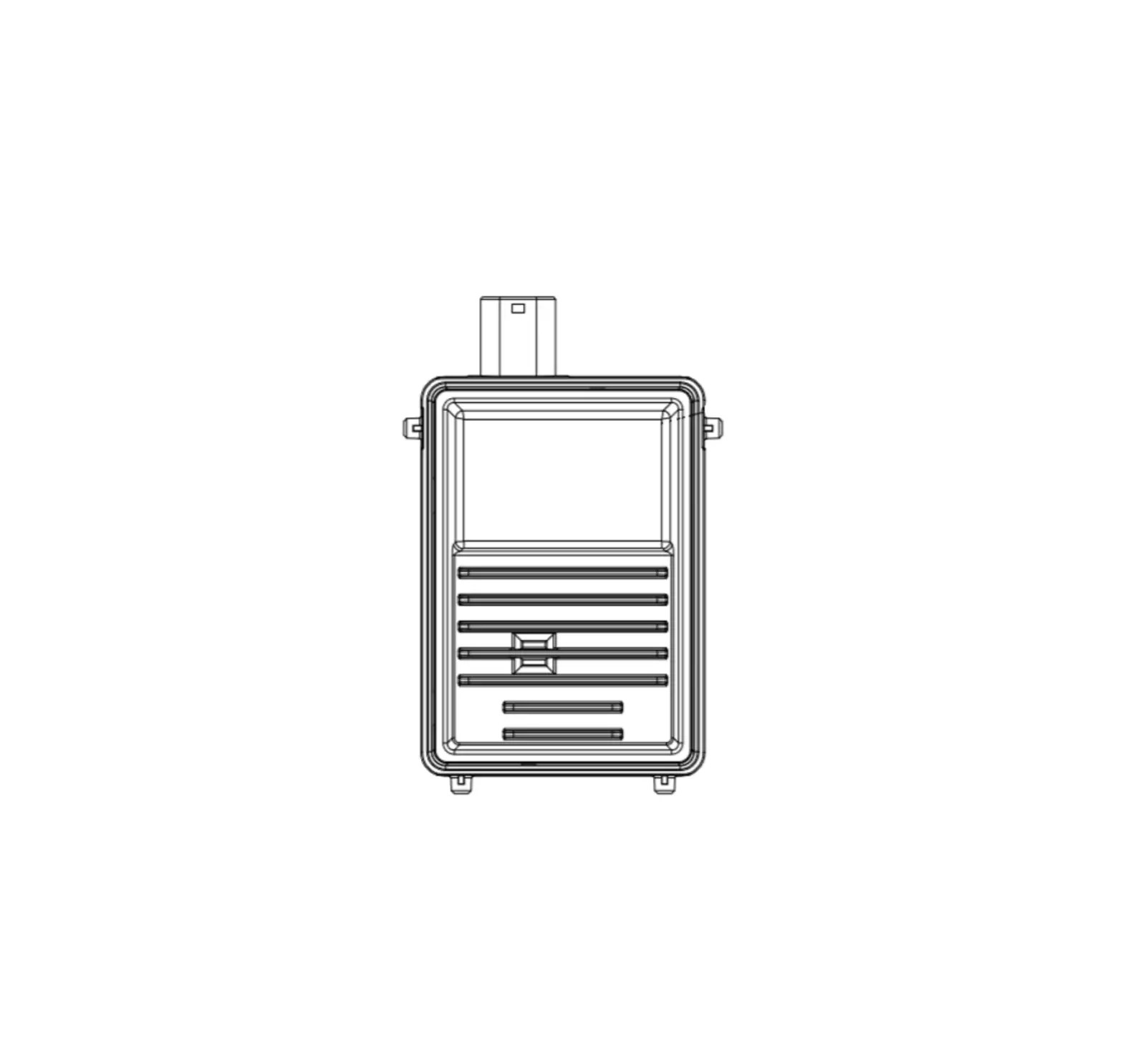
RS510 RFID Sensor
Product Information
Product Name: RFID Sensor RS510
Manufacturer: Automaton Inc dba RADAR
Model Number: RS510A
Origin: San Diego, CA
Drawing No.: LBL-8004-01
Revision: A1
Address: RADAR HQ, 15150 Avenue of Science, Ste. 200, San Diego,
CA 92128
Product Usage Instructions
1. Scope
The RFID Sensor RS510 is part of the Radar system, an overhead
RFID system designed to scan price tags on items such as clothing
and boxes. It emits radio frequency energy from sensors installed
on the ceiling.
2. Regulatory Notes
– This device is approved under FCC ID: 2BAMERS510A.
– The RS510A model number is covered by this user manual.
– The device is compliant with local rules and regulations and
will be labeled accordingly.
3. Safety Precautions
– Pacemakers: Maintain a minimum of 15 cm (6 inches) distance
between the wireless device and a pacemaker to avoid potential
interference. Always keep the device more than 15 cm (6 inches)
away from the pacemaker when turned ON.
– Other Medical Devices: Consult your physician or the
manufacturer of your medical device to determine if the operation
of the wireless product may interfere with it.
– RF Exposure Guidelines: The device must operate with a minimum
separation distance of 23cm from all persons to comply with FCC RF
exposure requirements.
– Co-location Statement: The antenna used for this transmitter
must not be co-located or operating with any other
transmitter/antenna unless already approved.
4. Radio Frequency Interference Requirements – FCC Note:
– This device complies with Part 15 of the FCC Rules.
– The device should not cause harmful interference and must
accept any interference received, including interference that may
cause undesired operation.
– Any changes or modifications not approved by the responsible
party could void the user’s authority to operate the equipment.
Automaton Inc dba RADAR.
RFID Sensor RS510 User’s Manual
Radar
Origin
Size Drawing No. Rev. Nomenclature
San Diego, CA A
LBL-8004-01
A1
RS510 User’s Manual
RADAR HQ, 15150 Avenue of Science, Ste. 200, San Diego, CA 92128
Sheet
1 of 5
Table of Contents
1 Scope …………………………………………………………………………………………………………………………………………………………. 3 2 Regulatory Notes …………………………………………………………………………………………………………………………………………. 3 3 Label Quick Response Code: QR Code ………………………………………………………………………………………………………….. 4 4 Operation ……………………………………………………………………………………………………………………………………………………. 6 5 Ceiling Mount Instructions……………………………………………………………………………………………………………………………… 6
Figures
Figure 1: Sensor indicating RJ45 Ethernet Connector …………………………………………………………………………………………….. 6 Figure 2: Mounting Bracket ………………………………………………………………………………………………………………………………….. 7 Figure 3: Sensor attachment bracket and Ethernet cable installed. …………………………………………………………………………… 7
Radar
Origin
Size Drawing No. Rev. Nomenclature
San Diego, CA A
LBL-8004-01
A1
RS510 User’s Manual
RADAR HQ, 15150 Avenue of Science, Ste. 200, San Diego, CA 92128
Sheet
2 of 5
1 Scope
The Radar system is an overhead RFID system using proprietary sensors installed on the ceiling for the purpose of emitting radio frequency energy that scans price tags located on items such as clothing, boxes etc.
2 Regulatory Notes
This device is approved under FCC ID: 2BAMERS510A. This guide applies to the following Model Number: RS510A
All GoRadar devices are designed to be compliant with the rules and regulations in the locations where they are sold and will be labeled as required.
Pacemakers Pacemaker manufacturers recommended that a minimum of 15 cm (6 inches) must be maintained. between a wireless device and a pacemaker to avoid potential interference with the pacemaker. These recommendations are consistent with independent research and recommendations by Wireless Technology Research.
Persons with Pacemakers: Should ALWAYS keep the device more than 15 cm (6 inches) from their pacemaker when turned ON.
Other Medical Devices Please consult your physician or the manufacturer of the medical device, to determine if the operation of your wireless product may interfere with the medical device.
RF Exposure Guidelines To comply with FCC RF exposure requirements, this device must operate with a minimum separation distance of 23cm from all persons.
Co-location statement To comply with FCC RF exposure compliance requirement, the antenna used for this transmitter must not be co-located or operating in conjunction with any other transmitter/antenna except those already approved in this filling.
Radar
Origin
Size Drawing No. Rev. Nomenclature
San Diego, CA A
LBL-8004-01
A1
RS510 User’s Manual
RADAR HQ, 15150 Avenue of Science, Ste. 200, San Diego, CA 92128
Sheet
3 of 5
Radio Frequency Interference Requirements – FCC Note:
This equipment has been tested and found to comply with the limits for a Class A digital device, pursuant to part 15 of the FCC Rules. These limits are designed to provide reasonable protection against harmful interference when the equipment is operated in a commercial environment. This equipment generates, uses, and can radiate radio frequency energy and, if not installed and used in accordance with the instruction manual, may cause harmful interference to radio communications. Operation of this equipment in a residential area is likely to cause harmful interference in which case the user will be required to correct the interference at his own expense.
Radio Transmitters (Part 15) This device complies with Part 15 of the FCC Rules. Operation is subject to the following two conditions: (1) this device may not cause harmful interference (2) this device must accept any interference received, including interference that may cause undesired operation.
U.S. GOVERNMENT END USERS RESTRICTED RIGHTS. This provision only applies to U.S. Government end users. The Software is a “commercial item” as that term is defined at 48 C.F.R. Part 2.101, consisting of “commercial computer software” and “computer software documentation” as such terms are defined in 48 C.F.R. Part 252.227-7014(a)(1) and 48 C.F.R. Part 252.227-7014(a)(5), and used in 48 C.F.R. Part 12.212 and 48 C.F.R. Part 227.7202, as applicable. Consistent with 48 C.F.R. Part 12.212, 48 C.F.R. Part 252.227-7015, 48 C.F.R. Part 227.7202-1 through 227.7202-4, 48 C.F.R. Part 52.227-19, and other relevant sections of the Code of Federal Regulations, as applicable, the Software is distributed and licensed to U.S. Government end users (a) only as a commercial item, and (b) with only those rights as are granted to all other end users pursuant to the terms and conditions contained herein.
15.21 Information to user. Changes or modifications not expressly approved by the party responsible for compliance could void the user’s authority to operate the equipment.
3 Label Quick Response Code: QR Code
The Quick Response code on the left side of the label, when scanned using the appropriate multi-media device, provides a link to NON-Regulatory information regarding RADAR’s products and patents as posted on their website.
To view the information:
1. Open the Camera app from the Home Screen, Control Centre or Lock Screen. 2. Select the rear-facing camera. Hold your device so that the QR code appears in the viewfinder in the Camera
app. … 3. Tap the notification to open the link associated with the QR code.
Radar
Origin
Size Drawing No. Rev. Nomenclature
San Diego, CA A
LBL-8004-01
A1
RS510 User’s Manual
RADAR HQ, 15150 Avenue of Science, Ste. 200, San Diego, CA 92128
Sheet
4 of 5
Radar
Origin
Size Drawing No. Rev. Nomenclature
San Diego, CA A
LBL-8004-01
A1
RS510 User’s Manual
RADAR HQ, 15150 Avenue of Science, Ste. 200, San Diego, CA 92128
Sheet
5 of 5
4 Operation
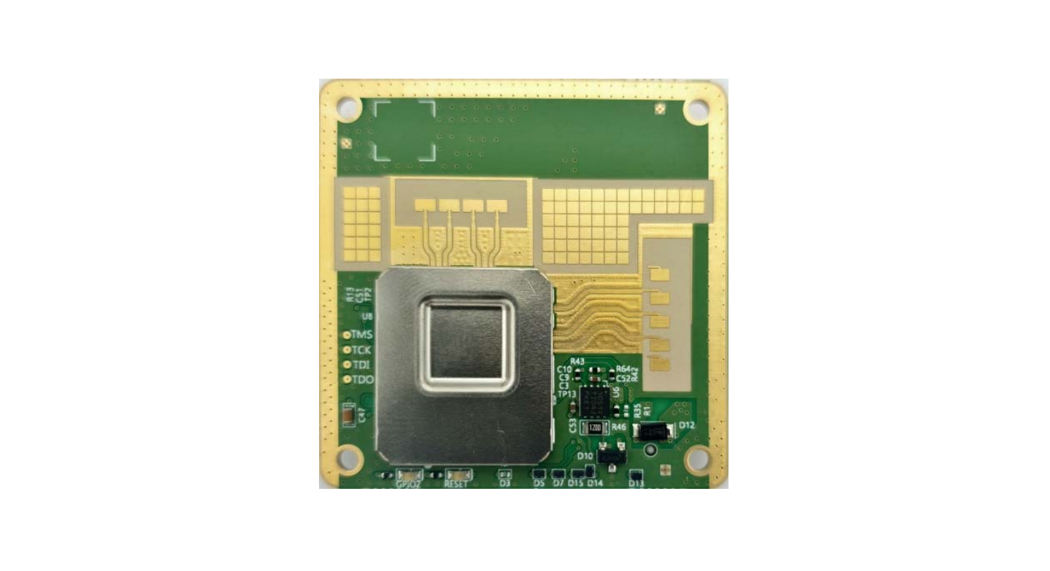
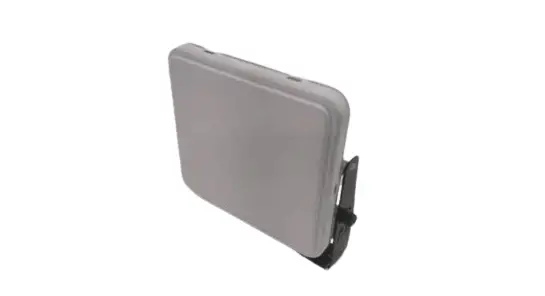
The sensor is approximately 21 inches in diameter and 3 inches tall, as shown below in Figure 1.
DC Power: The sensor is powered by 48 Volts supplied by a POE ++ Gigabit Ethernet switch or injector (Power Over Ethernet technical specification is 802.3 class 4).
Control: The sensor control is performed via computer network to sensor. Control software written by Radar.
Figure 1: Sensor indicating RJ45 Ethernet Connector
5 Ceiling Mount Instructions
Warning! This equipment is designed for ceiling mounting only and must maintain 23cm separation distance from persons. The RS510 unit is packaged with a two-piece mounting bracket, consisting of a universal ceiling mount bracket and a mating hanging bracket that is securely screwed onto the top of the RS500 unit. The two-piece design allows the ceiling bracket to first be mounted to the ceiling structure. The RS510 unit then easily hung on the bracket and secured in place with a retention screw.
Radar
Origin
Size Drawing No. Rev. Nomenclature
San Diego, CA A
LBL-8004-01
A1
RS510 User’s Manual
RADAR HQ, 15150 Avenue of Science, Ste. 200, San Diego, CA 92128
Sheet
6 of 5
Figure 2: Mounting Bracket
RS500 Unit Attachment After the mounting bracket is securely attached to the ceiling support, the RS500 sensor unit can be hung on the bracket and secured in place with the provided retention screw. The Ethernet cable can then be attached to the RJ-45 port on the top of the unit.
Figure 3: Sensor attachment bracket and Ethernet cable installed.
Radar
Origin
Size Drawing No. Rev. Nomenclature
San Diego, CA A
LBL-8004-01
A1
RS510 User’s Manual
RADAR HQ, 15150 Avenue of Science, Ste. 200, San Diego, CA 92128
Sheet
7 of 5