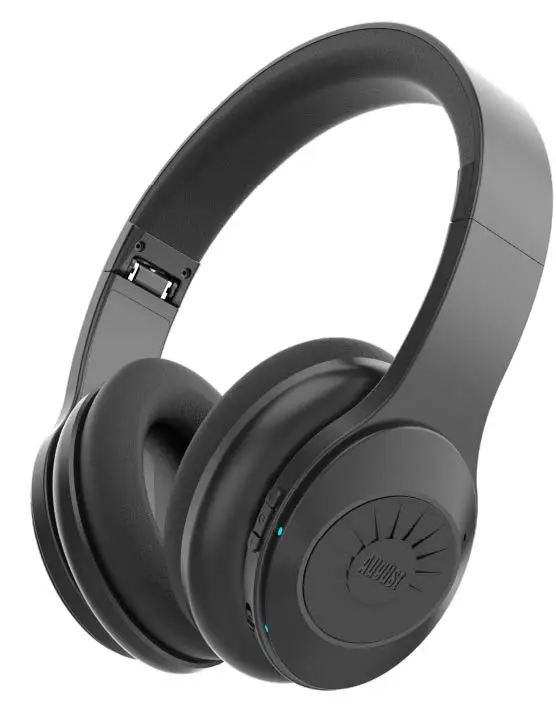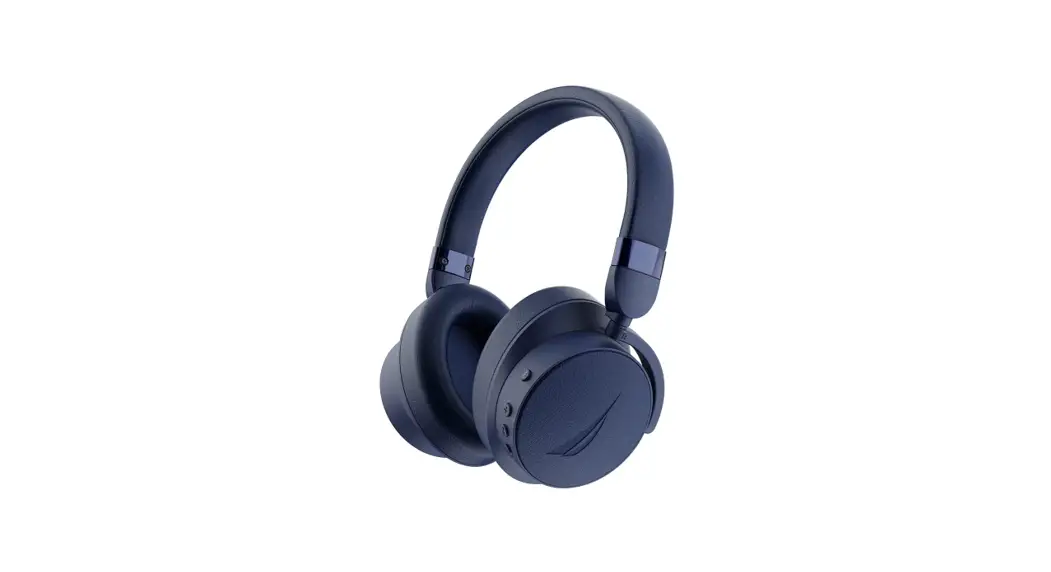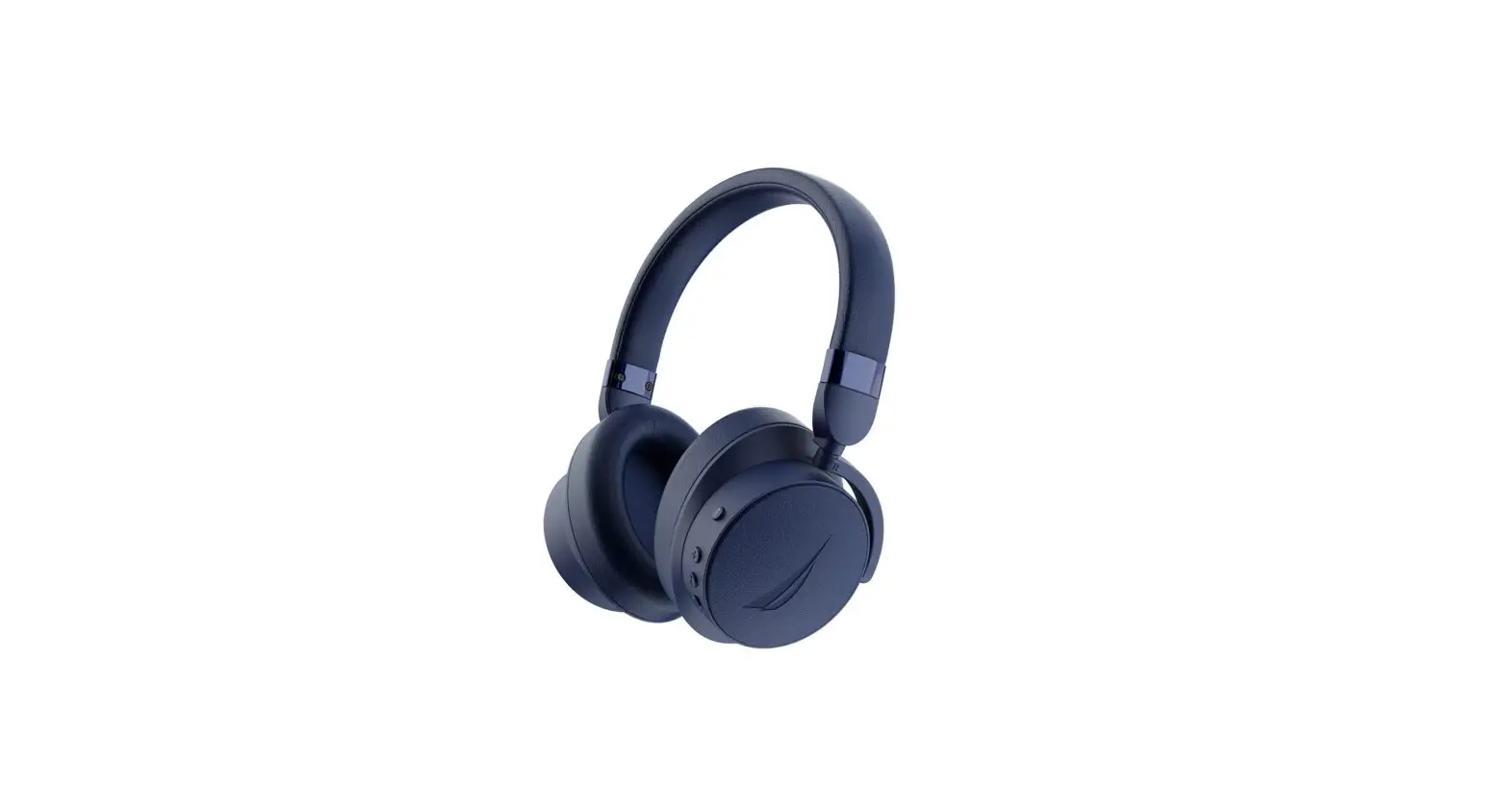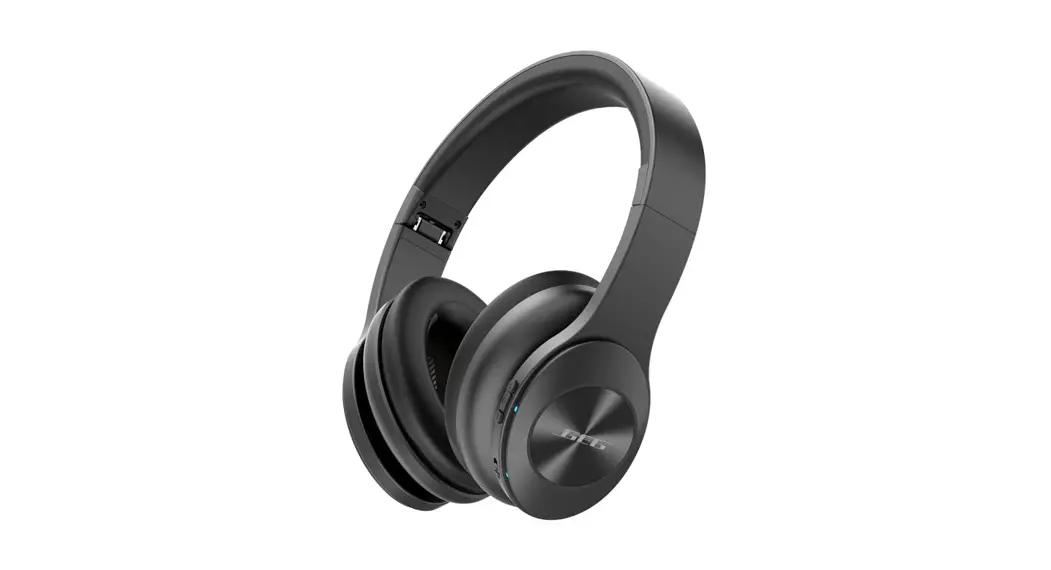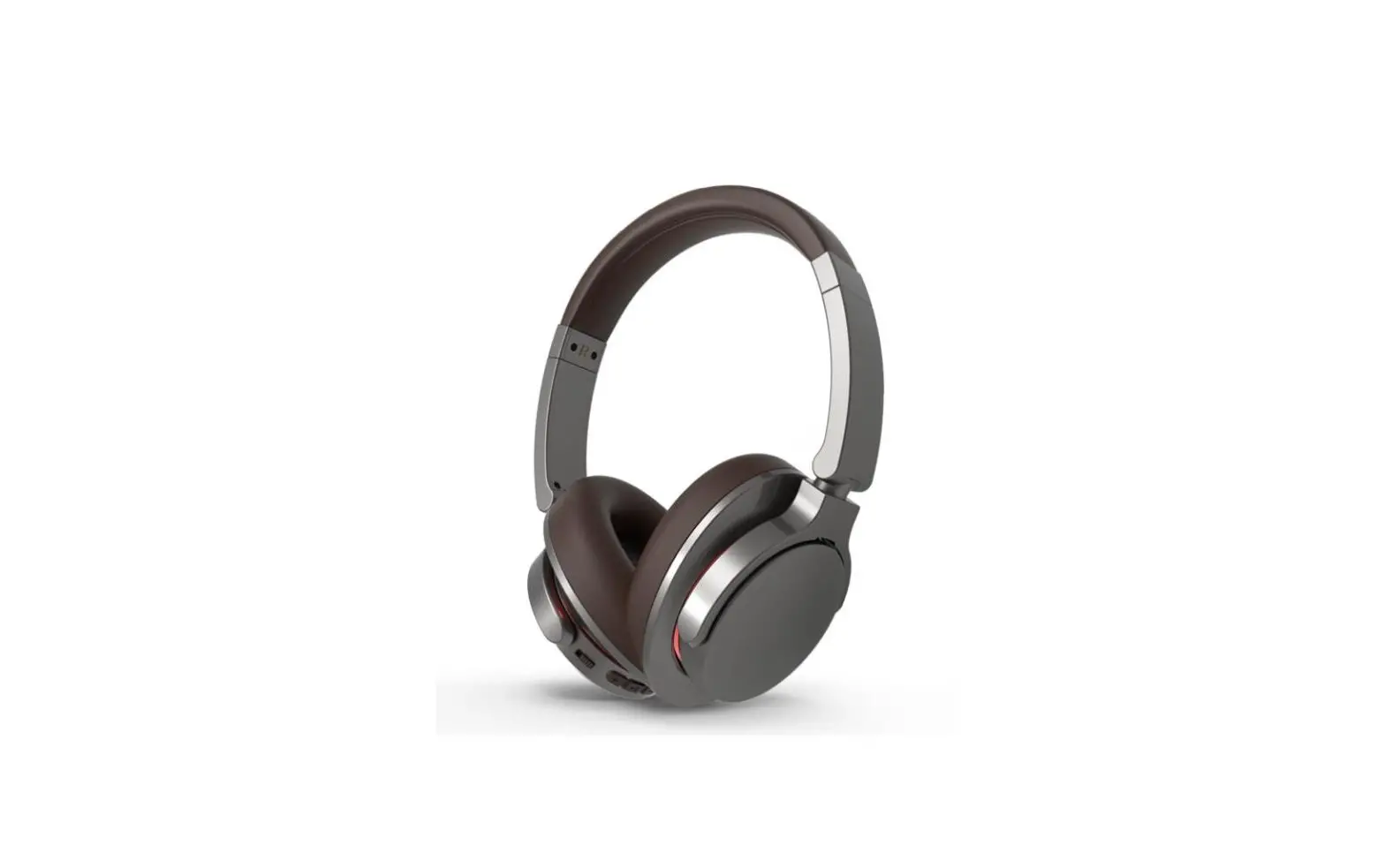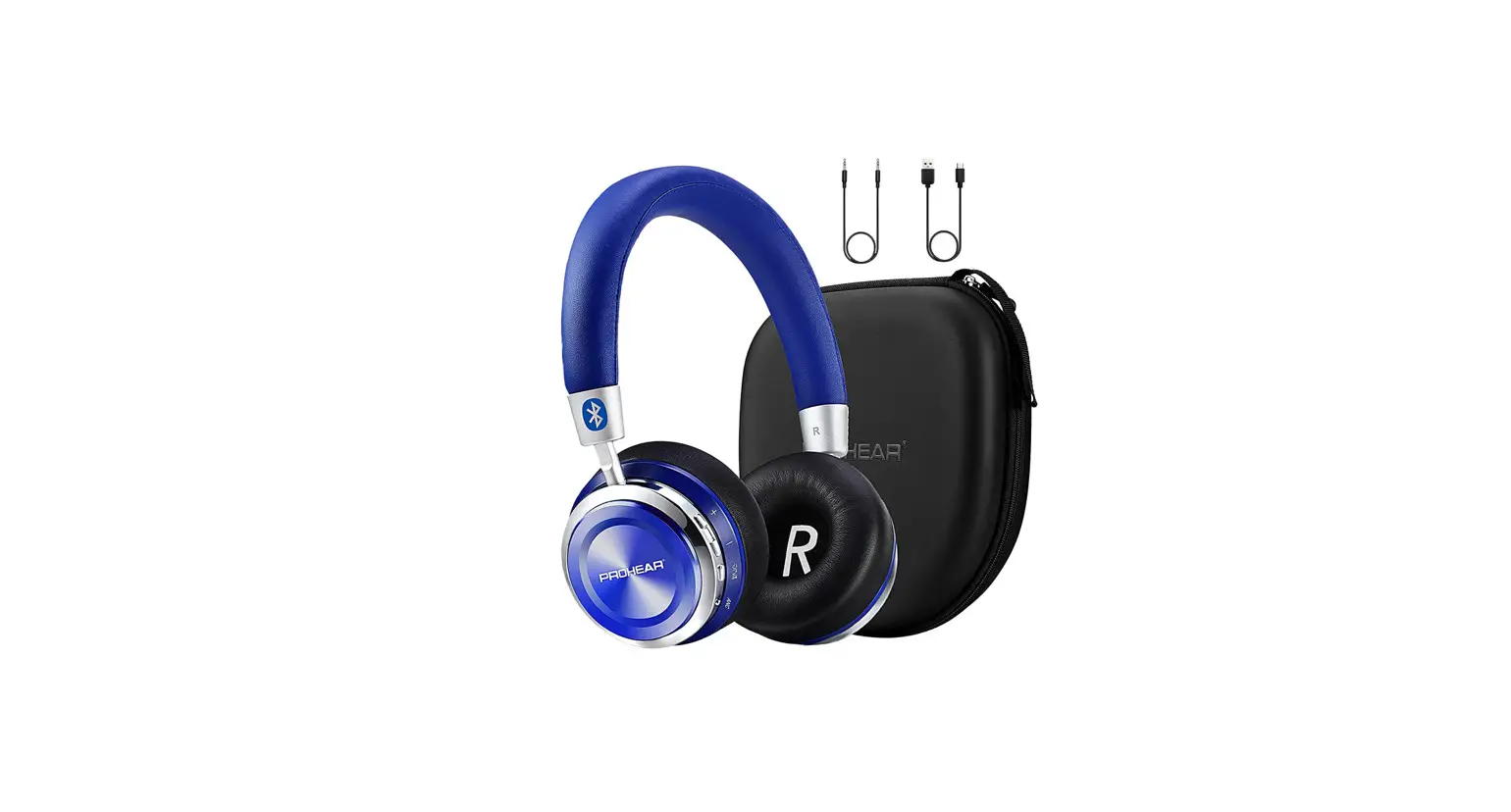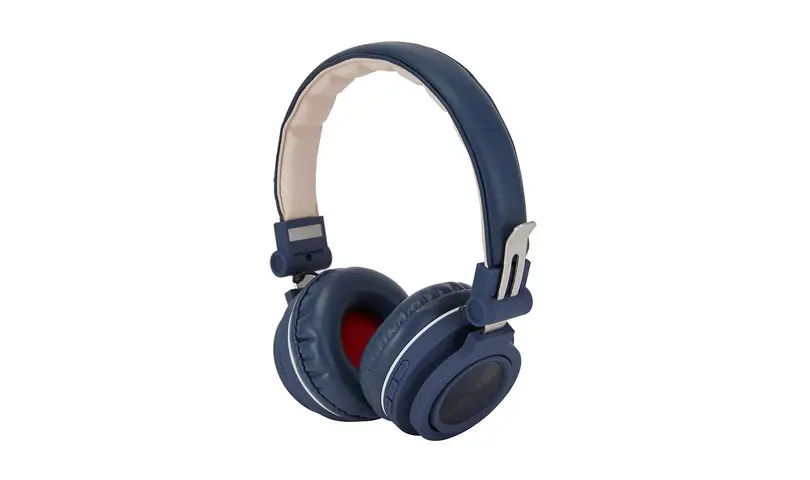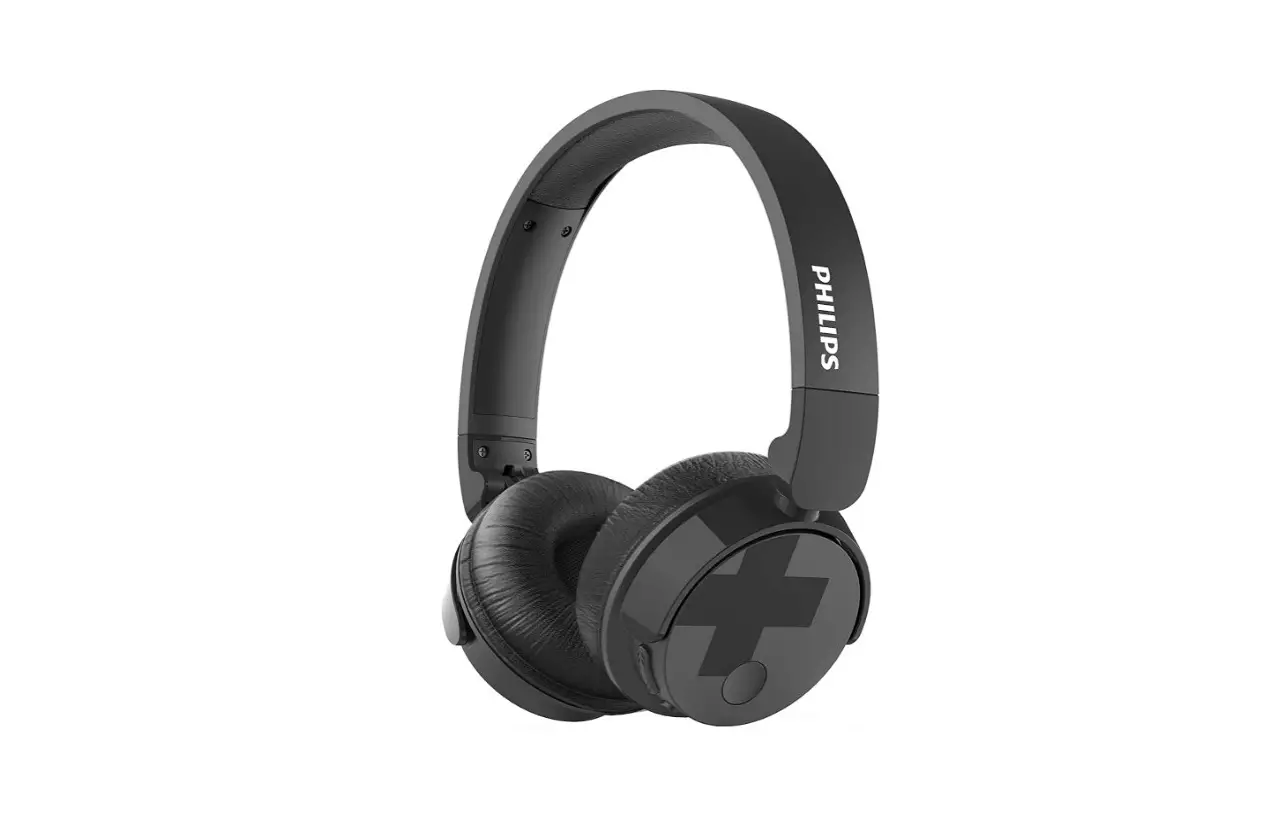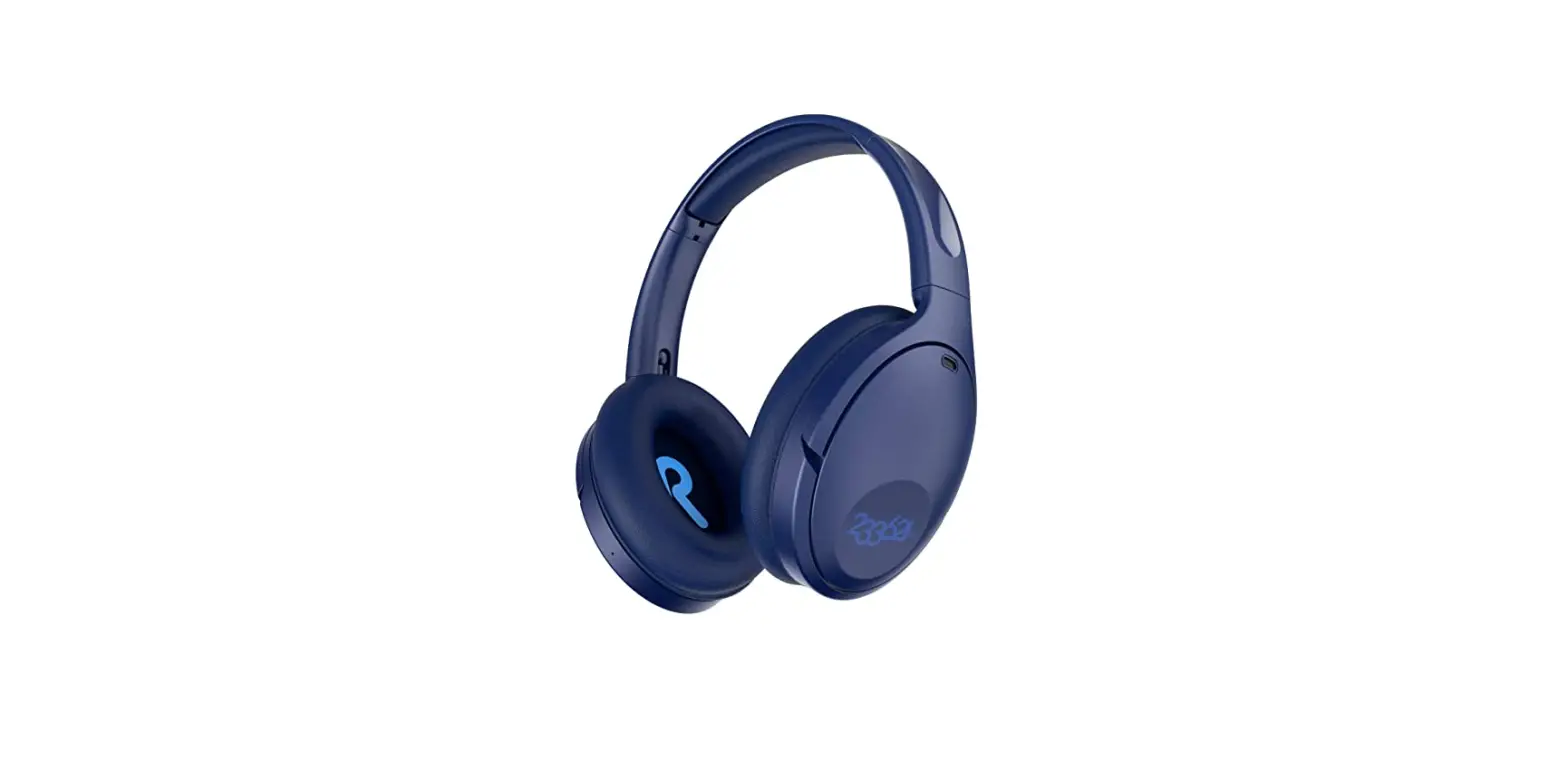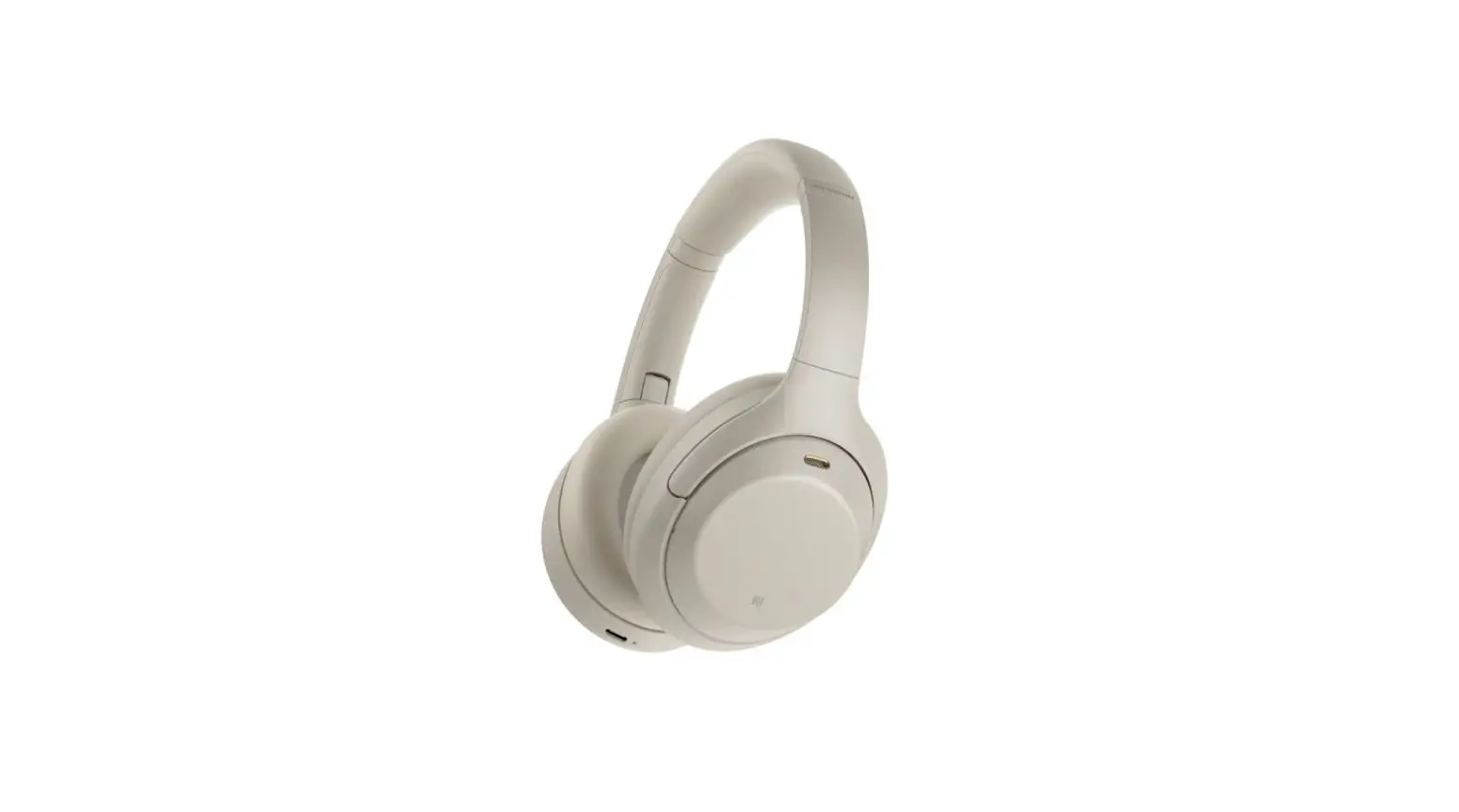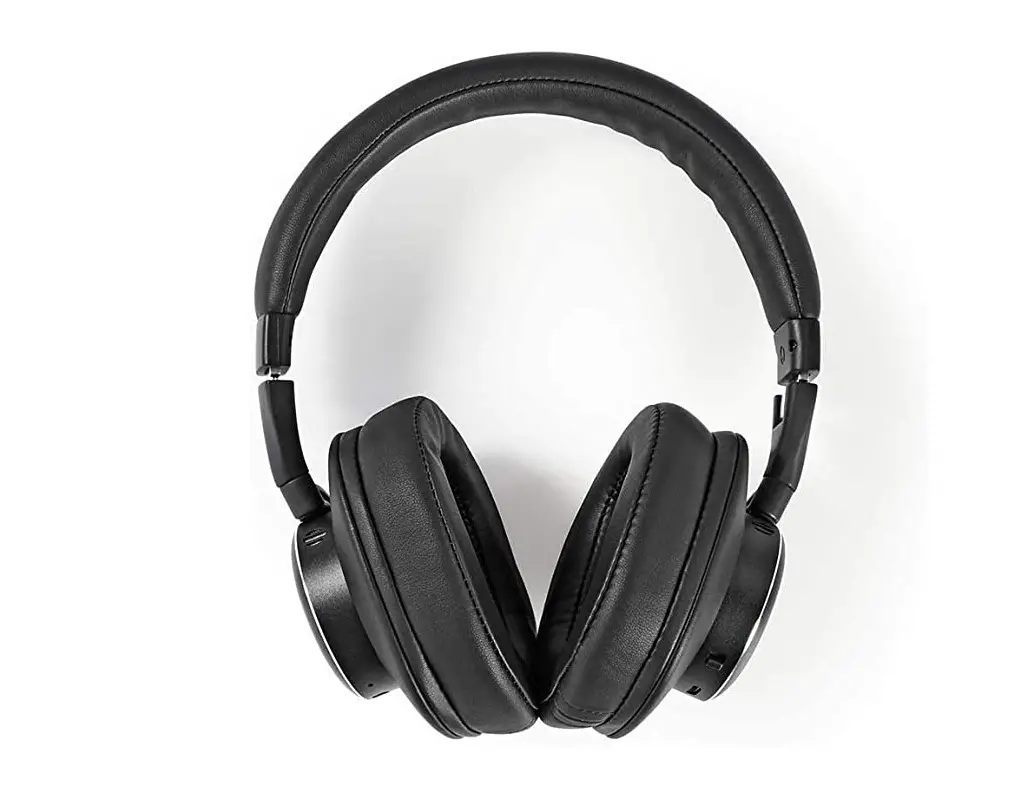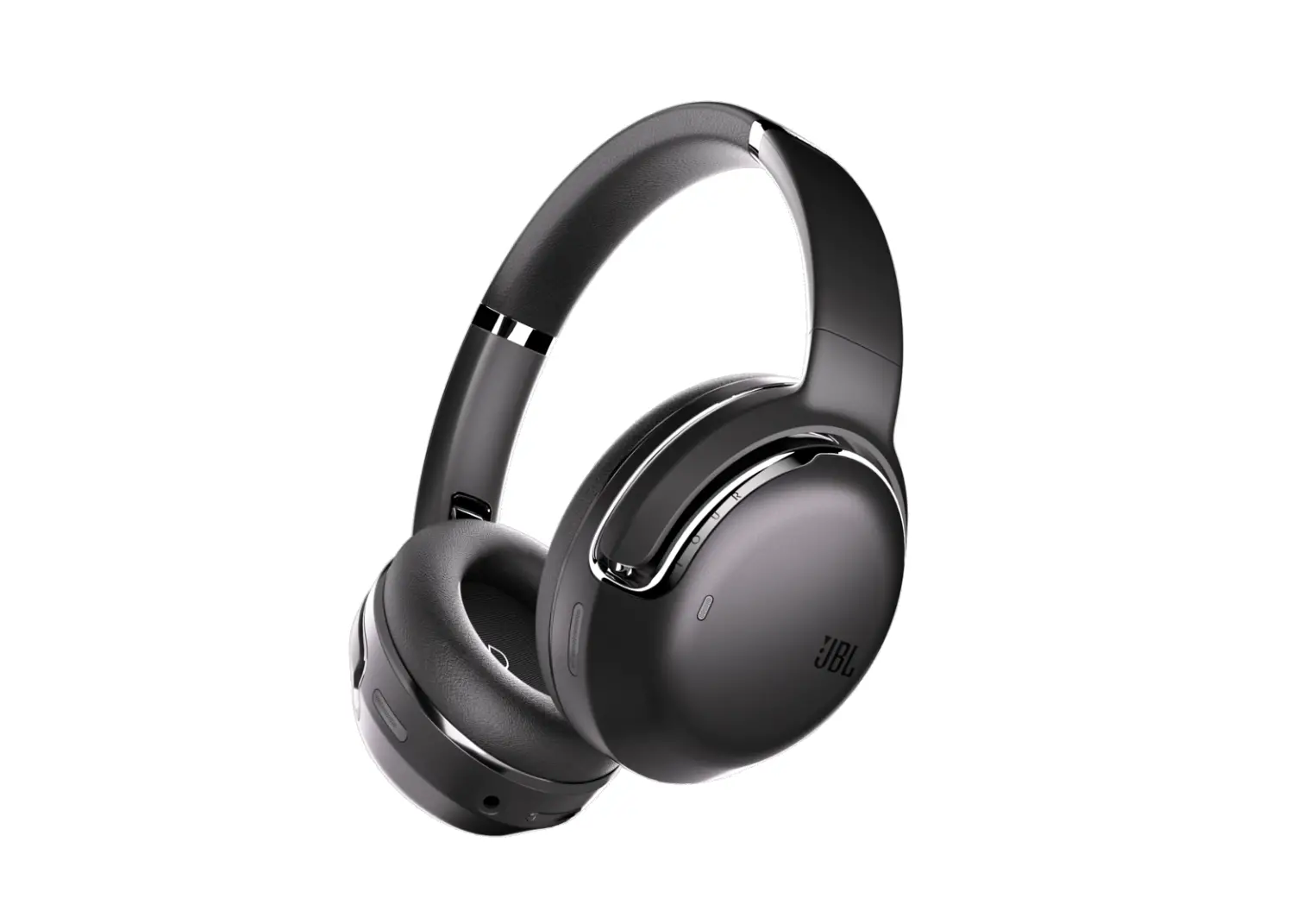

Active Noise Cancelling Stereo Bluetooth Headphone
User Manual
Preview
Thank you for purchasing our ANC Bluetooth Headphone. In order to let you experience the product swimmingly, Please read all instructions carefully before using and retain this manual for future use and reference.
Key features
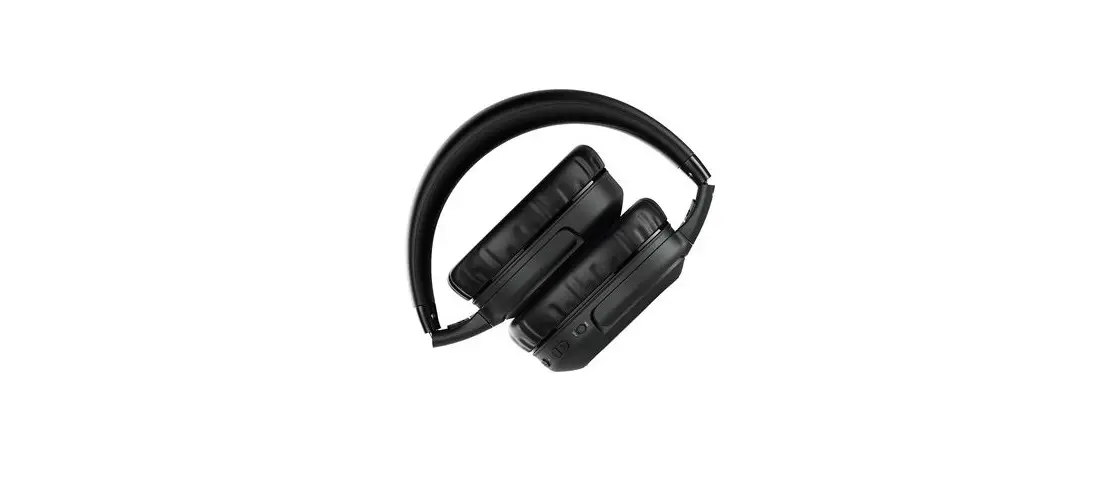
Compatible with bluetooth-enabled devices Foldable Design, Easy for carrying Built-in HD micphone. Built-in rechargeable battery. Active noise cancelling.
Headphone configuration
Pairing the headphone
- Ensure the headphones are turned off. If they are not, please turn off the headphones first before pairing.
- Turn the headphones on:Holding press this button
 for 5 seconds to turn on the headphone,the button font will keep flashing red and blue. This will indicate your headphones are now in pairing mode.
 - Place the headphones and the bluetooth device to which you would to pair it within the operating distance. we recommend keeping the two devices no further than 10 meters.
- Ensure bluetooth is enabled on your phone or music device. Refer to the manufacturer’s instructions for how to enable bluetooth on your device.
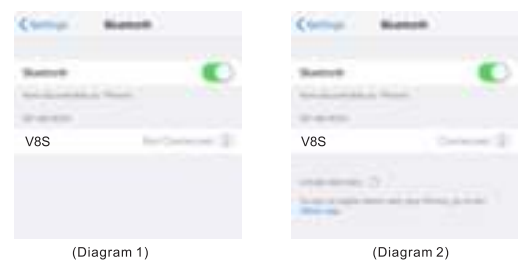
- Once you have activated bluetooth on your device. Select the Product Item No. ” V8S ” from the list of available bluetooth device.
If pairing is unsuccessful, turn off the headphones first and repair following the aforementioned steps. Once you have paired the headphones with a device, the headphones will remember this device and will pair automatically when the device’s bluetooth is activated and in range. you dont need to re-pair any previously connected devices.
Use headphone
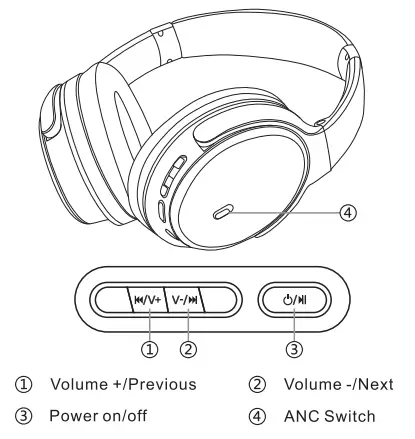
Turn on/off: 
Holding press this button for 5 seconds to turn on/off the headphone
Play/Pause:
Press this button shortly for pause/play under playing state
Volume +/Previous: 
Press this button to choose the Previous song
Holding Press this button to Increase the volume
Volume -/Next: 
Press this button to choose the Next song Holding Press this button to reduce the volume
Answer/hang up the phone:
When a call comes in, you will hear a ring tone, Click this button to answer the call. During talking, Click this button to end the call.
Reject phone:
When a call comes in, you will hear a ring tone, if you dont want to pick up the phone,you can holding click this button to reject the phone.
Call back: Double click this button to dial back the last call
Charging the headphones
- The headphones come with a built-in rechargeable battery. Before using it for the first time, we recommend you charge the battery fully.
- Connect the USB cable to a computer usb port or charging adapter and the micro usb plug to the charging jack of the headphones.The red led light will illuminate while the headphones are charging. When the battery is fully charged, the led light will turn off automatically.
Using headphone without bluetooth
This headphone have a built-in AUX input which will allow you to listen to music from non-bluetooth device using a 3.5mm AUX cable.
Active noise cancelling
When there is too much noise in surroundings. Move up or down anc switch to power on /off anc function(anc indicator light is green),It will reduce 80-90% of Low frequency noise. Let your world is quiet and enjoy high quality music. Battery maintenance In order to prolong battery life, turn off your headphone when not in use. If the headphone is not in use for a long period of time, store it in a dry, safe location. The headphone will need to be charged every 2 month to maintain battery life.
Technical indicators
| Type | ANC bluetooth headphone |
| Channels | Stereo |
| Impedance | 32Ω |
| Battery | 400mAh Li-polymer |
| Sensitivity | 110t3dB |
| BT version | CSR |
| Frequency range | 2.4GHz-2.480GHZ |
| Working time | Approximately 20 hours(Anc off) |
| Connect interface | Micro USB,3.5mm audio jack |
| Drive diameter | 40mm |
| Weight | 225g |
| Input Voltage | DC 5V |
Package contents
1X ANC Headphone
1X Charging cable
1X Audio cable
1X Airplane adapter
1X Operation Manual
Malfunction and solution
| Cant search the device | Pls check if the headphone is in pairing mode (Turn off the headphone and turn on the headphone again). |
| Audio discontinued | 1. If is in working range(less than 10m). 2. if there is obstacle between the headphone and the bluetooth device. 3. If the battery is low. |
Care and maintenance
- Do not expose the unit to liquid, moisture, or humidity to avoid damage to the products internal circuitry.
- Do not use abrasive cleaning solvents to clean the unit.
- Do not expose the unit to extremely high or low temperatures as this will shorten the life of the electronic device. destroy the battery, and or distort certain plastic parts.
- Do not dispose of the unit in fire as they may explode or combust.
- Do not expose the unit to contact with sharp objects as this will cause scratches and damage.
- Do not let the unit fall from high places doing so may damage the internal circuitry.
- Do not attempt to disassemble the unit.
Environment Protection Waste electrical products should not be disposed of with household waste. Please recycle where facilities exist. Check with your Local Authority or retailer for recycling advice.