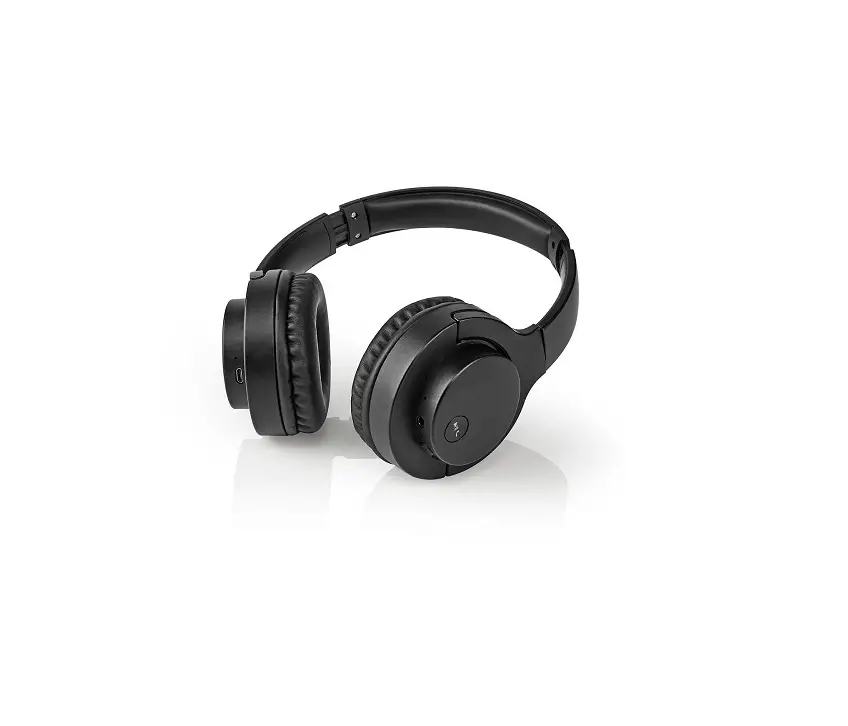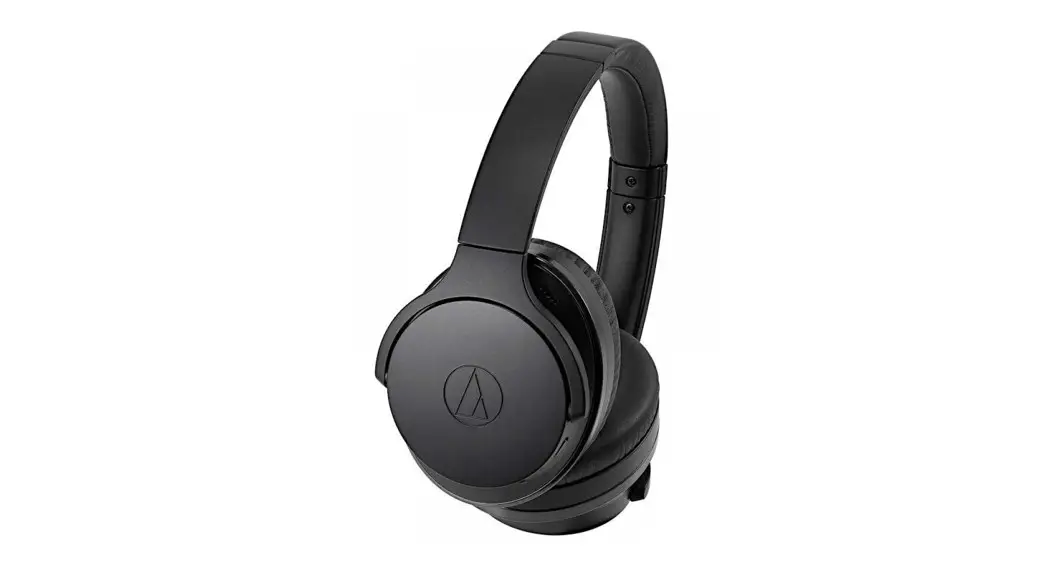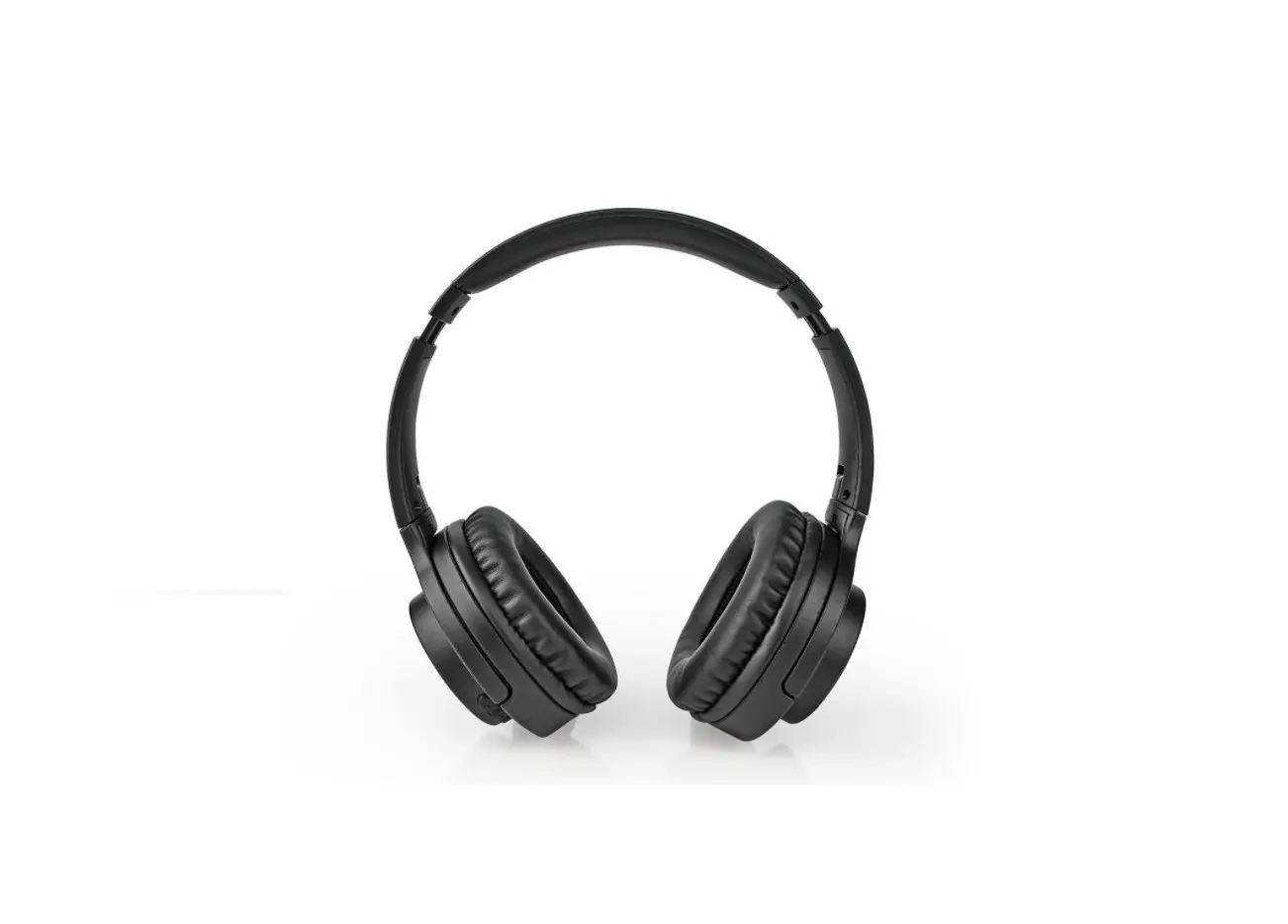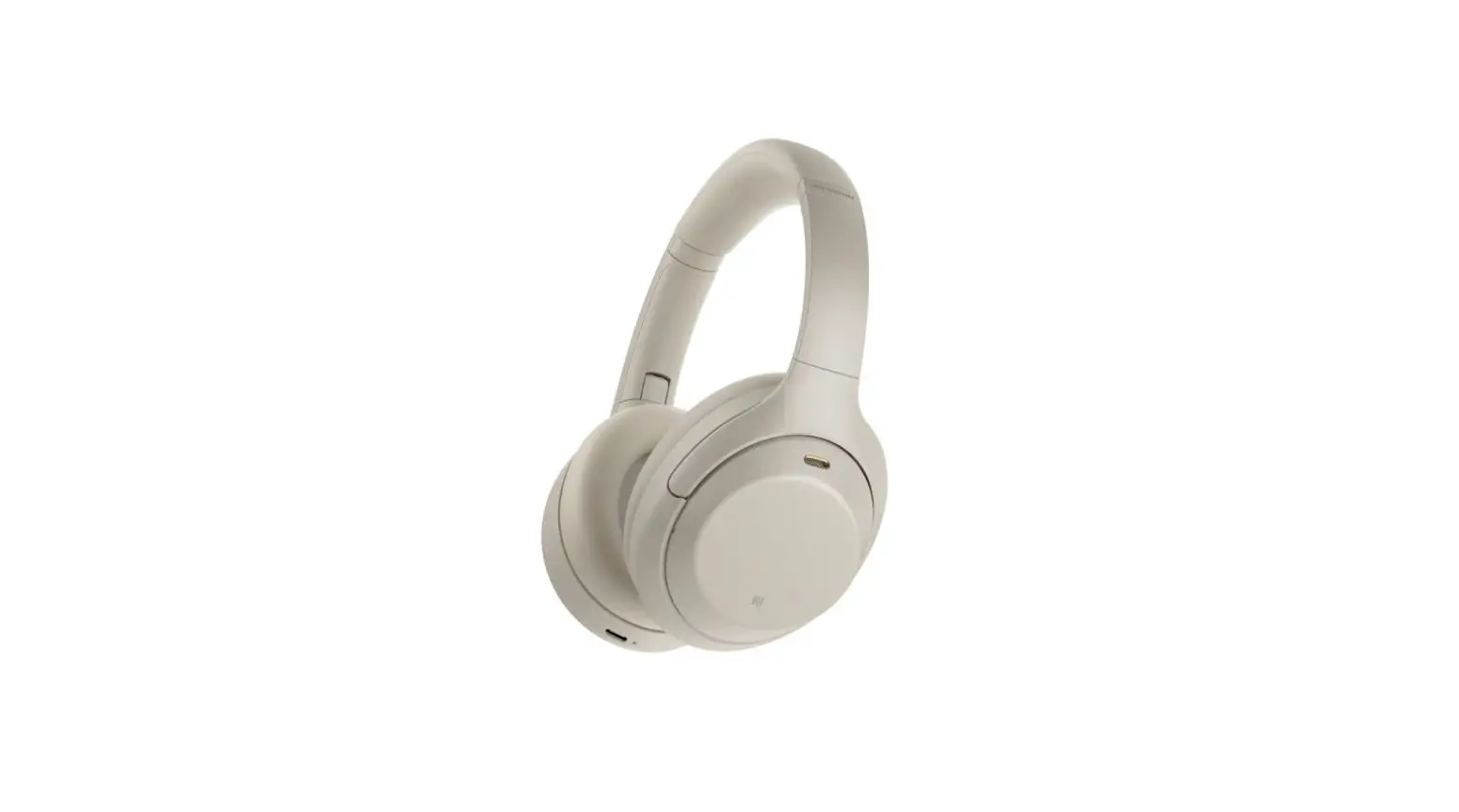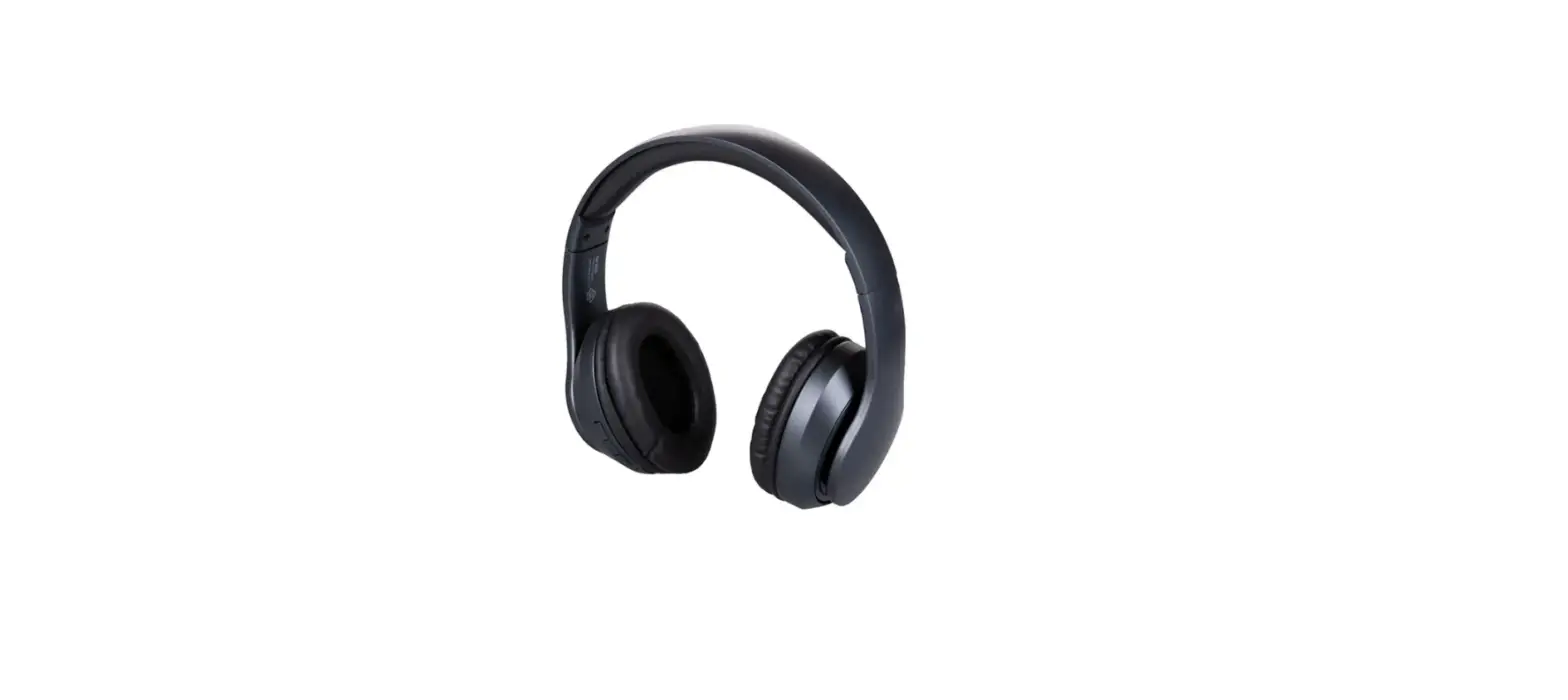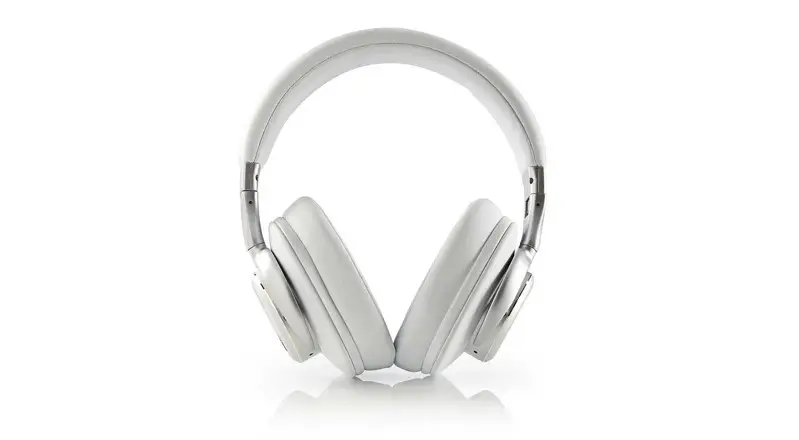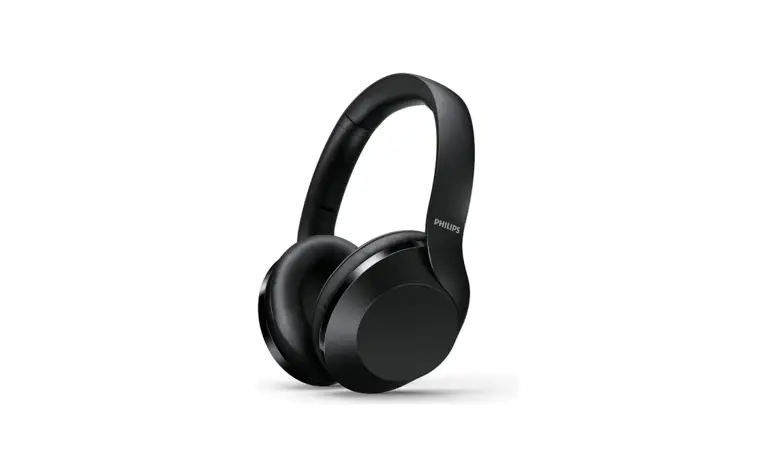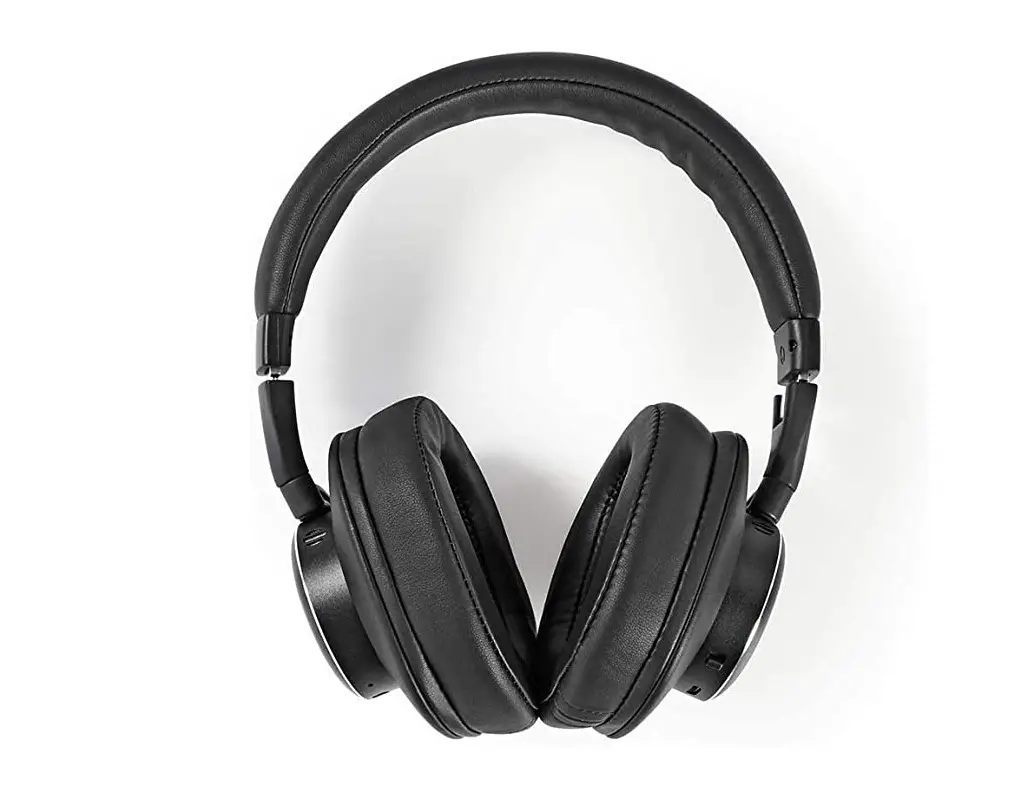
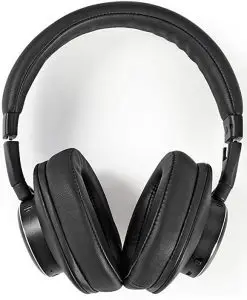
Nedis Bluetooth and noise-cancelling headphones User Manual
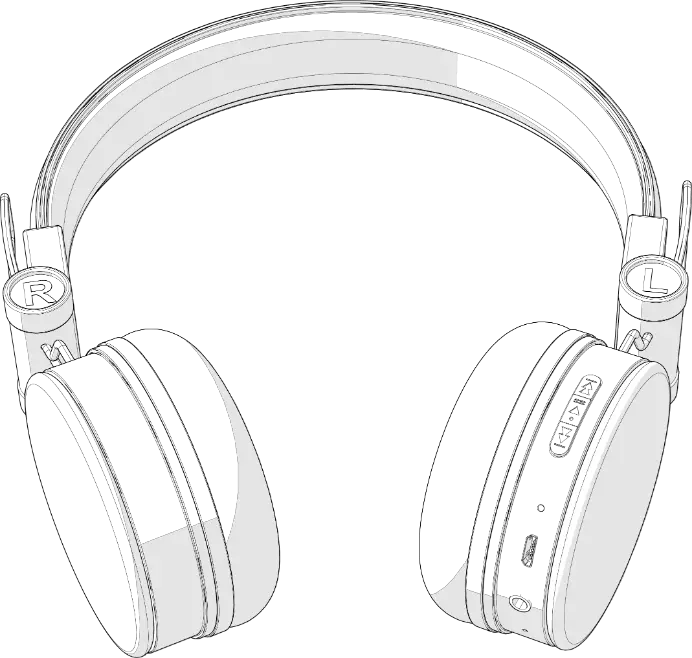
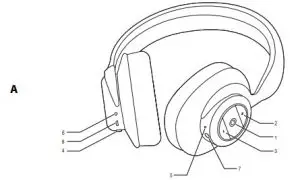
Description (fig. A)
|
1. MFB button |
|
| 2. Volume + button Next button |
|
| 3. Volume – button Previous button |
|
| 4. ANC switch |
|
| 5. LED indicator (blue / red) |
|
| 6. LED indicator (red) |
|
| 7. Audio input (3.5 mm jack) |
|
| 8. USB port (Micro USB) |
|
Pairing the device
- Press and hold the MFB button for more than 3 seconds to switch on the device and enter pairing mode. The red and blue LED indicators flash alternately.
Note: If the pairing is not completed within 5 minutes, the device will be automatically switched off. - Activate Bluetooth on your Bluetooth device.
- Search for new devices on your Bluetooth device.
- Select the device “HPBT5260BK / HPBT5260WT “.
- The device will confirm when the pairing is completed.
Note: If necessary, enter the default password “0000”.
Technical data
| Battery type | Lithium-ion battery (300 mAh) |
| Input voltage (USB charging) | 5V |
| Rated power | 10 mW |
| Maximum power | 20 mW |
| Frequency response | 20 Hz – 20 kHz |
| Driver unit | Ø 40 mm |
| Signal-to-noise ratio (SNR) | 105 dB / 1 mW |
| Playback time (ANC) | ≤ 8 h |
| Charging duration | ± 2 h |
Safety

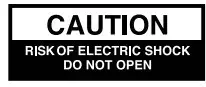

- To reduce risk of electric shock, this product should only be opened by an authorized technician when service is required.
- Disconnect the product from the mains and other equipment if a problem should occur.
- Read the manual carefully before use. Keep the manual for future reference.
- Only use the device for its intended purposes. Do not use the device for other purposes than described in the manual.
- Do not use the device if any part is damaged or defective. If the device is damaged or defective, replace the device immediately.
Cleaning and maintenance
Warning!
- Do not use cleaning solvents or abrasives.
- Do not clean the inside of the device.
- Do not attempt to repair the device. If the device does not operate correctly, replace it with a new device.
- Clean the outside of the device using a soft, damp cloth.