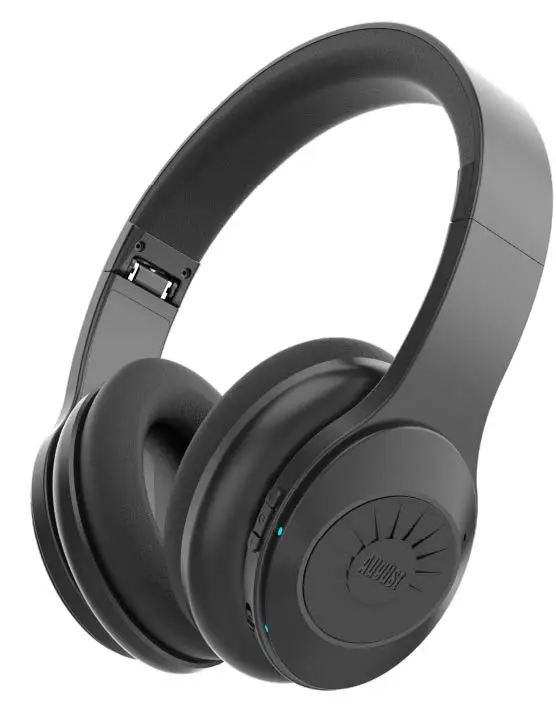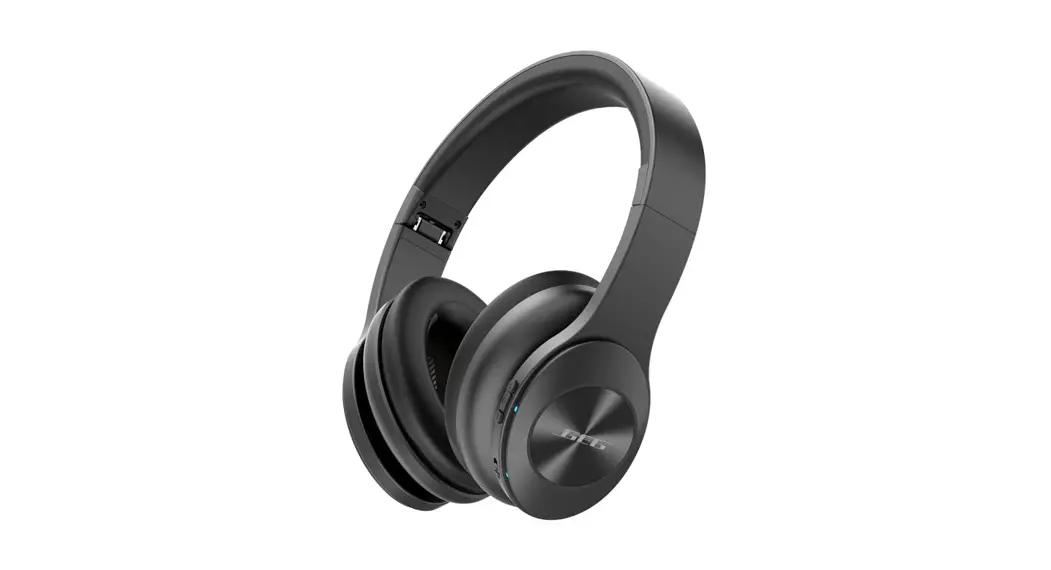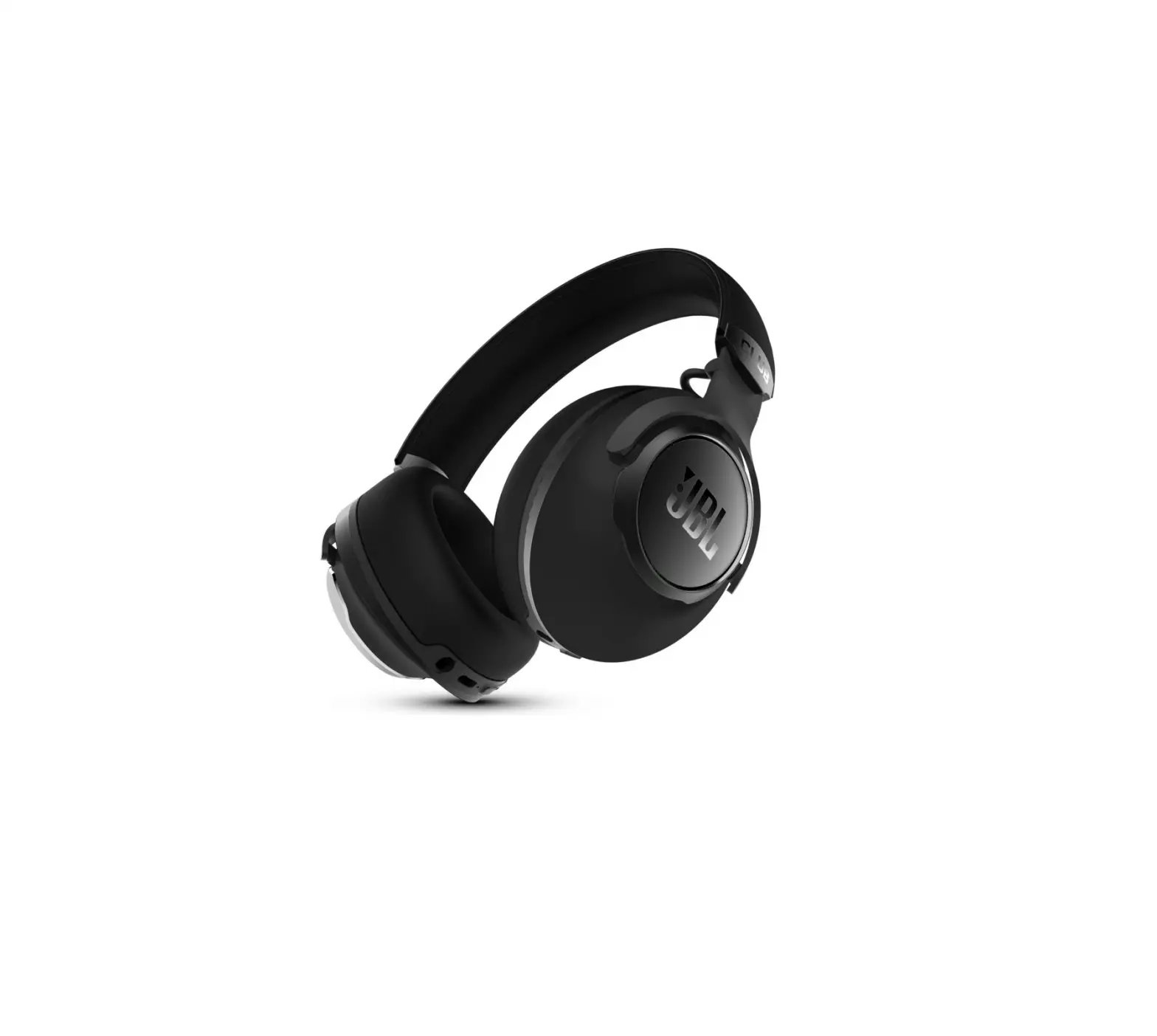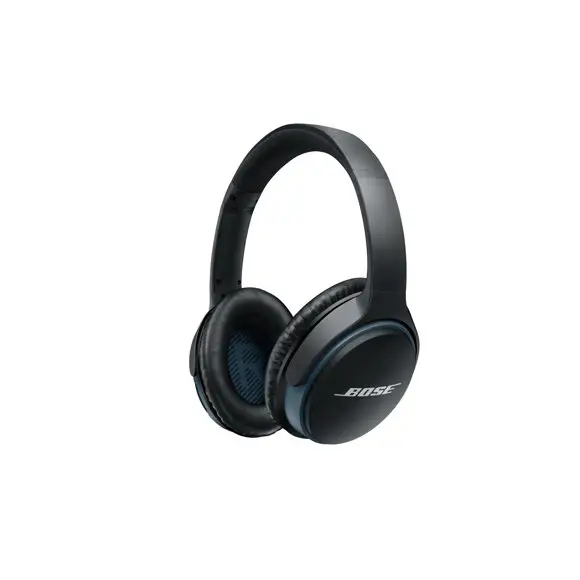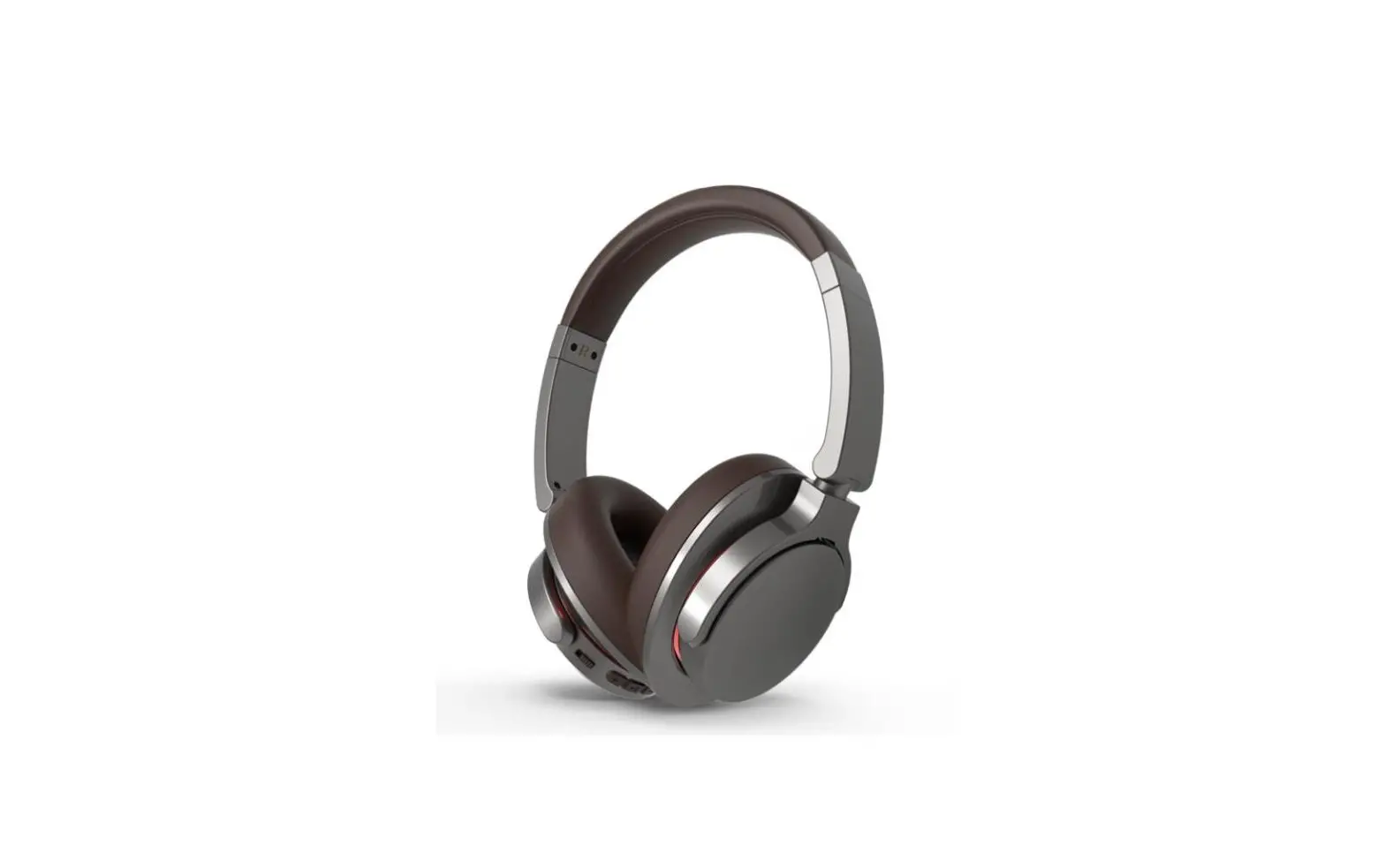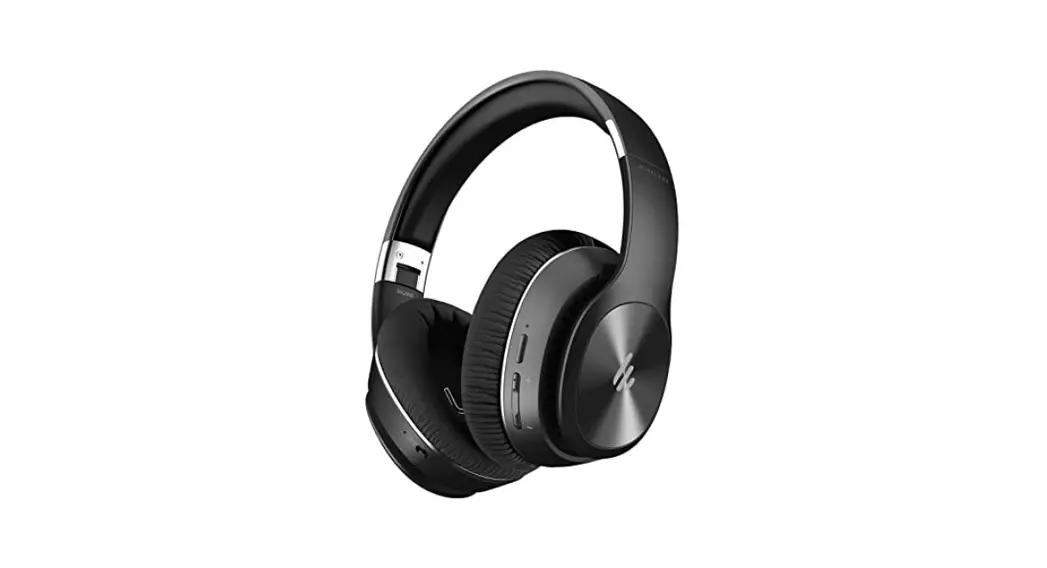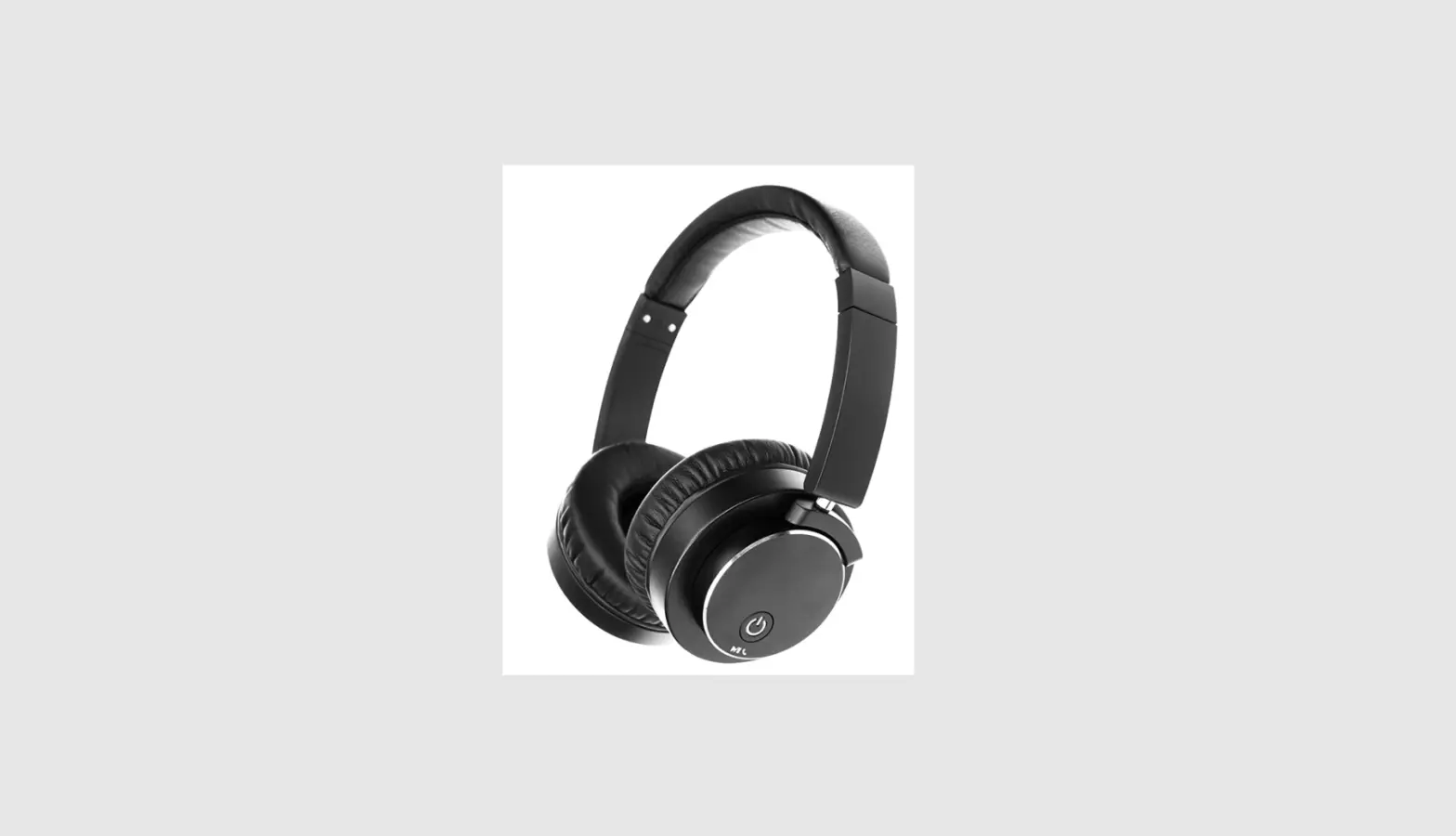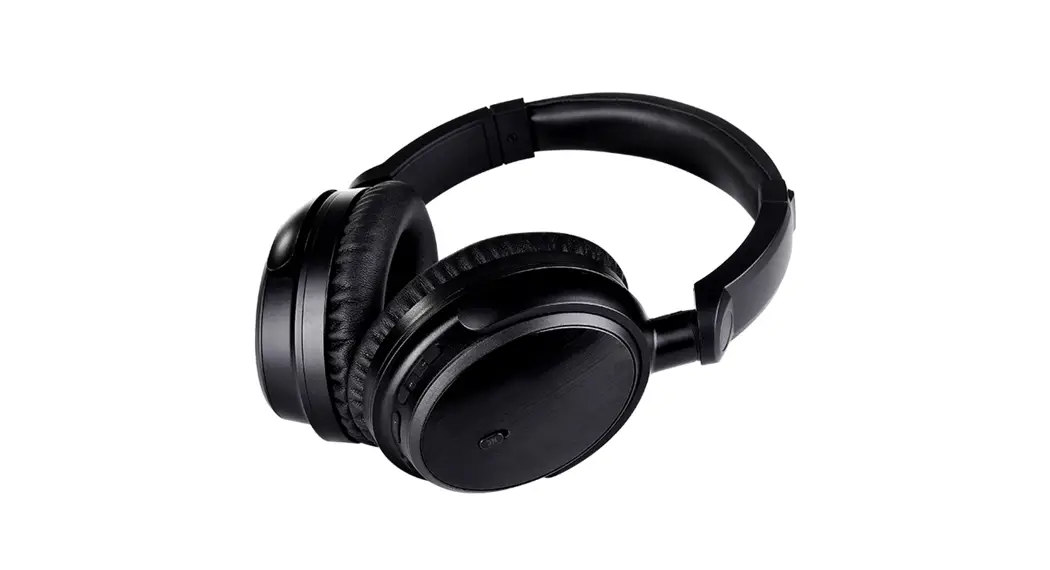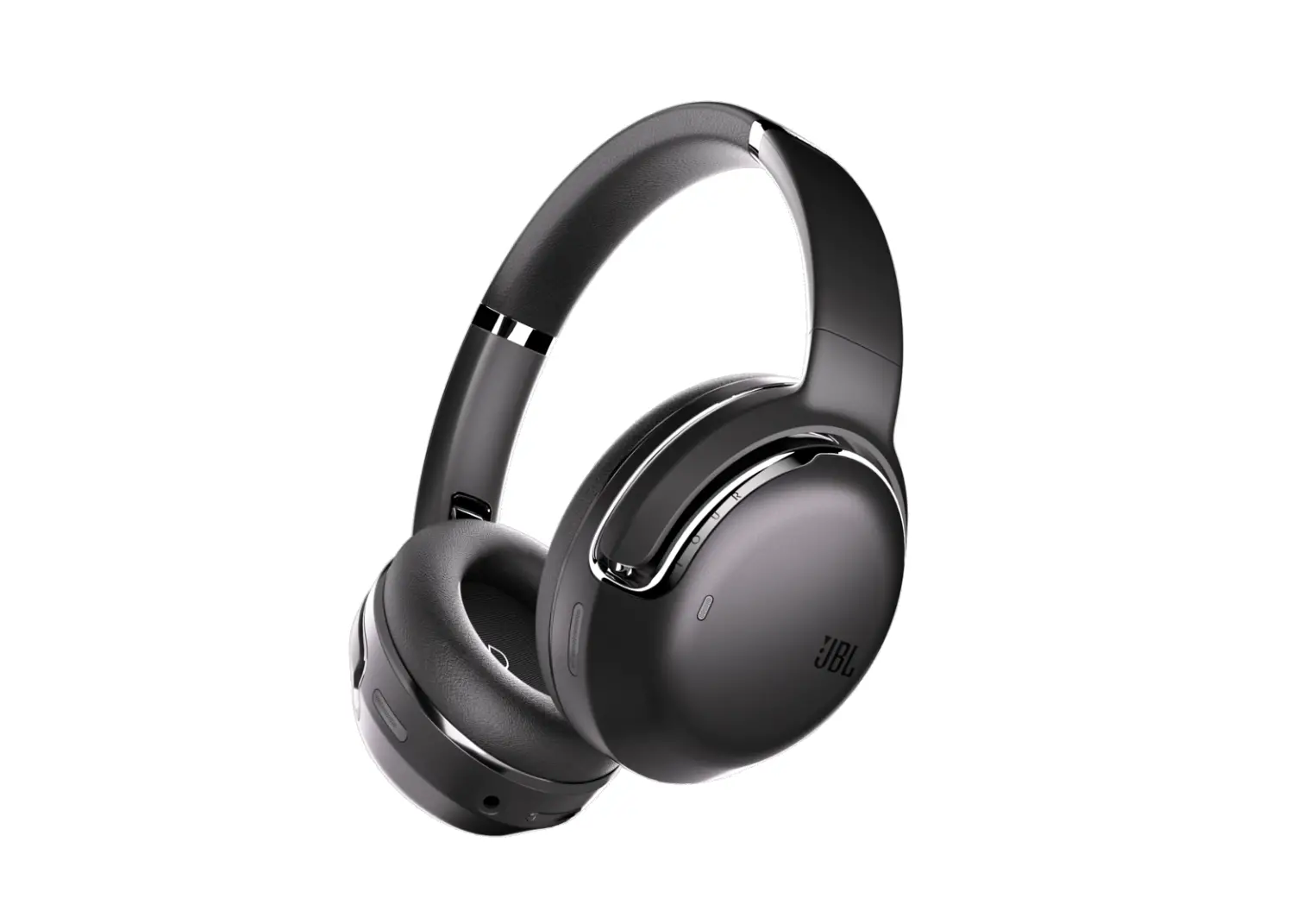
JBL M2 Active Noise Cancelling Bluetooth Headphones Instruction Manual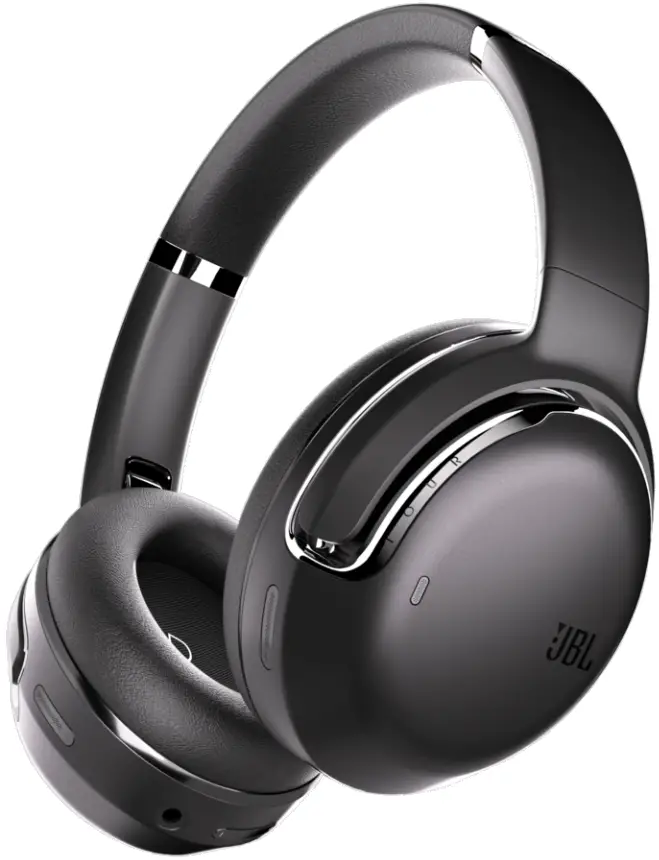
Welcome
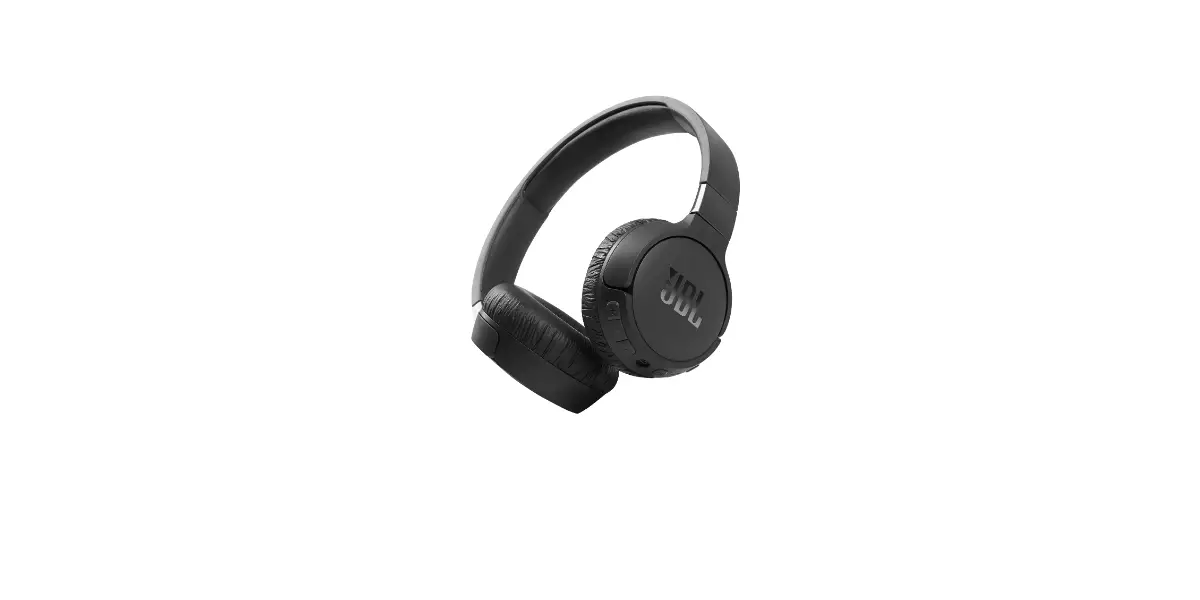
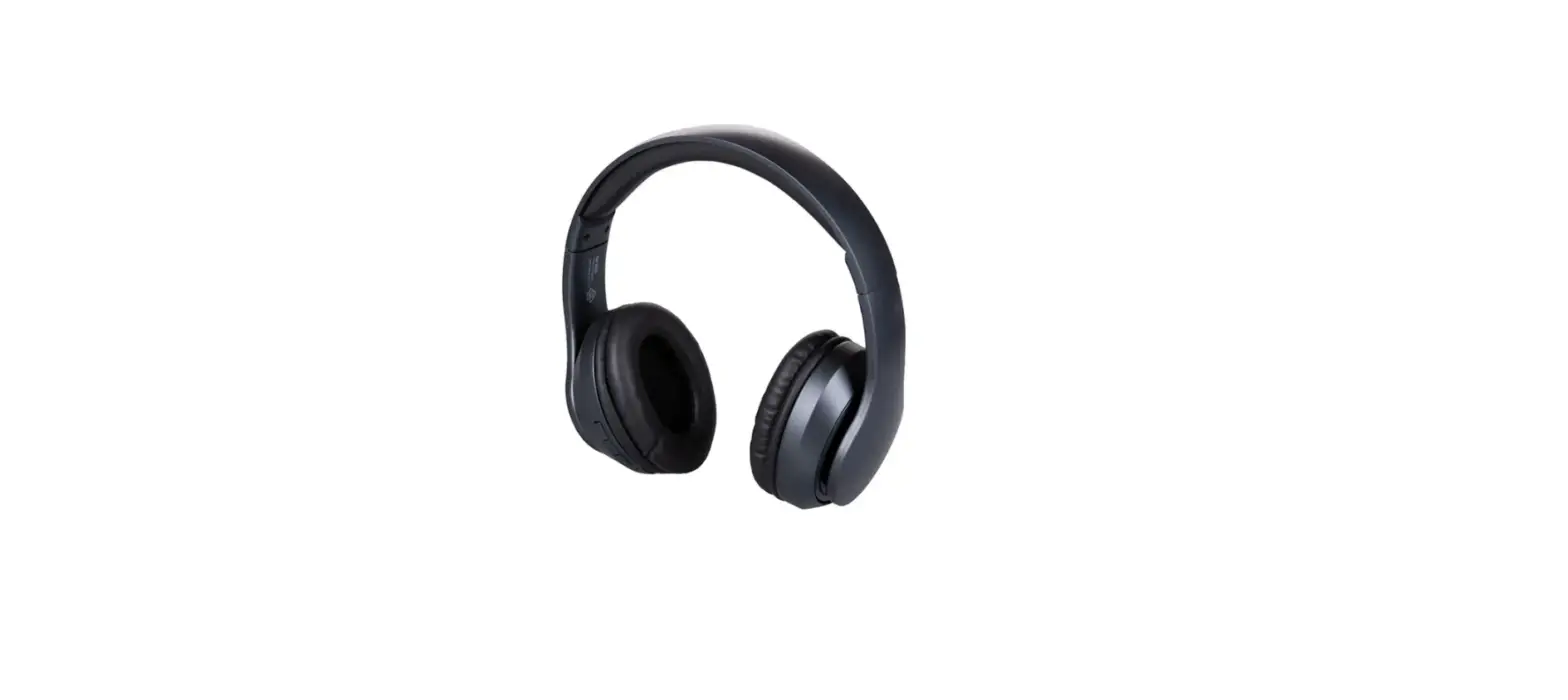
Thank you for your purchasing our M2 active noise cancelling (ANC) wireless charging headphone. M2 (ANC version) is a professional noise cancelling headphone for amazing music listening, while ANC function allows you to keep the low frequency noise out of the ear at any time, more quiet. This guide is to introduce the M2 and list the matters need attention. Before setting up or use the product, please carefully read the following product information, which is important.
Product Specifications
Bluetooth Headphone | |||
| Bluetooth Version | V5.0 QCC3003 | Talking Time | 50H |
| Speaker | 32Ω 40mm 20-20KHZ | Music Playing Time | 50H |
| Standby Time | 90 DAYS | ANC Music Playing Time | 26H |
| Frequency | 2.4hz-2.48Khz | Charge Current | 1A |
| Microphone | Sensitivity:-38 ±3dB Frequency:30-16 KHZ | Charge Voltage | 5V |
| ANC Function | Yes | Charging Time | 2-3H |
| Protocol Supported | HSP HFP A2DP AVRCP | Bluetooth Distance | 10m |
| Battery Capacity | 1050 mAh | ||
Functions
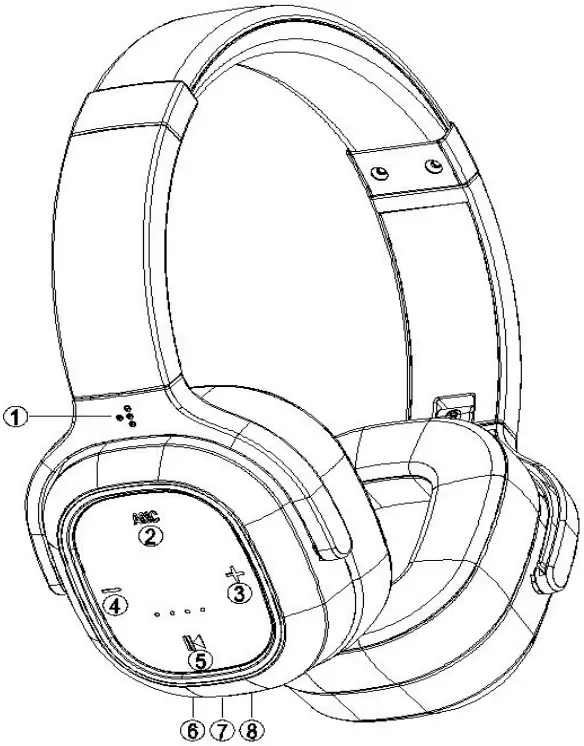
| Keys Function: | ||
| NO | Name | Introduction |
| 1 | Volume+/Next Track | Press it to volume up. Press and hold it to skip to next track. |
| 2 | MFB ( Multifunction Button) | Power On/Off/Battery indicator: Press and hold 3s to power on, press and hold 3s to power off.(Once power on, it enters pairing mode automatically after 5s) |
| Phone Call Control: Press to answer/hang up. Press and hold to refuse. Double click to start the Siri. | ||
| 3 | Volume-/Skip Backward | Press to volume down/press and hold to play previous track. |
| 4 | 3.5mm Earphone Jack | While extra earphone plugged, Bluetooth turns off automatically, and battery, controls, ANC, microphone don’t work. |
| 5 | Microphone | Microphone for calling |
| 6 | Active Noise Cancellation Control | Press to open/close ANC Function |
| 7 | Micro-USB | After inserting the charging cable, the charging status of the Bluetooth headset is red, and it is filled with blue light. Suggestion: Do not use headphones when charging. |
| 8 | Blind Spot (Accessibility) | The triangle blind spot on left-side of headset can help the visually-impaired people to recognize the left and right sides, especially when using the headset at night. |
Connection
- To put your headphone in pair mode, press and hold the MFB for 2 seconds until it powers on and enters pairing mode automatically after 5s. LED indicator flashes blue and red alternately. ( Headphone powers off after 5 minutes if no Bluetooth connected)
- Activate Bluetooth on your phone ( or other devices) and set it to search for new devices.
iOS Settings > Bluetooth > On Android Settings > Bluetooth: On > Scan for devices
NOTE: Menus may vary by device - Select “M2”
If necessary, enter four zeros (0000) for pass code and accept connection. Once successfully paired, the headphones LED indicator flashes blue.- Two Phones Connection: Your headphones can pair with two devices simultaneously. After connect Phone A, turn the headphone and Bluetooth on Phone A off. Then restart the headphone and pair with Phone B, and maintain the connection with Phone B. Finally, open Bluetooth on Phone A and select “M2” in the menu.
Note: The headphone can only play music on one Phone even two phones are successfully connected at the same time. - Wired connection: Use the included audio cable to connect.( Bluetooth turns off automatically, battery, buttons, ANC, microphone stop working when in AUX mode )
- Two Phones Connection: Your headphones can pair with two devices simultaneously. After connect Phone A, turn the headphone and Bluetooth on Phone A off. Then restart the headphone and pair with Phone B, and maintain the connection with Phone B. Finally, open Bluetooth on Phone A and select “M2” in the menu.
Noise Cancellation
ANC button on the left side(ANC:Active Noise Cancelling):
Press ANC button one time to activate active noise cancelling, and the led turns green. Press one more time to close the ANC function with the led off.
Charging
- Wired Charging: Please plug Micro USB into headphone charging port and connect the other side with USB wall charging adapter or computer. LED indicator turns red while charging, and turns blue when fully charged. (Headphones will reminds you battery low every 15 minutes when the battery power is below 10%.
Trouble Shooting
| Problem | Remedy |
| 1. The indicator blinks red quickly(interval2S) or continuously? | It means that the battery is low. Please charge the headphones as soon as possible! |
| 2. Cannot boot? | Maybe the battery runs out. Please charge it before starting! |
| 3. No indicator when charging? | There may be no charge instructions for the first few minutes If the battery is completely exhausted or charged for the first time after not being used for a long period, but the indicator glows red to indicate the charging state after a while. |
|
4. Bluetooth headphone is without sound? |
|
| 5. There is no sound in the headphone when in wired connection? |
|
| 6. Bluetooth connection is not successful? |
|
Product Maintenance
Please do not use non-original accessories, because it may cause performance degradation, man-made circuit and warranty invalid. Please do not disassemble the device by yourself, because it may cause headphone damaged and make the warranty invalid. Please do not put your Bluetooth headphone in a dusty environment. Please do not allow children under 3 years to play by themselves. Please do not place the product in an overheated or super-cooled environment; otherwise, it may not work temporarily or permanently. Please clean your Bluetooth headphone with clean, soft and dry cloth. Please store your Bluetooth headphone in the original package or keep it carefully when you are not use it.
Battery Maintenance
Please go to a qualified repair center if you need to remove or replace the battery. (Rechargeable batteries will last for a long time if used properly.)
The charging temperature of the rechargeable battery is rated from 10°C to 45°C Please charge it at least once a month if long-time no use. Battery usage time and standby time are related to specific using conditions. Usage time and standby time we provided are only for reference.
Notes
- Other Bluetooth devices will automatically save the “M2” information after first-time connection. If you cannot connect again, please empty “M2” information (remove the matched device or ignore the connected device last time), then you can search and reconnect to M2 again after empty its information.
- When the headphone cannot be started, the battery should be short of charge. Please get it charged.
- Select the right volume and mind the playing time.
- Please do not disassemble the headphone by yourself.
- Don’t let it squeezed by heavy objects.
Tips
Active Noise Cancelling Technology can effectively reduces the hubbub in a busy space and noise of city traffic ,like Metro, Bus, Car, Boat, Train, Airplane etc. (low frequency waves ,150-450Hz). Please note: Human voice (high frequency waves) and part of medium frequency waves CAN NOT be eliminated.