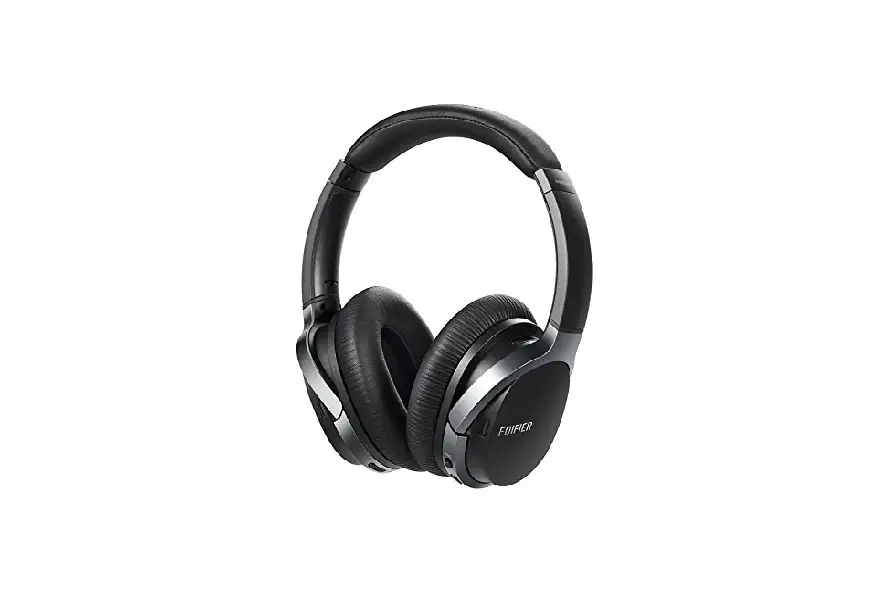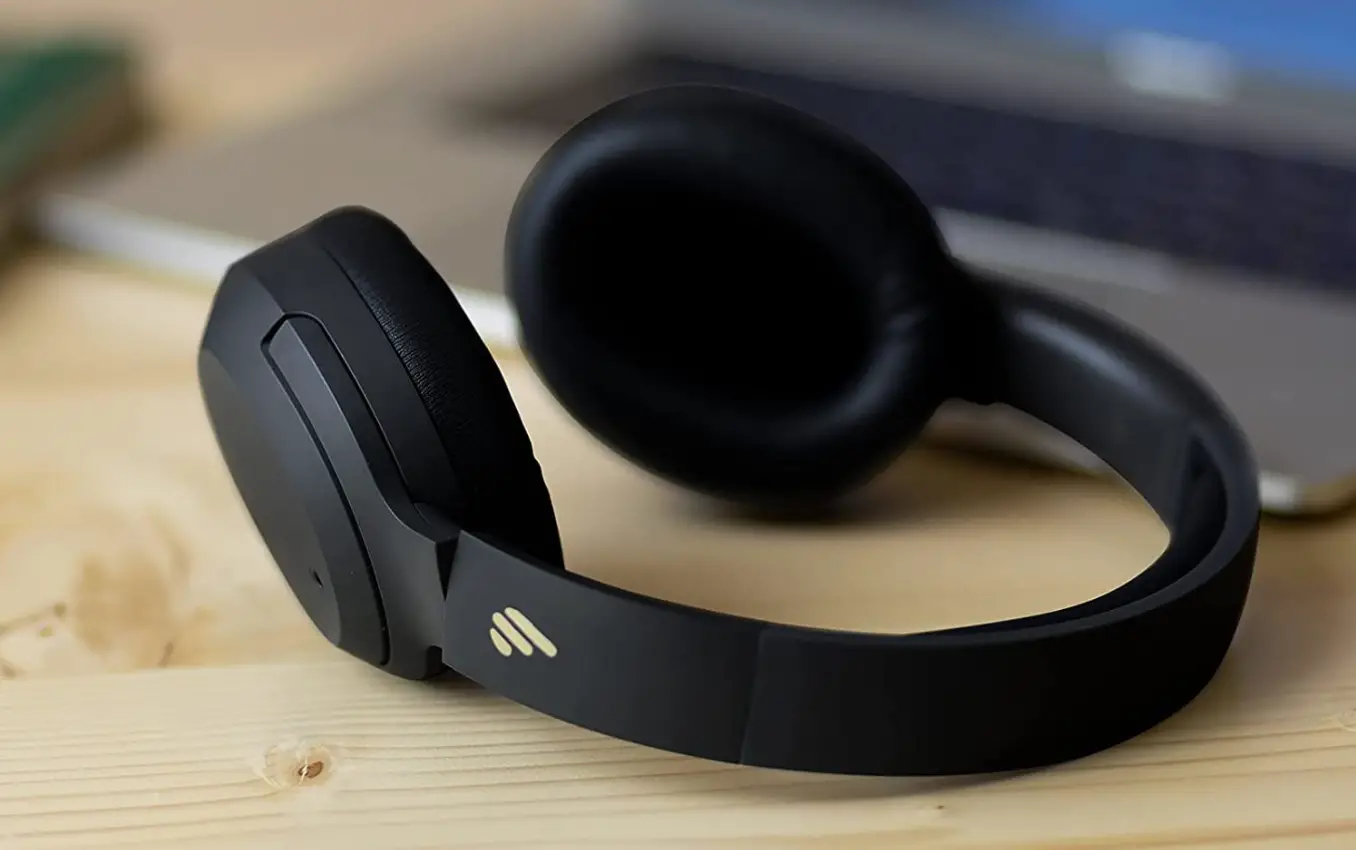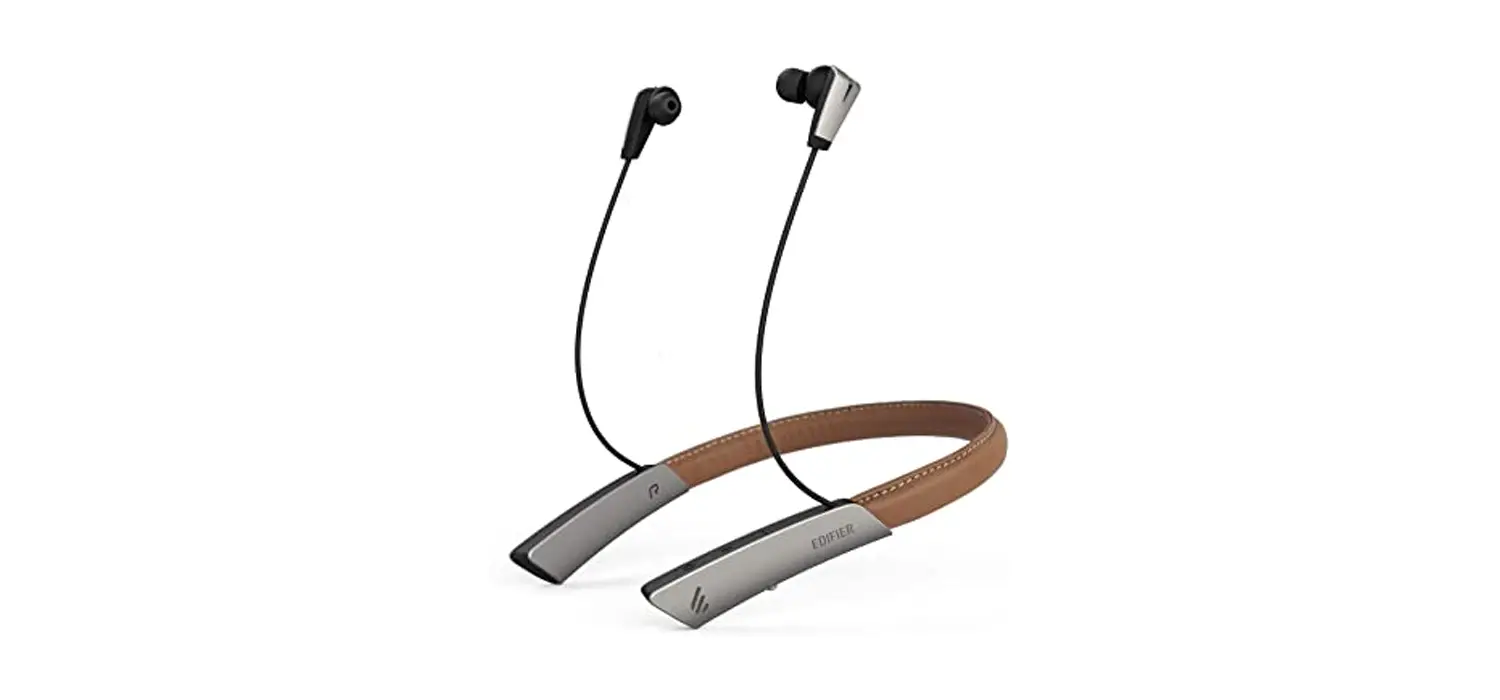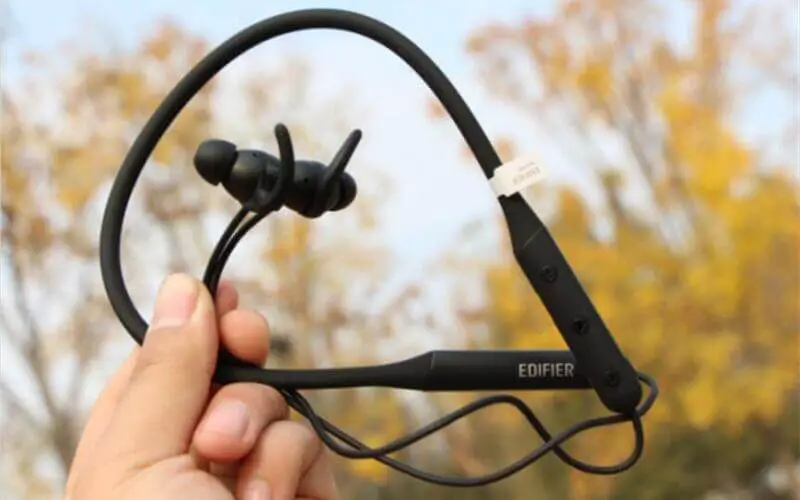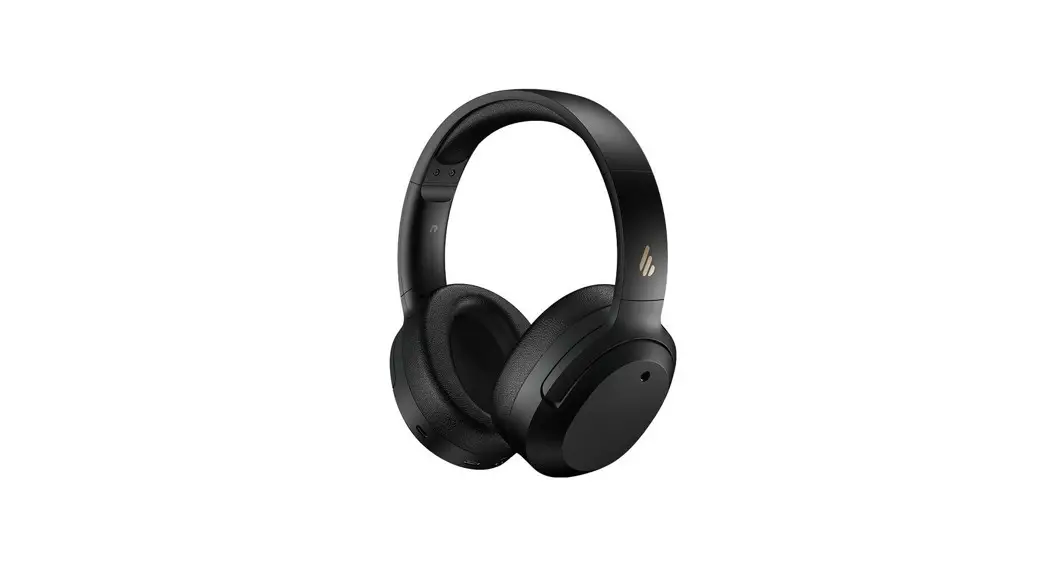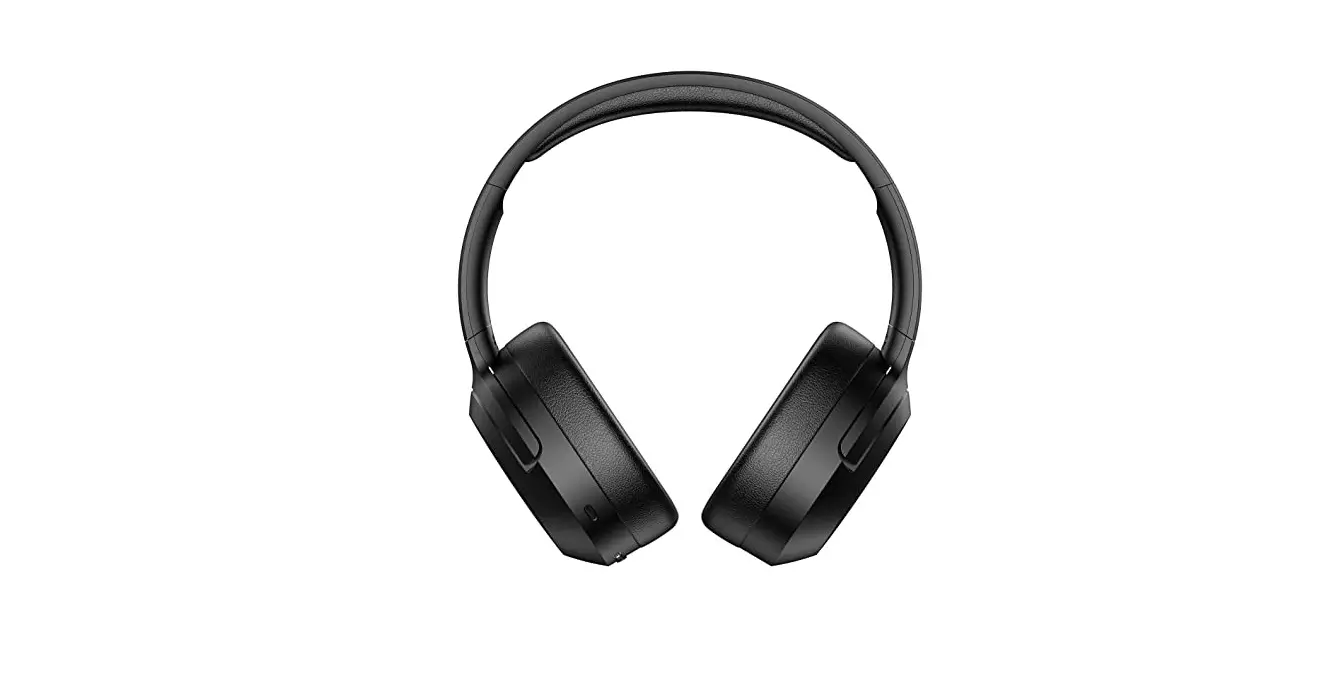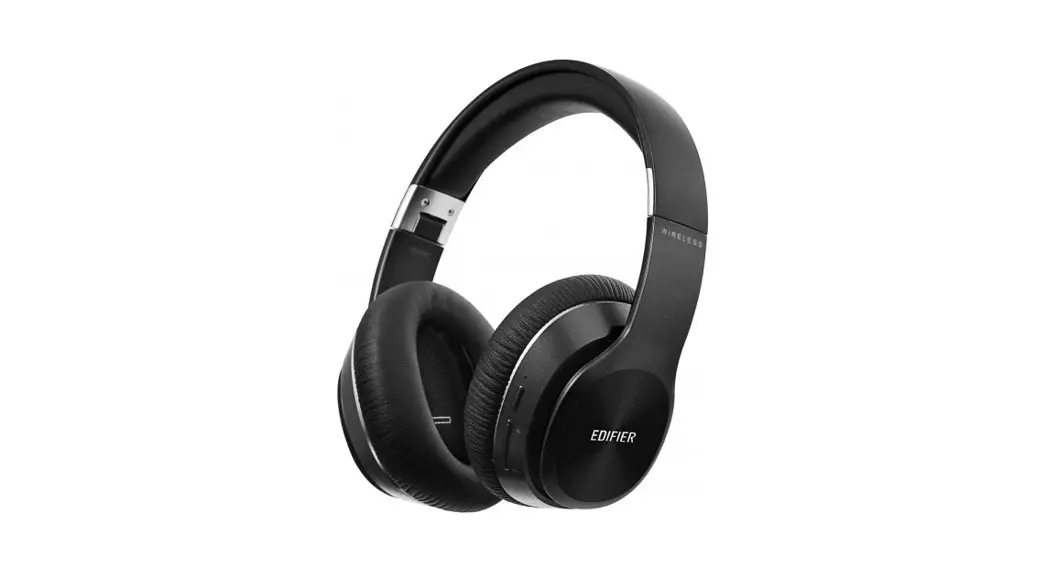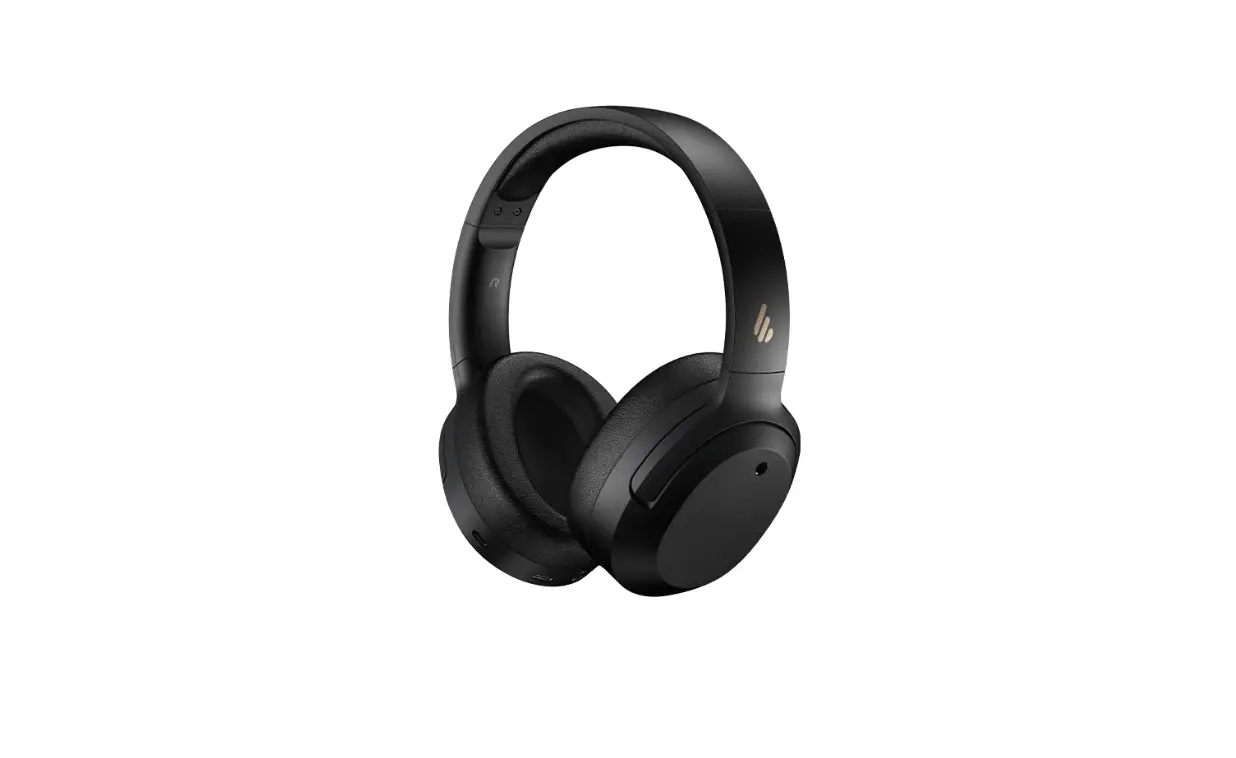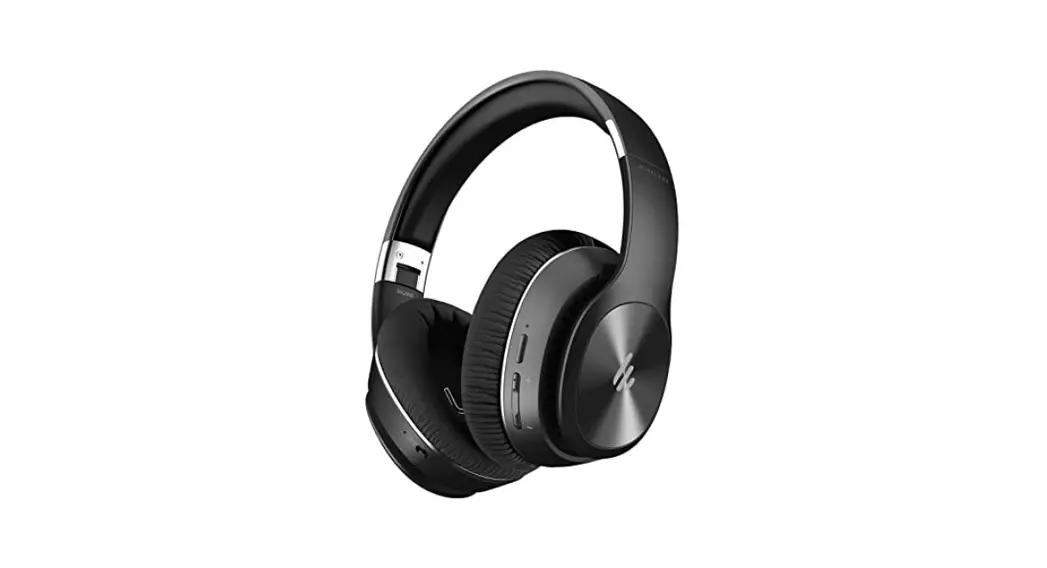
 W828NB
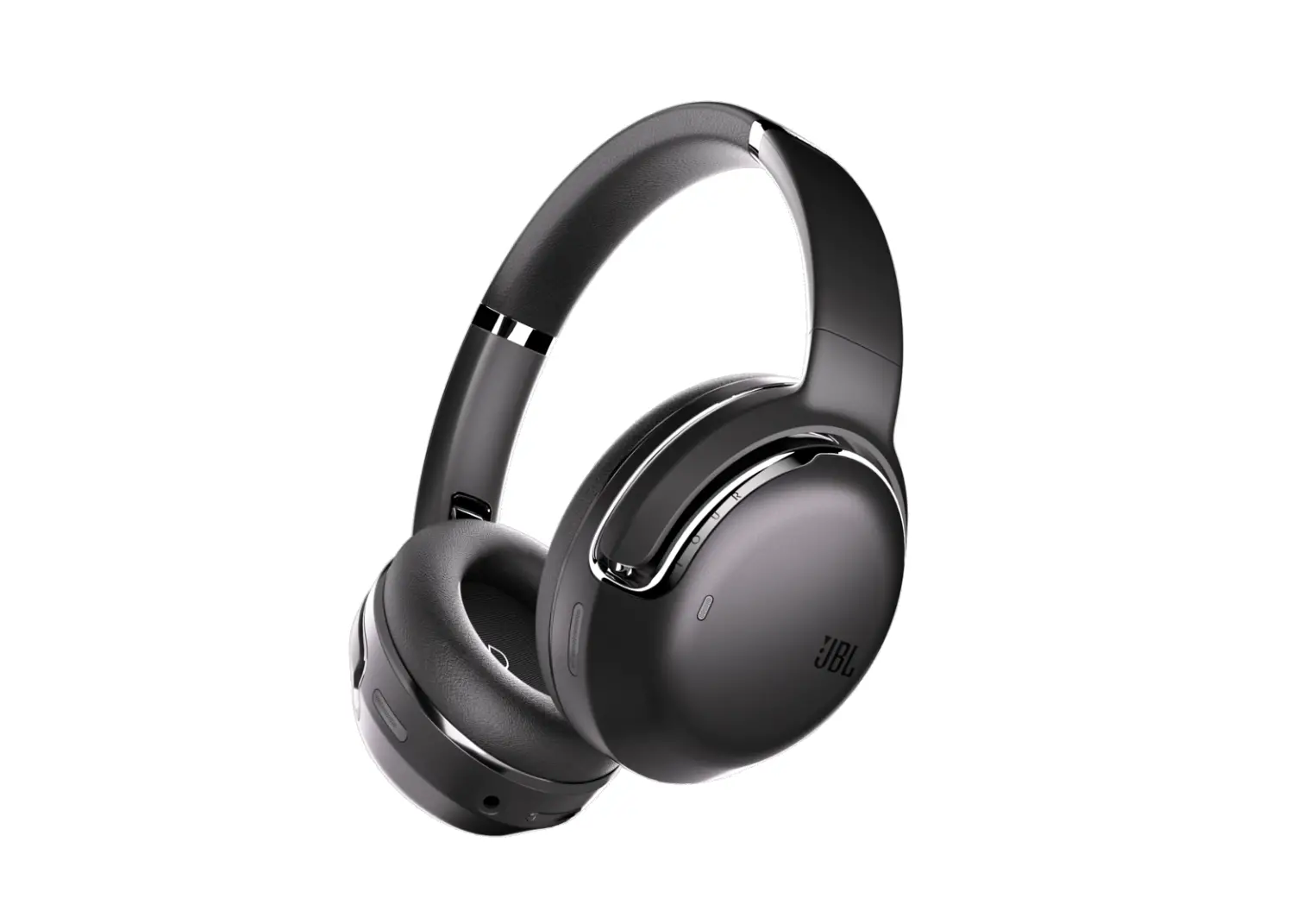
Active Noise Cancelling Bluetooth® Stereo Headphones
Operating instructions
Before using the headphone, please carefully read this user manual and keep it securely for further reference.
Features
- Hybrid Active Noise Cancelling (ANC) for optimum result
- Bluetooth V5.0 for stable signal transmission
- 25 hours battery life for both Bluetooth and ANC on
- Ergonomic over-ear design with comfortable soft leatherette
- Foldable arm matched with carrying pouch
- ANC supports both wireless and wired connection
Specifications
Bluetooth version: Bluetooth V5.0
Bluetooth protocols: A2DP/AVRCP/HFP/HSP
Effective distance: 10 m
Playback time: About 25 hours
Charging time: About 4 hours
Input: 5.0V  1A
1A
Frequency response: 20Hz -20KHz
Sensitivity: 100dB
Impedance: 24Ω
Frequency Band: 2.402GHz – 2.480GHz
RF Power Output: ≤20 dBm (EIRP)
Note:
- Playback time and charging time may vary, depending on surroundings, volume level, and audio sources.
- The design and specifications may be changed without prior notice in order to make improvements.
Box Contents
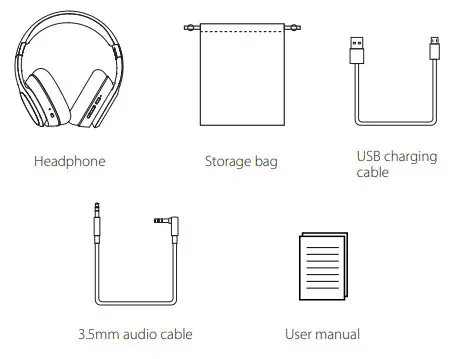
Illustration
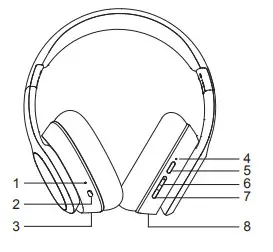 | 1. ANC indicator 2. ANC switch 3. 3.5mm audio connector 4. Multifunction/charging indicator 5. Multifunctional button 6. Volume+/next track 7. Volume-/previous track 8. Charging port |
Operational Instructions
Charging
During using if only red light flashes, it indicates the headphone is at low
battery level, please use it after fully charged.
Red light steady lit = charging
Red light off = fully charged
Charging time: about 4 hours for a full charging Warning: The rechargeable batteries that provide power for this product must be disposed of properly for recycling. Do not dispose of batteries in fire to prevent an explosion.
Power ON/OFF
| Function | Operation | Indicator |
| Power ON | Press and hold the multifunctional button for about 3 seconds | Blue light lit for one second |
| Power OFF | Press and hold the multifunctional button for about 3 seconds | The red light lit for one second |
| Turn ANC on | Slide ANC switch to”ON” state | Greenlight steady lit |
| Turn ANC off | Slide ANC switch to”OFF” state | Greenlight off |
Pairing
1. Bluetooth connection
- Please follow the steps below to let the headphone enter pairing mode:
| Function | Operation | Indicator |
| Enter pairing mode | When turned on and with no connection, press and hold the multifunctional button for 3 seconds; When turned off, press and hold the multifunctional button for 7 seconds. | Red and blue light flashing alternately |
- Set your Bluetooth mobile phone to search for and pair with “EDIFIER W828NB”, after the pairing is successful, there will be a prompt tone and the blue light will flash slowly.
Note:
- The headphone will exit pairing mode if fail to pair within 2 minutes, and it will auto-turn off if not connected within 5 minutes after a timeout.
- Pin code for connection is “0000” if needed.
- After pairing is done, the headphone and mobile phone will remember each other, and the headphone will auto-connect to the last connected device when used next time.

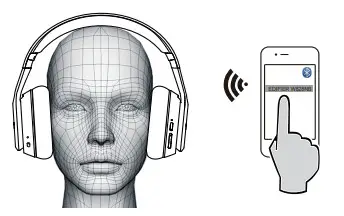
2. Connect Two Bluetooth Devices Simultaneously
- Pair the headphone with the first device;
- Turn the headphone off, then press and hold the multifunctional button to restart and let it enter pairing status, pairing with the second device;
- Operate the first device to pair with “EDIFIER W828NB”, and it completes connecting two Bluetooth devices at once.
Note:
When two devices have different operation systems (eg one has Android™ and the other is iOS®), some cross-system operations (pause songs in Android™ and play songs in iOS®) may experience delays. Please be aware that this is normal.
Basic Call Operation
| Function | Headphone status | Operation |
| Answer incoming call | Incoming call ringing | Press the multifunctional button |
| Reject incoming call | Incoming call ringing | Press and hold the multifunctional button for 2 seconds |
| Hang up call | Talking | Press the multifunctional button |
| Turn voice assistant on | Connected to device | Double press the multifunctional button |
| Turn voice assistant off | Voice assistant is on | Double press the multifunctional button |
Play Music
1. Bluetooth Audio Mode
After the headphone is connected to the mobile phone, you can enjoy wireless music via headphones:
| Function | Headphone status | Operation |
| Increase volume | Play music | Press the +’ button |
| Decrease volume | Play music | Press the – ‘button |
| Previous track | Play music | Press and hold the’ – ‘button |
| Next track | Play music | Press and hold the + ‘button |
| Pause playing | Play music | Press the multifunctional button once |
| Resume playing | Pause playing | Press the multifunctional button once |
Note:
- When the headphone volume is set at the maximum level, you will hear a prompt tone.
To enjoy remote playback control functions (previous track/next track/ pause/play), please ensure your mobile phone supports VRCP protocol.
2. AUX Audio Mode
This product supports AUX audio input. You can hear music by connecting the headphone to the music player with a 3.5-3.5mm audio cable.
Note:
When connected with a 3.5mm audio cable, the headphone will be turned off and buttons operation is not available.
Maintenance
During use, please read the following advice carefully.
- Keep the product away from humid places to avoid affecting internal circuit.
- Do not use the product during intense exercise or with much sweat to prevent sweat from dropping into it to take damage.
- Do not put the product in places exposed to the sun or with high temperatures. The high temperature will shorten the service life of electronic components, damage the battery and deform plastic components.
- Do not put the product in cold places to avoid damaging the internal circuit board.
- Do not dismantle the product. Non-professional personnel may damage the product.
- Do not drop, strongly vibrate, strike the product with hard object to avoid damaging the internal circuit.
- Do not use drastic chemicals or cleaner to clean the product.
- Do not use sharp objects to scratch the product surface to avoid damaging shell and affecting facade.
If the product cannot operate properly, please send it to your qualified maintenance agency.
FAQs
Red light instead of blue light flashes.
- The headphone is at low battery level, please recharge the headphone.
Red light is off during charging.
- Please ensure the charging device is correctly connected with the headphone.
- When the headphone is not used for long periods of time, the battery will enter sleep state, it needs to charge about 30 minutes and then the red light will be lit.
No sound heard from the headphone.
- Check if the headphone is operating.
- Check if the headphone volume is at an appropriate level.
- Check if the headphone is correctly connected with a mobile phone.
- Check if the headphone is operating within a normal working range.
The headphone calling effect is bad.
- Check if the mobile phone is in an area with a strong signal.
- Please ensure the headphone is within effective distance (10m) and no obstacle between the headphone and mobile phone.
When playing music, cannot control pause/play/previous track/ next track via headphones.
- Please ensure the paired device support AVRCP (Audio/Video Remote Control Profile) profile.
CAUTION
Danger of explosion if the battery is incorrectly replaced.
Replace only with the same or equivalent type.
A warning that batteries (battery pack or batteries installed) shall not be exposed to excessive heat such as sunshine, fire or the like.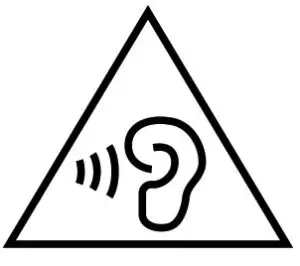
- “To prevent possible hearing damage, do not listen at high volume levels for long periods.”
- “Fully understand user manual before use.”
- “Ensure your player at low volume levels or power off before you leave.”
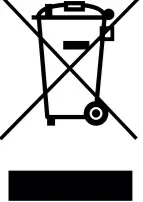 Correct Disposal of this product. This marking indicates that this product should not be disposed with other household disposal, recycle it responsibly to promote the sustainable reuse of material resources. To return your used device, please use the return and collection systems or contact the retailer where the product was purchased. They can take this product for environmentally safe recycling.
 WARNING!
Danger of explosion if the battery is incorrectly replaced. Replace only with the same or equivalent type.
For products with removable batteries, the battery must be properly recycled or disposed of. For products with built-in batteries, disassembling is prohibited.
Never disassemble, hit with force, squeeze batteries or dispose of batteries in fire. Do not expose batteries in conductive materials, liquid, fire or heat. Do not let metal objects contact two battery poles. If the battery looks swollen, leaking, discolored, having odor or any abnormal appearance, stop using it. Do not use the battery after being immersed in water.
Improper use of battery may lead to explosion or leakage, causing skin burn or other injuries; in the event of battery leakage, handle it with care and immediately dispose of the battery in the manner in compliance with applicable laws and regulations in your locality.
Warning!
To guarantee your personal safety, please do not wear or keep earphones in the vicinity (closer than 10cm) of a pacemaker. Supervise children when using the equipment, the product is not a toy.
Earphone listening at high volume levels – particularly, over extended periods of time – may damage your hearing.
The operation of switches on your hi-fi system or plugging in the earphones may cause clicks which at high volume setting
may affect your hearing. Therefore, always set the volume control to a minimum before switching between different sources (tuner, turntable, CD player, etc.) or plugging in the earphones.
For traffic safety, do not use earphones while driving or cycling.
Edif ier International Limited
P.O. Box 6264
General Post Office
Hong Kong
www.edifier.com
© 2019 Edifier International Limited. All rights reserved.
Printed in China
NOTICE:
For the need of technical improvement and system upgrade, the information contained herein may be subject to change from time to time without prior notice.
Products of EDIFIER will be customized for different applications. Pictures and illustrations shown on this manual may be slightly different from the actual product. Images are for illustrative purposes only and may differ from the actual product.
V1.1 IB-200-W0828N-01
 Edifier | A Passion for Sound | Headphones, Earphones, Speakers