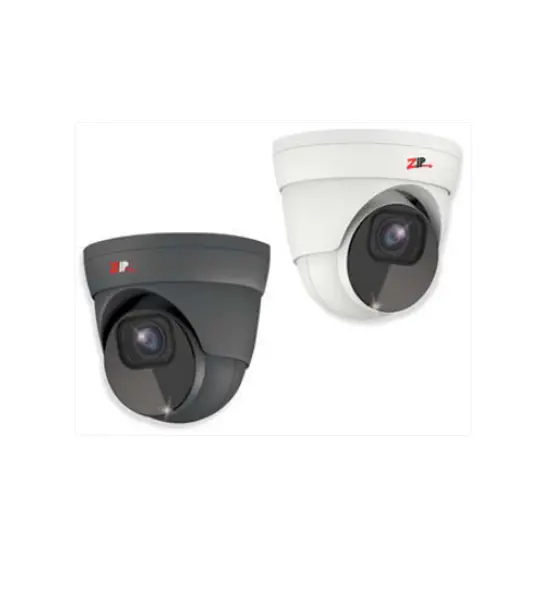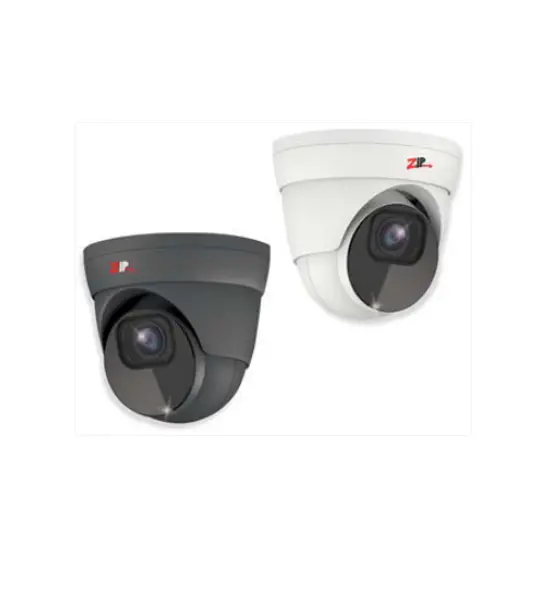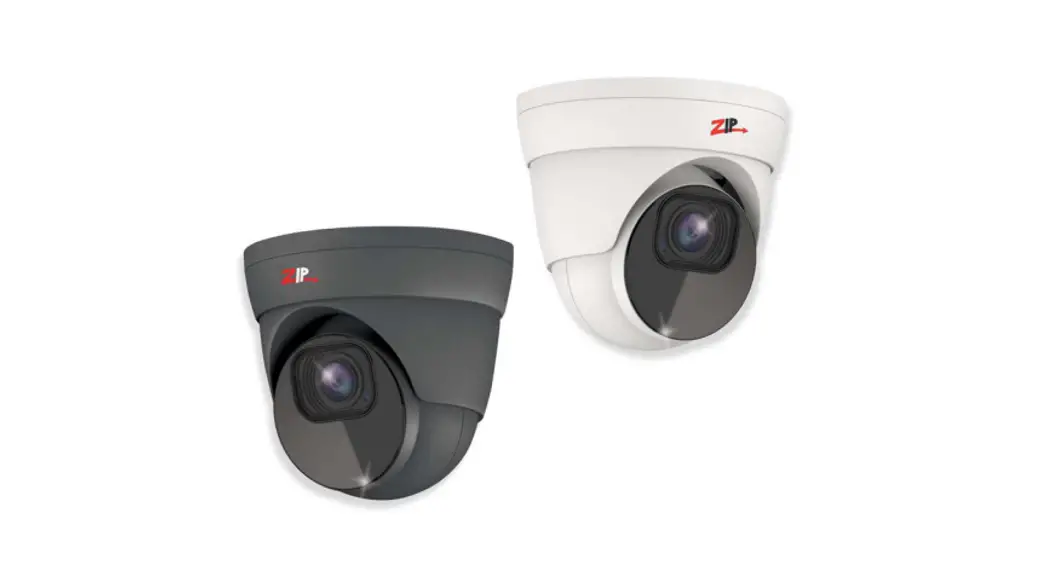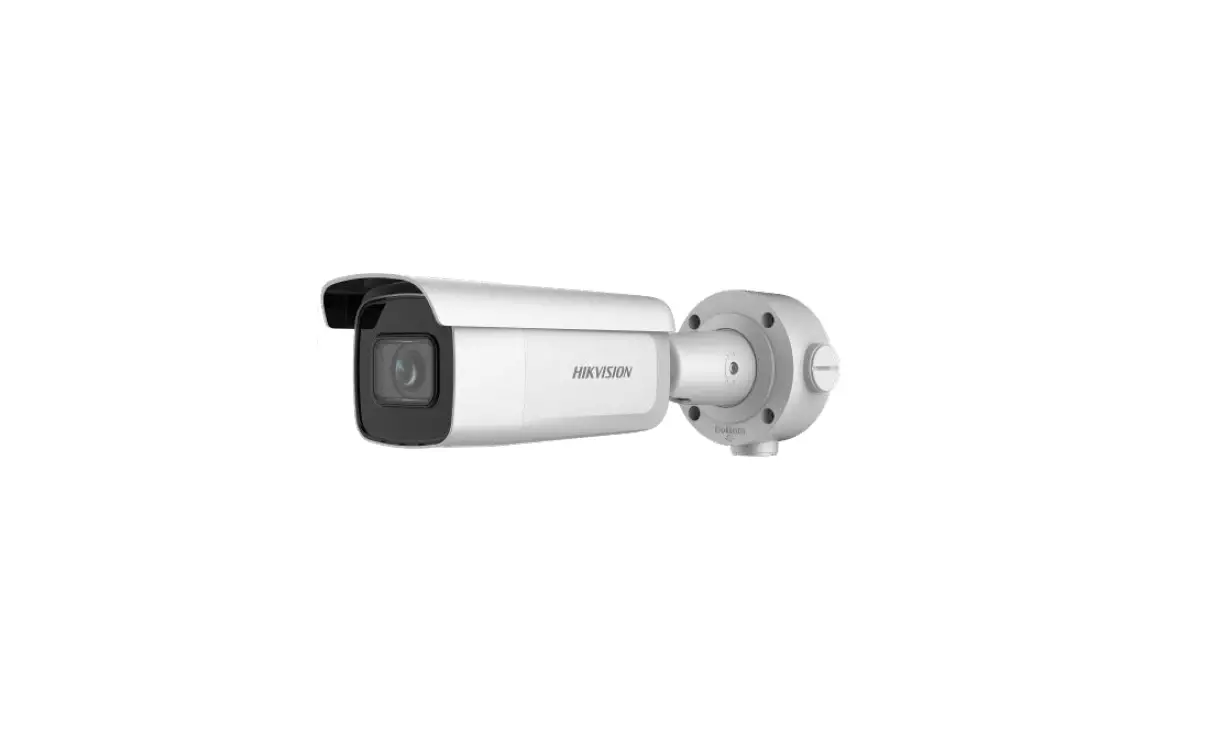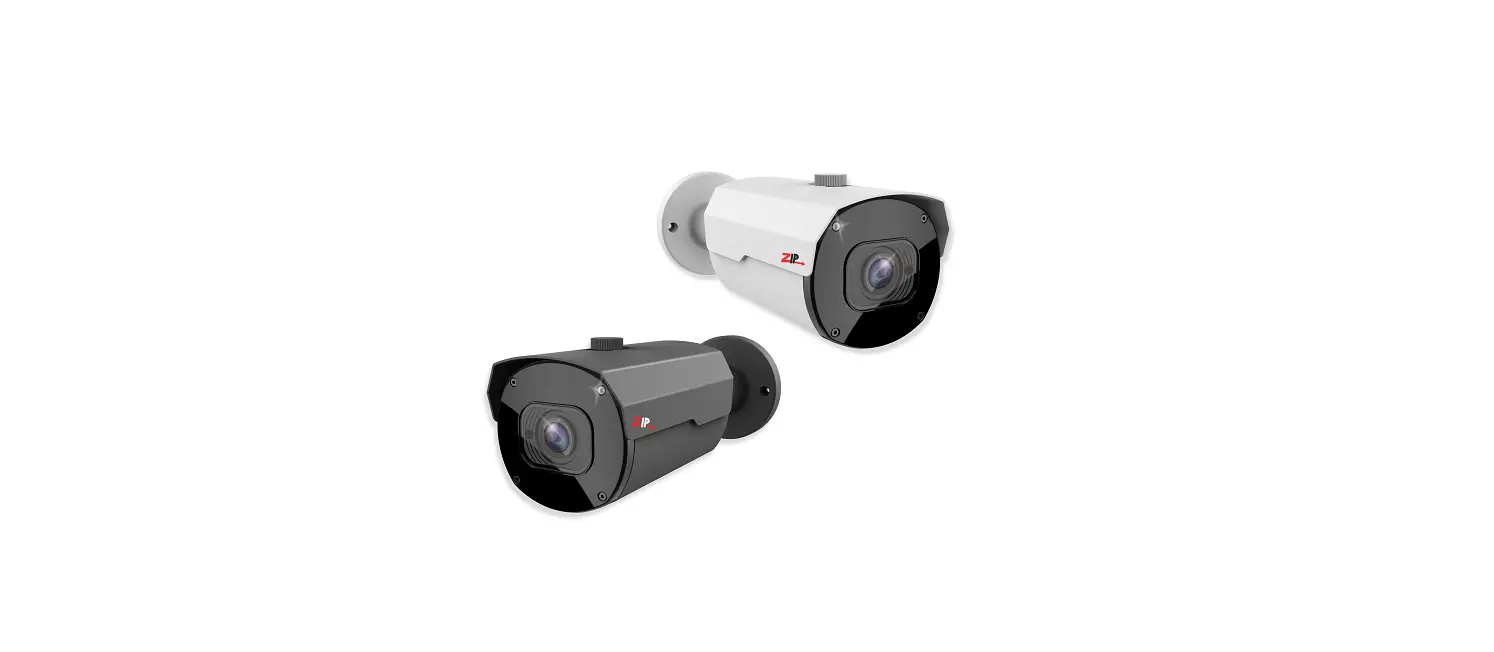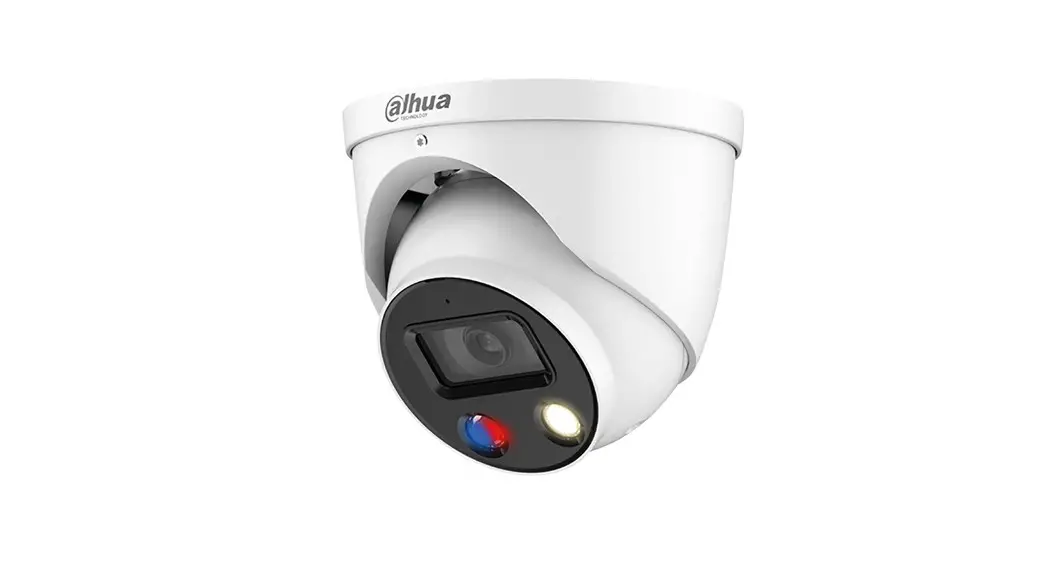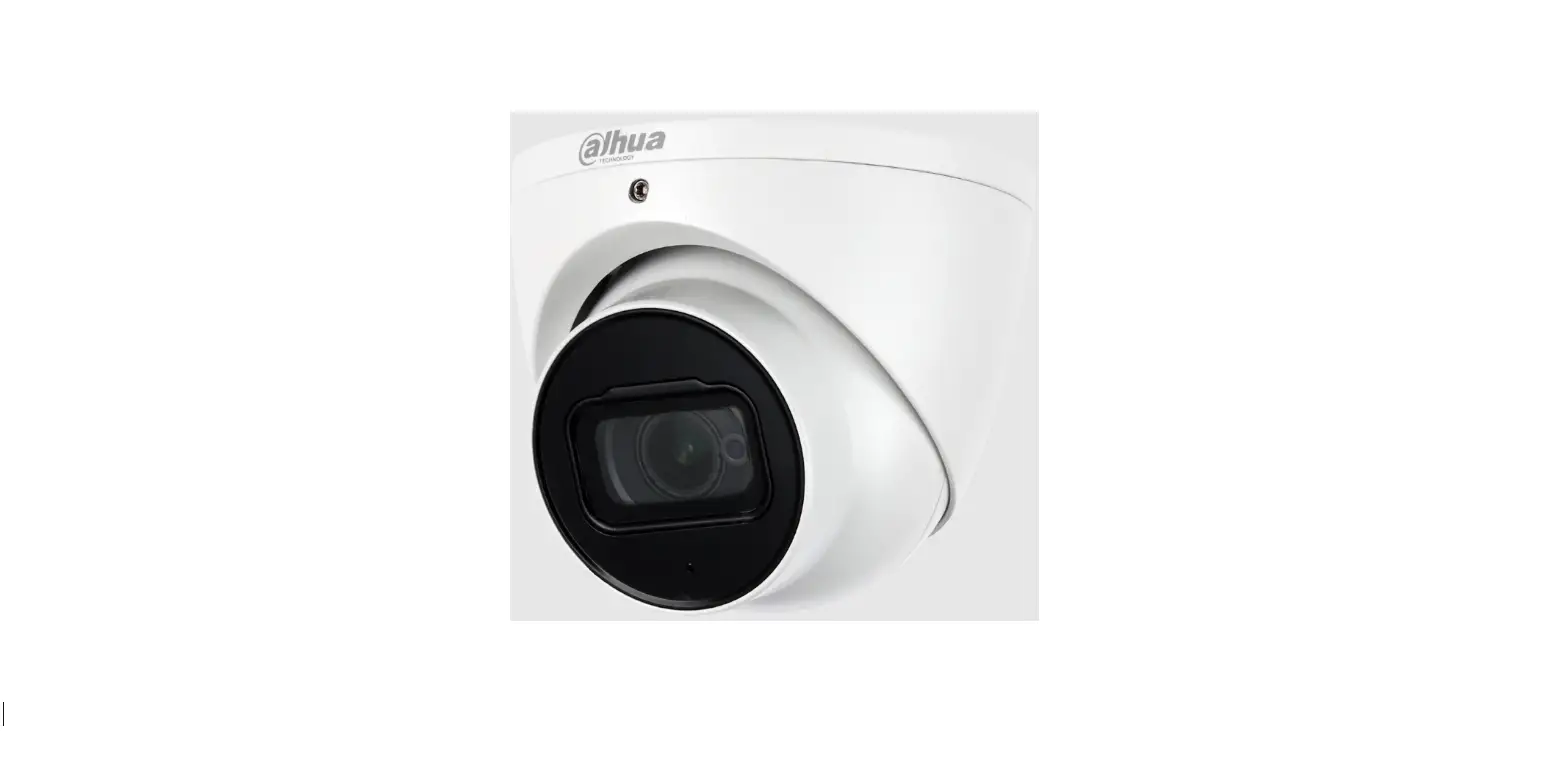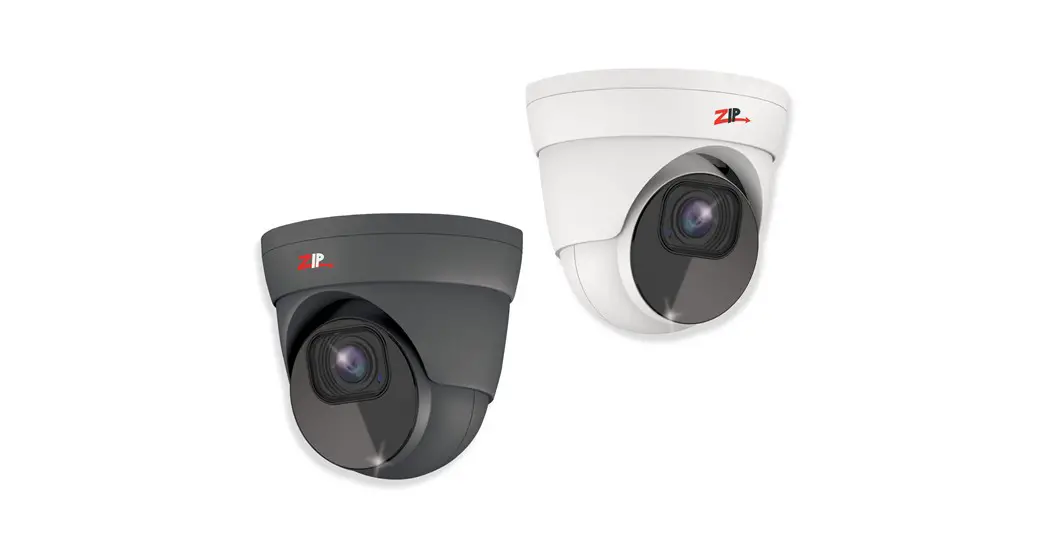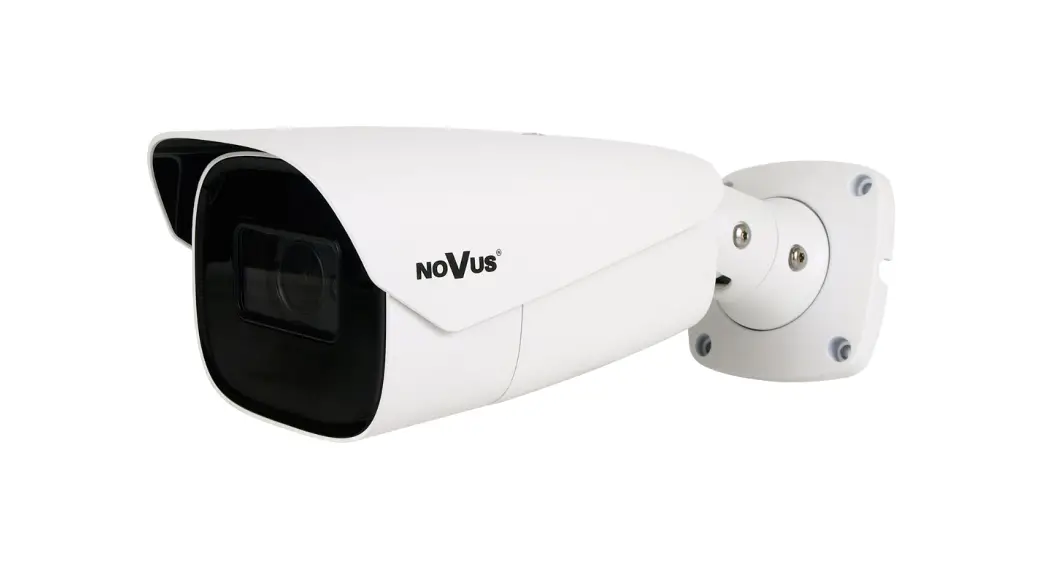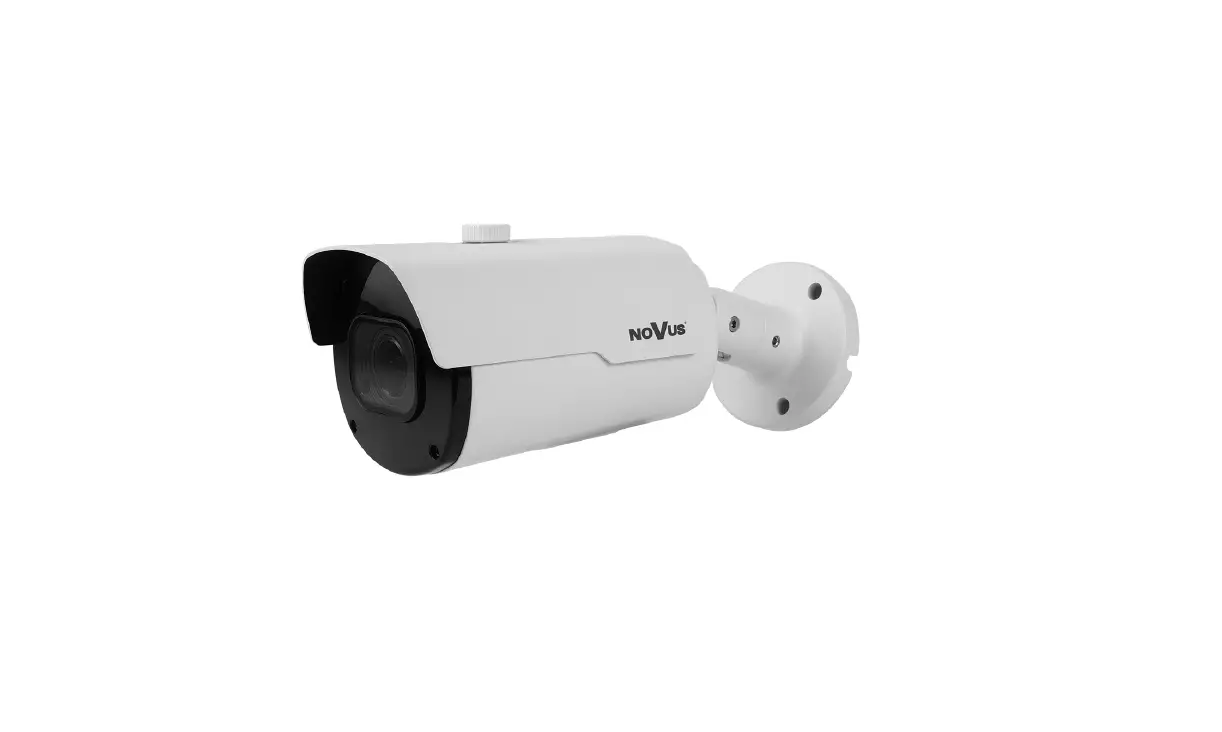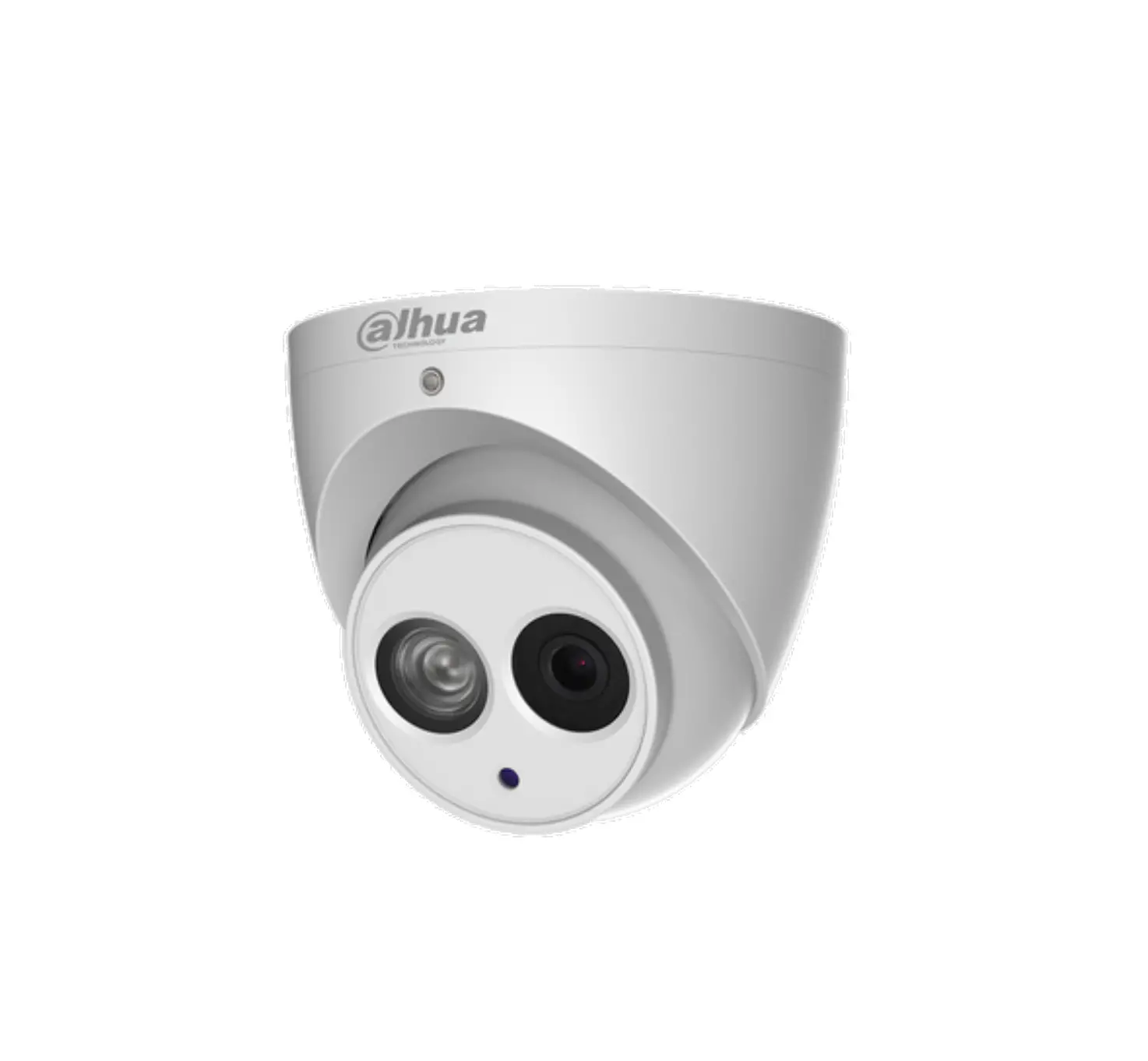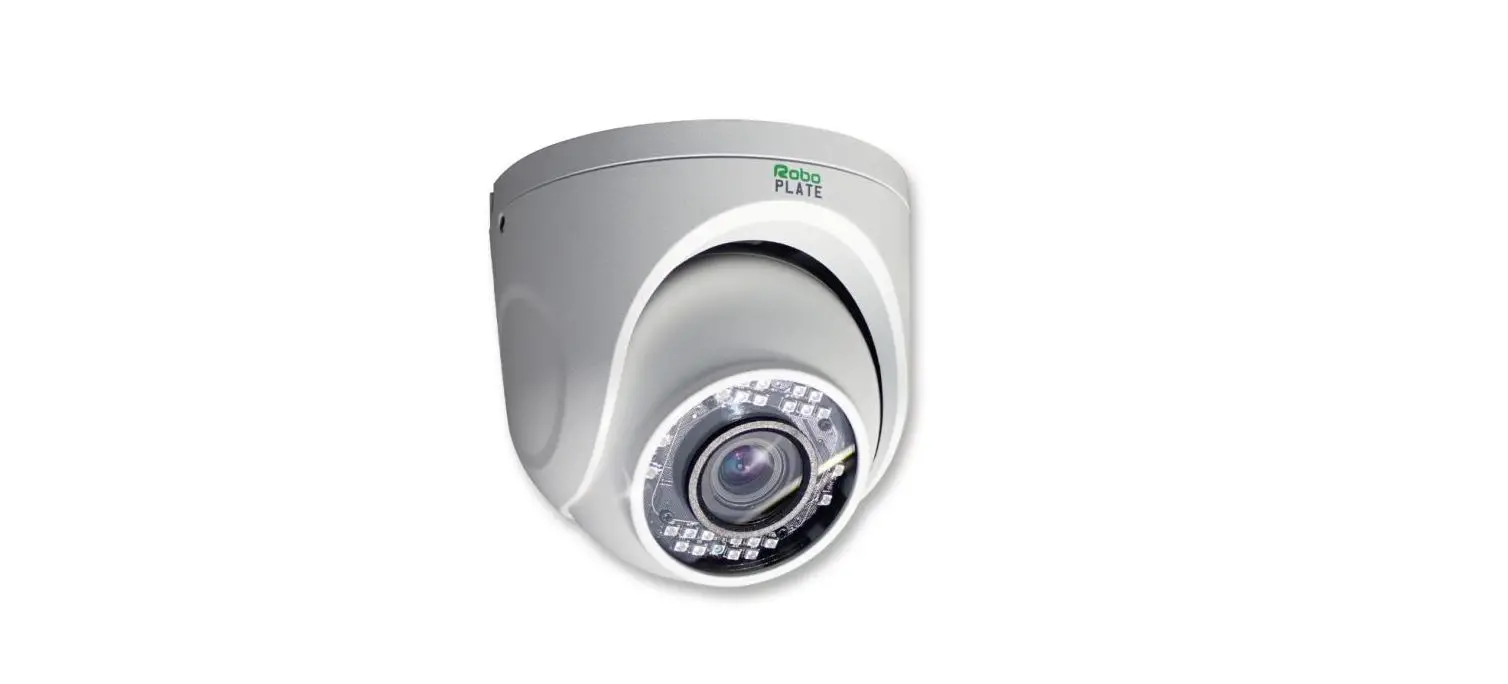

RoboPLATE ROBOPCZ22 2MP IP ANPR Eyeball Camera 6-22mm Motorised 
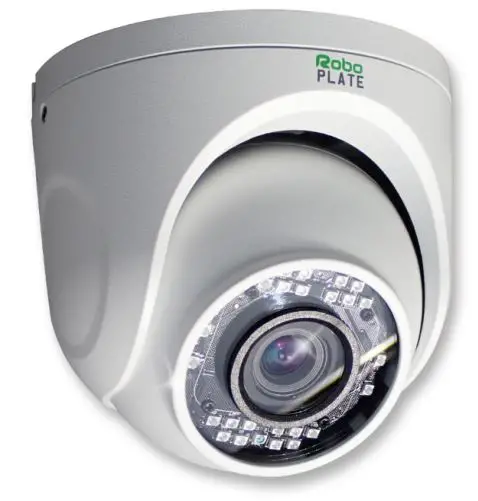
ROBOPCZ22 – Quick Start Guide
The ROBOPCZ22 is a eyeball-style camera, which has real-time number plate detection and capture for alarm handling which includes; email SMTP, alarm relay output, and more.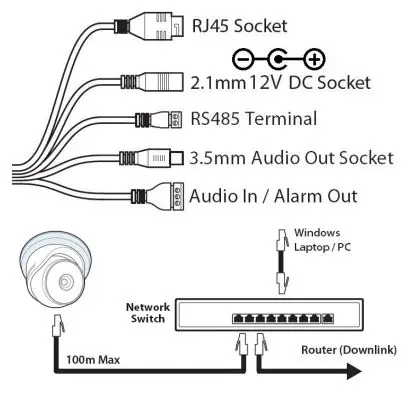
Powering the camera
Option 1 – Power the camera from 12V DC (via the 2.1mm DC Socket), the current consumption is 500mA. The camera is polarity sensitive so connections must be correctly made.
Option 2 – Power the camera using a PoE 48V RJ45 Socket
Default login details are:-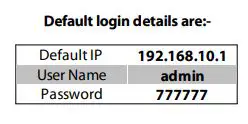
Device Activation with WildKat Manager
See the full manual for all the required settings
- Download and install the WildKat manager, on a Windows PC via this link below:- https://softcctv.com/store/Item/SOFT1709
- Connect the power and the RJ45 socket to a network as per above (the camera takes approximately 1 minute to boot)
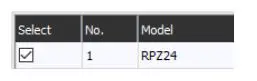
- Launch the WildKat Manager, and tick the camera in the list
 Enter the Username and Password for the camera
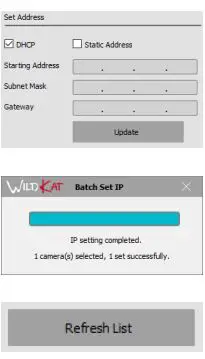
- Tick DHCP (to set the camera to the same IP range as the network) or static and specify the IP address required, then select Update
- Close the completed message|
- Select Refresh

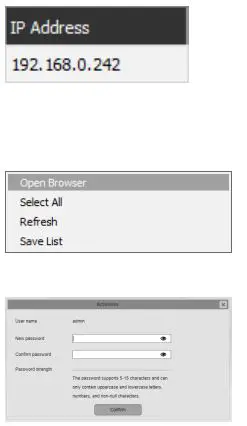
- The camera will now have the updated IP address
- Right-click and select open browser
- Enter a new password into the activation page

 Enter the Username and Password for the camera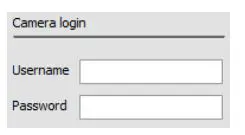
IMPORTANT Do not remove or format the SD Card, as the licence plate registration files and database are required in order for the camera to perform ANPR function. Please contact your supplier or installer if the files on the SD Card are deleted.
All specifications are approximate. System Q Ltd reserves the right to change product specifications or features without notice. Whilst every effort is made to ensure that these instructions are complete and accurate, System Q Ltd cannot be held responsible for any losses, no matter how they arise, from errors or omissions in these instructions, or the performance or non-performance of the equipment refered to.
| Image Sensor | 1/2.8 Progressive CMOS |
| Resolution | 2MP (1920×1080) |
| Lens Type | 5mm – 50mm Motorised Lens |
| Shutter | 1/2 ~ 1/50000s |
| Day/Night | Mechanical (True Day-Night) |
| Video Compression | H.264 / H.265 |
| Alarm | 1 Output (Terminal) |
| Audio In | 1 Input (Terminal) |
| Audio Out | 1 Output (3.5mm Audio Socket) |
| RS485 | 1 Output (Terminal) |
| Connection | RJ45 10M / 100M Ethernet PoE |
| Protocols | TCP/IP, HTTP, DHCP, DNS, DDNS, RTSP, SMTP, NTP, UpnP, FTP |
| User Logins | Max 5 Simultaneous User Logins |
| Backlight Control | BLC / D-WDR / HLC |
| Use | IP66 For External Use |
| Input Voltage | PoE (48V) / 12V DC |
| Consumption | 500mA |
| System Compatibility | ONVIF Protocol |
| Dimensions | Ø 120mm x H 110mm |
 WildKat Manager - SoftCCTV.com