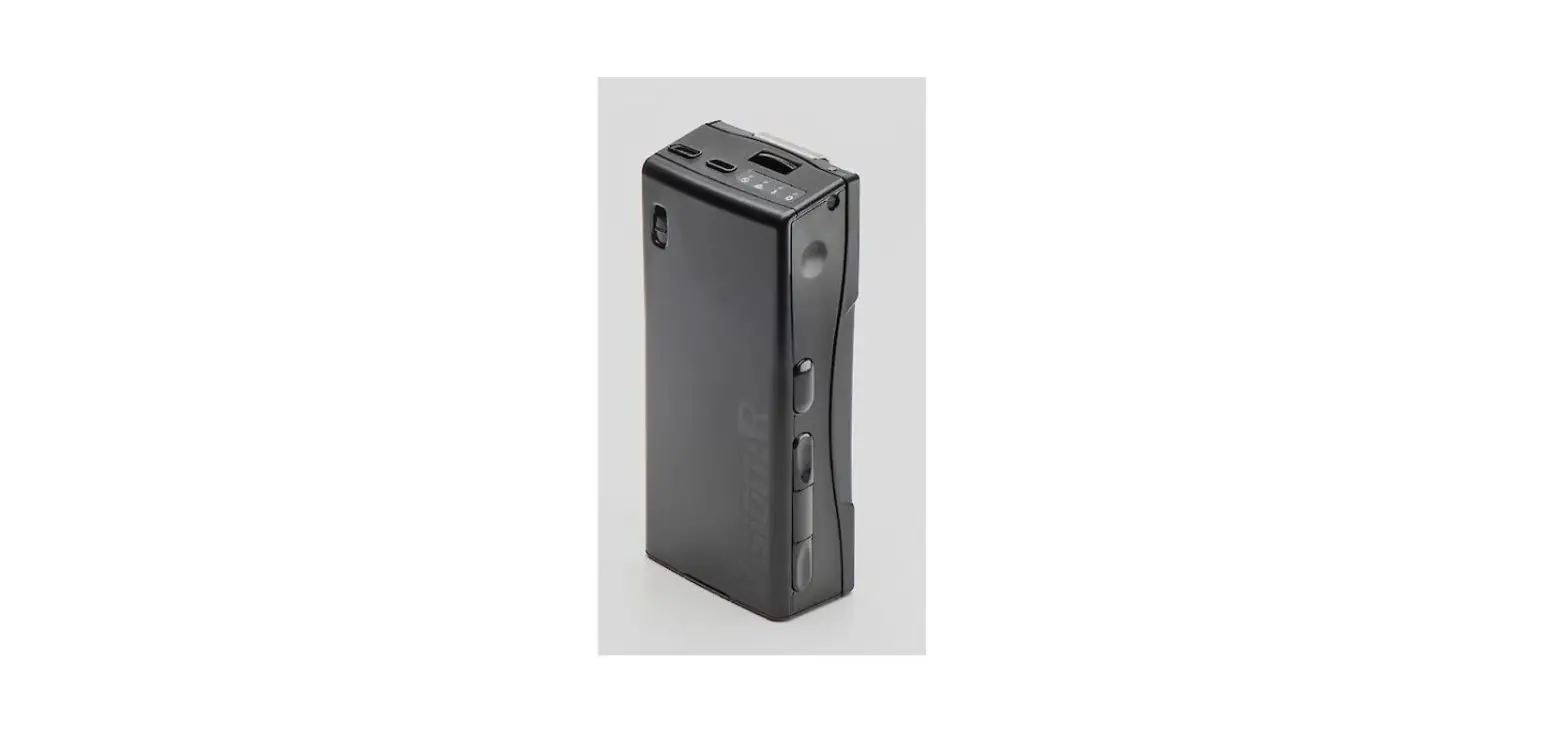

Univet Visionar Control Unit User Guide

Univet Visionar Control Unit User Guide

UNIVET VisionAR Control Unit logo
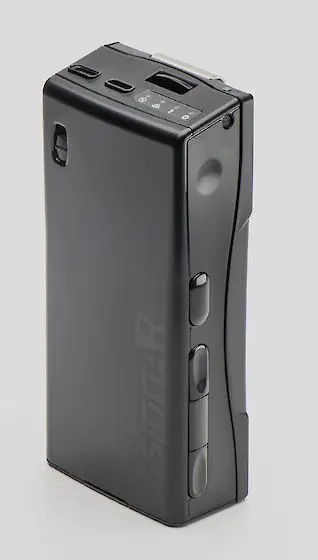
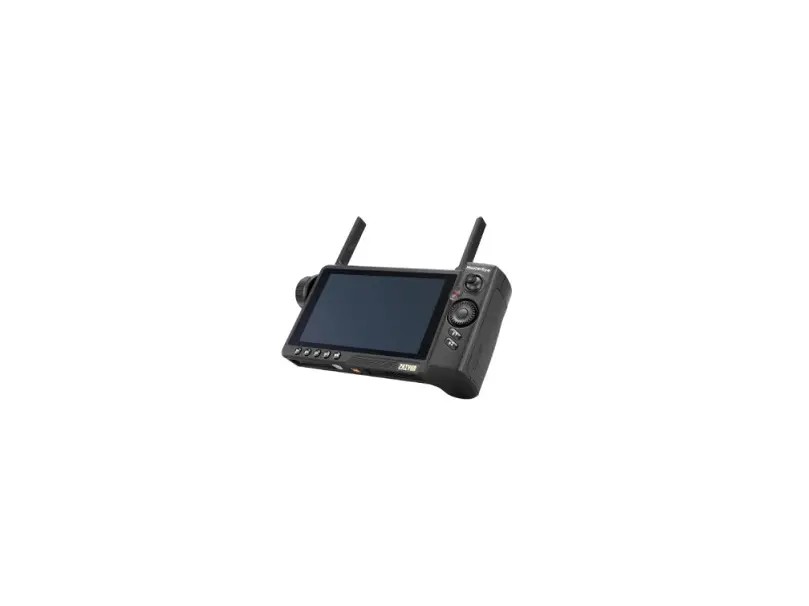
UNIVET VisionAR Control UnitUNIVET VisionAR Control Unit pro

What’s in the box?

LEVEL 1

  1. 1 Control Unit (CU) and the battery pack 1 Spare battery
  2. 1 Charger
  3. 3 Plug Adapters
  4. 1 USB type A to type micro-B

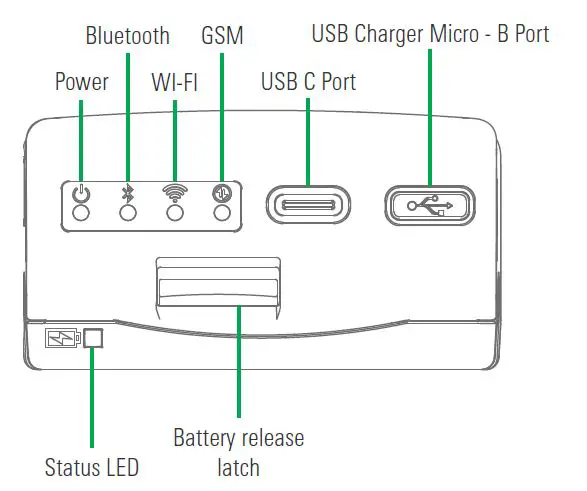
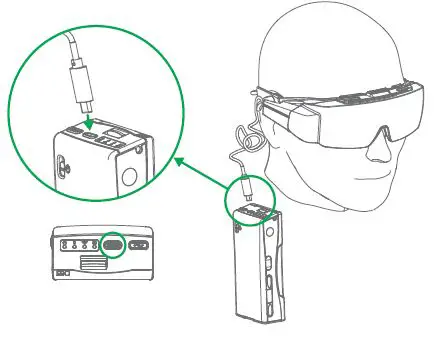
Control Unit (CU) Top ViewUNIVET VisionAR Control Unit 1

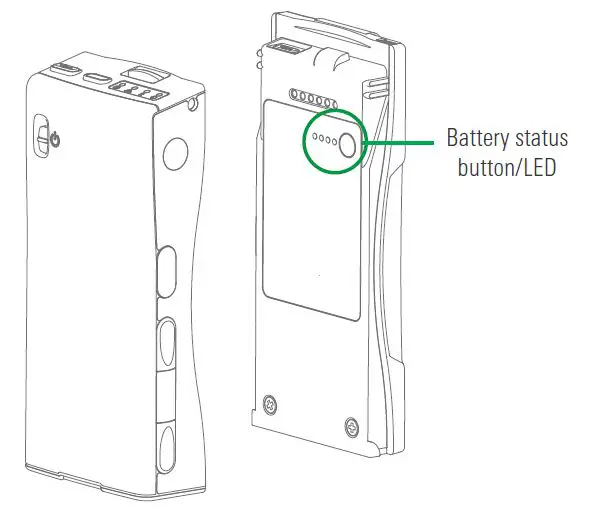
  1. Check the status of the batteryUNIVET VisionAR Control Unit 2
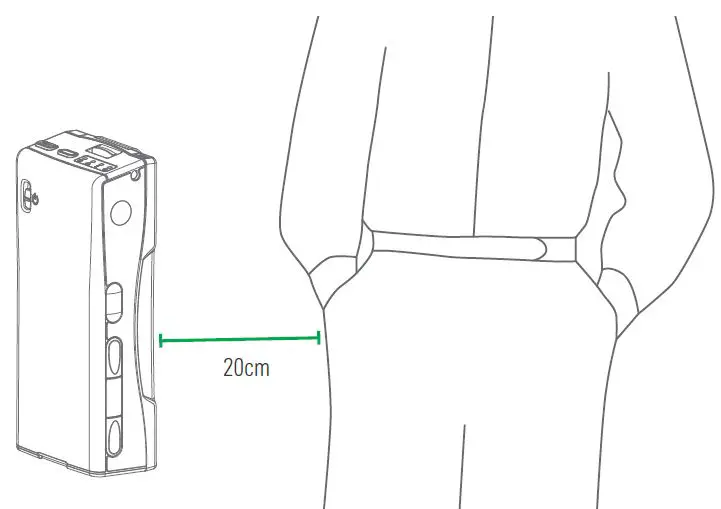
  2. Placement of the Control UnitUNIVET VisionAR Control Unit 3
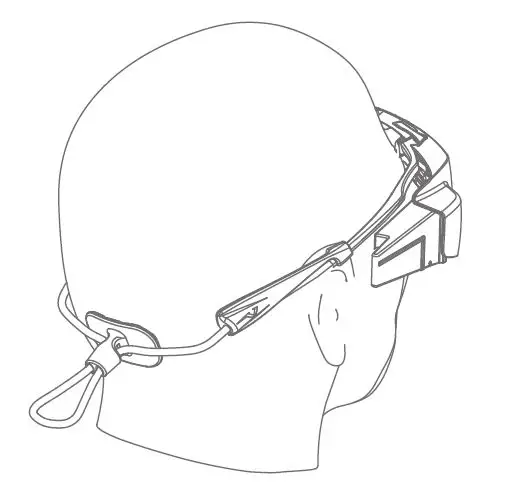
  3. Put your vision onUNIVET VisionAR Control Unit 4
  4. Plug the VisionAR into the CUUNIVET VisionAR Control Unit 5
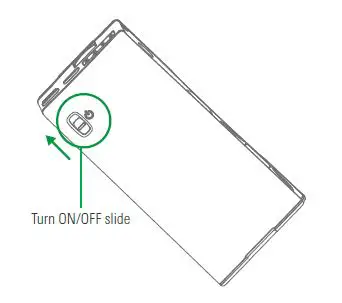
  5. Turn on the CUUNIVET VisionAR Control Unit 6

For more information scan here!UNIVET VisionAR Control Unit 7

Documents / Resouces

Download manual
Here you can download full pdf version of manual, it may contain additional safety instructions, warranty information, FCC rules, etc.


Related Manuals