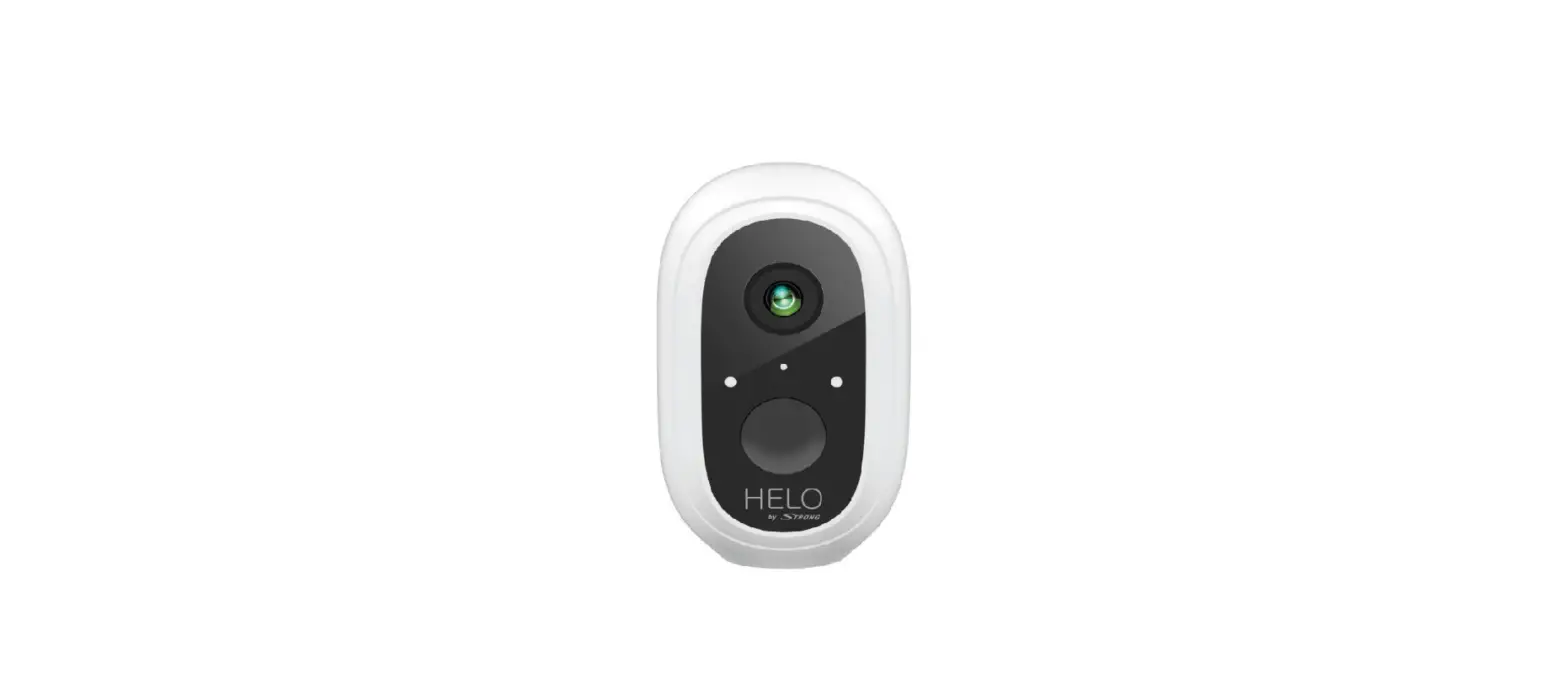
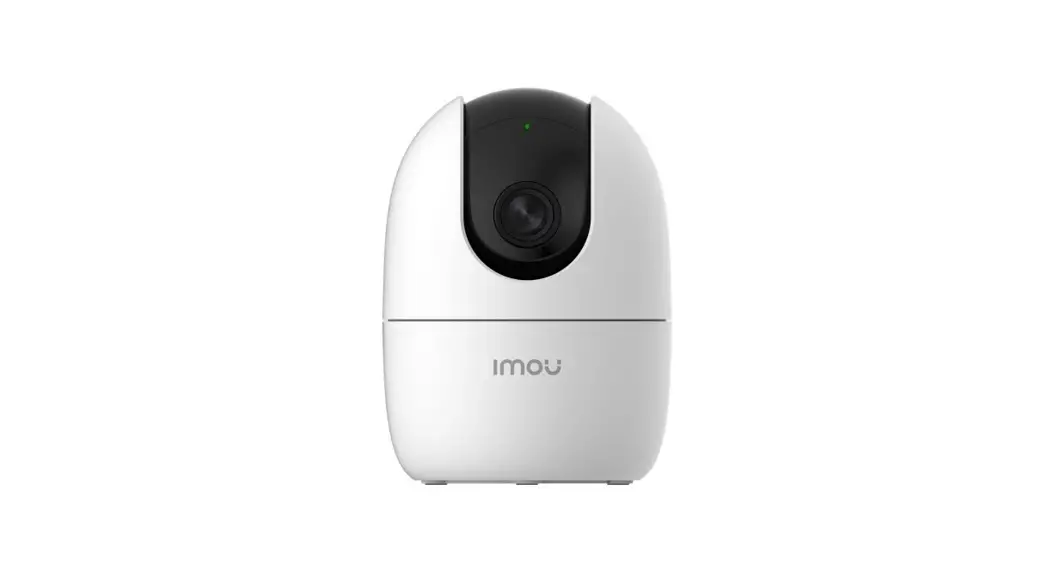
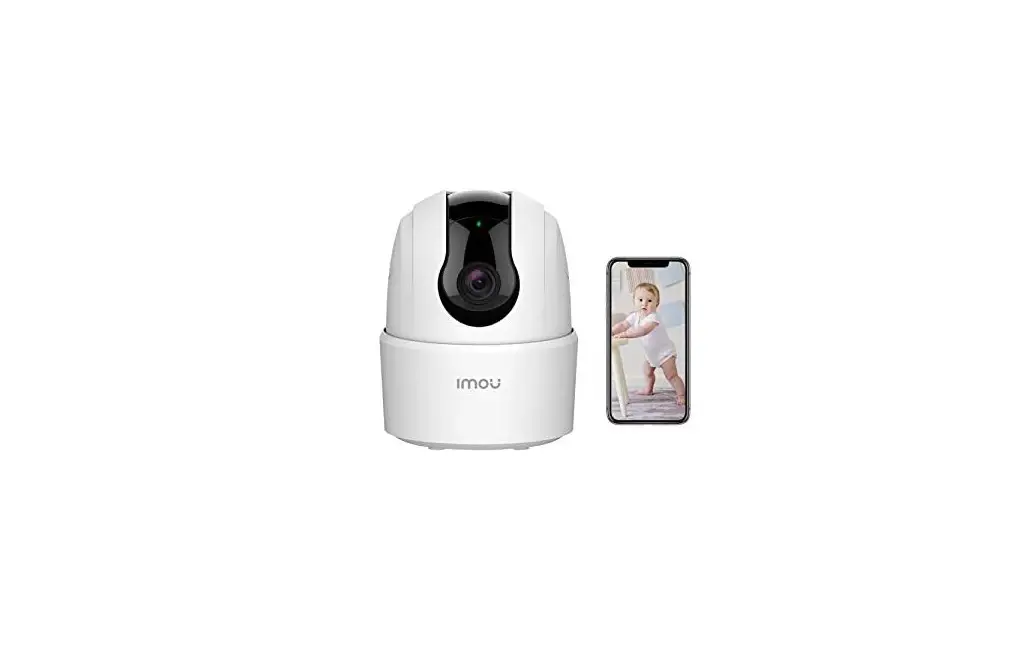
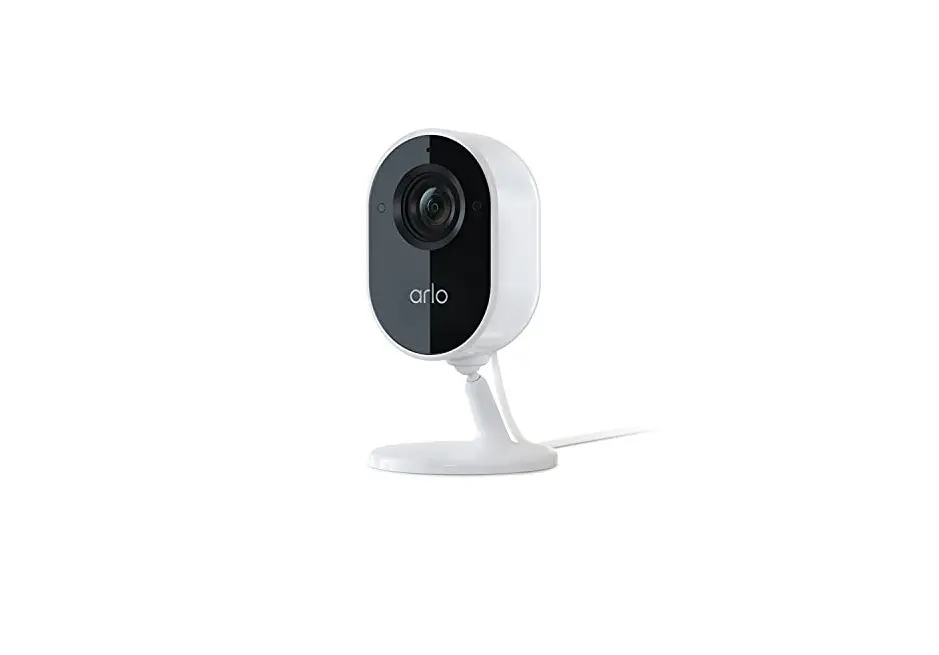
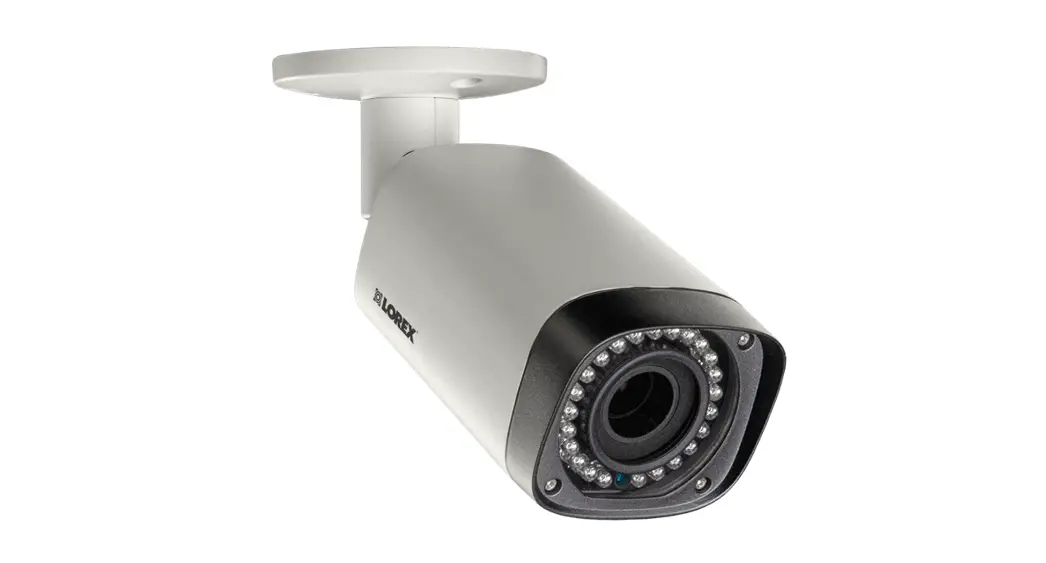
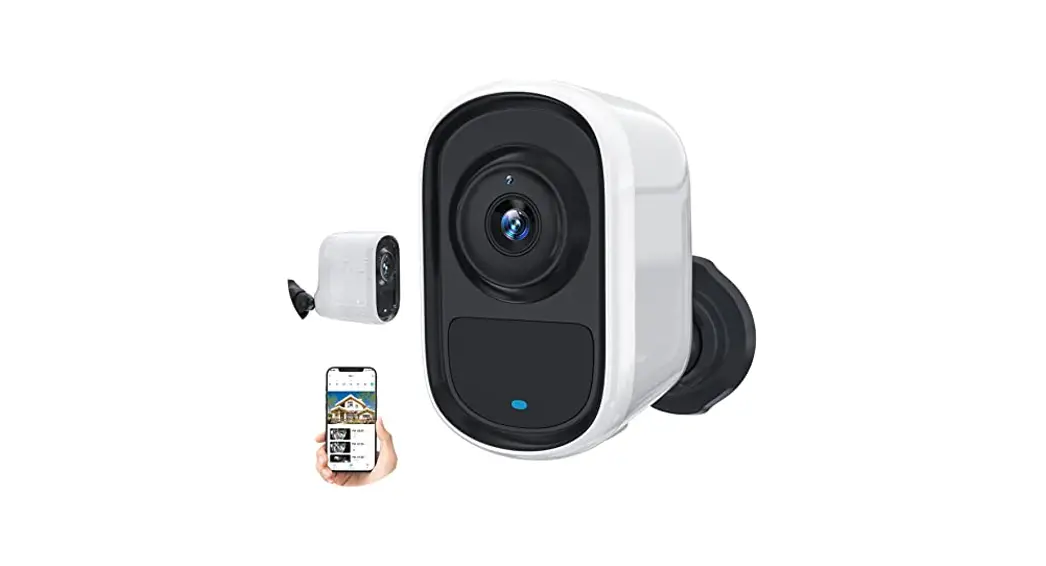
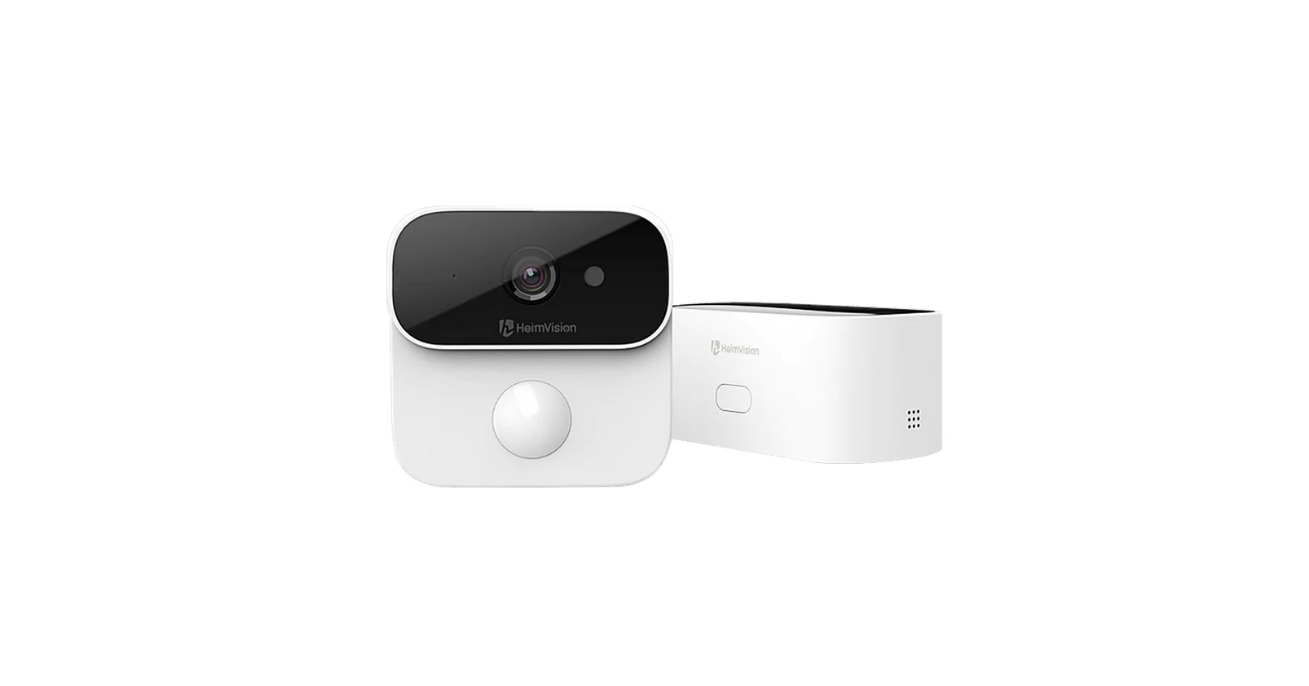
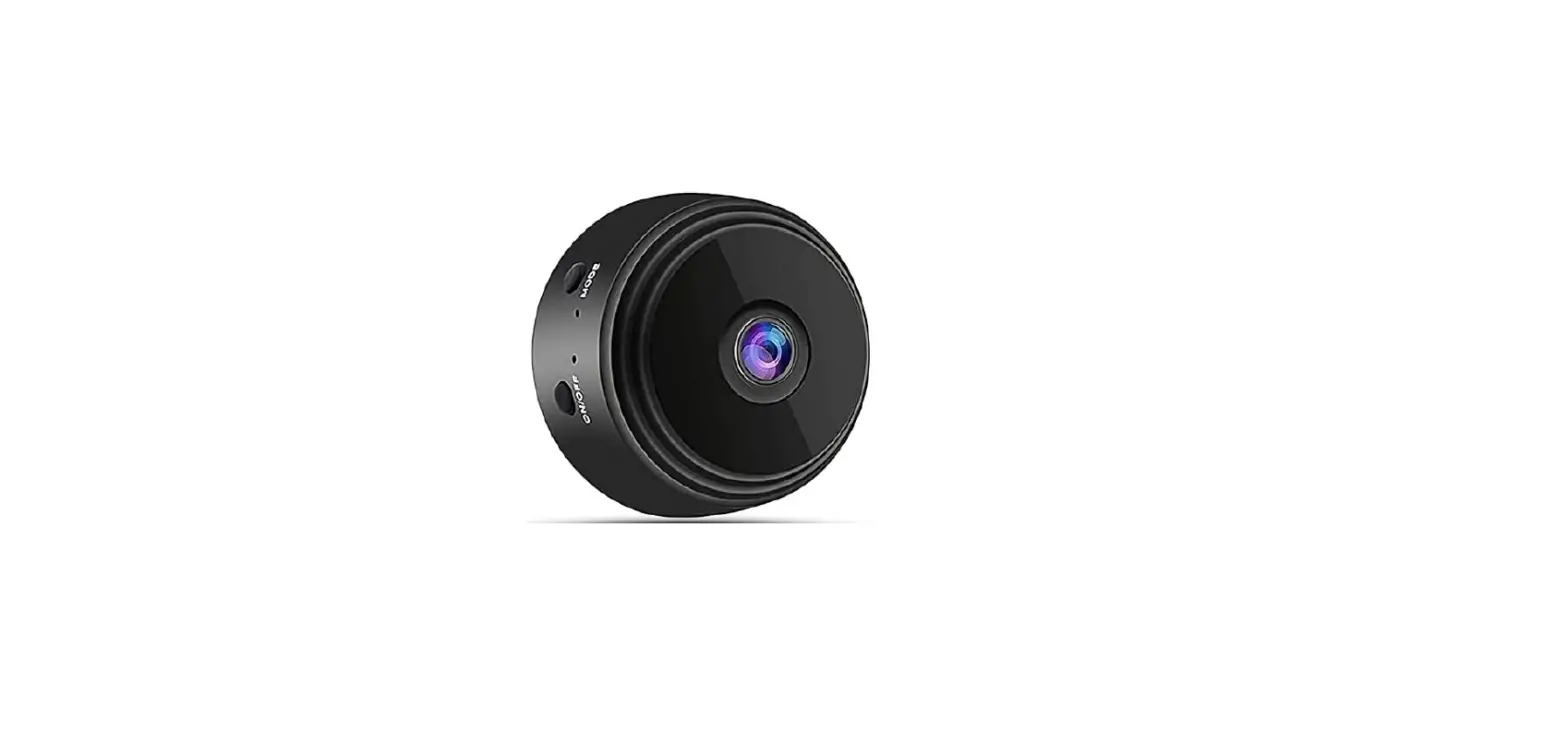
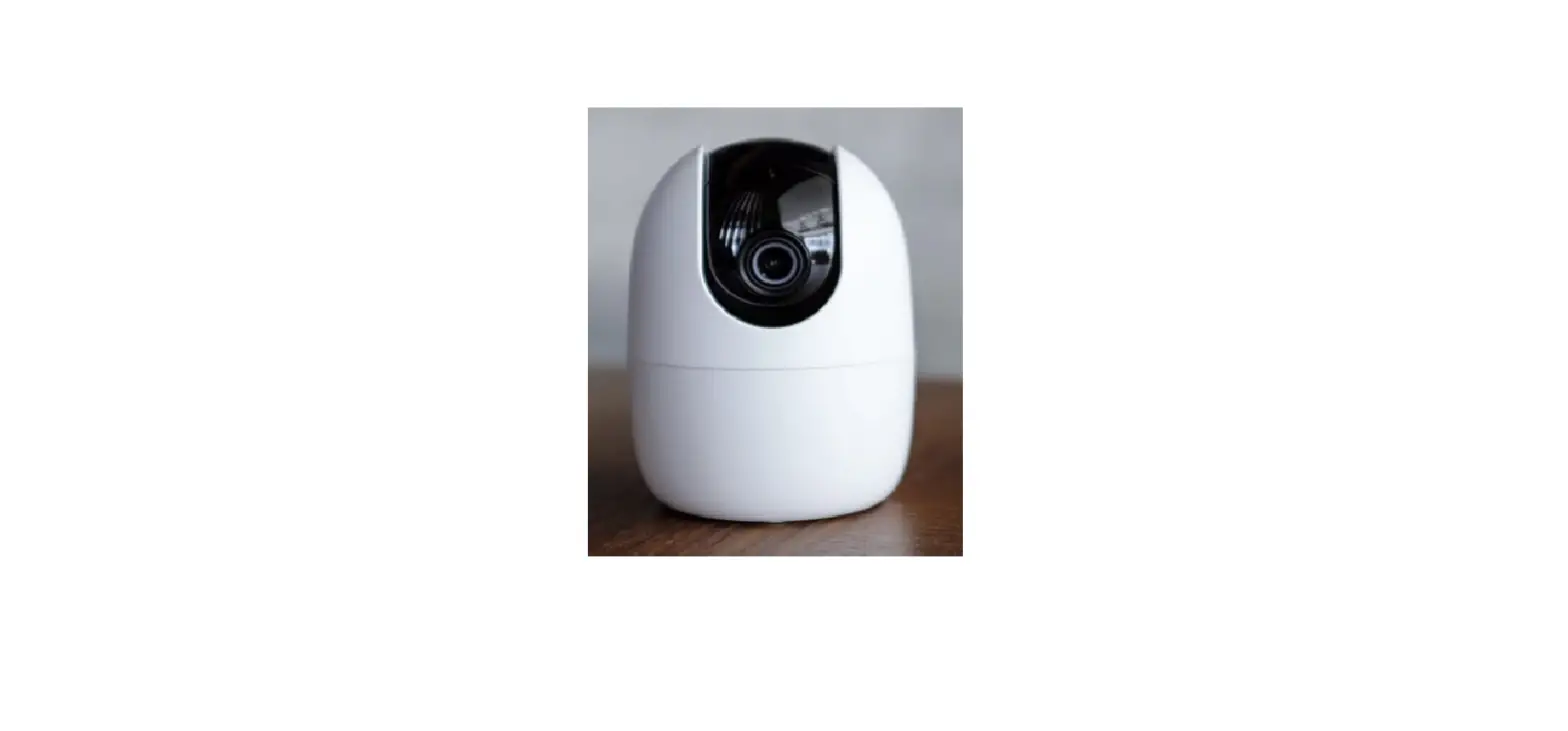
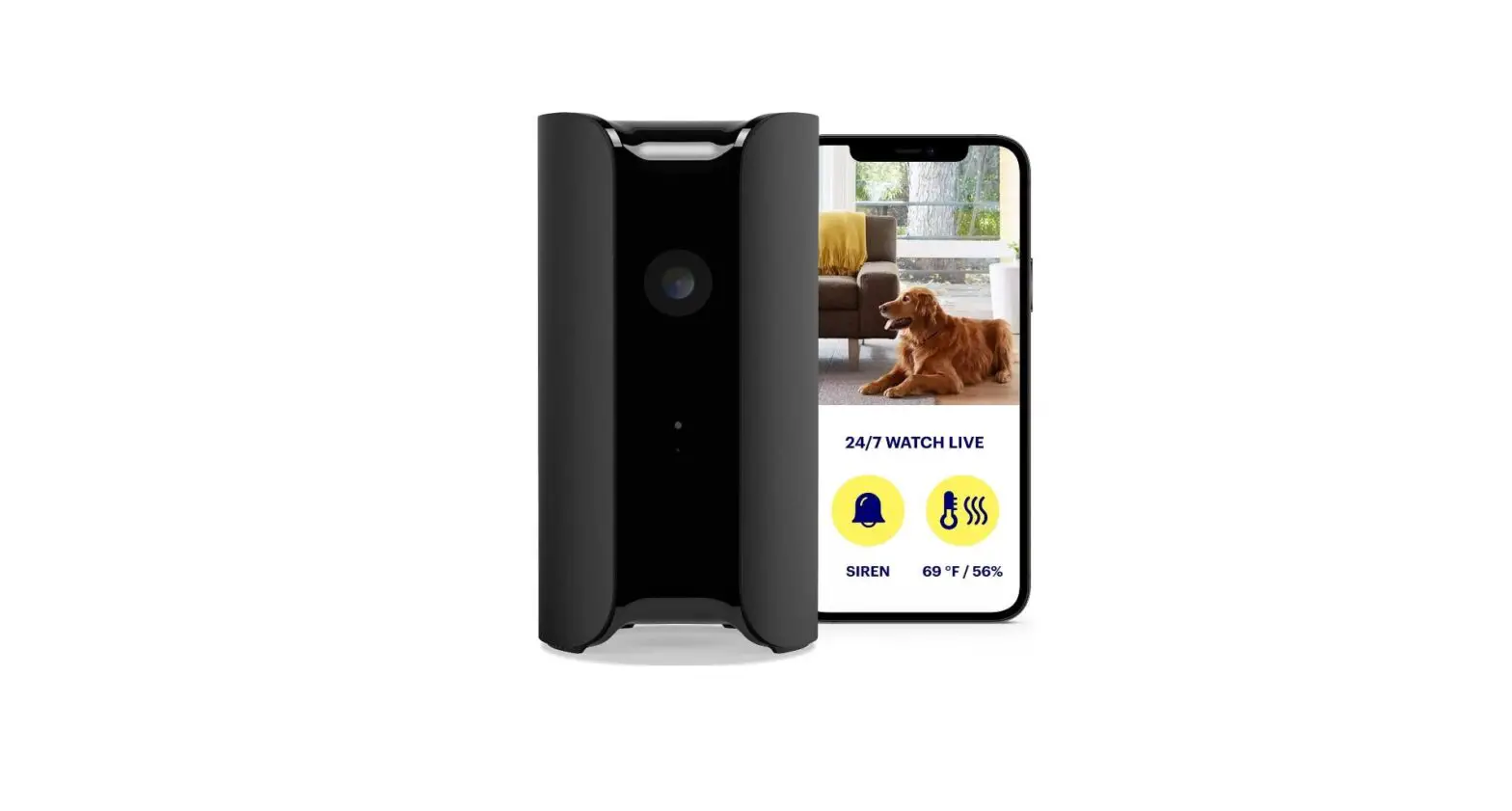
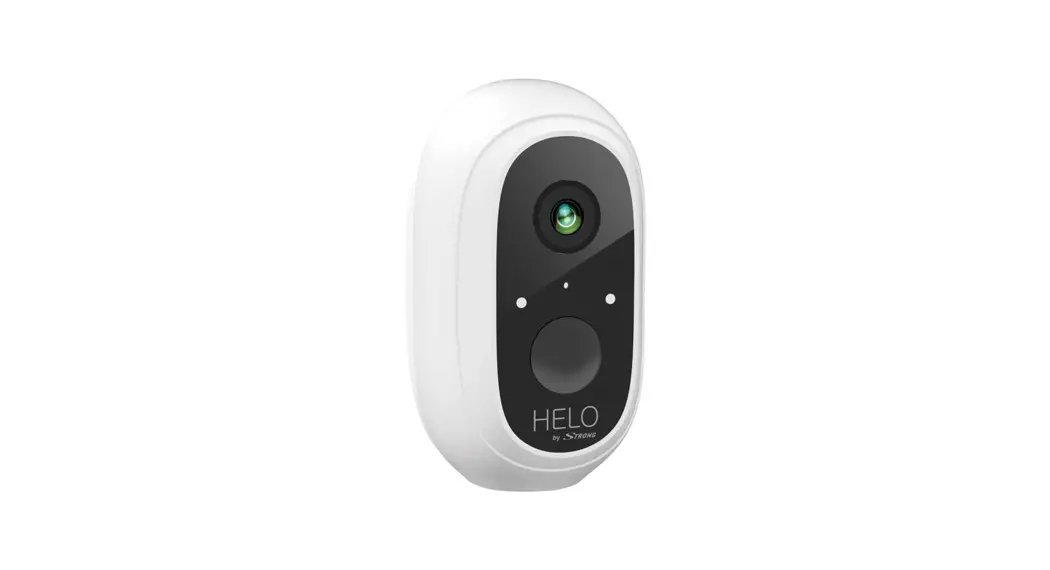
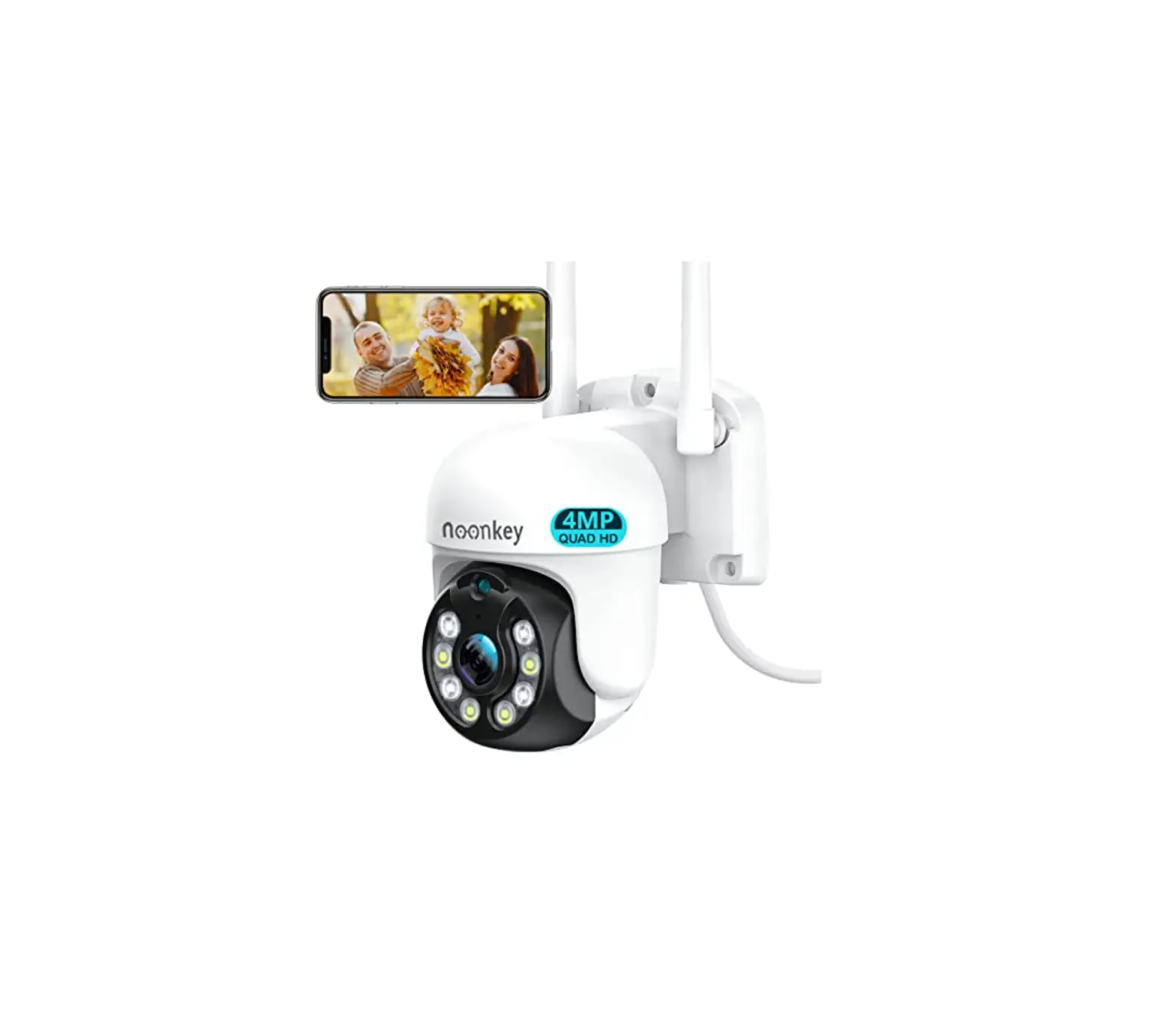
 CAMERA-W-IN Full HD Indoor Security Camera
User Guide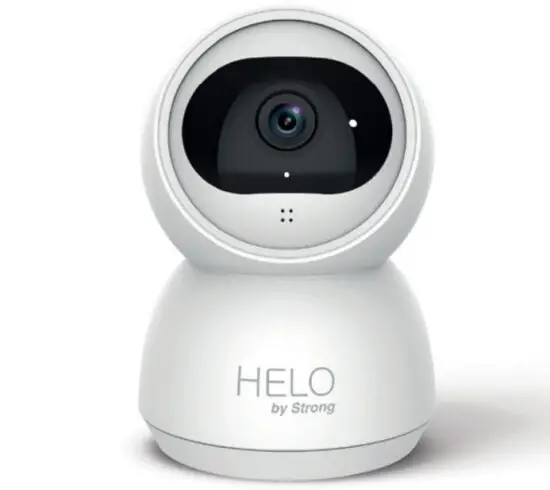
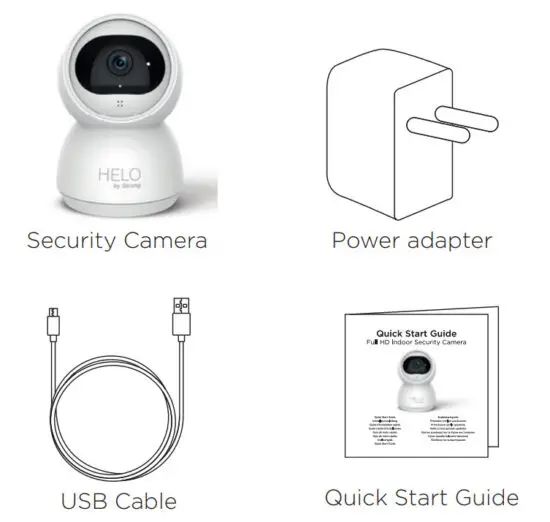
What’s Included
Product Details
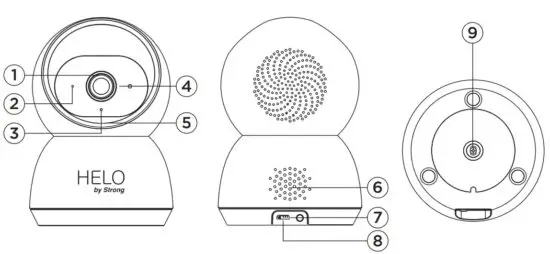
| 1. Lens | 6. Speaker |
| 2. Light sensor | 7. Reset |
| 3. Infrared lights | 8. Power interface |
| 4. Microphone | 9. Mounting Hole |
| 5. MicroSD card |
Connection Preparation
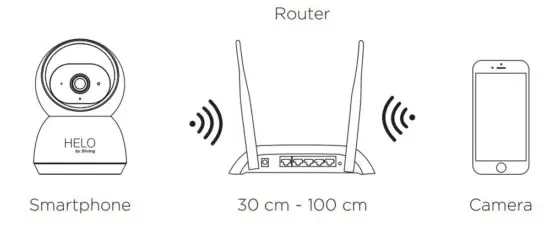
Bring the camera and phone within 1 to 3 feet (30 to 100 centimeters) of the router.
Note:
Make sure your smartphone is connected to your wireless router. Please note the camera is only working under 2.4G Wi-Fi, not supporting 5G Wi-Fi.
Get the APP and Account
For the best experience, please download the “Helo by Strong” APP to your smartphone from App Store or Google Play.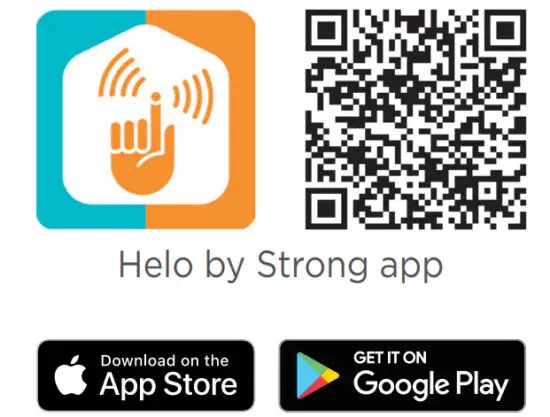
http://a.smart321.com/strongsamrthelo
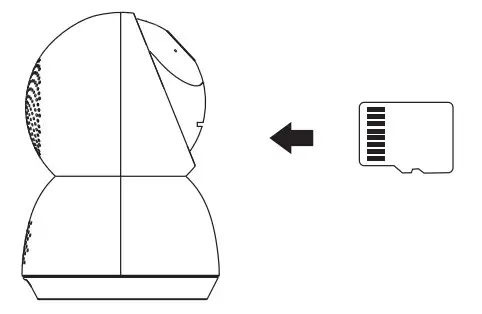
Insert the Micro SD card
Insert the Micro SD card (not included) gently on the side edge of camera.
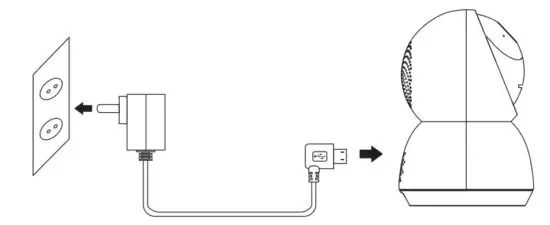
Connect the power to the camera
Connect the power to the camera with Micro USB Power Adapter.
(DC 5 V / 1.5 A)
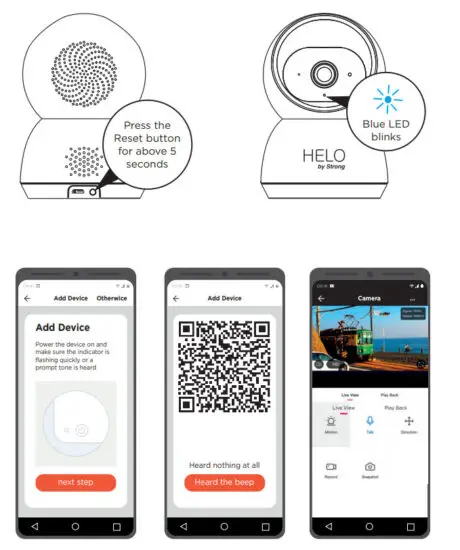
Set up your camera
- Press the Reset button for above 5 seconds, then release the button to reset the camera, then the LED light will blink quickly.
- Click “Add Device” or “+” on the right corner to add the device; Then click “ Security&Sensor” to select” Smart Camera” ;
- Follow the App’s instructions and input the right wifi password; Point the QR code to the camera lens for 15-20 cm; Click”HEARD THE BEEP” when you heard “dingding”. After processing, it paired successfully.
- The blue light is on, the camera is ready for viewing.

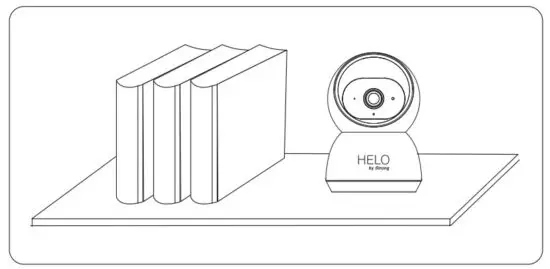
Place or Mount Your Camera
You can place your camera on a shelf or other flat surface, or you can mount it to the wall.
To mount your camera to the wall:
- Fasten the mounting screw into the wall, and then mount the camera from the screw.
- If you’re mounting the camera to drywall, be sure to use the plastic drywall anchors.

You’re done!
Congratulations! Your camera is set up and ready to go.
 Appendix: Camera LED Guide
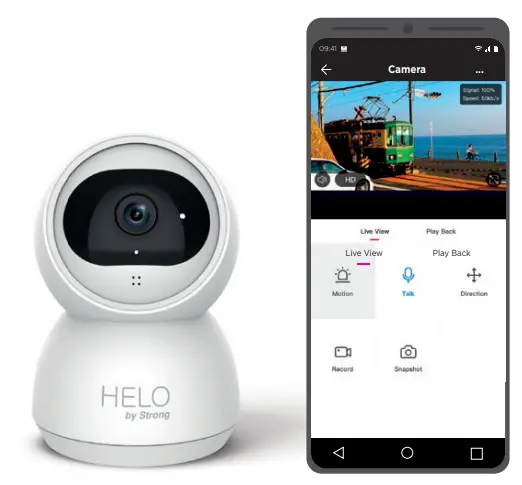 Appendix: Camera LED Guide
| NO. | LED Status | Camera Status |
| 1 | Red LED on | System starting up |
| 2 | Red LED blinks quickly | Standby for configuration |
| 3 | Red LED blinks quickly | Network pairing |
| 4 | Blue LED on | Camera online |
| 5 | Red LED blinks slowly | OTA upgrade |
All trademarks are used for reference purposes only.
Thanks again for choosing our smart camera! Makefile safe in your hands!
Boost security mobility in your smartphone!
 [email protected]
 +359 32 634451