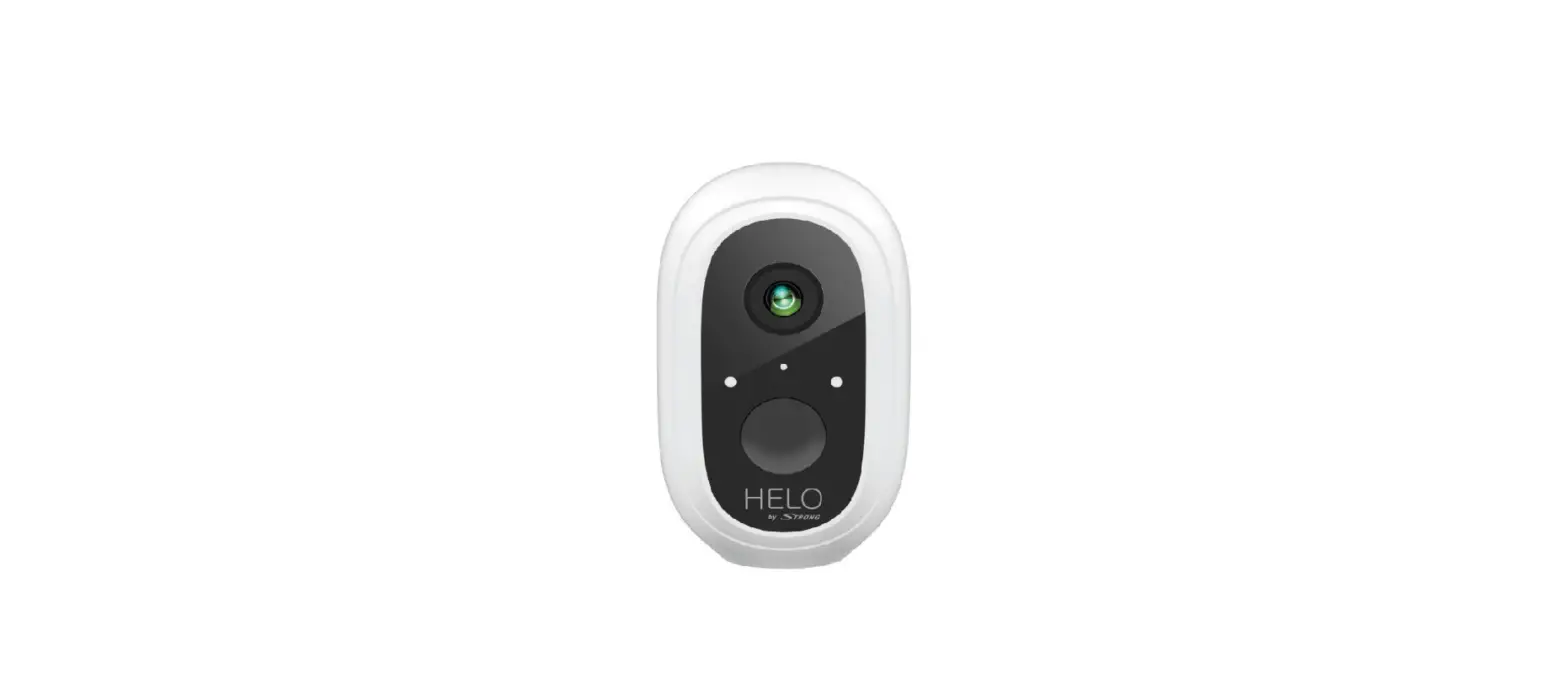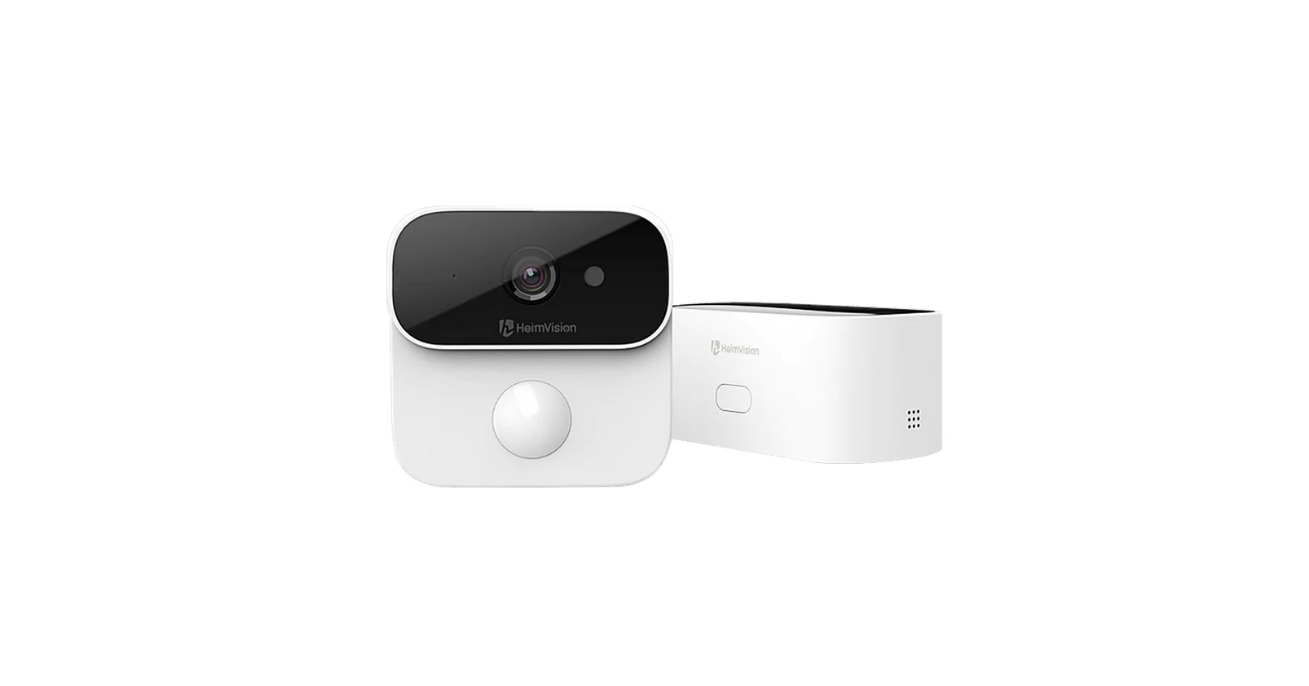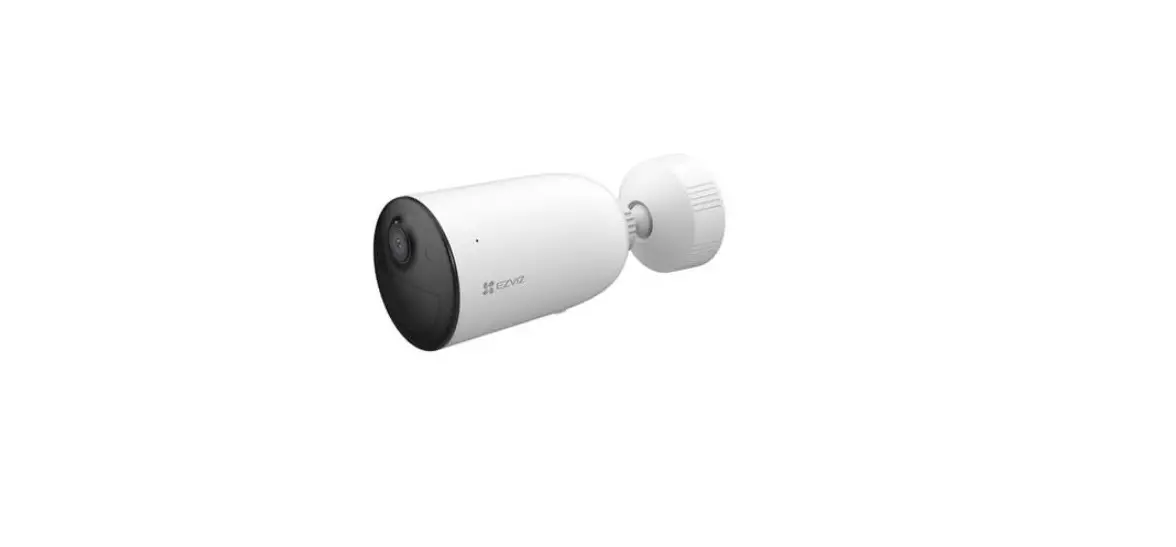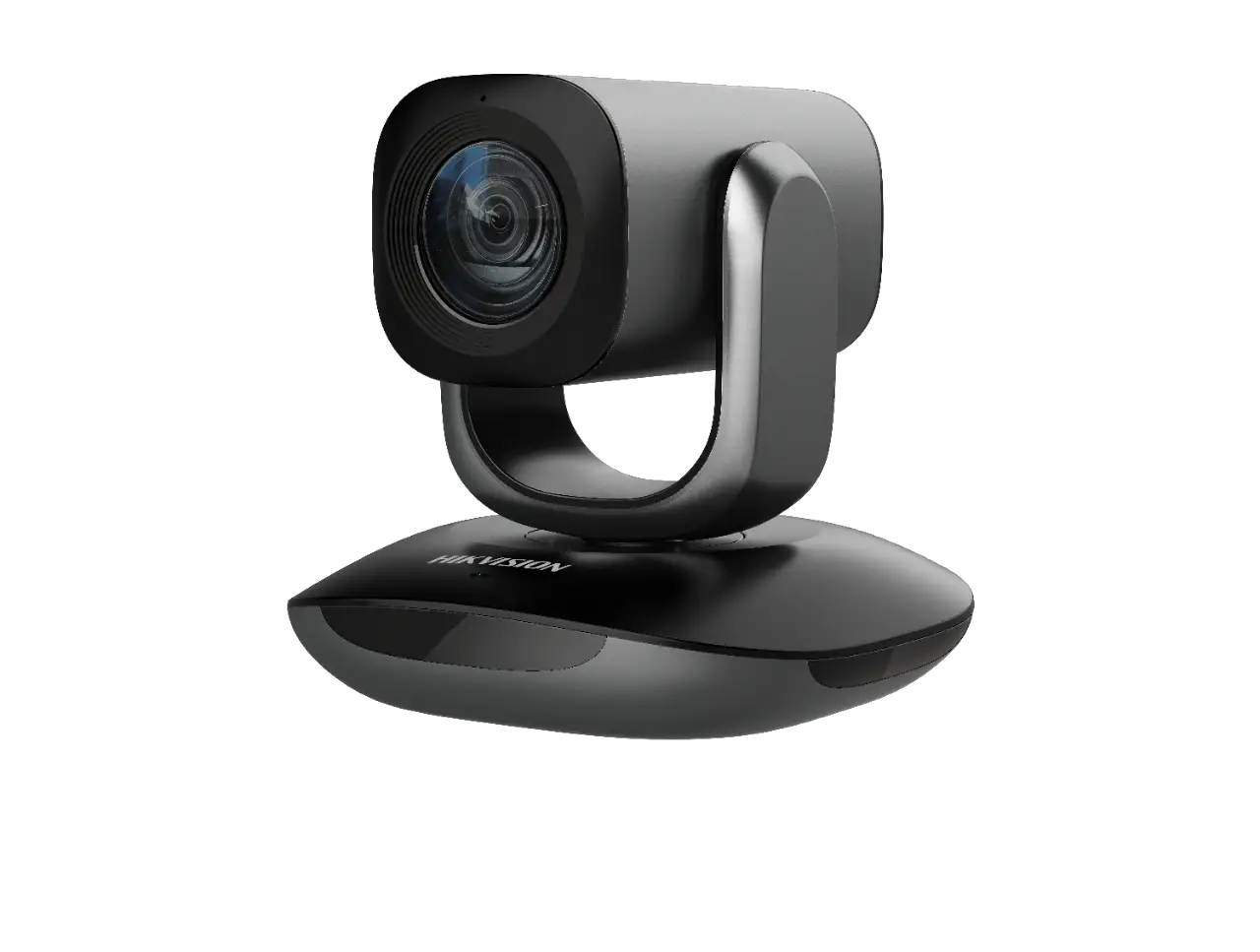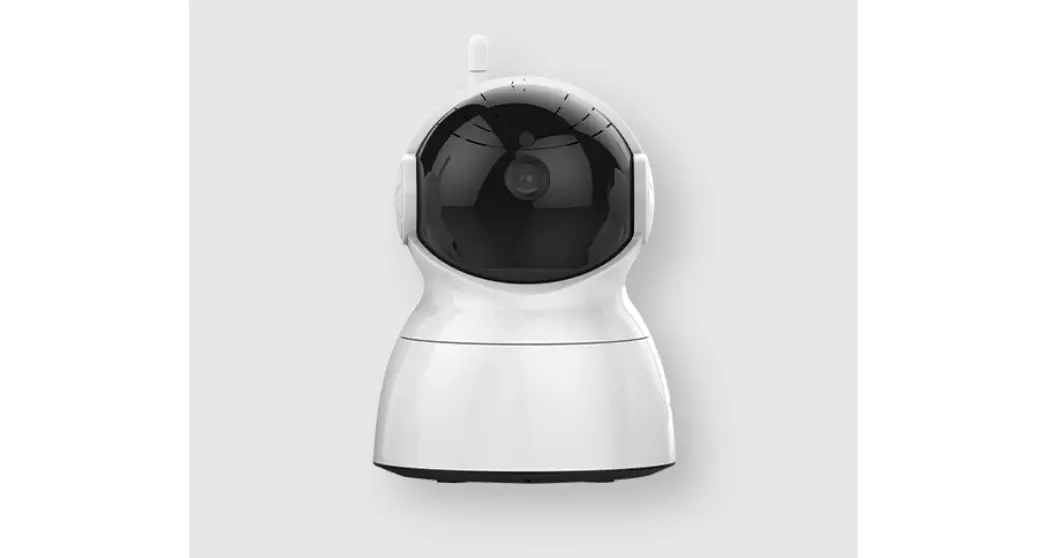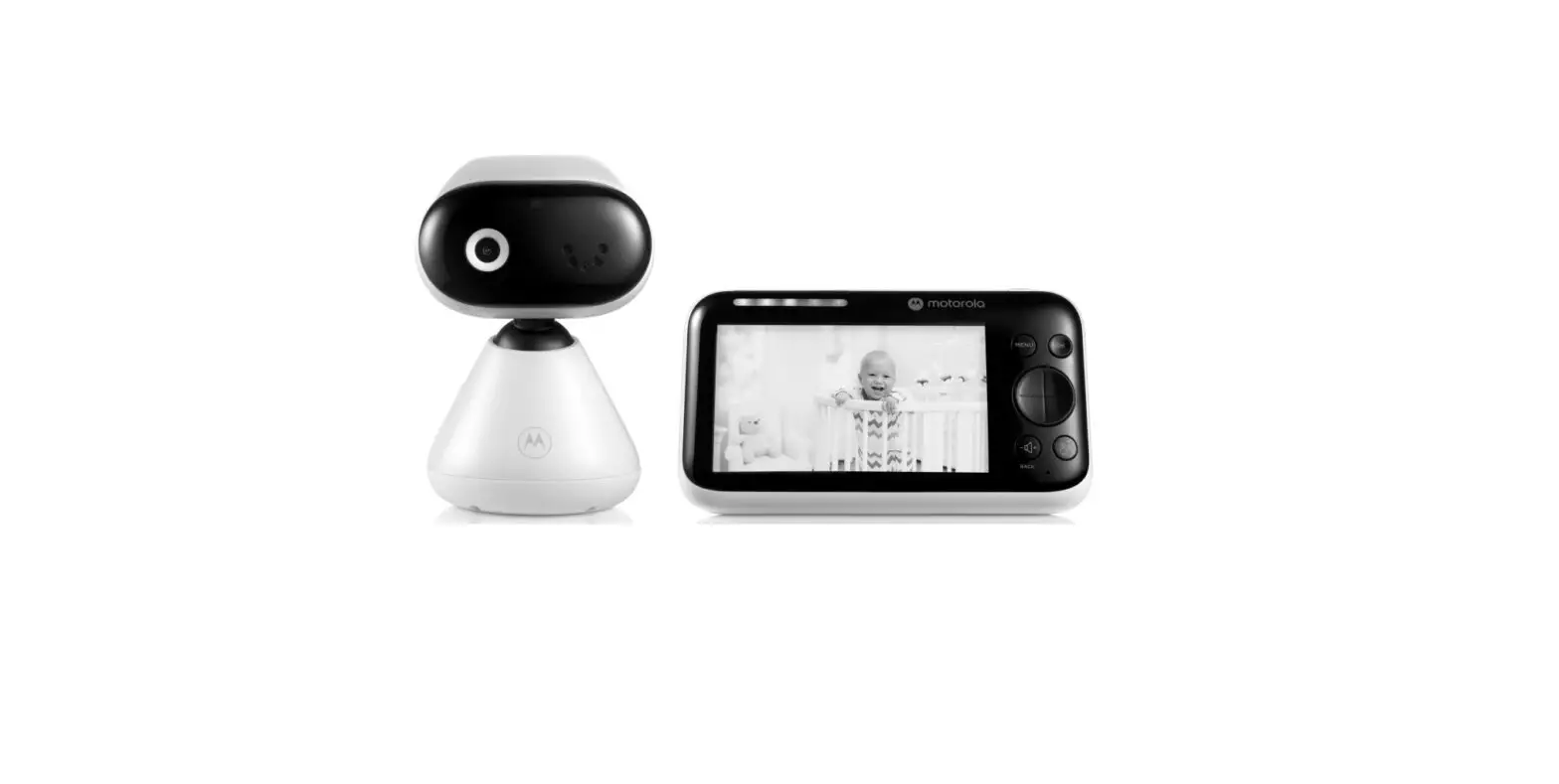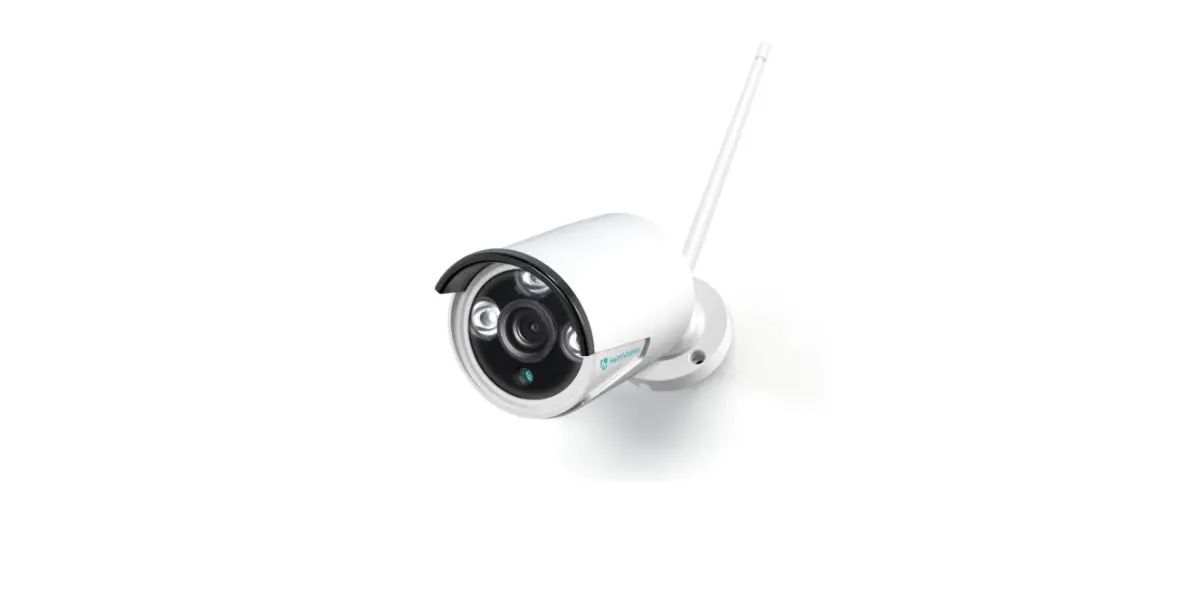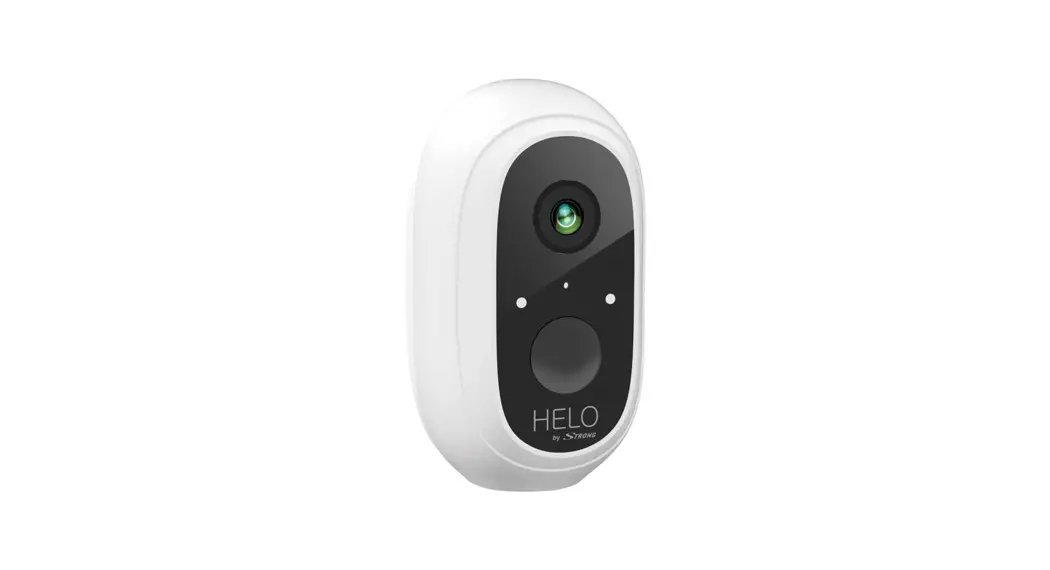
 HELO CAMERA-B-ADDON
ADD-ON Full HD Security Camera Add-on Camera
Quick Start Guide
Dear User,
Thanks for selecting this product. Please kindly add your camera according to the Quick Start Guide and keep the Quick Start Guide properly.
Packing List
 | 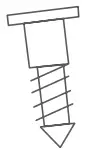 | 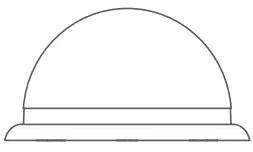 |  |
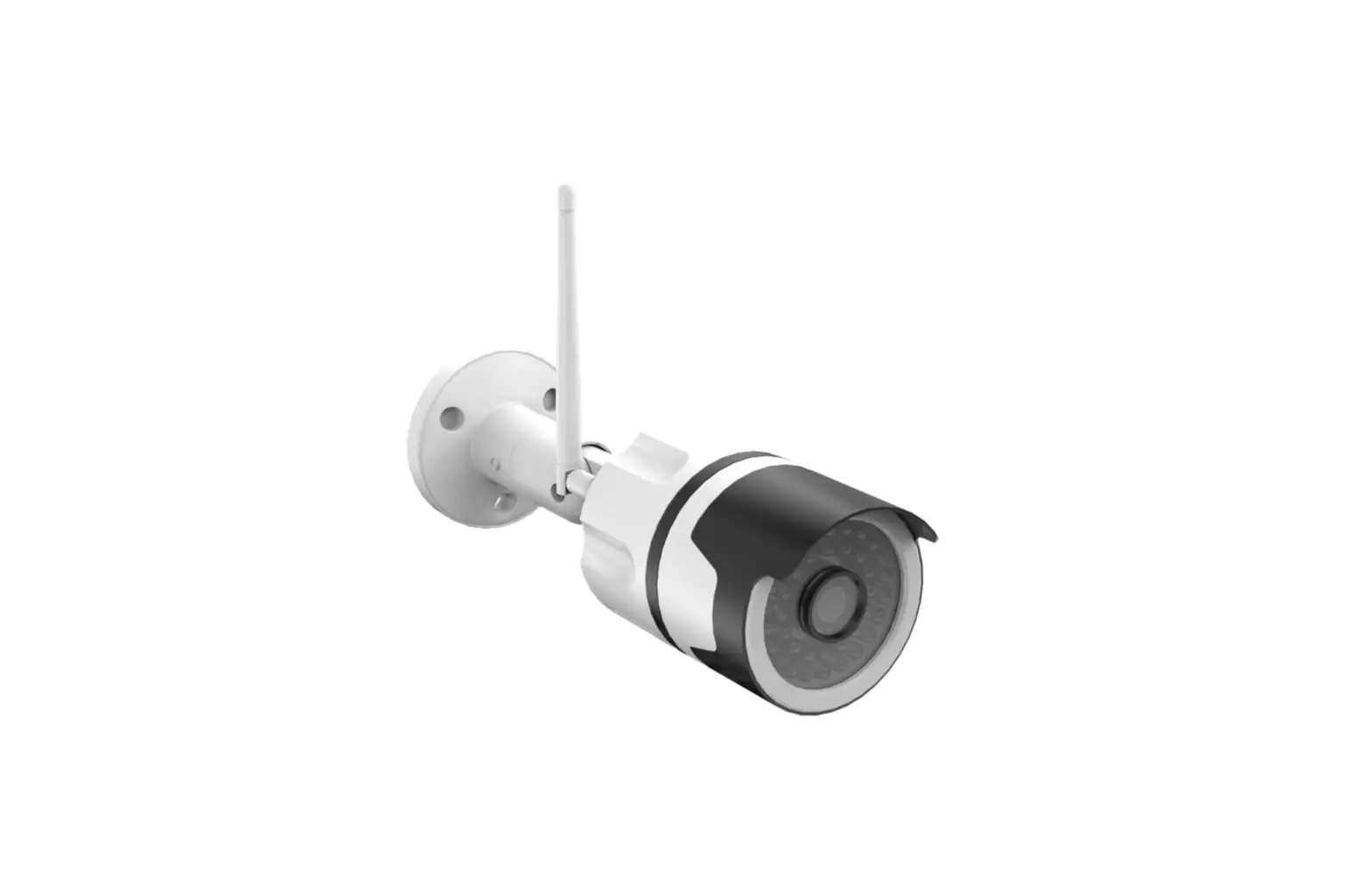
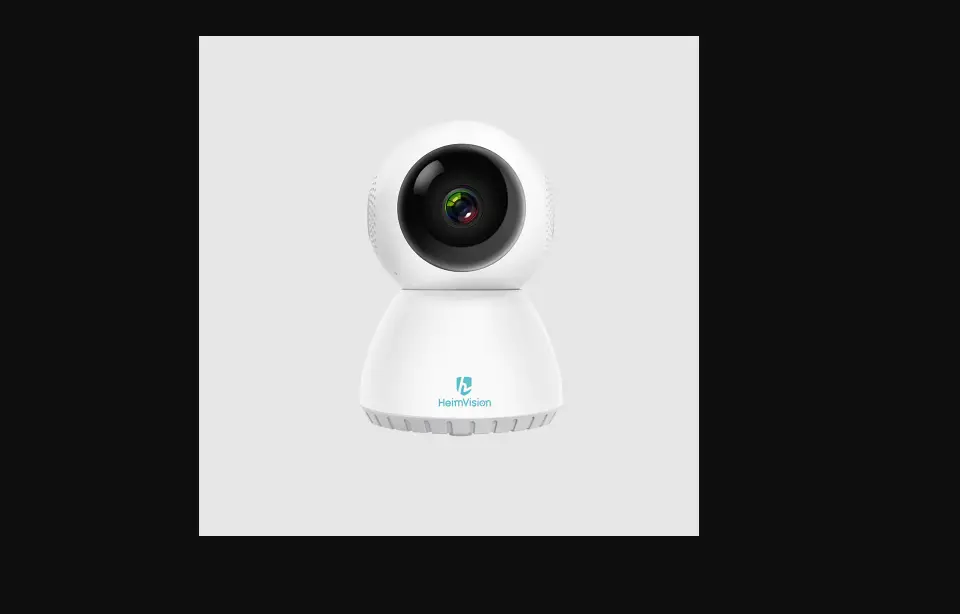
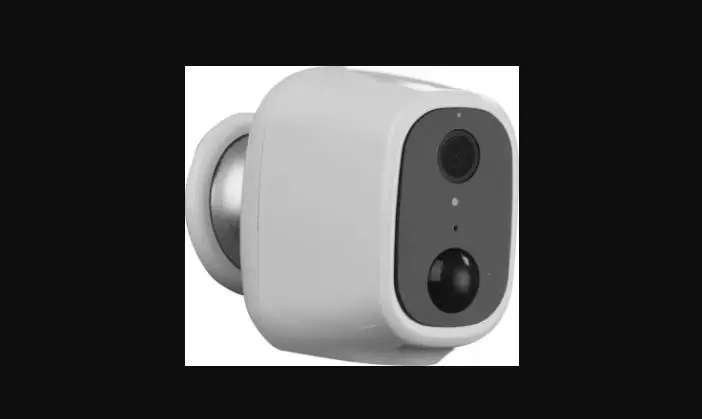
| WiFi Security Camera | 1 Screw | Mounting Base | Quick Start Guide |
Product Overview
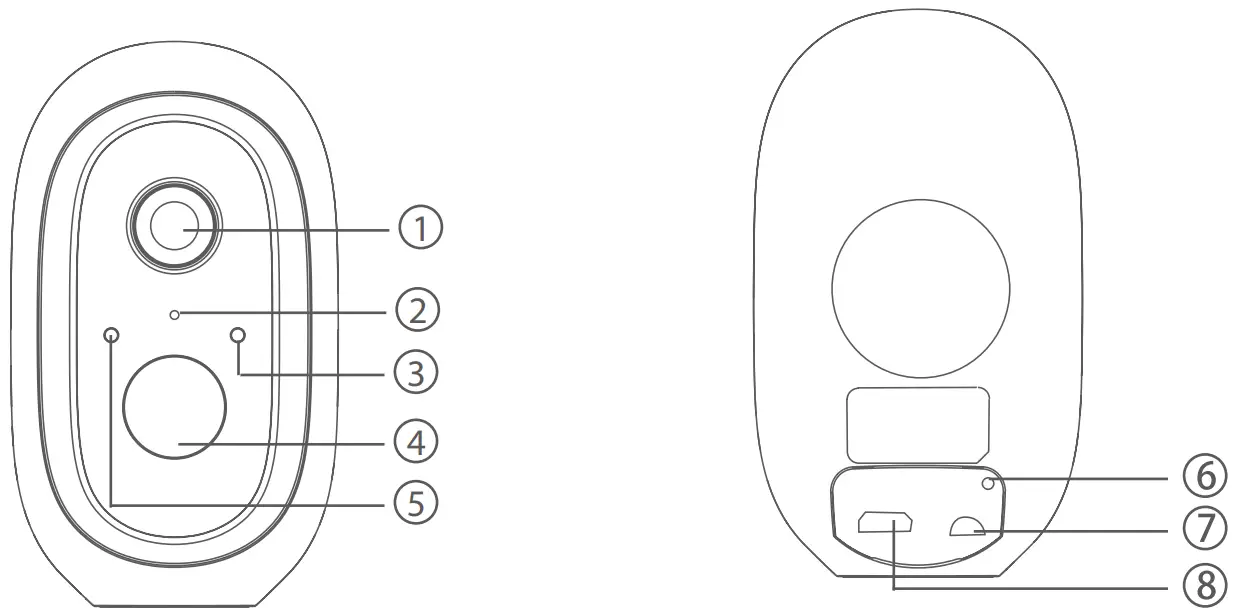
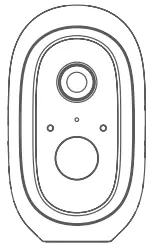
- Lens1 Lens
- Microphone
- Indicator Light
- PIR5
- Light sensor
- Reset Button
- On/Off Button
- USB Charging Port
Indicator Light Illustration
| Indicator Light | Red LED blinks quickly: Standby for configuration. Green LED blinks quickly: Network pairing. Green LED on: Camera online. Yellow LED blinks slowly: Firmware upgrade. Solid White LED ON: Camera charging Red LED blinks slowly: Device fault. Solid White LED ON: Camera charging |
| On/off Button | SYNC: Press the button, then the device will enter Waiting for Pairing status. Power Button: Press the button to wake it up when the camera is in deep sleep mode; Press and hold the button for 3s, the camera will enter deep sleep mode. |
| USB Charging Port | Charging port |
| Reset Button | Press and hold for 3s, the device will power off and reboot after reset setting, but the camera will not be unbound. |
Adding Device
- Please press the On/Off button of all cameras one by one. Then the cameras will beep, and the indicator light of the camera will start to flash red; If the indicator light does not flash red, please press and hold the reset button for 5 s to reset the camera.
- Enter the Base station interface on the Helo by Strong app, click the “+Add Device” at the bottom, or press the pairing button on top of the base station to enter pairing status, the Indicator light 2 will flash green.


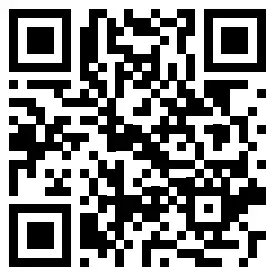
http://a.smart321.com/strongsamrthelo 3. When the camera successfully pairs to the base station, a voice prompt will be heard from the camera, and the camera’s indicator light will turn green, while Indicator light 2 of the base station will turn off and the base station will exit the pairing status. Then the added cameras will be displayed on the app.
- If there is any camera that could not pair to the base station, please add the camera again following the above 1 2 3 steps.

V. Charging Camera
- The camera is with built-in 6000 mAh rechargeable battery.
- When charging, please use the camera USB cable to connect the camera and camera adaptor, then plug the adaptor into a power outlet (100 V -240 V) for charging. The indicator light on the camera will turn solid white indicating that the device is in charging (if the indicator light flashes when charging, please contact customer service).
- It requires 4 hrs for full charging. Once fully charged, the white indicator will turn off
Installing Camera
- Drill or drive the mounting screws into the wall. If it’s a stone wall, then it requires a screw anchor.
- Mount the mounting base on the screws.
- Install the camera on the mounting base and adjust the camera angle.
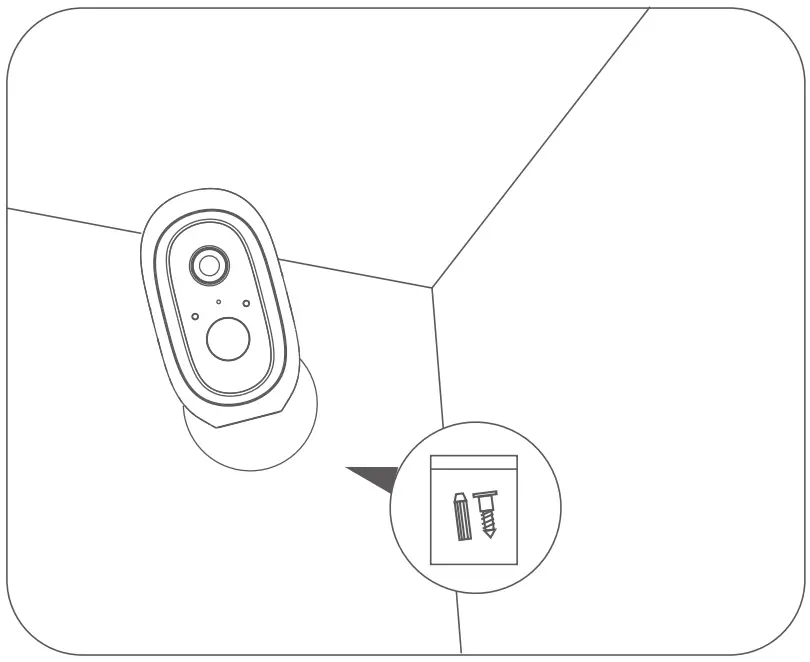
Recommended mounting height: 2-3 meters
SERVICE CENTER
 [email protected]
 0800 464 7919