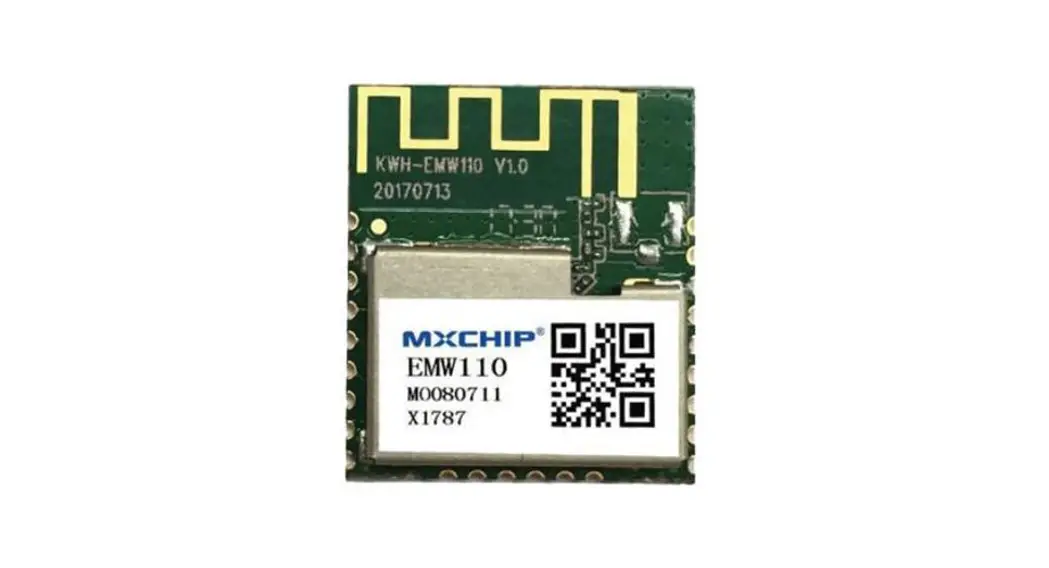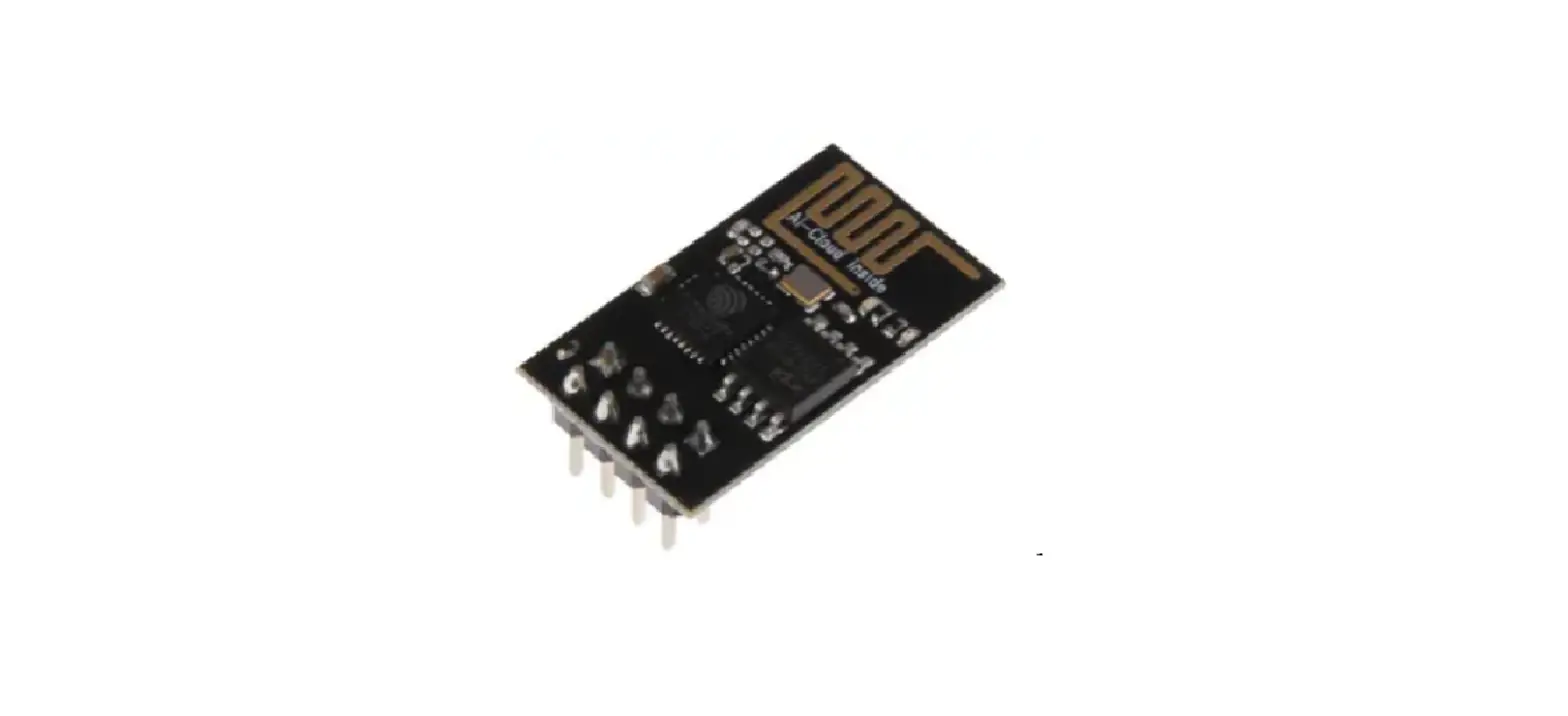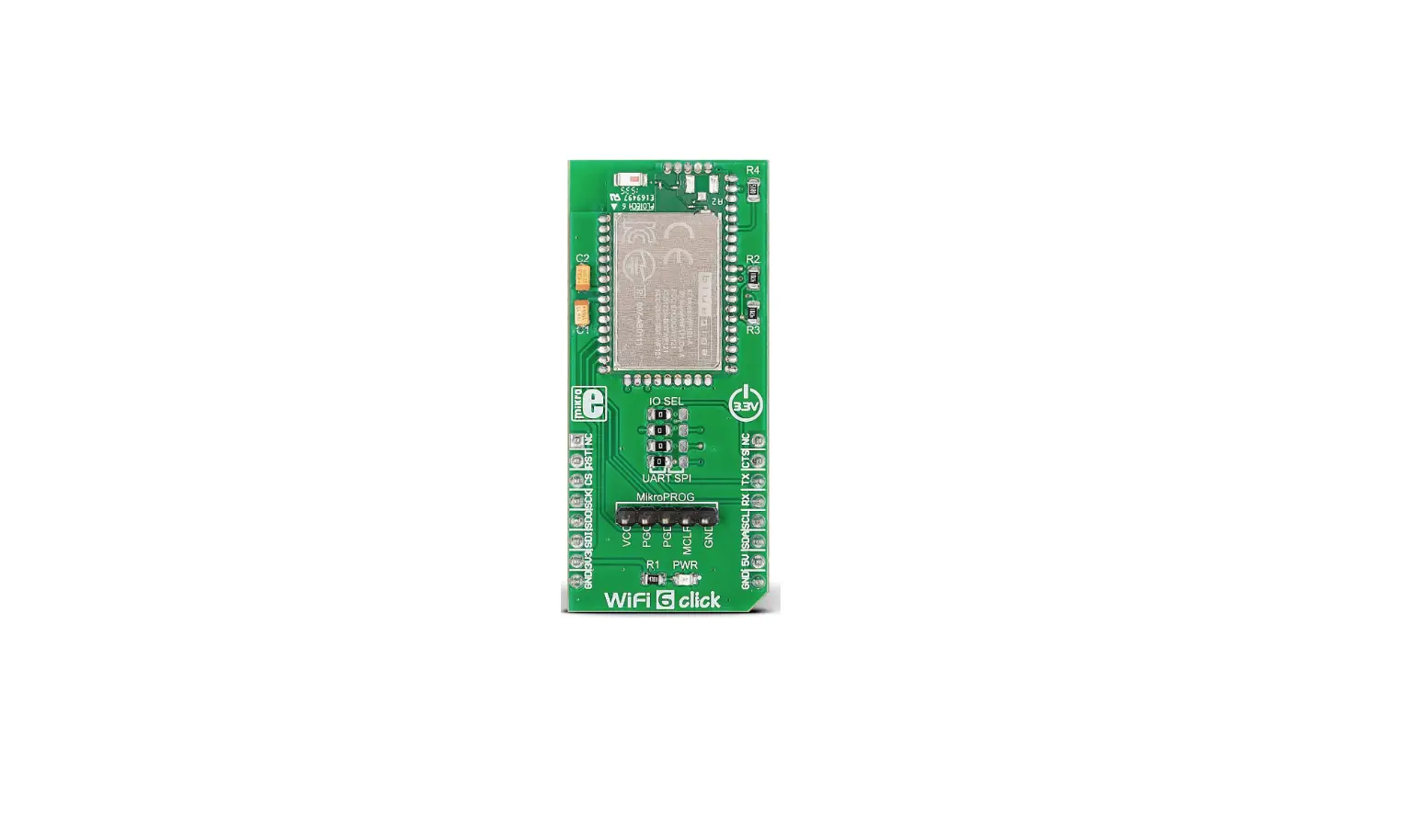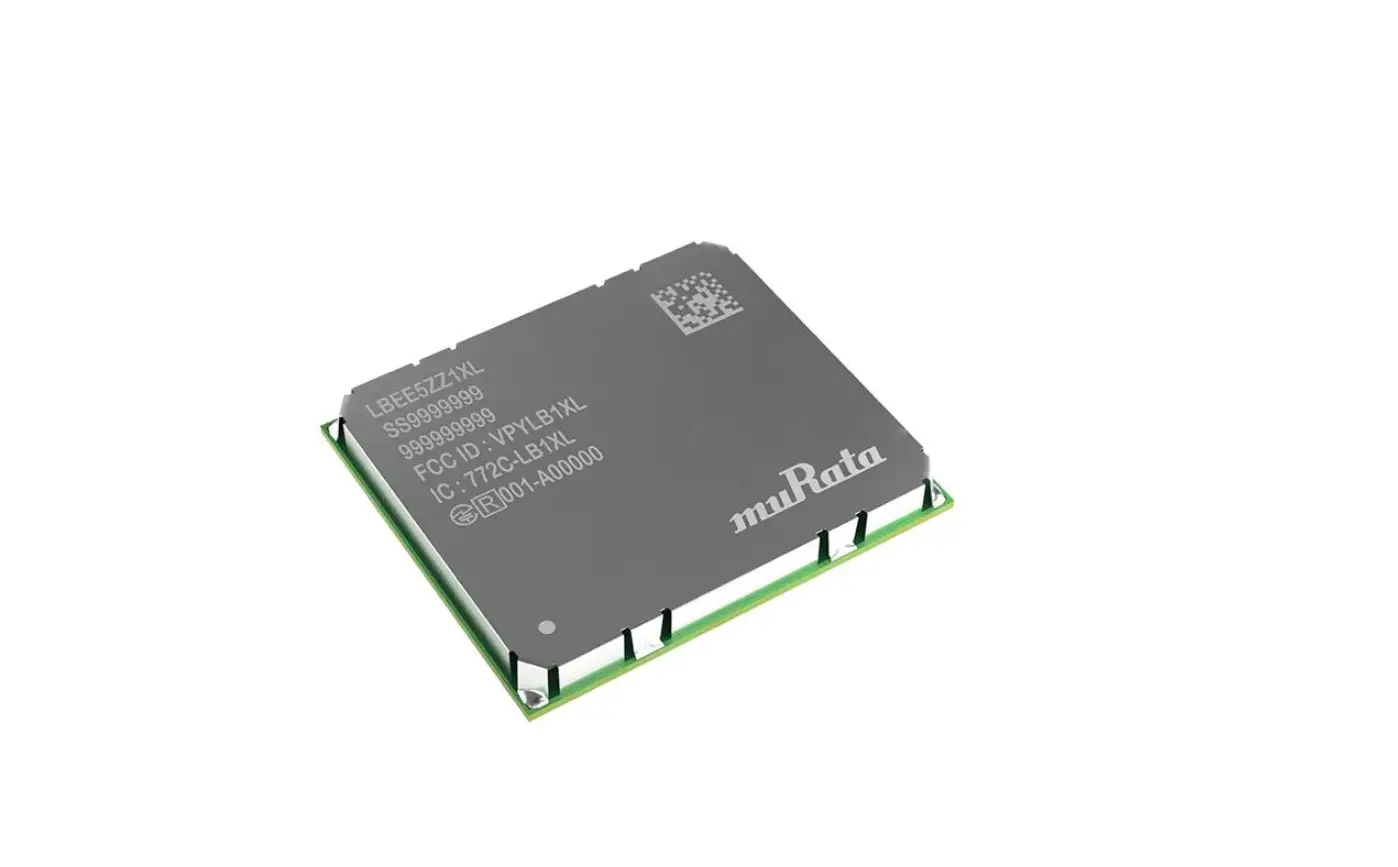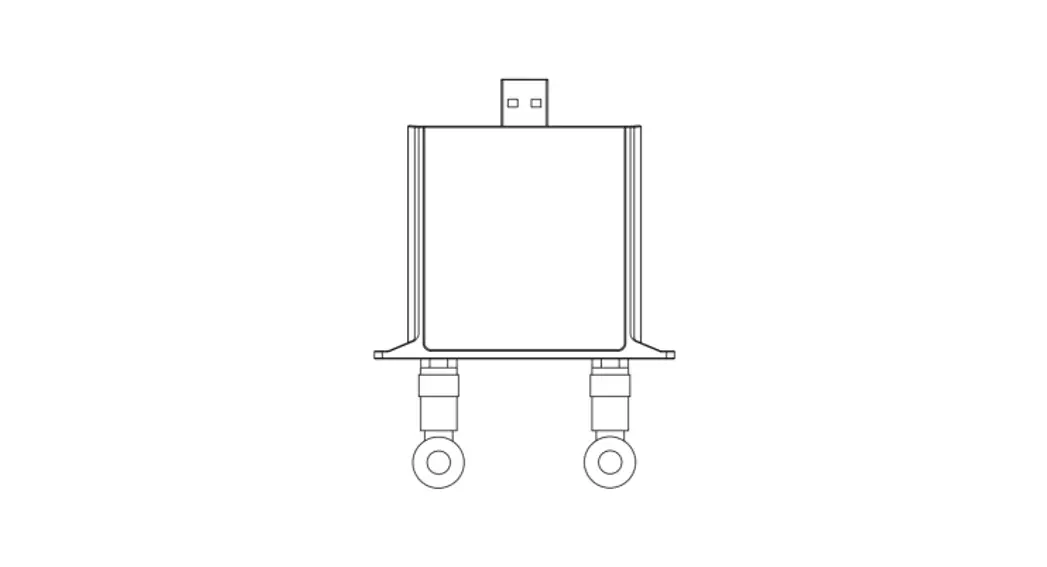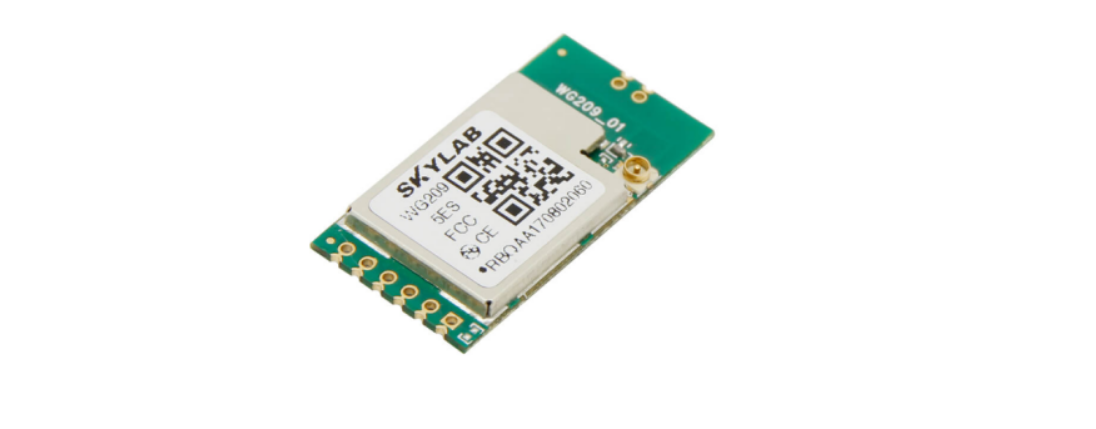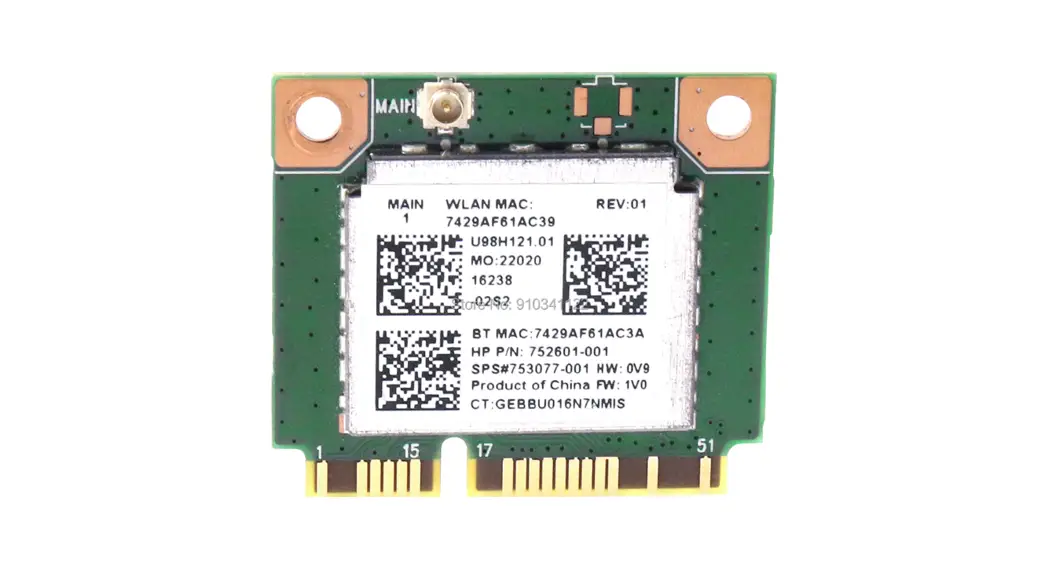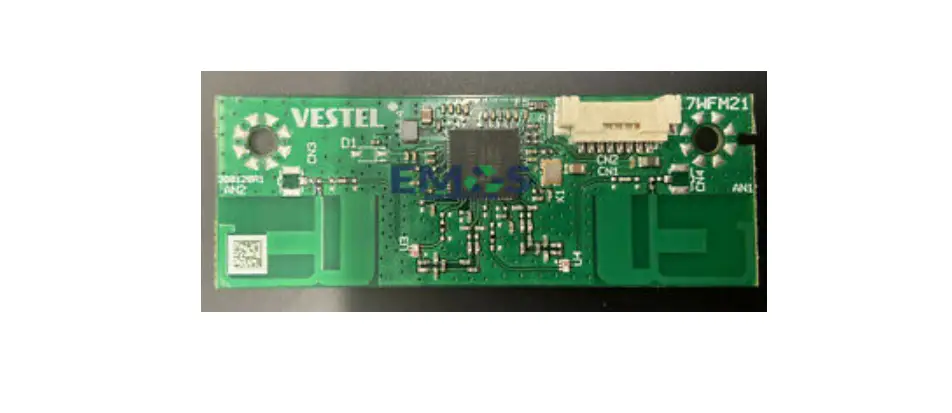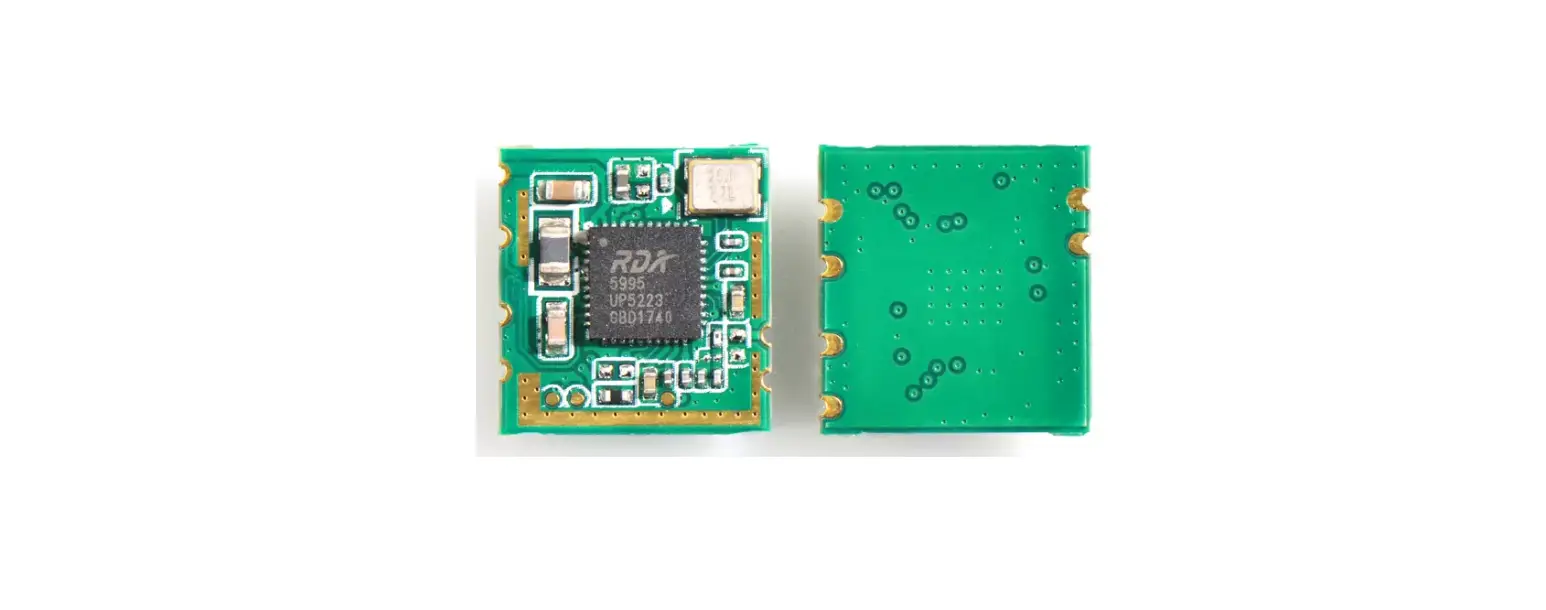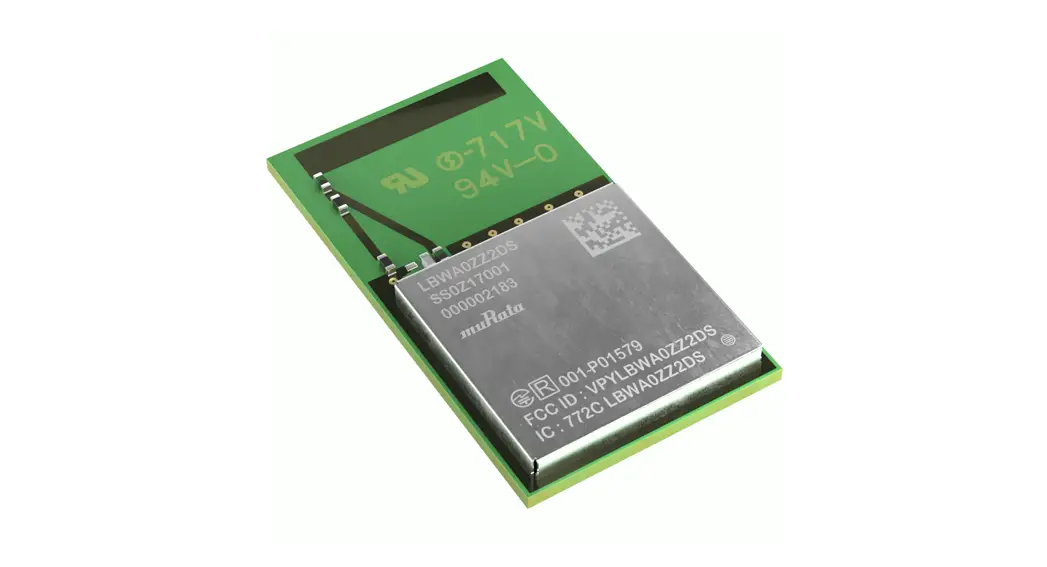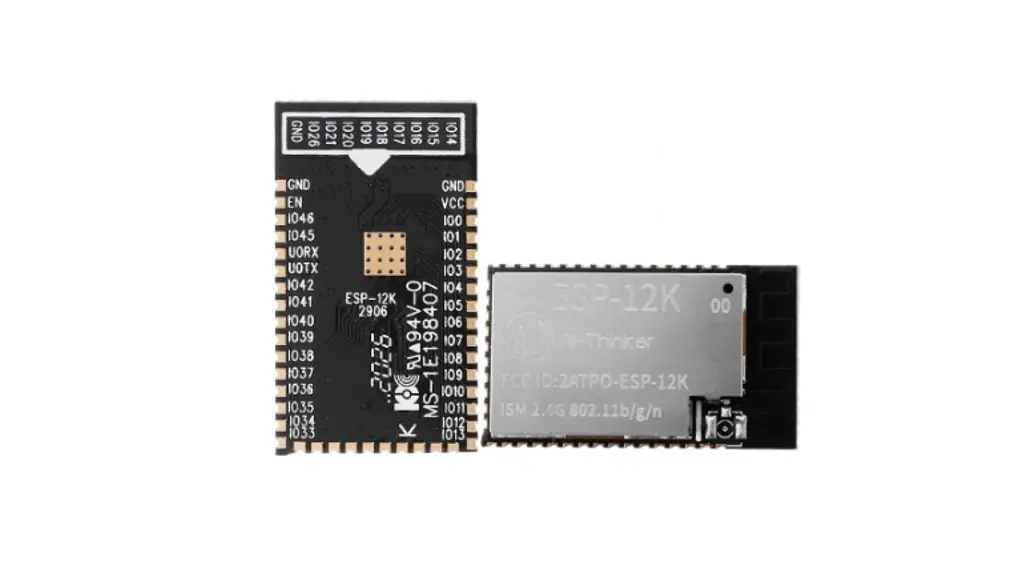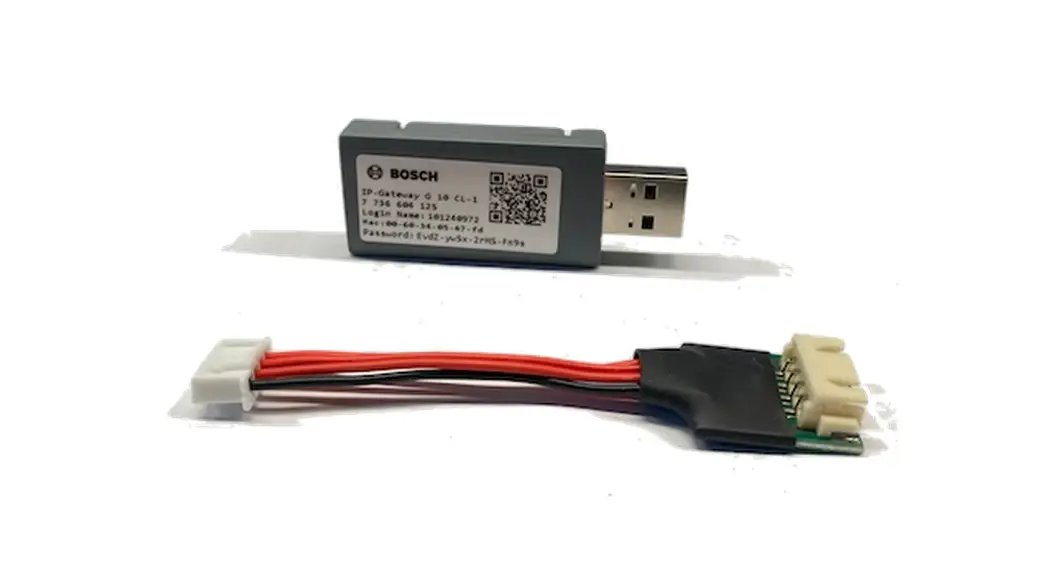
 10 CL-1 USB WiFi Module
Instruction Manual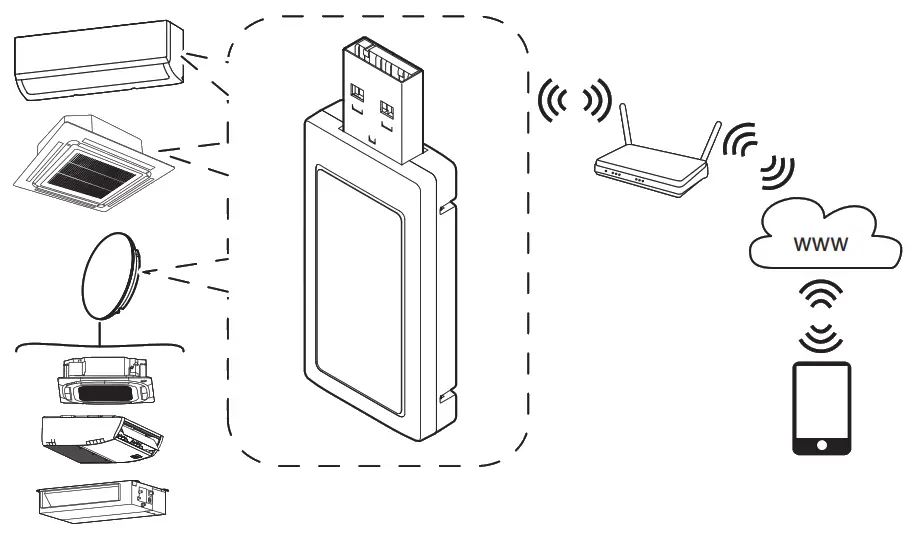
General safety instructions
 Safety precautions
Installation/assembly must be carried out by an authorized qualified person with due regard to the relevant regulations. Failure to comply with the regulations may result in material damage and/or personal injury, including risk to life.
- Check that the scope of delivery is undamaged. Install only parts which are in a faultless condition.
- Observe all the relevant instructions for other system components, accessories and spare parts.
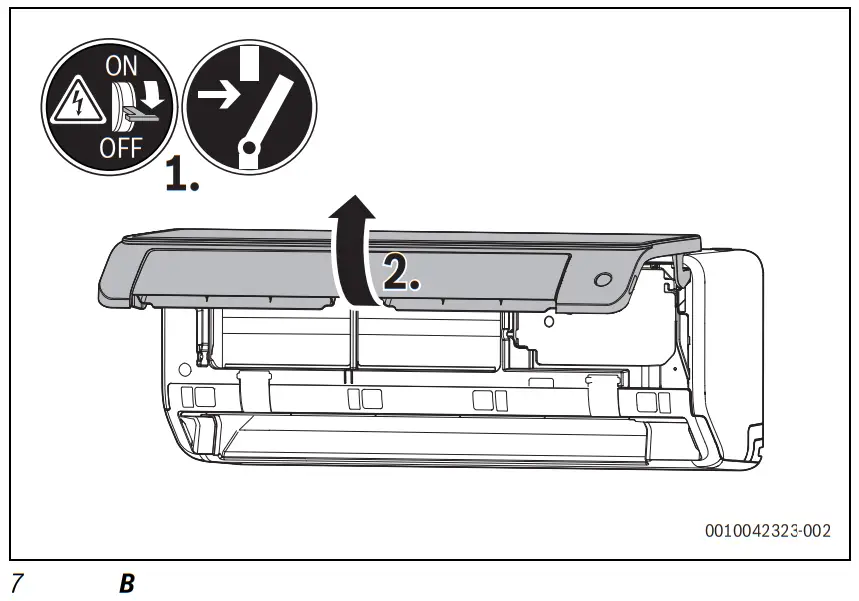
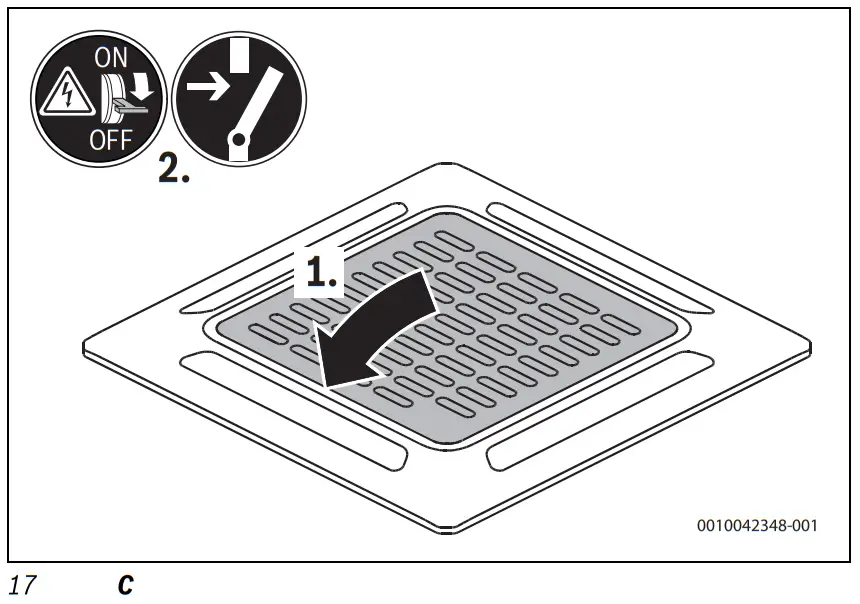
- Before starting any work: disconnect the system from the power supply across all phases.
- Never install the product in wet rooms.
- The installation location must not be higher than 2000 m above sea level.
- More safety instructions can be found in the technical documentation of the indoor units.
Product information
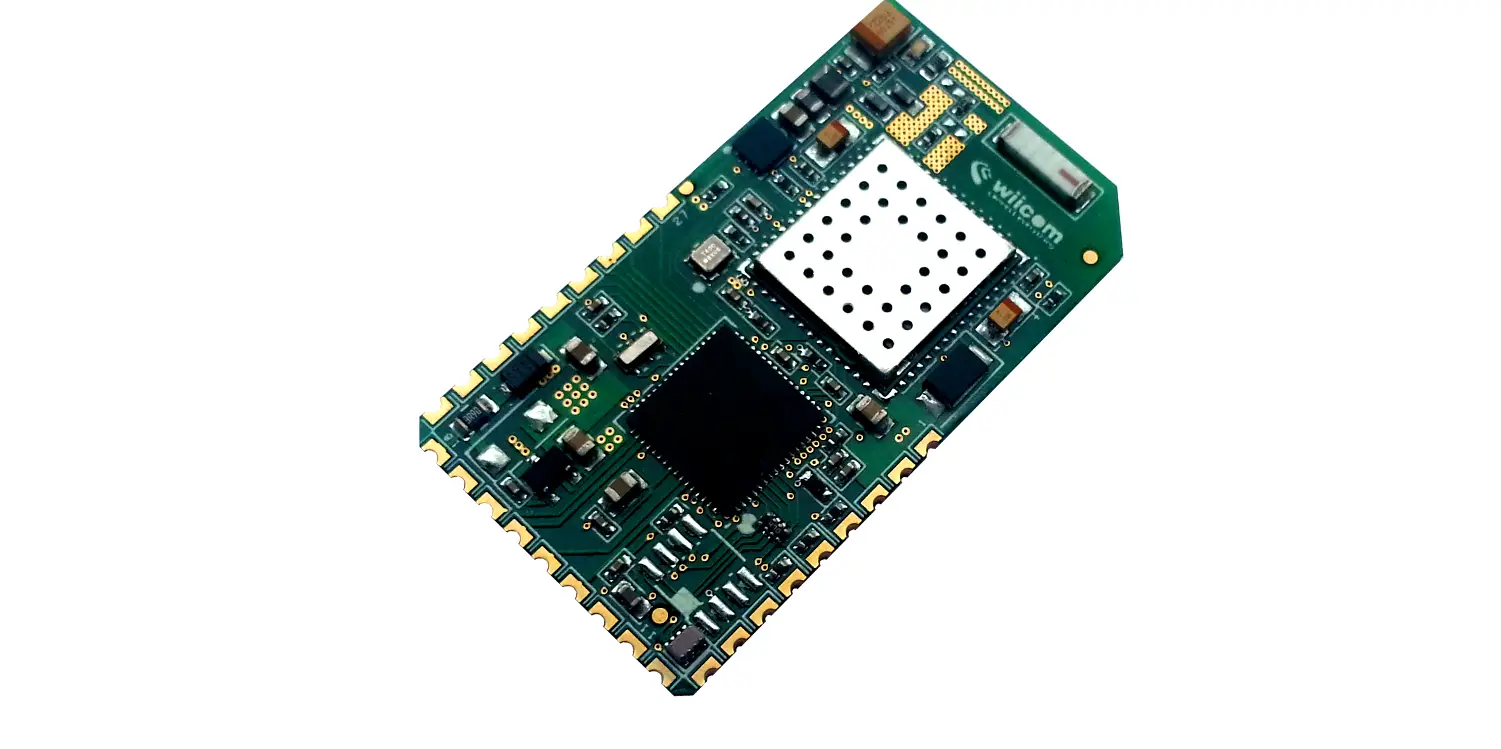
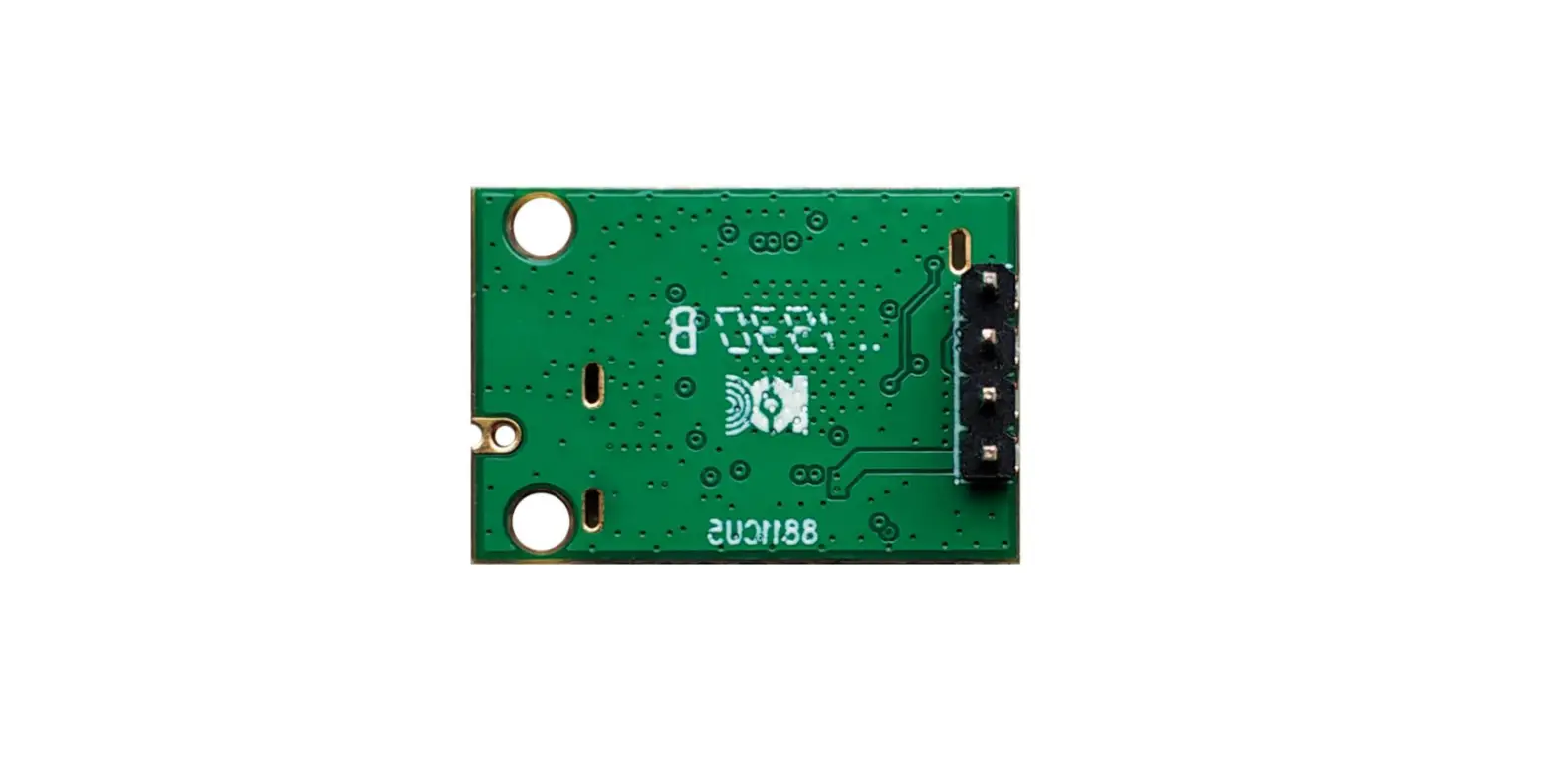
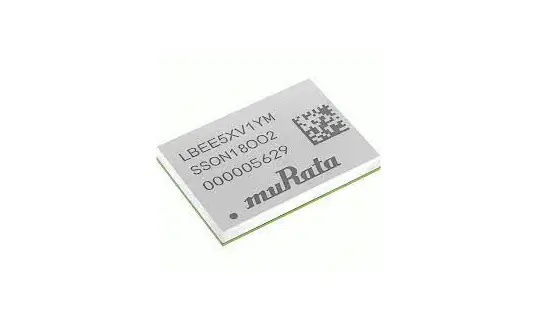
Using the Gateway, you can very easily control the most important functions of an indoor unit via the Bosch HomeCom Easy app on your smartphone.
You can continue using the remote control of your indoor unit.
The Gateway can be installed in the following indoor units:
- Climate 3000i
- Climate 5000i
- Climate 6000i
- Climate Line 5000i
- Climate 5000i U/L (4C)
Together with the connection accessories G 10 CLC, the Gateway is compatible with the following indoor units:
- Climate 5000i U/L (4CC, D, CF)
2.1 Simplified UK/EU Declaration of conformity regarding radio equipment
Bosch Thermotechnik GmbH hereby declares, that the G 10 CL-1 product described in these instructions complies with the Directive UK S.I. 2017/1206 (UK) 2014/53/ EU.
You can request the complete text of the UK/EU Declaration of Conformity from the UK address indicated in this document.
2.2 Regulations
In order to ensure installation and operation of the product in accordance with the regulations, please observe all the applicable national and regional regulations as well as all technical rules and guidelines.
You can find a list of the most relevant British and European directives and regulations in the table below.
| EU legislation | UK legislation |
| Electromagnetic Compatibility – Directive 2014/30/EU | Electromagnetic Compatibility Regulations 2016 |
| Low Voltage Directive 2014/35 | Electrical Equipment (Safety) Regulations 2016 |
| Radio Equipment – Directive 2014/53/EU | Radio Equipment Regulations 2017 |
| Pressure Equipment – Directive 2014/68/EU | Pressure Equipment (Safety) Regulations 2016 |
| Gas Appliances – Regulation (EU) 2016/426 | Regulation 2016/426 on gas appliances as brought into UK law and amended |
| Machinery Directive 2006/42/EC | Supply of Machinery (Safety) Regulations 2008 |
| Ecodesign Directive 2009/125/EC | The Ecodesign for Energy-Related Products Regulations 2010 |
| Energy Labelling Regulation (EU) 2017/ 1369 | Energy Labelling Regulation (EU) 2017/ 1369 (as retained in UK law and amended) |
| Restriction of the Use of certain Hazardous Substances in Electrical and Electronic Equipment (RoHS) – Directive 2002/95/EC | The Restriction of the Use of Certain Hazardous Substances in Electrical and Electronic Equipment Regulations 2012 |
| European Directive 2012/19/EC on old electronic and electrical appliances | (UK) Waste Electrical and Electronic Equipment Regulations 2013 (as amended) |
Table 1 0
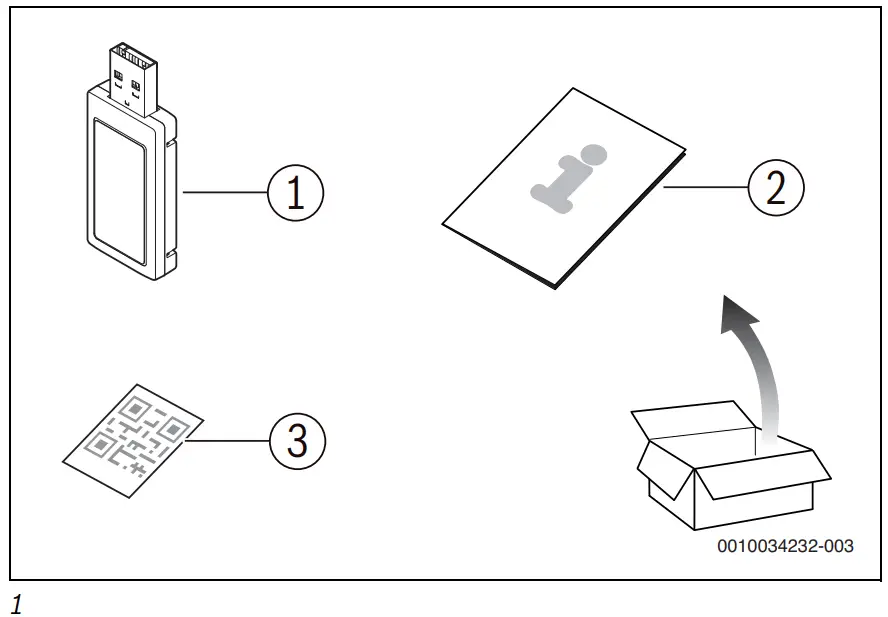
2.3 Scope of delivery
Fig. 1:
- Gateway
- Set of printed documents for product documentation
- QR code with connection data
2.4 Technical requirements
| System | • Android¹) • IOS¹) |
| Router | Standard router with 2.4 GHz signal |
| WLAN standard | IEEE 802.11b/g/n |
¹) Obtain more details on the version from the App Store.
Table 11
2.5 Technical data
| Unit | Value | |
| U | VDC | 5 |
| Pmax | W | 2.5 |
| f (RF) | GHz | 2.4 (802.11 b/g/n) (P = max. + 20 dBm) |
| Tamb | °C | –20 … 50 |
| BUS | – | UART |
| IP-class | – | IP40 |
Installation
DANGER
Danger to life from electric shock!
Touching live electrical parts can cause an electric shock.
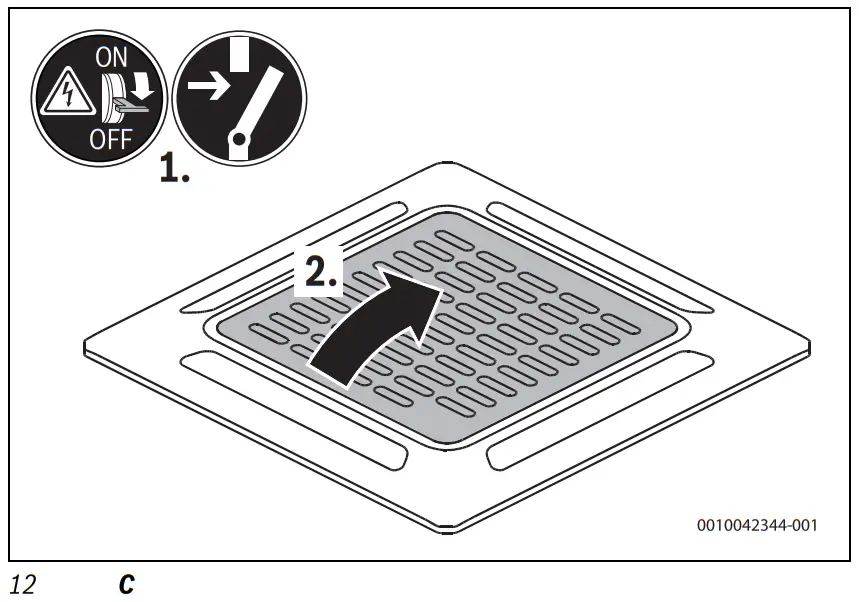
- Before installing this product: disconnect the indoor unit from the mains voltage.
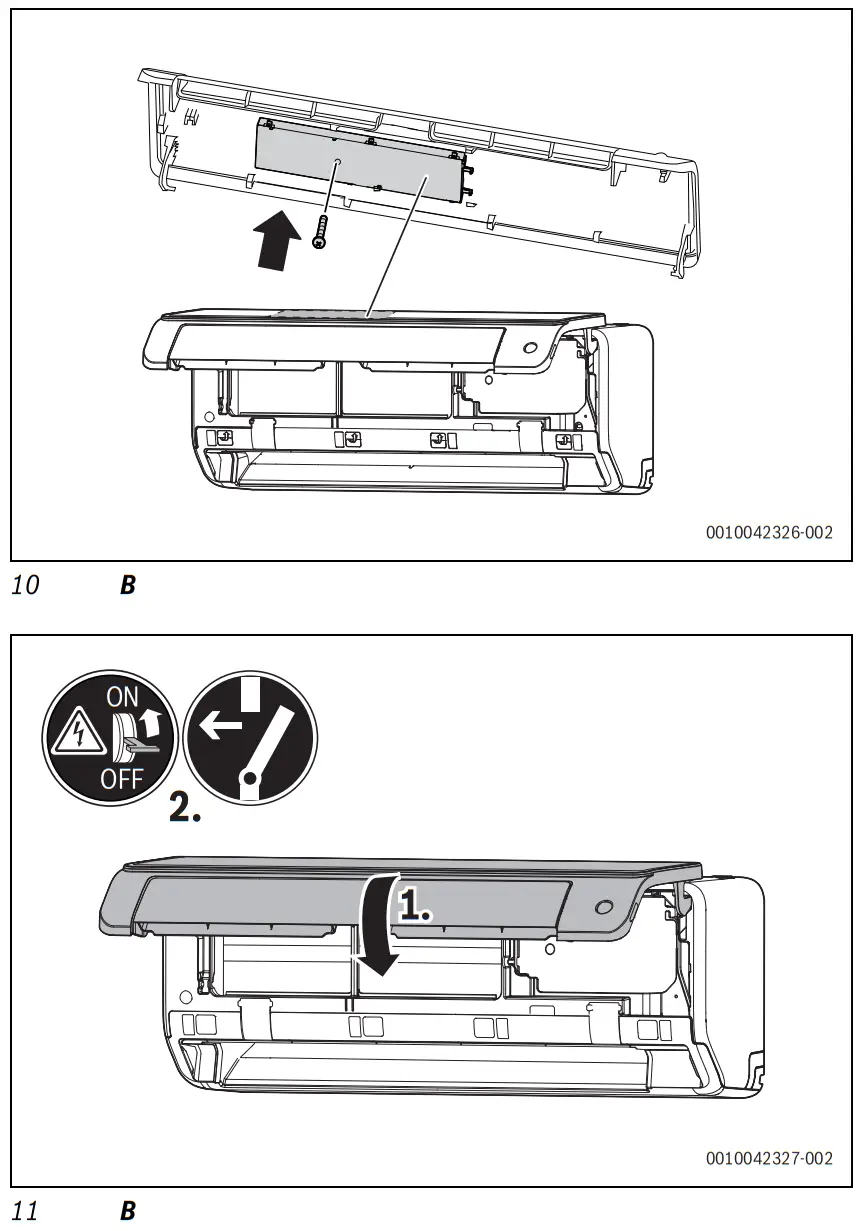
- Before commissioning: mount the covers of the electronics.
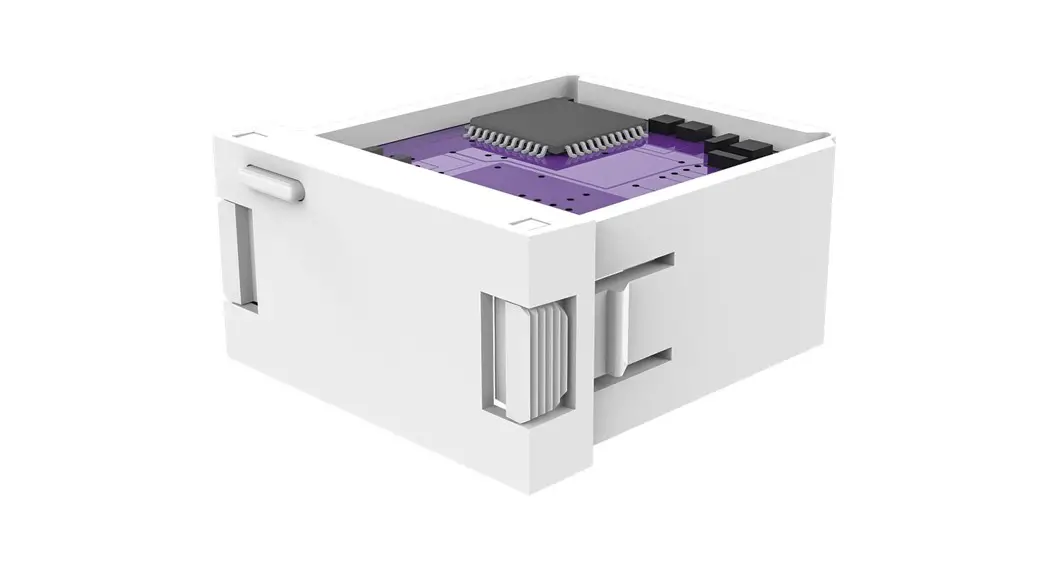
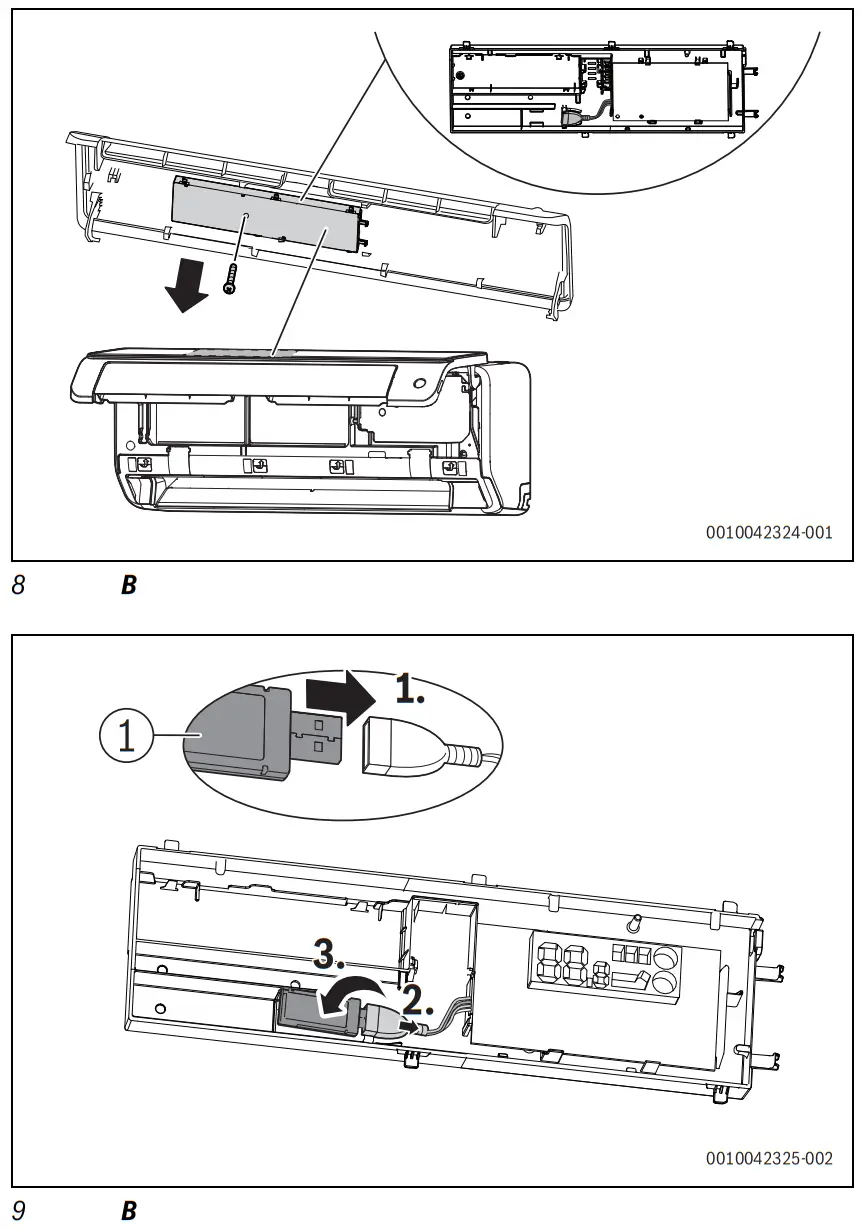
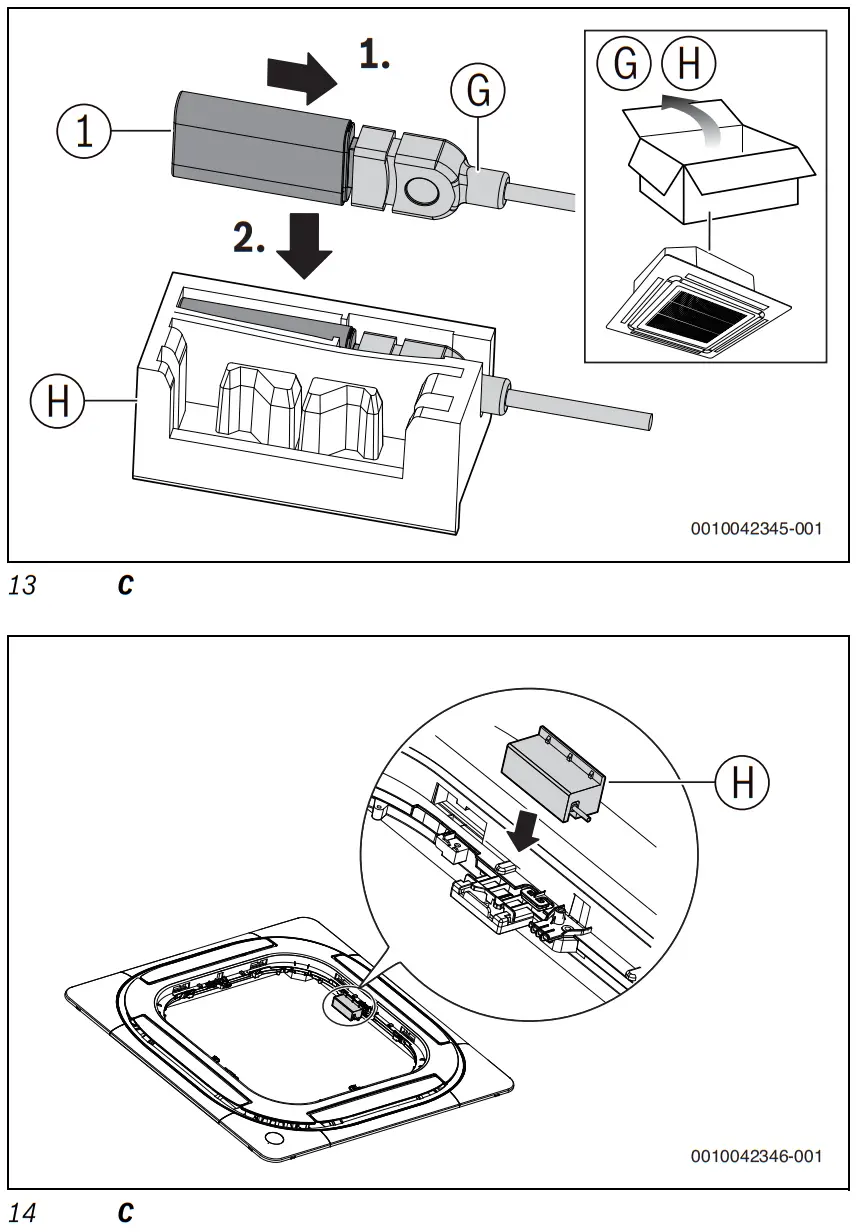
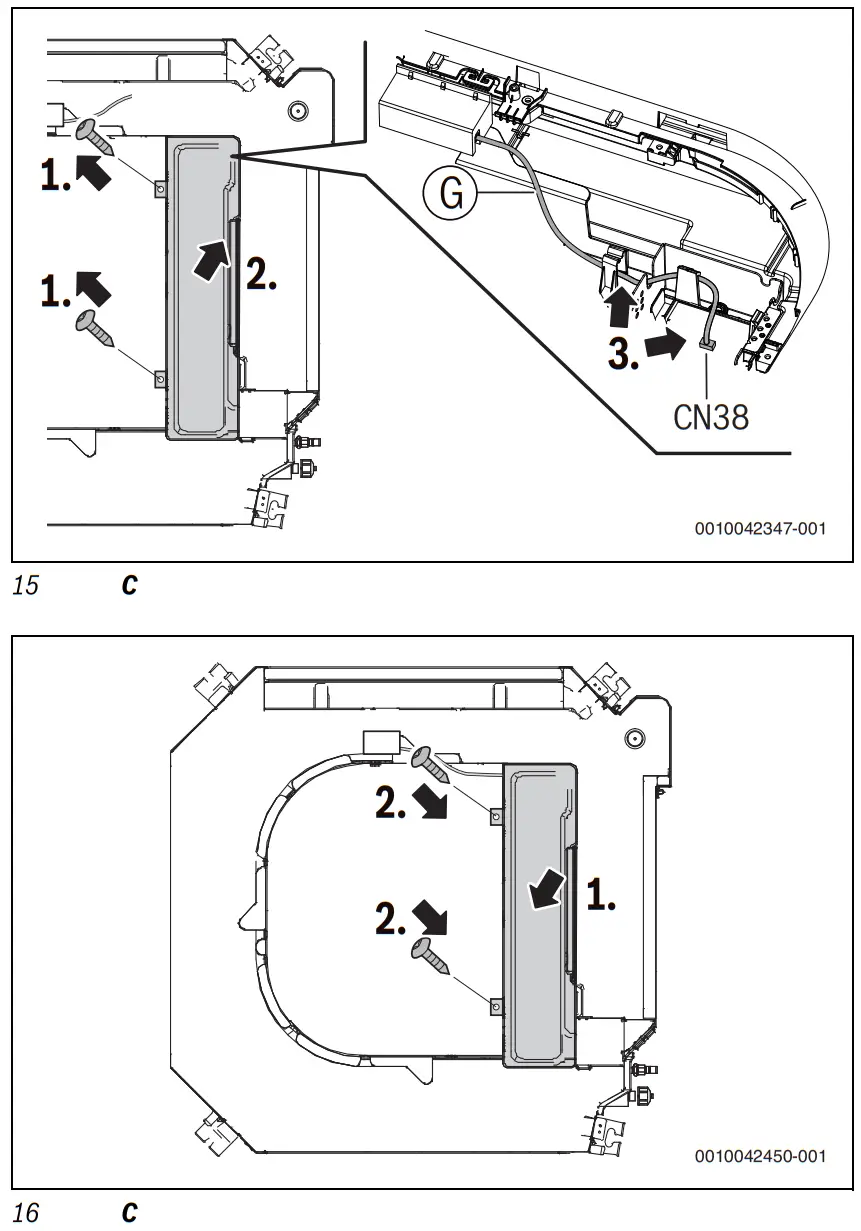
- Install the Gateway in the indoor unit (→ Fig. 2 to 17).
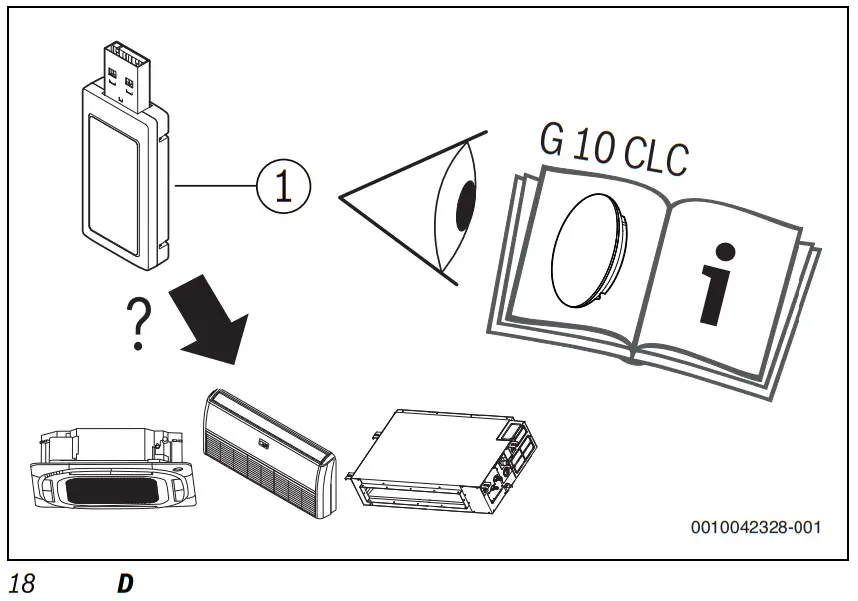
-or - For Climate 5000i U/L (4CC, D, CF): connect the gateway via the connection accessory (→ Fig. 18 = technical documentation of the connection accessories G10CLC).
 Indoor units of type Climate 5000i U/L (4C) (→ Fig. 12 to 17) have a gateway holder (H) and a connecting cable (G) in the scope of delivery. Connection accessory G 10 CLC is not required.
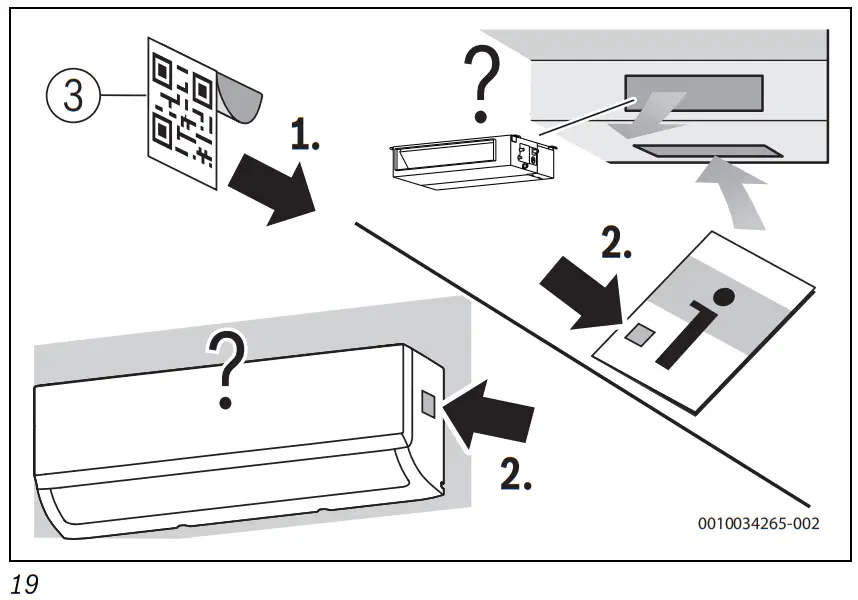
- Keep the QR code with connection data in a safe place. For this purpose, stick the QR code onto the indoor unit or, if necessary, on the operating instructions (→ Fig. 19).
- Download and connect app.
Commissioning
4.1 Downloading app
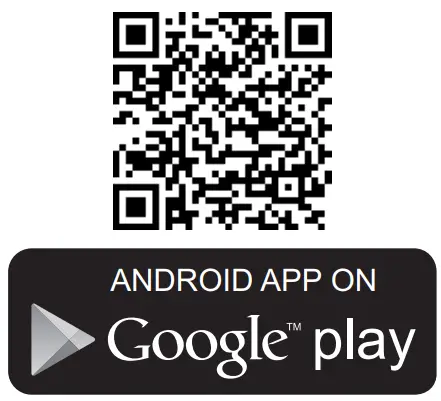
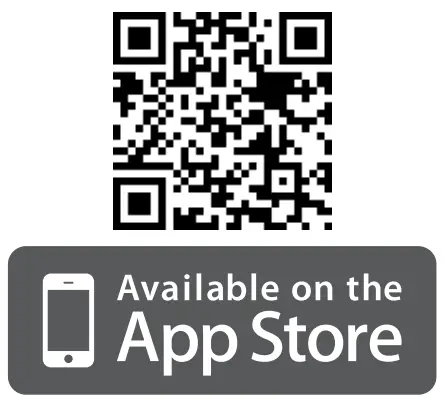
The Bosch Home Com Easy app can be downloaded from the Apple App Store for iOS and also the Google Play Store for Android. To benefit from the latest function and security updates, make sure you always have the latest version installed on your smartphone.
▶ Scan QR code (→ Fig. 20).
4.2 Connecting the app
Preconditions:
- The Gateway is installed and connected in the indoor unit or in the connection accessory.
- The WLAN signal strength is sufficient to establish a connection with the Internet. If the signal is too weak use a WLAN repeater.
- Have remote control (with WLAN key) ready.
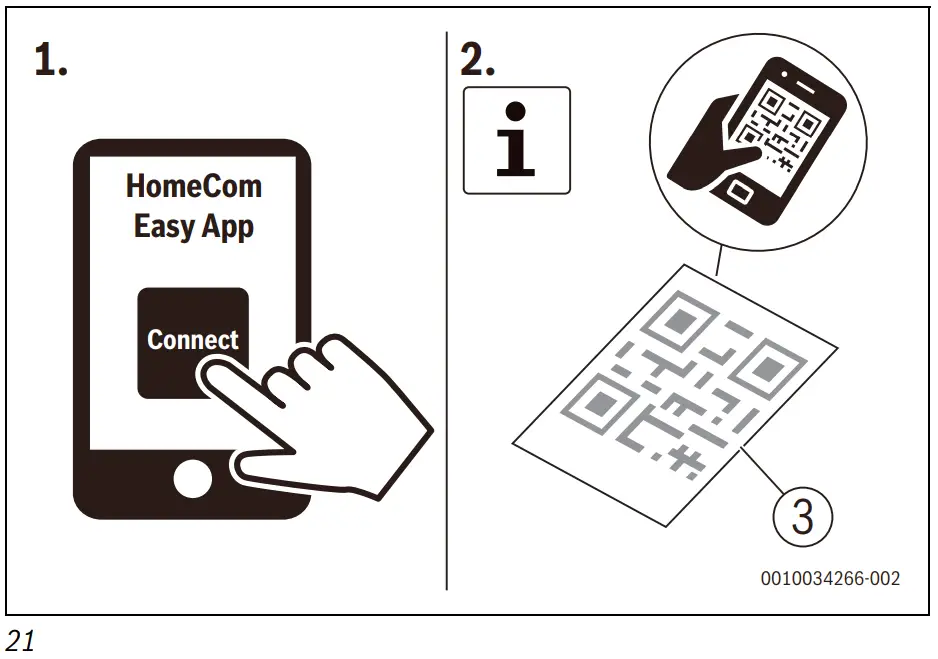
▶ Bosch Download and launch the Home Com Easy app ( Fig. 21).
The first time you use the app it guides you step-by-step through the connection process.
Troubleshooting
| Problem | Status | Remedy |
| The indoor unit cannot be controlled via the app. | Gateway online | Check settings in the app. |
| Gateway online | → Gateway remains offline. | |
| Gateway remains offline. | Indoor unit shows the WLAN symbol. | Check internet connection of the router. |
| Indoor unit does not show the WLAN symbol. | ► Check security settings of the router. ► Check if the configuration of the router displays the gateway. ► Bring the router closer, or use a WLAN repeater. | |
| Pairing with smartphone is not necessary. | Smartphone is not supported (e.g. OnePlus 5T). | Use another smartphone. |
| Smartphone is supported but there is a problem when connecting. | ► Use correct login data. ► Use WLAN instead of mobile data. ► Deactivate location services. | |
| Smartphone is supported but the router cannot be found. | ► Bring the router closer, or use a WLAN repeater. ► Set the signal frequency of the router to 2.4 GHz. | |
| Port forwarding | Port forwarding on the router does not function. | Set port 5222, 443 or 80. |
| Incorrect router is connected. | Another router should be connected. | Switch off the router or reset the settings in the app. |
Environmental protection and disposal
Environmental protection is a key commitment of the Bosch Group.
Quality of products, efficiency and environmental protection are equally important objectives for us. Environmental protection laws and regulations are strictly observed.
To protect the environment, we use the best possible technology and materials while taking into account economic considerations.
Packaging
Where packaging is concerned, we participate in country-specific recycling processes that ensure optimum recycling.
All of our packaging materials are environmentally compatible and can be recycled.
Old electrical and electronic appliances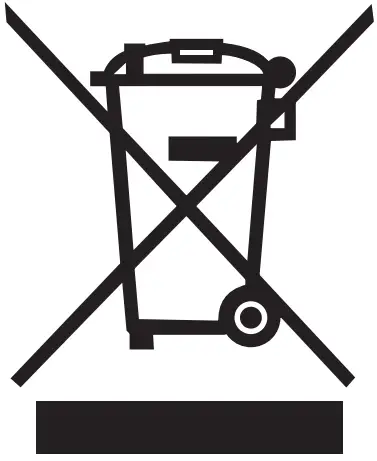 This symbol means that the product must not be disposed of with other waste, and instead must be taken to the waste collection points for treatment, collection, recycling and disposal.
The symbol is valid in countries where waste electrical and electronic equipment regulations apply, e.g. “(UK) Waste Electrical and Electronic Equipment Regulations 2013 (as amended)”. These regulations define the framework for the return and recycling of old electronic appliances that apply in each country.
As electronic devices may contain hazardous substances, it needs to be recycled responsibly in order to minimize any potential harm to the environment and human health. Furthermore, recycling of electronic scrap helps preserve natural resources.
For additional information on the environmentally compatible disposal of old electrical and electronic appliances, please contact the relevant local authorities, your household waste disposal service or the retailer where you purchased the product.
You can find more information here: www.weee.bosch-thermotechnology.com/
Data Protection Notice
An Internet connection is required to enable remote monitoring and remote control of a heating/ventilation system with this product. Once connected to the Internet, this product automatically establishes a connection with a server. During this process, the connection data, especially the IP address, are automatically transferred and processed by Bosch Thermotechnik GmbH. The processing can be set by restoring the default settings of this product. You can find further notices on data processing in the following data privacy statements and in the Internet.
 https://show-policy.ttprivacy.com/b801db4e-96cb-49f1-9ed2-d977ceb23278
We, Bosch Terotechnology Ltd., Cotswold Way, Warn don, Worcester WR4 9SW, United Kingdom process product and installation information, technical and connection data, communication data, product registration and client history data to provide product functionality (art. 6 (1) sentence 1 (b) GDPR/UK GDPR), to fulfil our duty of product surveillance and for product safety and security reasons (art. 6 (1) sentence 1 (f) GDPR / UK GDPR), to safeguard our rights in connection with warranty and product registration questions (art. 6 (1) sentence 1 (f) GDPR / UK GDPR) and to analyze the distribution of our products and to provide individualized information and offers related to the product (art. 6 (1) sentence 1 (f) GDPR / UK GDPR). To provide services such as sales and marketing services, contract management, payment handling, programming, data hosting and hotline services we can commission and transfer data to external service providers and/or Bosch affiliated enterprises. In some cases, but only if appropriate data protection is ensured, personal data might be transferred to recipients located outside of the European Economic Area and the United Kingdom. Further information are provided on request. You can contact our Data Protection Officer under: Data Protection Officer, Information Security and Privacy (C/ISP), Robert Bosch GmbH, Postfach 30 02 20, 70442 Stuttgart, GERMANY.
You have the right to object, on grounds relating to your particular situation or where personal data are processed for direct marketing purposes, at any time to processing of your personal data which is based on art. 6 (1) sentence 1 (f) GDPR/UK GDPR. To exercise your rights, please contact us via [email protected] To find further information, please follow the QR-Code.
| Climate 3000i Climate 5000i Climate Line 5000i |  |
| Climate 6000i |  |
| Climate 5000i U/L (4C) |  |
| Climate 5000i U/L (4CC, D, CF) (G 10 CLC) |  |
A: Climate 3000i/Climate 5000i/Climate Line 5000i
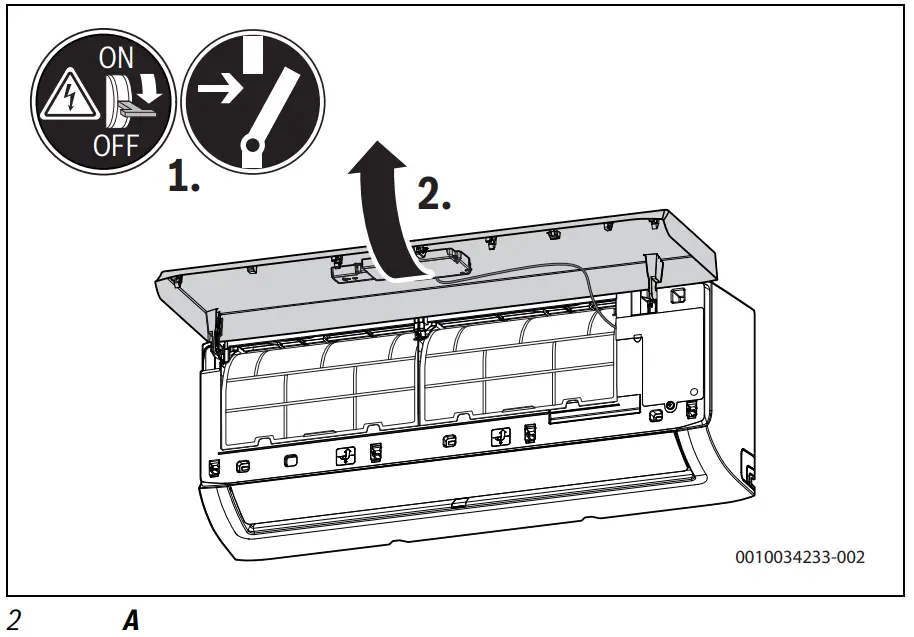
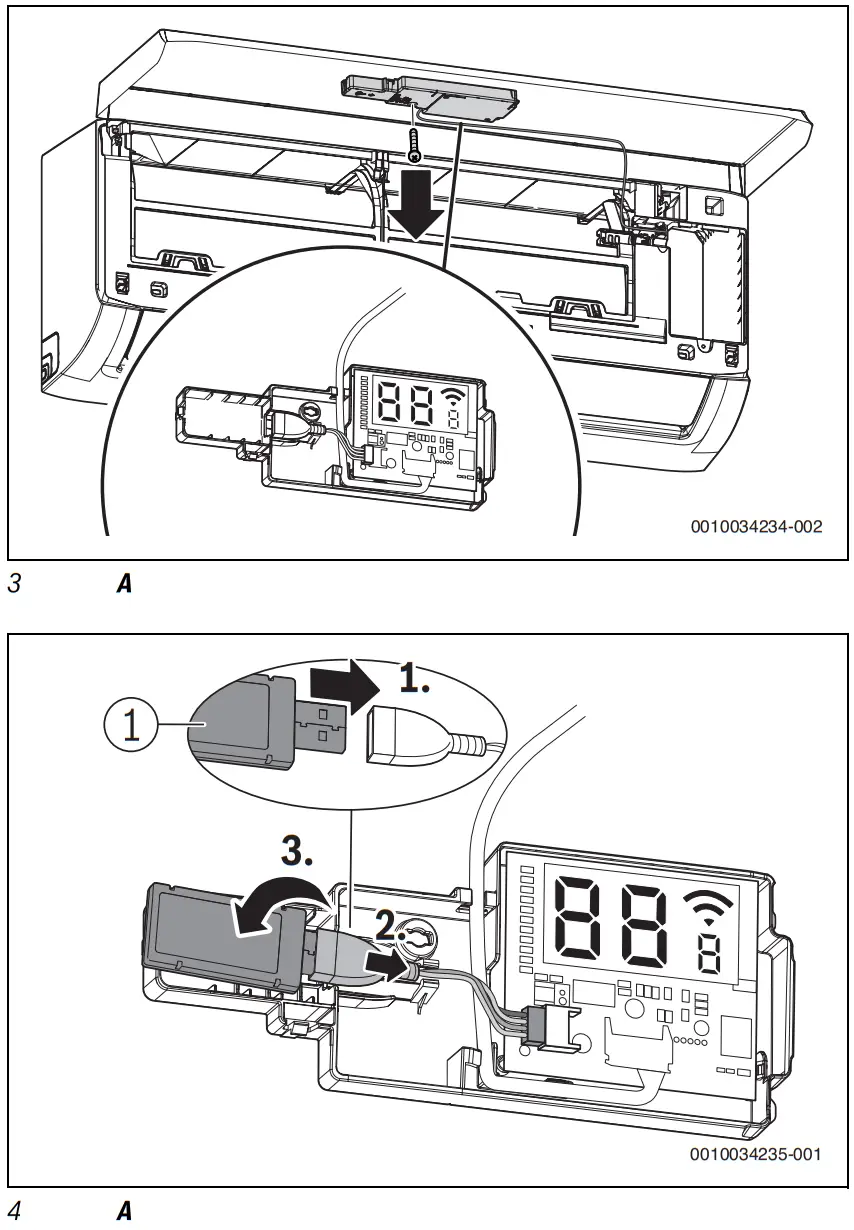
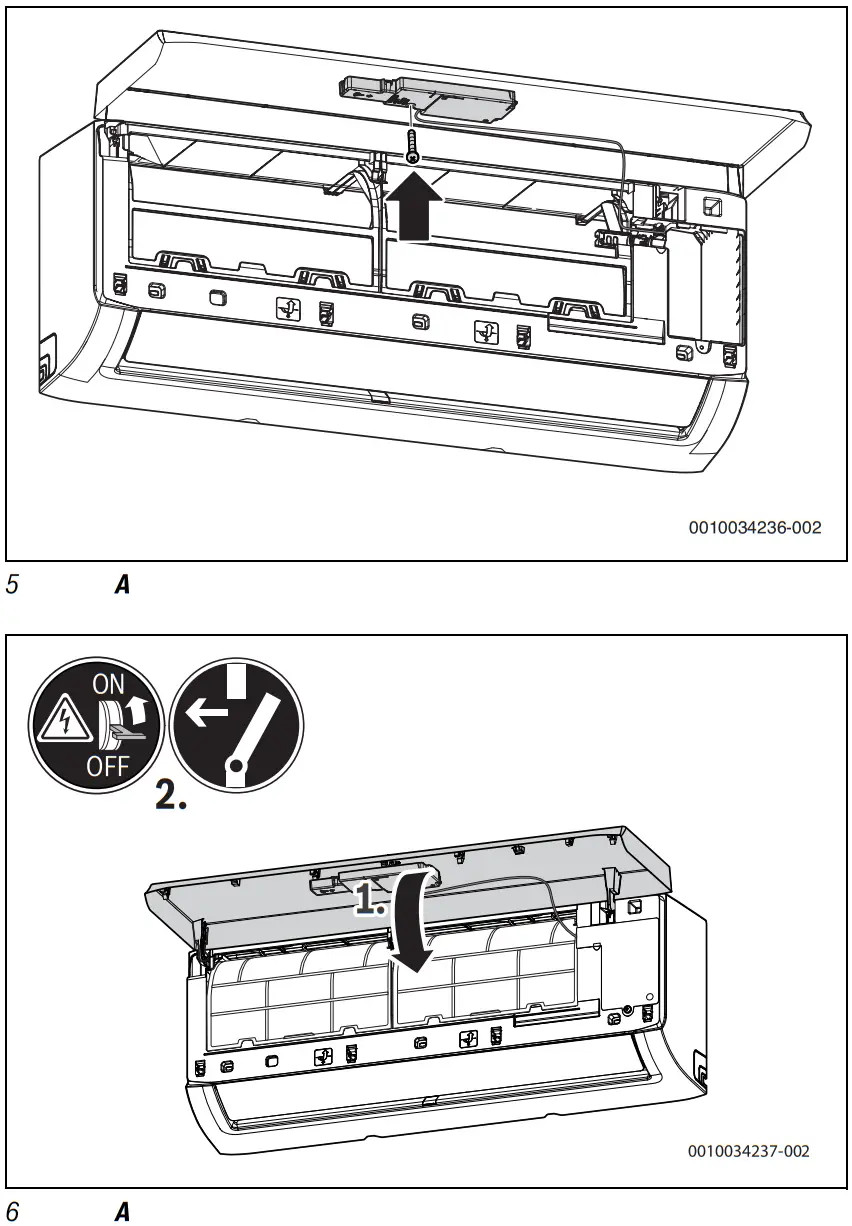
B: Climate 6000i
C: Climate 5000i U/L (4C)
D: Climate 5000i U/L (4CC, D, CF)
Bosch Home Com Easy App
 Download Bosch Home Com Easy App
 |  |
| https://play.google.com/store/apps/details?id=com.bosch.tt.dashtt | https://apps.apple.com/app/id1438634070 |
Bosch Thermotechnik GmbH
Junkers Strasse 20-24
73249 Wernau, Germany
www.bosch-homecomfortgroup.com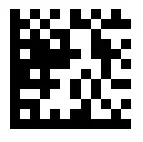 6721824785 (2023/05)
References
 Loading…
 Din guide till svenska dejtingsajter - Mate.se
 Soluzioni per il Riscaldamento e la Climatizzazione | Bosch
-
Inicio | Bosch Home Comfort
-
Heizungs-, Raum- und Klimalösungen der Heizungsmarke Bosch
-
Start | Bosch Thermotechniek
-
Home | Bosch Home Comfort
-
Innostavia tuotteita ja palveluita | Bosch Suomessa
-
InÃcio | Bosch Termotecnologia
-
JednoduÅ¡e propojeni Se znaÄkou Bosch | BOSCH Home Comfort
-
Boschi Termotehnoloogia
-
Turinys | „Bosch Thermotechnology“
-
Home | Bosch Home Comfort
 Loading…
 Din guide till svenska dejtingsajter - Mate.se
 Soluzioni per il Riscaldamento e la Climatizzazione | Bosch
 Inicio | Bosch Home Comfort
 Heizungs-, Raum- und Klimalösungen der Heizungsmarke Bosch
 Start | Bosch Thermotechniek
 Home | Bosch Home Comfort
 Innostavia tuotteita ja palveluita | Bosch Suomessa
 InÃcio | Bosch Termotecnologia
 JednoduÅ¡e propojeni Se znaÄkou Bosch | BOSCH Home Comfort
 Boschi Termotehnoloogia
 Turinys | „Bosch Thermotechnology“
 Home | Bosch Home Comfort