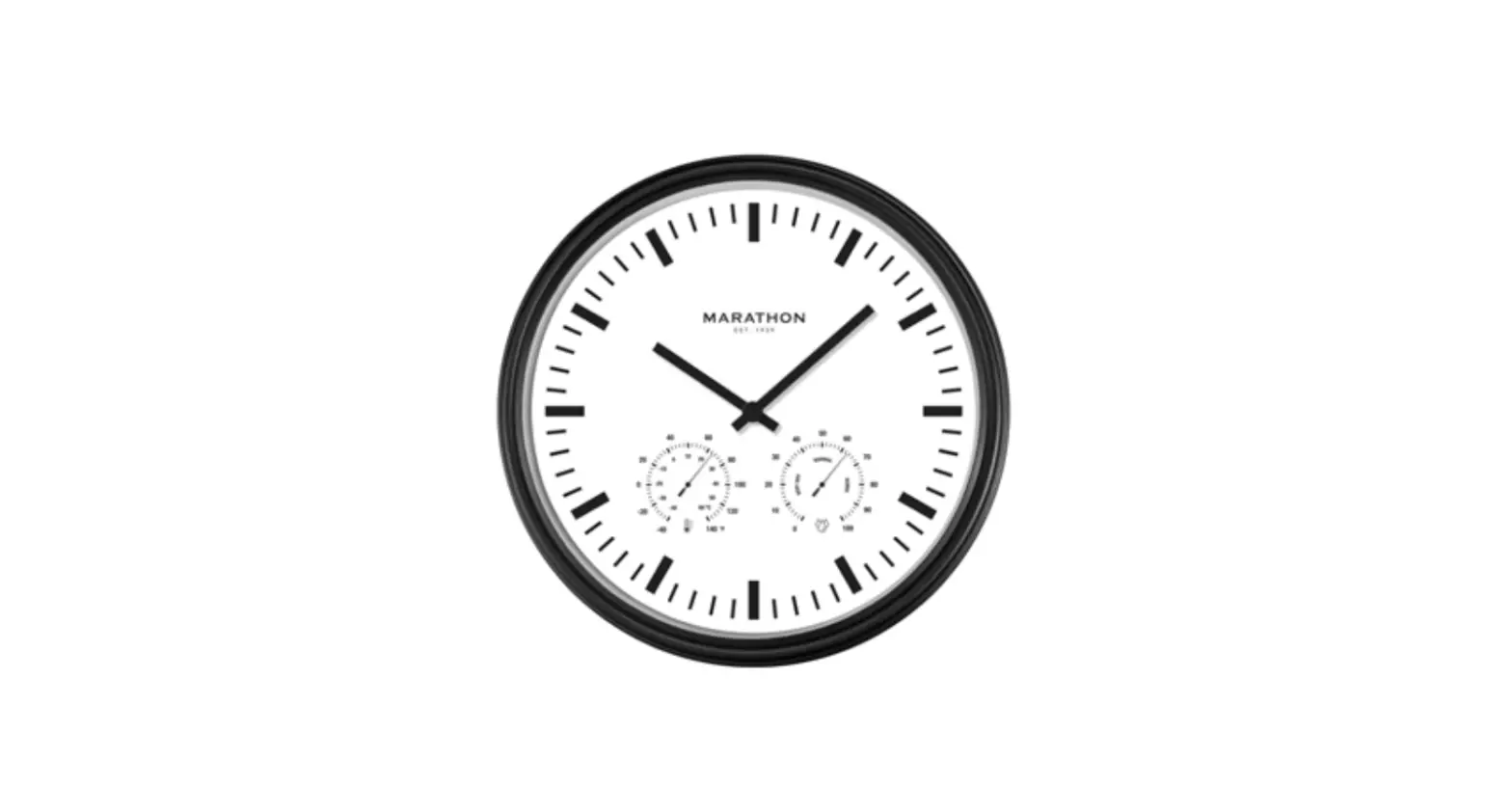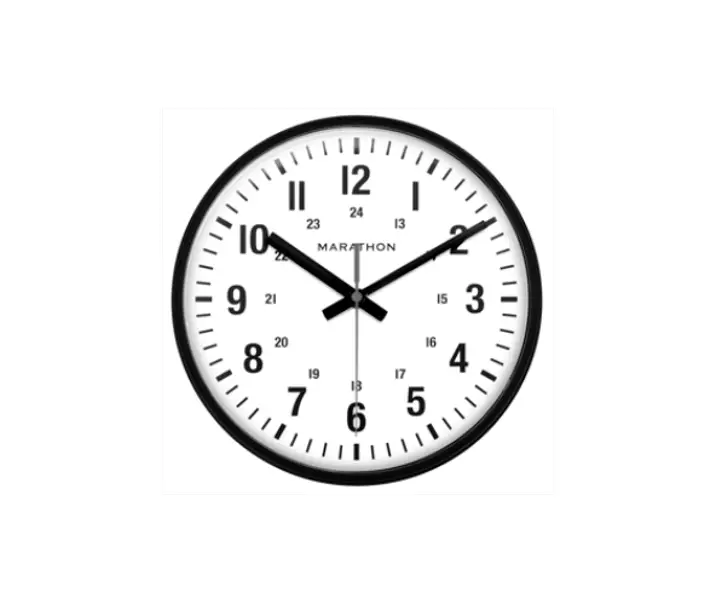

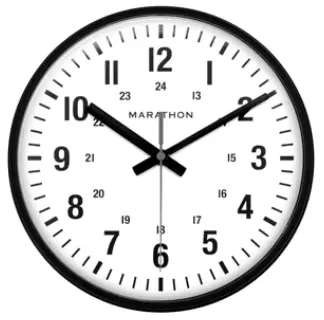
MARATHON CL034002-BK-00-NA 10 Inch Analog Clock
Thank you
- For selecting a Marathon clock.
- To ensure the proper functioning of the unit, please follow the instructions contained in this manual.
ABOUT COMPANY
- Marathon Watch Company Ltd.
- Customer Service:
- www.MarathonWatch.com
- Designed in Canada
- Made in China
Getting started
- Place your clock face down on a soft, flat surface.
- Insert 1 new AA battery into the battery compartment, observing the correct “+” and “-“ polarity.
- Mount the clock to a wall using the Wall Mount Hole at the back of the unit.
Clock Set Up
Set the time by turning the wheel on the back of the unit clockwise.
Reminder:
Never turn the hands (minute and second hands) counter clockwise; this will damage the movement.
Precautions
Do not expose it to direct sunlight, extreme heat, cold, high humidity or wet areas.
 Marathon Watch Company - Swiss Made Authentic Military Watches – Marathon Watch North America