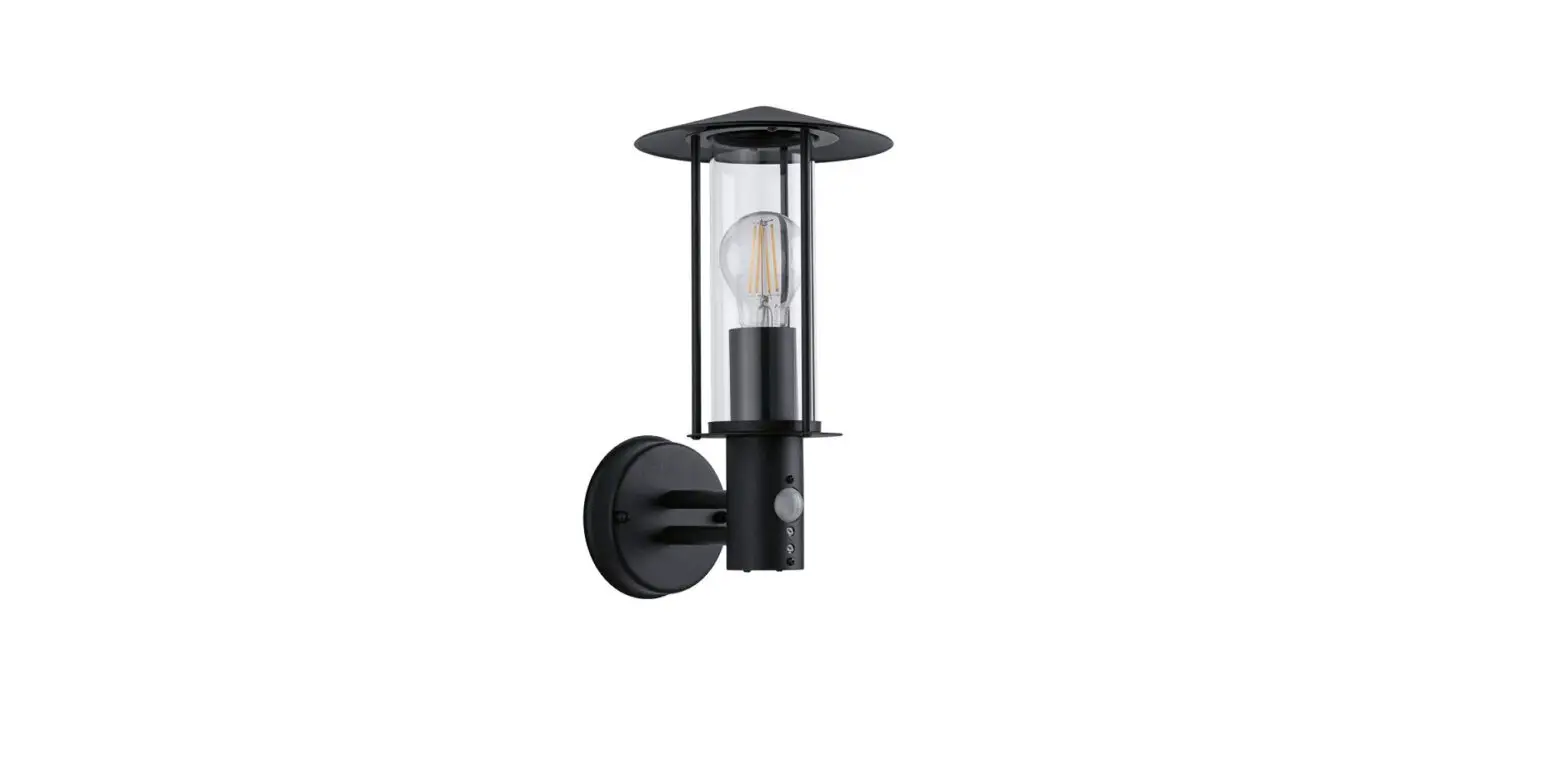
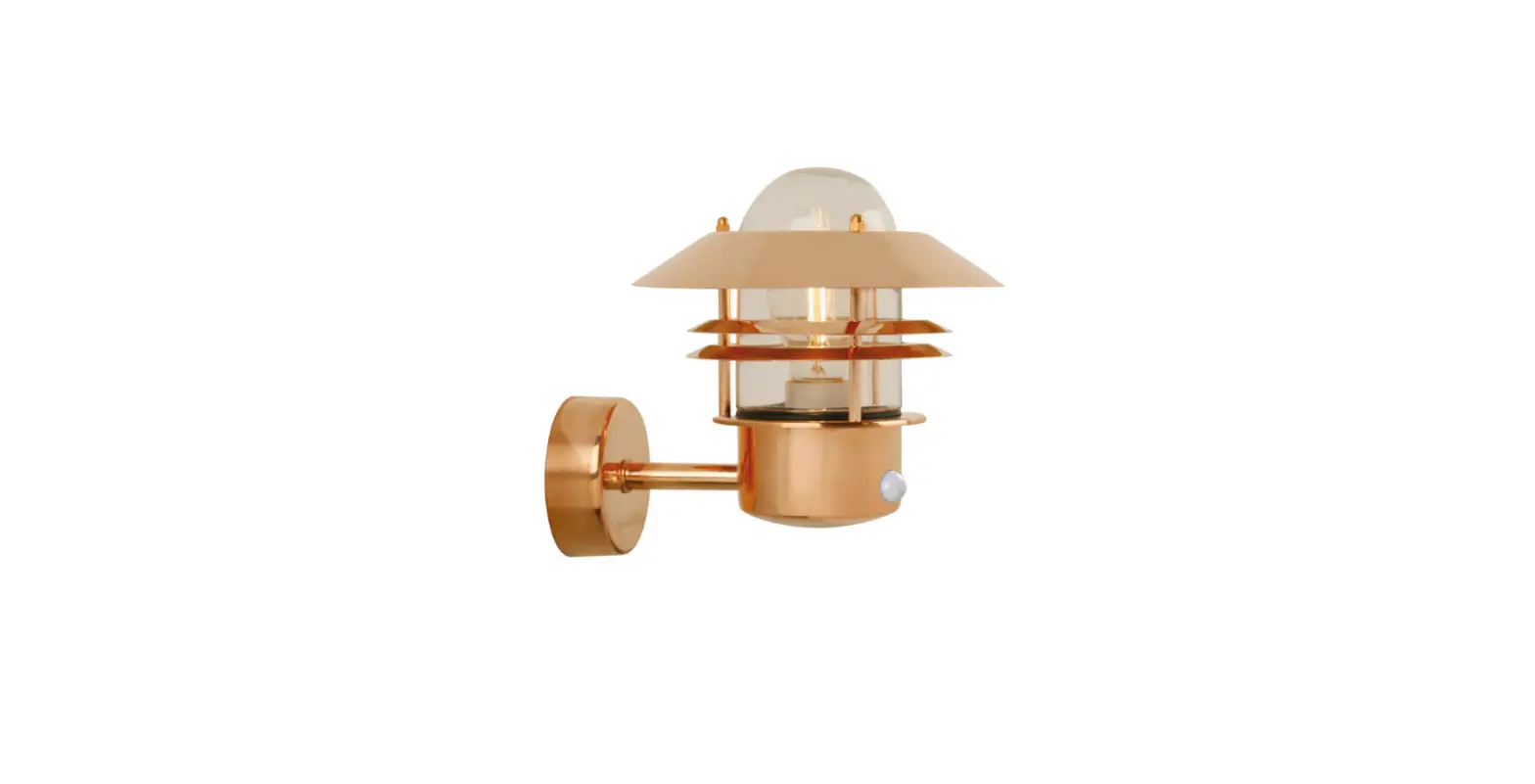
T0629 Montauk 7 Inch Outdoor Wall Light
Product Information
The T0629 fixture comes with a hardware package that includes a
mounting plate unit, mounting screw, wire connector, set screw
rubber pad-a, photocell, bolt nut, rubber pad, curved arm, loop
fixture, outlet box house grounding wire, headless screw, green
grounding screw, mounting plate unit, bottom cover, finial, and
glass shade. The sensor has an excellent photocell function that
enables the light to turn on at dusk and off at dawn automatically.
The fixture is compatible with dimmer when photocell is
disconnected and requires a dimmable bulb and compatible dimmer
switch.
Product Usage Instructions
- Consult local electrical codes for wiring and grounding
requirements before installing the fixture. - Turn off the main power at the circuit breaker before
installing the fixture. - Unscrew the two bolt nuts (D) and remove the two rubber pads
(E) and the mounting plate unit (A) from the backplate. - Attach the mounting plate unit (A) to the outlet box using two
mounting screws (B). Ensure that two headless screws are lined up
horizontally to make the fixture level. - Hook the curved arm to the loop and then attach the curved arm
to the backplate using the rubber pad-a and set screw. - Gently place the glass shade into the fixture by holding the
bottom of the glass shade. Insert the three metal wires into the
holes of the bottom cover and then secure the wires tight with
three finials. - Install the bulb (not included) and see relamping label at
socket area or packaging for maximum wattage allowed. - Attach the backplate of the fixture to the mounting plate unit
(A) by aligning and inserting the two headless screws into set
holes on backplate. Then, secure it with two rubber pads (E) and
two bolt nuts (D). Use silicone caulking compound to caulk
completely around where the backplate meets with the wall surface
to prevent water from seeping into the outlet box. - Turn on the power at the fuse or circuit box after installation
is complete. - To disconnect Dusk-to-Dawn Photocell: turn off the power at the
fuse or circuit box before starting installation. - Loosen the wire connector connected with the wires from
photocell. Do not remove the photocell to prevent water from
seeping into the outlet box. - Take a white pigtail and black pigtail and make wire
connections using wire connector (C). The black wire from the
fixture should be connected to one end of the black pigtail. The
white wire from the fixture should be connected to one end of the
white pigtail. The other end of the black pigtail should be
connected to the black wire from the power source. The other end of
the white pigtail should be connected to the white wire from the
power source. Put all wires back into the backplate of the
fixture. - Turn on the power at the fuse or circuit box after installation
is complete.
ASSEMBLY AND INSTALLATION INSTRUCTIONS
T0629
WWARNING: Turn off the main power at circuit breaker before installing fixture.
AVERTISSEMENT: Coupez la source d’alimentation principale au panneau central de disjoncteurs avant d’installer le luminaire.
NOTE: 1. Before installing, consult local electrical codes for wiring and grounding requirements. 2. READ AND SAVE THESE INSTRUCTIONS.
Hardware Package (included):
Mounting Plate Unit (A)
Mounting Screw (B)
Wire Connector (C)
Set Screw Rubber Pad-a
Photocell
Bolt Nut (D)
Rubber Pad (E)
Curved Arm
Loop Fixture
Outlet Box House Grounding Wire
Headless Screw Green Grounding Screw Mounting Plate Unit (A)
Mounting Screw (B) Fixture Grounding Wire
Wire Connector (C) Fixture Wire Backplate
Rubber Pad (E) Bolt Nut (D)
IMPORTANT: The sensor has an excellent photocell function to enable the light to turn on at dusk and off at dawn automatically.
Bottom Cover
Finial
T
Glass Shade
Max.60W Type ST Bulb (not included)
220314
Installation Steps
Turn off the power at fuse or circuit box.
1. Unscrew the two bolt nuts (D)
remove the two rubber pads (E) and the mounting plate unit (A) from the backplate.
2. Attach the mounting plate unit (A) to the outlet box by using two mounting screws (B). Adjust the length of the preinstalled headless screws if necessary. Note: Make sure that two headless screws are lined up horizontally to make the fixture level.
3. Hook the curved arm to the loop, and then attach the curved arm to the backplate by using the rubber pad-a and set screw.
4. Gently place the glass shade into the fixture by holding the bottom of the glass shade, insert the three metal wires into the holes of the bottom cover, then secure the wires tight with three finials.
5. Install the bulb (not included). See relamping label at socket area or packaging for maximum wattage allowed.
6. Pull out the source wires from the outlet box. Make wire connections using wire connectors (C) as follows: · Connect the hot wire (usually black insulation) from the fixture to the black wire from the power source. · Connect the neutral wire (usually white insulation) from the fixture to the white wire from the power source. · Attach the fixture grounding wire (usually green with the insulation or bare wire) to the mounting plate unit (A) with green grounding screw. Then, depending on local code, connect it to the house grounding wire with the wire connector (C). Carefully put all of the wires back into the outlet box.
7. Attach the backplate of the fixture to the mounting plate unit (A) by aligning and inserting the two headless screws into set holes on backplate, then secure it with two rubber pads (E) and two bolt nuts (D). Note: With silicone caulking compound, caulk completely around where the backplate meets with the wall surface to prevent water from seeping into the outlet box.
Turn on the power at fuse or circuit box.
Optional Installation: Disconnect Dusk-to-Dawn Photocell
IMPORTANT: Compatible with dimmer when photocell is disconnected. * Requires dimmable bulb and compatible dimmer switch.
Photocell Black Wires From Photocell White Wires From Photocell Red Wires From Photocell
Wire Connector
Wires From Fixture
Wires From Main Power
Pigtail
Wires From Fixture
White Pigtail
Fig.1
Wire Connector (C)
Fig.2
220314
1. Turn off the power at the fuse or circuit box before starting installation.
2. Loosen the wire connector connected with the wires from photocell. (See Fig.1) Note: Do not remove the photocell to prevent water from seeping into the outlet box.
3. Take a white pigtail and black pigtail and make wire connections using wire connector (C): (See Fig.2) a. The black wire from the fixture to one end of the black pigtail. b. The white wire from the fixture to one end of the white pigtail. c. The other end of the black pigtail to the black wire from the power source. d. The other end of the white pigtail to the white wire from the power source. Put all wires back into the backplate of the fixture.
Turn on the power at fuse or circuit box.
The following parts are available for re-order if damaged or missing.
Spare Parts List:
Mounting Plate Unit (A) Mounting Screw (B) Wire Connector (C) Bolt Nut (D) Rubber Pad (E)
Assembly Kit 6491MM (1 SET)
Glass Shade 10283CR
A B
A: 15″ B: 7″ C: 8-3/4″
C
220314