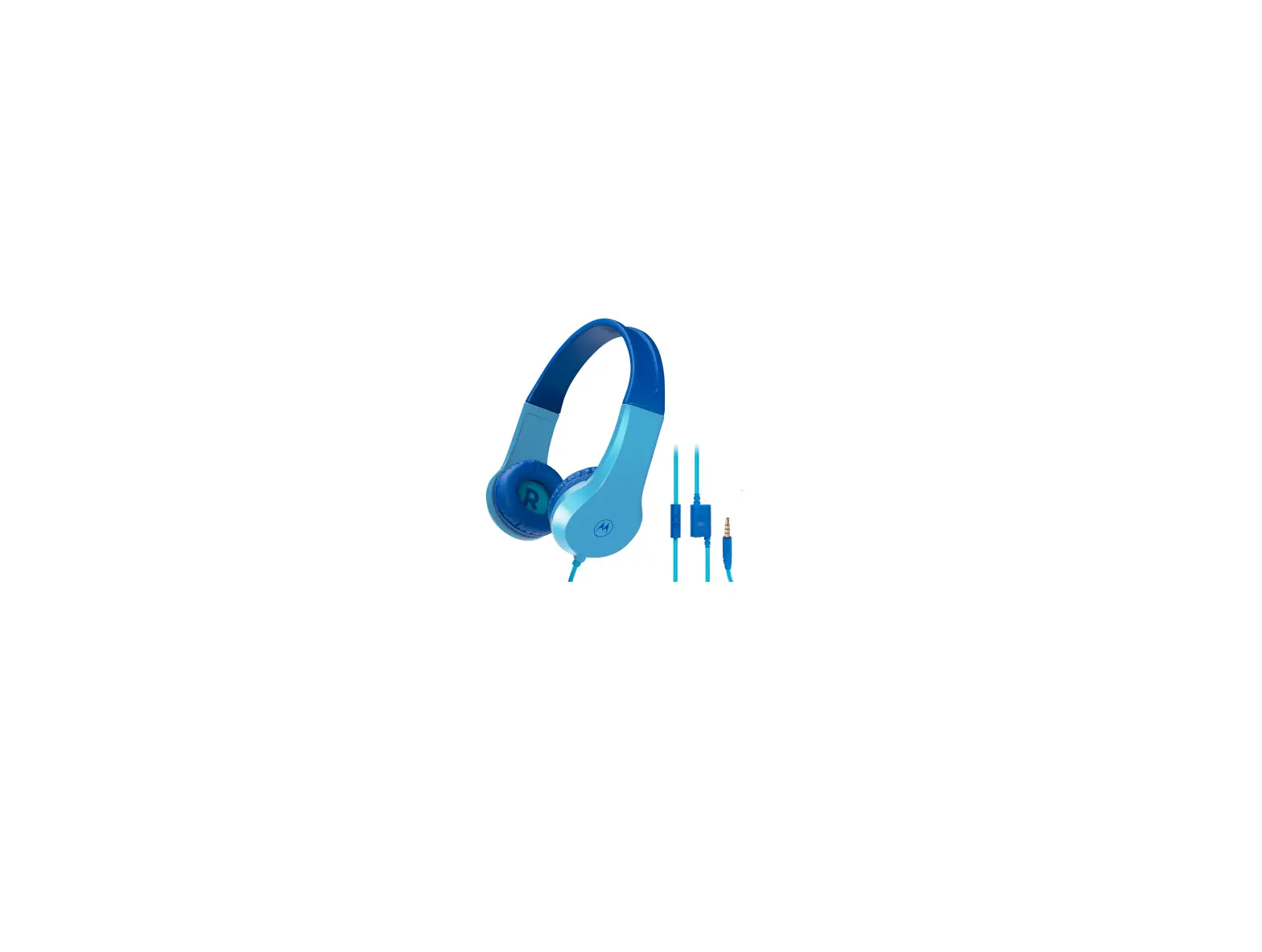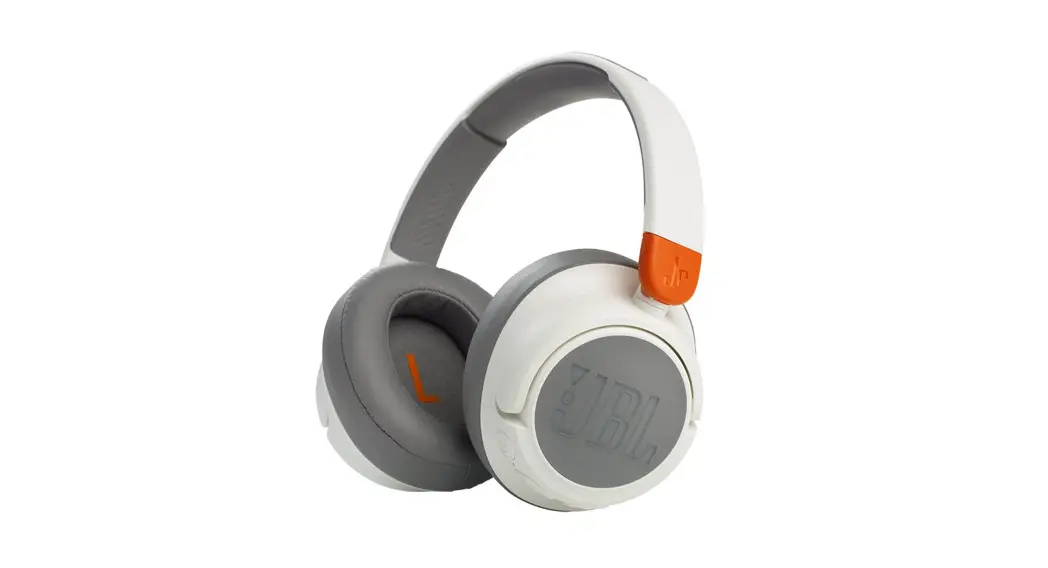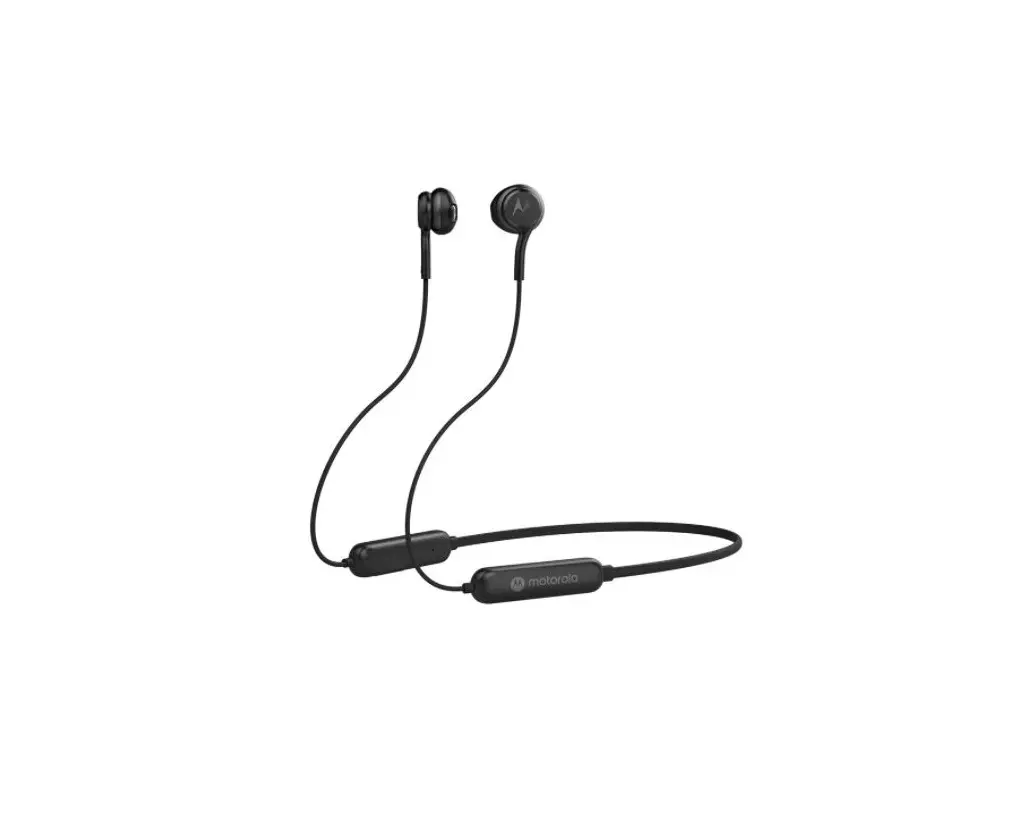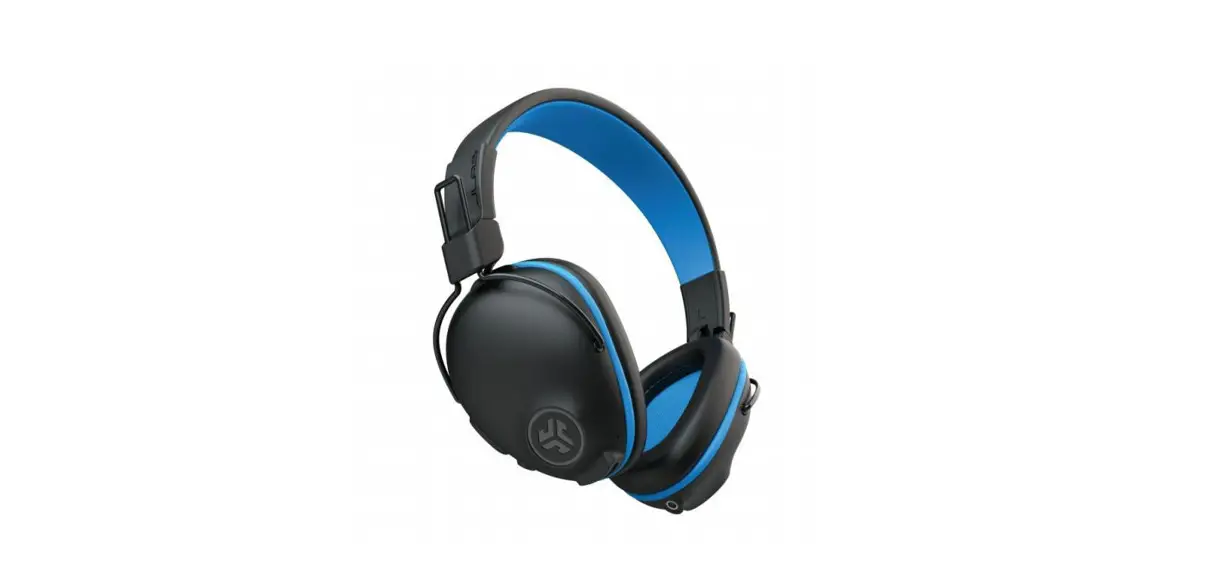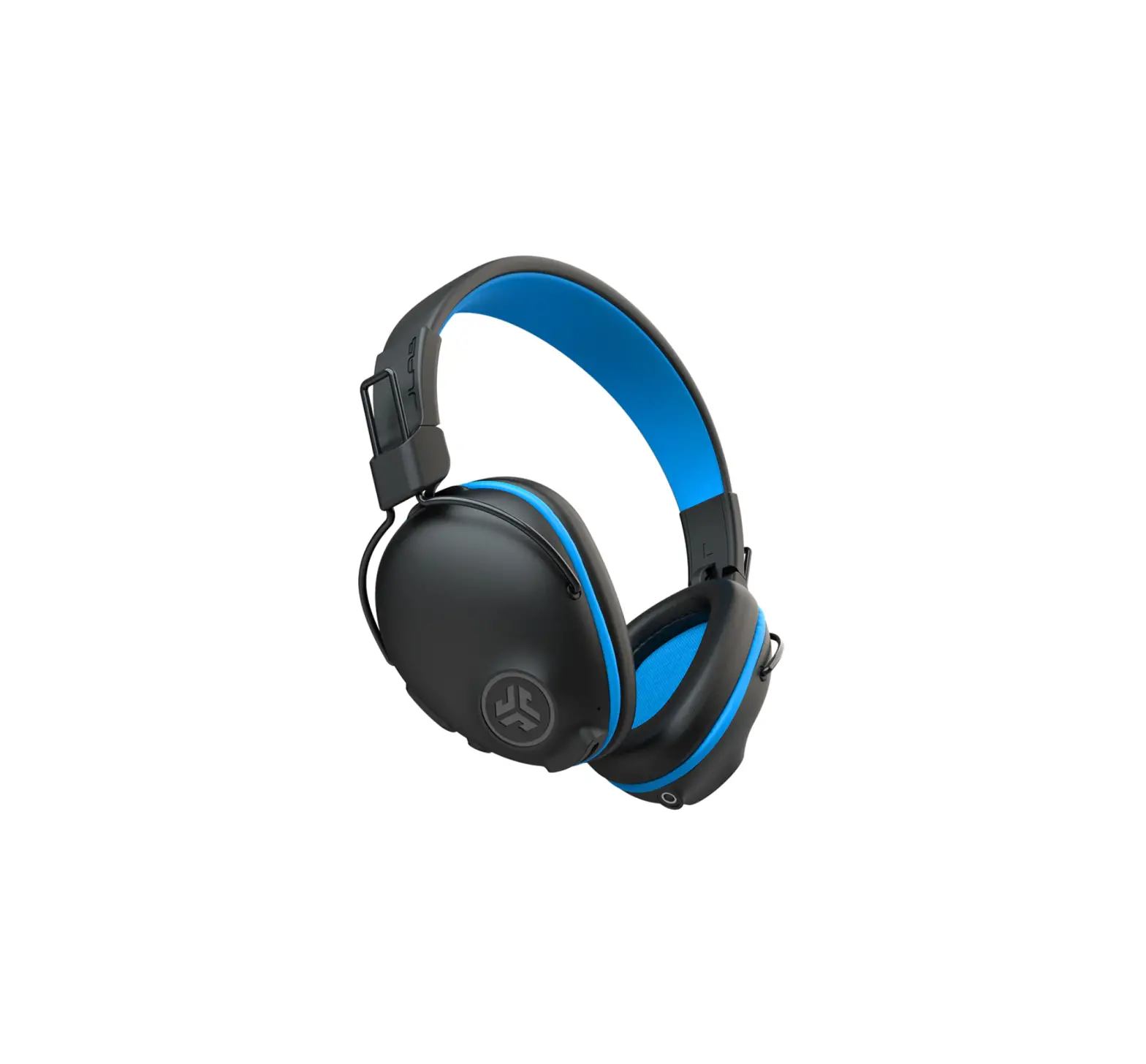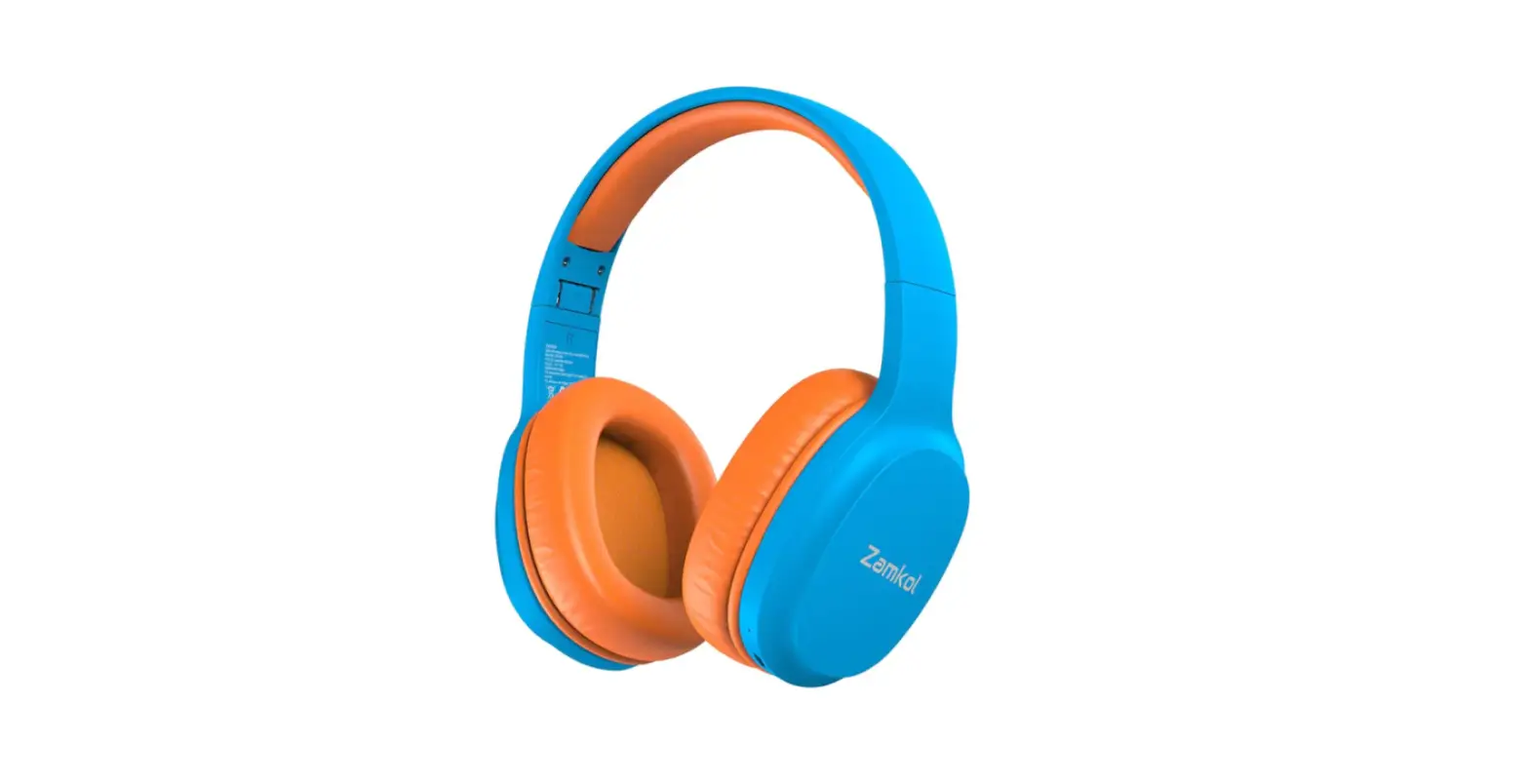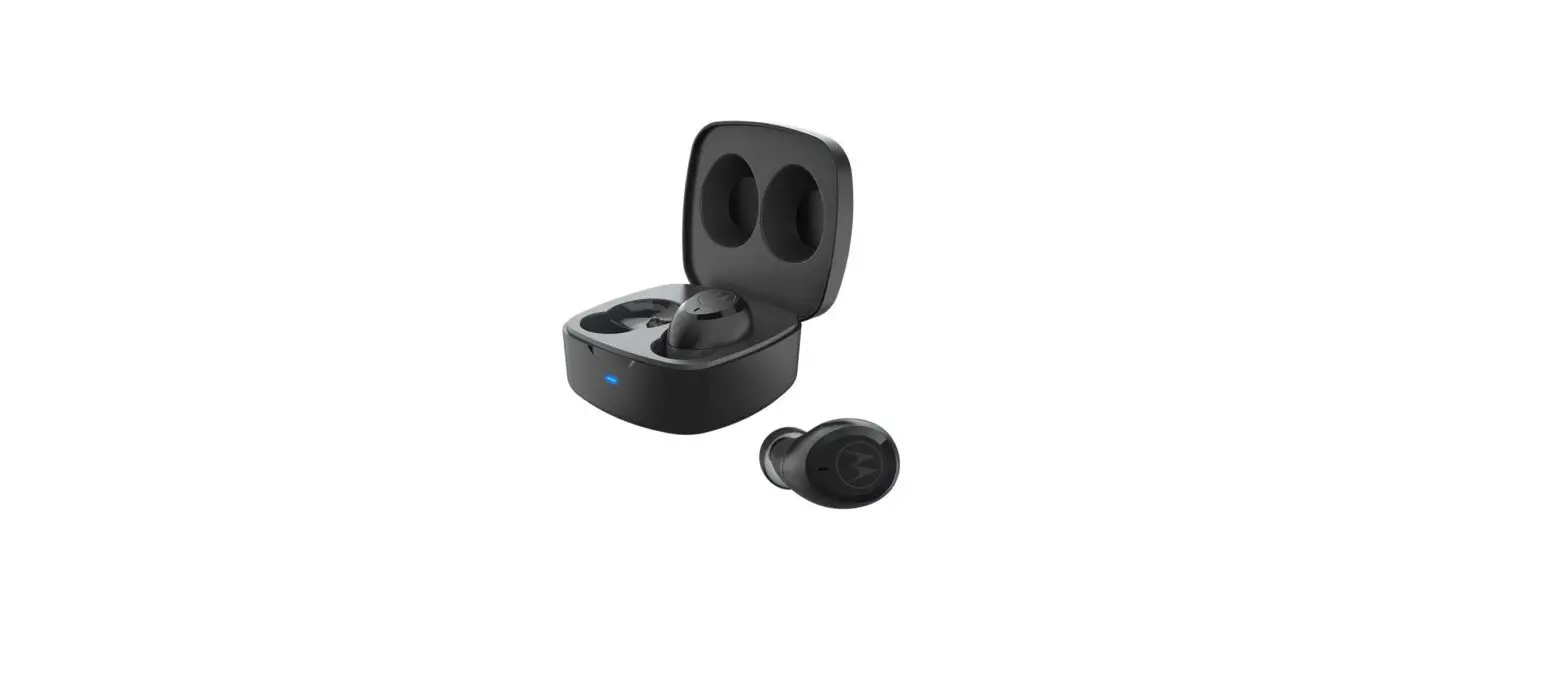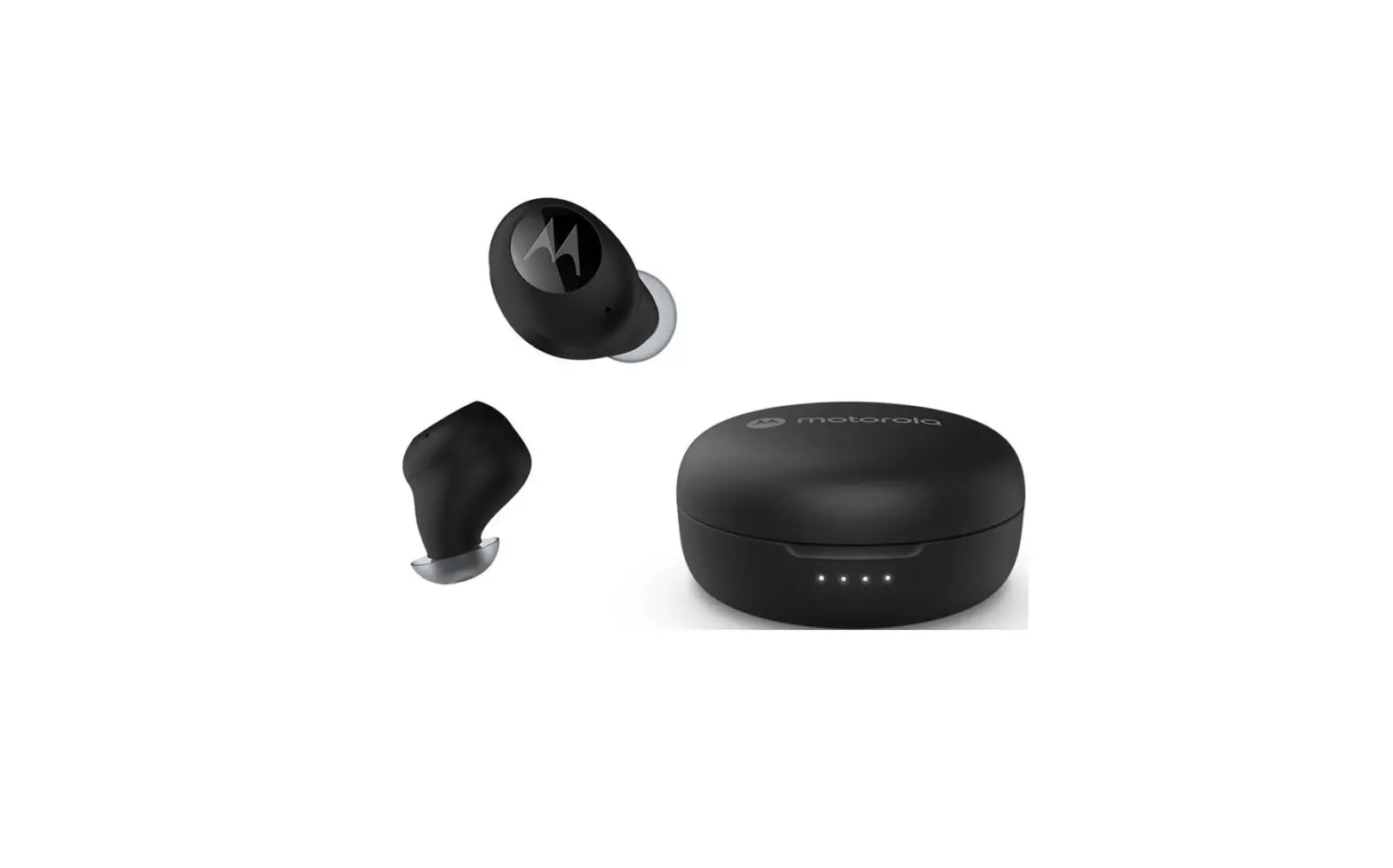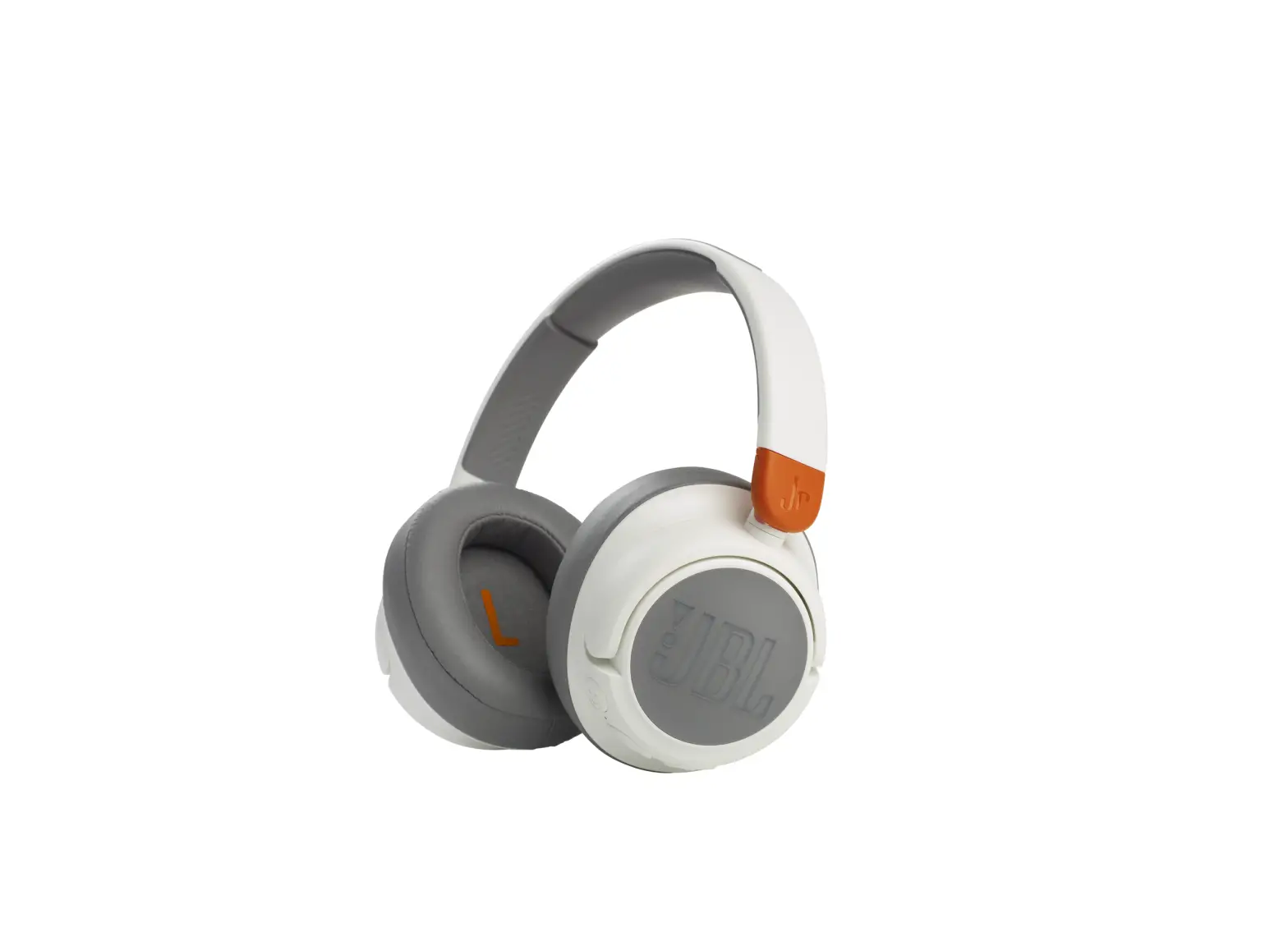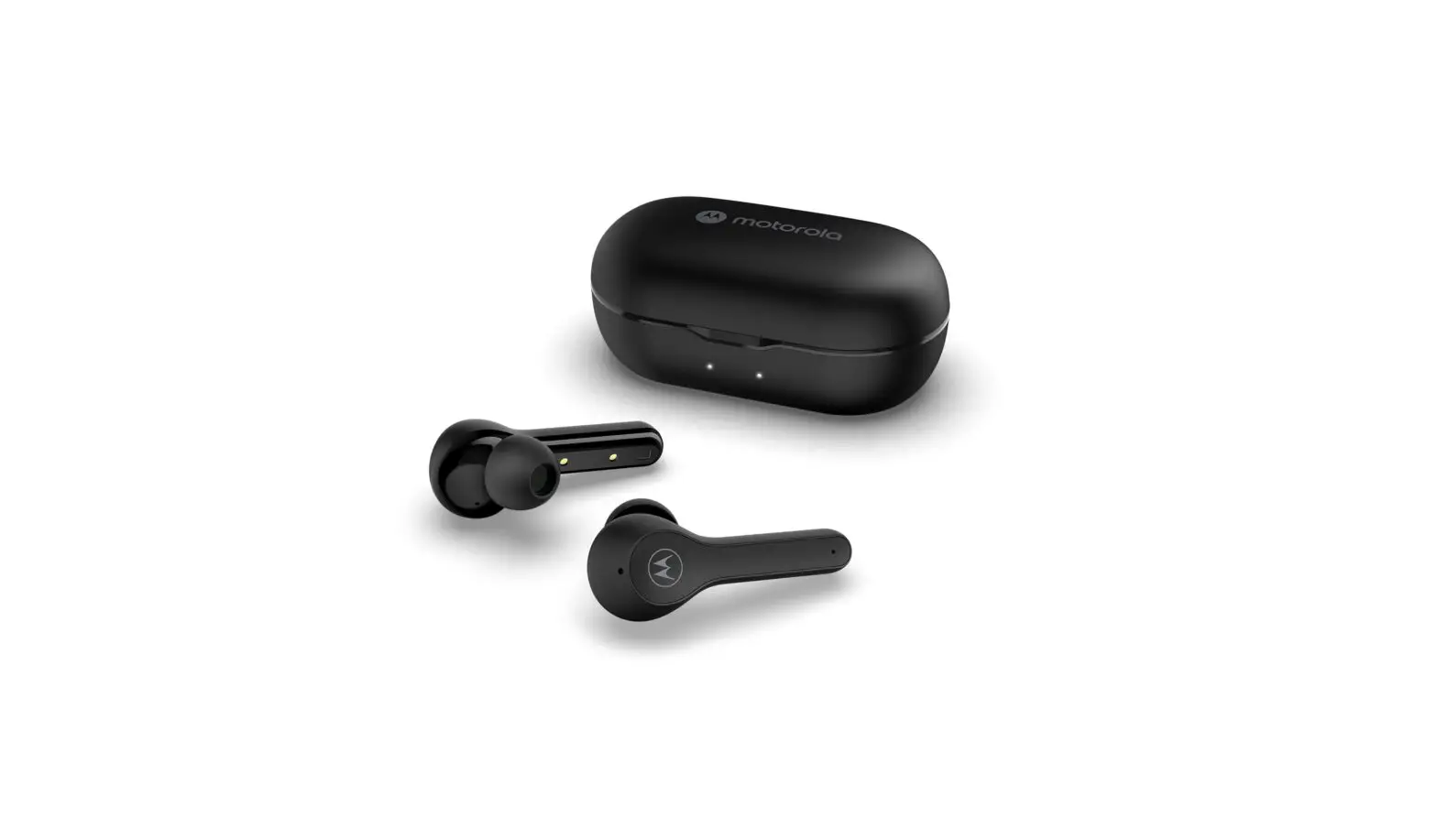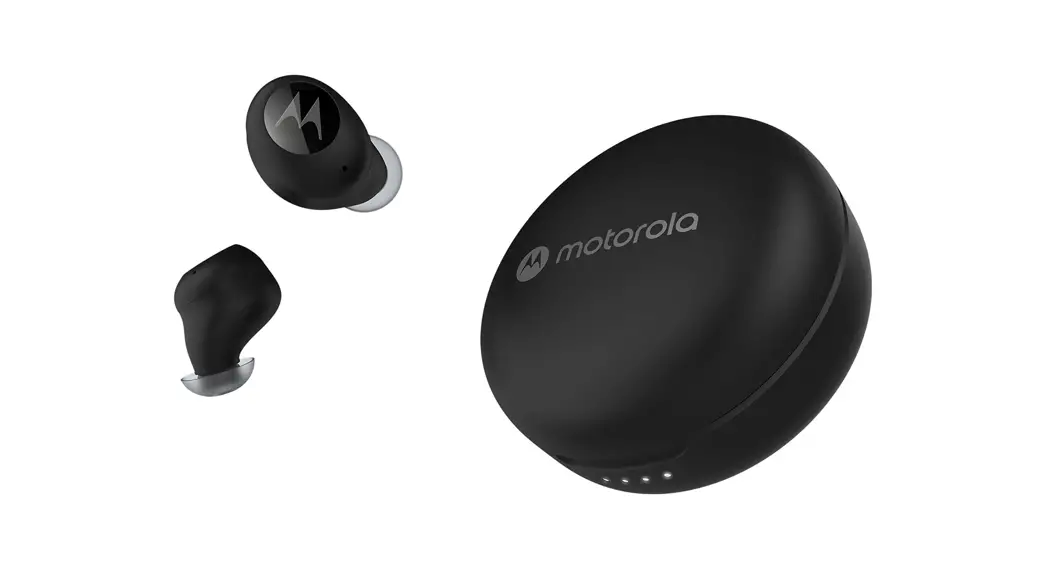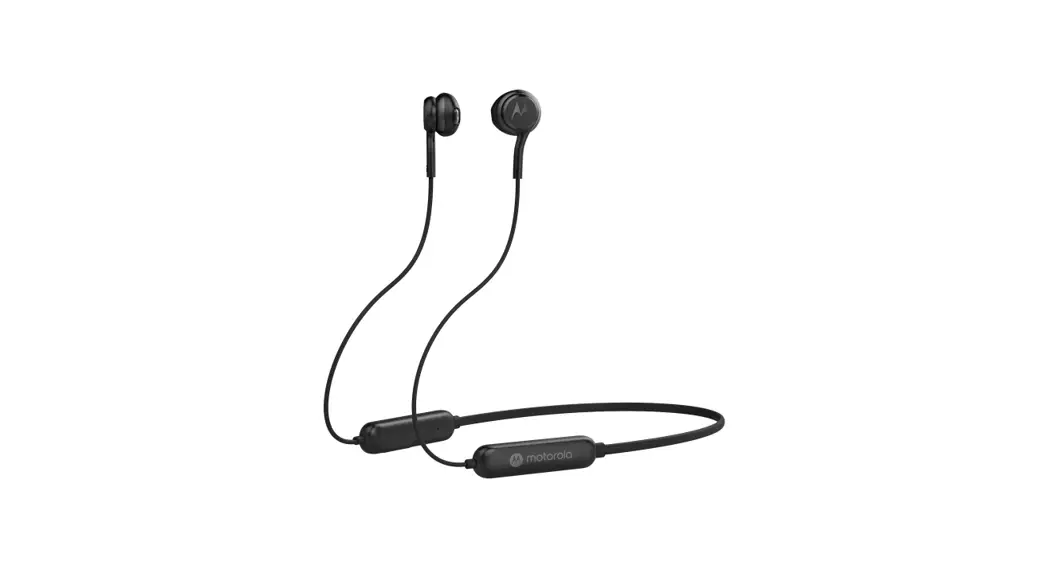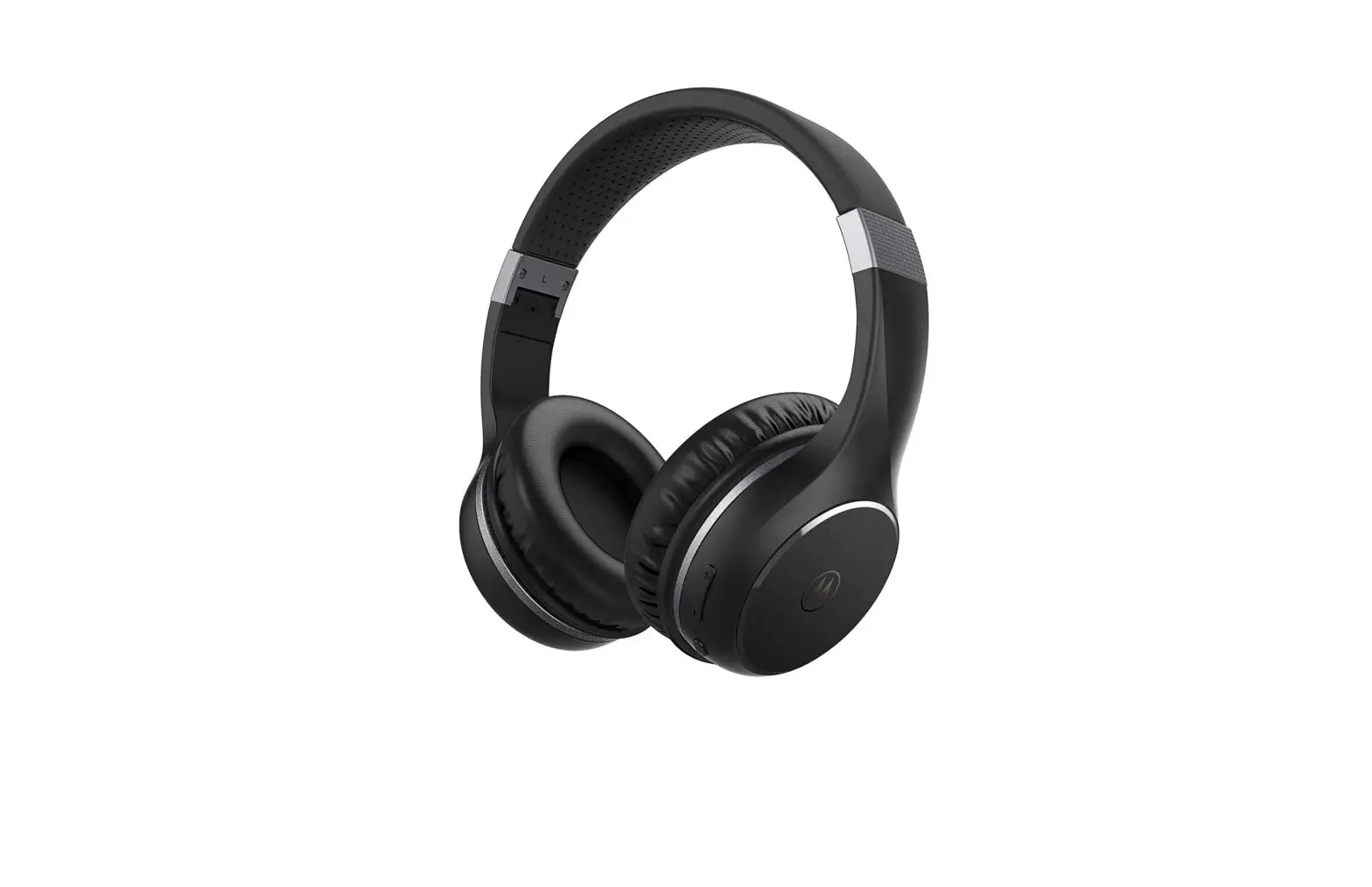

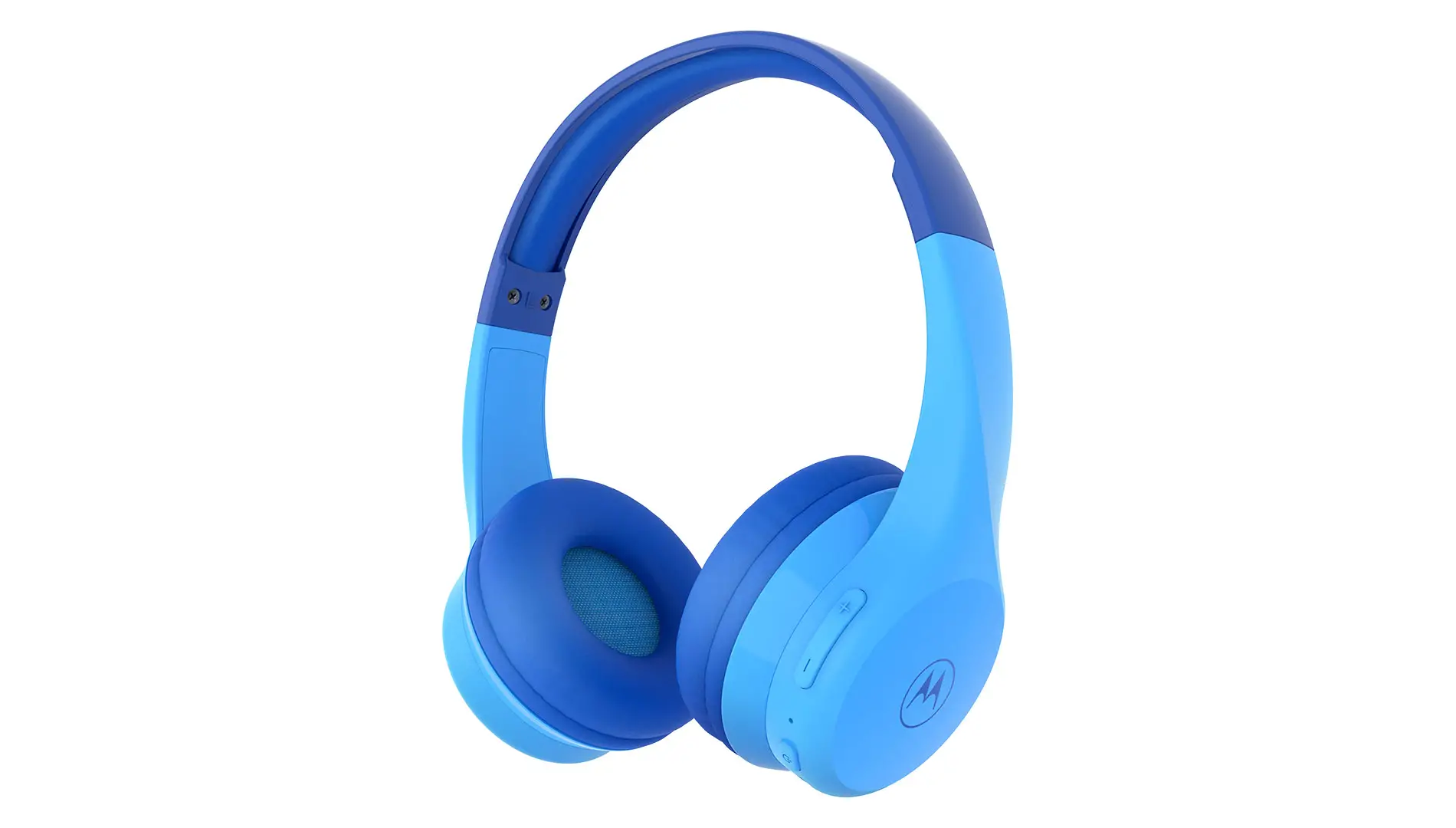
motorola MOTO JR300 Kids Wireless Over Ear Headphones
Frequency Band: 2.402-2.480 GHz
Maximum RF power: 6dBm
Working Temperature: 0oC ~ 45oC
Pairing
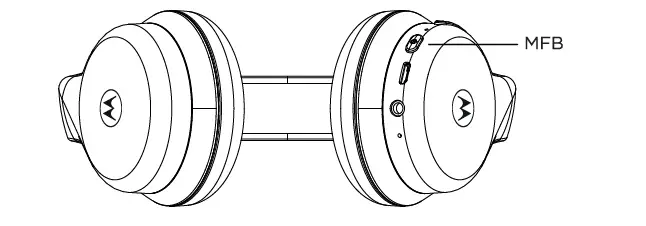
- Hold MFB for 4 seconds
- Select Moto JR300 from the smartphone bluetooth menu
Basic Operation
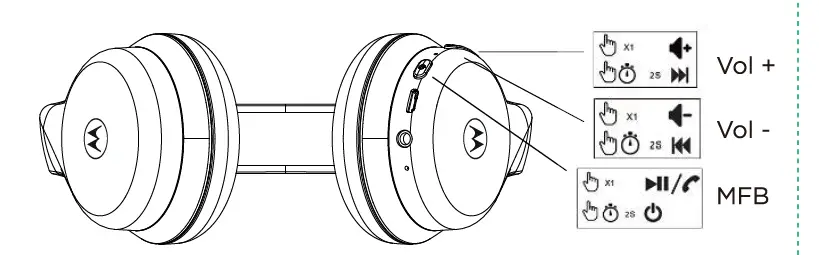
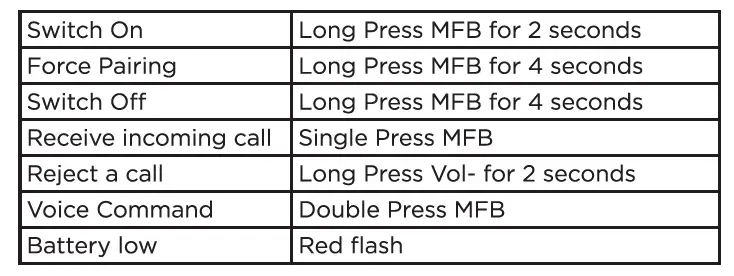
Addition Operation:
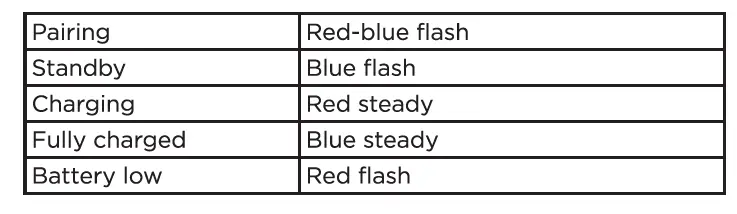
LED Indicator
Charging
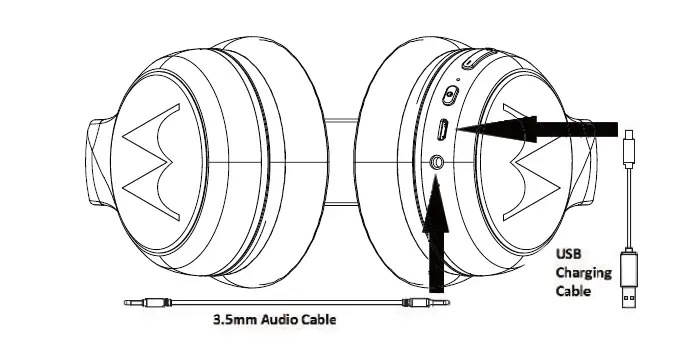
- Fully Charge before Use
- The device can be powered through a micro USB from any CE Compliant power source that implement the European interface as requested by EN 301 489-52
UK Declaration of Conformity
Hereby, MZGW declares that this product is in compliance with the requirements for UKCA marking. The Declaration of Conformity can be obtained at motorolasound.com
A.I.&E., Adriaan Mulderweg 9-11, 5657 EM Eindhoven,
The Netherlands.
Edco UK Ltd, 1st Floor, Two Chamberlain Square,
Birmingham, B3 3AX, UK.