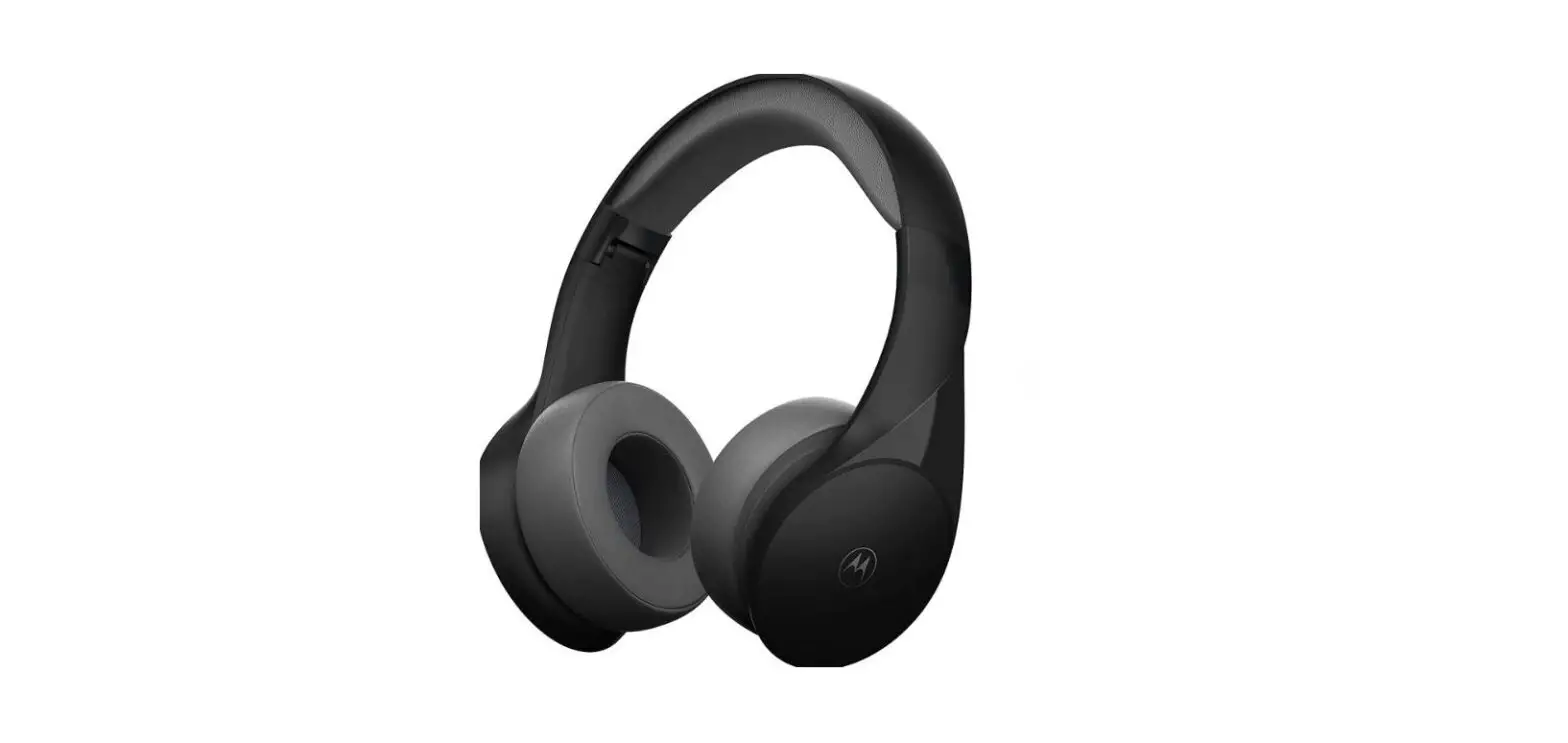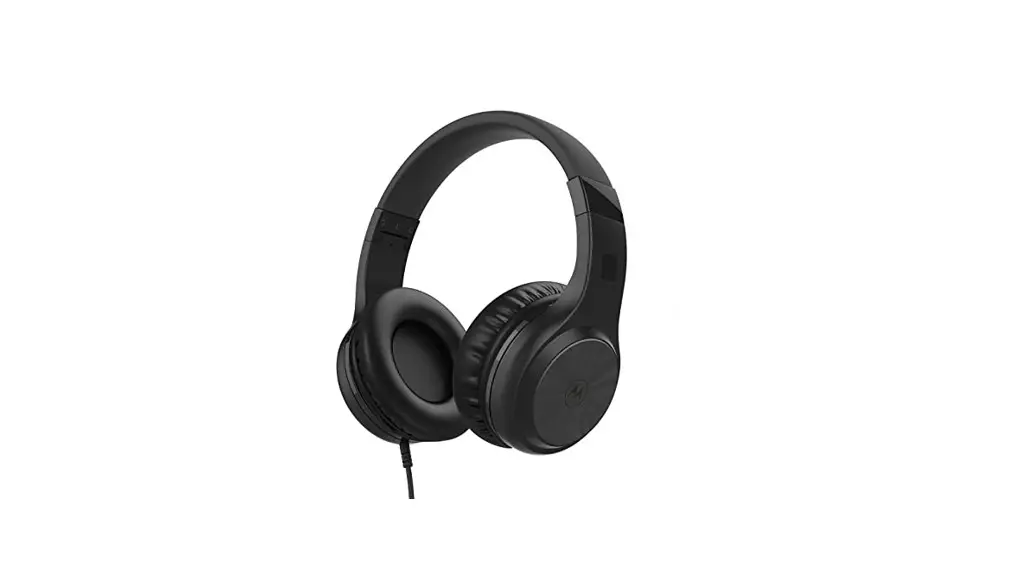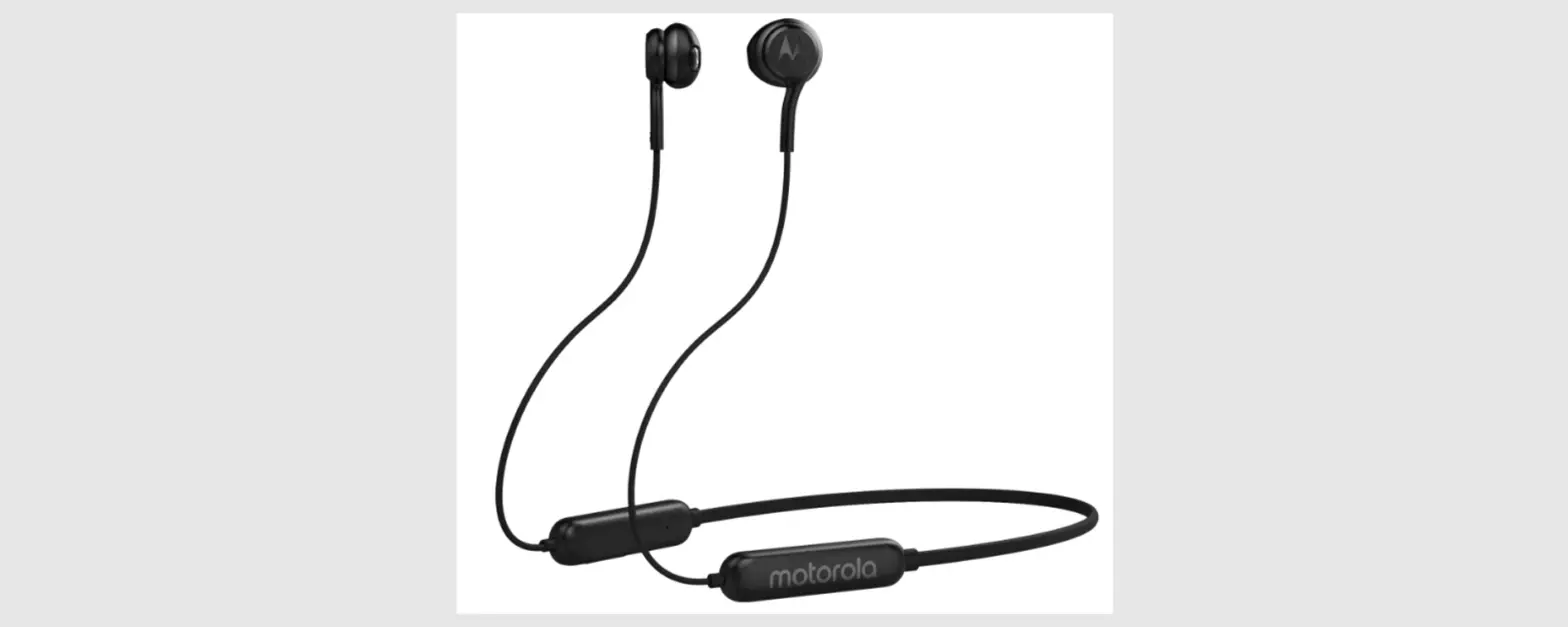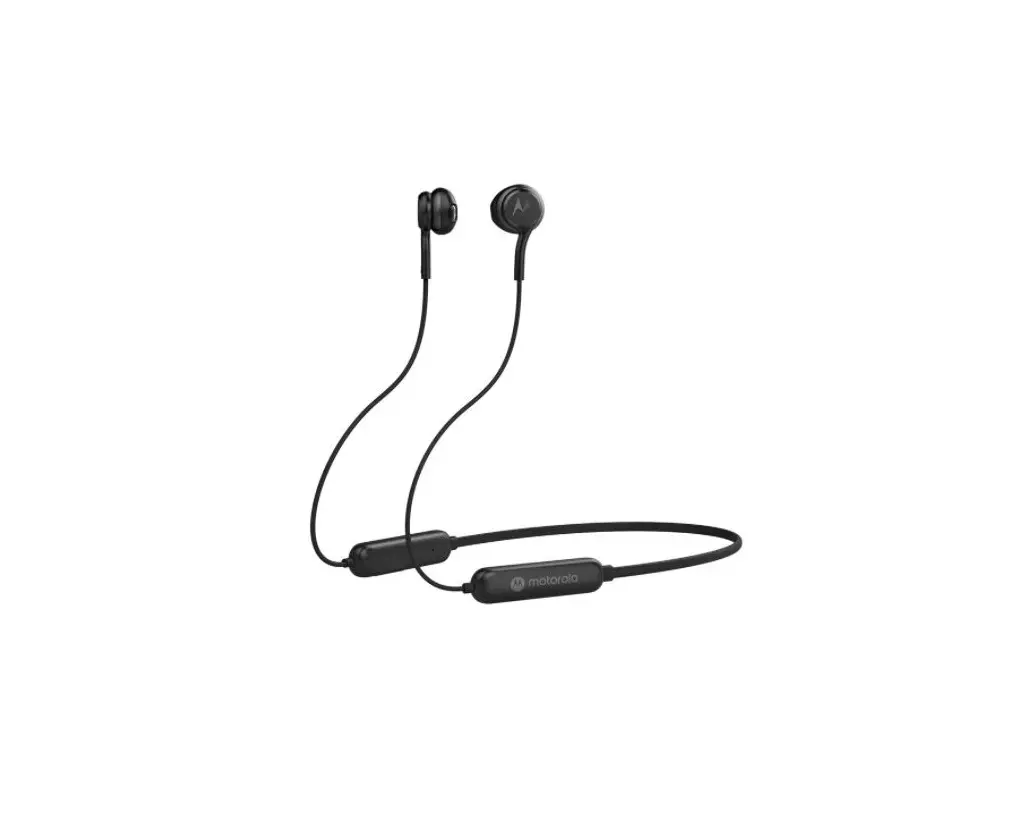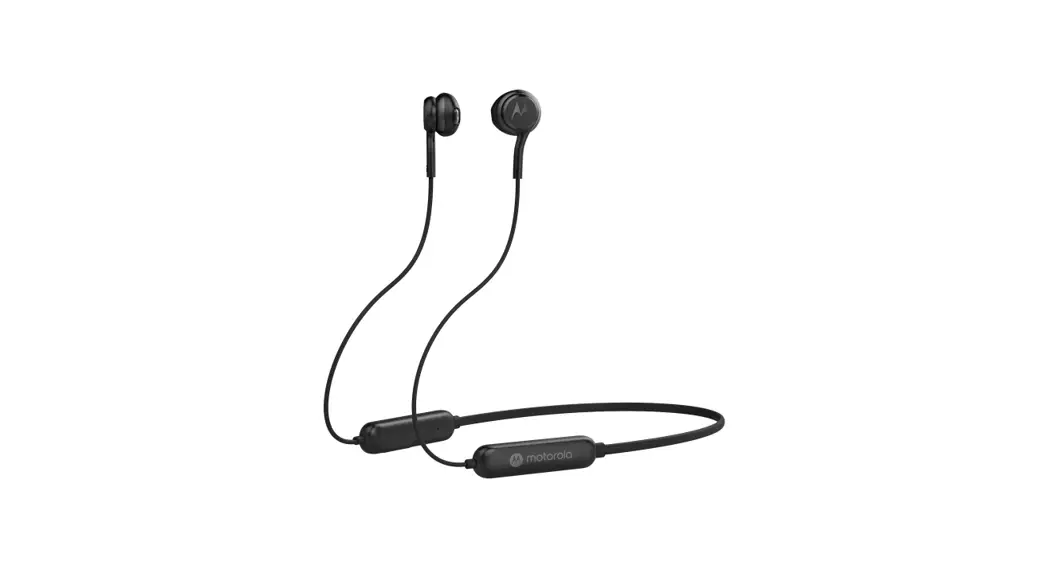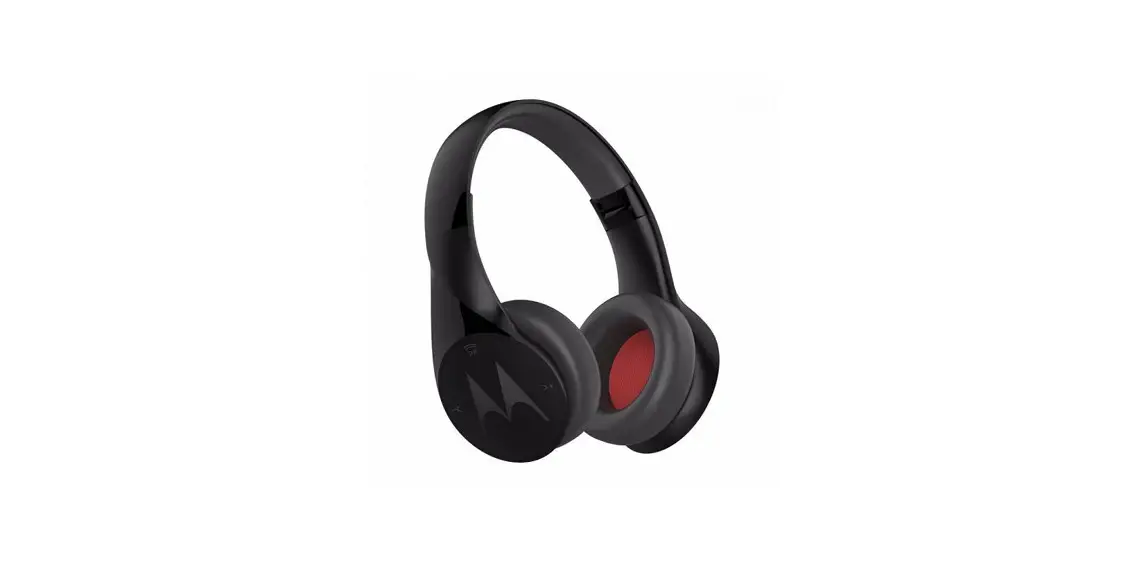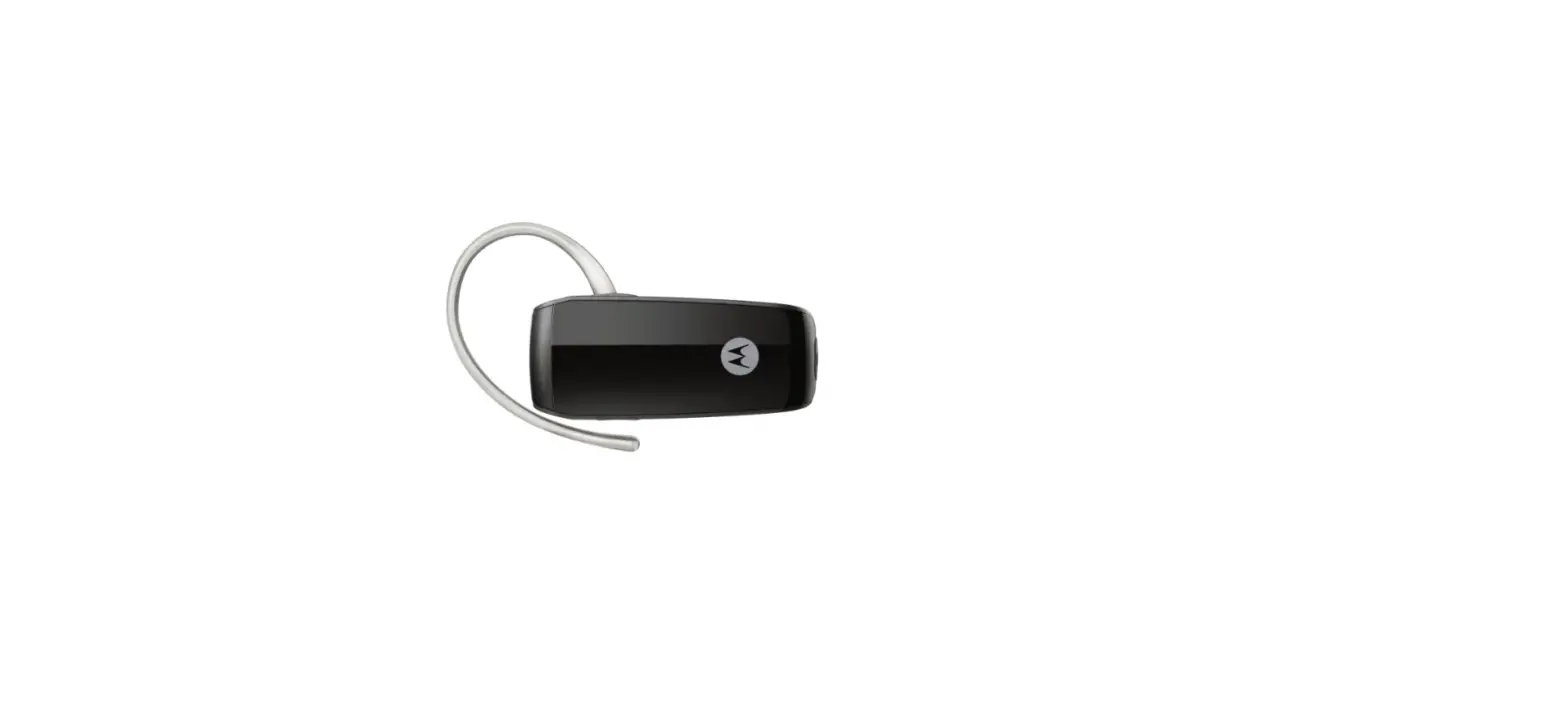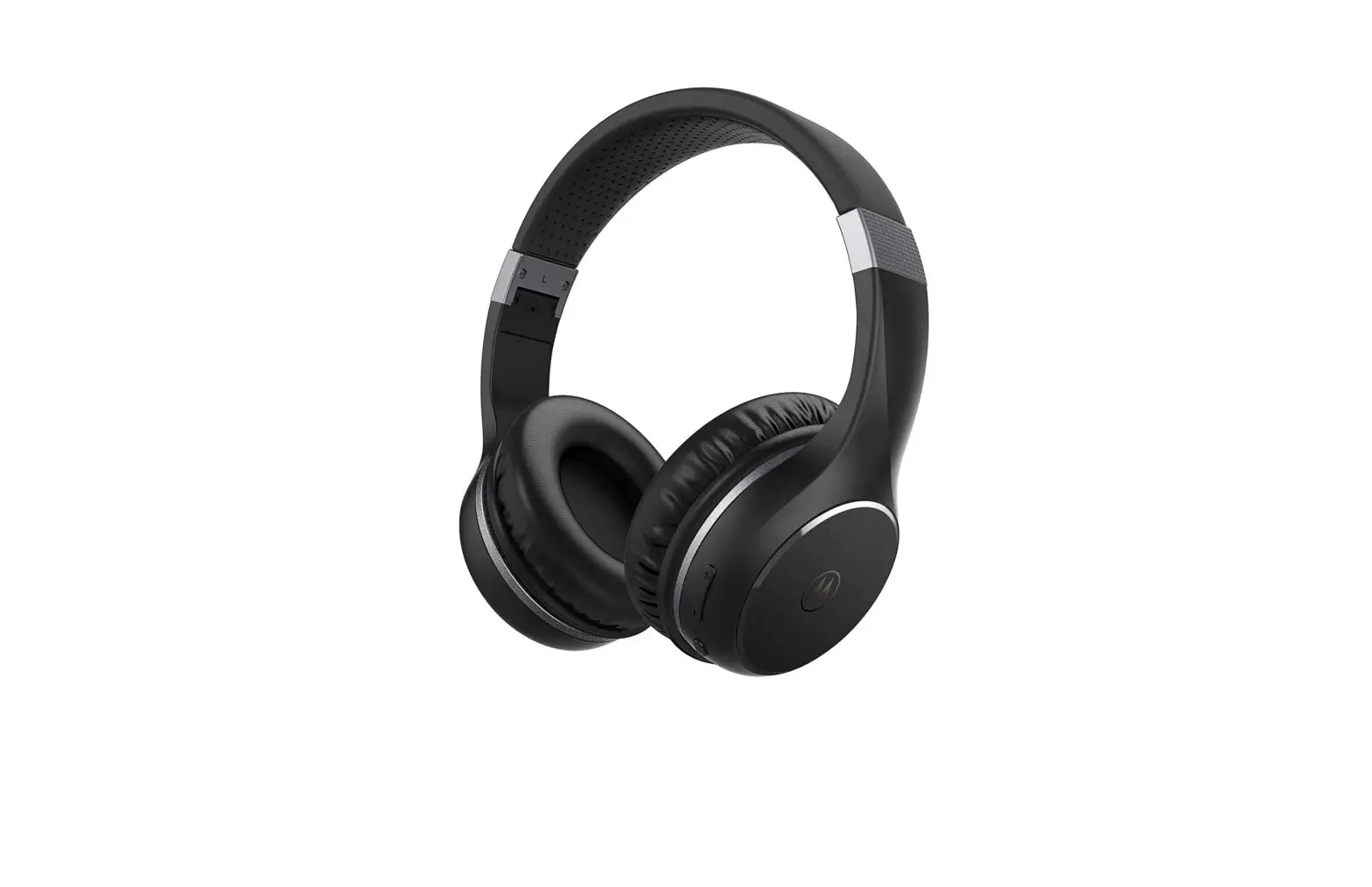
motorola MOTO XT220 Bluetooth Wireless Headphones User Guide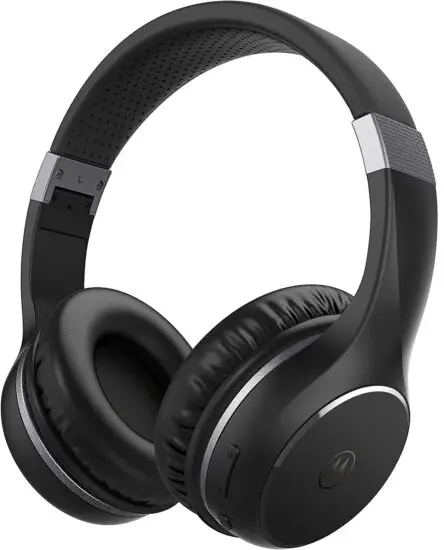
Pairing
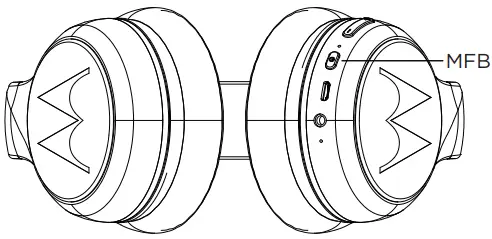
- Hold MFB for 4 seconds
- Select “MOTO XT220” from the smartphone Bluetooth menu.
Basic Operation
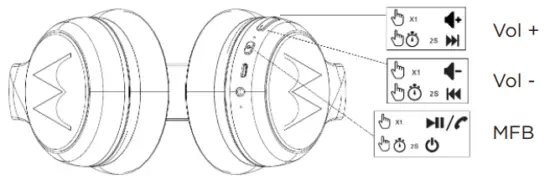
Additional Operation:
| Switch On | Long Press MFB for 2 seconds |
| Force Pairing | Long Press MFB for 4 seconds |
| Switch Off | Long Press MFB for 4 seconds |
| Receive incoming call | Single Press MFB |
| Reject a call | Long Press Vol- for 2 seconds |
| Voice Command | Double Press MFB |
| Battery low | Red flash |
LED Indicator:
| Pairing | Red-blue flash |
| Standby | Blue flash |
| Charging | Red steady |
| Fully charged | Blue steady |
| Battery low | Red flash |
Charging
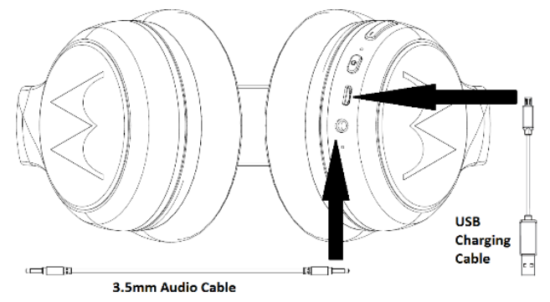
Fully charge before use
The device can be powered through a micro USB from any CE compliant power source that implement the European interface as requested by EN 301 489-52.
UK Declaration of Conformity

Hereby, MZGW declares that this product is in compliance with the requirements for UKCA marking. The Declaration of Conformity can be obtained at motorolasound.com
A.I.&E., Adriaan Mulderweg 9-11, 5657 EM Eindhoven, The Netherlands.
Edco UK Ltd, 1st Floor, Two Chamberlain Square, Birmingham, B3 3AX, UK.
 Ultimate Personal Audio Products from Motorola Sound