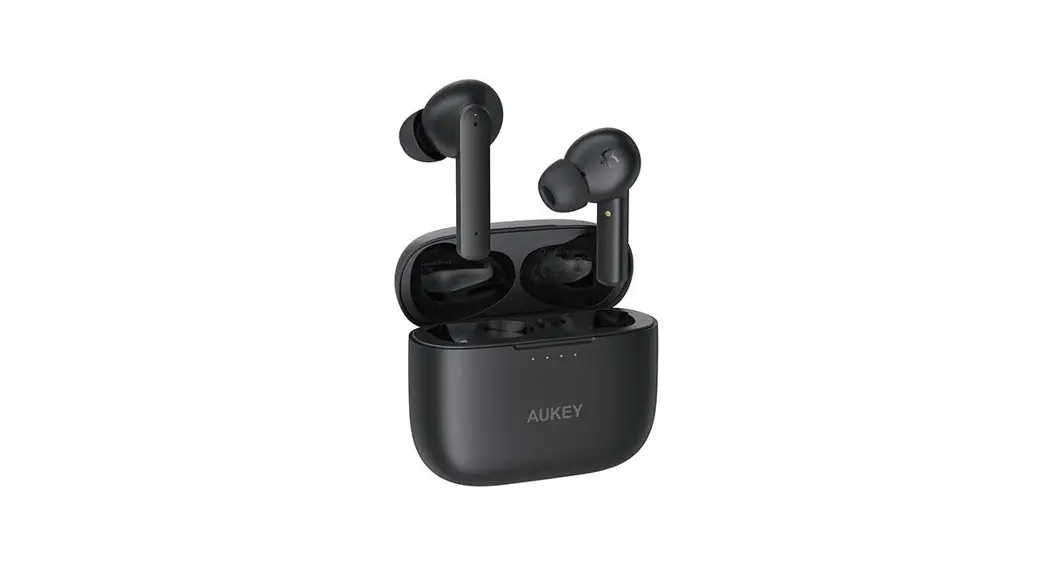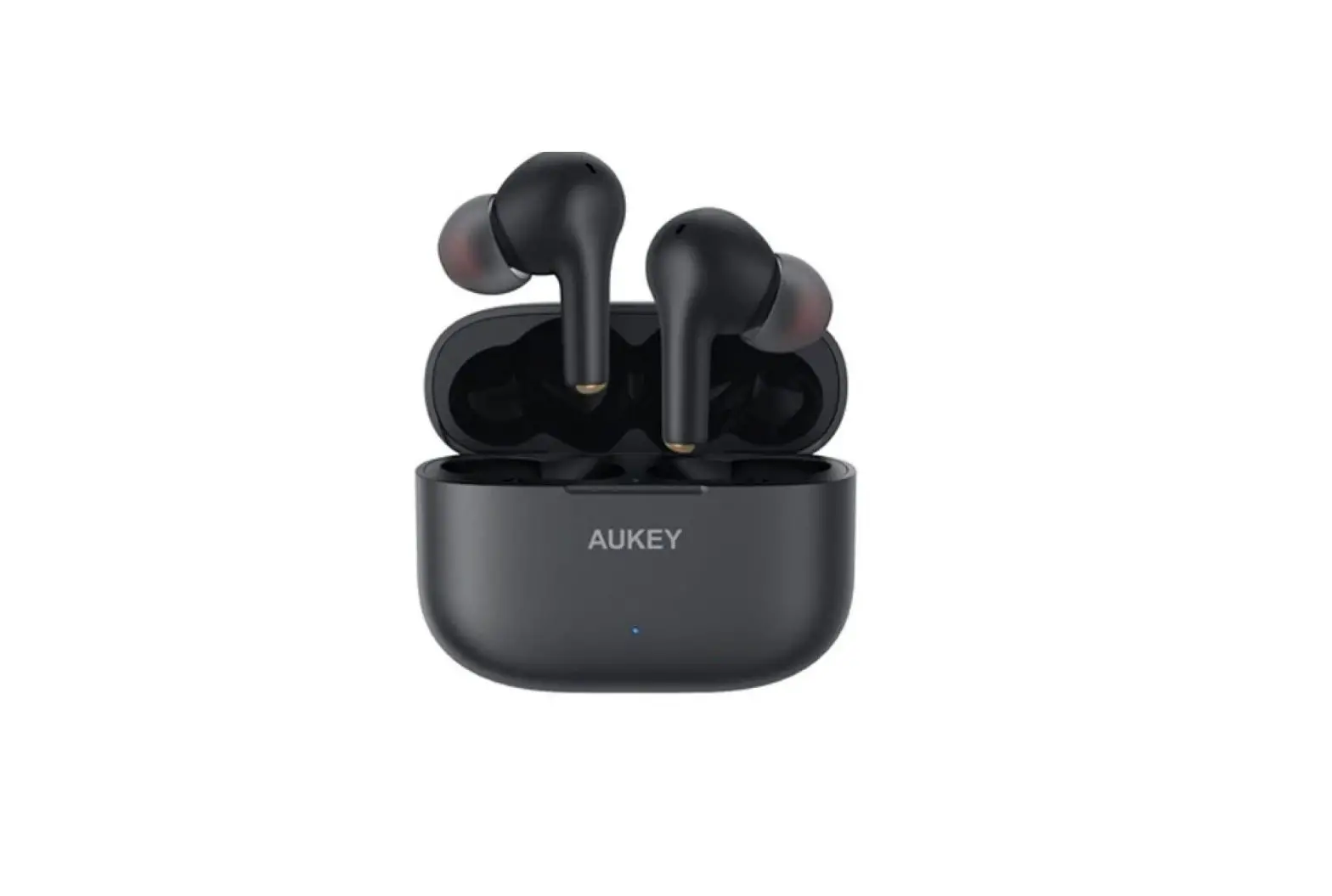
AUKEY EP-N8 Active Noise Cancelling True Wireless Earbuds User Manual
Thank you for purchasing the AUKEY EP-N8 Active Noise Cancelling True Wireless Earbuds. Please read this user manual carefully and keep it for future reference. If you need any assistance, please contact our support team with your product model number and Amazon order number.
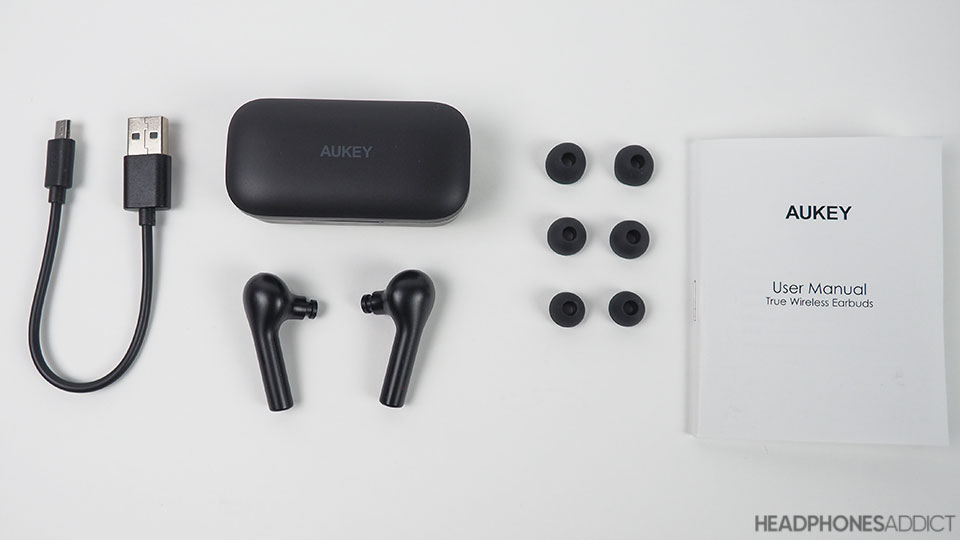
Package Contents
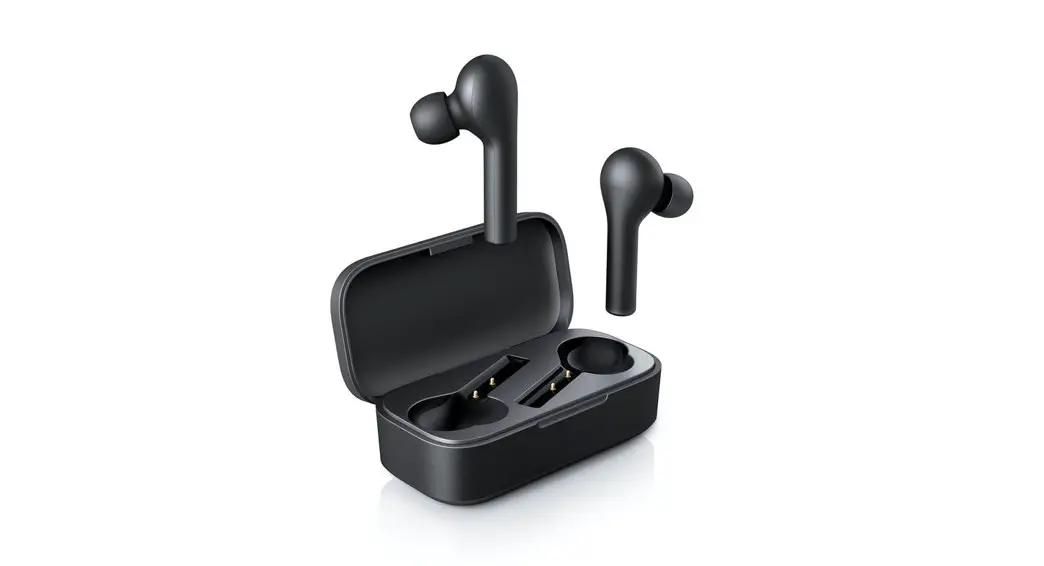
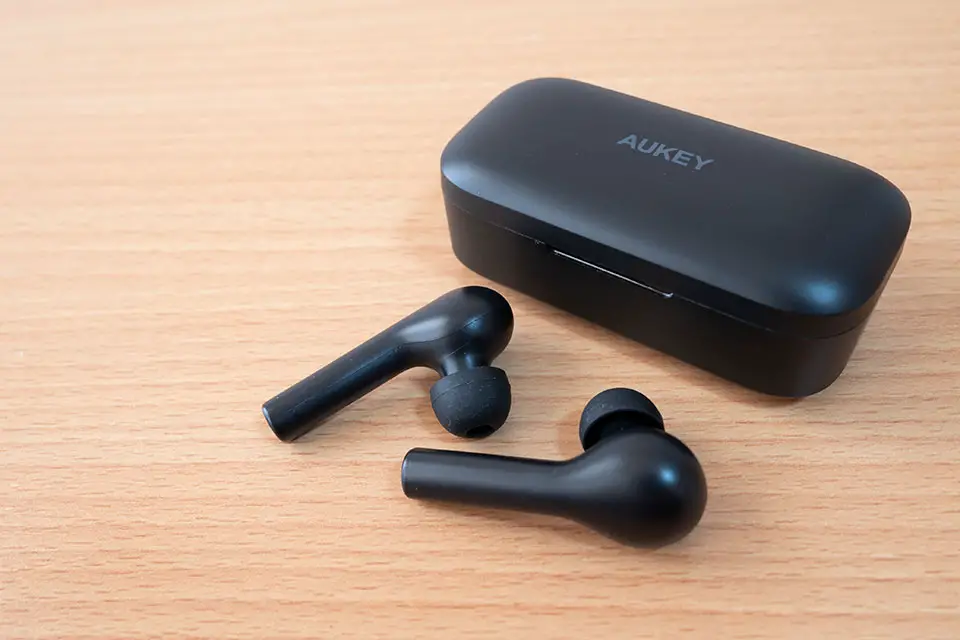
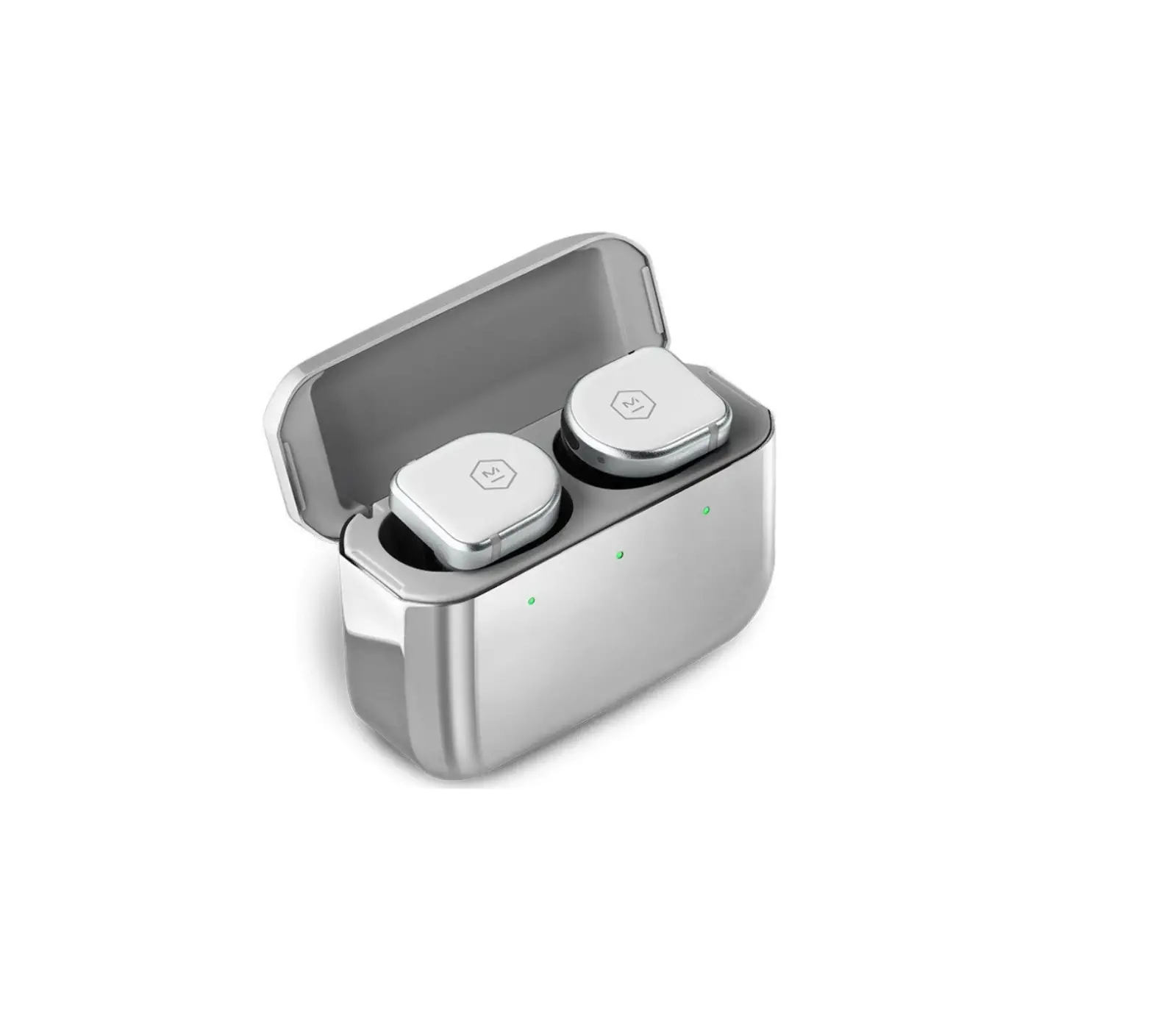
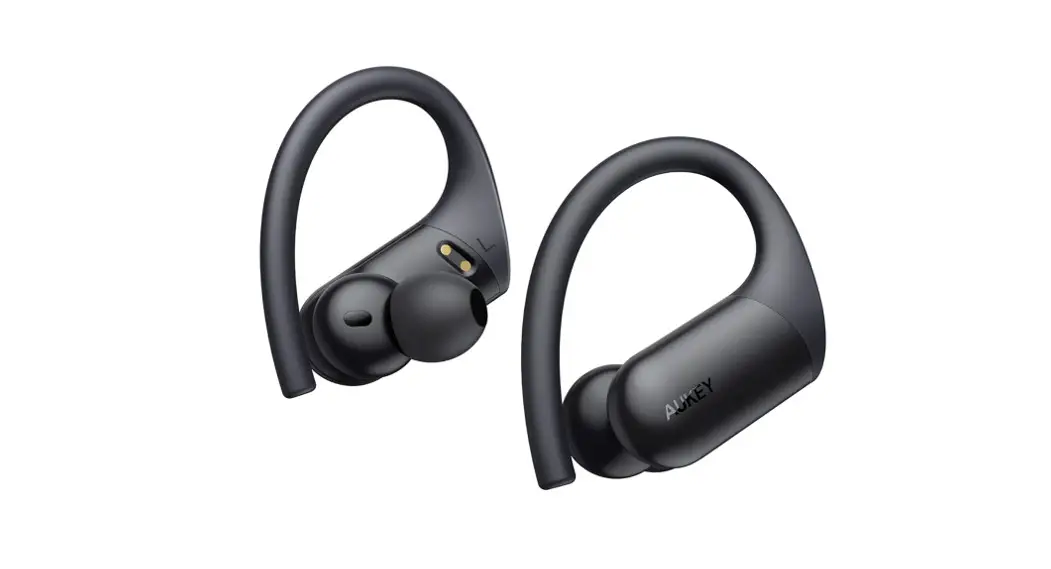
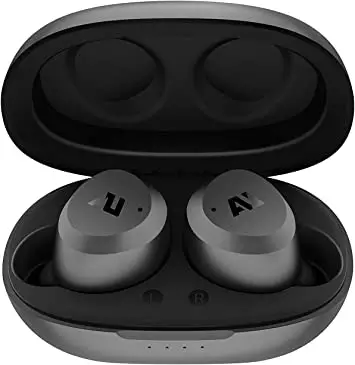
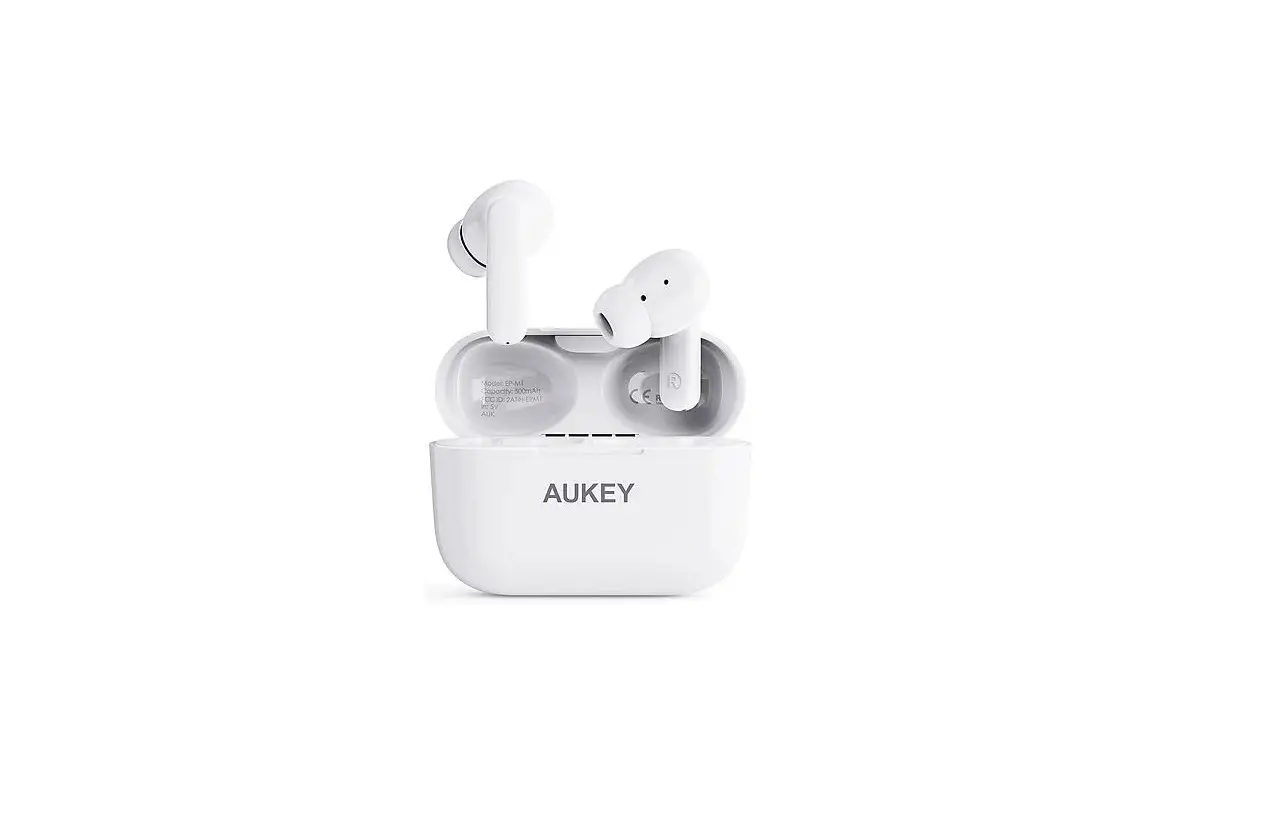
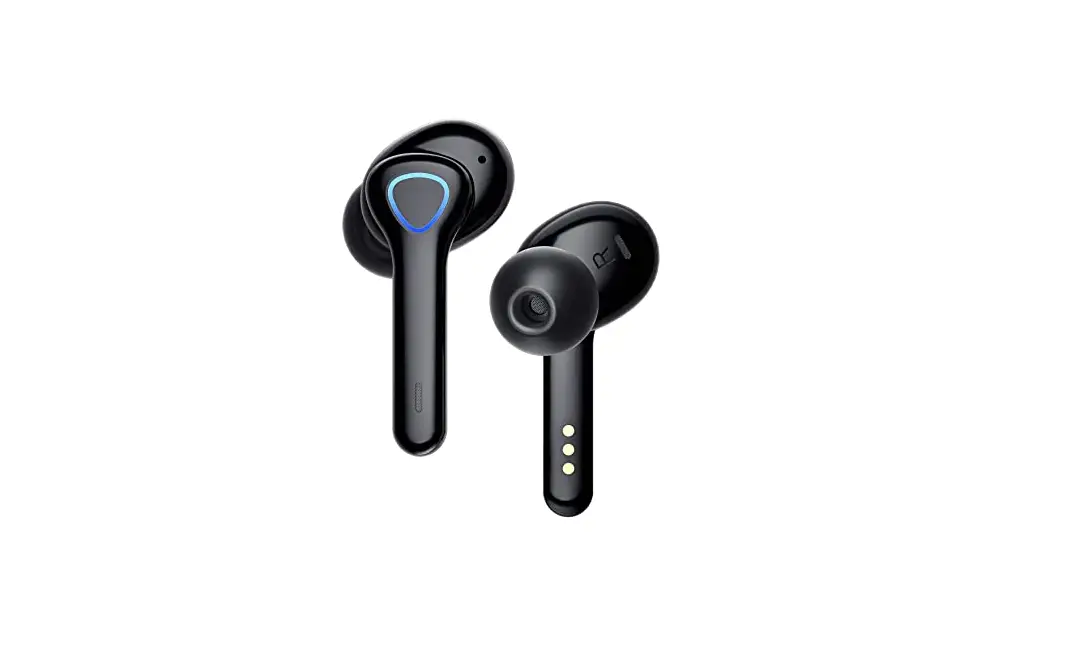
- True Wireless Earbuds
- Charging Case
- Three Pairs of Ear-Tips (S/L)
- Three Pairs of Ear-Wings (S/L)
- USB-A to C Cable
- User Manual
- Quick Start Guide
- Warranty Card
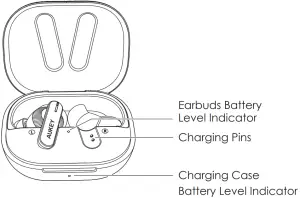
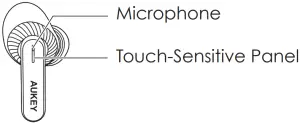
Product Diagram
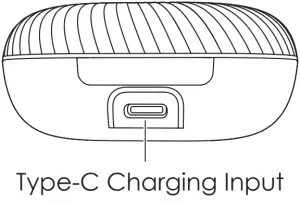
Specifications
Earbuds
Model | EP-N8 |
Bluetooth Version | V5.2 |
| Technology | HSP, HFP, A2DP, AVRCP |
Driver (each channel) | 10mm Driver Speaker |
| Sensitivity | 111dB ±3dB (at IEC711 1kHz -10dBFS) |
Frequency Range | 20Hz – 20kHz |
| Impedance | 16ohm ±15% |
Microphone Type | MEMS (microphone chip) |
| Microphone Sensitivity | -22dBFS (at MRP 1kHz – 20dB) |
Microphone Frequency Range | 100Hz – 7kHz |
| Charging Time | About 3 Hours |
Battery Life | About 5 Hours |
| Battery Type | Li-polymer Battery |
Operating Range | 10m / 33ft |
| IP Rating | IPX7 |
| Weight | 12g |
Charging Case
Charging Input | DC 5.0 +/- 0.25V | |
Charging Time | USB Type-C Charging | About 3 Hours |
| Wireless Charging | About 5 Hours | |
Battery Type | Li-polymer (600mAh) | |
| Number of Earbuds Recharges | 5 times | |
| Weight | 60g | |
Getting Started
Note: Remove the protective film from the earbuds when using for the first
time.
Charging
Fully charge the charging case before the first use. To charge, connect the charging case to a USB charger or charging port with the included USB-A to C cable or use a wireless charger to charge the charging case. When the LED Charging indicator on the outside of the charging case turns on white, the case is fully charged. Charging takes about 3.5 hours, offering an additional 5 charges to the earbuds. The earbuds should be stored in the case when not in use.
Turn On / Off
Turn On | Open the lid of the charging case or hold on the touch-sensi- tive panels on both earbuds for 2 seconds when they are turned off |
| Turn Off | Return both earbuds to the charging case and close the lid or hold on the touch-sensitive panels on both earbuds for 6 seconds when they are turned on |
Pairing
Starting with the earbuds in the case:
- Open the lid of the charging case
- Turn on the pairing function on the device you want to pair with the earbuds
- From the list of available devices find and select “AUKEY EP-N8”
Regular Use After Pairing
Once the earbuds are successfully paired with your device, they can be switched on and off as follows:
- Open the lid of the charging case, then both earbuds will turn on and connect with your device automatically
- To turn off, put the earbuds back in the charging case and close the lid, they will begin charging
Using the Left/Right Earbud Only
Starting with the earbuds in the case:
- Take the left/right earbud out
- Turn on the pairing function on the device you want to pair with the earbud
- From the list of available devices, find and select “AUKEY EP-N8”
Reset the earbuds
Starting with the earbuds in the case:
- Open the charging case and take earbuds out of charging case
- Touch and hold on the touch-sensitive panels on both earbuds for 6 seconds to turn off earbuds
- Touch and hold on the touch-sensitive panels on both earbuds for 10 seconds to clear the pairing, then put the earbuds in the charging case and close the charging case
- Open the lid again, take earbuds out of charging case, both earbuds will turn on and enter pairing mode
Notes
- When you turn on the earbuds, they will be automatically reconnected to the previously paired device or enter pairing mode if no paired device is found
- Either left or right earbud can be used individually once connected to your device, if you keep the other one inside the charging case
- If a single earbud exceeds the connection range for 7 minutes, the earbud will turn off; if both earbuds exceed the connection range for 2 minutes, they will enter the pairing mode and ture off after 5 minutes.
Controls & LED Indicators
Streaming Audio
Once paired, you can wirelessly stream audio on your device via the earbuds. Music will automatically get paused when you receive an incoming phone call and will be resumed once the call ends.
Play or Pause Music | Tap the touch-sensitive panel on either earbud once |
Skip to Previous Track | Double-tap the touch-sensitive panel on the left earbud |
Skip to Next Track | Double-tap the touch-sensitive panel on the right earbud |
| Transparency/ANC/ Outdoor Mode | Touch and hold the touch-sensitive panel on either earbud for 2 seconds |
| Gaming Mode On/Off | Triple-tap the touch-sensitive panel on the right earbud |
Taking Calls
Activate Siri or other Voice Assistants | Triple-tap the touch-sensitive panel on the left earbud |
Answer the Call | Double-tap the touch-sensitive panel on either earbud |
| Reject an Incoming Call | Long press the touch-sensitive panel on either earbud |
End the Call | When you are on a call, double-tap the touch- sensitive panel on either earbud |
| Increase Call Volume | When you are on a call, tap the touch-sensitive panel on the right earbud once |
| Decrease Call Volume | When you are on a call, tap the touch-sensitive panel on the left earbud once |
Earbuds Battery Level Indicator | Status |
The Indicator Light Flashes Red for 3 Times, then A Red Solid Light | Earbuds charging |
| The White Light is on for 1 Minute and then Turns Off | Earbuds fully charged |
LED Battery Level Indicator | Status |
The Light Flashes White 3 Times Quickly, Stays on for 10 Seconds and Then Off | ≥30% battery remaining |
The Light Flashes Red 3 Times Quickly, Stays On for 10 Seconds and then Turns Off | <30% battery remaining |
Red Light On | Charging case charging |
| White Light On | Charging case fully charged |
FAQ
- The earbuds are on, but not connecting to my device
For the earbuds and your device to establish a connection, you need to put them both in pairing mode. Please follow the instructions in the “Pairing” section of this manual. - I’ve connected the earbuds with my smartphone but can’t hear any sound
Double-check the volume level on your smartphone and the earbuds. Some smartphones require you to set up the earbuds as an audio output device before the audio can be transmitted. If you’re using a music player or other device, please make sure it supports the A2DP profile. - The sound isn’t very clear or the caller can’t hear my voice clearly
Adjust the volume on your smartphone and the earbuds. Try moving closer to your smartphone to rule out the possibility of interference or wireless range-related issues.
The maximum range is 10m (33ft). However, the actual range depends on environmental factors. For optimal performance, keep your device connected within a range of roughly 4m to 8m and make sure that there are no major obstacles (like reinforced steel walls) between the earbuds and your device. - The earbuds won’t turn on
Try charging the earbuds for a while. If the earbuds still won’t power on, please contact our support team at the email address given in Warranty & Customer Support. - I put the earbuds back in the charging case, but the earbuds are still connected
The charging case is probably out of power. Try charging it.
Product Care & Use
- Keep away from liquids and extreme heat
- Don’t use the earbuds at high volume for extended periods, as this may cause permanent hearing damage or loss
Warranty & Customer Support
For questions, support, or warranty claims, contact us at the address below that corresponds with your region. Please include your Amazon order number and product model number.
Amazon US orders: [email protected]
Amazon EU orders: [email protected]
Amazon CA orders: [email protected]
*Please note, AUKEY can only provide after-sales service for products purchased directly from AUKEY. If you have purchased from a different seller, please contact them directly for service or warranty issues.
CE Statement
Max RF power level:
BT classic (2402–2480MHz): 4dBm
RF exposure assessment has been performed to prove that this unit will not generate the harmful EM emission above the reference level as specified in EC Council Recommendation (1999/519/EC).
CAUTION: RISK OF EXPLOSION IF BATTERY IS REPLACED BY AN INCORRECT TYPE. DISPOSE OF USED BATTERIES ACCORDING TO THE INSTRUCTIONS.
 Excessive sound pressure from earphones and headphones can cause hearing loss.
Hereby, Aukey Technology Co., Ltd. declares that the radio equipment type (True Wireless Earbuds, EP-N8) is in compliance with Directive 2014/53/EU.
 Notice: This device may be used in each member state of the EU.
Customer Support
Aukey Technology Co., Ltd.
www.aukey.com
[email protected]
Building P07, South China City Electronics Trading Center,
Longgang District, Shenzhen, Guangdong, 518111, China
FCC ID: 2ATIH-EPN8 IC:24100-EPN8