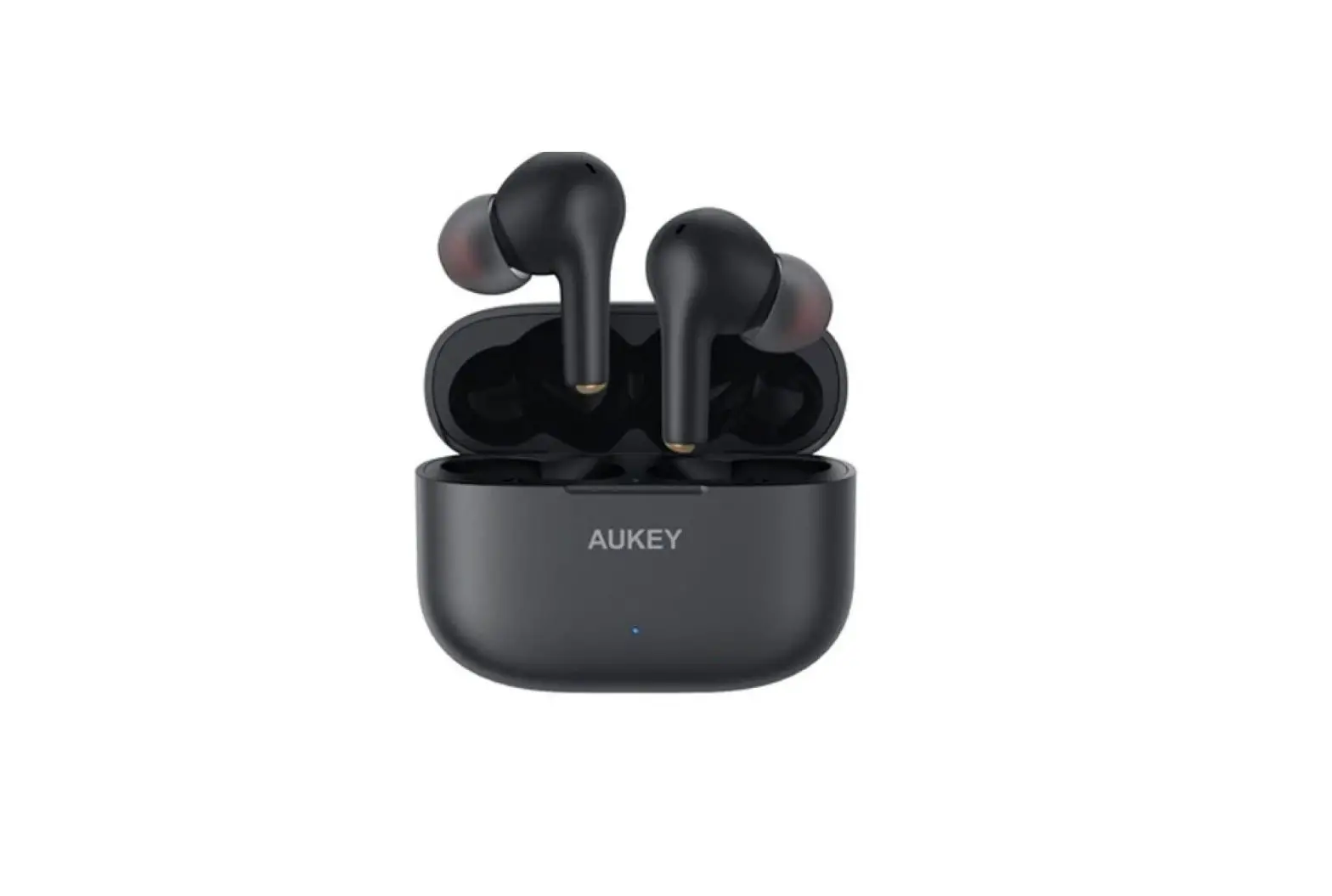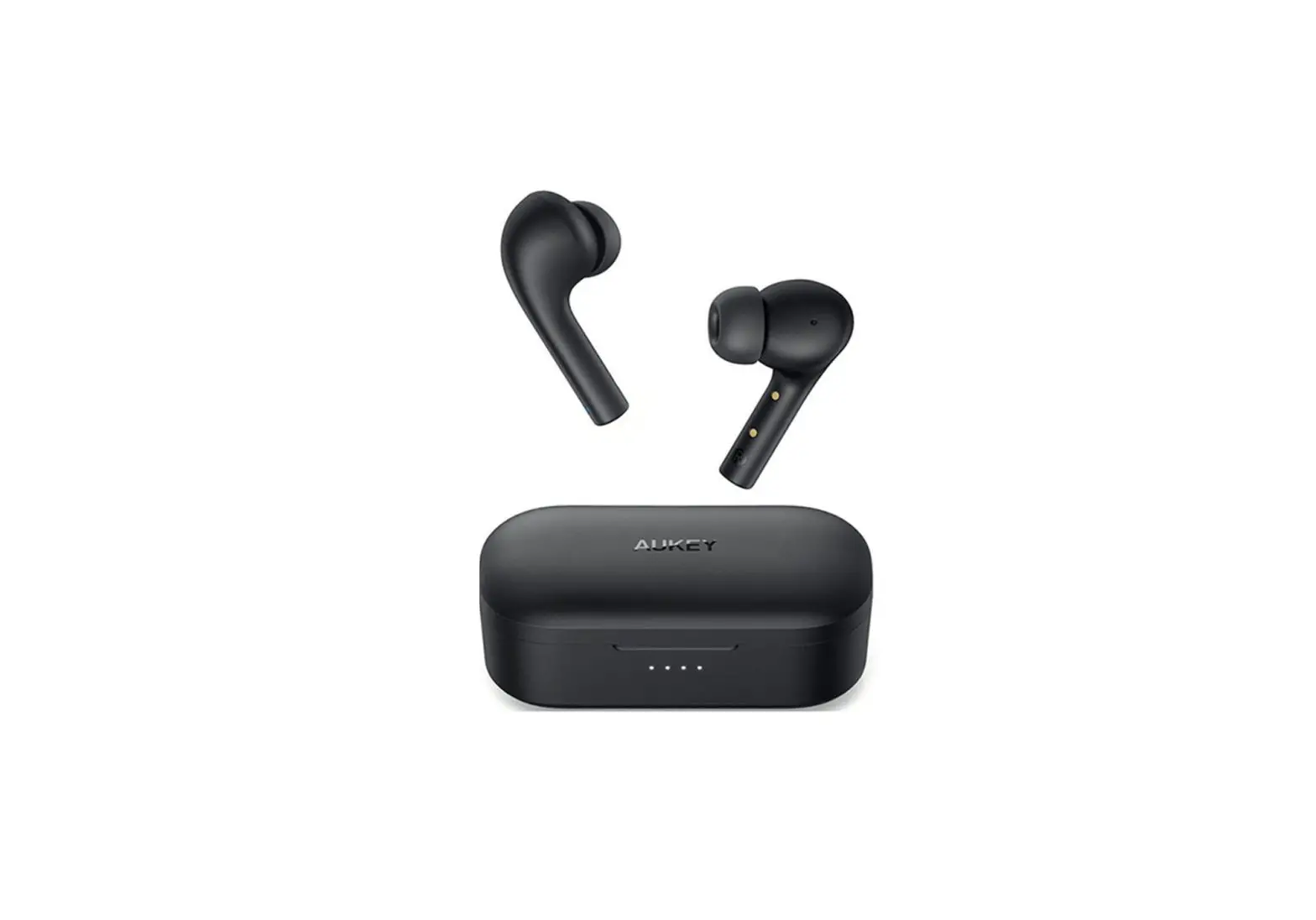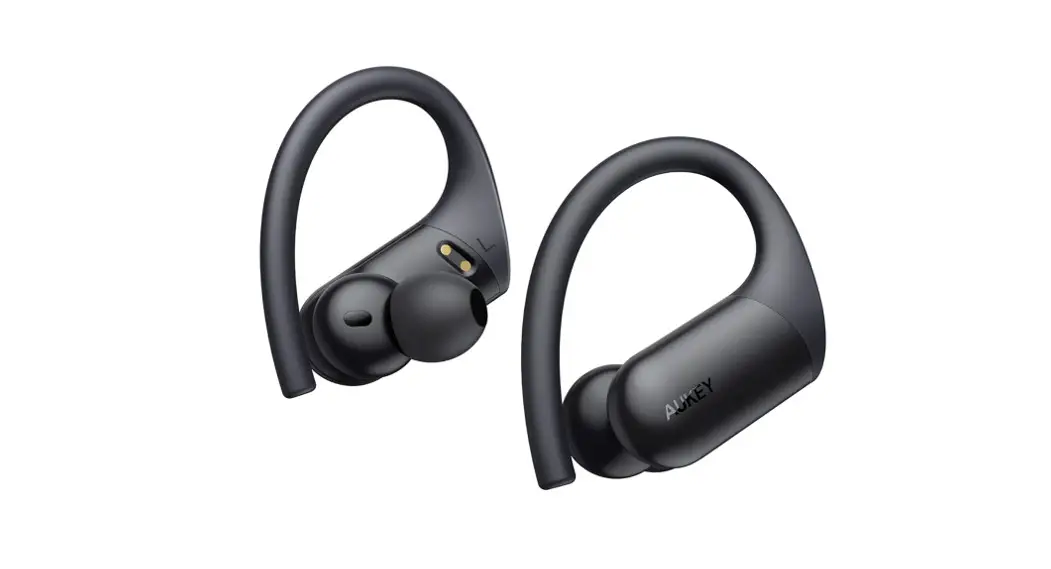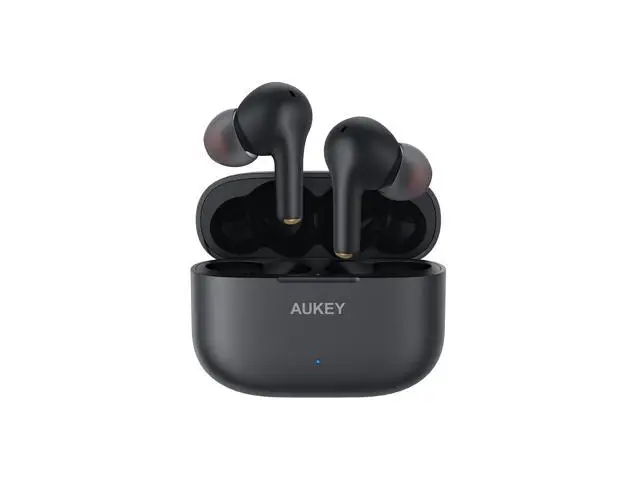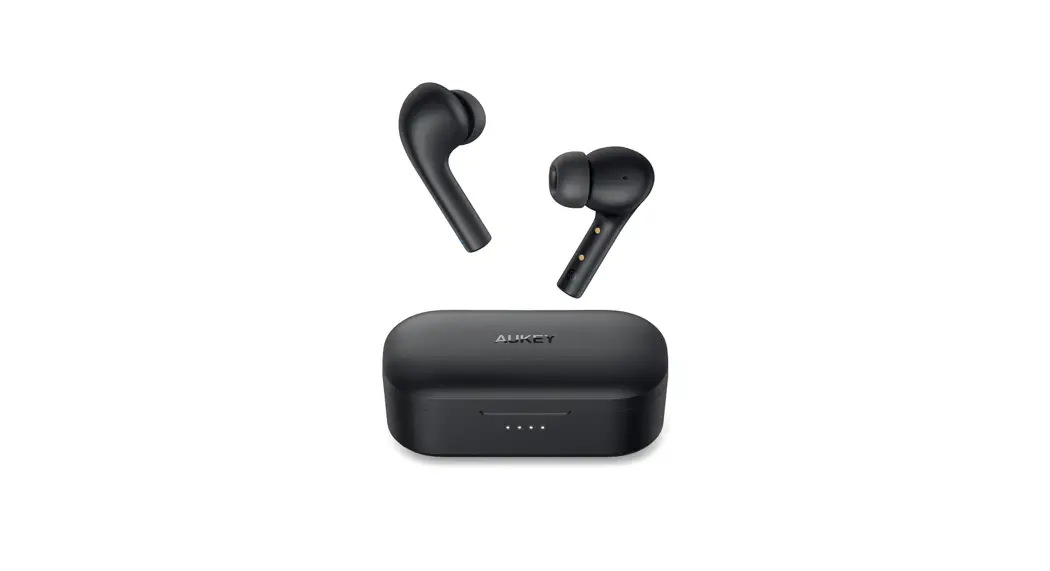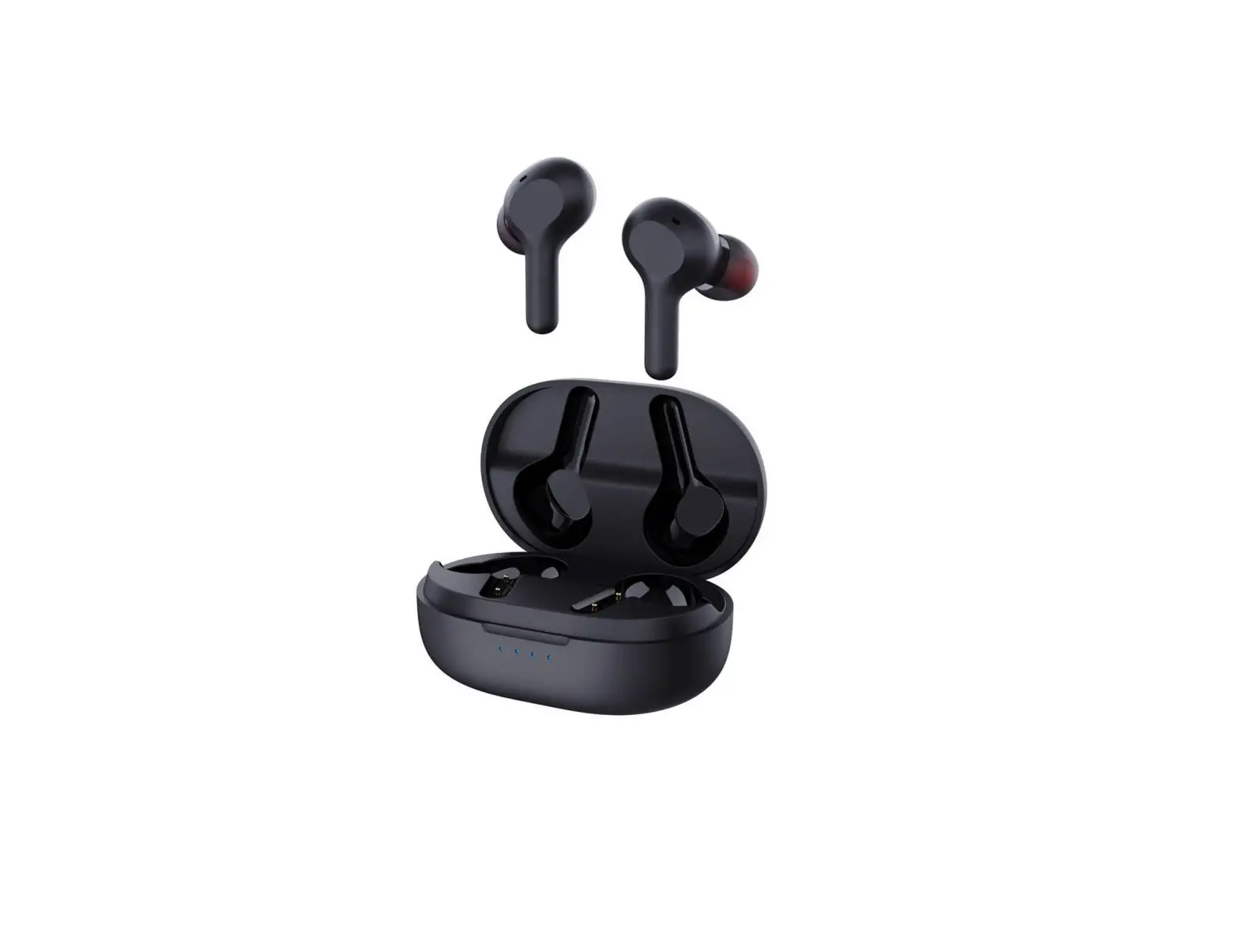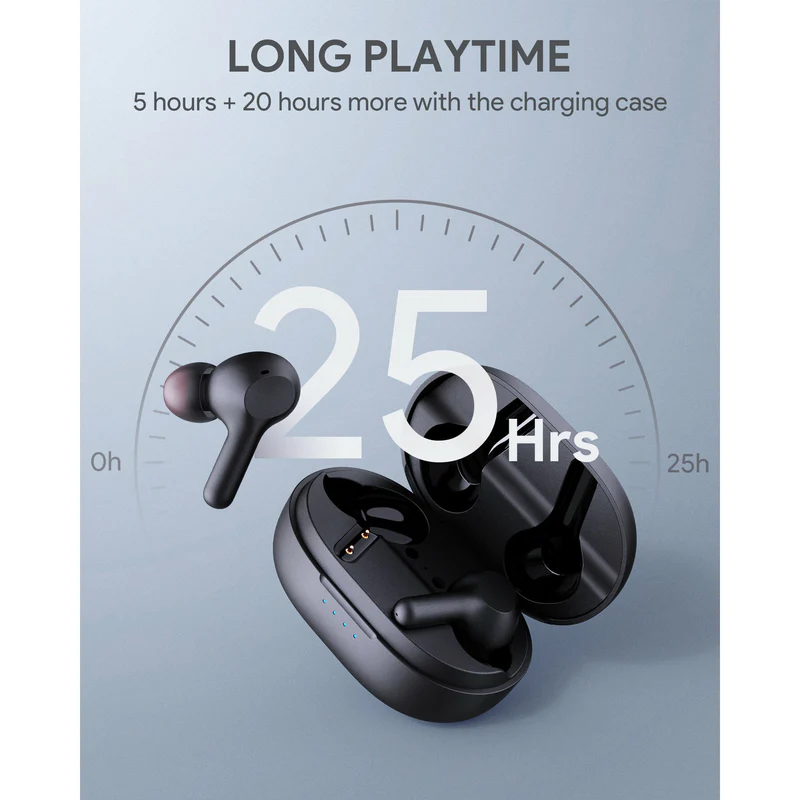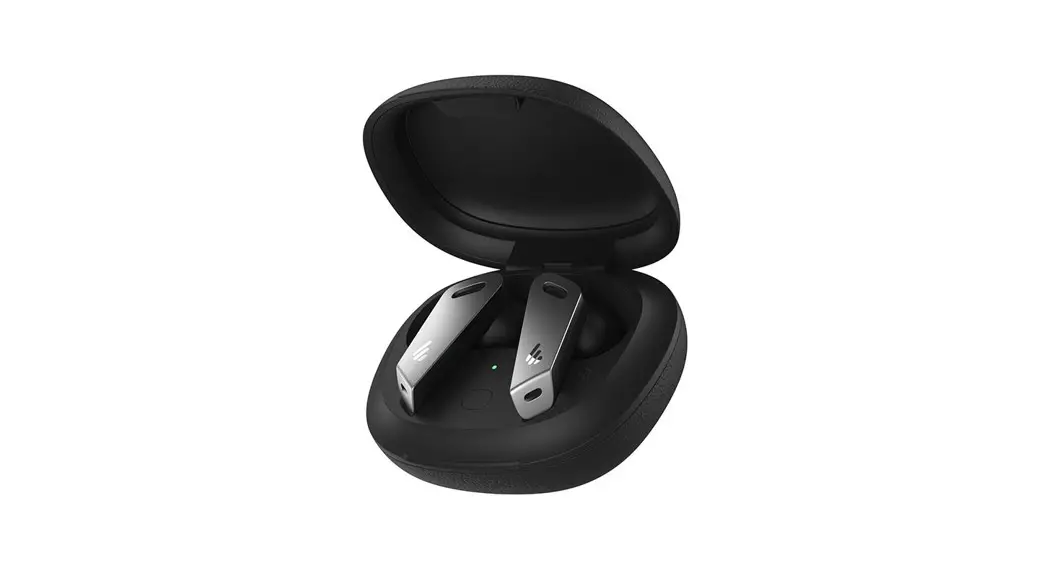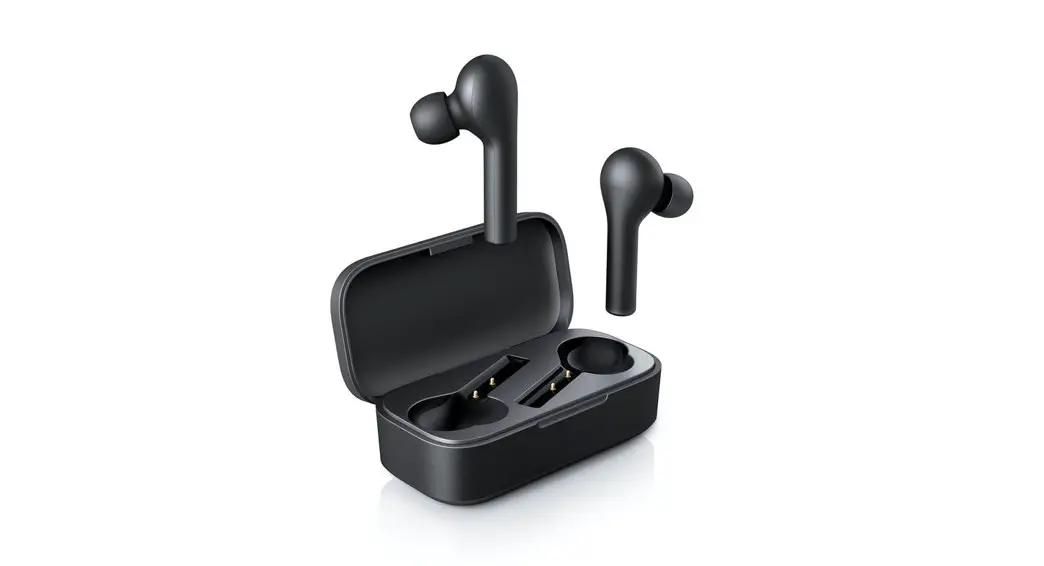

Aukey Ep-t21 True Wireless Earbuds With Noise Cancellation Mic User Guide

Aukey Ep-t21 True Wireless Earbuds With Noise Cancellation Mic User Guide

AUKEY logo

QUICK START GUIDE
True Wireless Earbuds

CHARGING
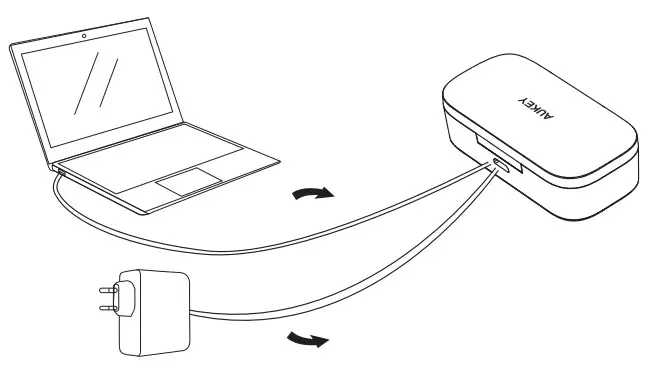
AUKEY EP-T21 True Wireless Earbuds with Noise Cancellation Mic - CHARGING

FIND YOUR FIT

Choose the size of ear-tips that provide the most secure and comfortable fit.
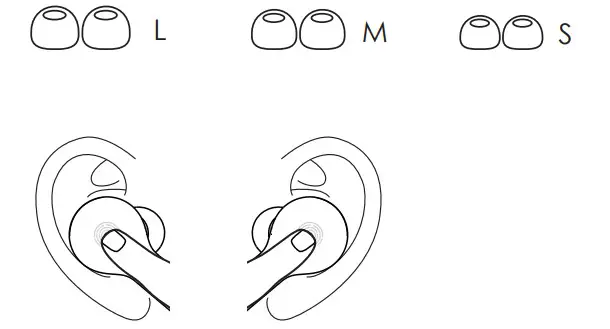
AUKEY EP-T21 True Wireless Earbuds with Noise Cancellation Mic - FIND YOUR FIT

PAIRING

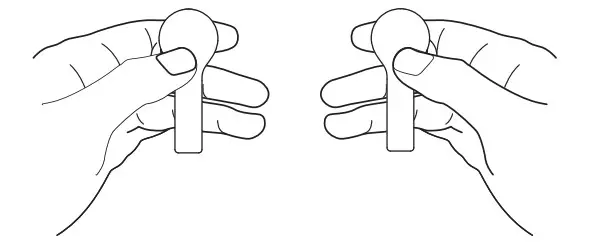
  1. Take the earbuds out of the case AUKEY EP-T21 True Wireless Earbuds with Noise Cancellation Mic - PAIRING
    The LED indicators on the earbuds will flash green and red
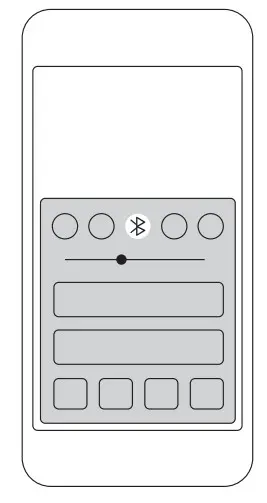
  2. Turn on the pairing function on your deviceAUKEY EP-T21 True Wireless Earbuds with Noise Cancellation Mic - pairing function
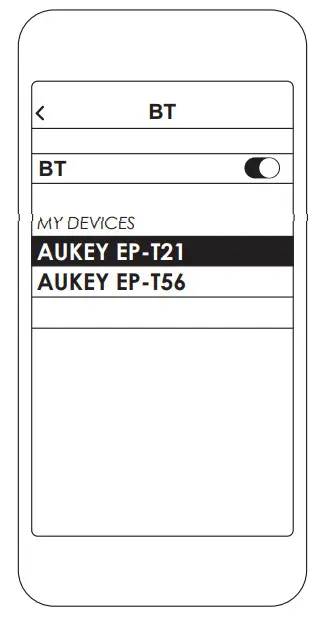
  3. Select “AUKEY EP-T21”AUKEY EP-T21 True Wireless Earbuds with Noise Cancellation Mic - AUKEY EP-T21

Not pairing with your device?
Try restarting your device and then repeat the pairing process.

CONTROLS

On the Left or Right Earbud

Play/Pause
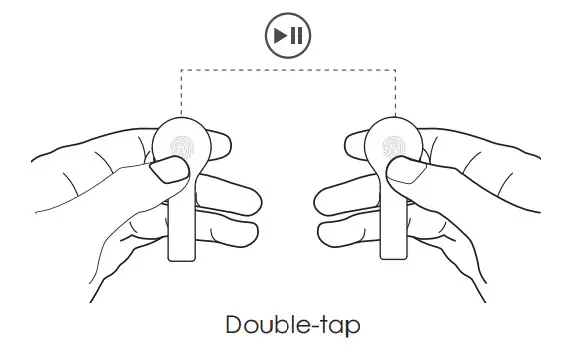
AUKEY EP-T21 True Wireless Earbuds with Noise Cancellation Mic - Play Pause

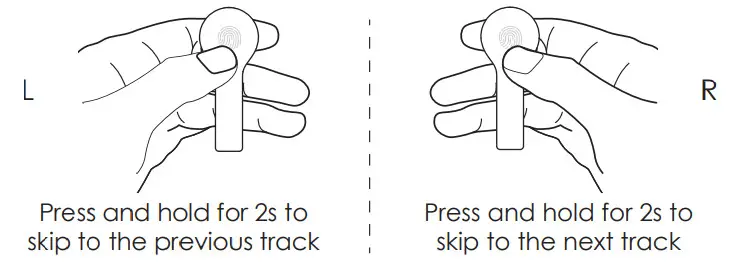
Skip Tracks 

AUKEY EP-T21 True Wireless Earbuds with Noise Cancellation Mic - Skip Tracks

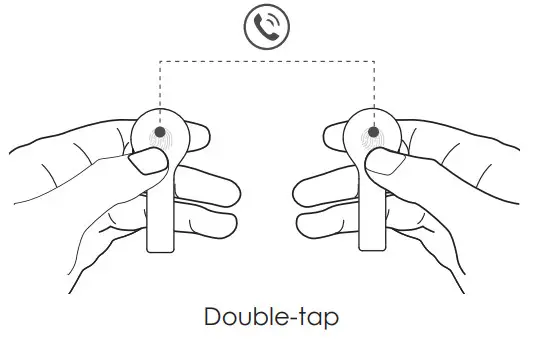
Answer/End Calls

AUKEY EP-T21 True Wireless Earbuds with Noise Cancellation Mic - Answer End Calls

Activate Siri or Other Voice Assistants
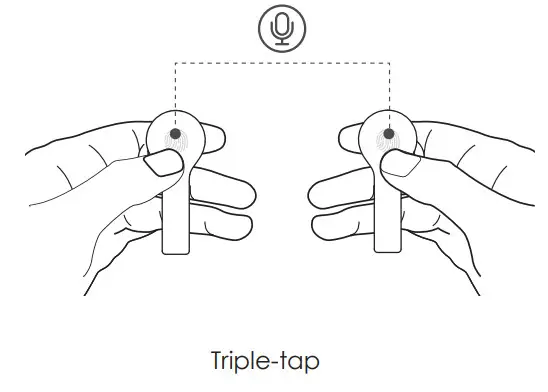
AUKEY EP-T21 True Wireless Earbuds with Noise Cancellation Mic - Voice Assistants

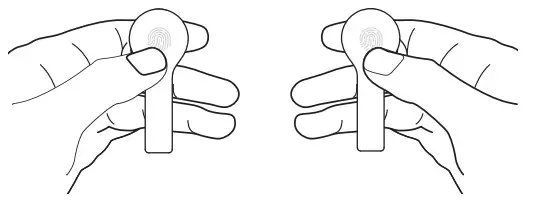
Clear Pairing List

AUKEY EP-T21 True Wireless Earbuds with Noise Cancellation Mic - Clear Pairing List

Tap and hold for 10 seconds

FCC ID: RDR-IN1933
Aukey Technology Co., Ltd.
www.aukey.com | [email protected]
Building P07, South China City Electronics Trading Center,
Longgang District, Shenzhen, Guangdong, 518111, China

AUKEY EP-T21 True Wireless Earbuds with Noise Cancellation Mic - Symbol

References

Documents / Resouces

Download manual
Here you can download full pdf version of manual, it may contain additional safety instructions, warranty information, FCC rules, etc.


Related Manuals